
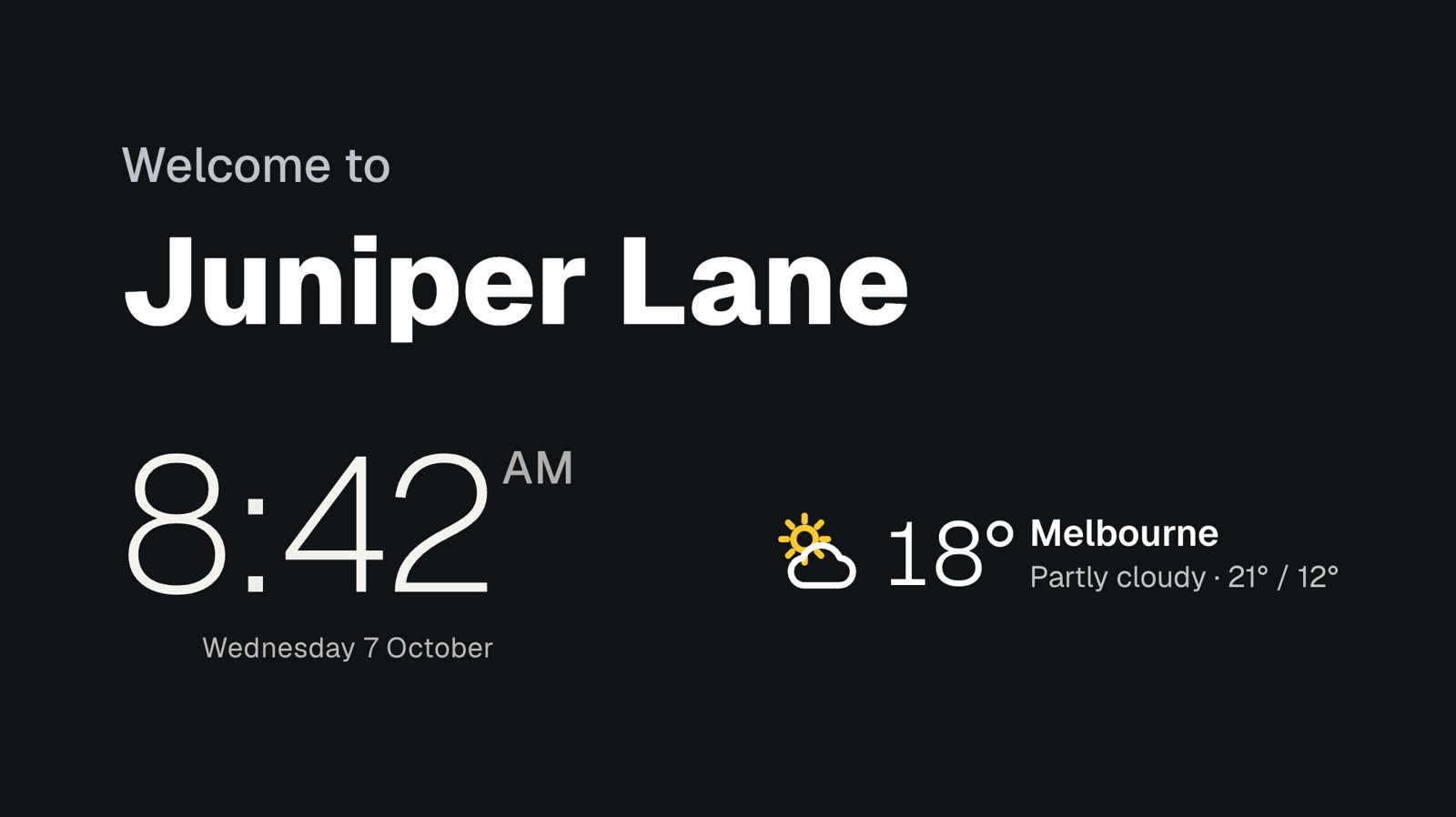
The time, the date and the weather, in your style.
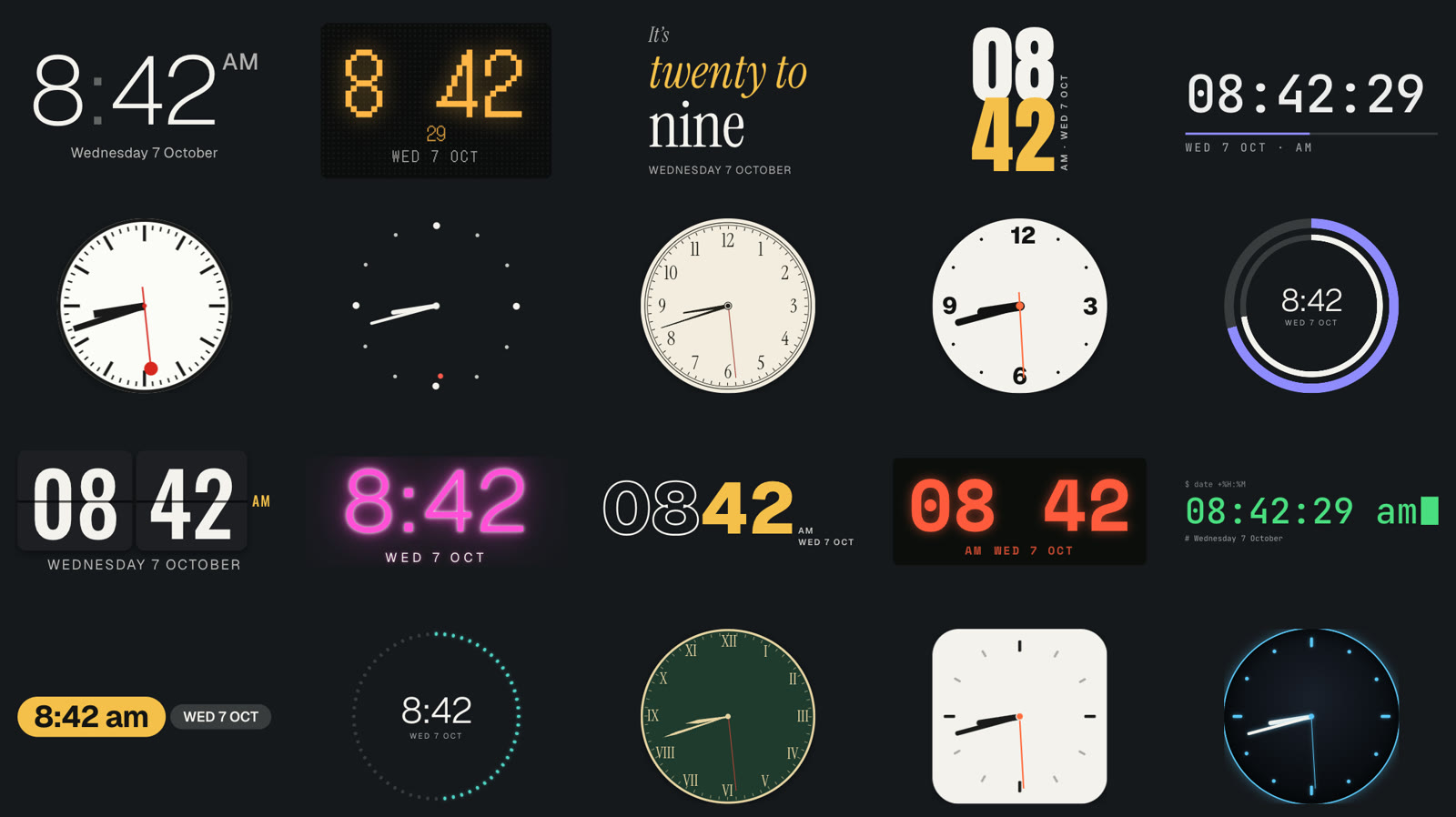
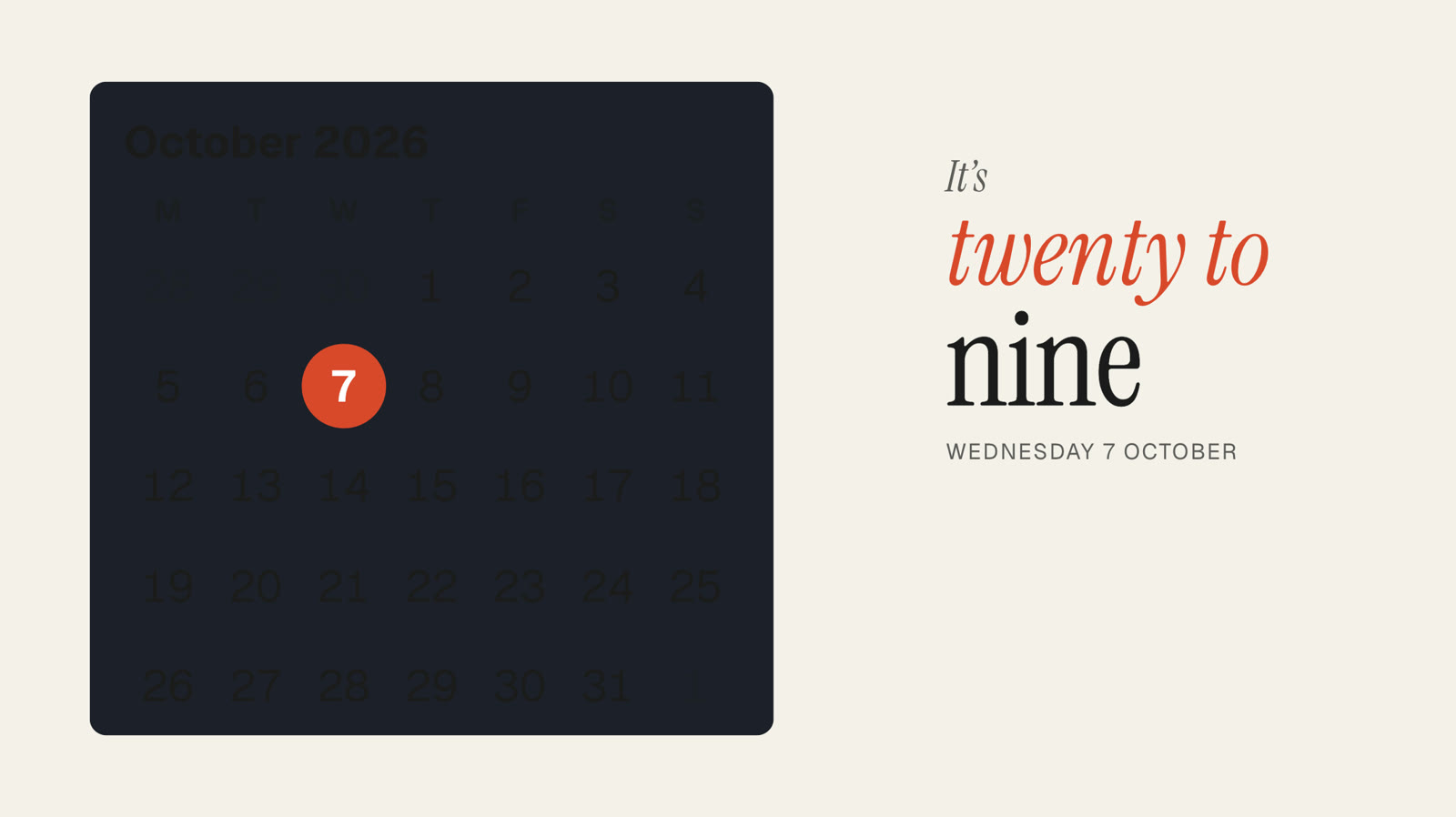
Twenty clock styles, from a railway clock to one that tells the time in words, showing your time or any city’s. A full weather station in ten designs, in landscape or portrait. A month calendar, your opening hours or a countdown, on any sign.
Pro Built into Pro: A$9.99 per screen a month, up to 20 screens. 14 days free to try.
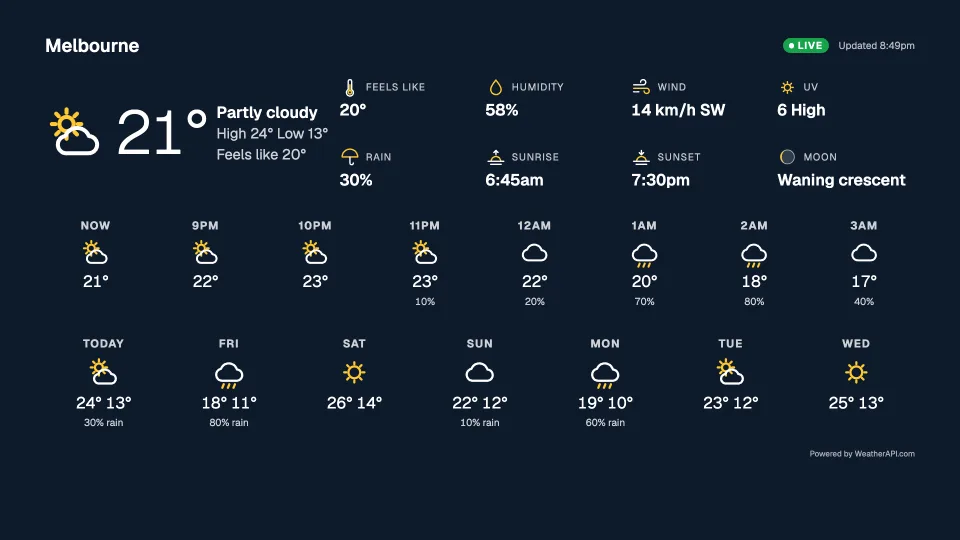
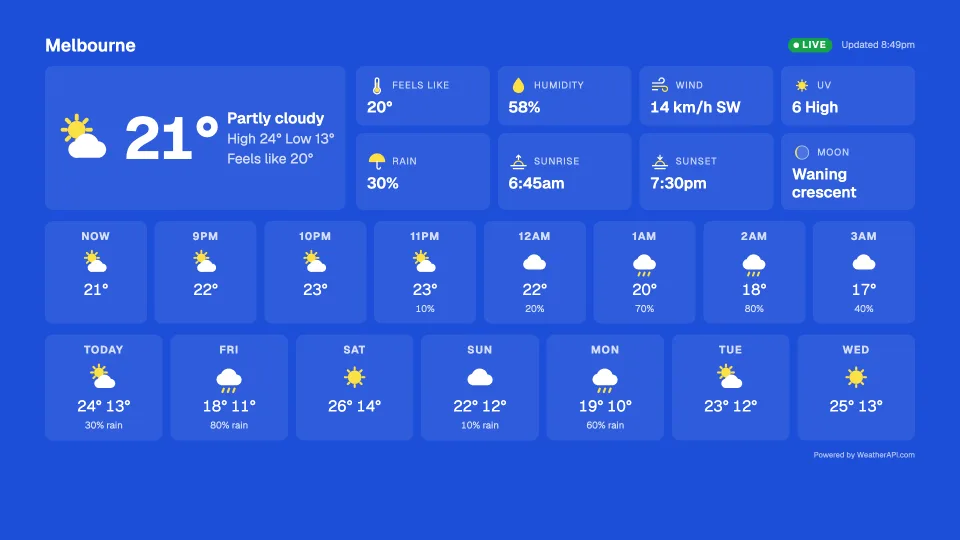
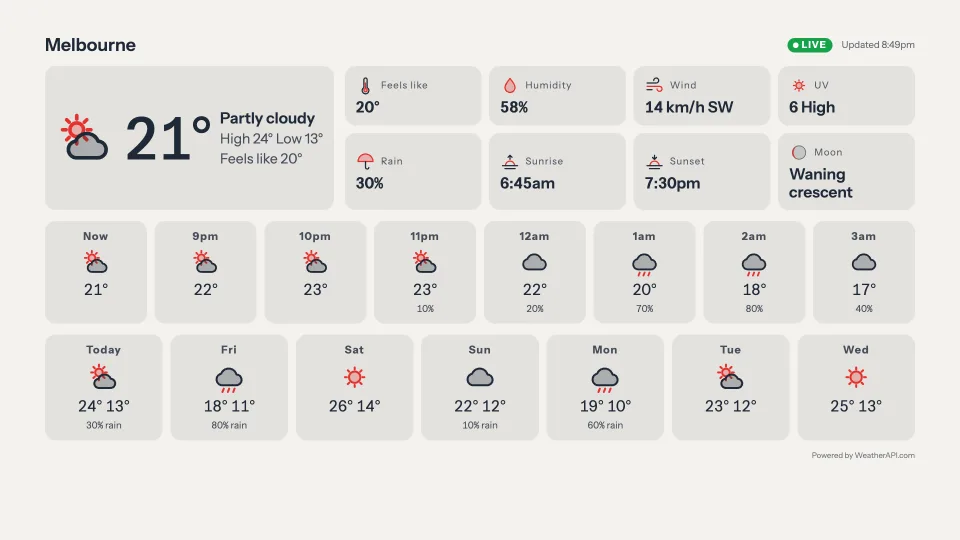
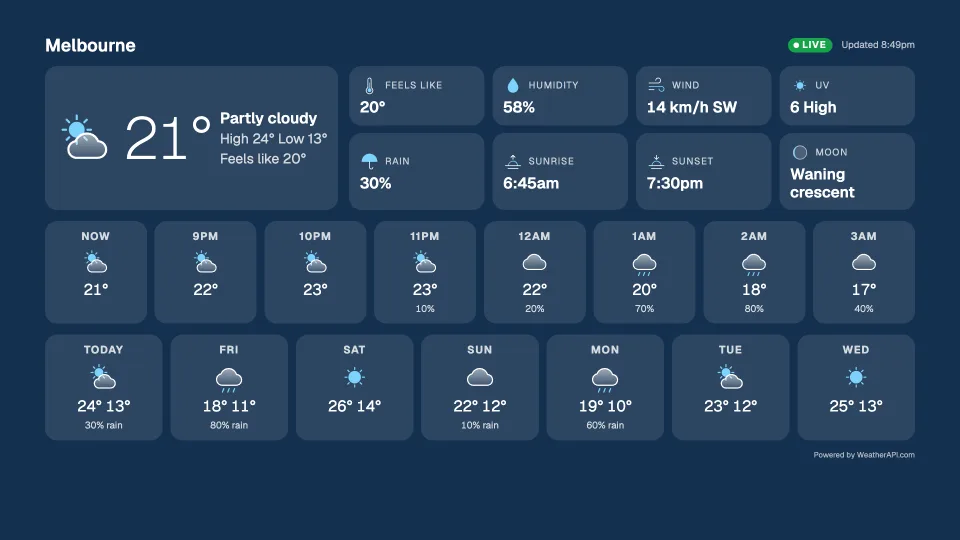
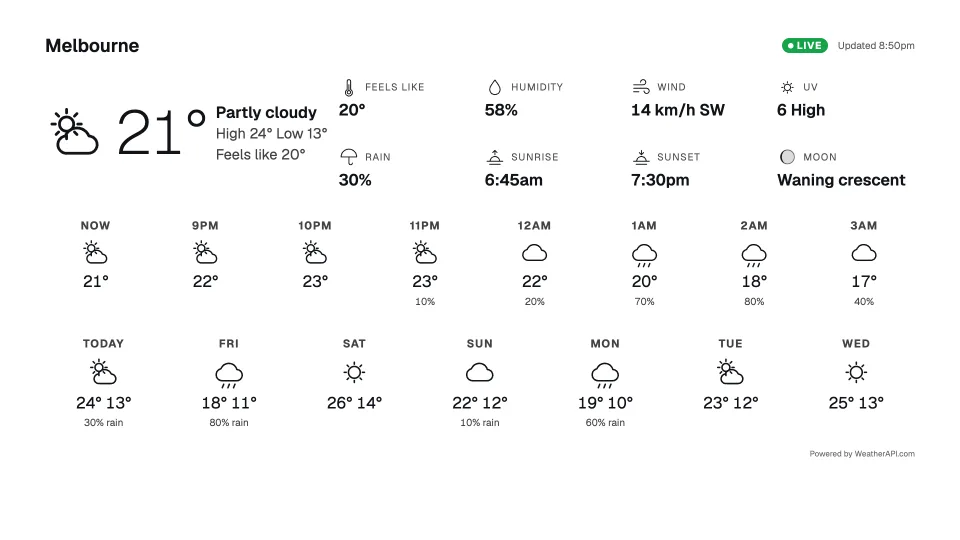
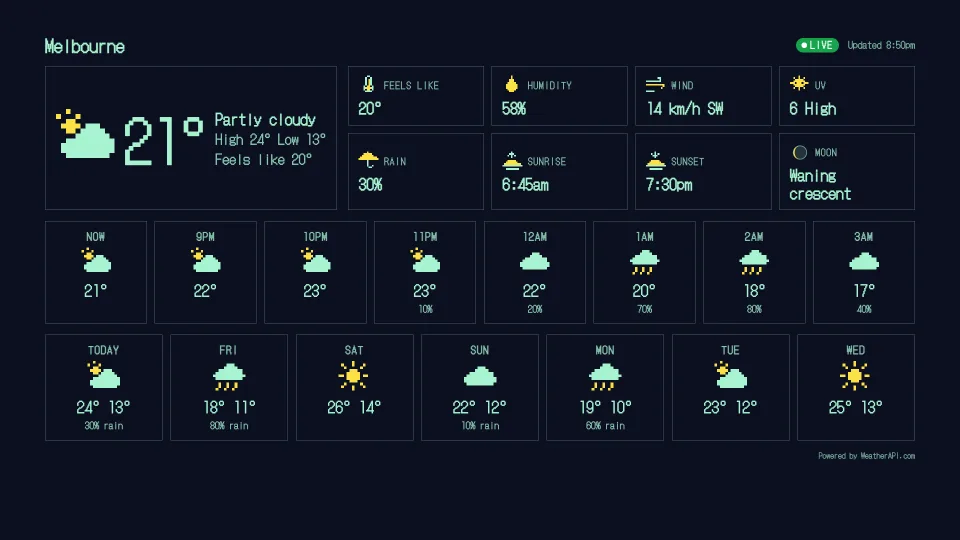
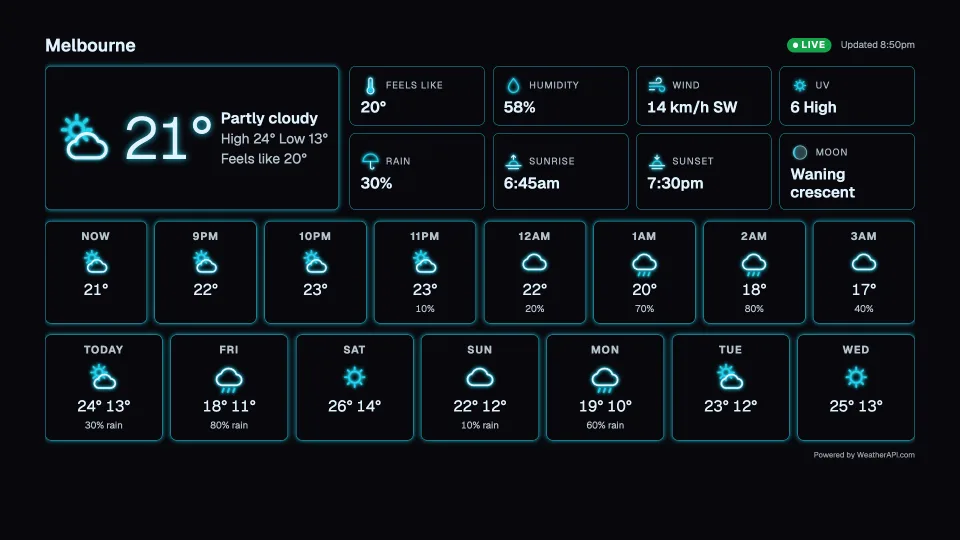
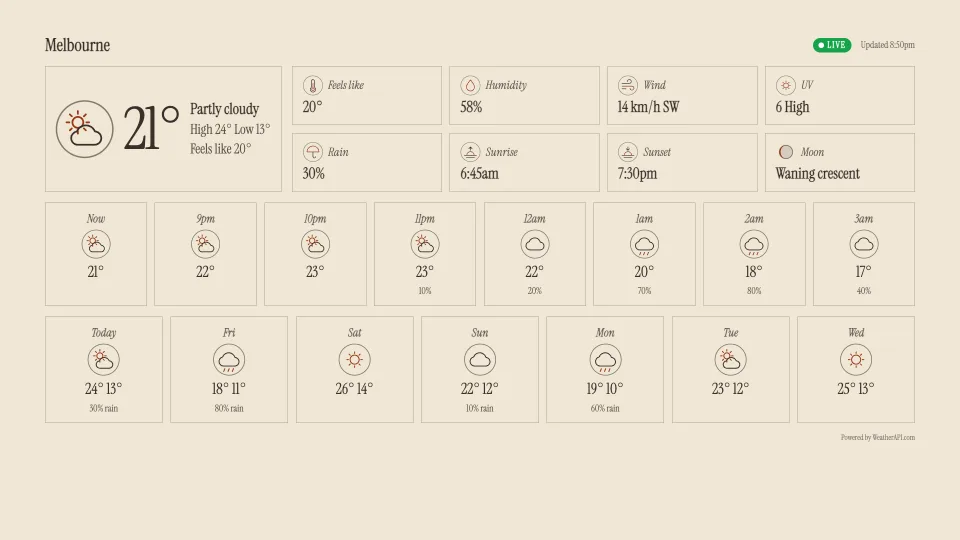
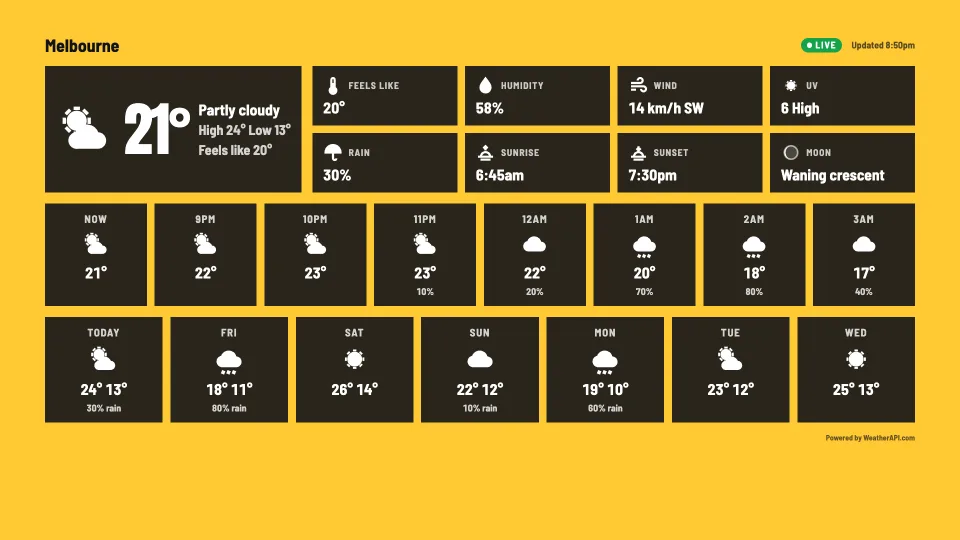
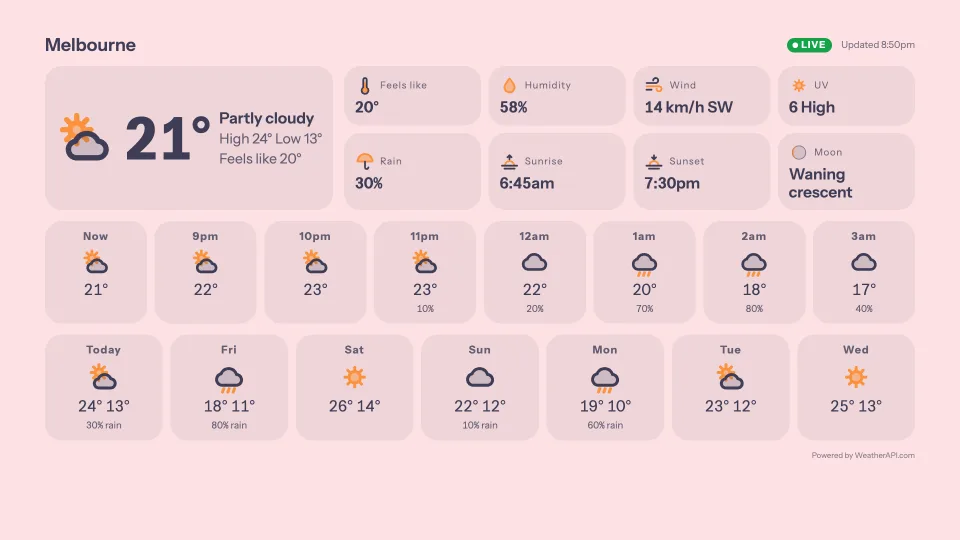
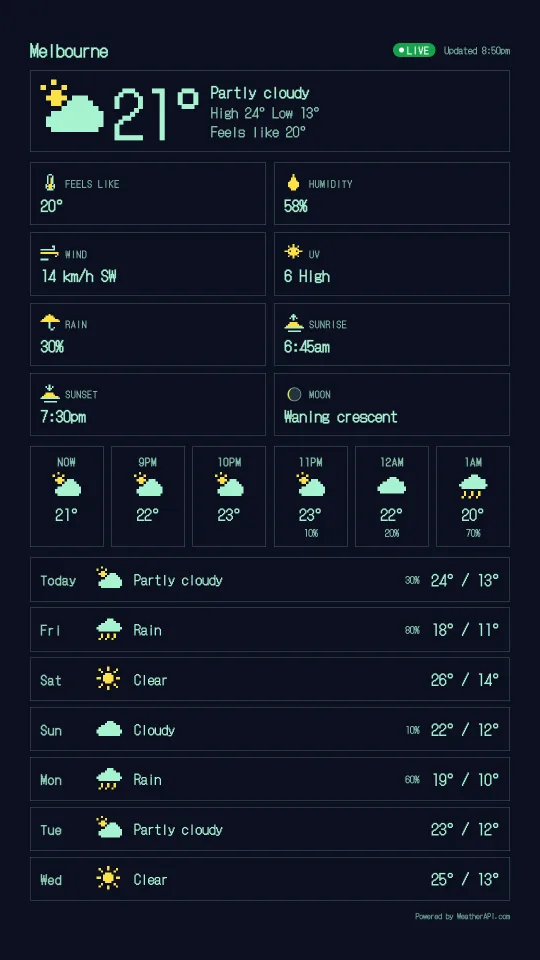
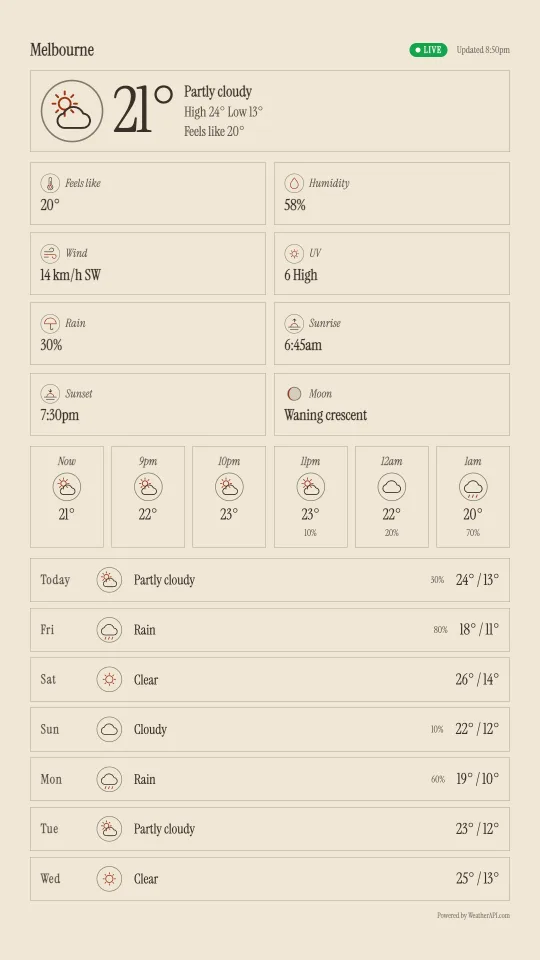
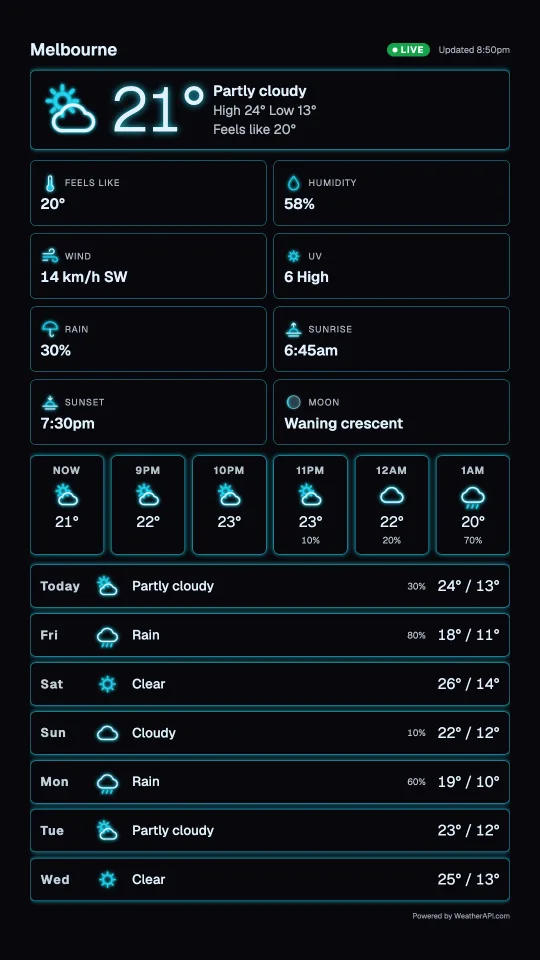
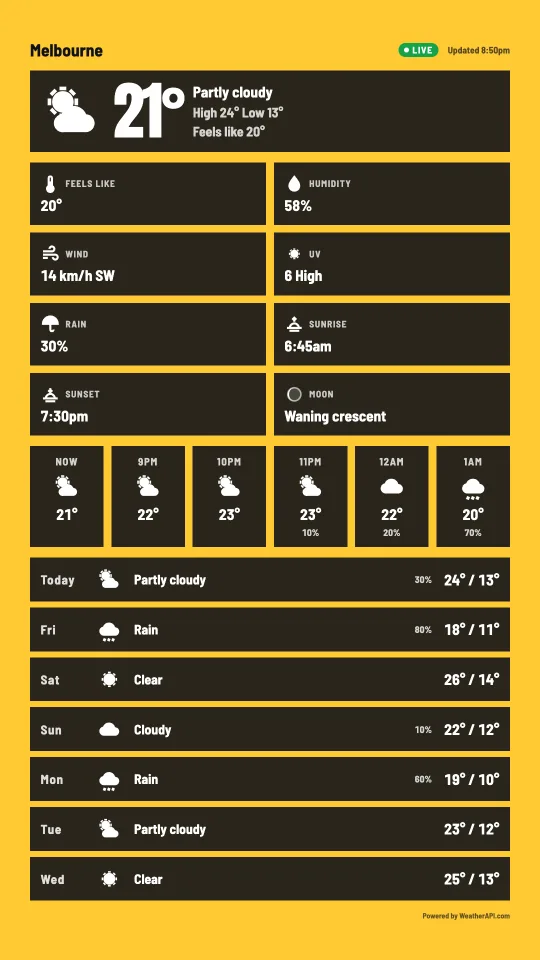
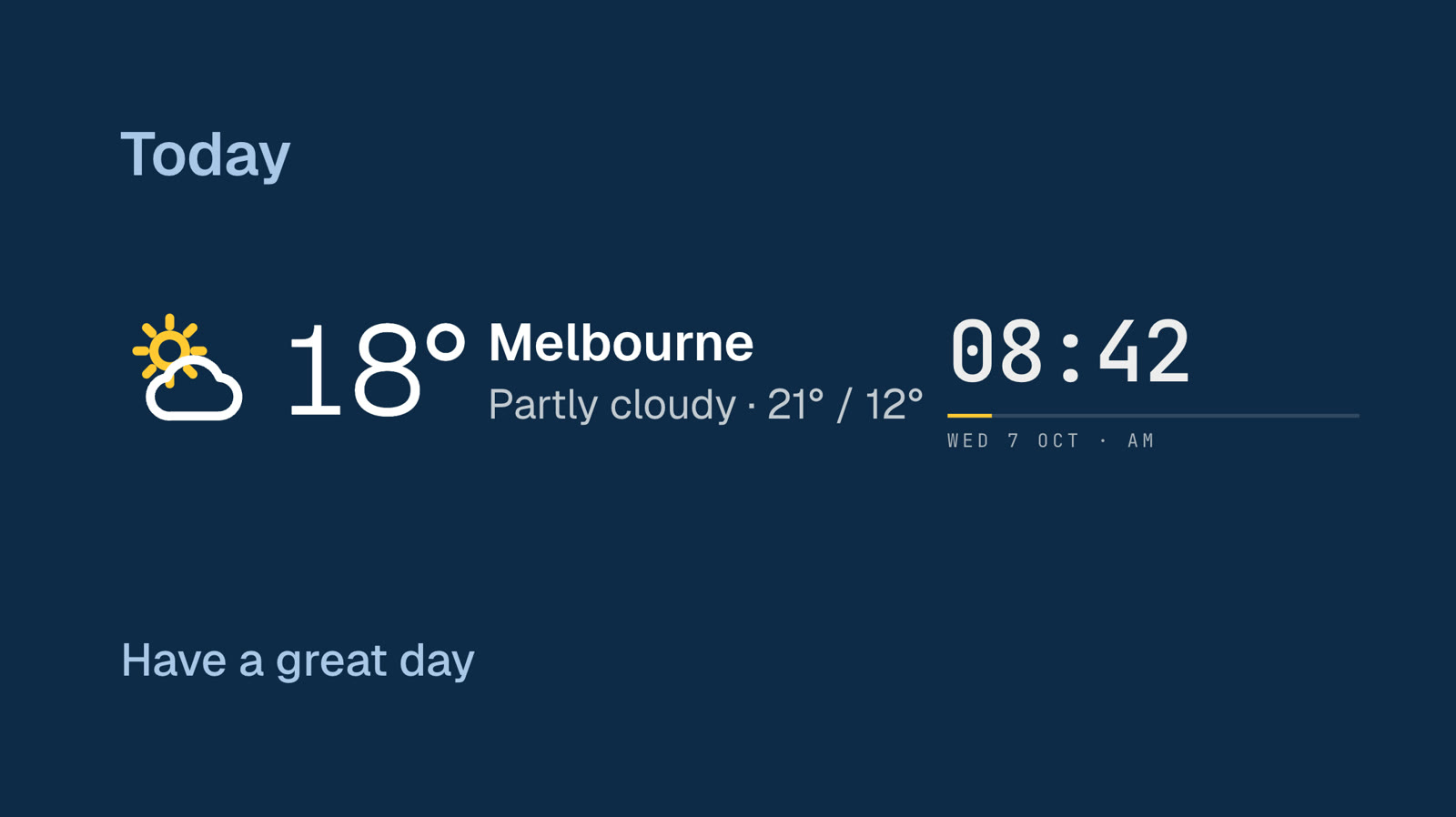
A weather station in ten designs.
Now, the next hours, the next days, and the details: feels like, humidity, wind, UV, chance of rain, sunrise, sunset and the moon. Each design has its own set of weather icons. Pick a design, then a town, and it fills a whole screen or any box on a sign.
 Tap anywhere to close
 Tap anywhere to close
 Tap anywhere to close
 Tap anywhere to close
 Tap anywhere to close
 Tap anywhere to close
 Tap anywhere to close
 Tap anywhere to close
 Tap anywhere to close
 Tap anywhere to close
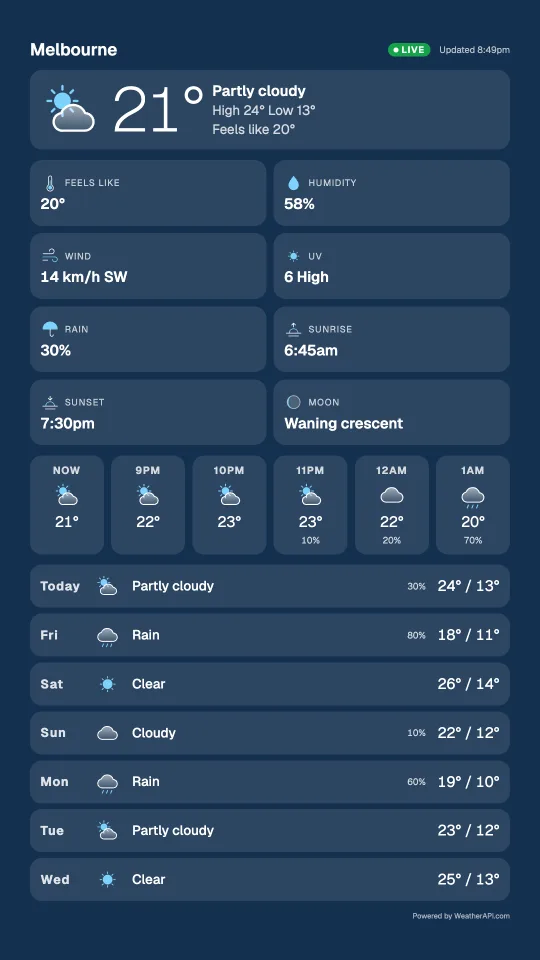
On a screen turned on its side.
Every design rearranges itself for a portrait screen: the days become a list down the screen.
 Tap anywhere to close
 Tap anywhere to close
 Tap anywhere to close
 Tap anywhere to close
 Tap anywhere to close
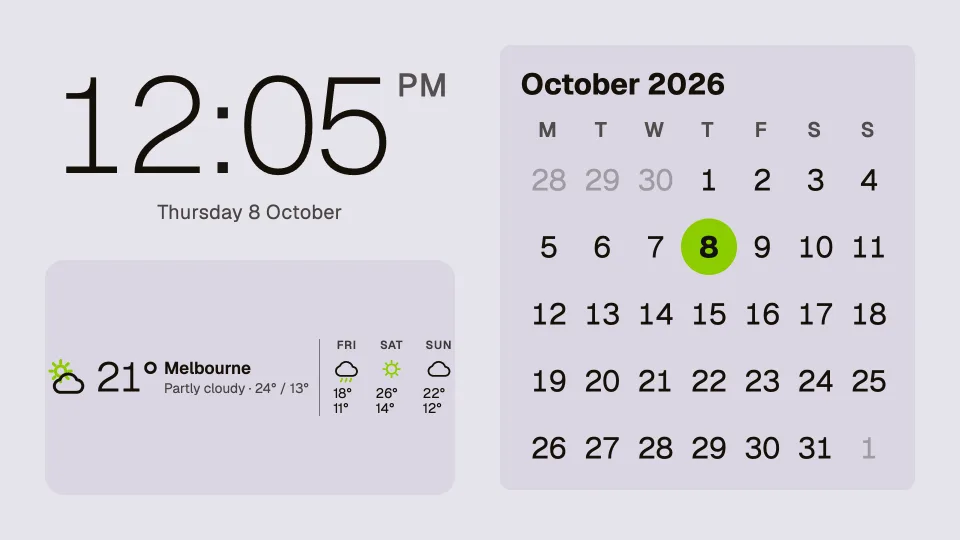
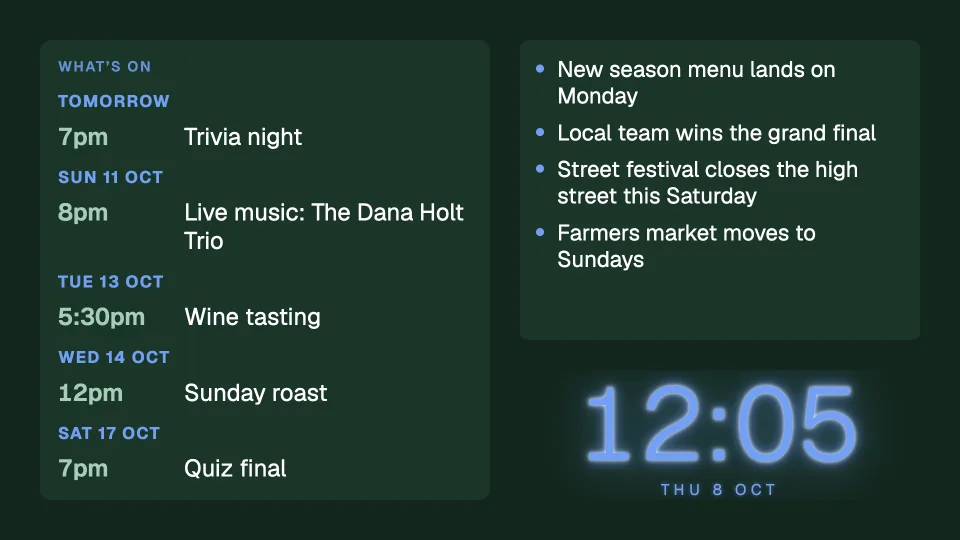
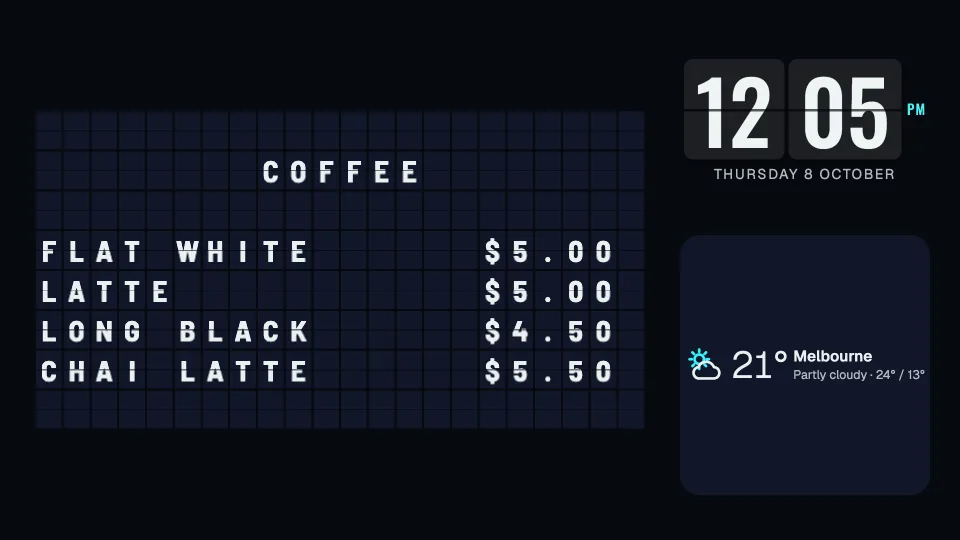
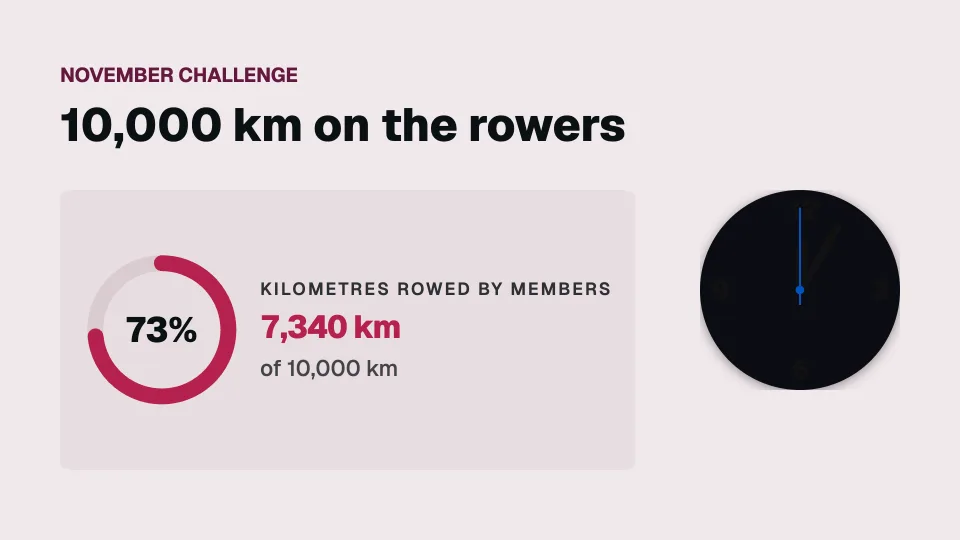
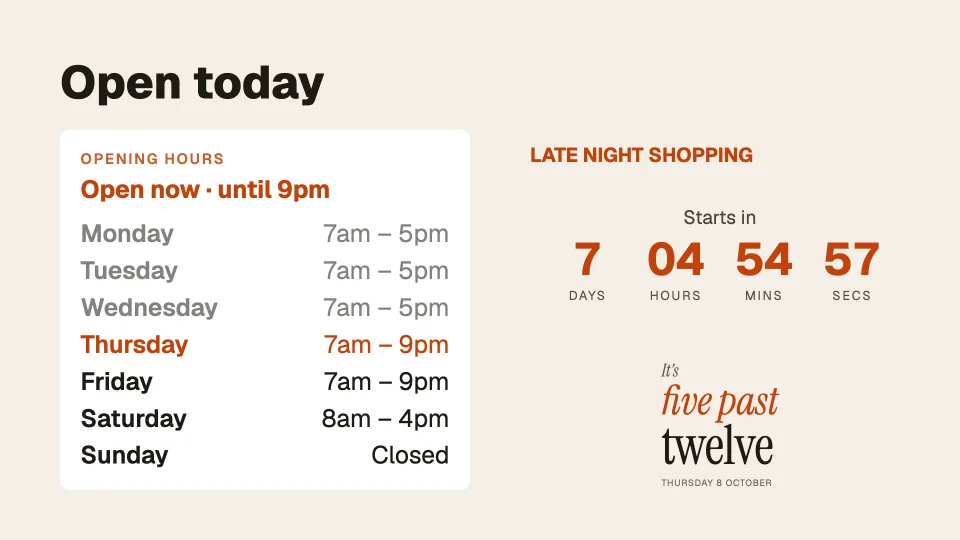
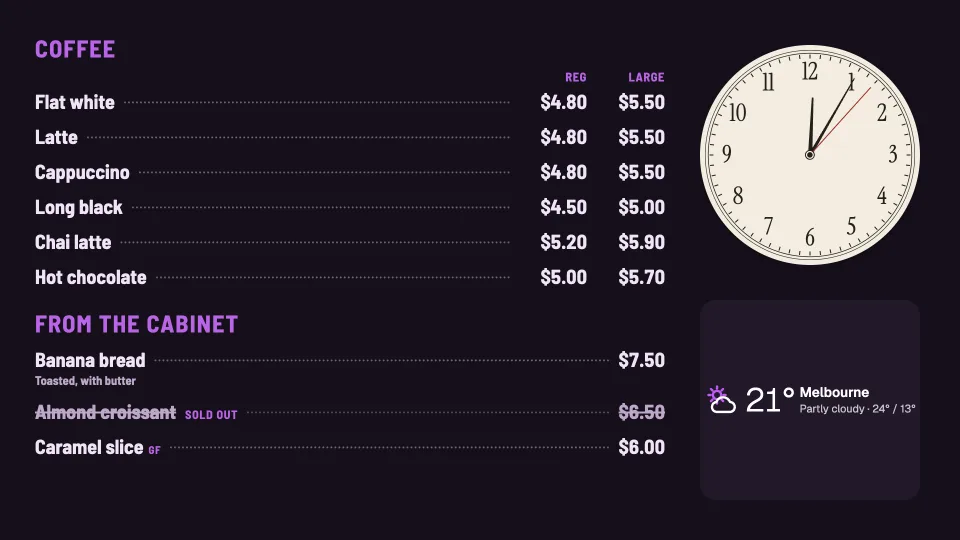
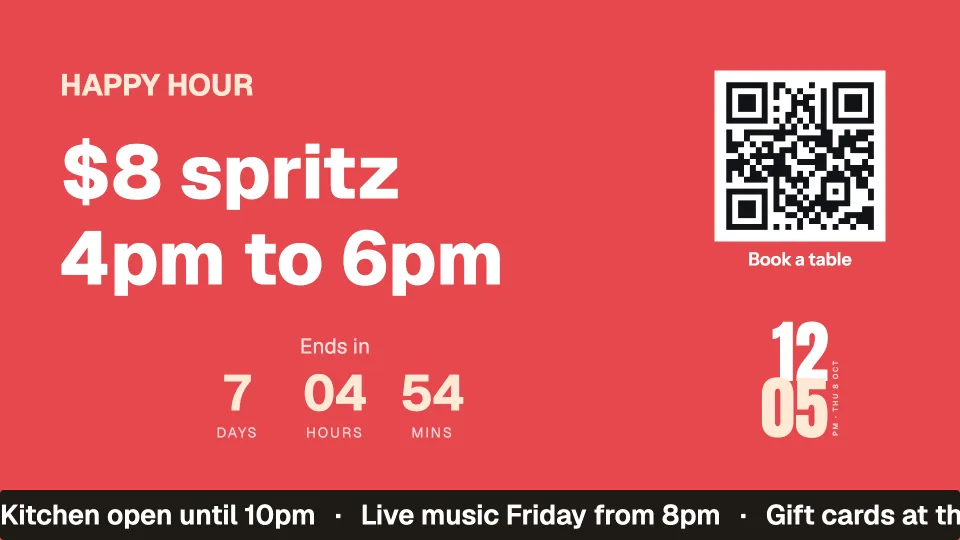
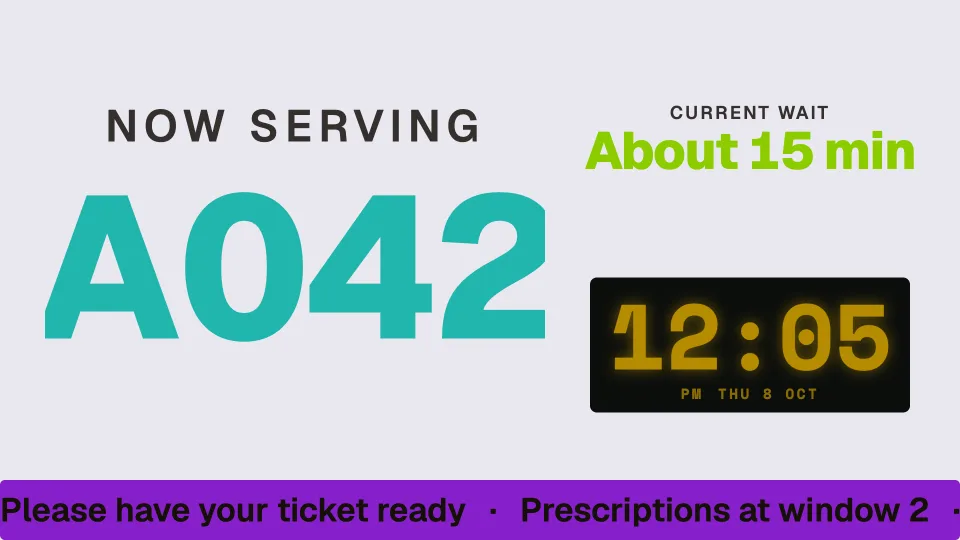
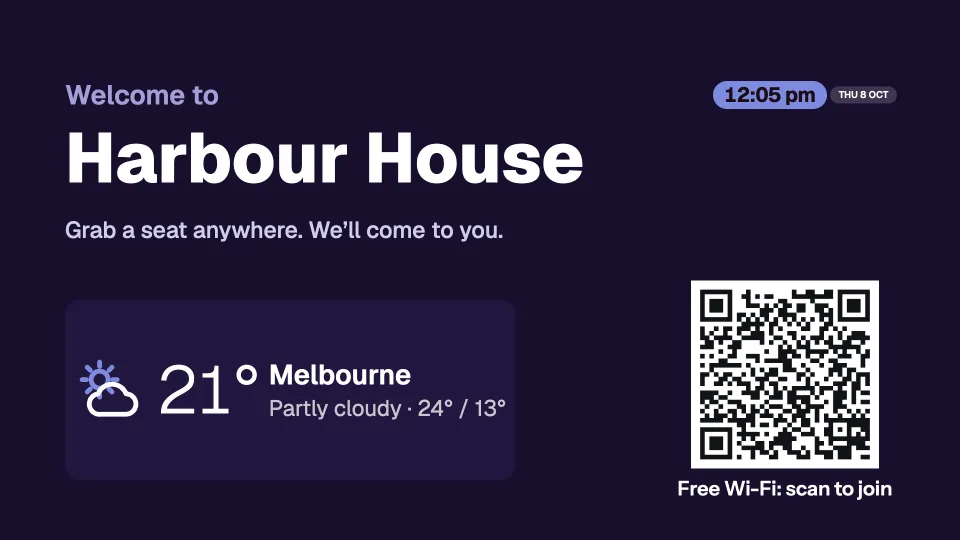
Put them together on one screen.
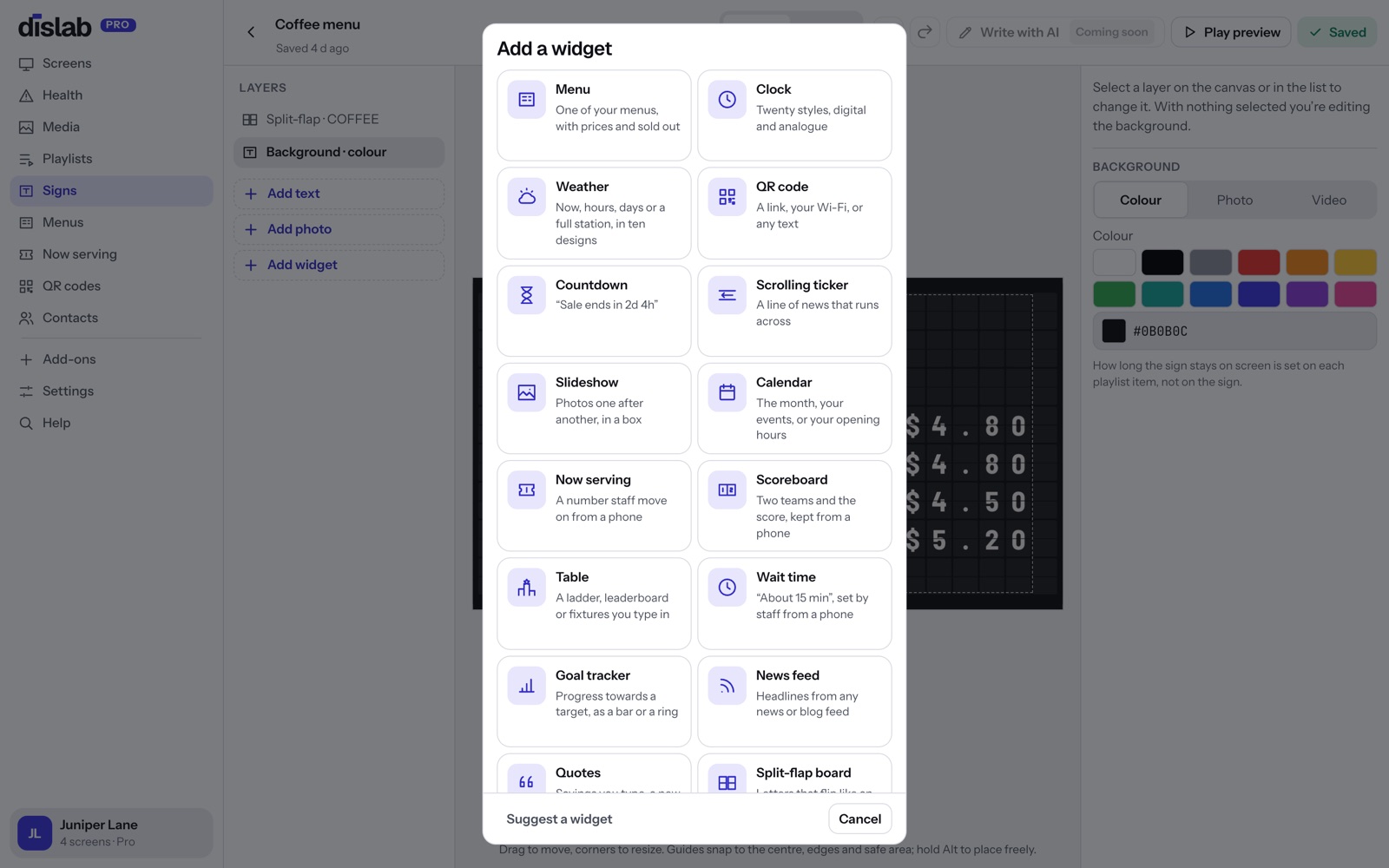
Every clock, weather and calendar widget sits beside anything else: a menu, a queue number, a QR code, a countdown or your own words. Place and size them in the sign designer, in any colours.
 Tap anywhere to close
 Tap anywhere to close
 Tap anywhere to close
 Tap anywhere to close
 Tap anywhere to close
 Tap anywhere to close
 Tap anywhere to close
 Tap anywhere to close
 Tap anywhere to close
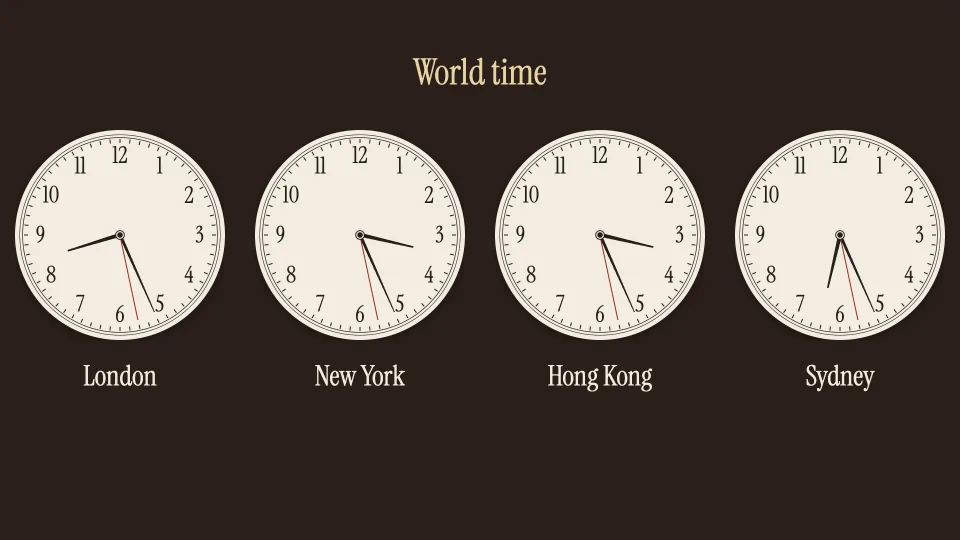
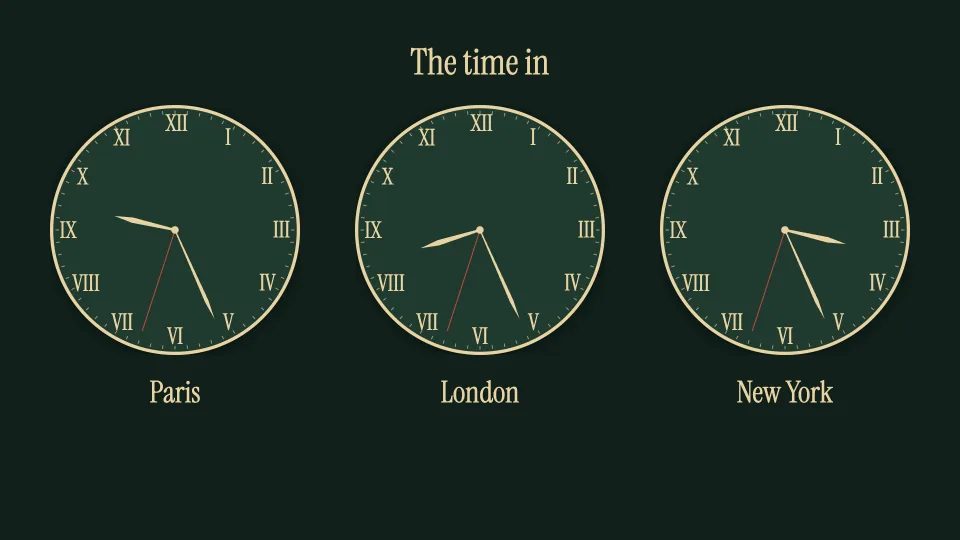
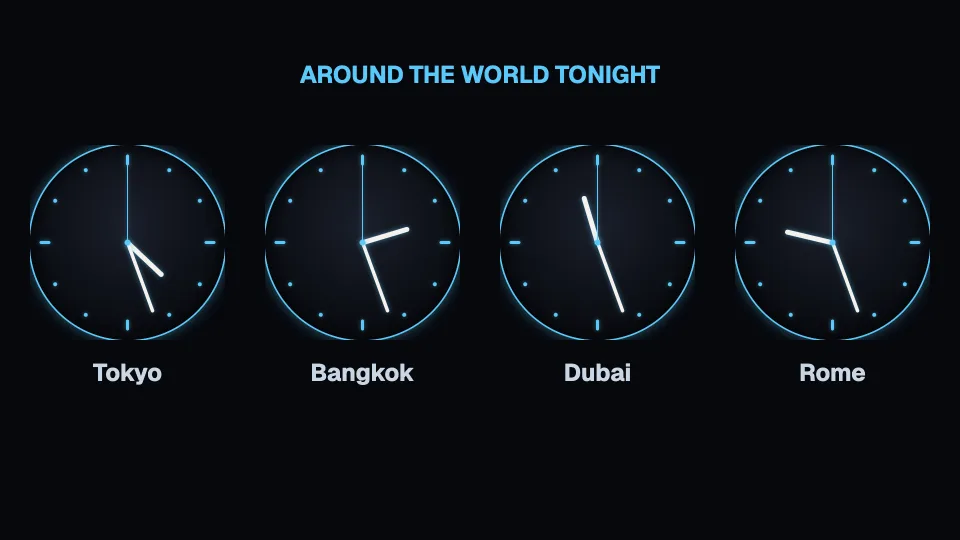
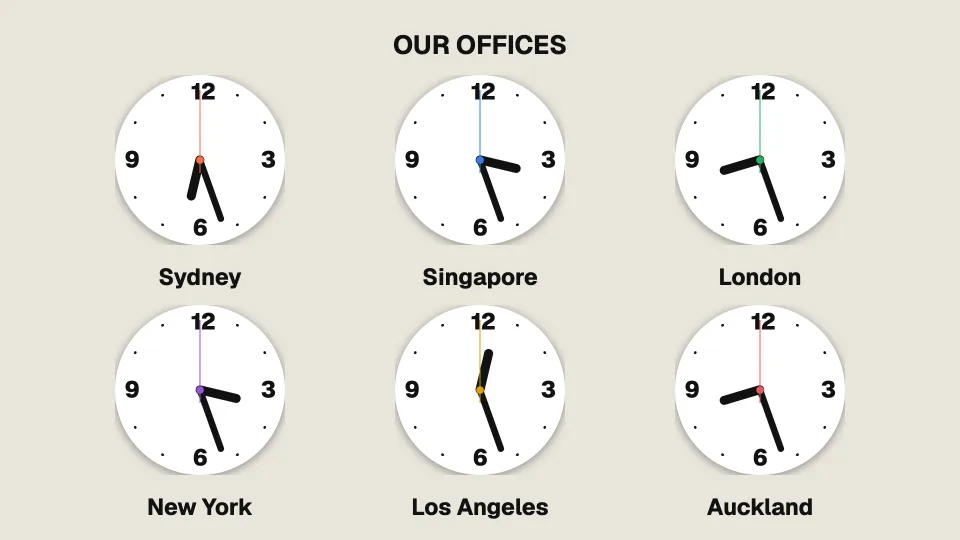
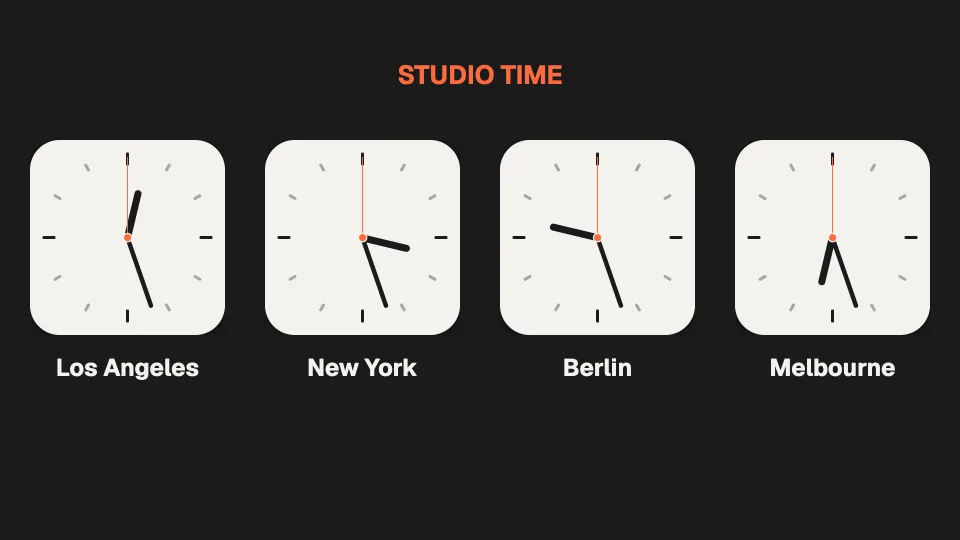
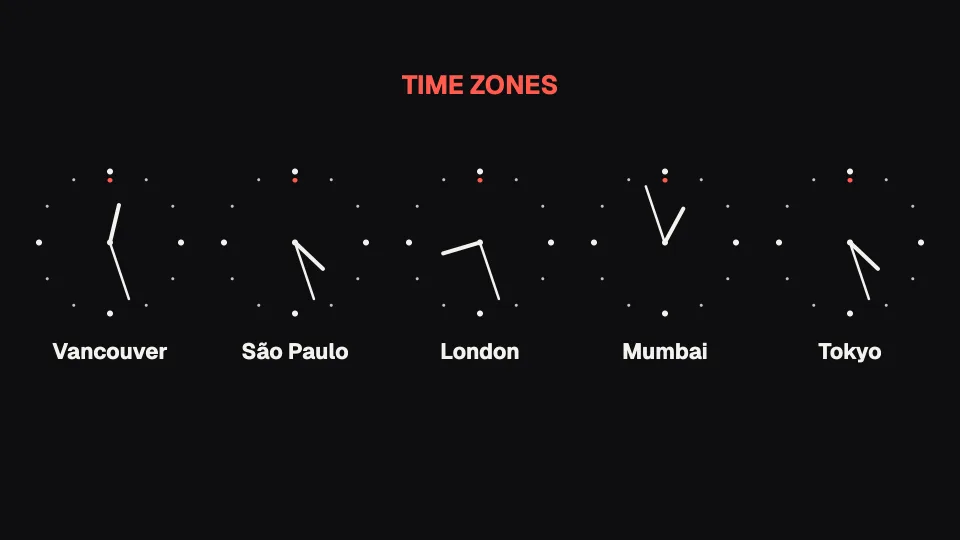
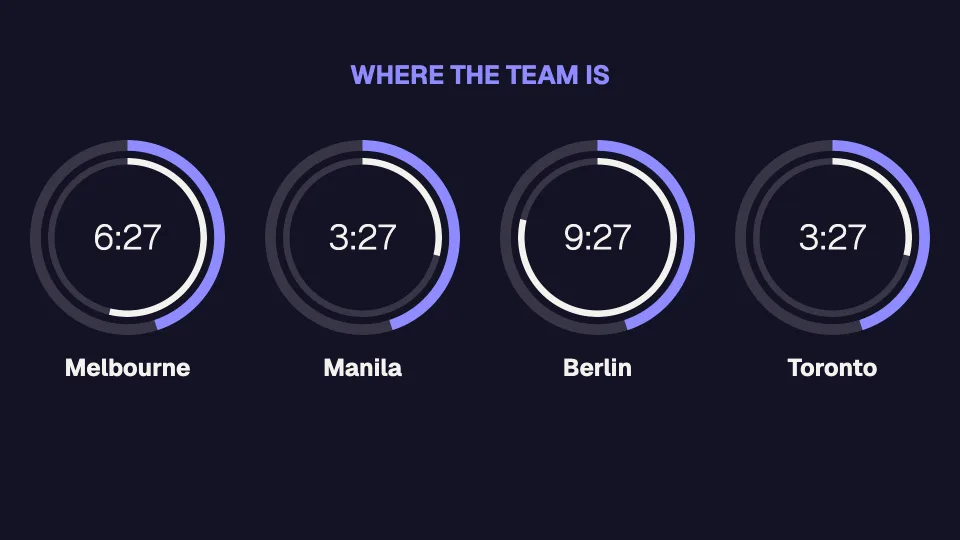
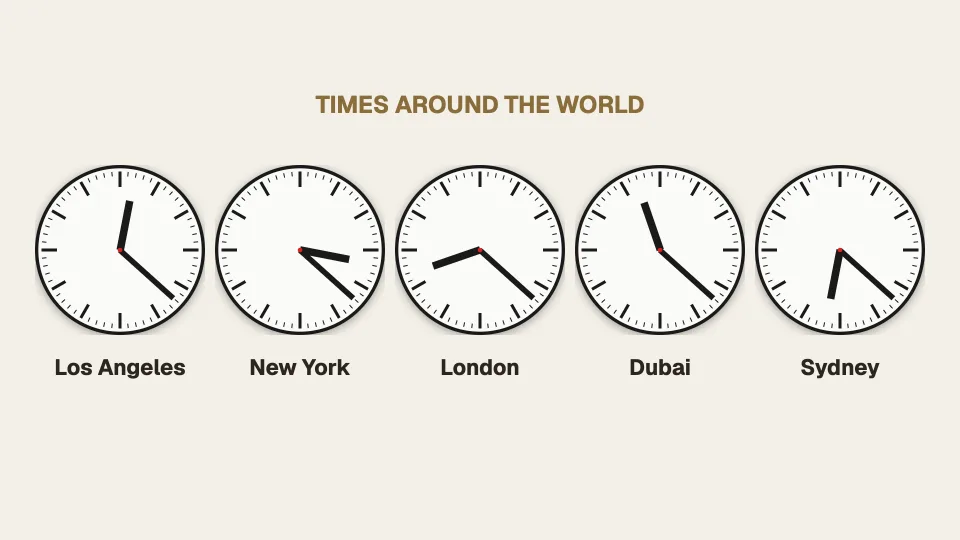
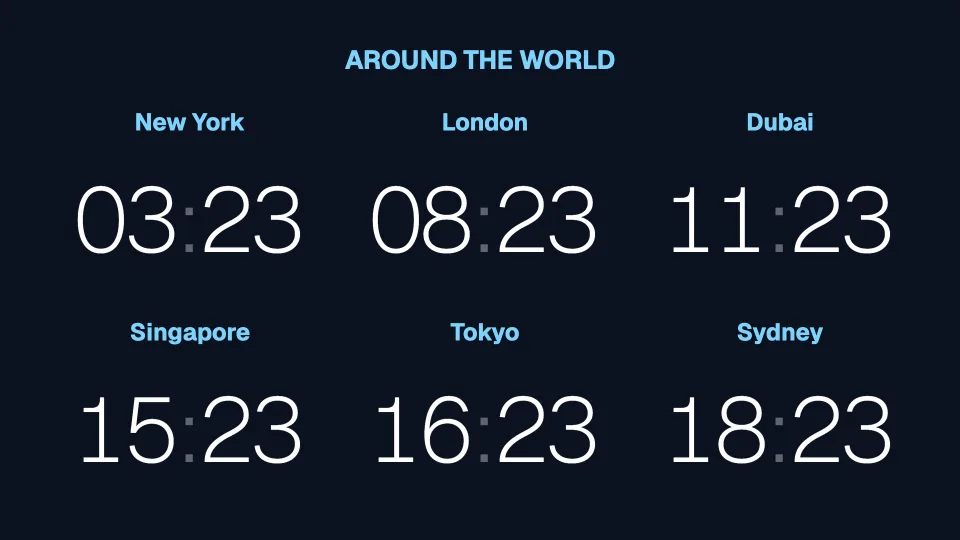
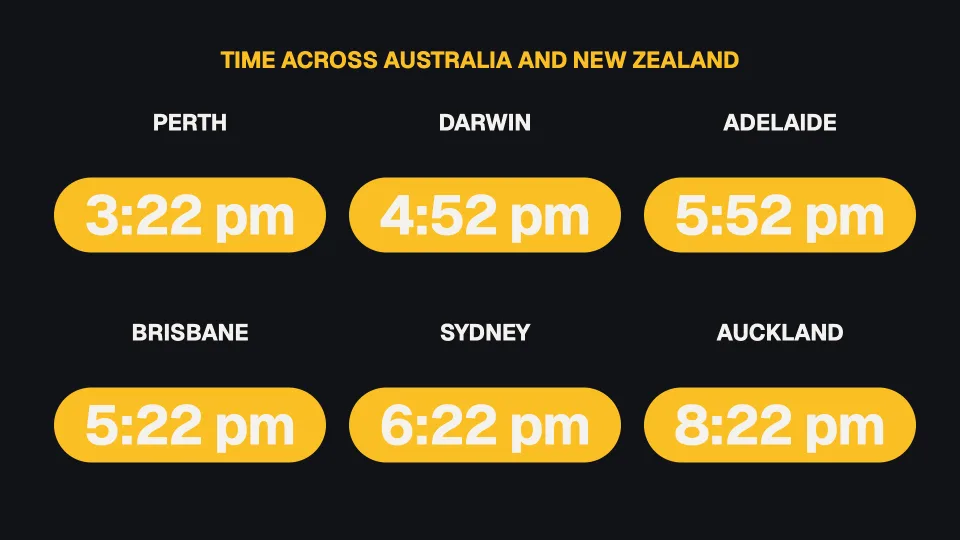
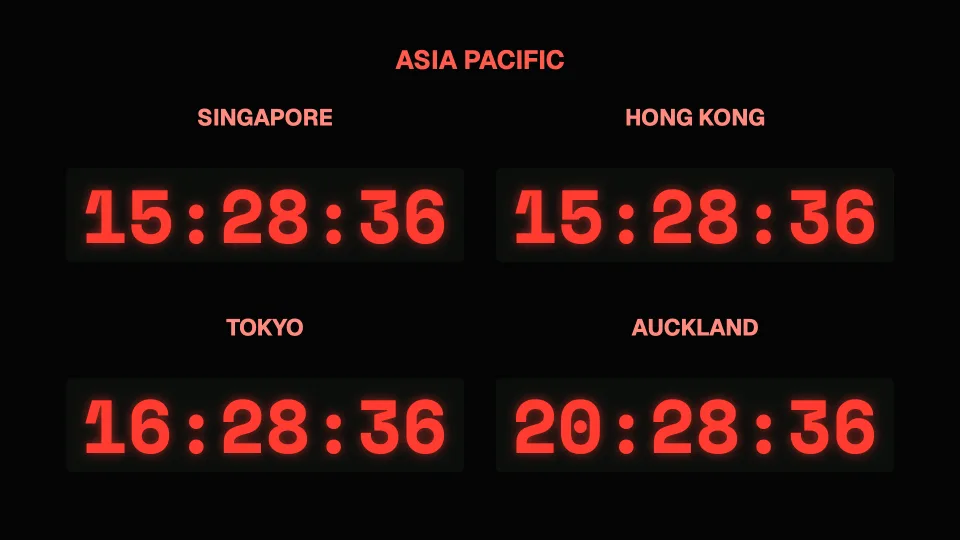
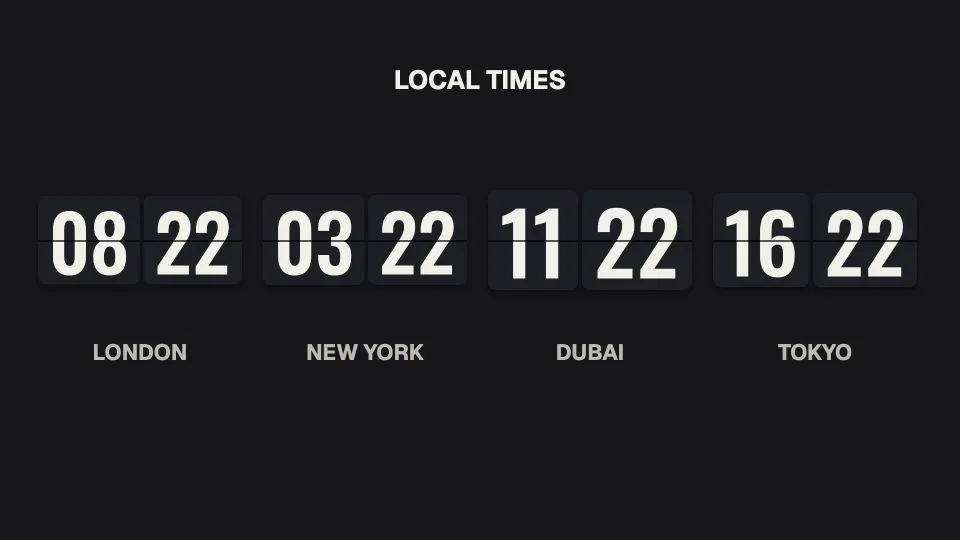
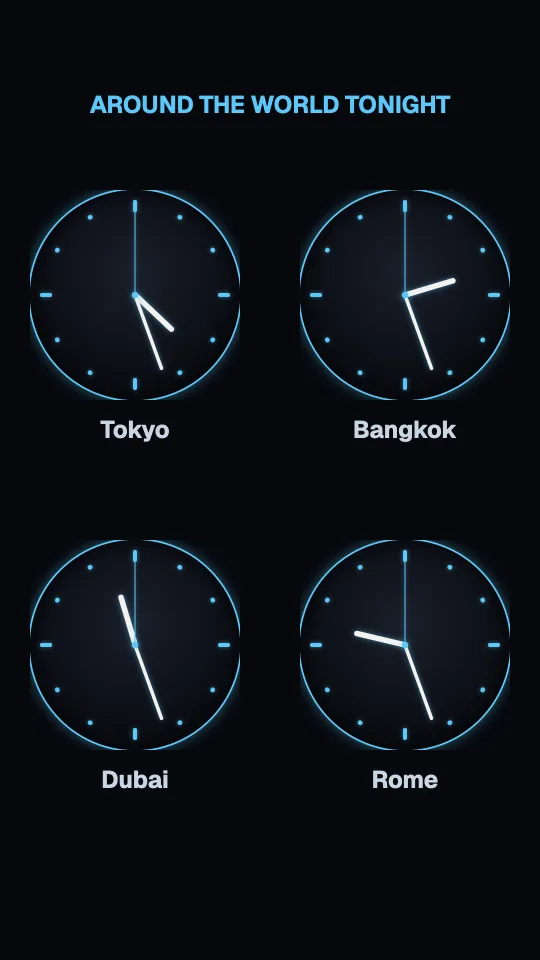
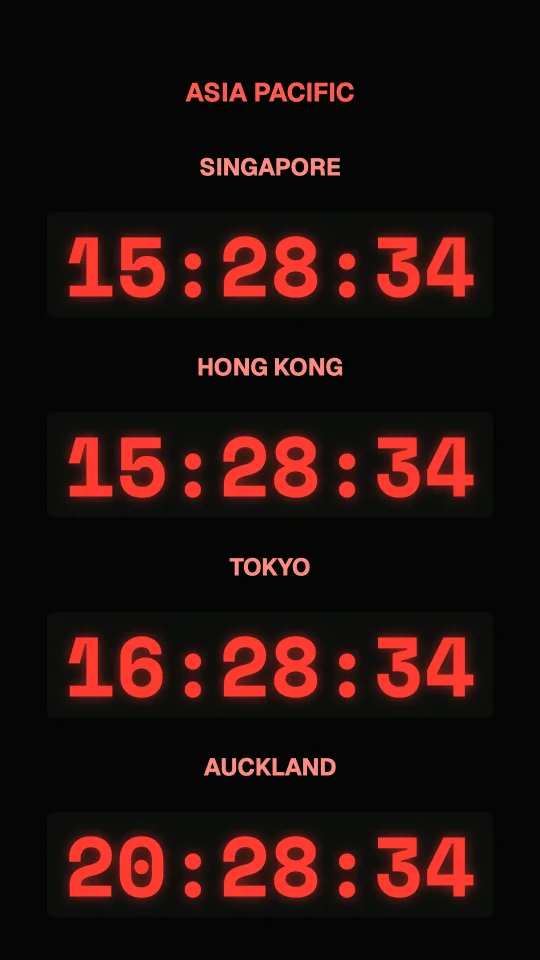
The time anywhere in the world.
Any clock can show another city’s time: pick the city and the clock follows it, daylight saving included. Line up your offices, your suppliers or your guests’ home towns, in any of the twenty styles, analogue or digital.
 Tap anywhere to close
 Tap anywhere to close
 Tap anywhere to close
 Tap anywhere to close
 Tap anywhere to close
 Tap anywhere to close
 Tap anywhere to close
 Tap anywhere to close
 Tap anywhere to close
 Tap anywhere to close
 Tap anywhere to close
 Tap anywhere to close
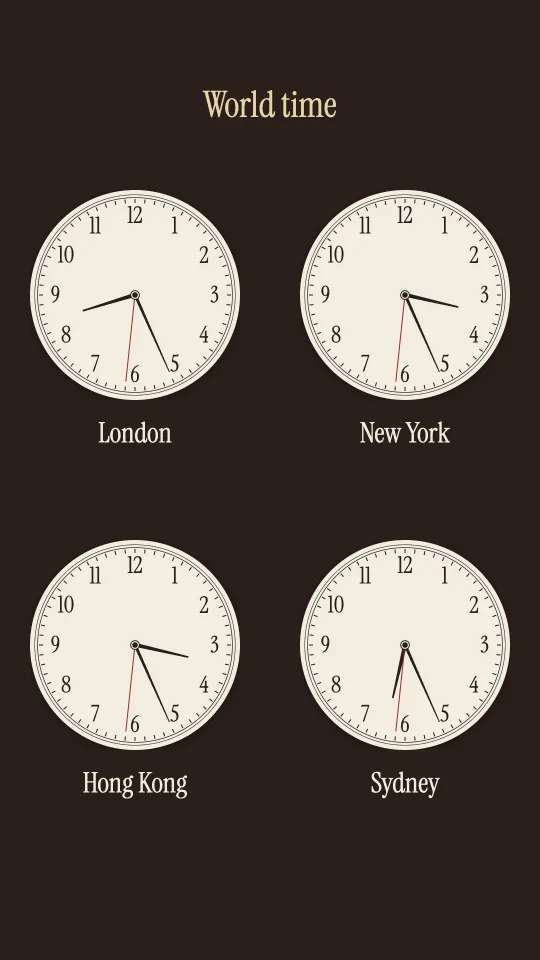
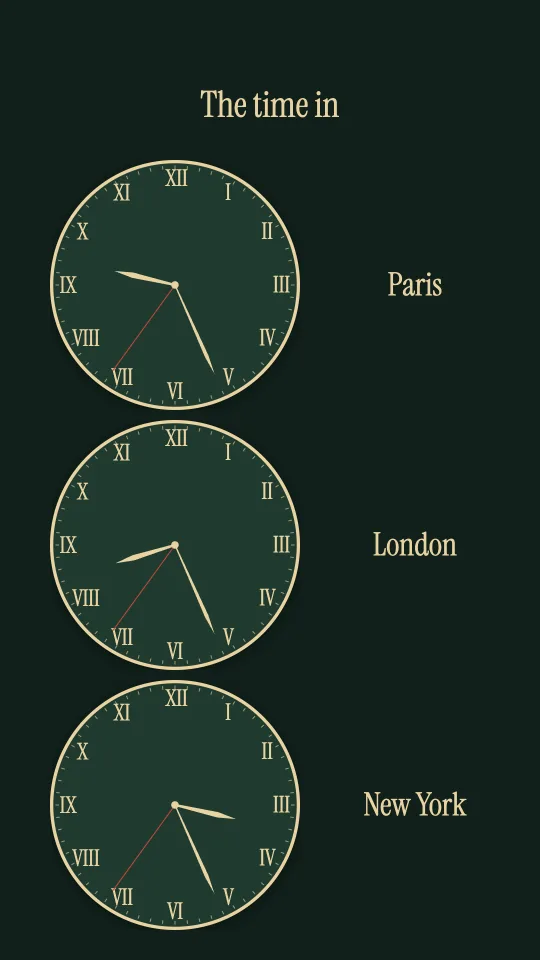
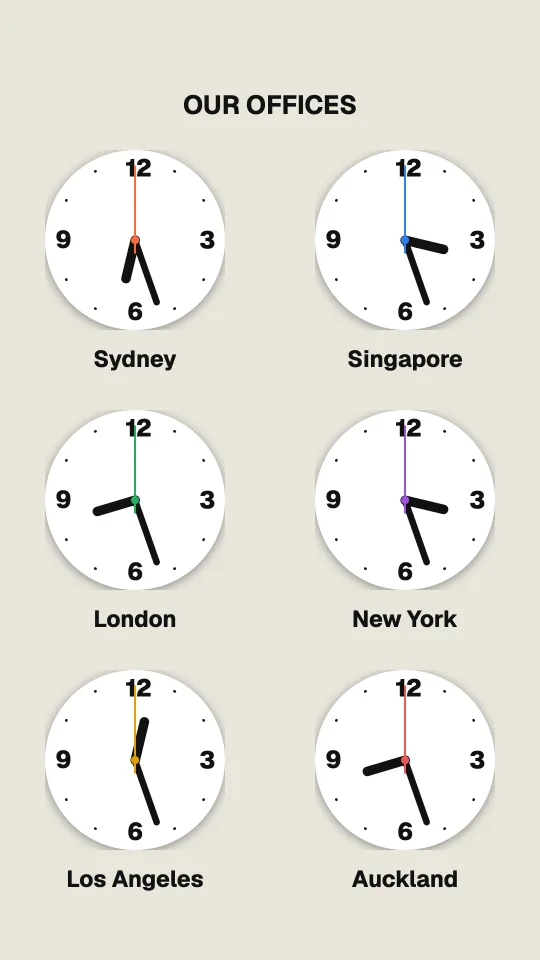
In portrait too
Every world clock sign has its own layout for a TV hung on its side.
 Tap anywhere to close
 Tap anywhere to close
 Tap anywhere to close
 Tap anywhere to close
 Tap anywhere to close
Choose a city, and the clock follows it.
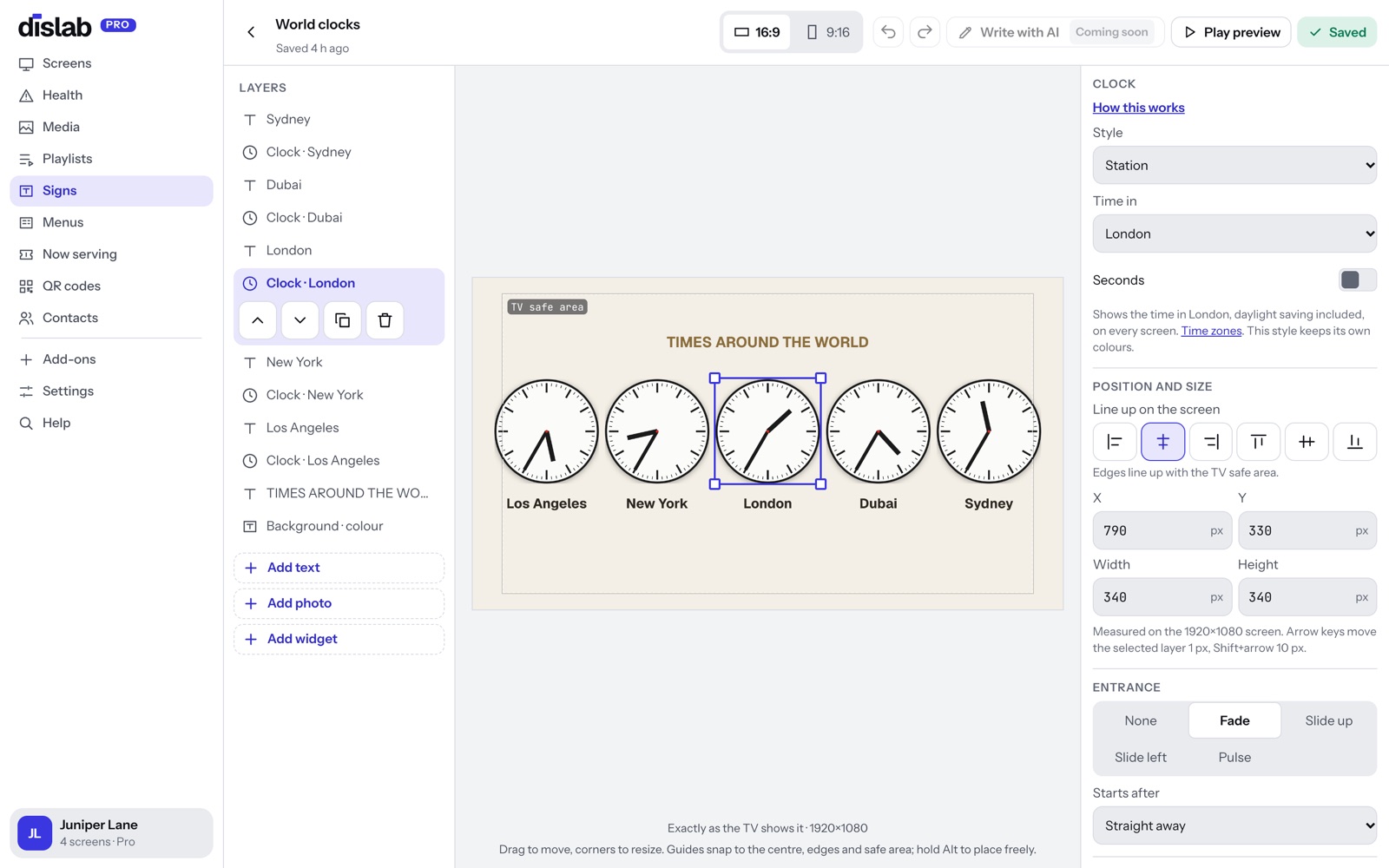
Select a clock in the sign designer and change Time in from the screen’s own time to a city. The name under the clock is yours to change too.
- 49 cities to choose from, grouped by region
- Daylight saving changes by itself, in every city
- Twelve world clock signs to start from, each in landscape and portrait
- Worked out on the screen, so it keeps time offline while your plan is active
Ready-made signs
Each is a template: change the words, colours and town, or add the widget to a sign of your own.
 Tap anywhere to close
 Tap anywhere to close
 Tap anywhere to close
 Tap anywhere to close
 Tap anywhere to close
Placed and sized like text and photos.
In the sign designer, choose Add widget and drag it where you want it. Every widget fills its box and stays sharp on any TV.
- Clocks: twenty styles, seconds, date and 24-hour time, in your time or any city’s
- Weather: now, the next hours, the next days, the details or a full station, in ten designs, °C or °F, any town
- Live or Offline and when it last updated, on every weather view
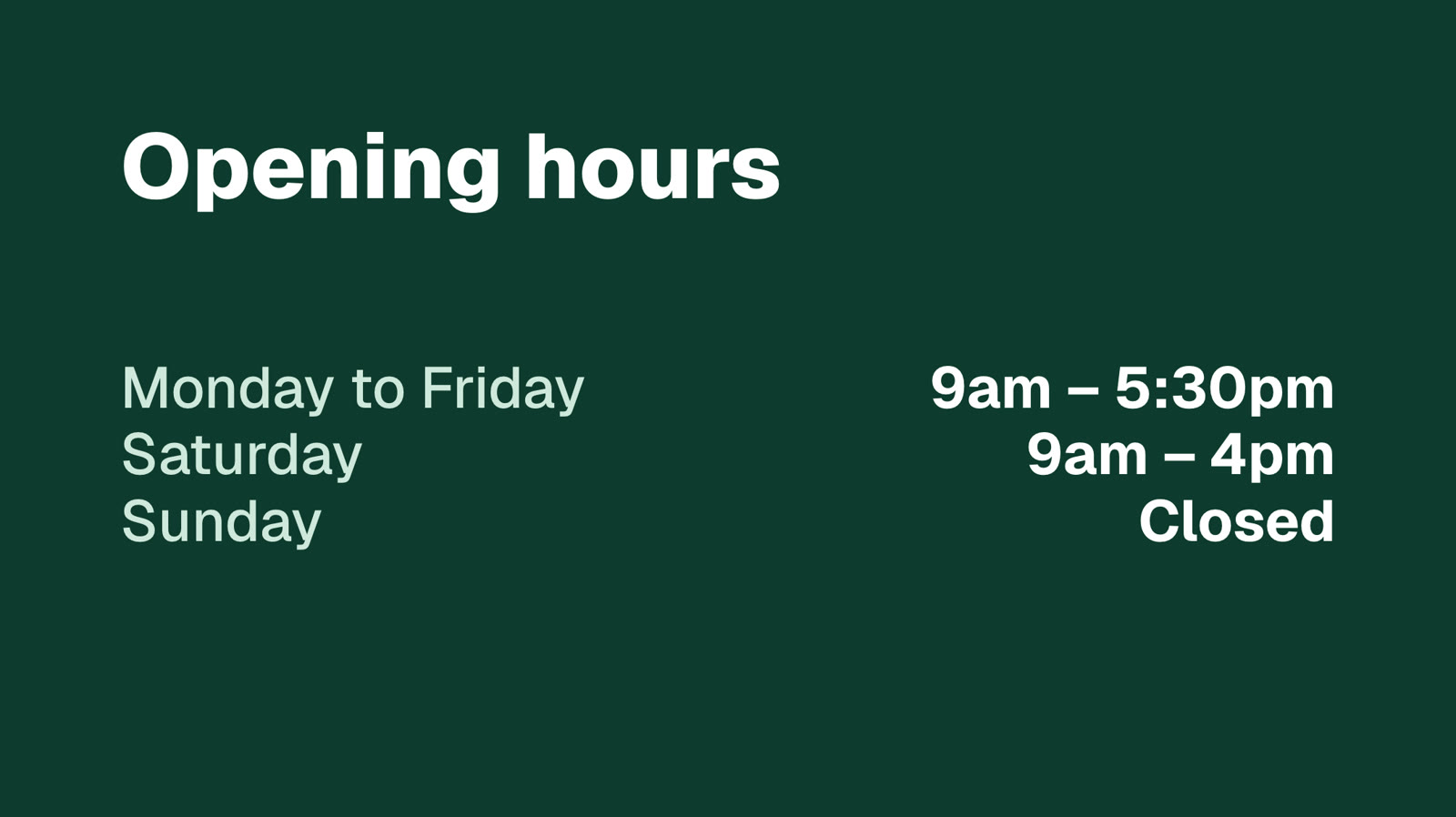
- Calendar: the month, your opening hours, or events from a calendar link
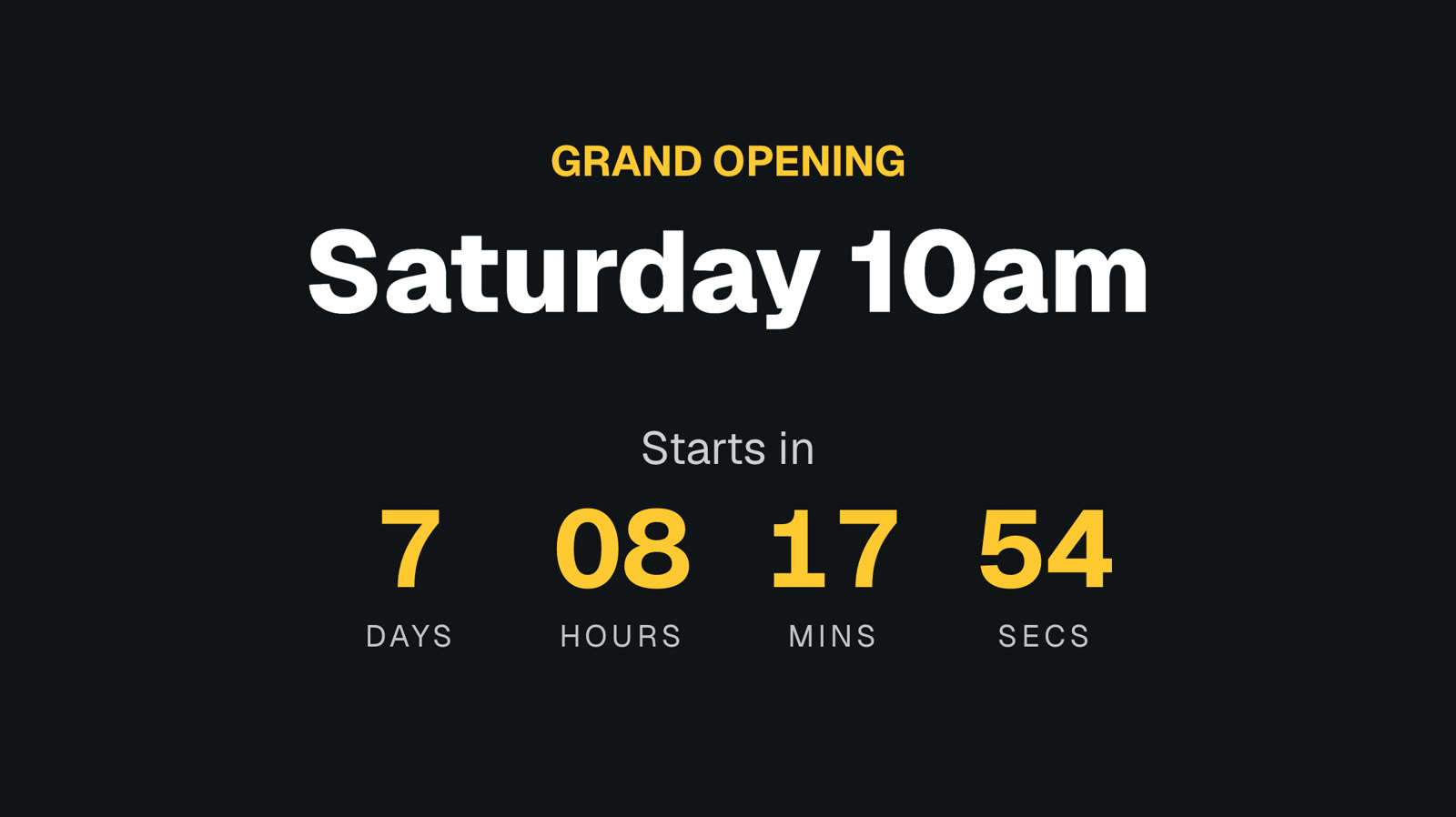
- Countdown to any date and time
Questions
Anything else? Ask us, or look in the help centre.
Whose time zone does the clock use?
Each screen’s own, so a sign shown in Melbourne and Perth shows each city’s local time. To show another city’s time instead, set the clock’s Time in to that city.
Do world clocks change for daylight saving?
Yes. Each city keeps its own rules, so London, New York and Sydney all move forward and back on their own dates without you touching anything.
Where does the weather come from?
From WeatherAPI.com, credited on screen. Dislab fetches it for the town you choose about every half hour and sends it to your screens; your TV never looks it up. Each view shows Live and when it last updated. If the internet drops, the forecast stays up and the screen says Offline; the current temperature comes down after an hour, so an old reading is never shown as now.
Does it work on a portrait screen?
Yes. Every weather design has a portrait layout, and the ten weather station templates come in both.
Can the calendar show our events?
Yes. Paste a calendar share link (iCal, from Google Calendar, Outlook or Apple Calendar) and the next events appear on screen.
Which plan is it on?
Pro, at A$9.99 per screen a month, with 14 days free to try.
More of what Dislab does
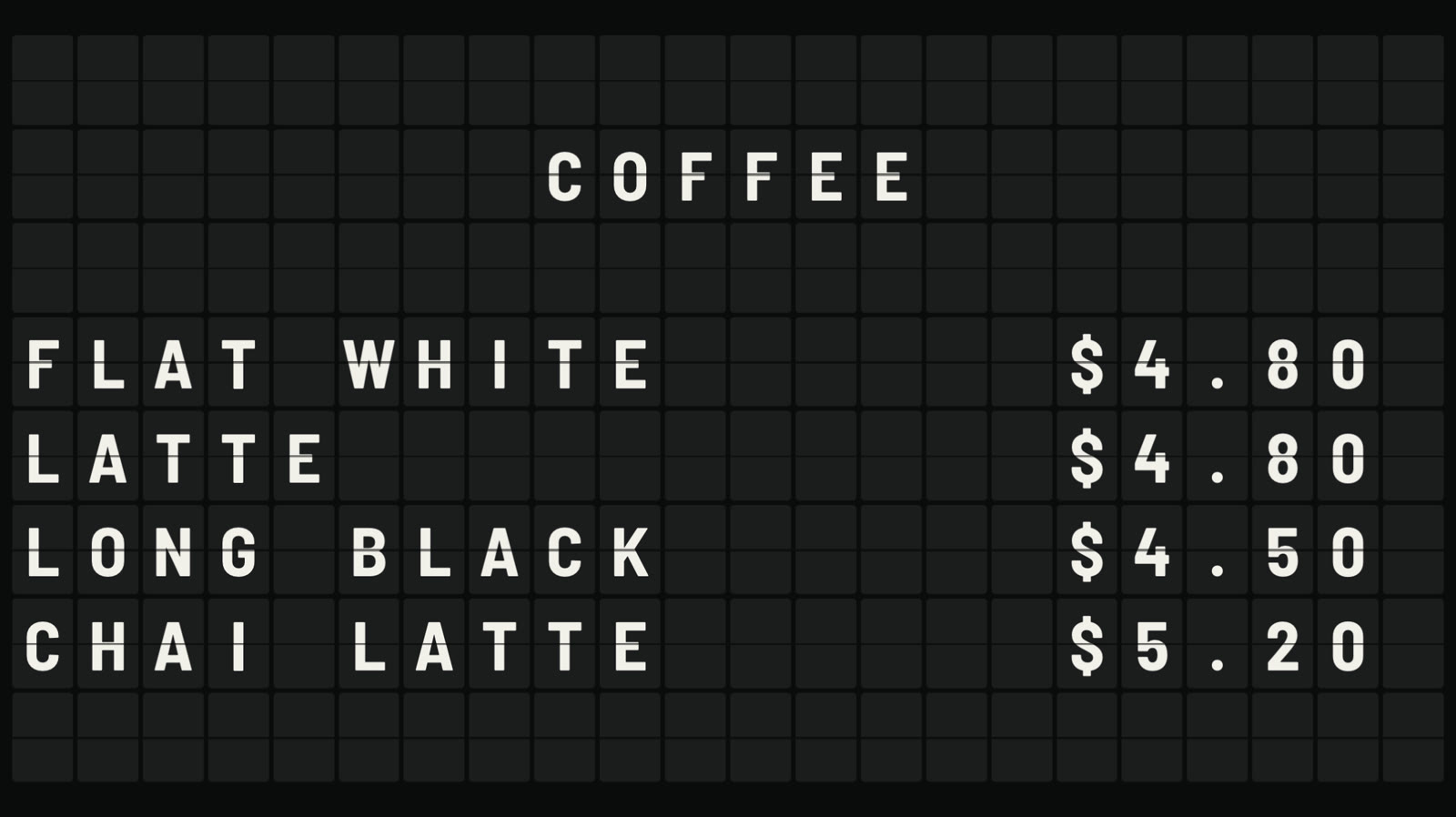 Split-flap boardLetters that flip into place, like an airport board.
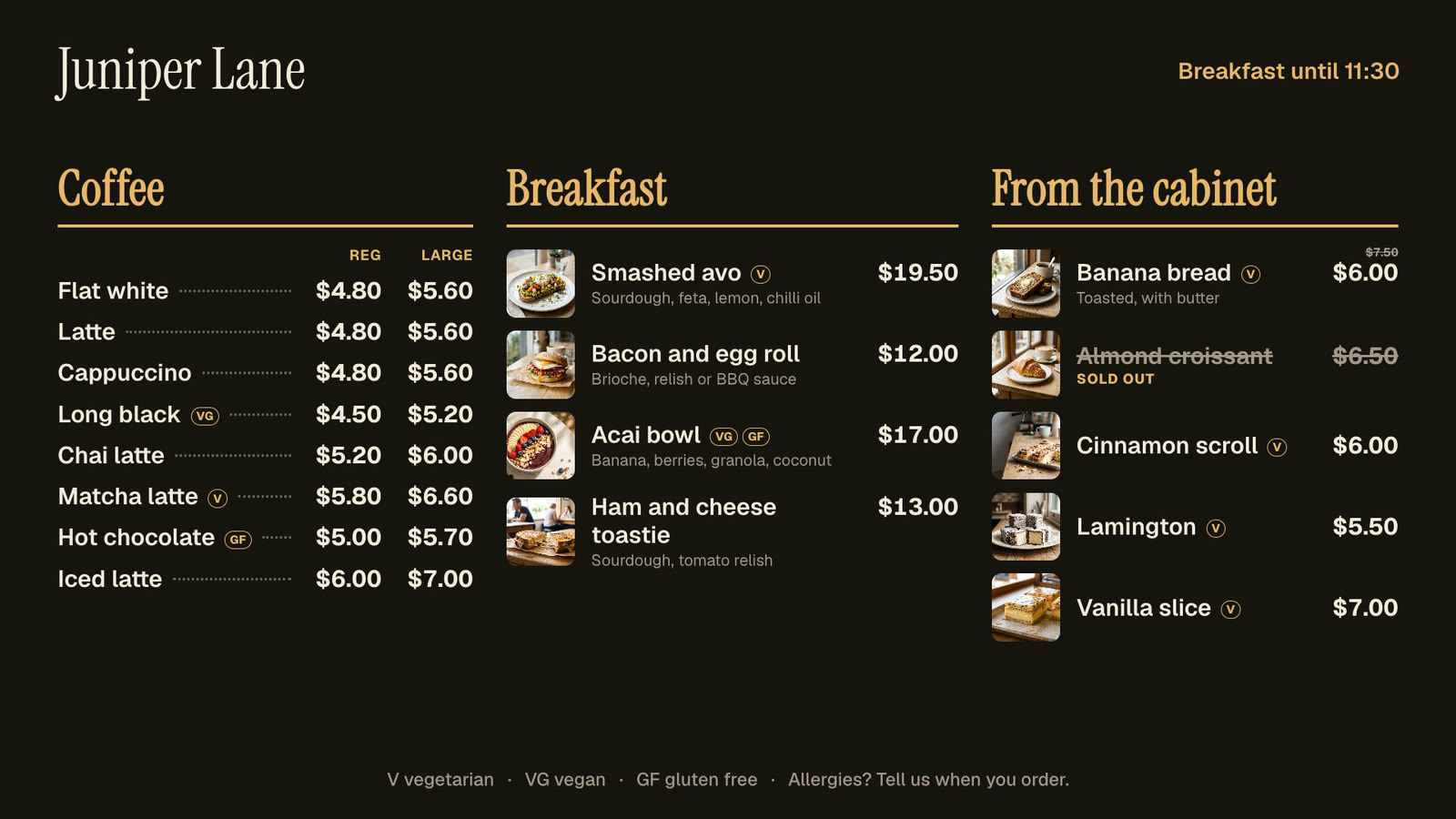 Menu boardsPrices in one place, day-parts, and sold out from a phone.
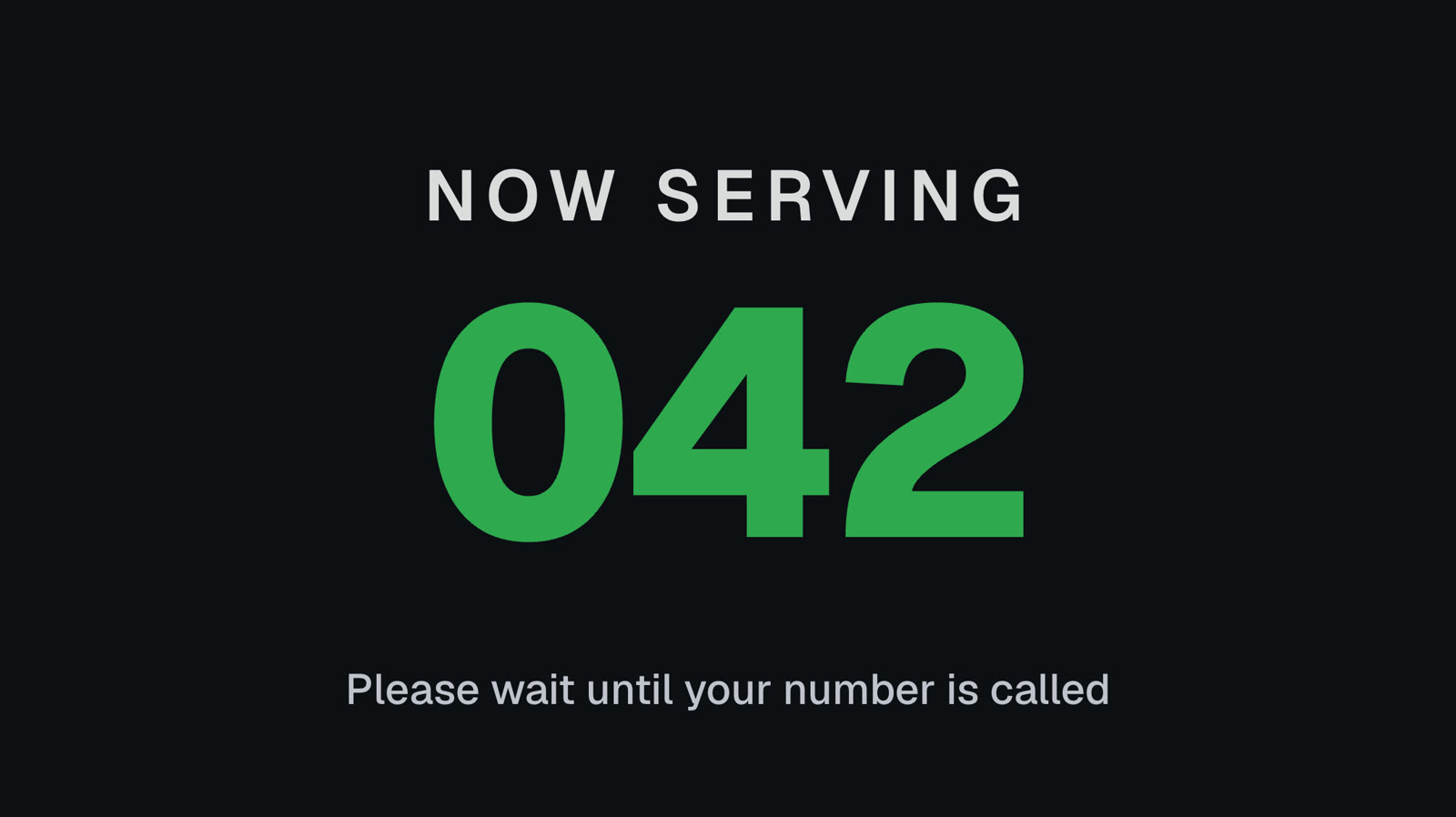 Queue numbersA big Now serving number staff move on from a phone.
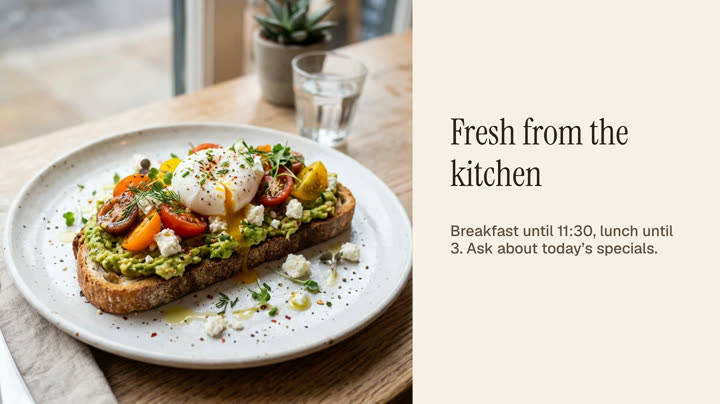 Photos and videosAny phone’s photos and videos, ready for the TV.
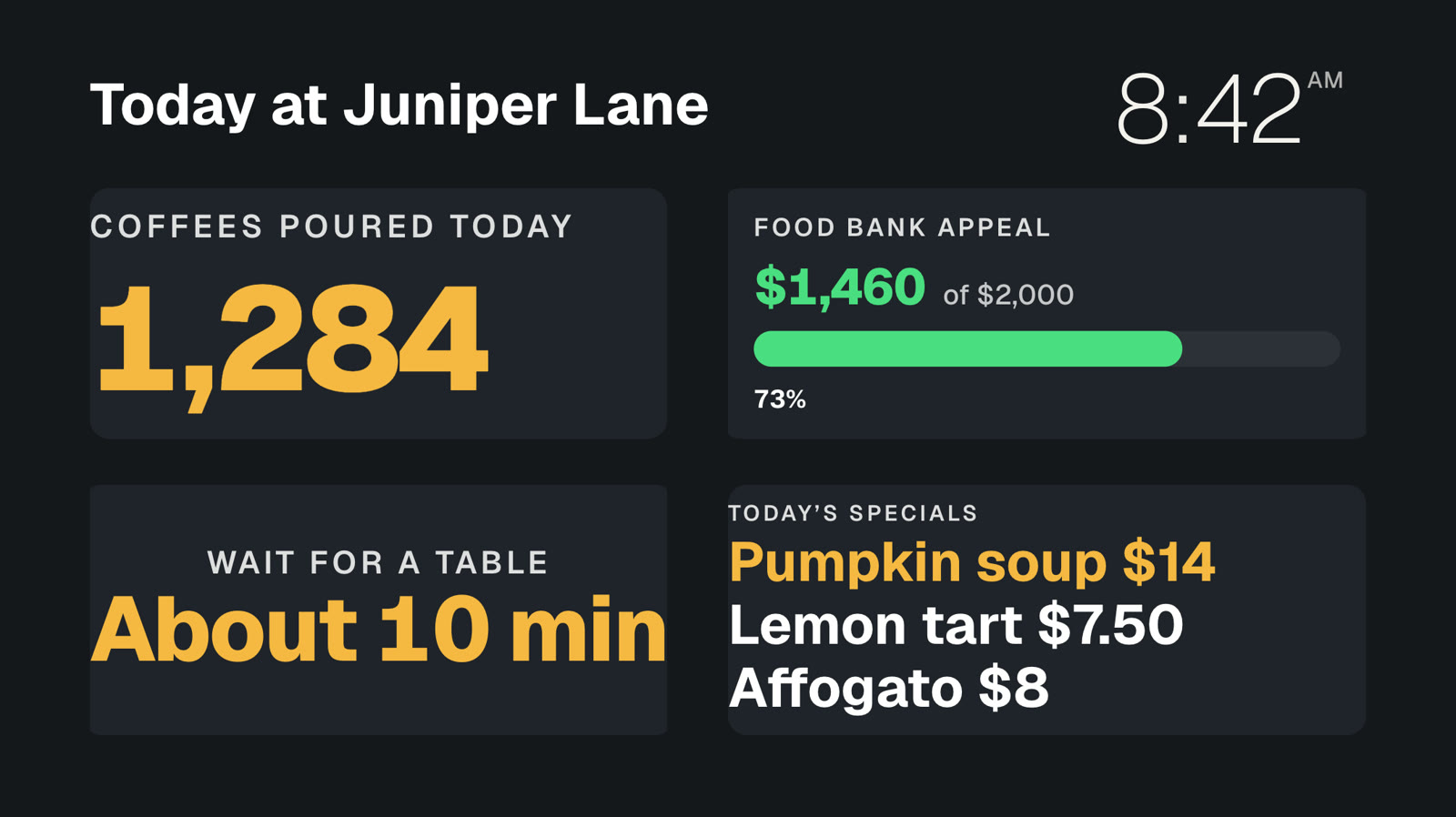 Your own dataNumbers and lists from your systems, live on screen.
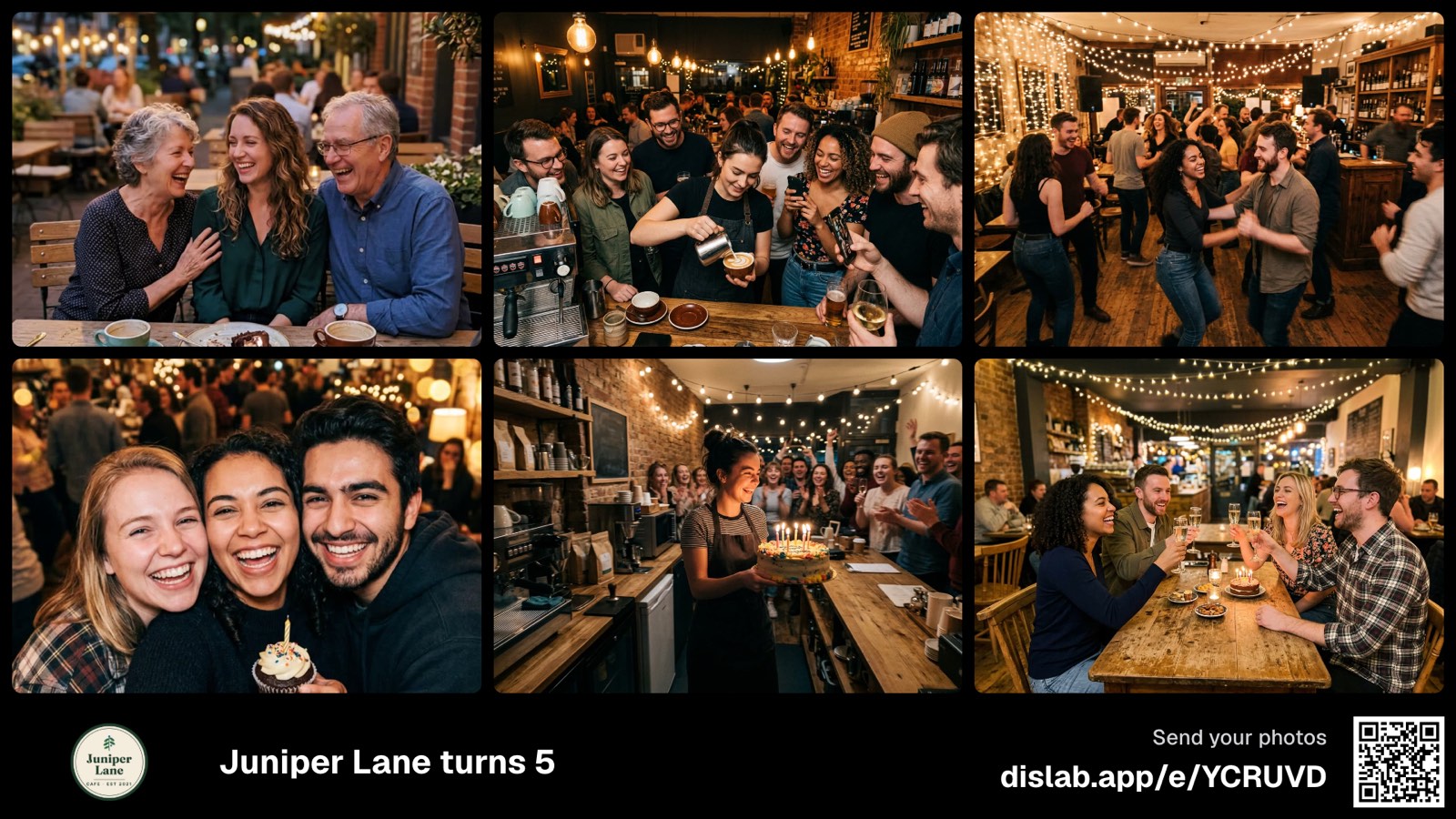 Event photo wallGuests’ photos from their phones, on your screens.
Add a clock to your screens today.
Everything on this page is built into Pro: A$9.99 per screen a month, up to 20 screens, no setup fee and no contract. Try every Pro feature free for 14 days, or keep one screen free with photos, videos, playlists and signs, with a small “Powered by dislab.app” badge.