
Screens for gyms and fitness studios.
Today’s classes on a departures board, the members’ challenge filling up live, a countdown to the next one and the offers you want people to see on the way out.
Pro Every sign on this page is built into Pro: A$9.99 per screen a month, up to 20 screens. 14 days free to try.
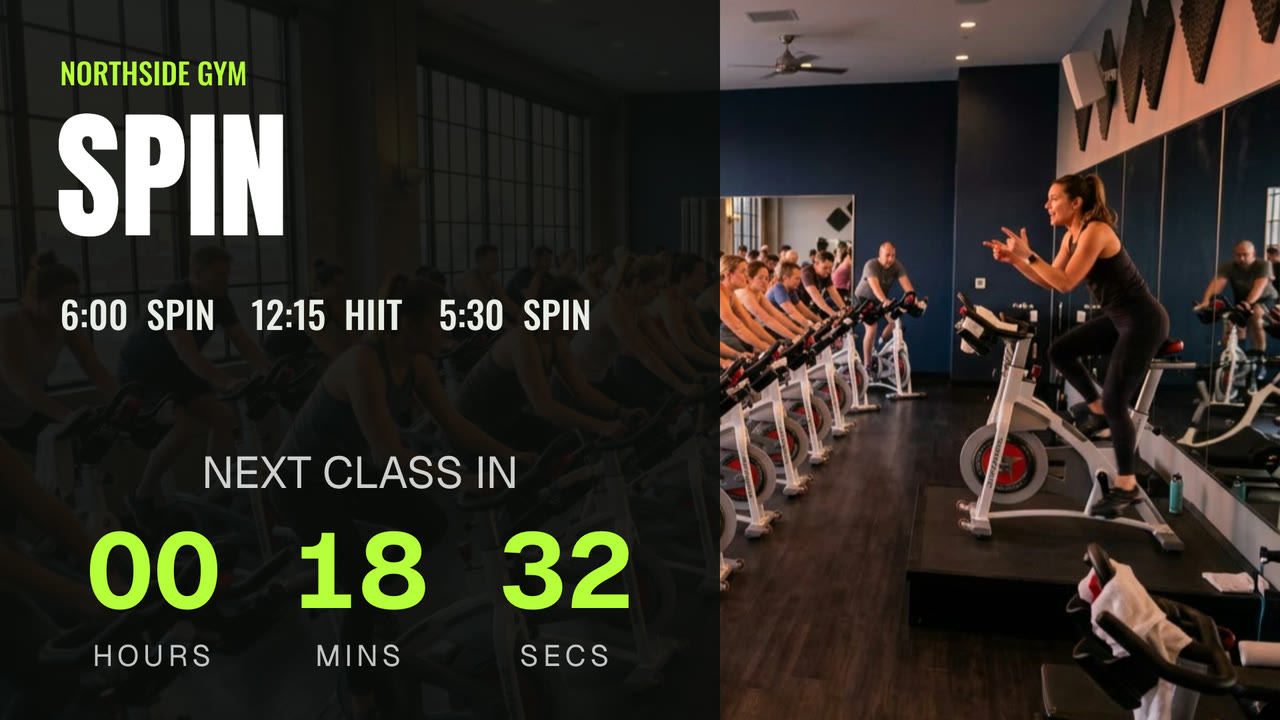
What a gym shows
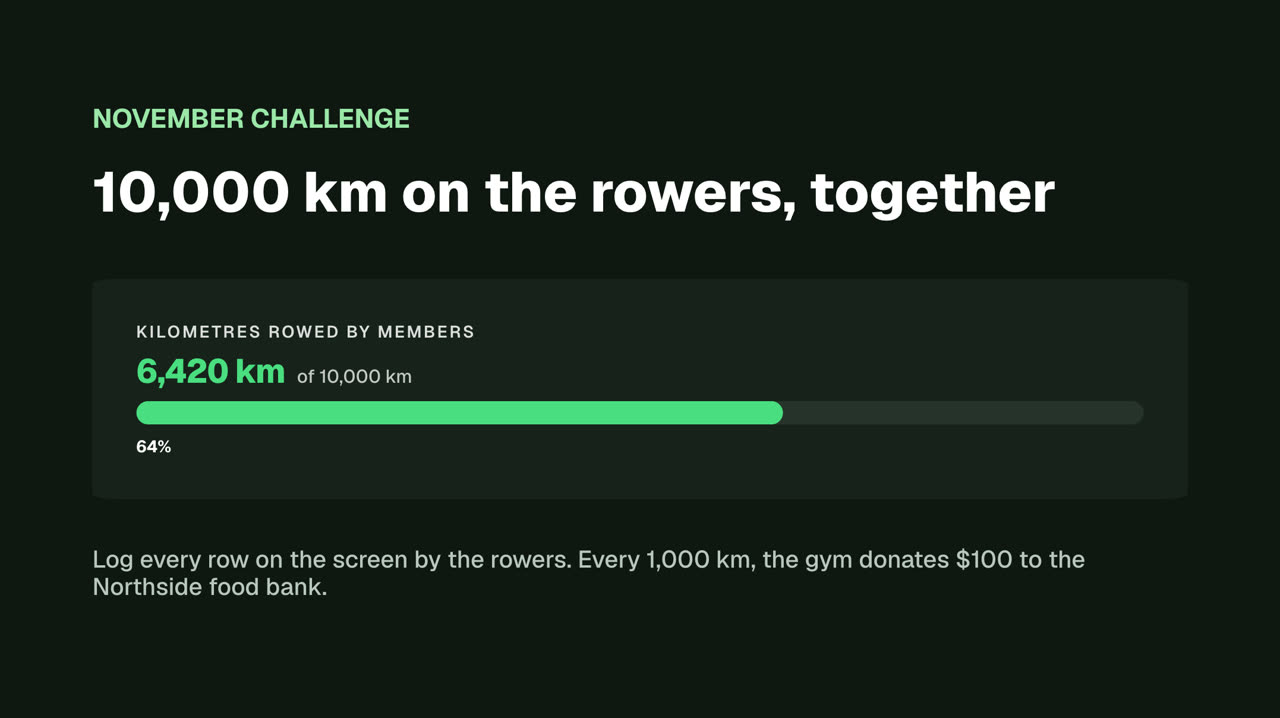
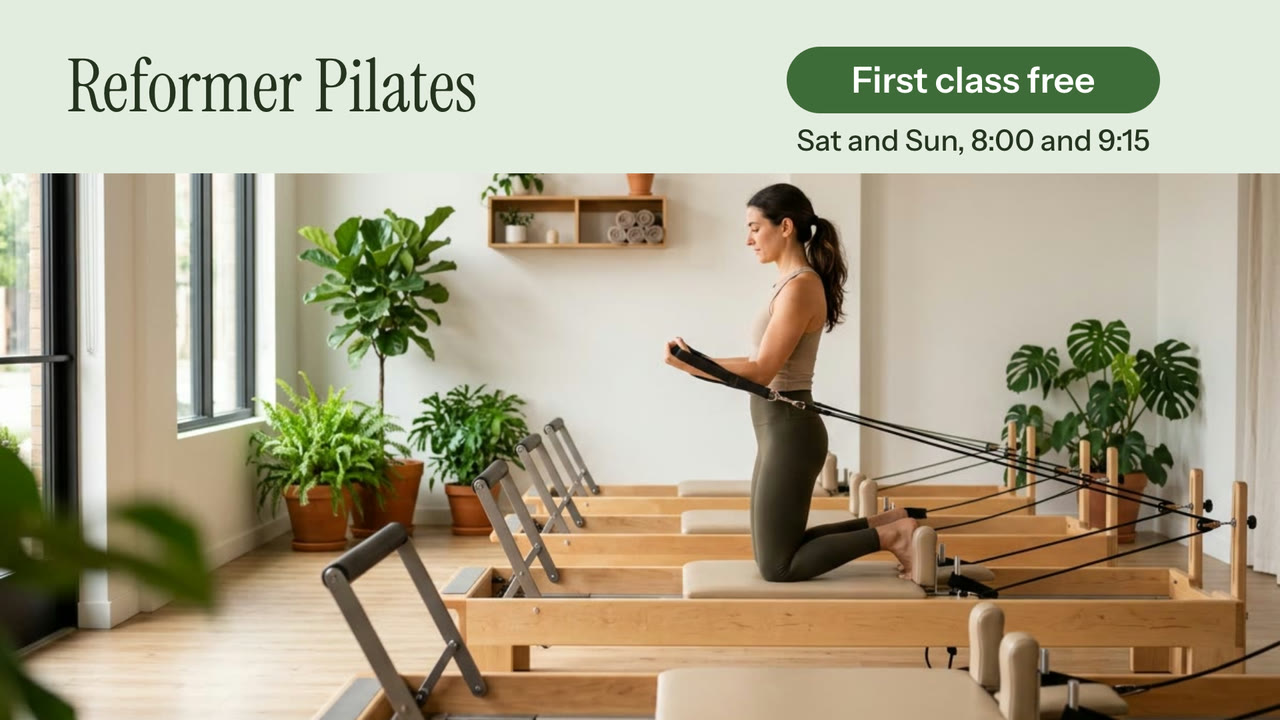
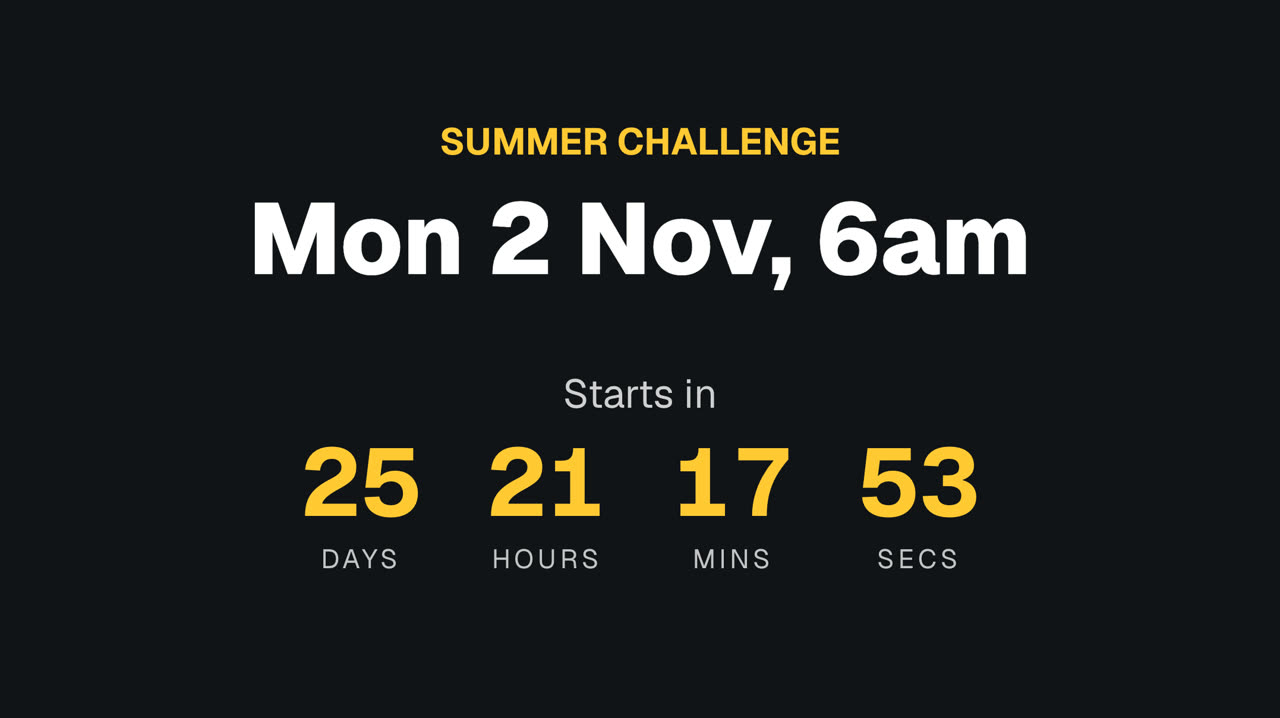
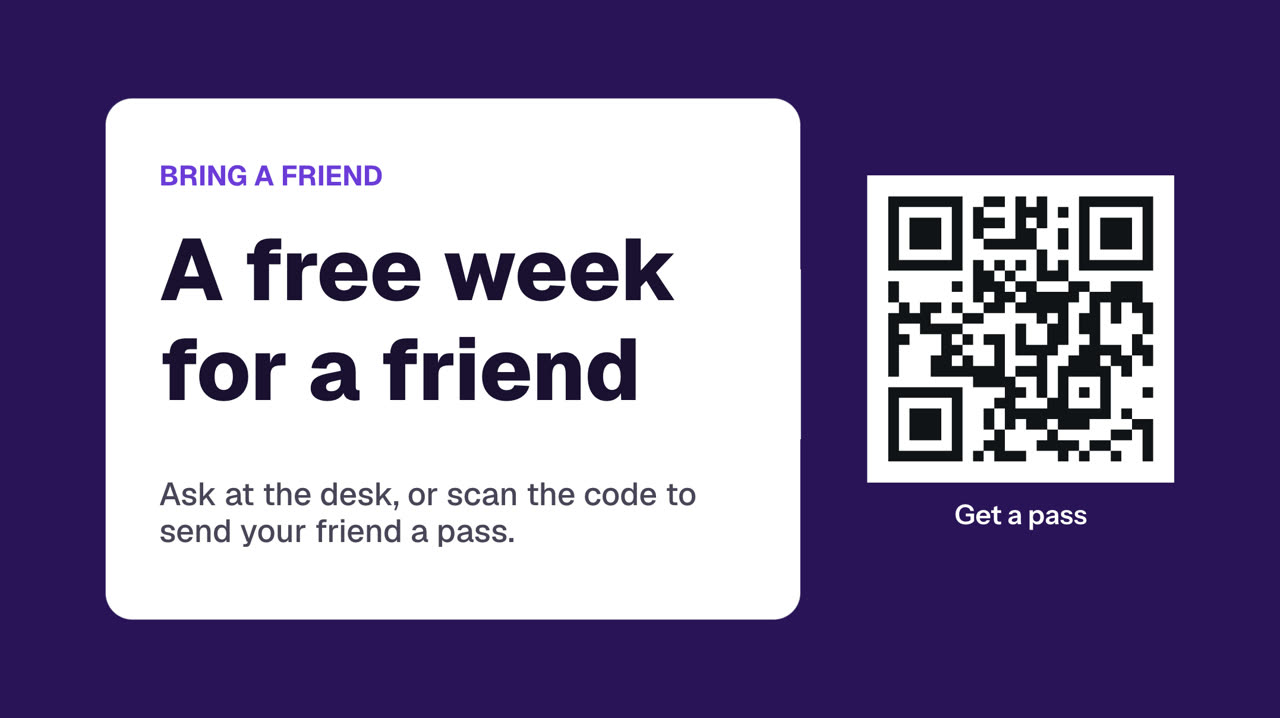
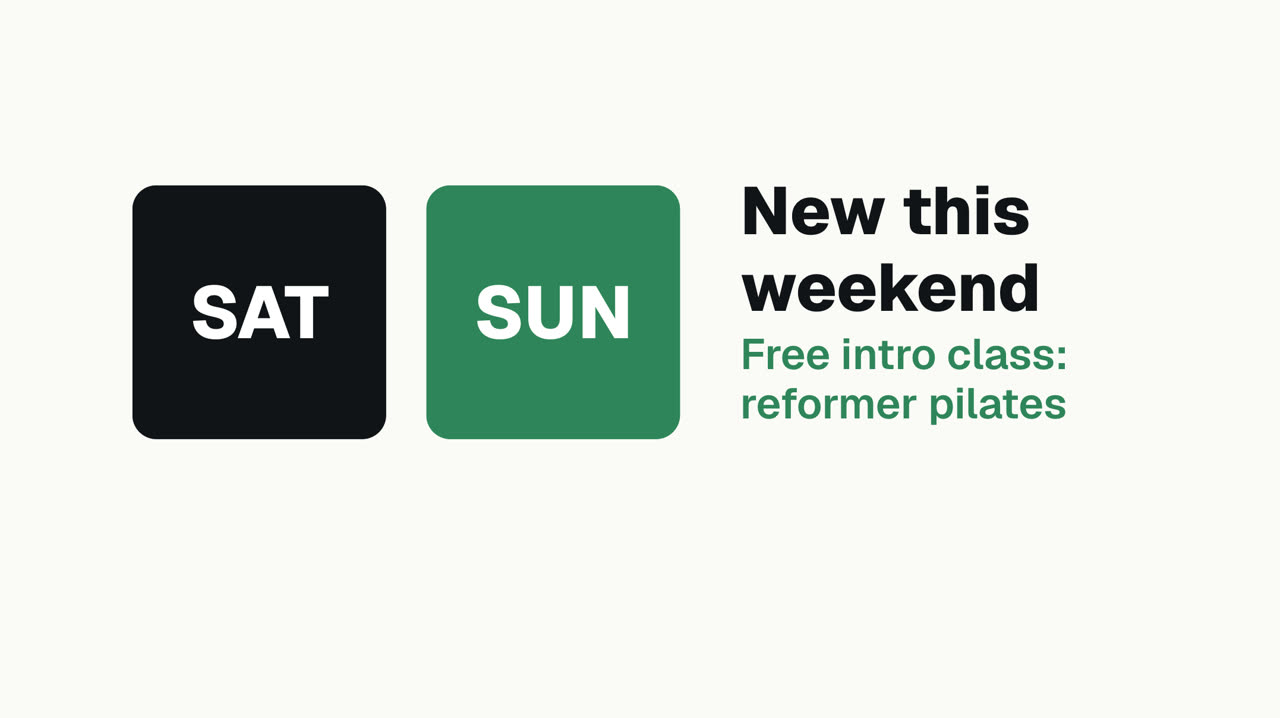
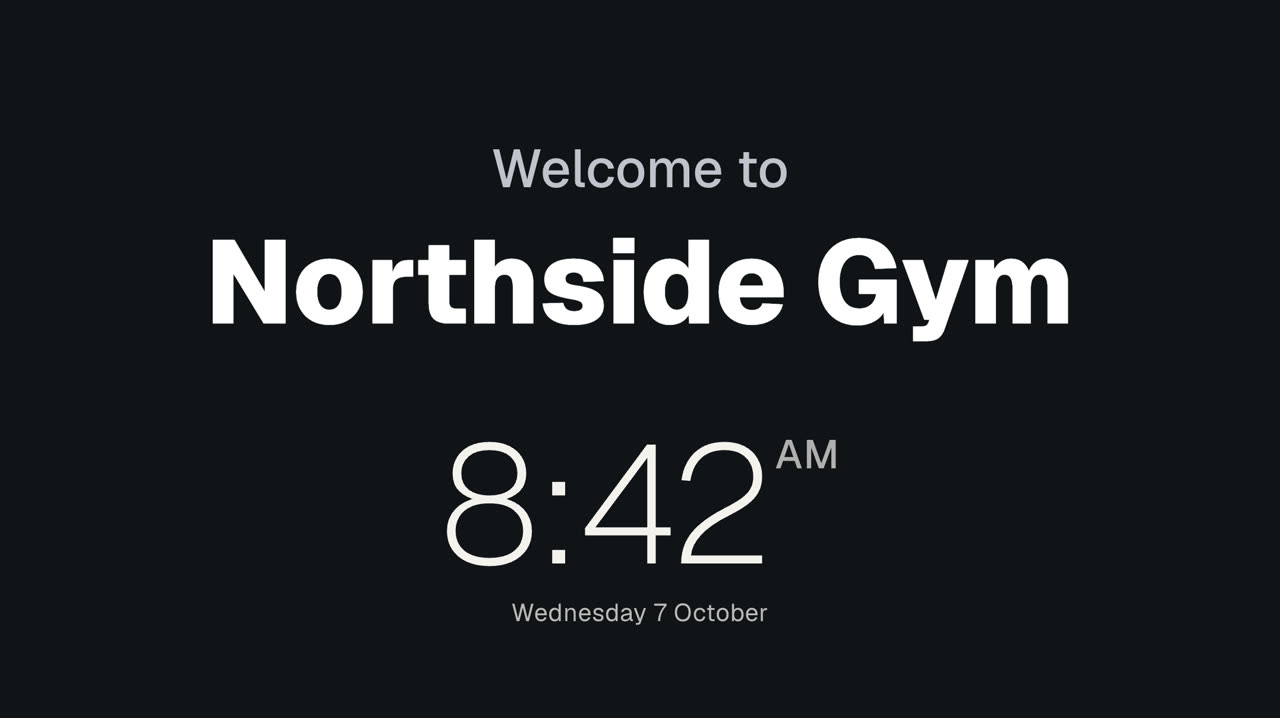
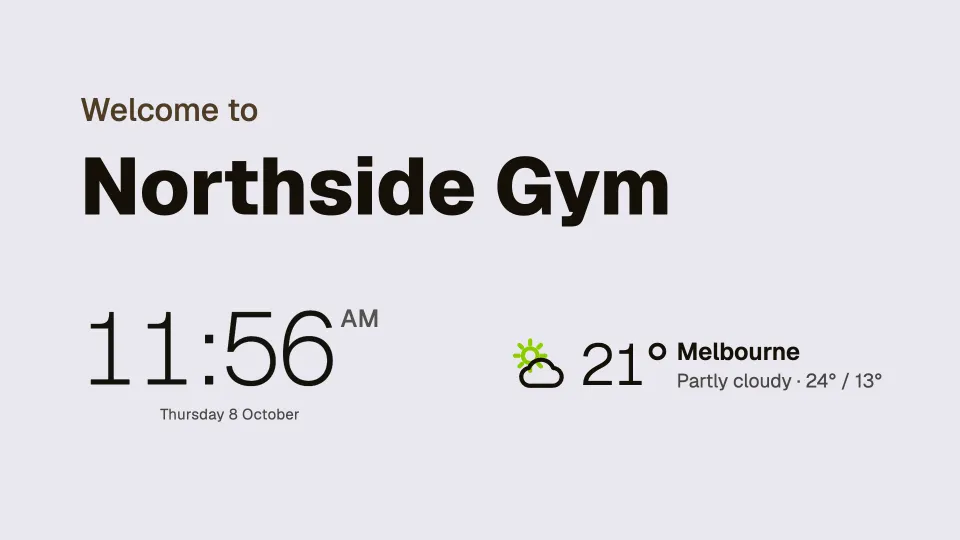
Real signs from Northside Gym, a made-up gym. Each started as a template.
 Tap anywhere to close
 Tap anywhere to closeTap anywhere to close
 Tap anywhere to close
 Tap anywhere to close
 Tap anywhere to close
 Tap anywhere to close
20 ready-made screens for gyms and studios
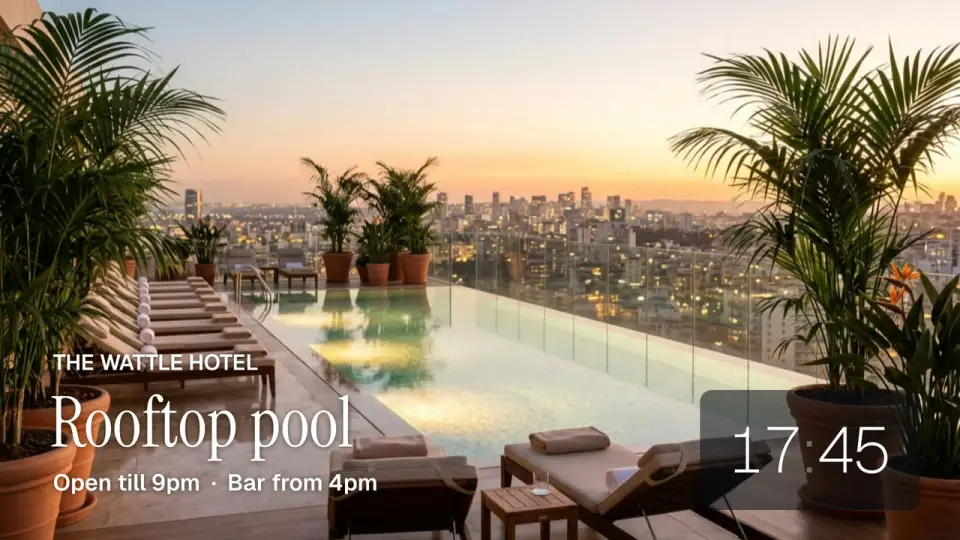
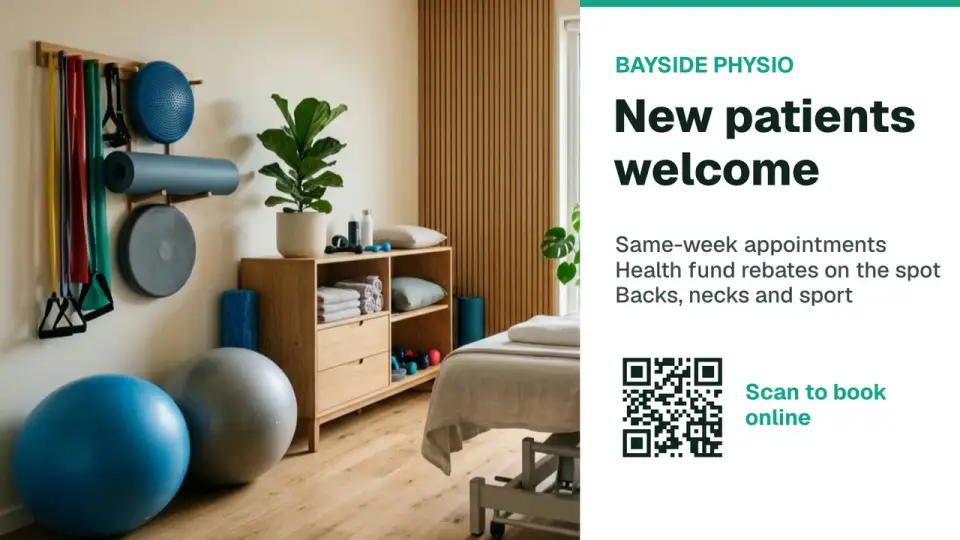
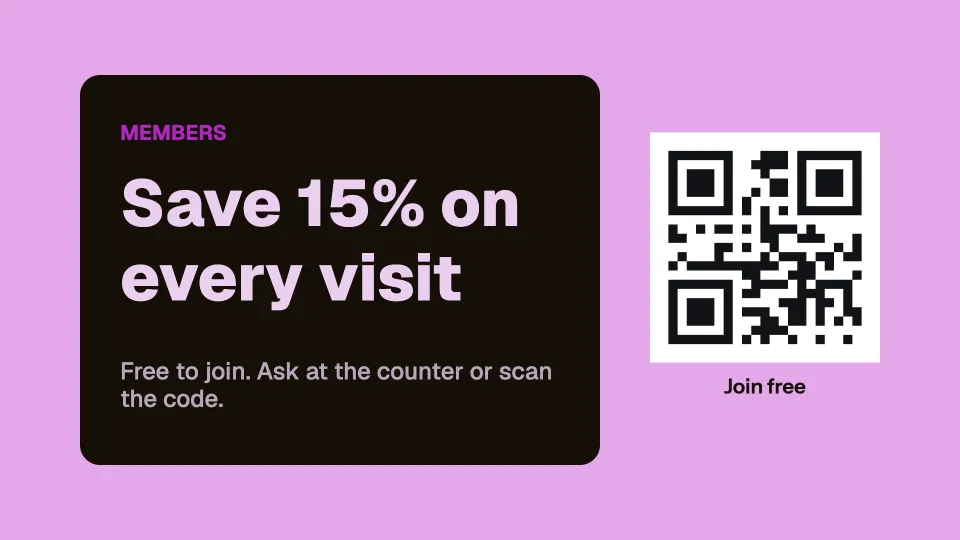
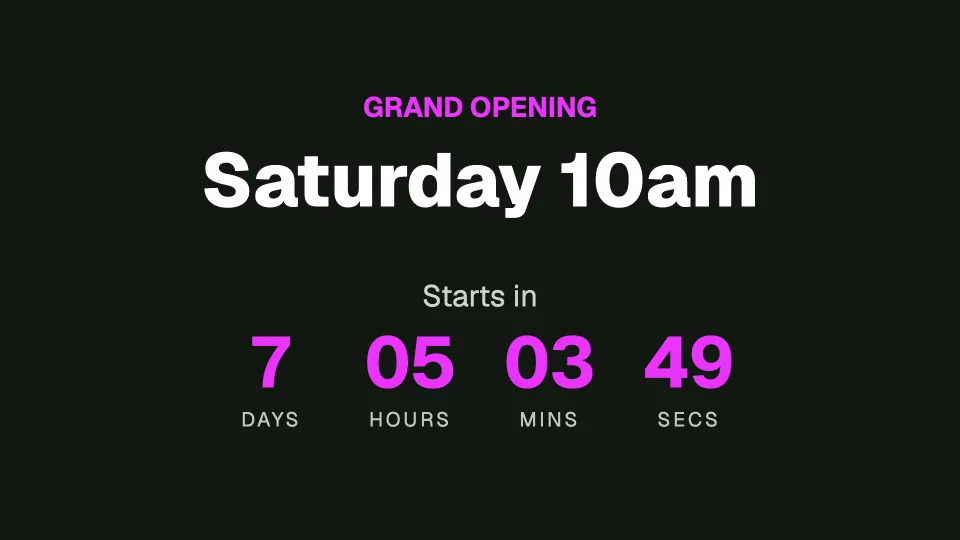
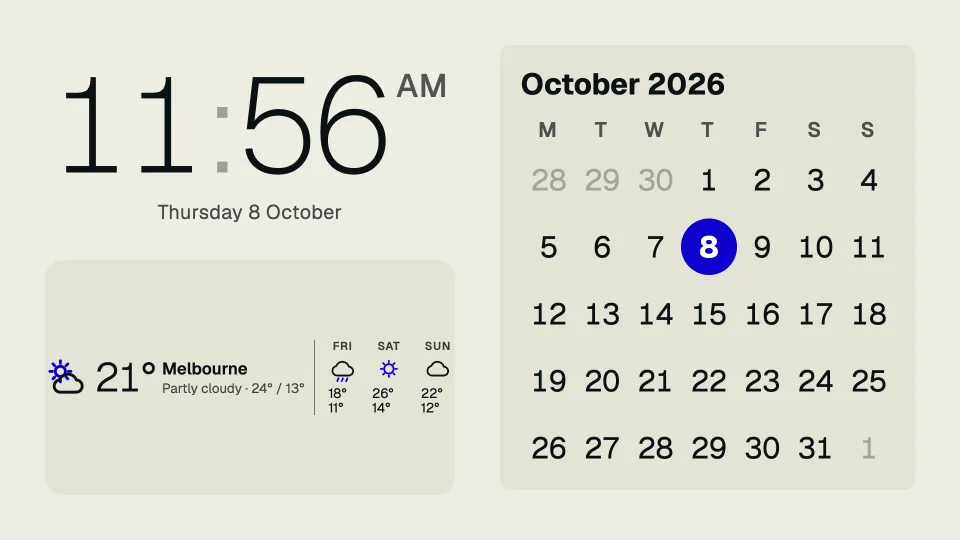
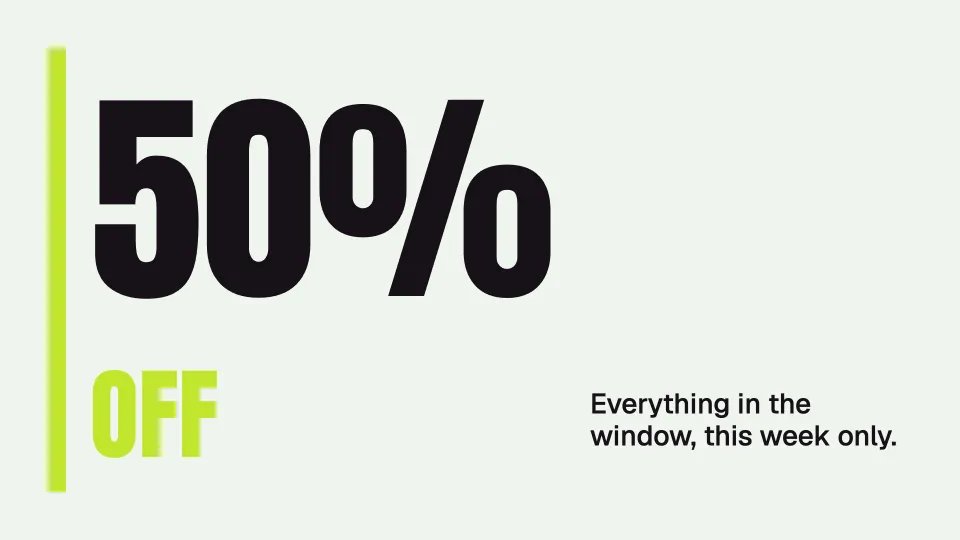
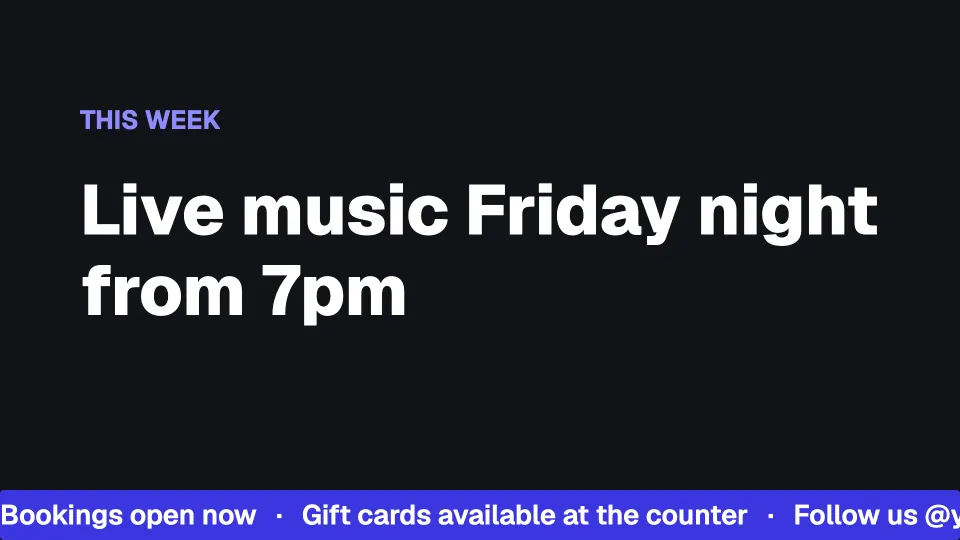
Menus, offers, queues, boards and rotating quotes, and screens that mix a clock, the weather, a calendar or a QR code. Start from any of them and change the words, photos and colours to your own. The ones marked With your photo show a screen with a photo of your own.
 Tap anywhere to close
 Tap anywhere to close
 Tap anywhere to close
 Tap anywhere to close
 Tap anywhere to close
 Tap anywhere to close
 Tap anywhere to close
 Tap anywhere to close
 Tap anywhere to close
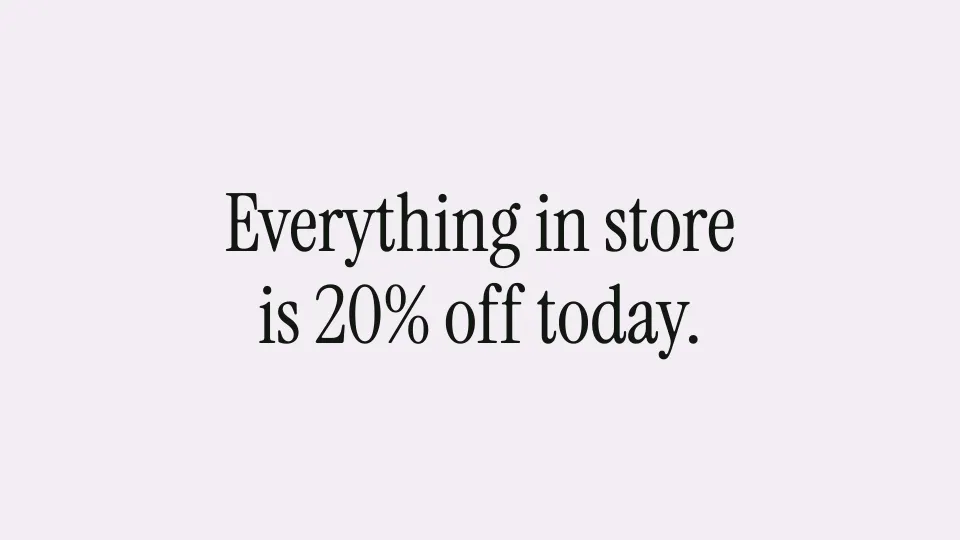 Tap anywhere to close
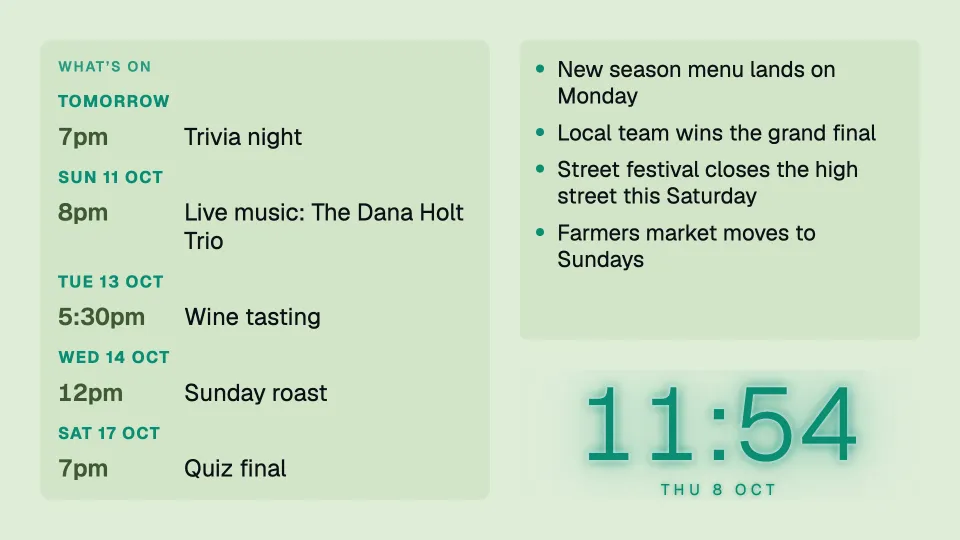 Tap anywhere to close
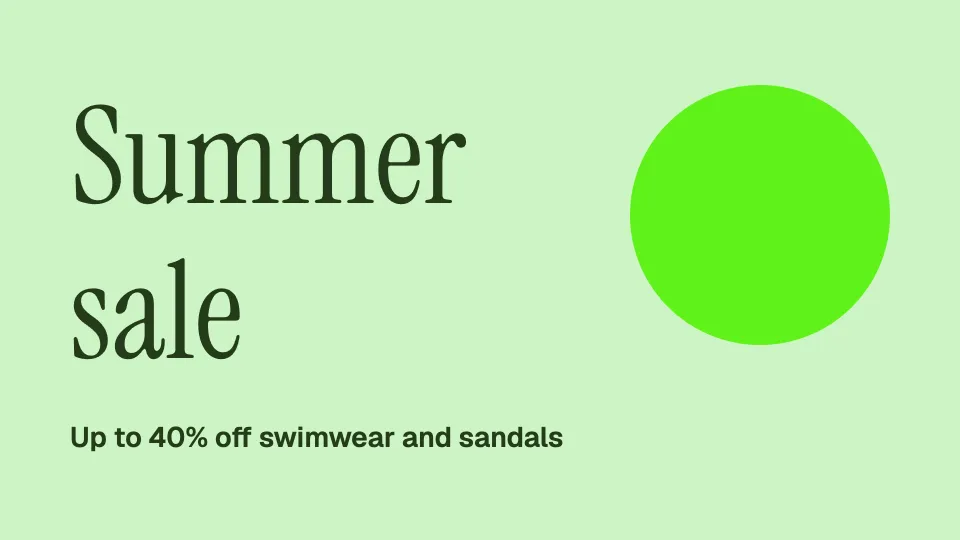 Tap anywhere to close
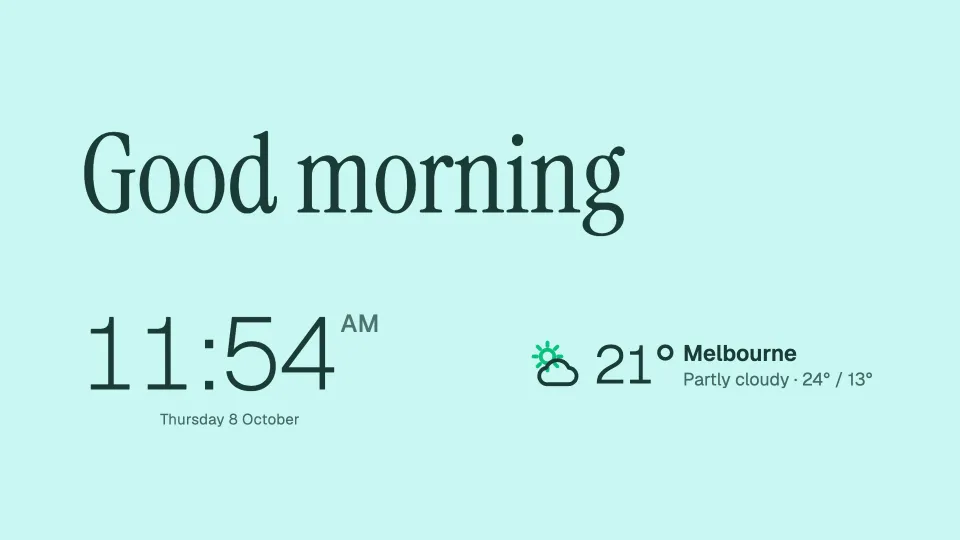 Tap anywhere to close
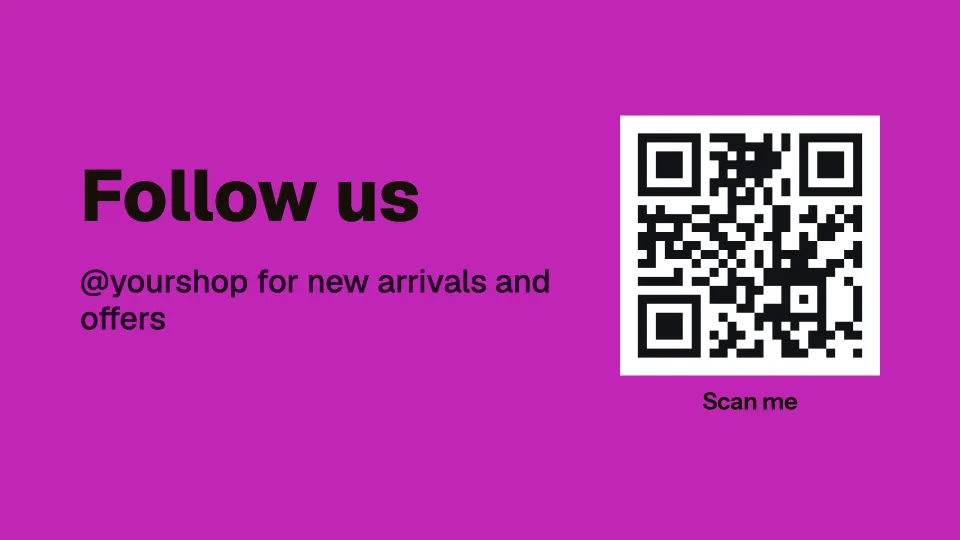 Tap anywhere to close
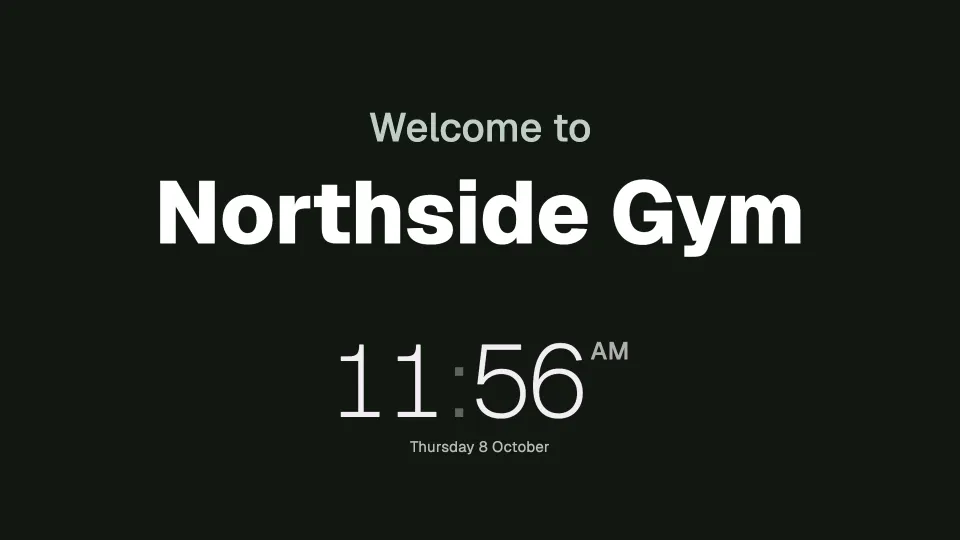 Tap anywhere to close
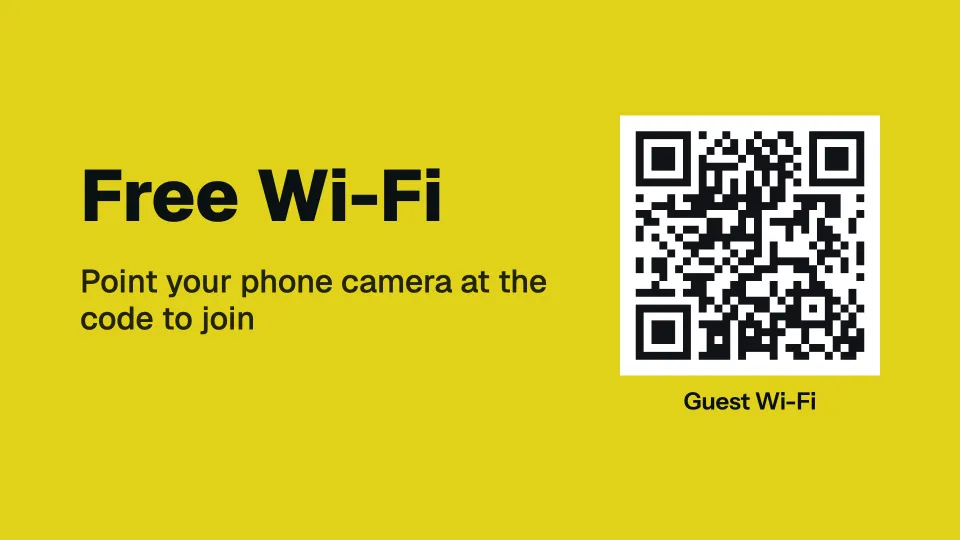 Tap anywhere to close
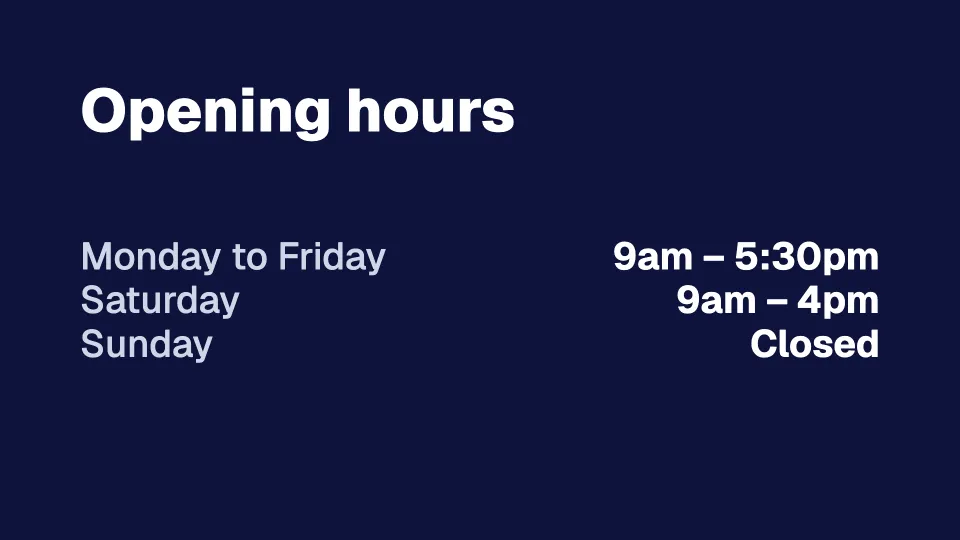 Tap anywhere to close
In portrait too
Every template has its own design for a TV hung on its side. Pick landscape or portrait when you start.
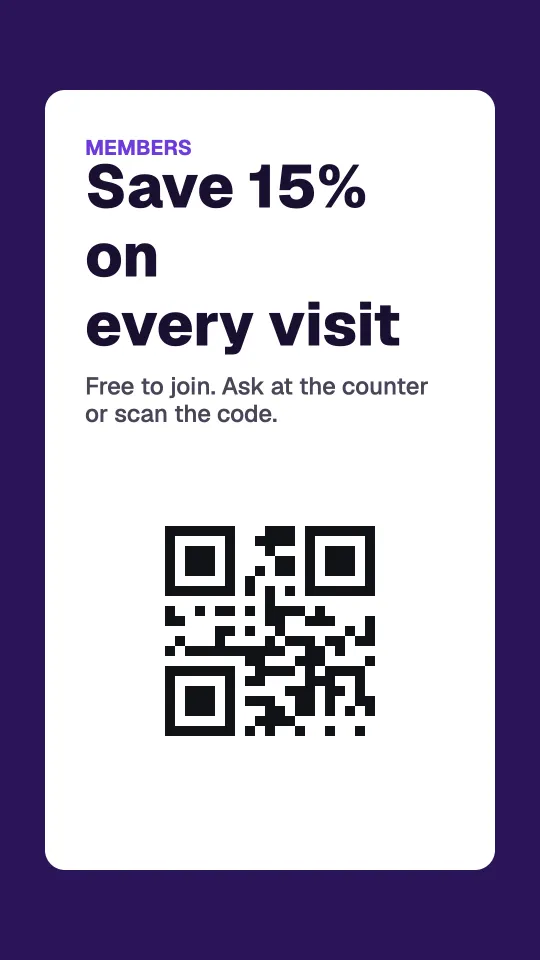 Tap anywhere to close
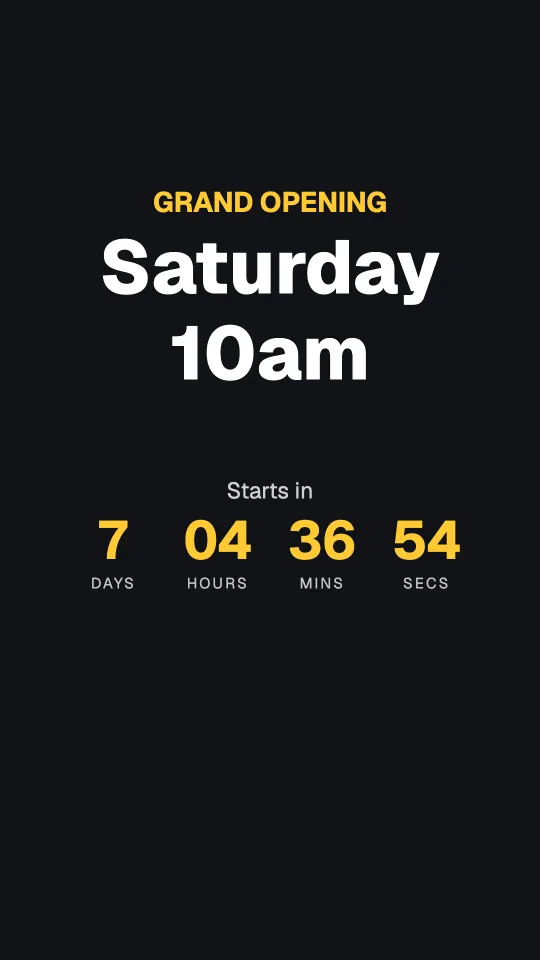 Tap anywhere to close
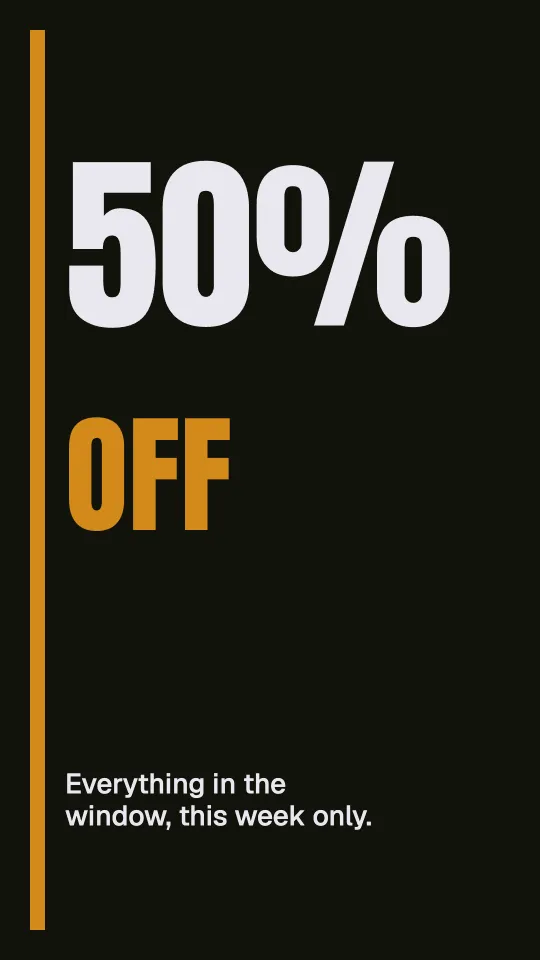 Tap anywhere to close
Every design here works in any colour, and you can add, move or remove any part of it. Try them free
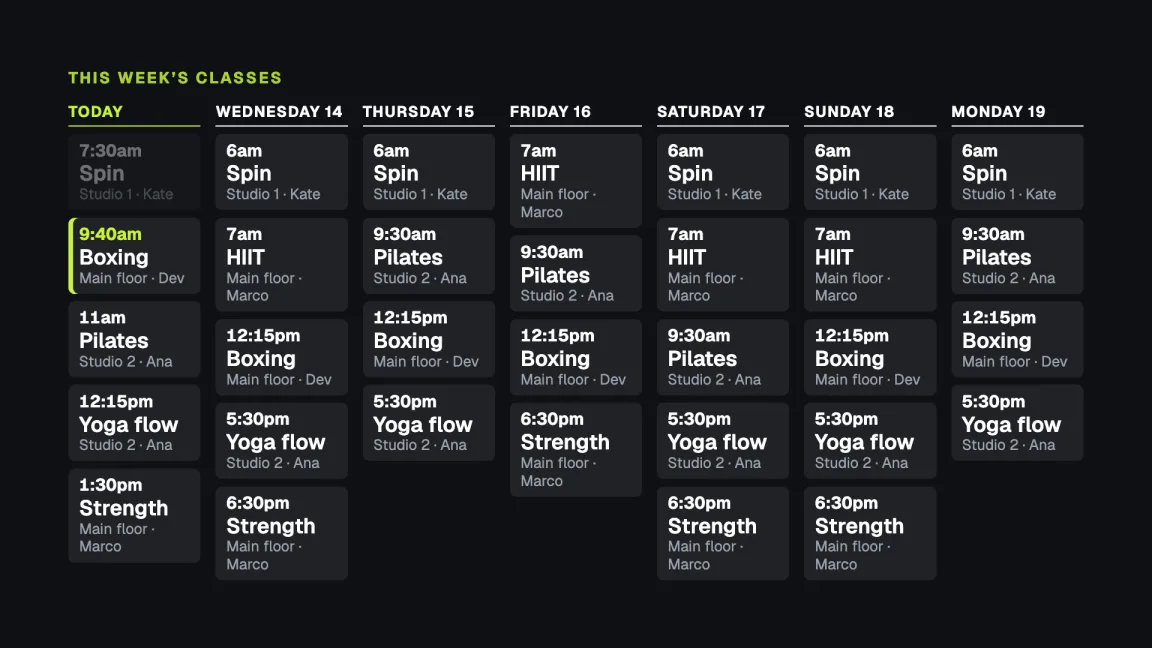
Your timetable, straight from your booking system.
Paste your class calendar link once and the screens show the week’s classes, today first. Change a class in your booking system and the screens catch up within 15 minutes, with nothing to retype.
- The class on now is picked out; finished ones fade
- This week, today, or the next few days; side by side, or stacked on a TV on its side
- Works with TeamUp, Punchpass, Mindbody (each instructor’s link), Google Calendar, Outlook and Apple calendars
Your numbers, live on the wall.
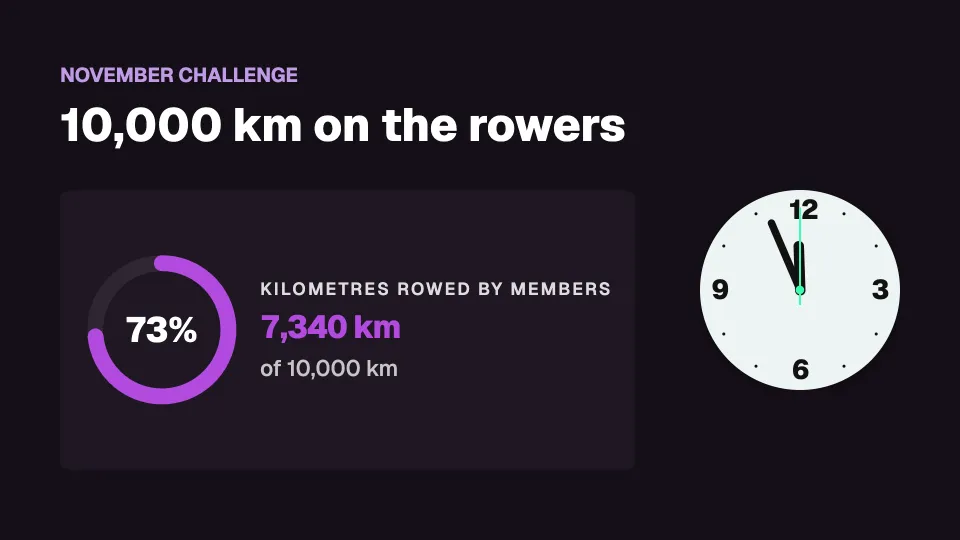
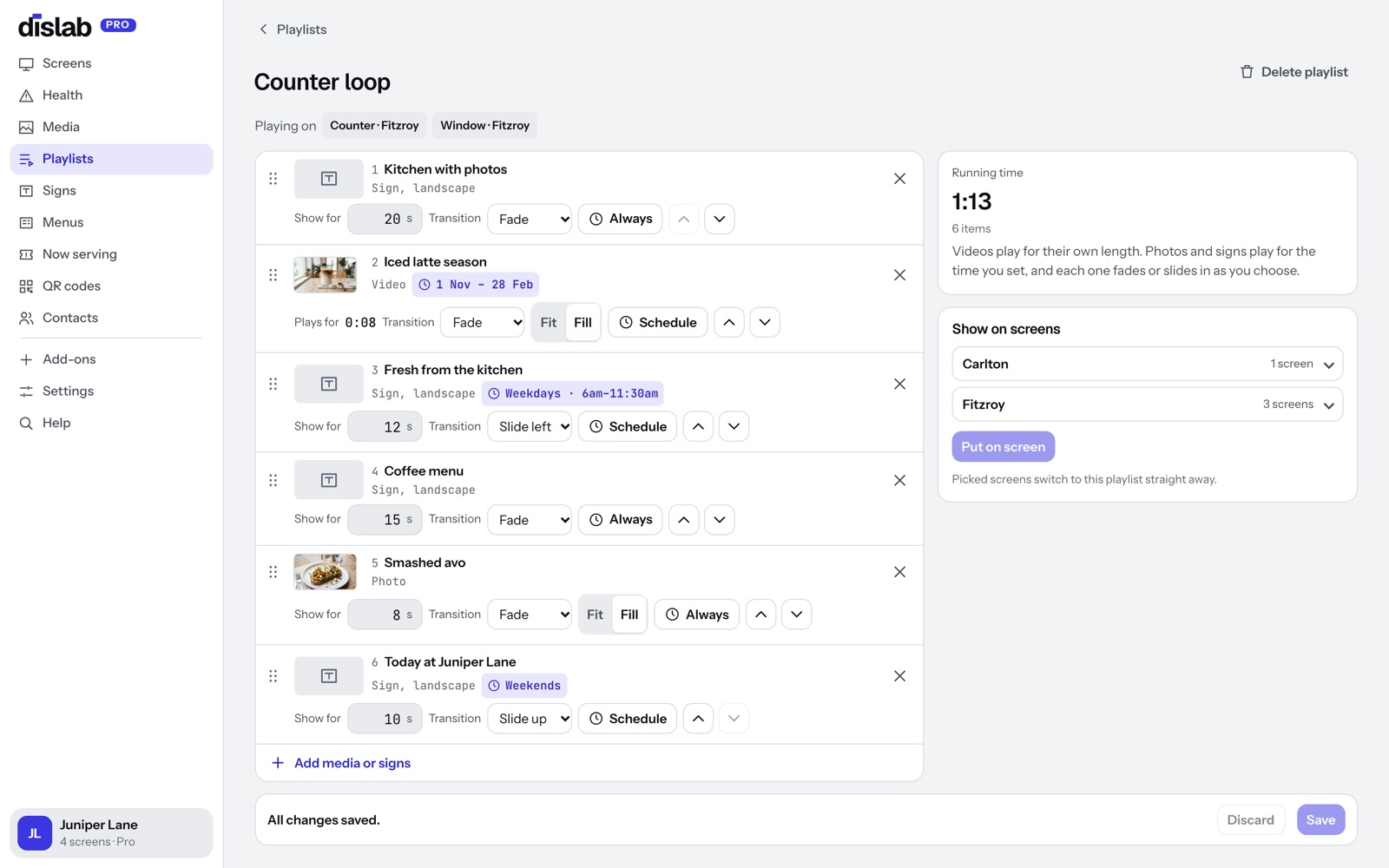
Kilometres rowed, members checked in, money raised: send a number from your booking or access system with an API key, or type it in. The screens show it within seconds.
- A goal bar or ring towards a target
- Numbers in a split-flap row
- Shows “—” if a number stops updating, if you choose
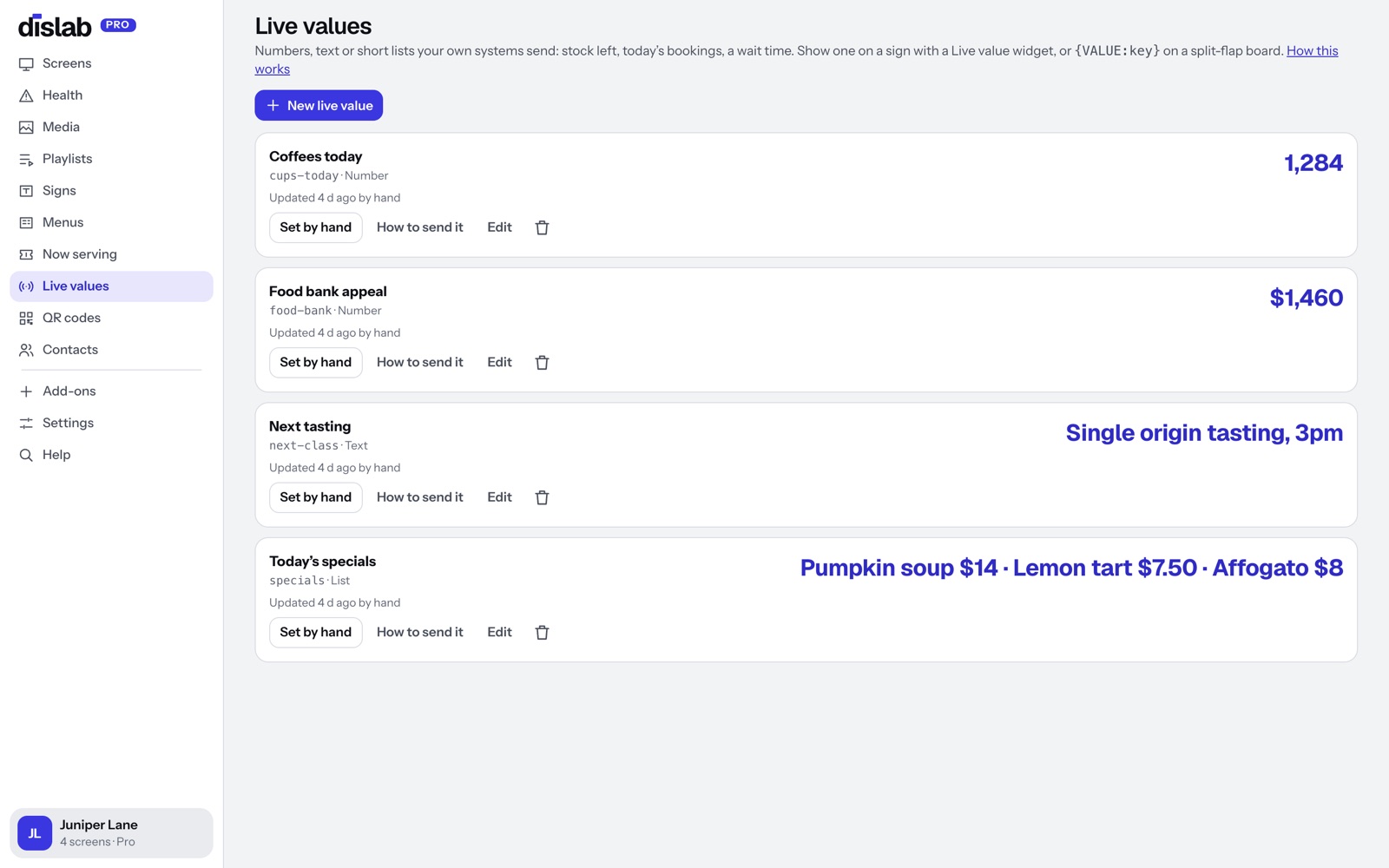
The right sign at the right hour.
Show the early classes in the morning, the evening timetable after work, and the summer challenge only until it starts.
- Days, times and start and end dates on any item
- Opening hours: screens go dark or show a closed sign after hours
- One playlist across every location
Questions
Anything else? Ask us, or look in the help centre.
Can members’ check-ins or bookings show on screen?
Yes, if your system can send a number or a short list with a web request. Copy-paste examples are ready for the command line, Python, JavaScript, Google Sheets and Zapier.
Will it work in a portrait screen by the entrance?
Yes. Set the screen’s rotation once and signs are drawn upright.
What do I need on each TV?
A Fire TV Stick running the Dislab app, or a computer or iPad with Chrome, Edge or Safari open at play.dislab.app.
Dislab for other businesses
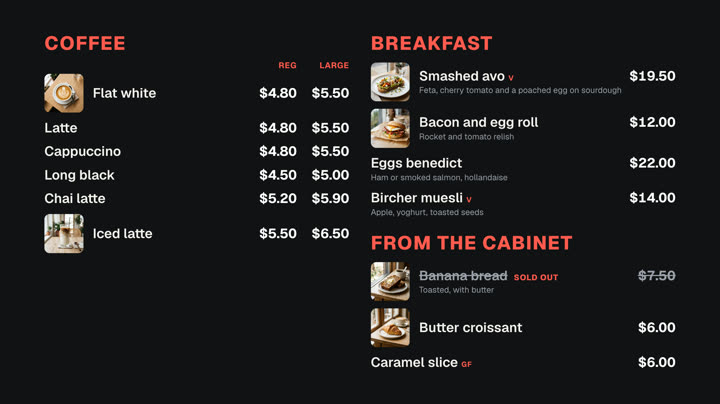 Cafés and restaurantsMenu boards, specials and sold out from a phone.
 Shops and retailNew arrivals, sales and prices in the window.
 Hair salons and beautyPrice lists, offers and opening hours.
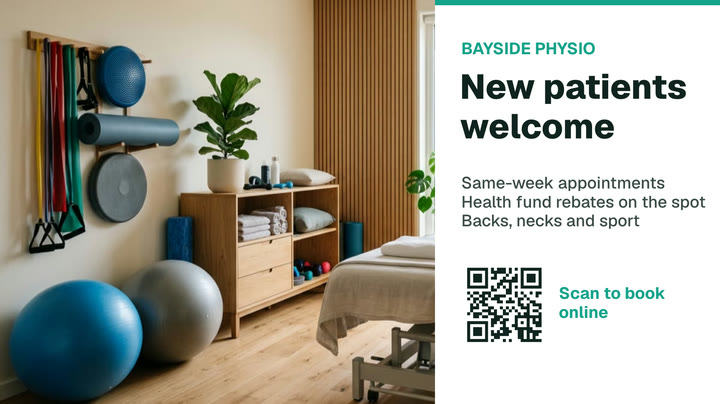 Clinics and waiting roomsQueue numbers, wait times and hours.
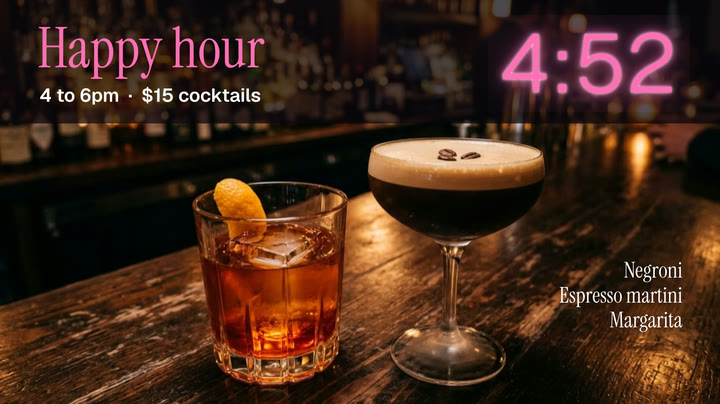 Bars and pubsDrinks lists, happy hour, gigs and parties.
 BarbershopsWalk-in queues, wait times and prices.
Put your timetable on screen today.
Everything on this page is built into Pro: A$9.99 per screen a month, up to 20 screens, no setup fee and no contract. Try every Pro feature free for 14 days, or keep one screen free with photos, videos, playlists and signs, with a small “Powered by dislab.app” badge.