
Your guests’ photos, on your screens, all night.
A birthday, a launch, a long table on a Friday night. Guests scan the QR code on the screens and send their photos straight from their phones. You approve each one, and they keep flowing through your TVs.
Pro Built into Pro: A$9.99 per screen a month, up to 20 screens.
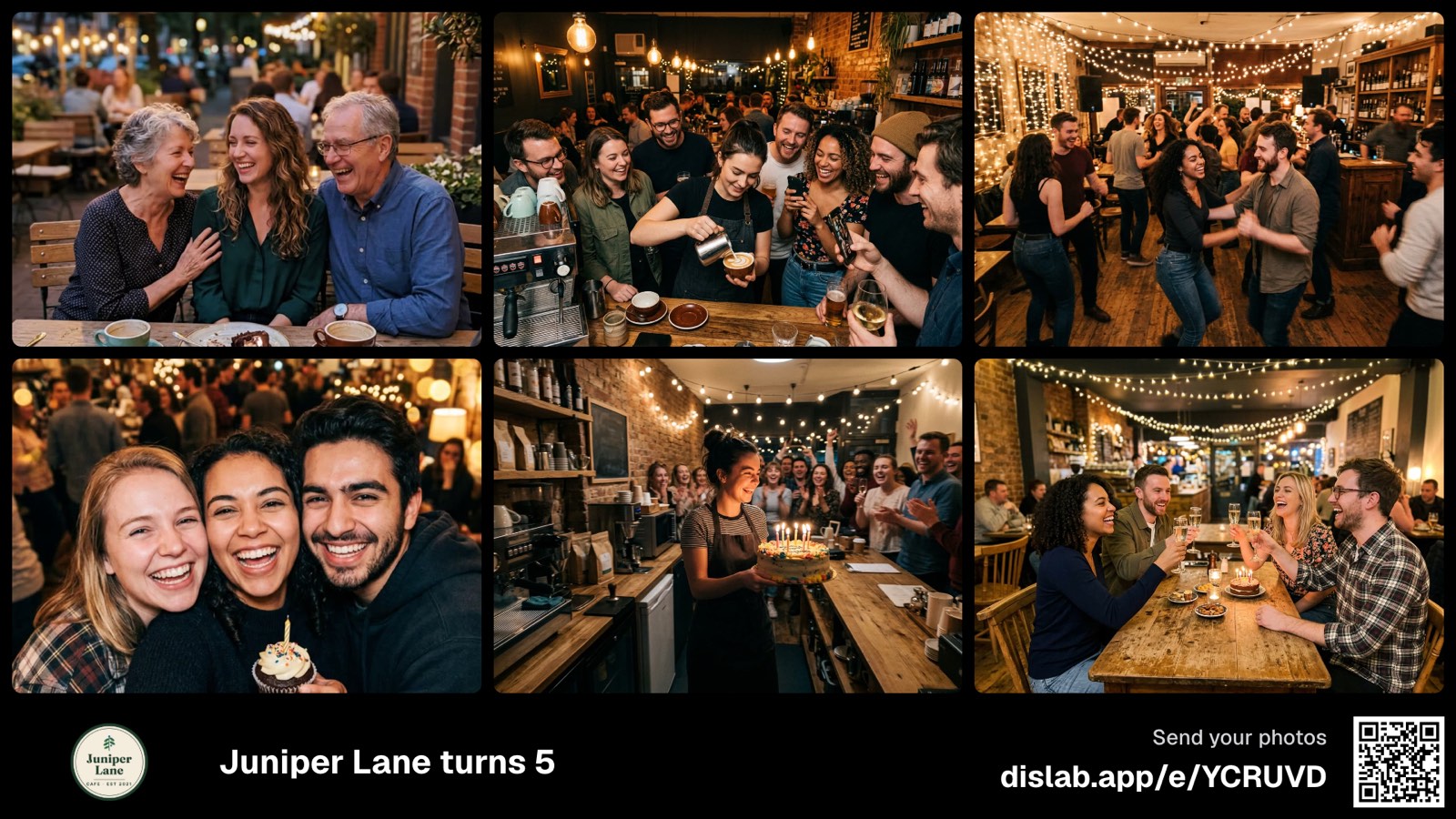
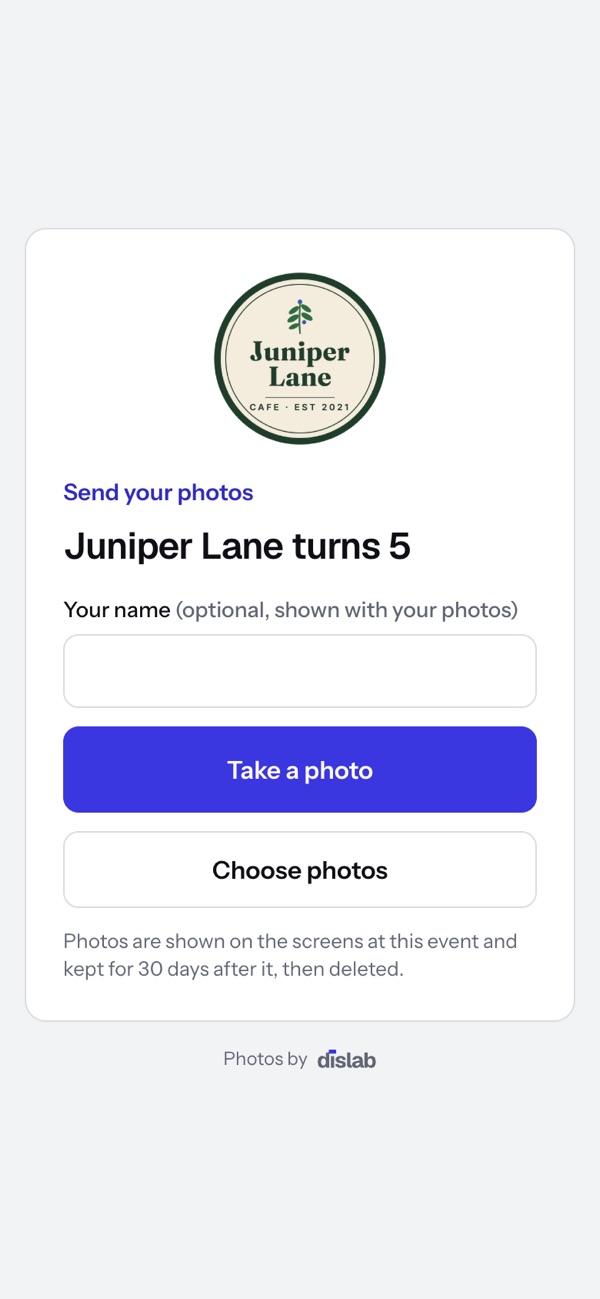
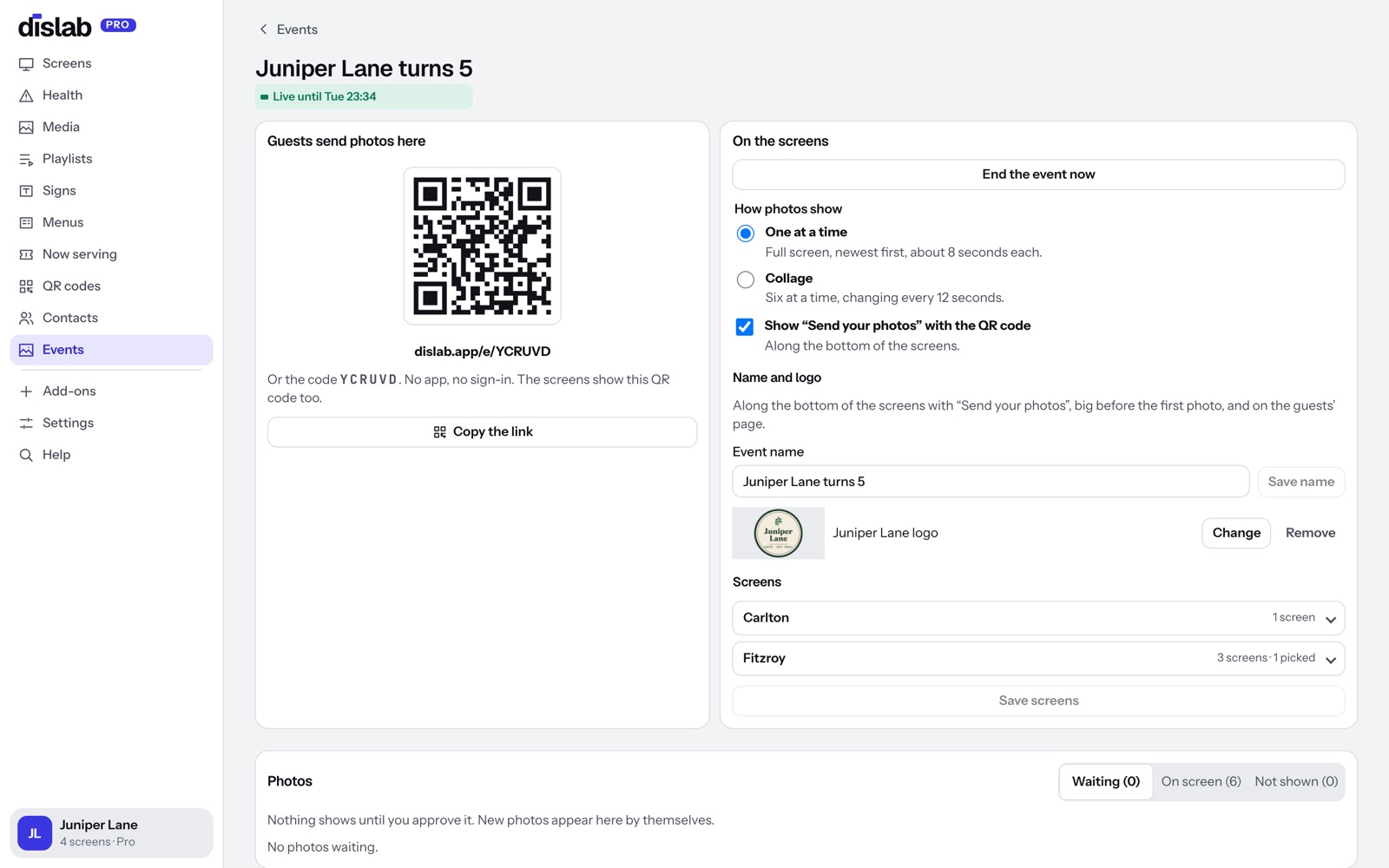
Scan, snap, send. No app, no sign-in.
The screens show a QR code and a short link along the bottom. Guests open it on their phone, add their name if they like, and take a photo or choose a few. That’s it.
- Works on any phone with a camera and a browser
- Their name shows with their photo, if they give one
- Or share the event code: six letters, like a pairing code
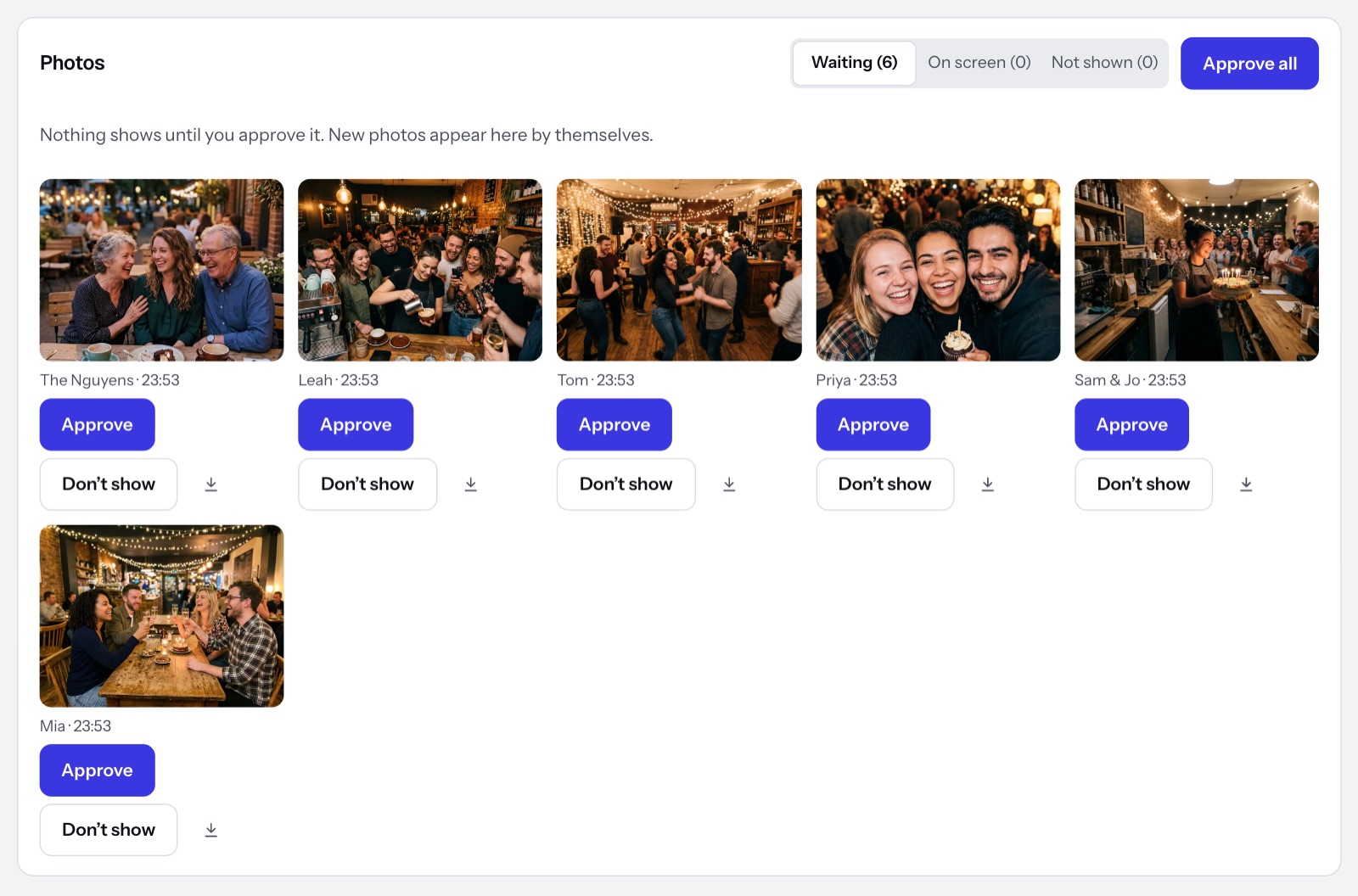
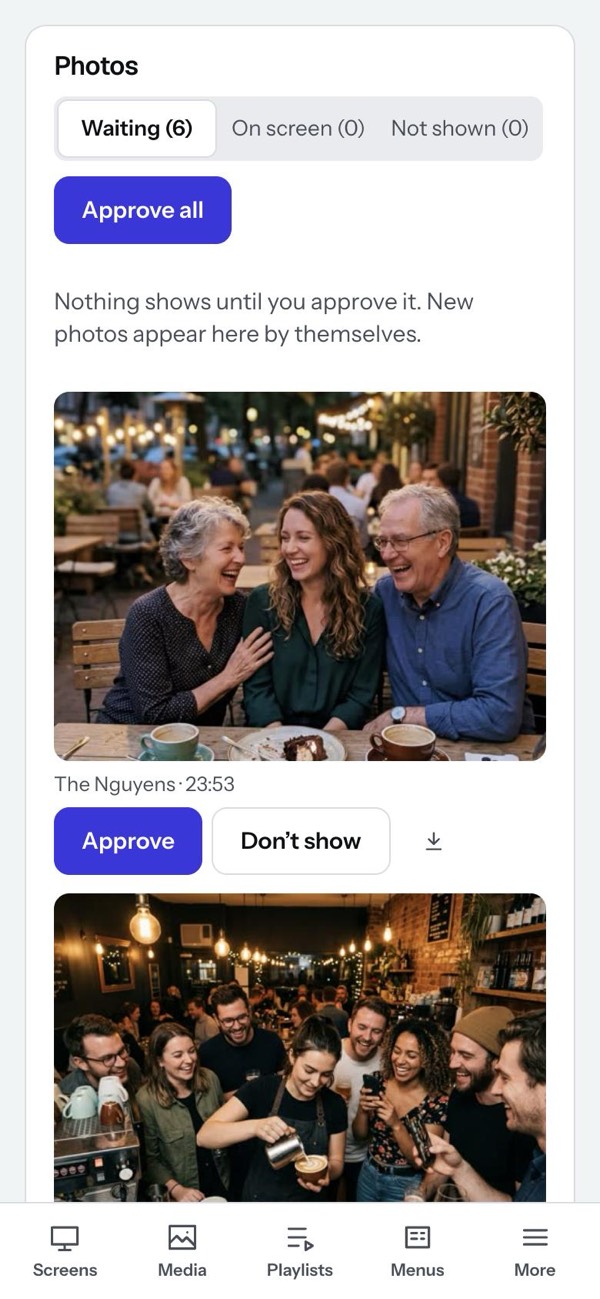
Nothing shows until you approve it.
Photos arrive on the event’s page in the console as they’re sent, on your computer or your phone. Approve them one by one, or all at once when you’re happy. Anything you don’t want stays off the screens.
- New photos appear by themselves, with the sender’s name
- Approve, Don’t show, or Approve all
- Download any photo to keep
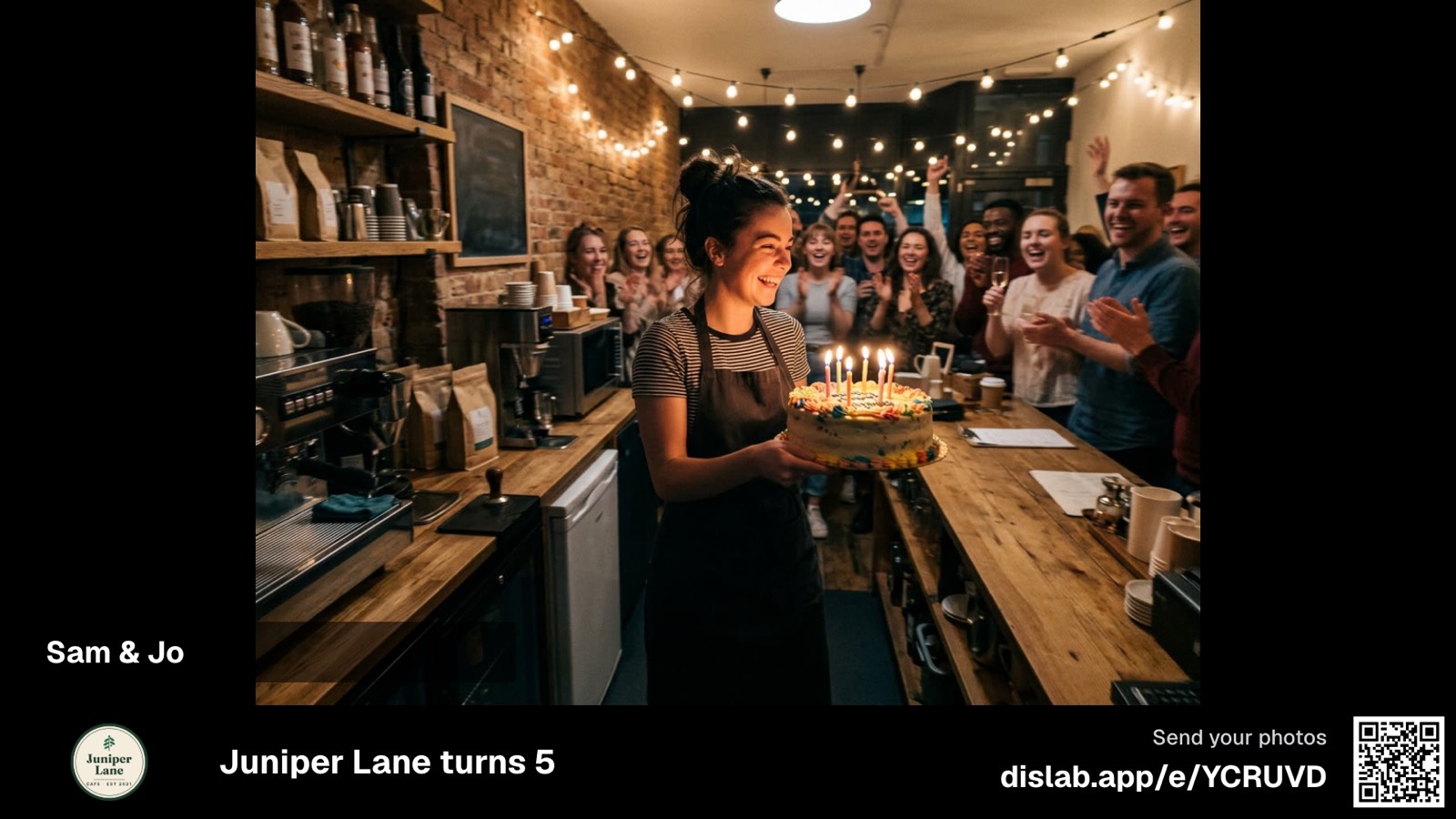
Two ways to show them
Pick a look for each event, and switch whenever you like, even while it’s on. The bar along the bottom, with your logo, the event’s name and the QR code, is optional.
 Tap anywhere to closeTap anywhere to close
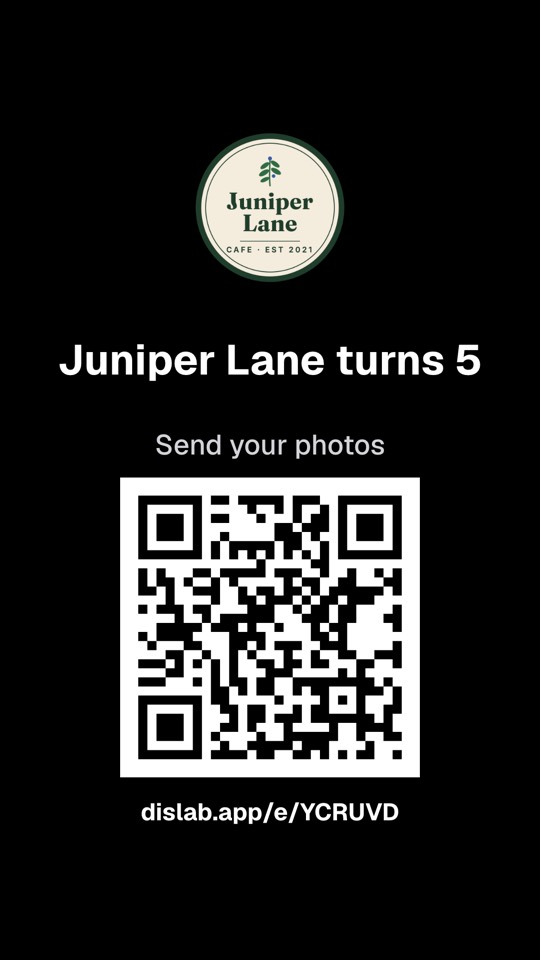
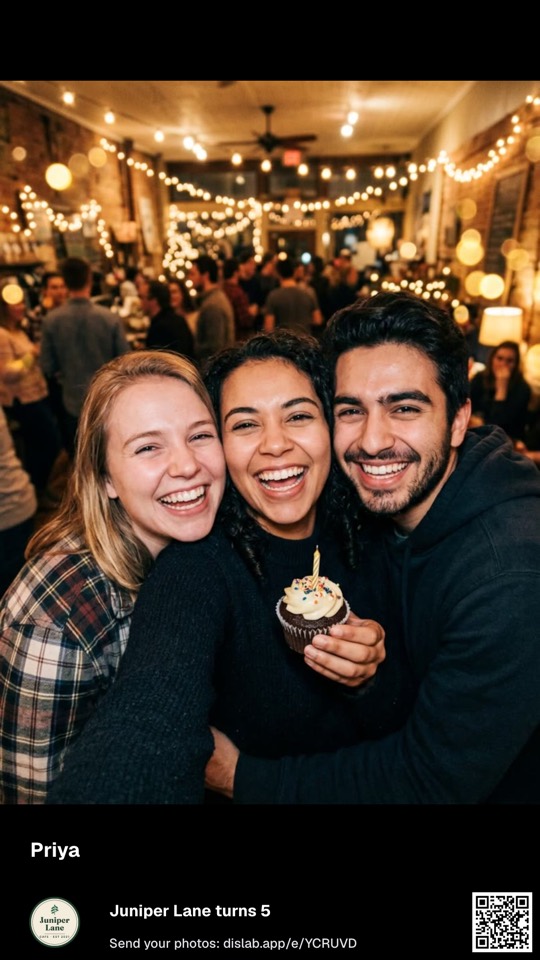
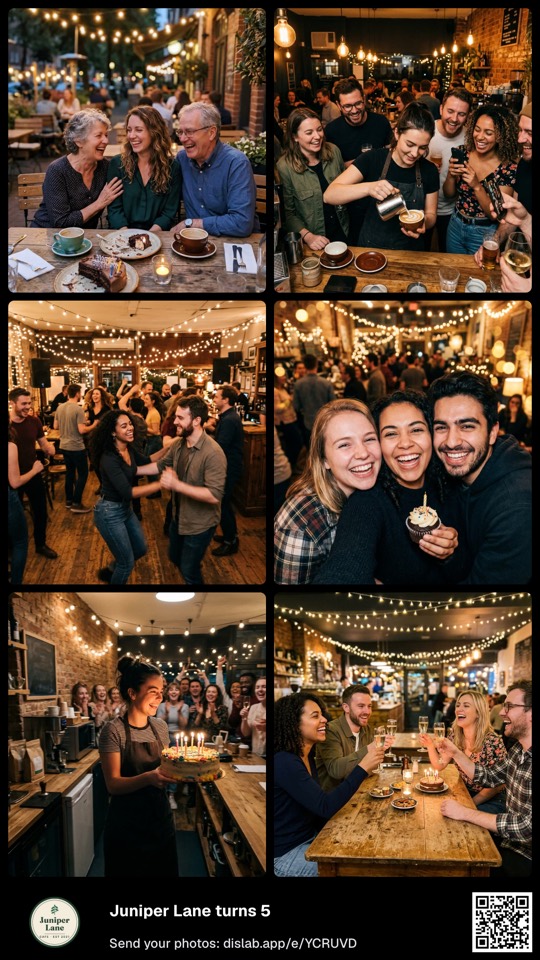
Portrait screens too
Turn a TV on its side and the event fits it: the same photos, your logo and the QR code, laid out for a tall screen.
 Tap anywhere to close
 Tap anywhere to close
 Tap anywhere to close
Name it, add your logo, start.
Make an event, add your logo, choose which screens it takes over, and start it for as many hours as you need. While it’s on, those screens show the photos. When it ends, they go back to their usual playlist.
- Your logo and the event’s name on the screens and on the guests’ page
- Runs for 1 to 72 hours, or end it with a press
- Any screens, in any of your locations, portrait ones too
- Up to 2,000 photos an event, up to 30 MB each
Questions
Anything else? Ask us, or look in the help centre.
Do guests need an app or an account?
No. They scan the QR code or open the link on their phone, and send. JPEG, PNG, HEIC (iPhone) and WebP photos all work.
Can someone put something rude on my screens?
Not without you. Every photo waits for your approval before it shows, and anything you mark Don’t show never reaches a screen.
How long are the photos kept?
For 30 days after the event ends, so you can download the ones you want. Then the event and its photos are deleted. They never count toward your storage.
What happens to my screens after the event?
They go straight back to their usual playlist or sign.
Which plan is it on?
Pro, at A$9.99 per screen a month.
More of what Dislab does
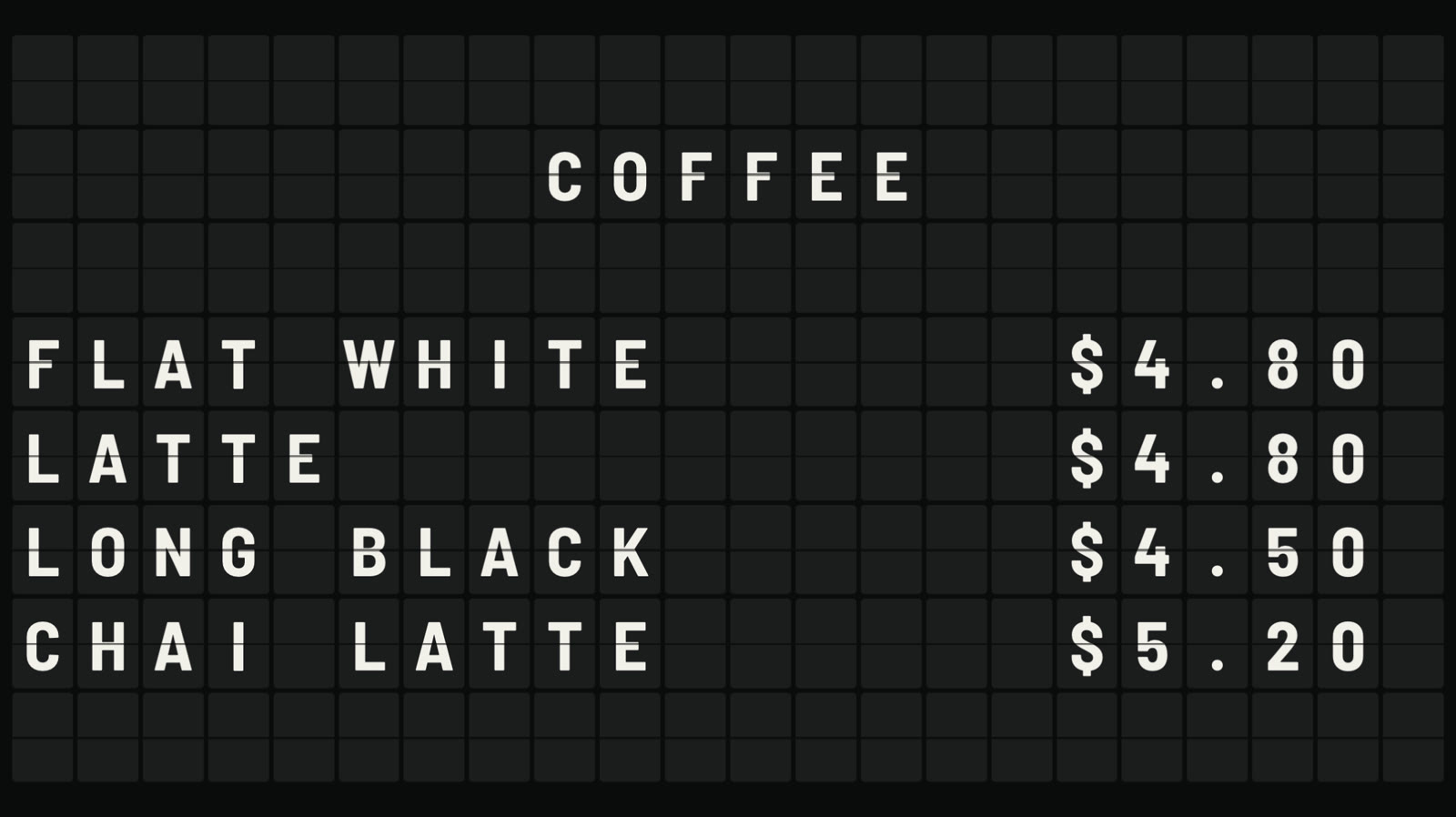 Split-flap boardLetters that flip into place, like an airport board.
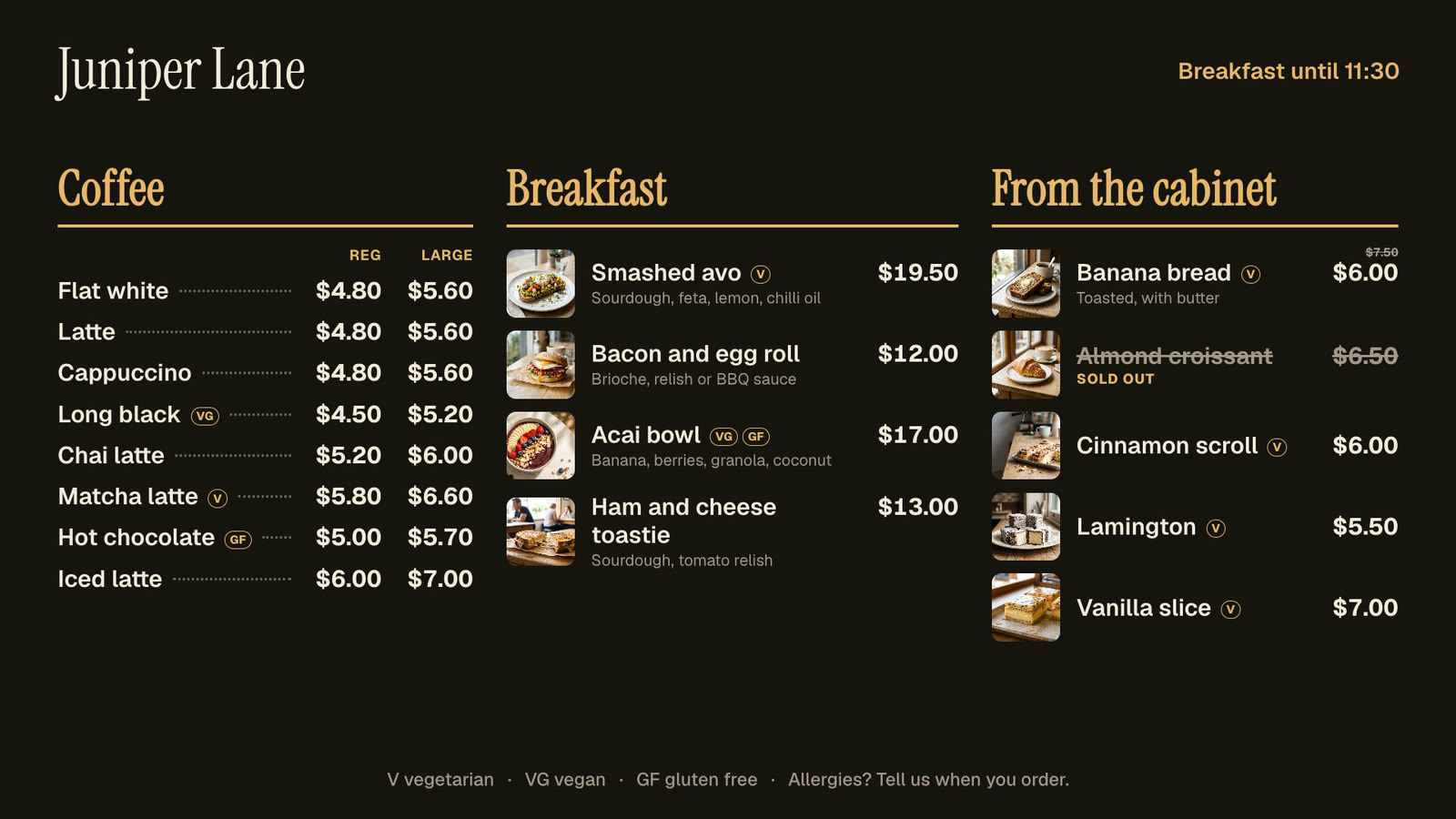 Menu boardsPrices in one place, day-parts, and sold out from a phone.
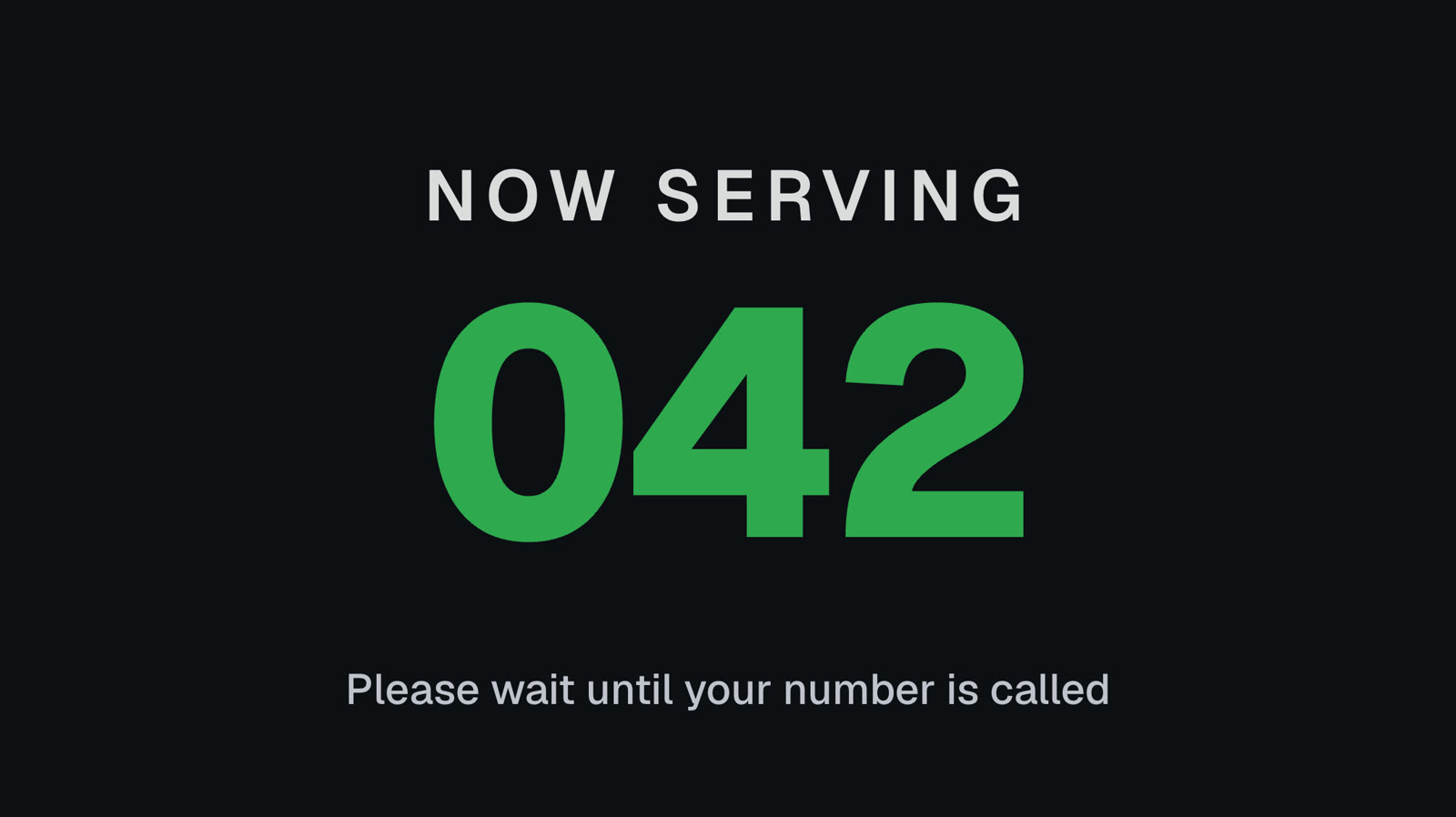 Queue numbersA big Now serving number staff move on from a phone.
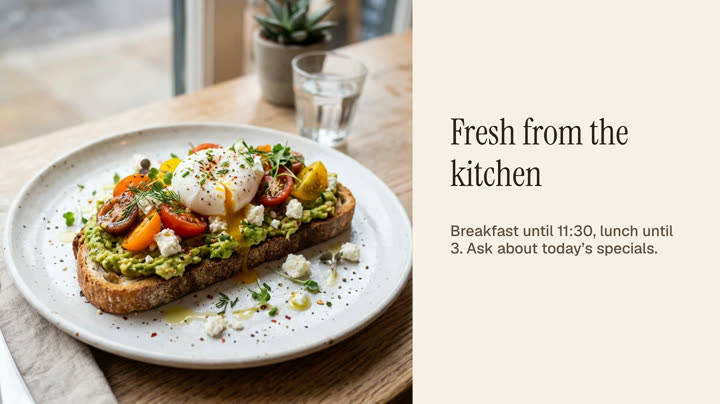 Photos and videosAny phone’s photos and videos, ready for the TV.
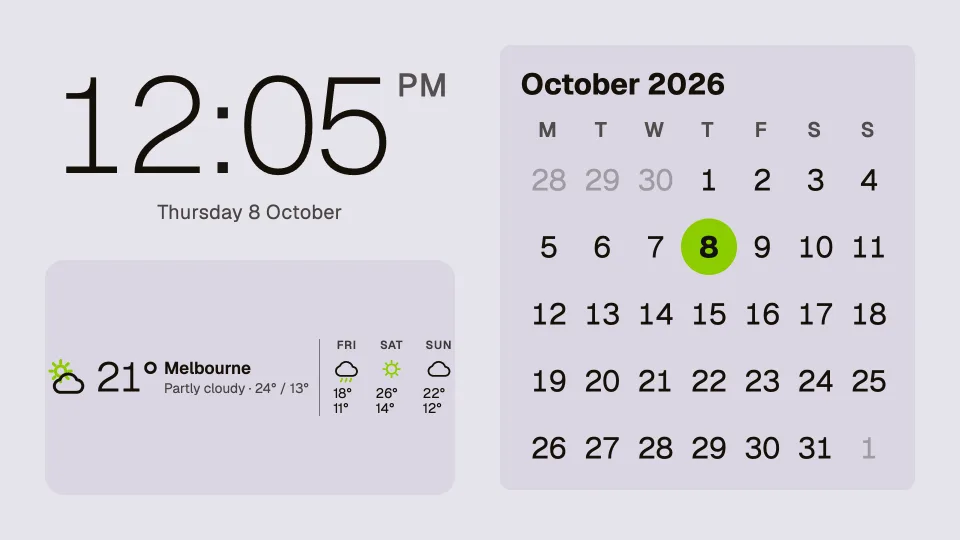 Clocks, dates and weatherTwenty clocks, the weather, a calendar and countdowns.
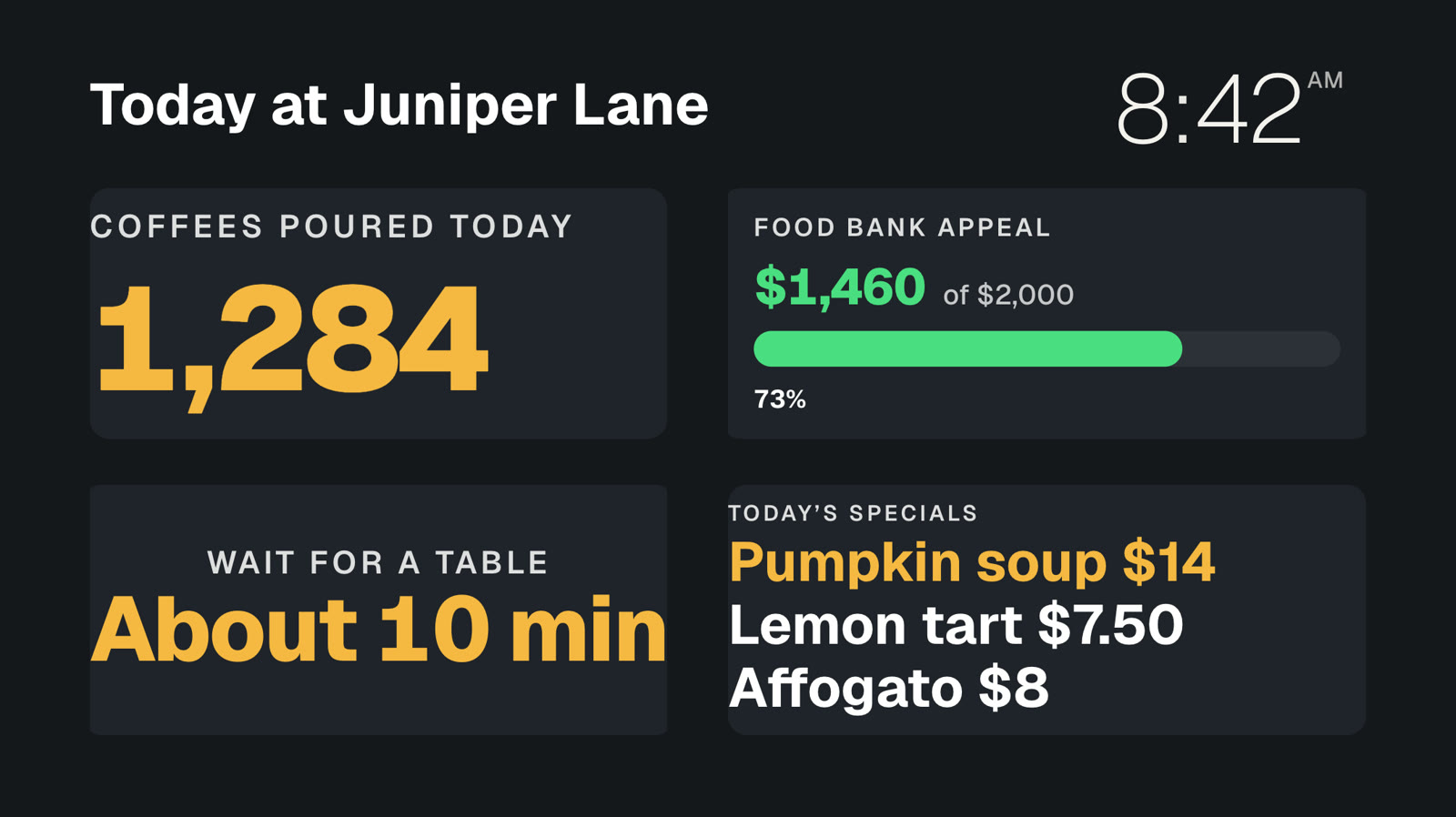 Your own dataNumbers and lists from your systems, live on screen.
Put your next party on screen.
Everything on this page is built into Pro: A$9.99 per screen a month, up to 20 screens, no setup fee and no contract. Event photo walls are Pro only.