
Price lists and screens for hair salons.
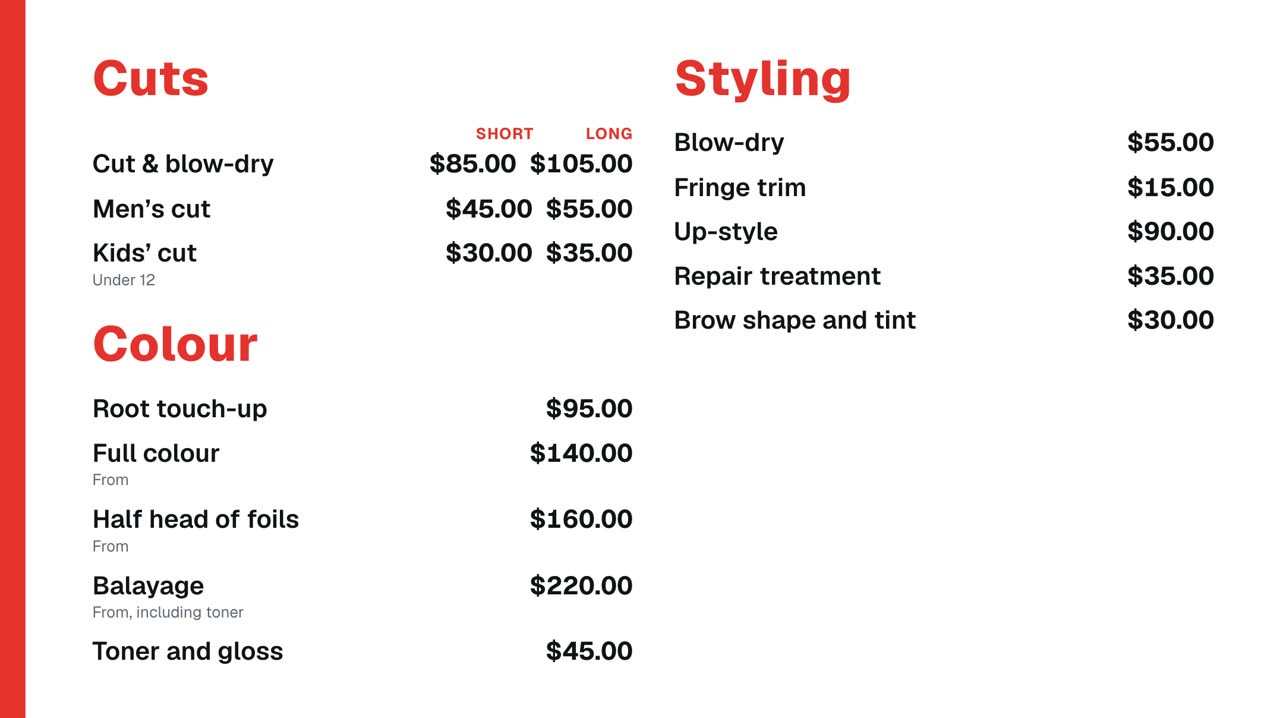
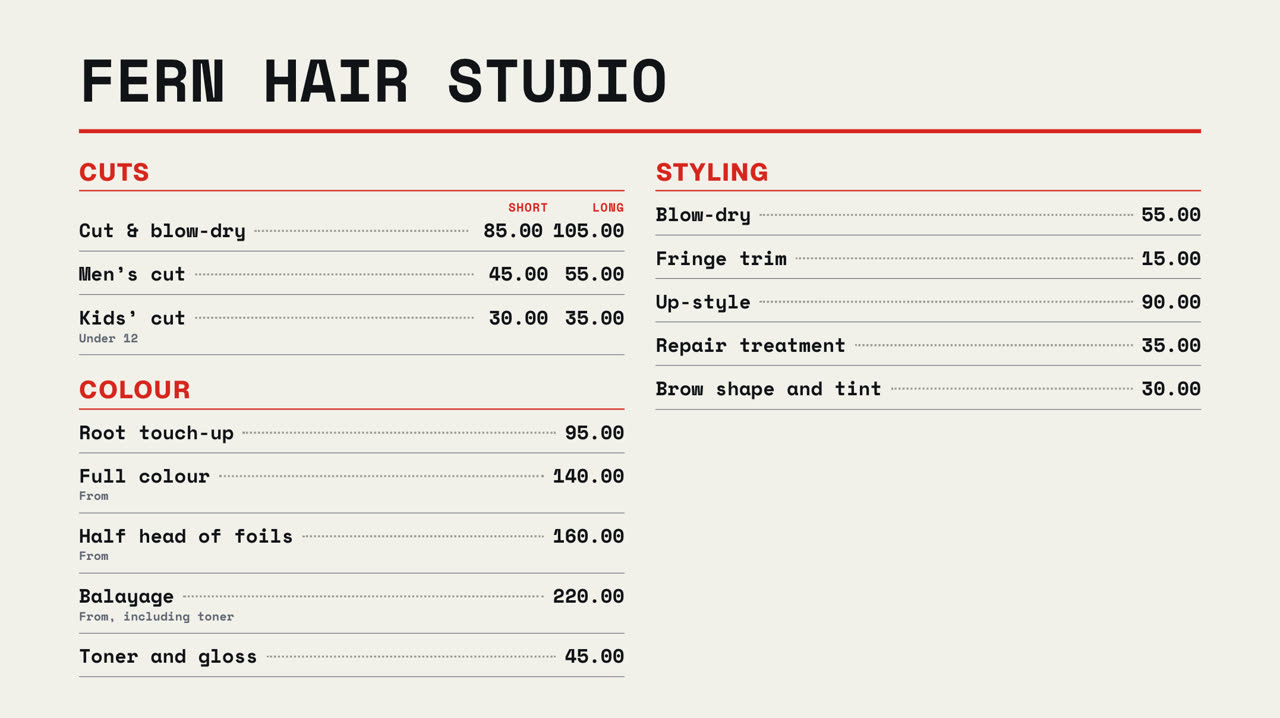
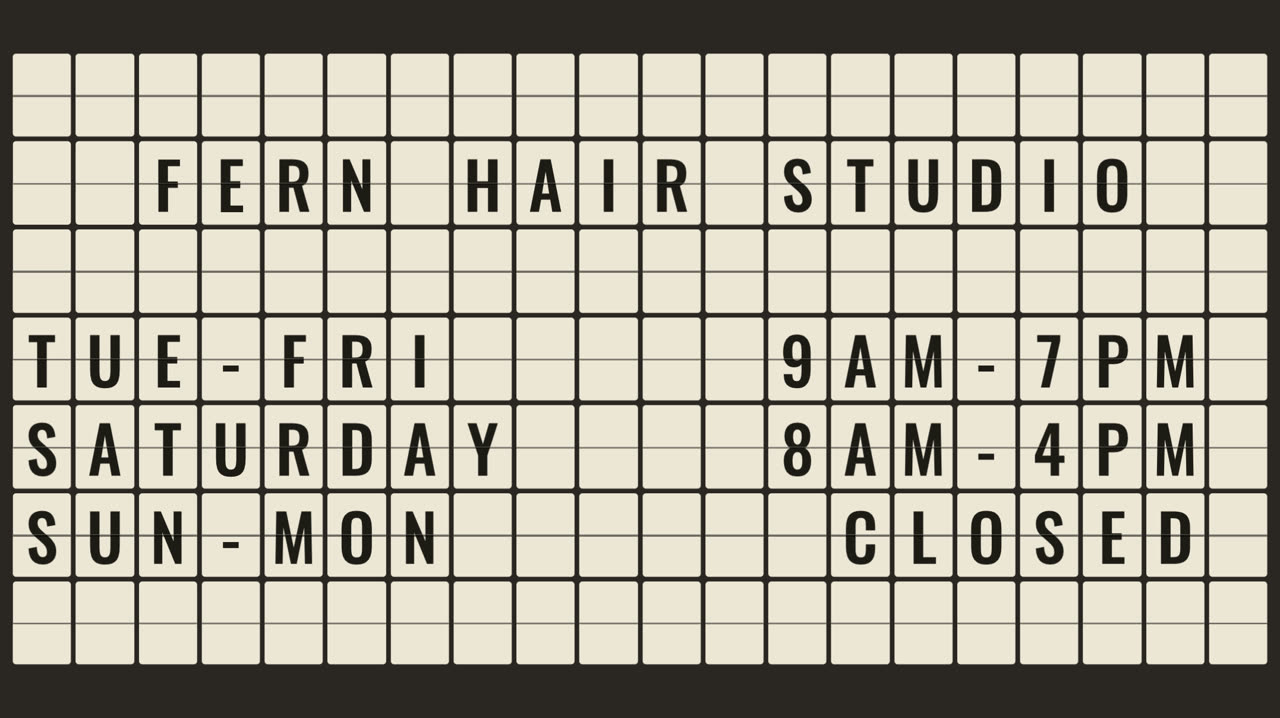
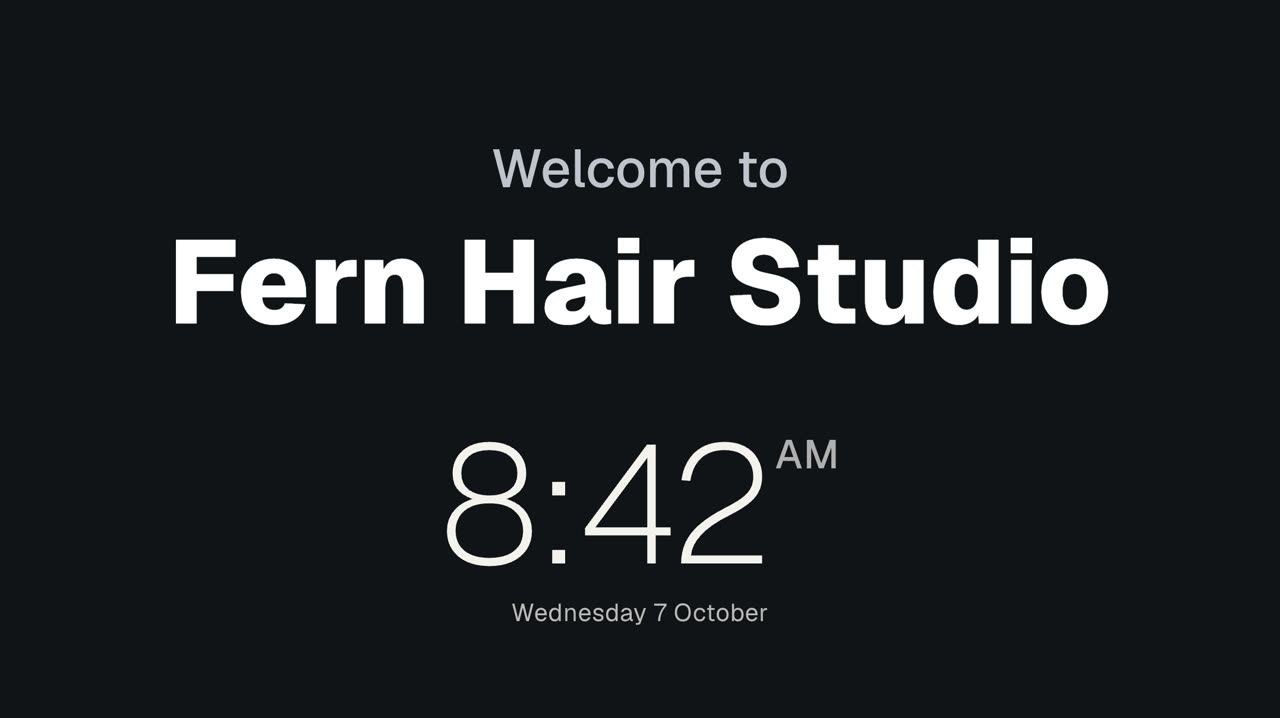
Your services and prices on a screen at reception, short and long side by side. Change a price once and every screen follows. Add your offers, your hours and a welcome.
Pro Every sign on this page is built into Pro: A$9.99 per screen a month, up to 20 screens. 14 days free to try.

What a salon shows
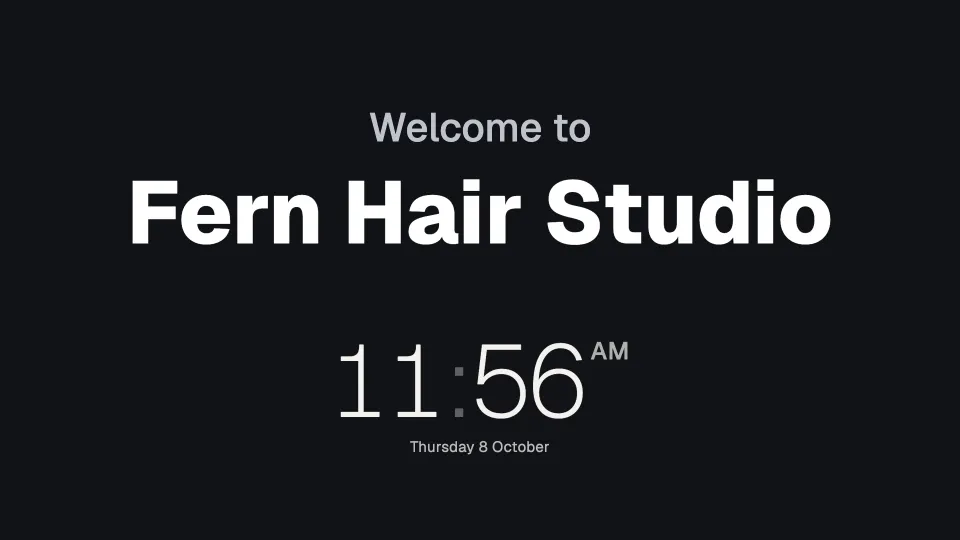
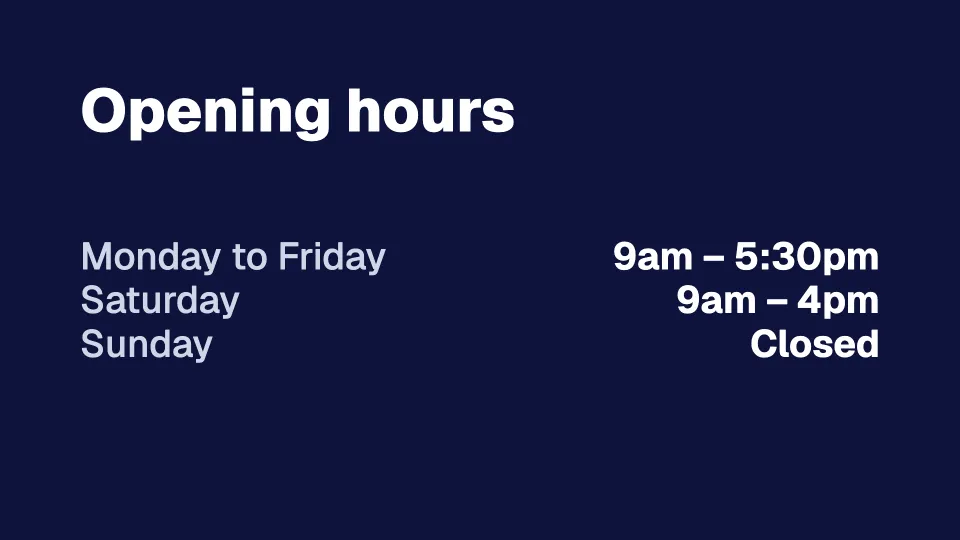
Real signs from Fern Hair Studio, a made-up salon.
 Tap anywhere to close
 Tap anywhere to close
 Tap anywhere to close
 Tap anywhere to close
 Tap anywhere to close
 Tap anywhere to close
19 ready-made screens for salons
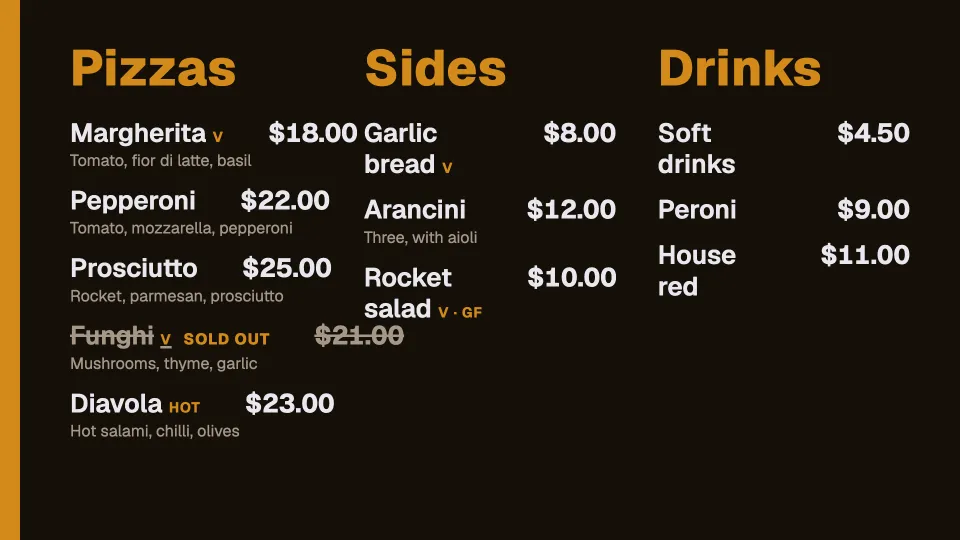
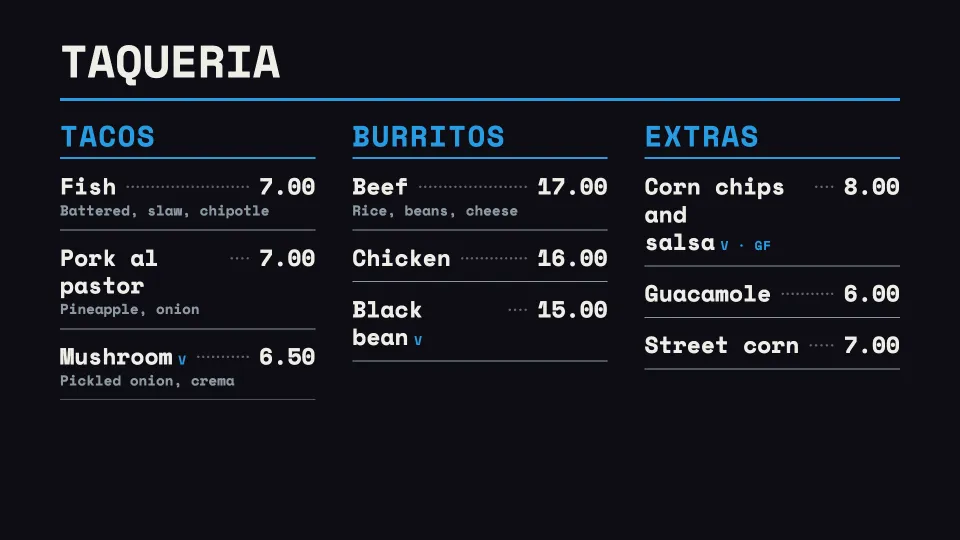
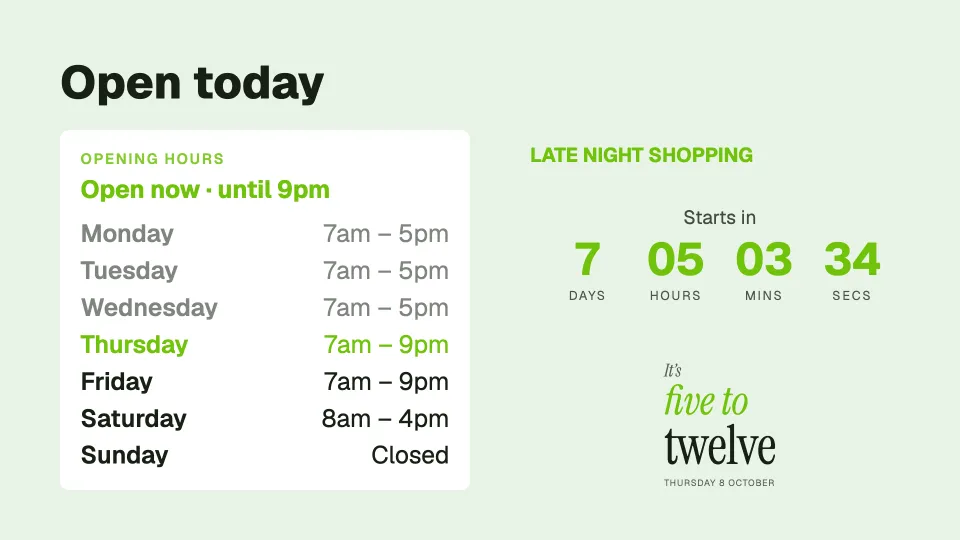
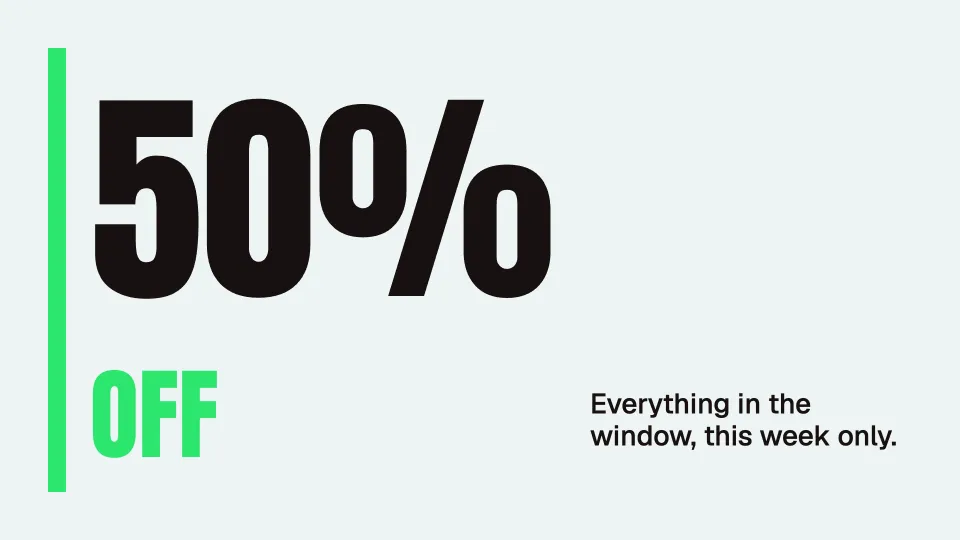
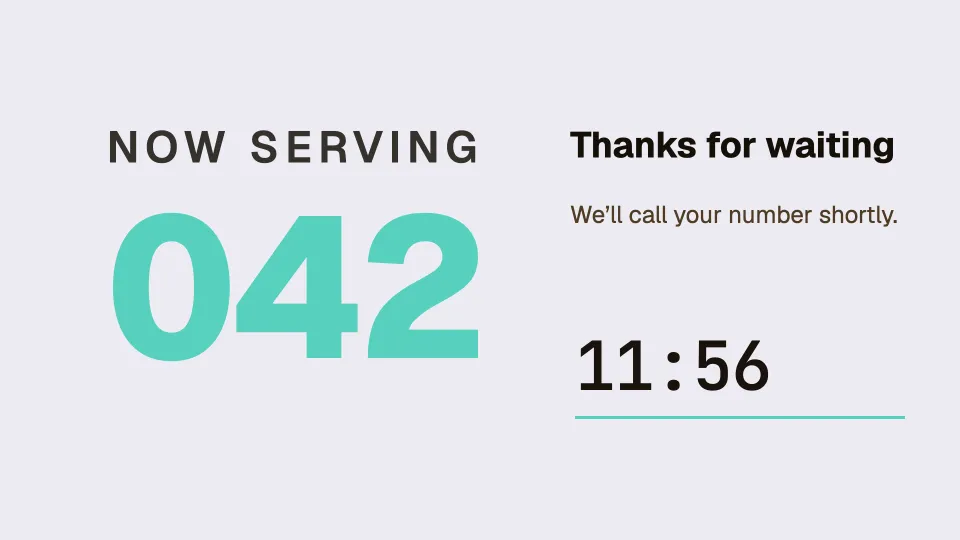
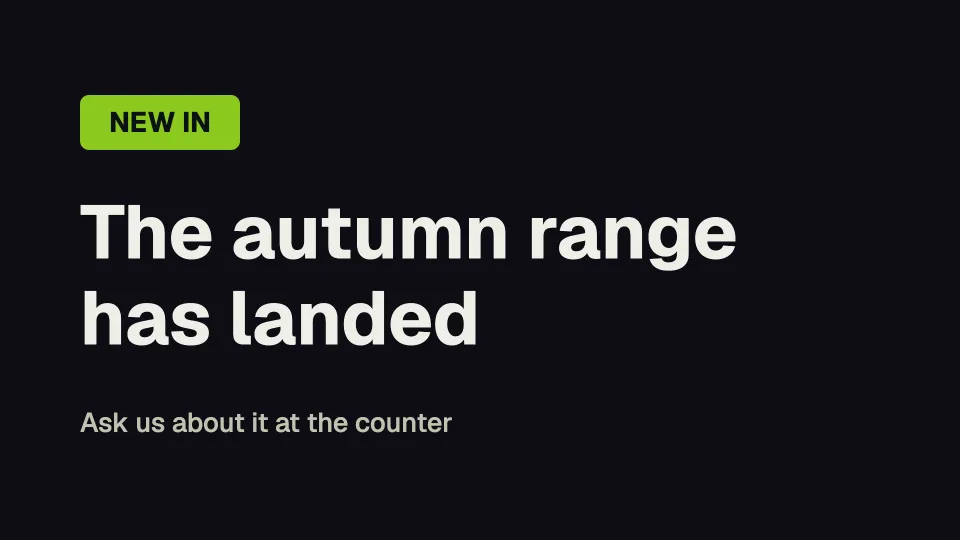
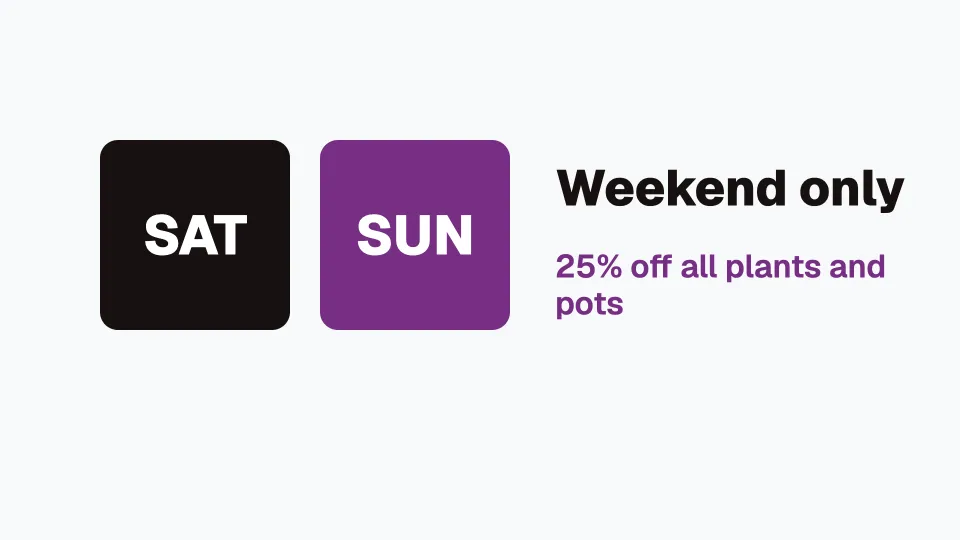
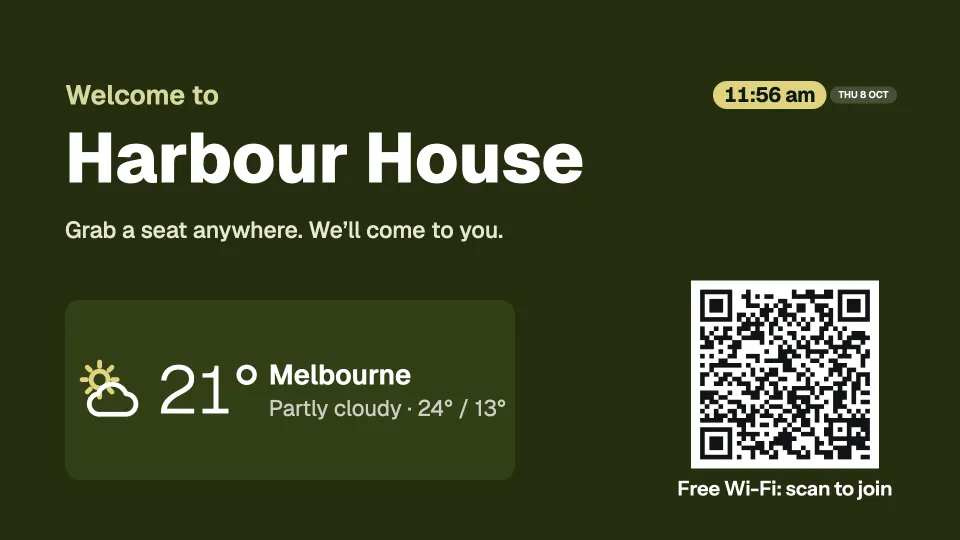
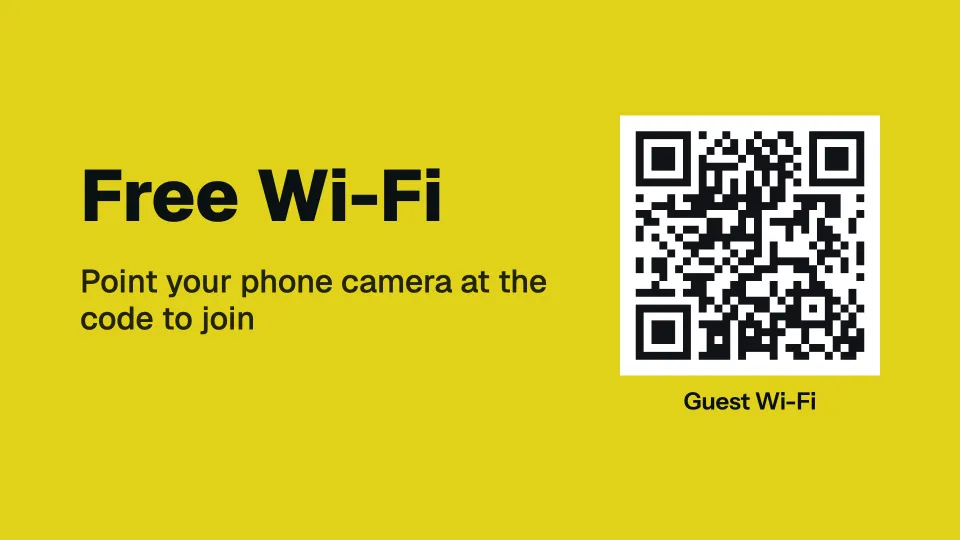
Menus, offers, queues, boards and rotating quotes, and screens that mix a clock, the weather, a calendar or a QR code. Start from any of them and change the words, photos and colours to your own. The ones marked With your photo show a screen with a photo of your own.
 Tap anywhere to close
 Tap anywhere to close
 Tap anywhere to close
 Tap anywhere to close
 Tap anywhere to close
 Tap anywhere to close
 Tap anywhere to close
 Tap anywhere to close
 Tap anywhere to close
 Tap anywhere to close
 Tap anywhere to close
 Tap anywhere to close
 Tap anywhere to close
 Tap anywhere to close
 Tap anywhere to close
 Tap anywhere to close
 Tap anywhere to close
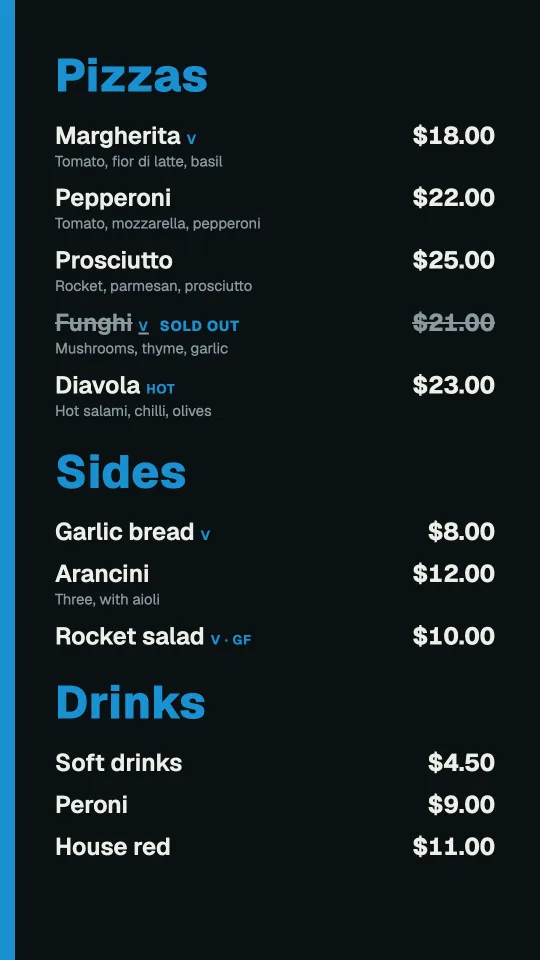
In portrait too
Every template has its own design for a TV hung on its side. Pick landscape or portrait when you start.
 Tap anywhere to close
 Tap anywhere to close
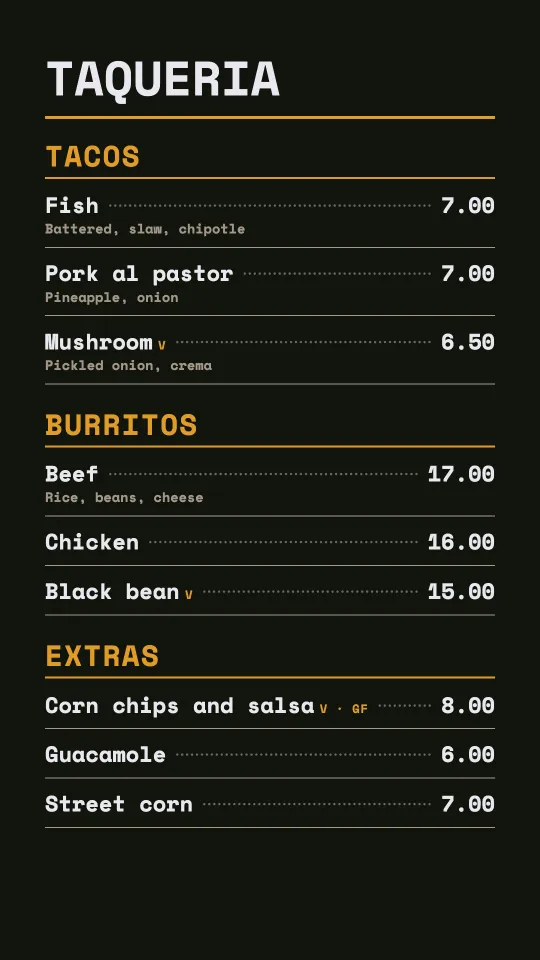 Tap anywhere to close
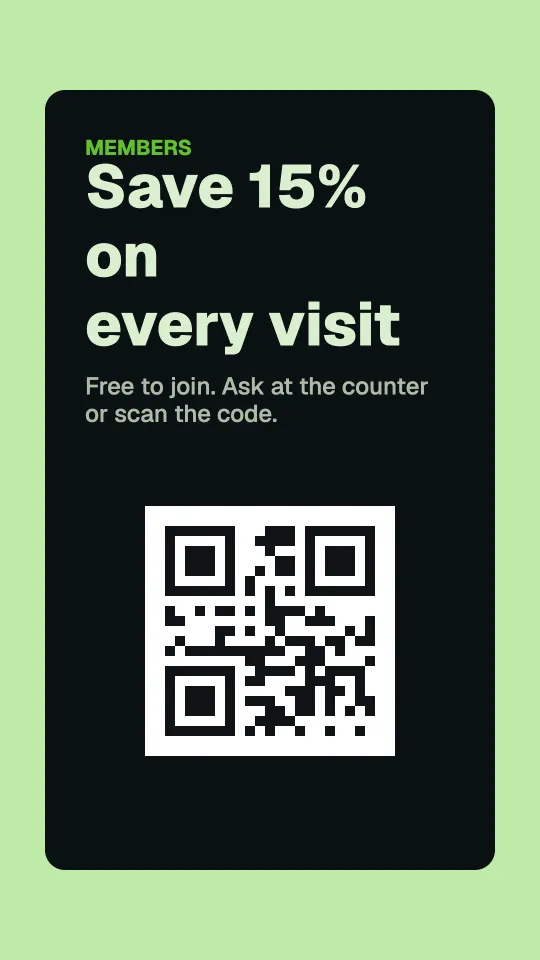 Tap anywhere to close
Every design here works in any colour, and you can add, move or remove any part of it. Try them free
Change a price once. Every screen follows.
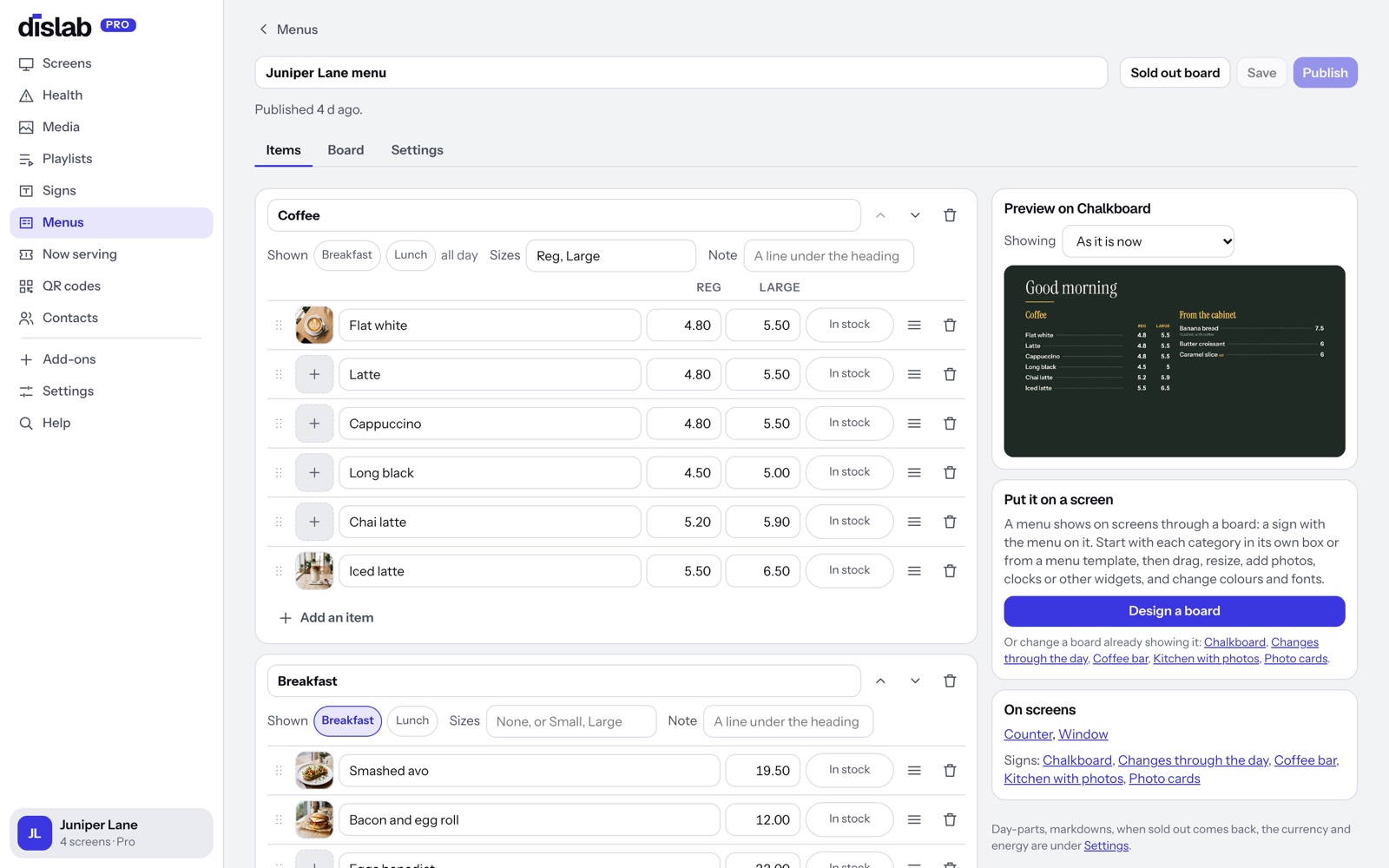
Keep your services in Dislab like a menu: categories, services, prices, and two prices side by side for short and long hair. Any sign can show it.
- “From” notes and descriptions under each service
- Price changes wait until you press Publish
- Pick from 23 price list layouts and change the colours
Questions
Anything else? Ask us, or look in the help centre.
Is a price list the same as a menu in Dislab?
Yes. The Menus page holds any list of things with prices, so services, treatments and packages work the same way.
Can I show a photo slideshow of our work?
Yes. Upload photos from your phone and show them full screen in a playlist, or in a slideshow box on a sign.
What do I need on each TV?
A Fire TV Stick running the Dislab app, or a computer or iPad with Chrome, Edge or Safari open at play.dislab.app.
Dislab for other businesses
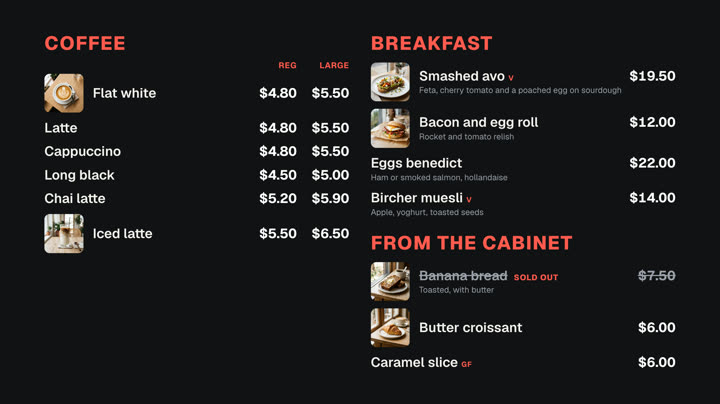 Cafés and restaurantsMenu boards, specials and sold out from a phone.
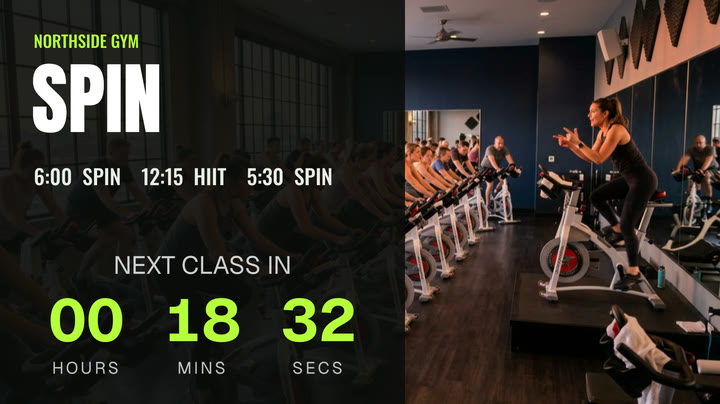 Gyms and fitness studiosTimetables, challenges and member offers.
 Shops and retailNew arrivals, sales and prices in the window.
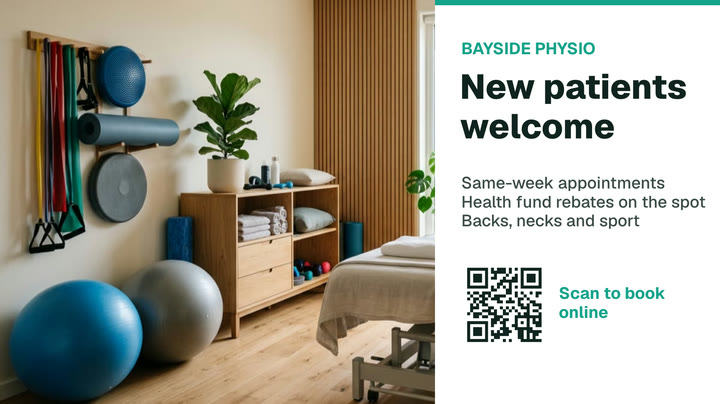 Clinics and waiting roomsQueue numbers, wait times and hours.
 Bars and pubsDrinks lists, happy hour, gigs and parties.
 BarbershopsWalk-in queues, wait times and prices.
Put your price list on screen today.
Everything on this page is built into Pro: A$9.99 per screen a month, up to 20 screens, no setup fee and no contract. Try every Pro feature free for 14 days, or keep one screen free with photos, videos, playlists and signs, with a small “Powered by dislab.app” badge.