
From your phone to the TV on the wall.
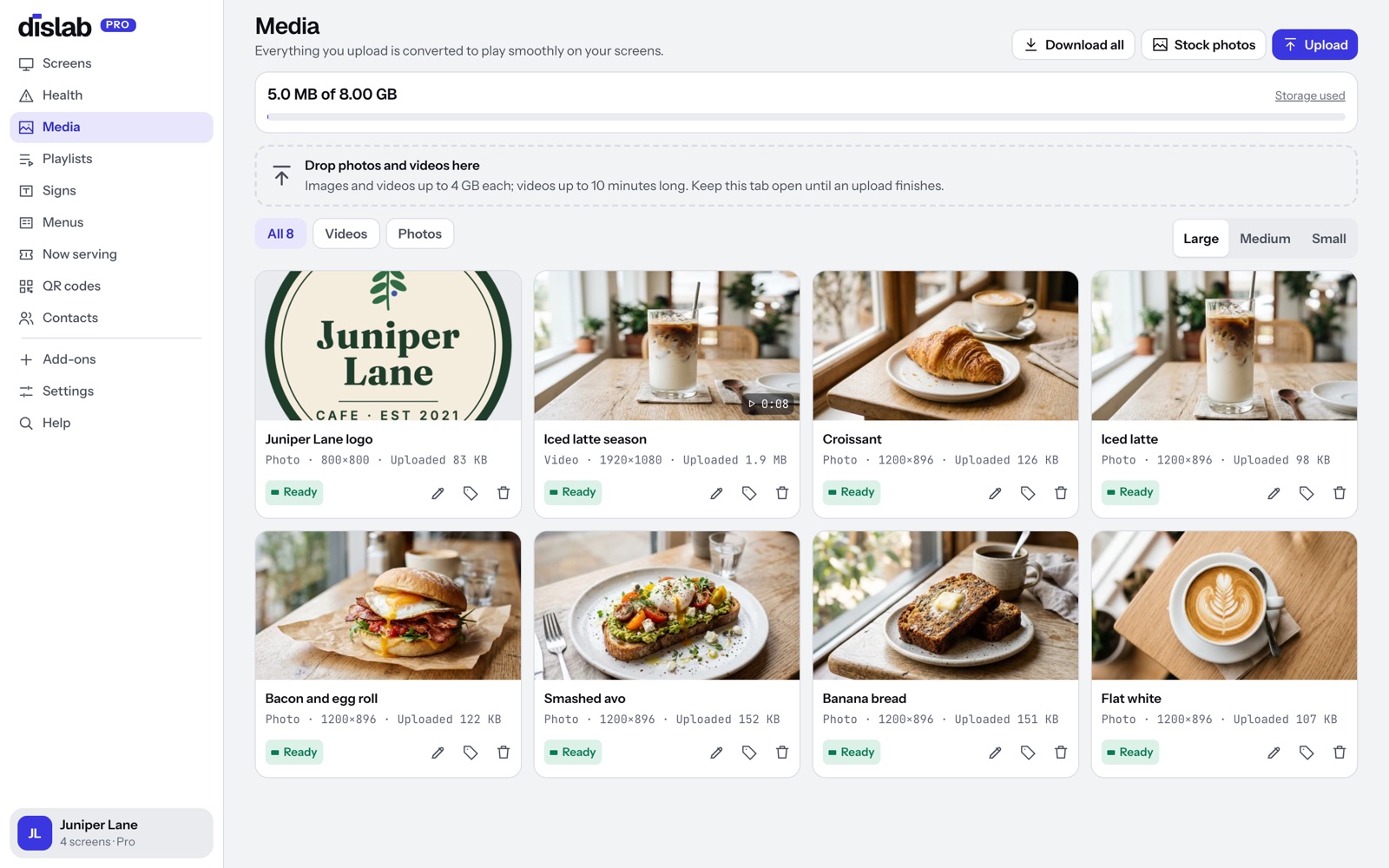
Upload photos and videos from any phone or camera, iPhone photos included. Dislab turns each one into a file made for smooth TV playback, then plays it on every screen, even when the internet drops while your plan is active.
One screen is free, with photos, videos, playlists and signs. Pro is A$9.99 per screen a month, everything included, up to 20 screens.
Every file prepared for the TV.
Drop photos and videos into Media. Dislab converts each one in the background: right way up, the right size, smooth to play, with the location data your camera recorded taken out.
- Photos up to 64 megapixels, including iPhone HEIC
- Videos up to 10 minutes and 4 GB
- 4K versions for screens that can play 4K
- Turned for portrait screens before they’re sent
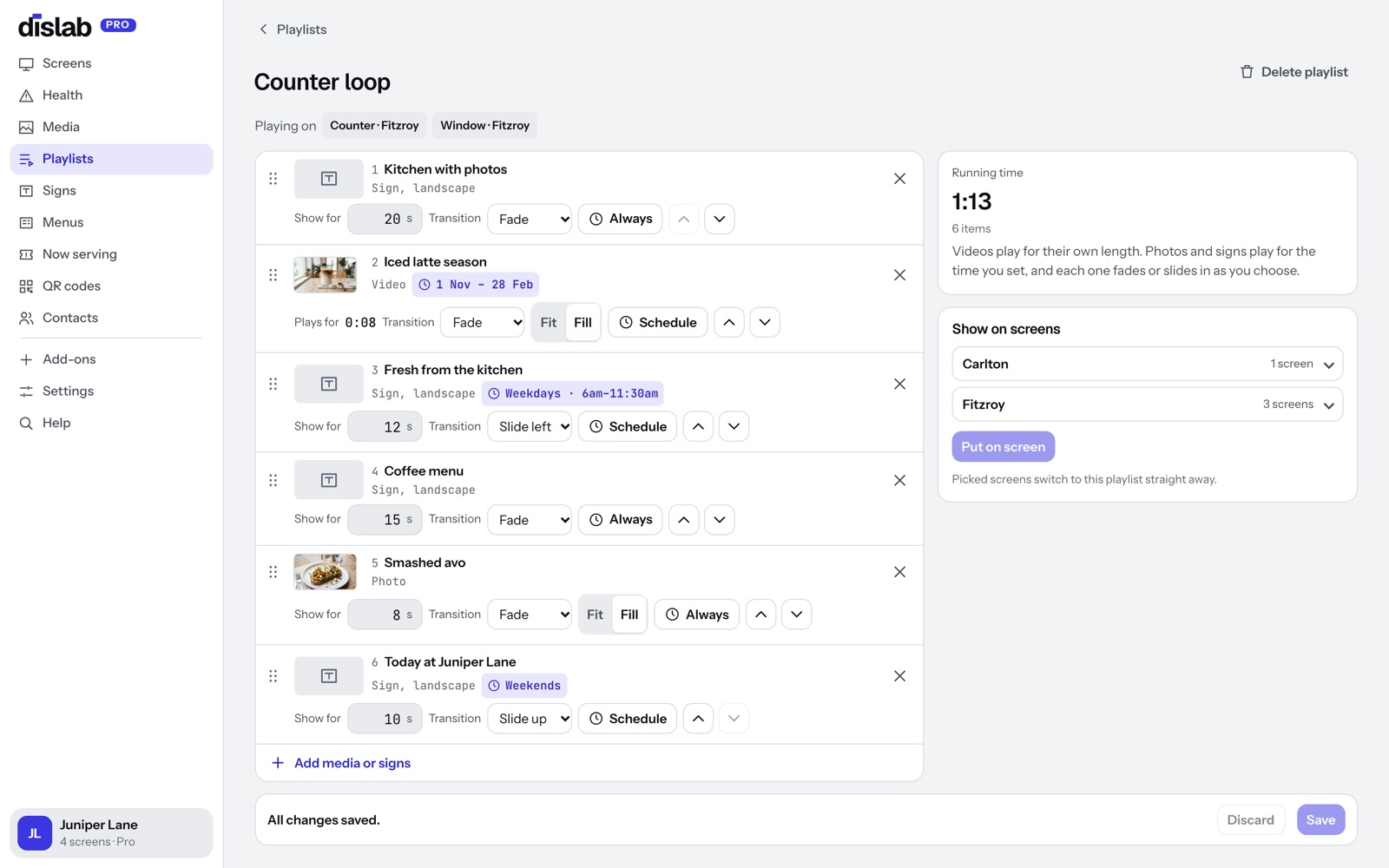
Loop them, with a schedule for each.
Put photos, videos and signs in a playlist and choose how long each shows and how it changes to the next. Give any item days, times or dates: breakfast photos in the morning, a summer drink from November to February.
- Fade, slide or cut between items
- Days, times and start and end dates on any item
- Weather rules: only when it’s raining, sunny, or above a temperature
- One playlist on many screens, across locations
Downloaded first, then played.
A screen downloads every file before it switches to new content, so it never shows half a playlist. If the connection drops, it keeps playing what it has. Changes arrive when it reconnects. Screens play offline through the subscription period you’ve paid for, checking in now and then to confirm it; one that can’t check in for longer than that asks to be connected.
- Each file downloaded once and kept on the screen
- Schedules keep working offline while your plan is active
- See every screen’s status, and a live screenshot, from the console

Questions
Anything else? Ask us, or look in the help centre.
Can I use designs from Canva?
Yes. Add the Dislab app in Canva, connect once, and publish any design to Dislab as photos or a video.
What does the Free plan include?
One screen showing a photo or video, with a small Powered by dislab.app badge. Pro (A$9.99 per screen a month, GST included) has everything else, up to 20 screens, and no badge.
How much can I upload?
Free has 300 MB. Pro has 2 GB per screen, pooled across your account: 5 screens share 10 GB.
Will videos play smoothly?
Videos are converted to a format the Fire TV Stick plays with its own video hardware, so they play smoothly without stutter.
More of what Dislab does
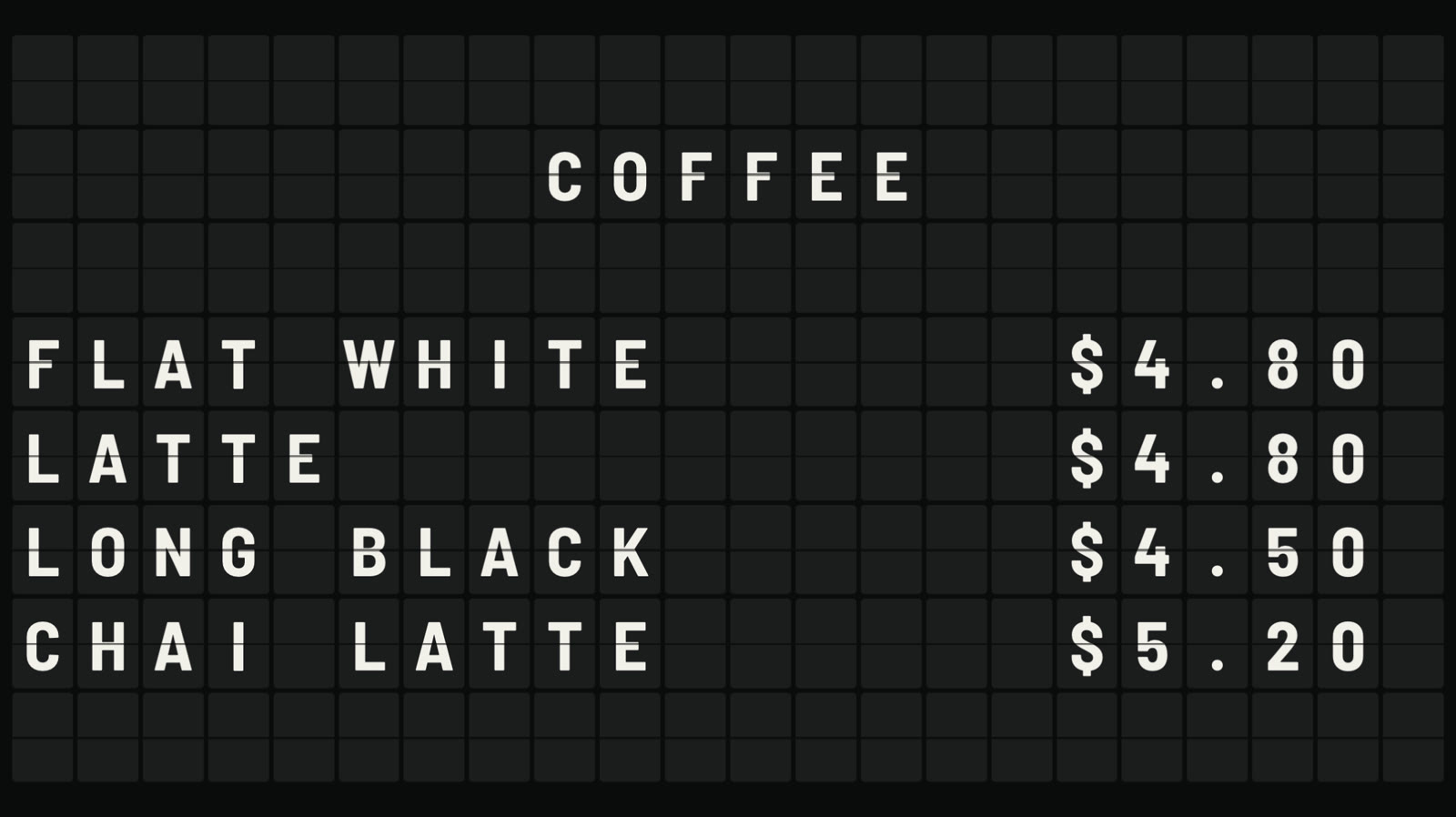 Split-flap boardLetters that flip into place, like an airport board.
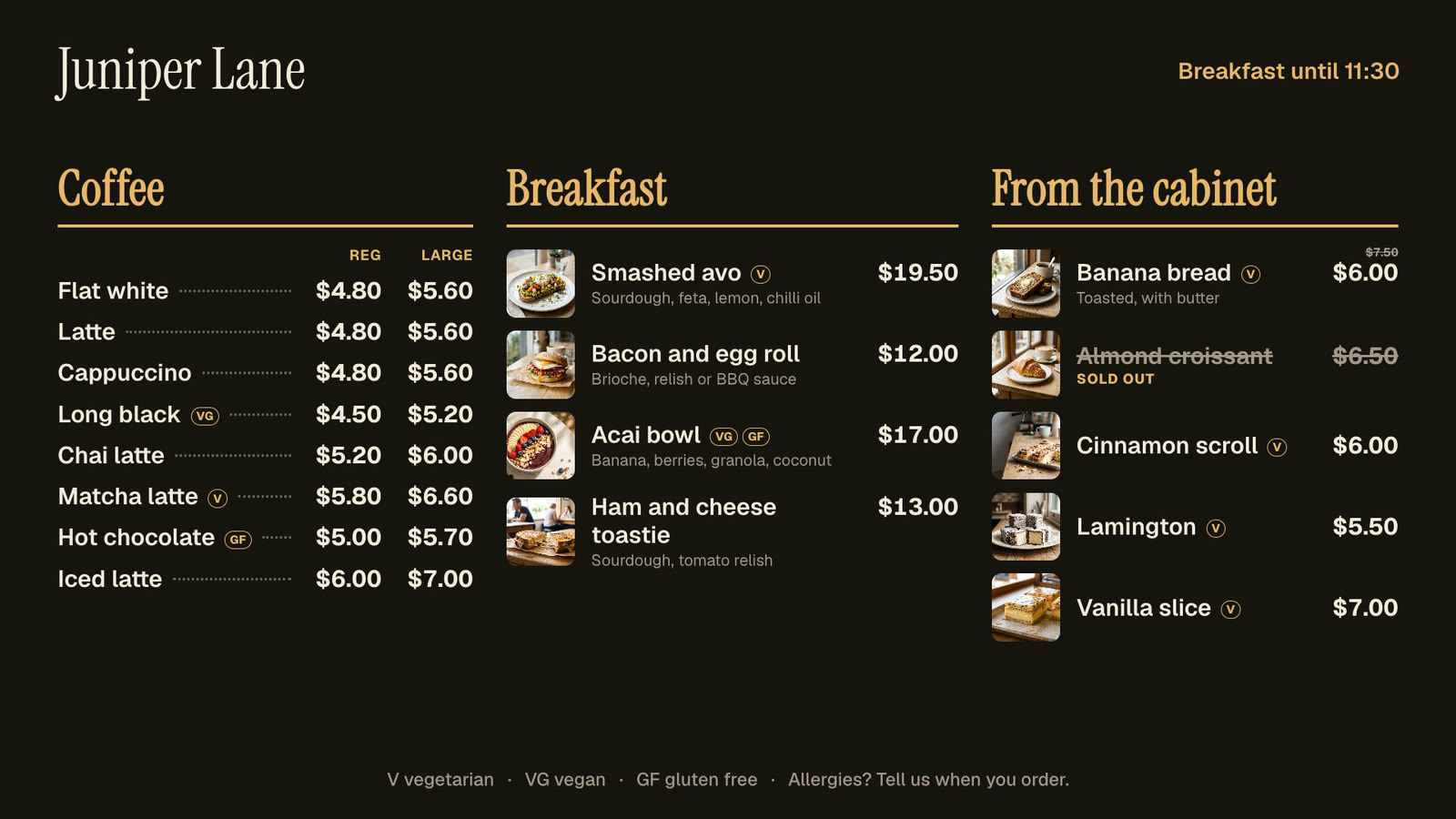 Menu boardsPrices in one place, day-parts, and sold out from a phone.
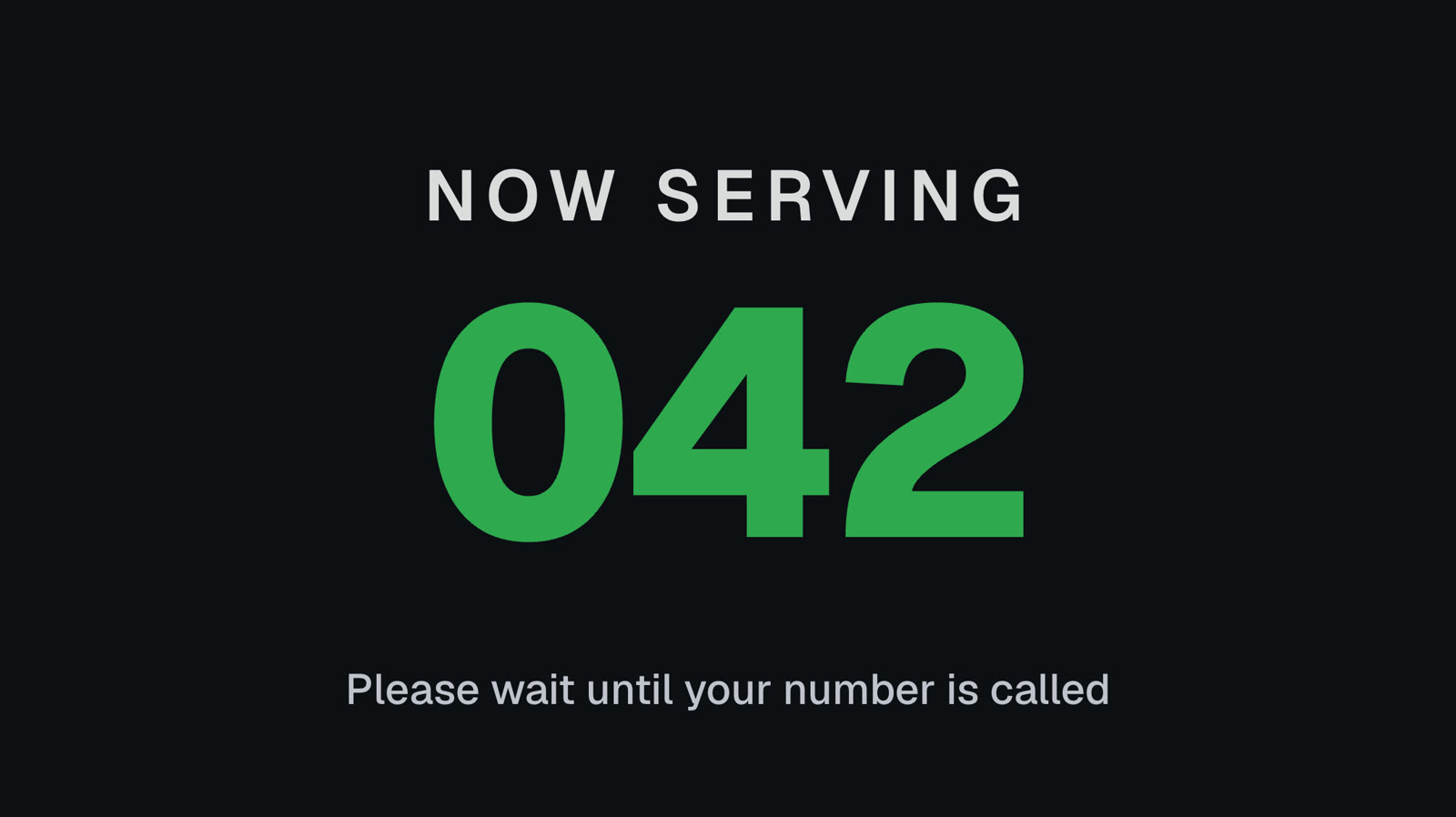 Queue numbersA big Now serving number staff move on from a phone.
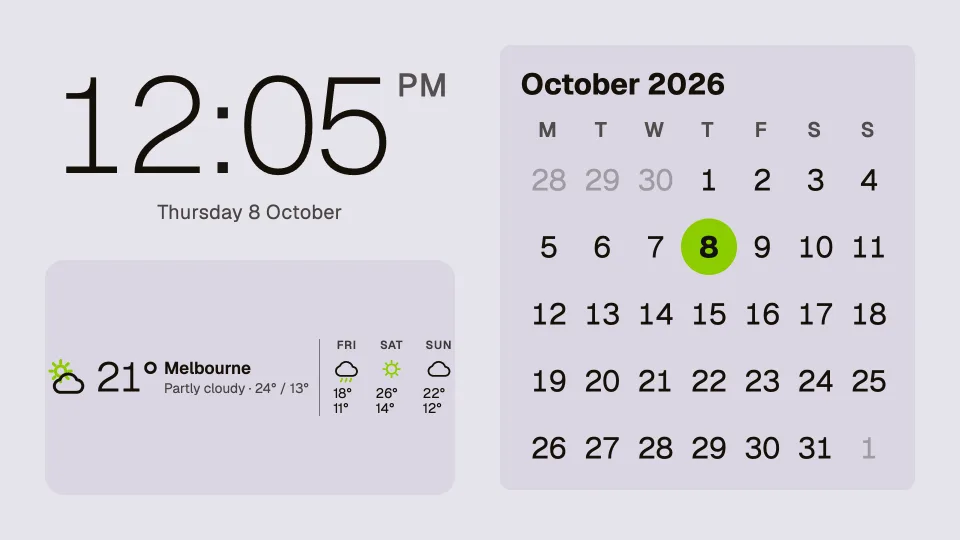 Clocks, dates and weatherTwenty clocks, the weather, a calendar and countdowns.
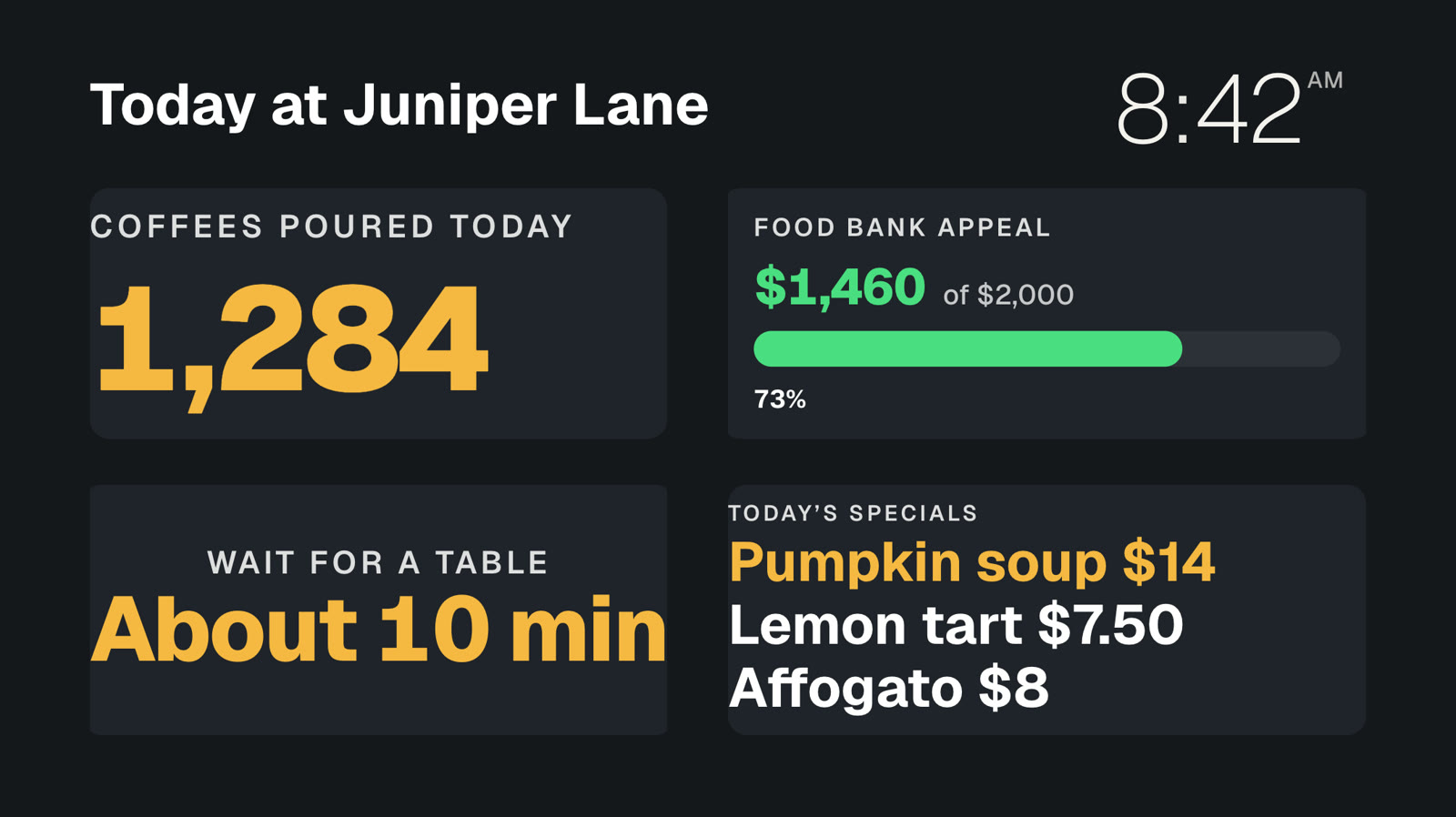 Your own dataNumbers and lists from your systems, live on screen.
 Event photo wallGuests’ photos from their phones, on your screens.
Put your photos on screen today.
Everything on this page is built into Pro: A$9.99 per screen a month, up to 20 screens, no setup fee and no contract. Try every Pro feature free for 14 days, or keep one screen free with photos, videos, playlists and signs, with a small “Powered by dislab.app” badge.