
Every screen, every location, from one place.
See which screens are online and what they’re playing. Change one screen or a hundred from your browser or your phone. Dislab tells you when something needs a look, and sends a summary each morning.
Screens, locations, tags, health and alerts are on every plan, Free included.
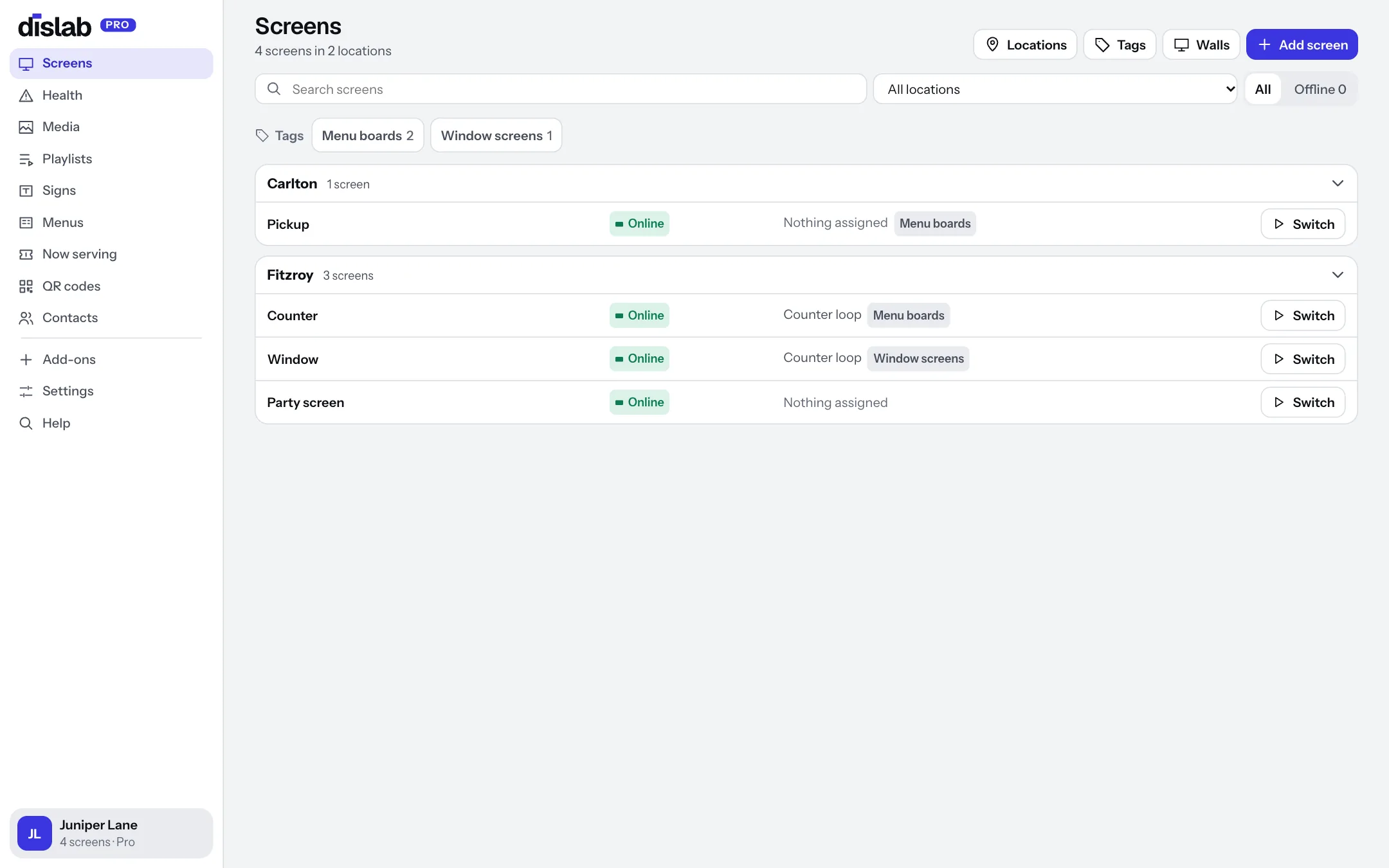
Each shop with its own time zone, hours and weather.
Add a location for every shop. Clocks, schedules and menus follow its time zone; its opening hours drive alerts and what screens do after closing; its weather town feeds weather rules.
- Opening hours with split shifts and holidays
- Screens switch to black, a closed sign or off after hours
- Move a screen to another location in one click
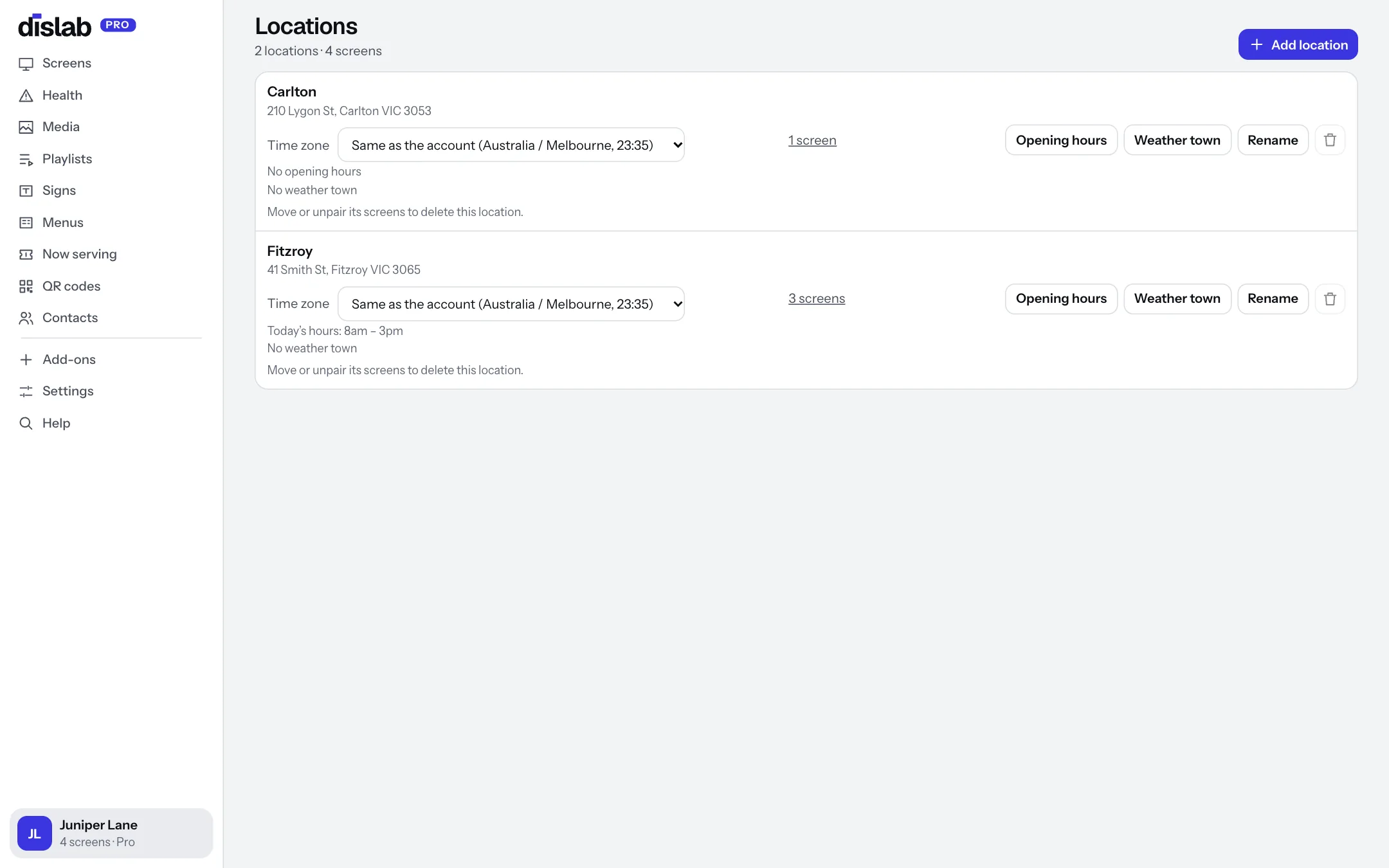
Publish to a whole group at once.
Tag screens “Menu boards” or “Window screens”, across all your locations, and publish to the tag. Screens tagged later pick it up by themselves.
- A screen can have several tags
- Filter the Screens page by tag or location
- Video walls for screens that play as one
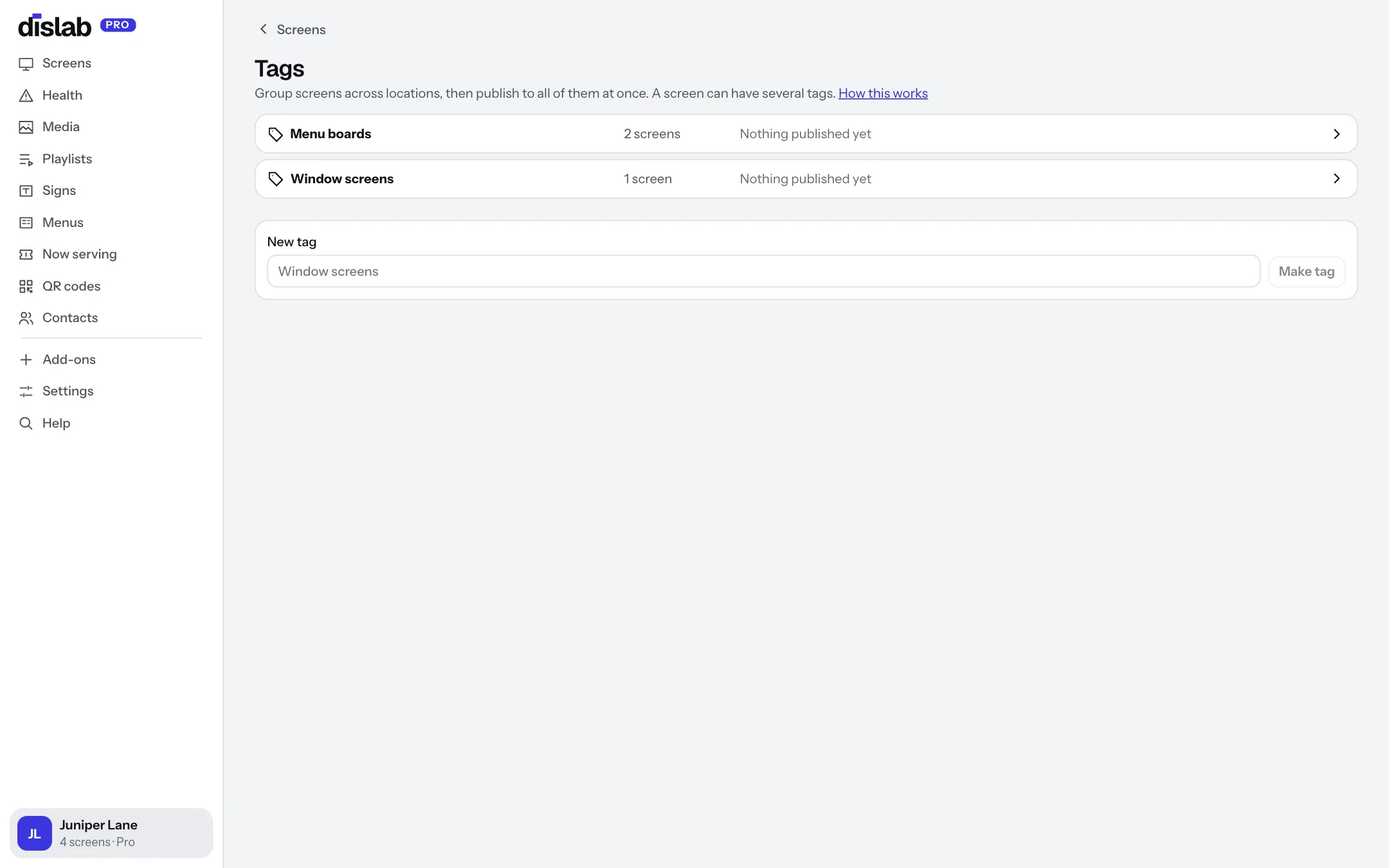
Know a screen is off before a customer tells you.
Health shows every screen at a glance: online or offline, up to date or still downloading, space left on the TV and its app version. Problems come first.
- An email when a screen is offline for 30 minutes while you’re open, and when it’s back
- An email when new content can’t finish downloading
- Each alert can be switched off, from the email itself
Your screens, every morning at 7.
One email with how many screens are online, anything that went wrong overnight, and yesterday’s QR scans and sign-ups. Problems at the top, everything else at a glance.
- Sent in each account’s own time zone
- Only when you have screens, and only if you want it
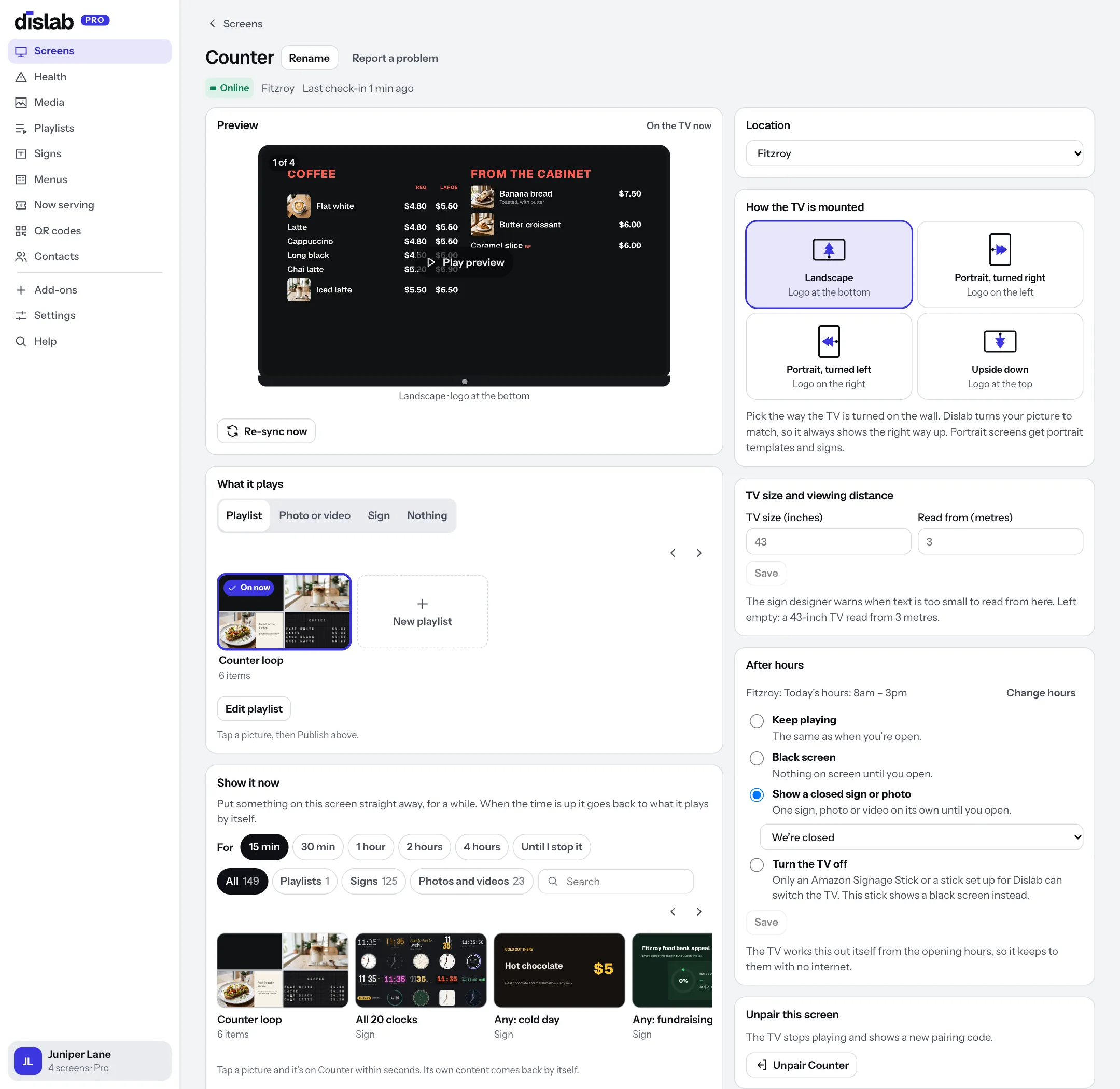
See exactly what a TV is showing, from anywhere.
Open a screen to change what it plays, how it’s mounted and its after-hours setting, and take a screenshot of the TV right now. On an Amazon Signage Stick you can also turn the TV on or off and restart it.
- Changes stay a draft until you press Publish
- Re-sync asks the TV to check in straight away
- Unpair from the console when a TV moves on
More of what Dislab does
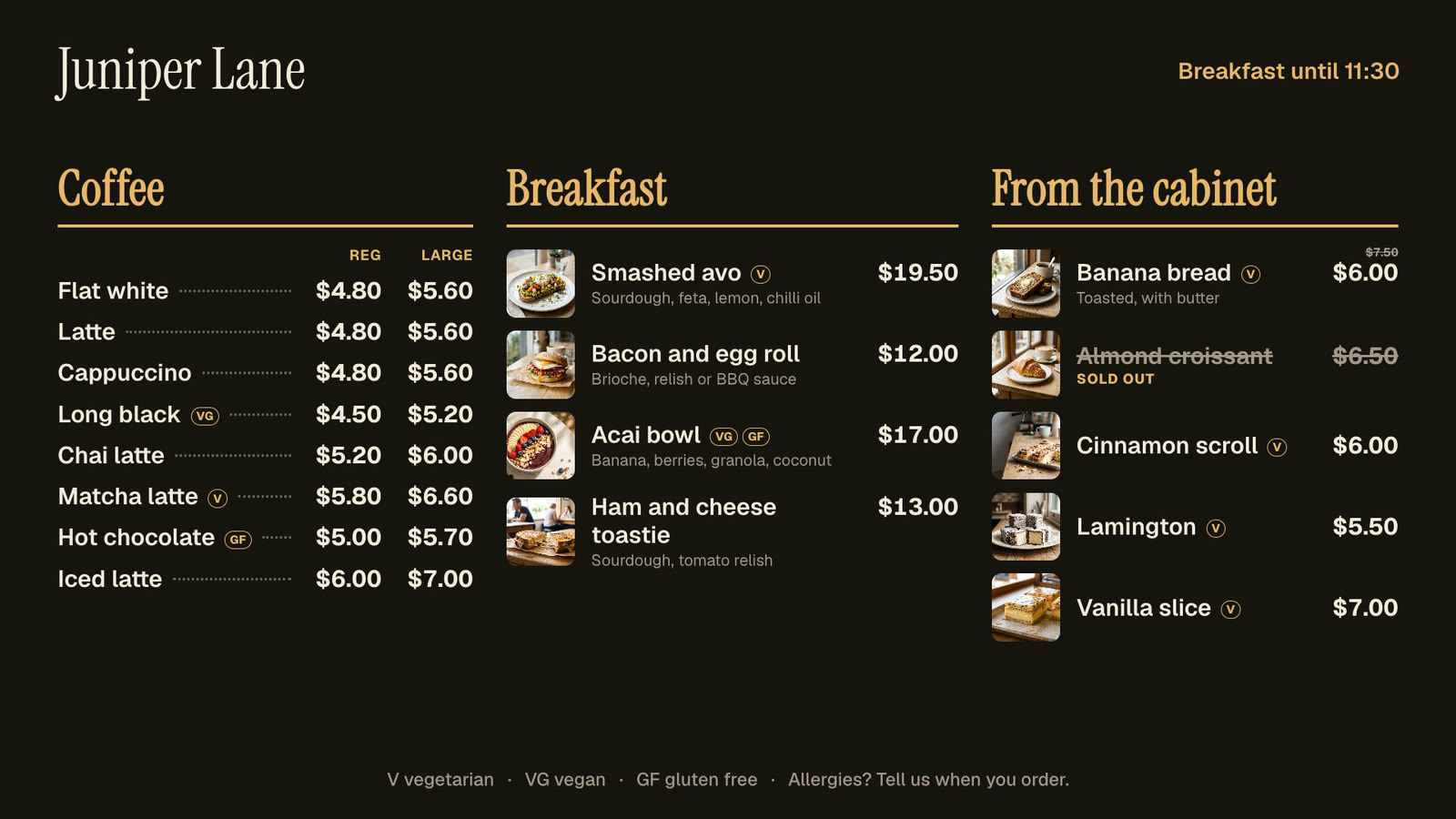 Menu boardsPrices in one place, day-parts, and sold out from a phone.
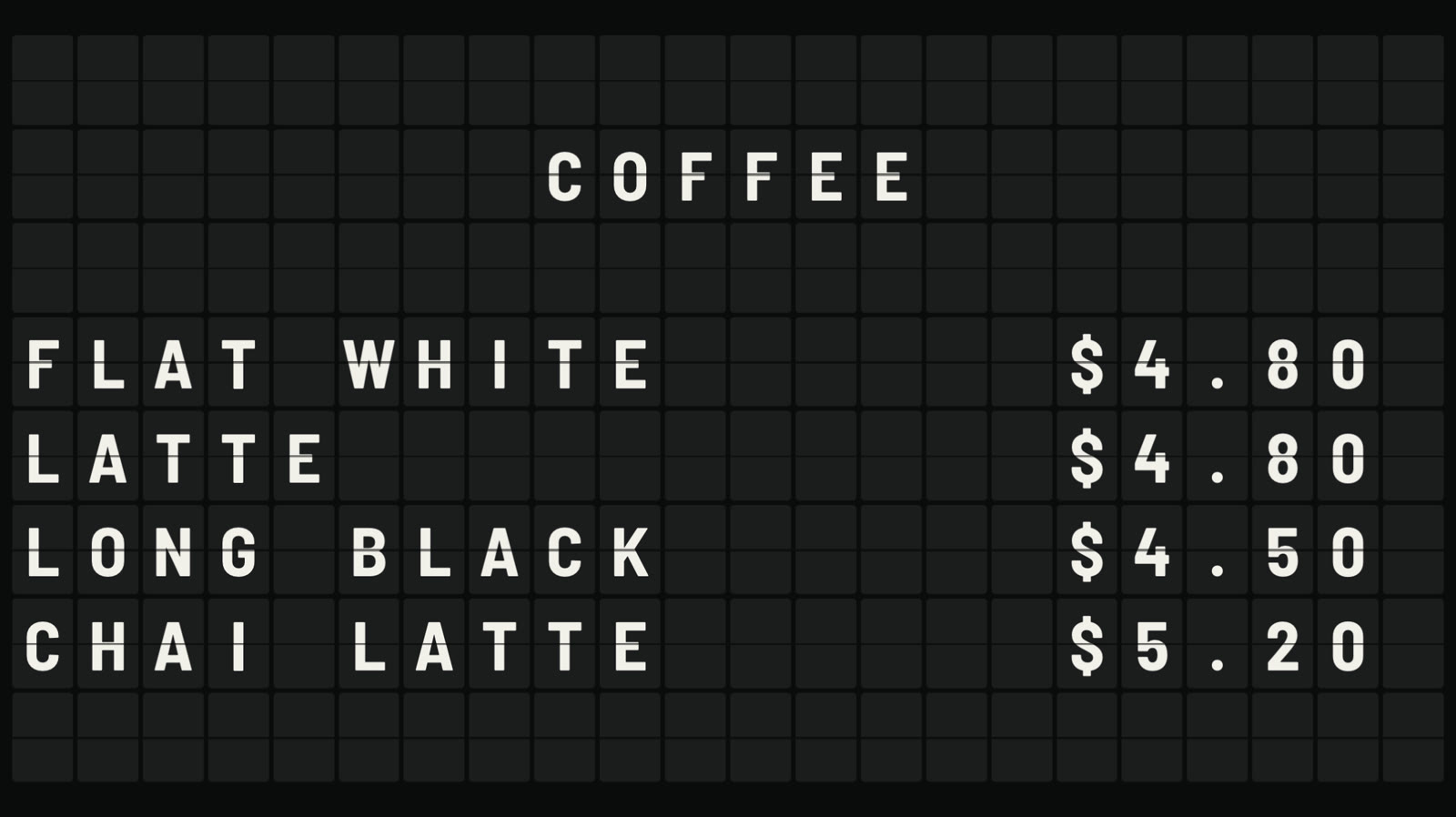 Split-flap boardLetters that flip into place, like an airport board.
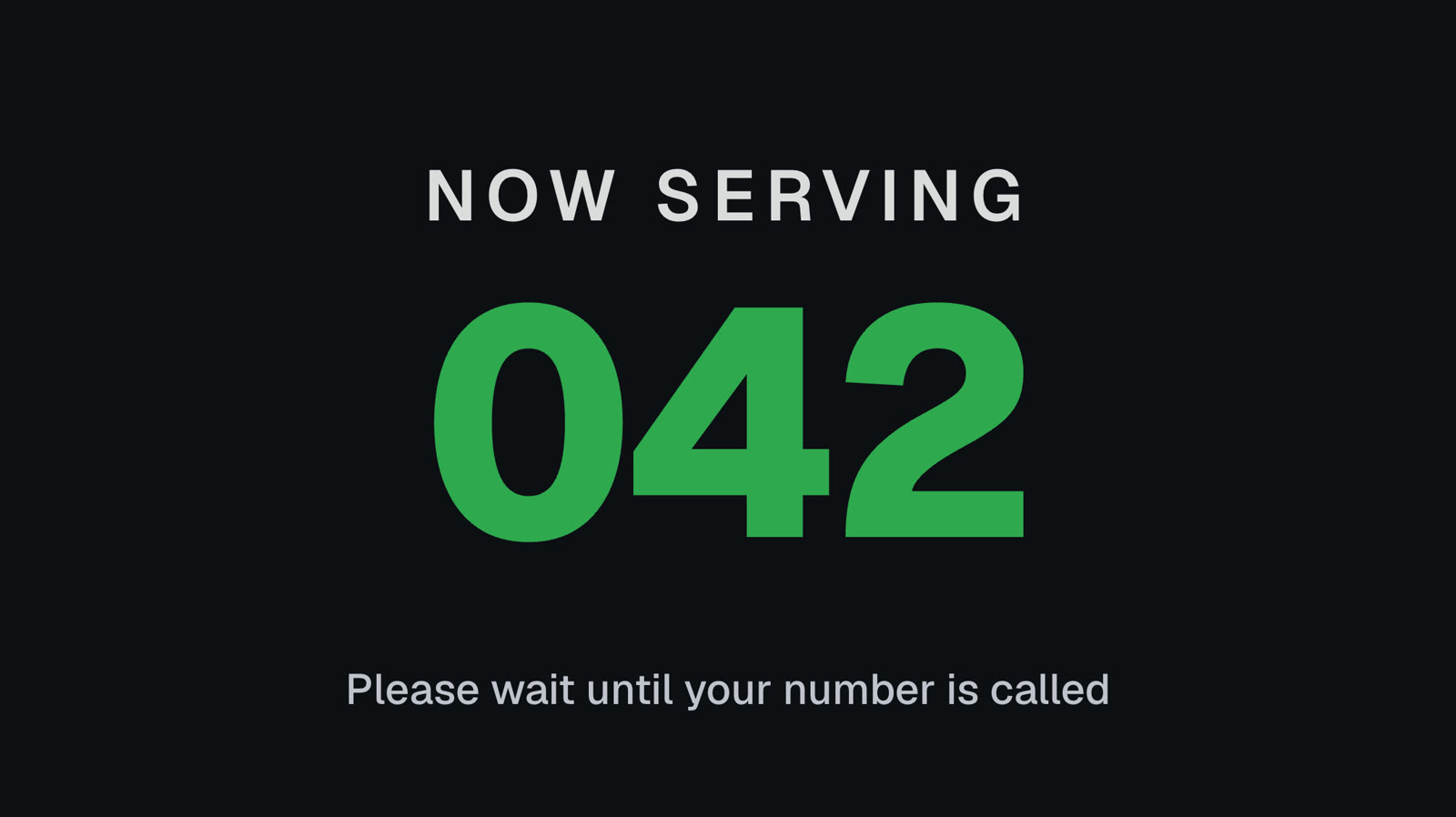 Queue numbersA big Now serving number staff move on from a phone.
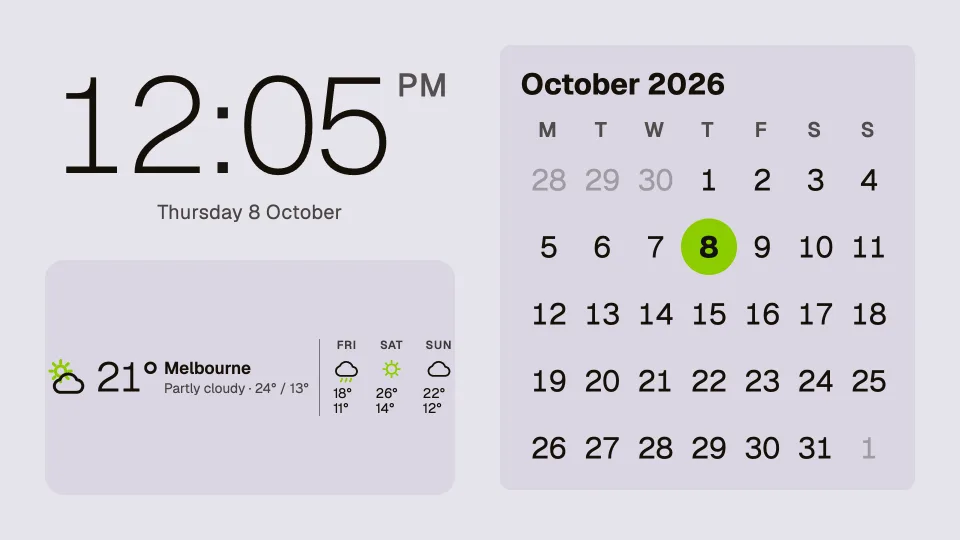 Clocks, dates and weatherTwenty clocks, the weather, a calendar and countdowns.
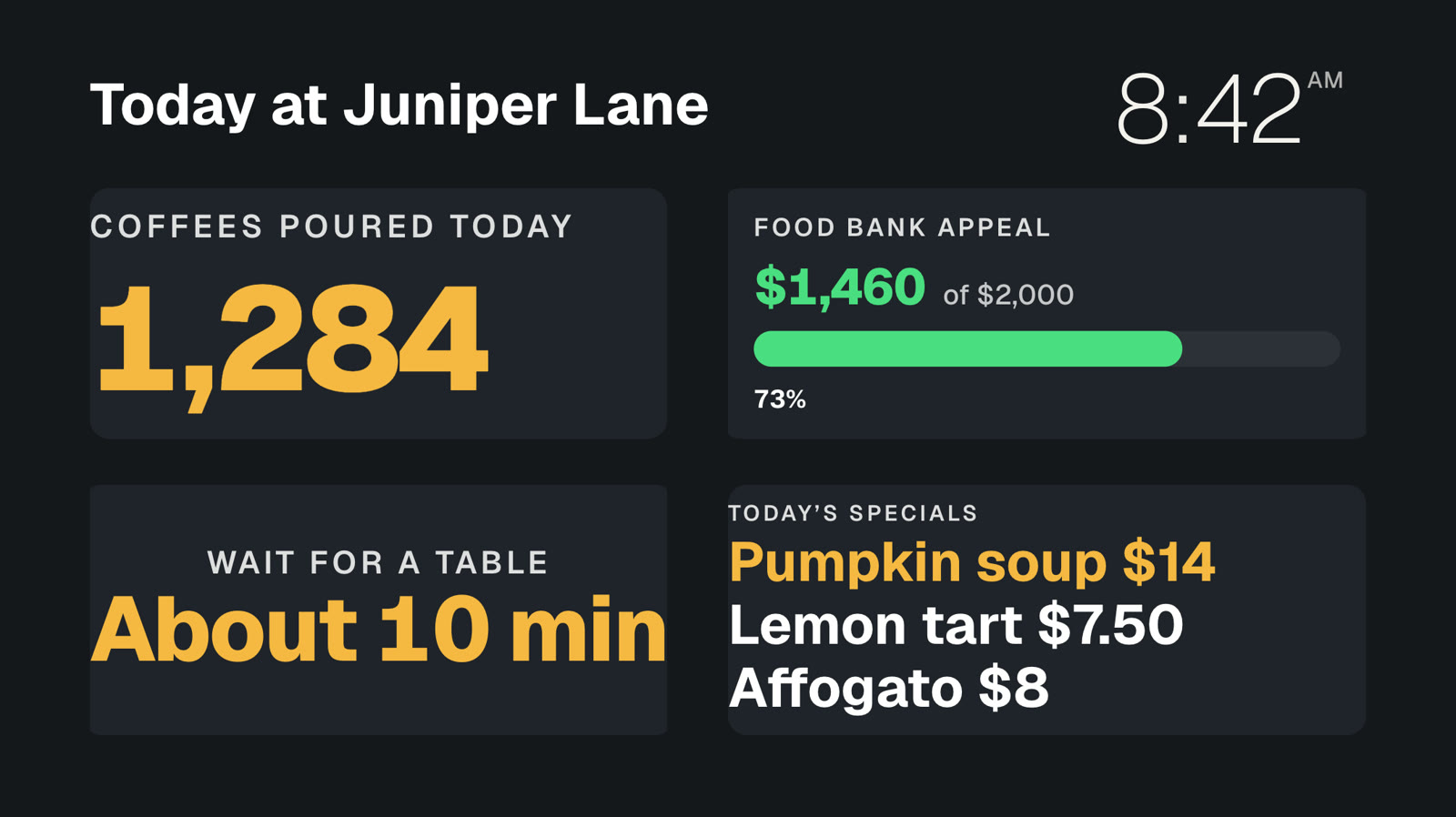 Your own dataNumbers and lists from your systems, live on screen.
 Event photo wallGuests’ photos from their phones, on your screens.
Run every screen from one console.
One screen is free, with photos, videos, playlists and signs, with no card. Pro is A$9.99 per screen a month, everything included, with 14 days free to try.