
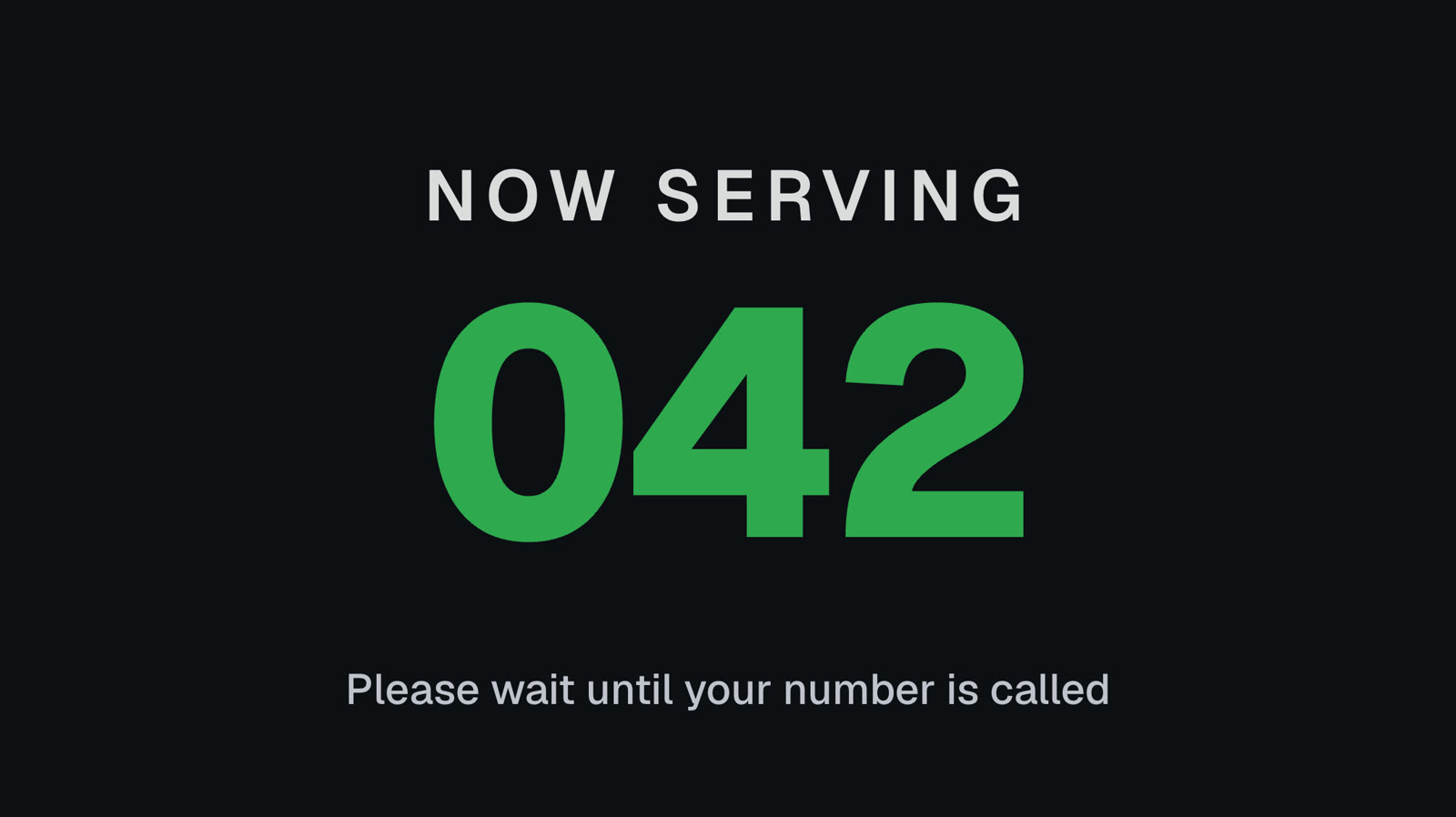
Now serving 42. Next!
A big queue number on your screens that staff move on from their phone. Press Next and every screen changes within a second or two. Add a wait time and customers know how long they’ll be.
Pro Built into Pro: A$9.99 per screen a month, up to 20 screens. 14 days free to try.
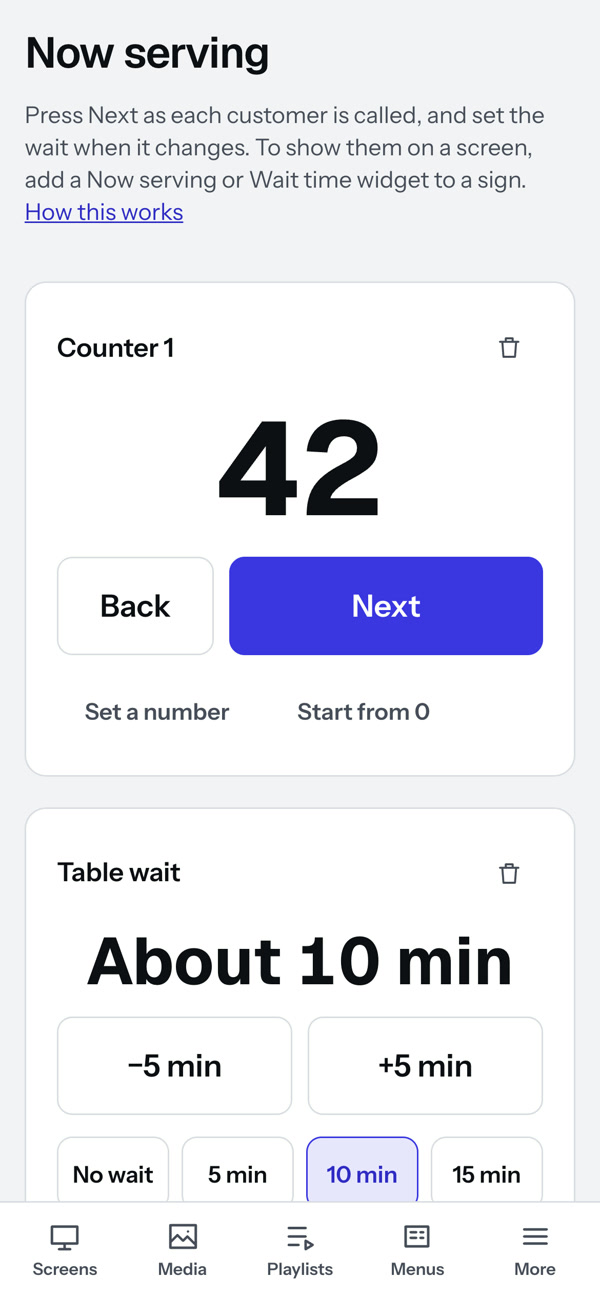
Next, Back, or jump to a number.
Staff open Now serving on a phone and press Next as each customer is called. Back fixes a slip, Set a number jumps, and Start from 0 begins a new day. Two people pressing at once both count.
- As many counters as you need, each on its own signs
- A letter in front if you like, and 1 to 3 digits: A7, 07, A042
- Wait time typed by staff: about 10 minutes, no wait
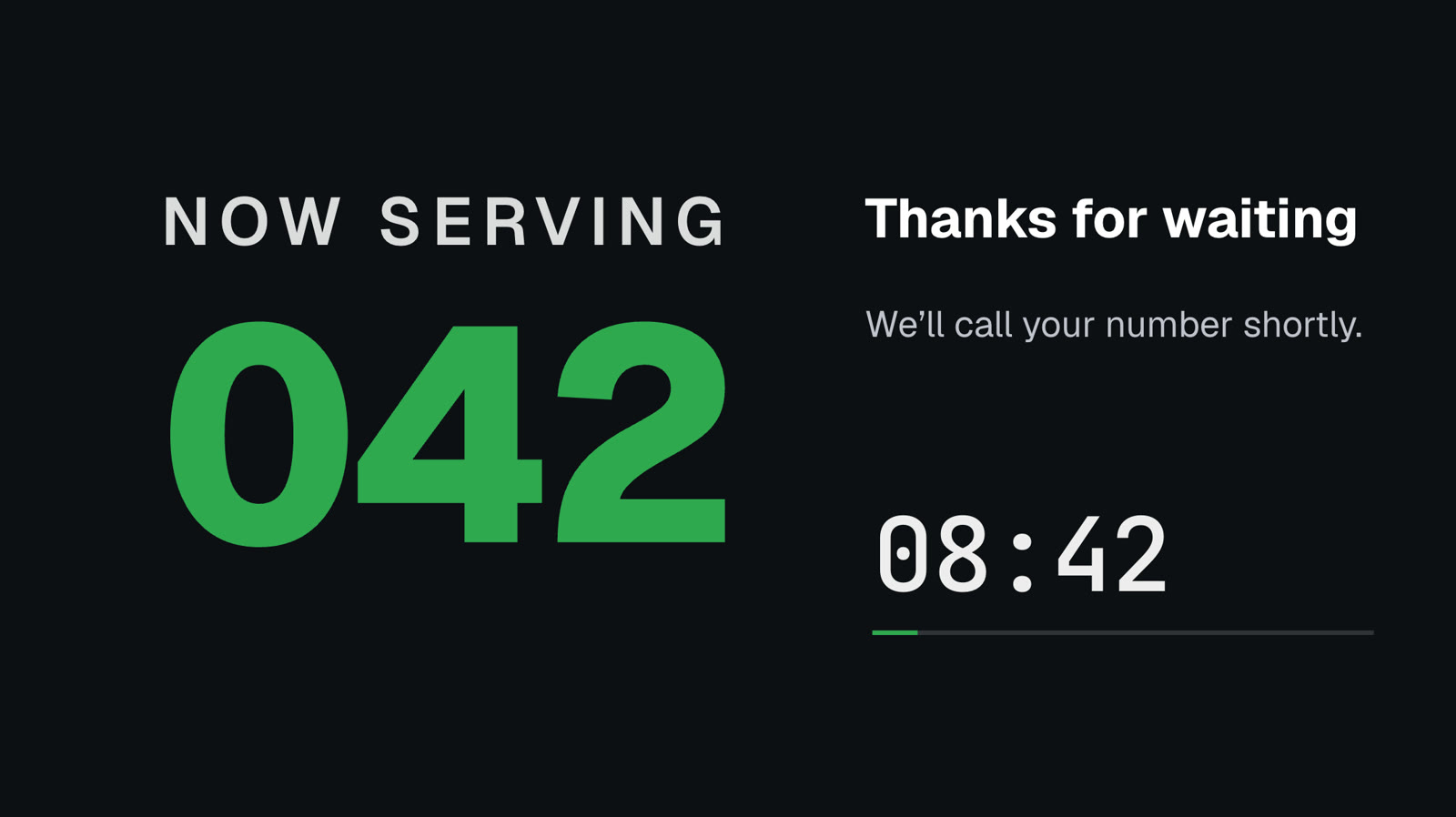
Ready-made signs
Start from a template, or add a Now serving or Wait time widget to any sign, beside your menu or a promotion.
 Tap anywhere to close
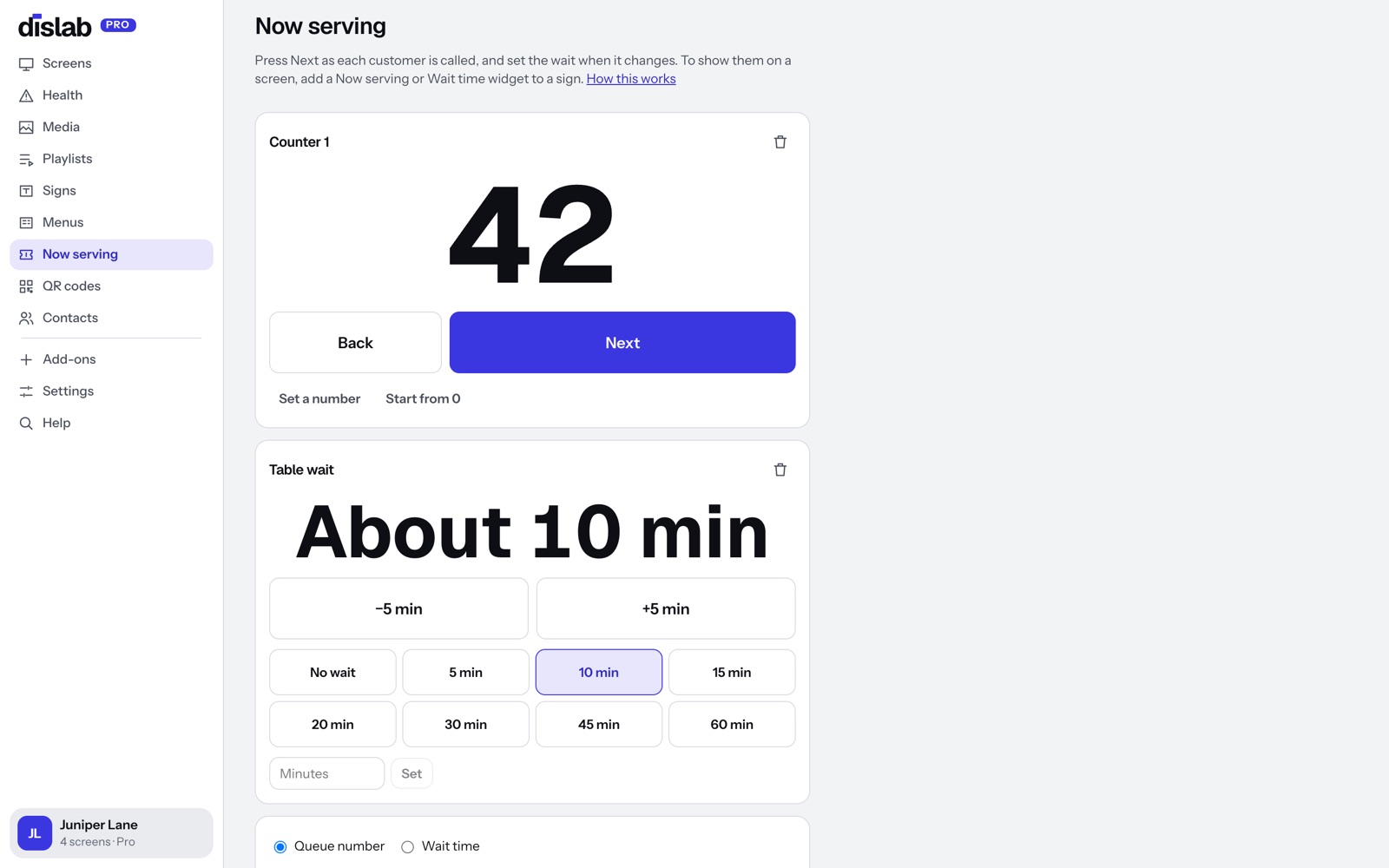
Run it from the console.
The same buttons are on the Now serving page in the console, for a computer at the front desk.
- Queue number and wait time side by side
- Pick quick wait times: no wait, 5, 10, 15 minutes
- Every screen showing the counter follows along
Questions
Anything else? Ask us, or look in the help centre.
Do staff need their own login?
Not in this version: staff use your account’s login on the phone at the counter.
How fast does the screen change?
Within a second or two of pressing Next, on every screen showing that counter.
What if the internet drops?
The screen keeps showing the last number it was sent and carries on as soon as the connection returns. Screens play offline through the subscription period you’ve paid for, checking in now and then to confirm it; one that can’t check in for longer than that asks to be connected.
Which plan is it on?
Pro, at A$9.99 per screen a month, with 14 days free to try.
More of what Dislab does
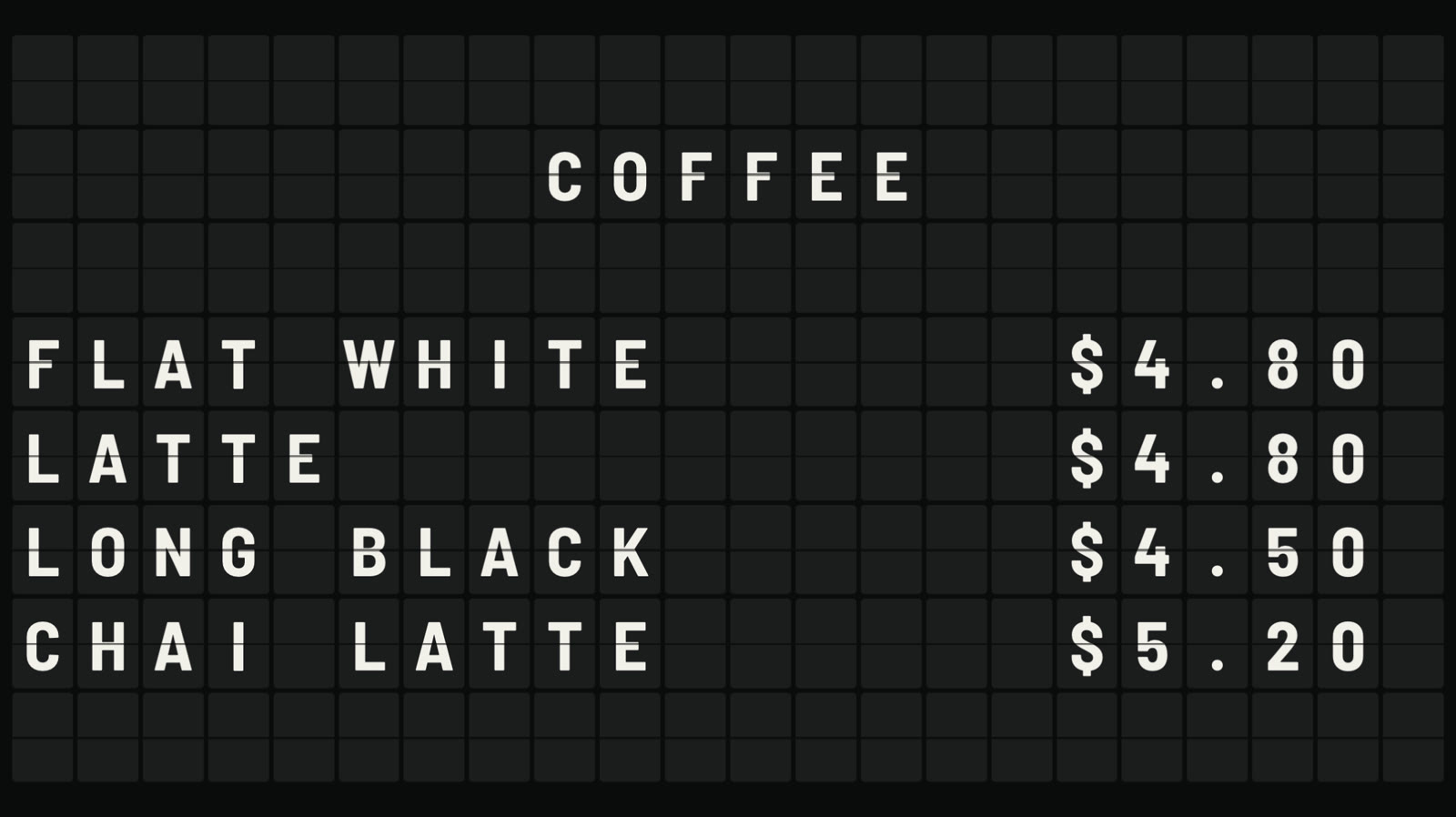 Split-flap boardLetters that flip into place, like an airport board.
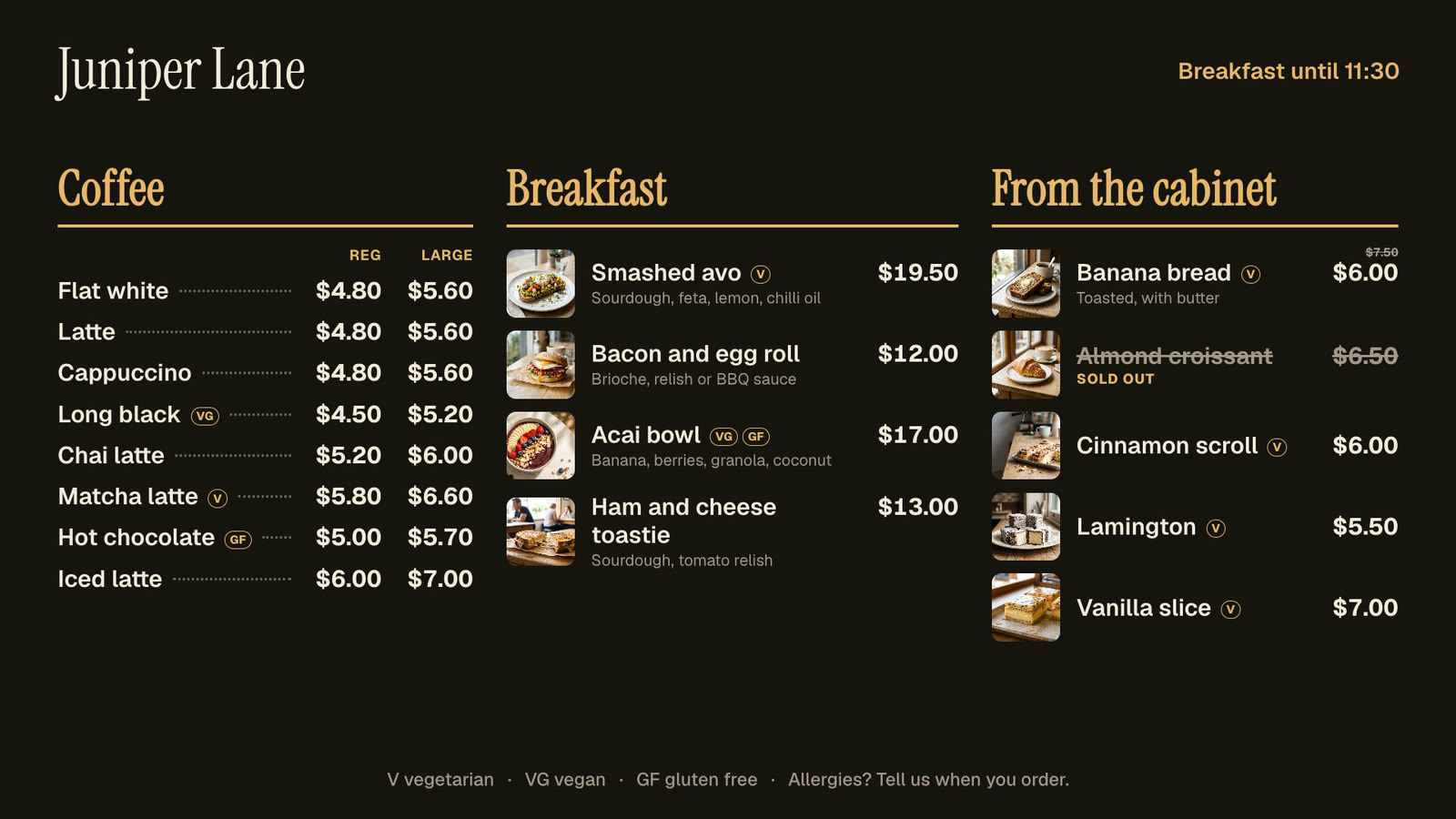 Menu boardsPrices in one place, day-parts, and sold out from a phone.
 Photos and videosAny phone’s photos and videos, ready for the TV.
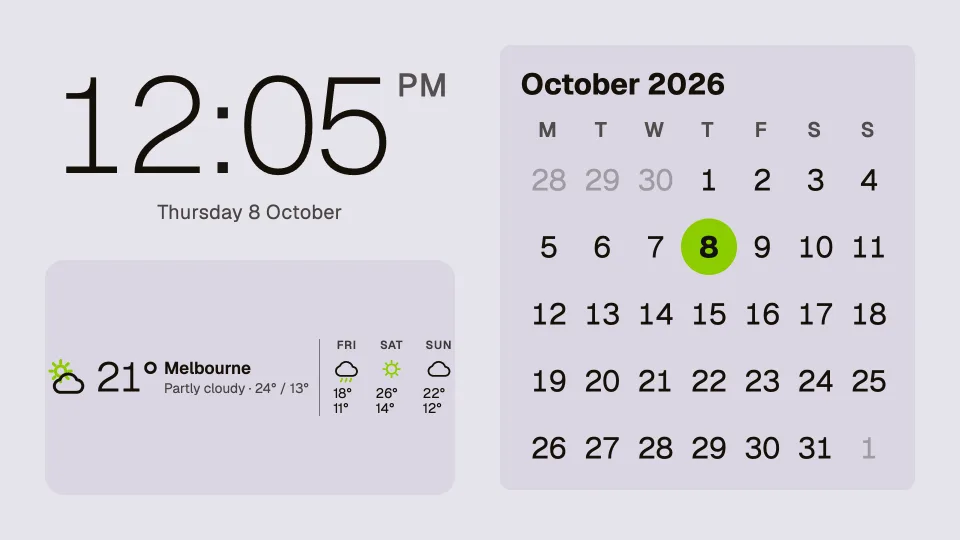 Clocks, dates and weatherTwenty clocks, the weather, a calendar and countdowns.
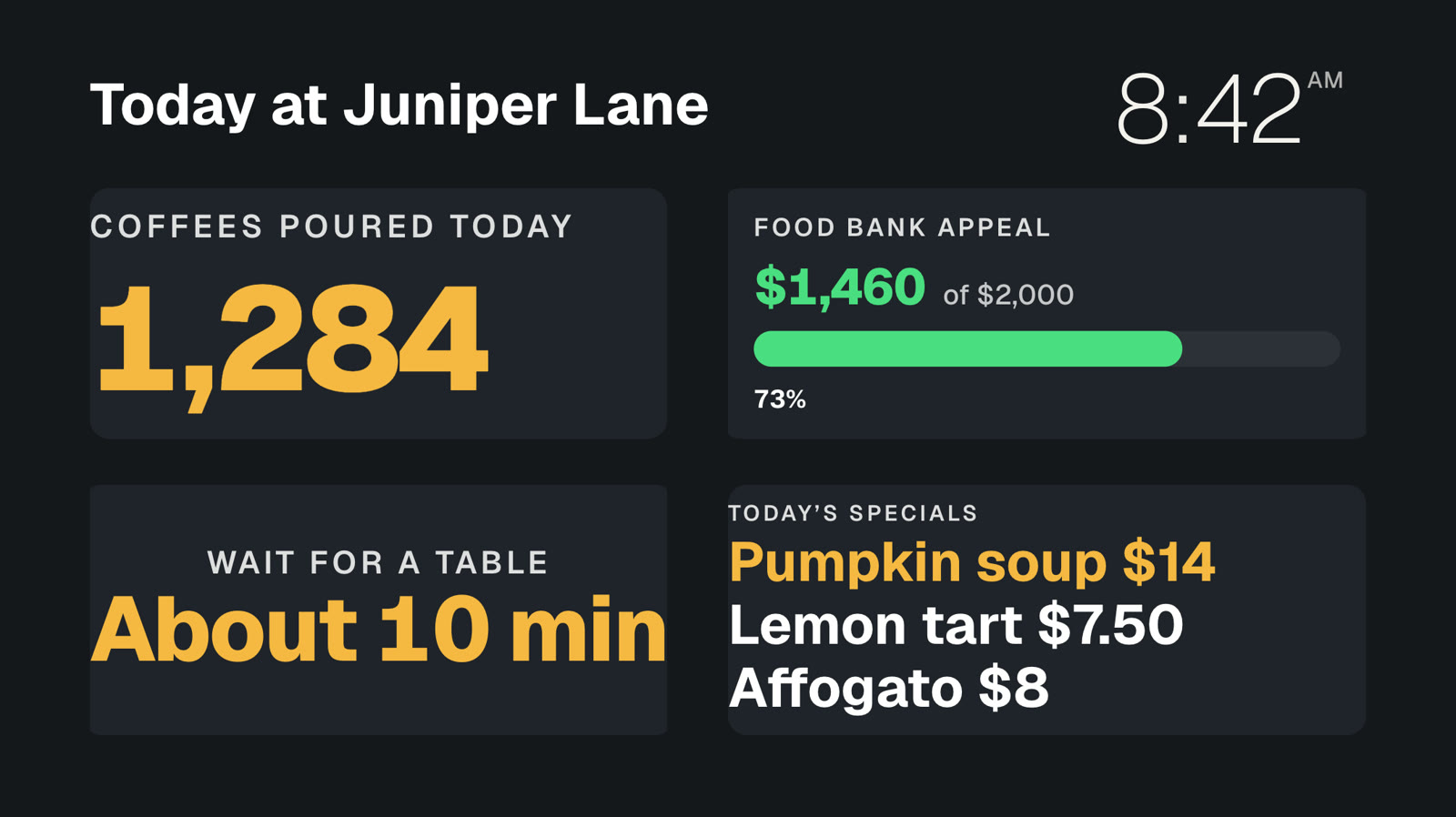 Your own dataNumbers and lists from your systems, live on screen.
 Event photo wallGuests’ photos from their phones, on your screens.
Call your next customer on screen.
Everything on this page is built into Pro: A$9.99 per screen a month, up to 20 screens, no setup fee and no contract. Try every Pro feature free for 14 days, or keep one screen free with photos, videos, playlists and signs, with a small “Powered by dislab.app” badge.