
Change a price once. Every board follows.
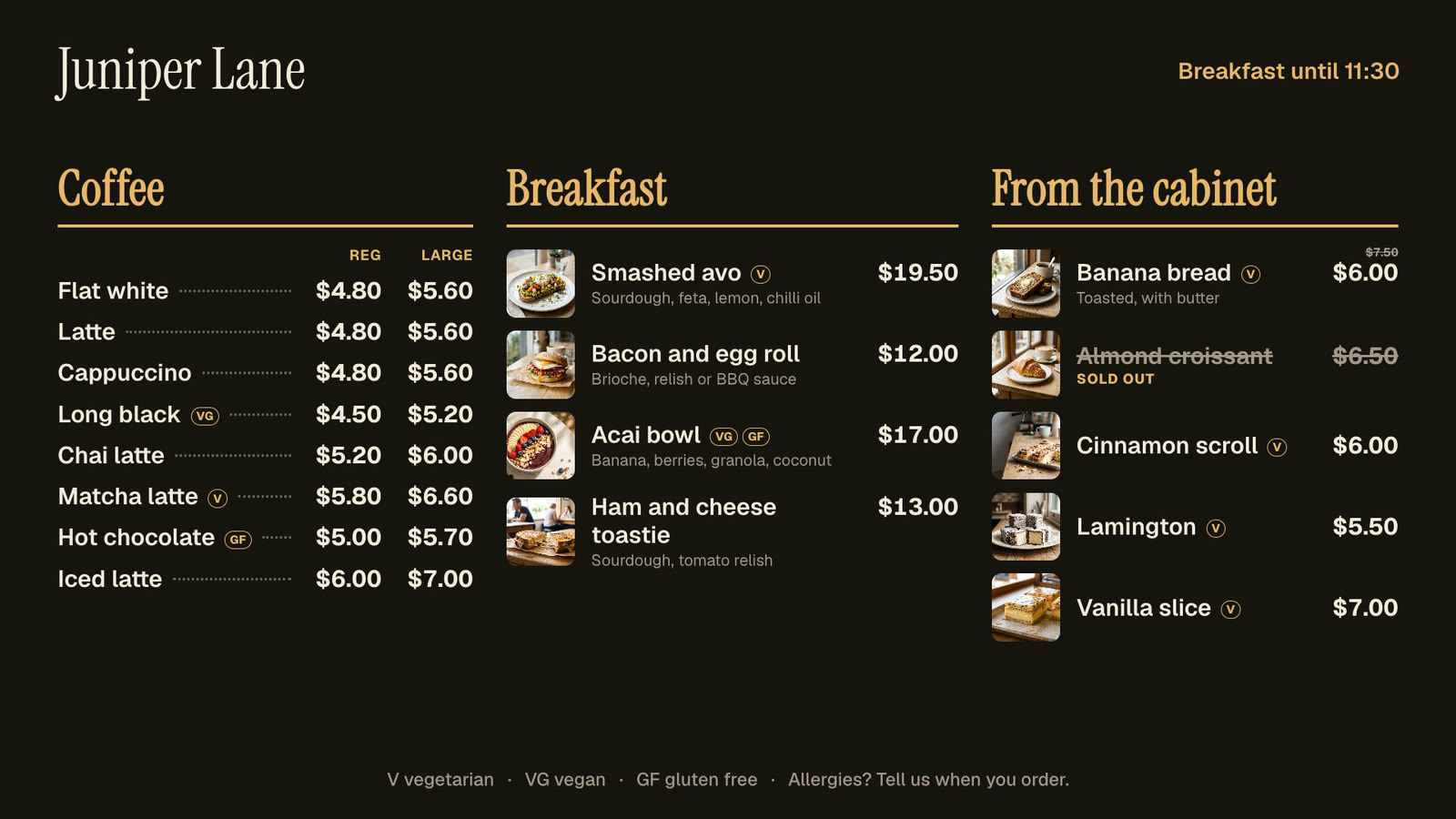
Keep your menu in Dislab: items, prices, sizes, photos and tags. Pick a board from over 20 templates and it fills itself in. Breakfast turns into lunch on its own, and sold-out items cross off from your phone.
Pro Built into Pro: A$9.99 per screen a month, up to 20 screens. 14 days free to try.
Every menu board, designed for a TV on its side too.
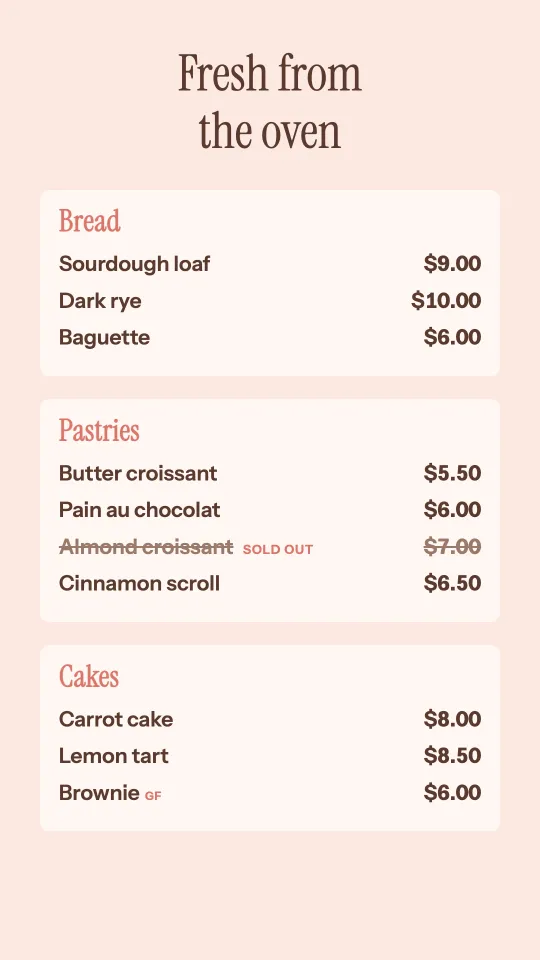
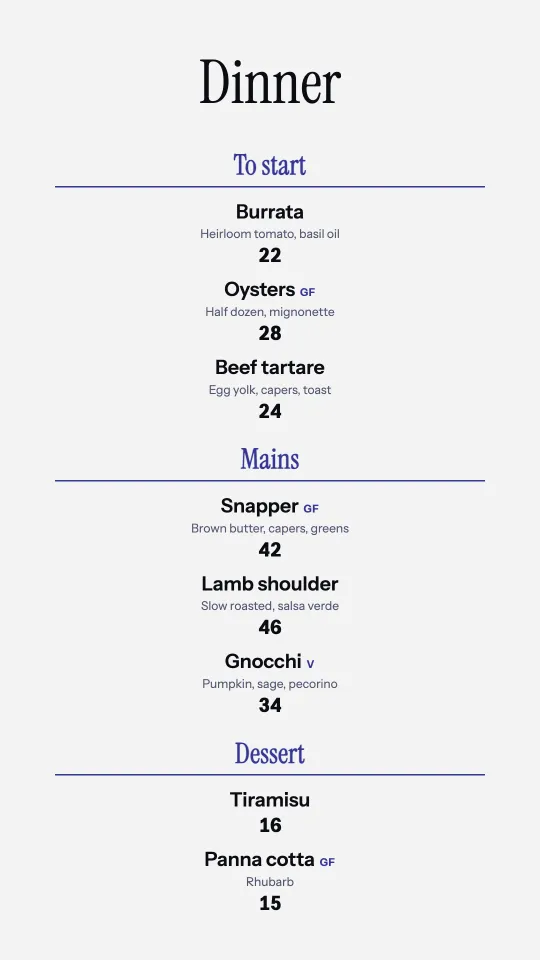
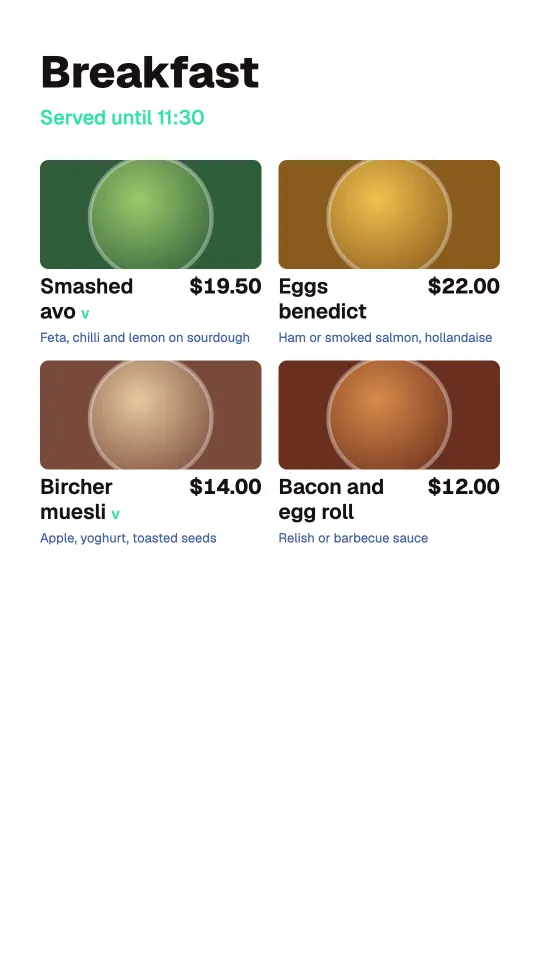
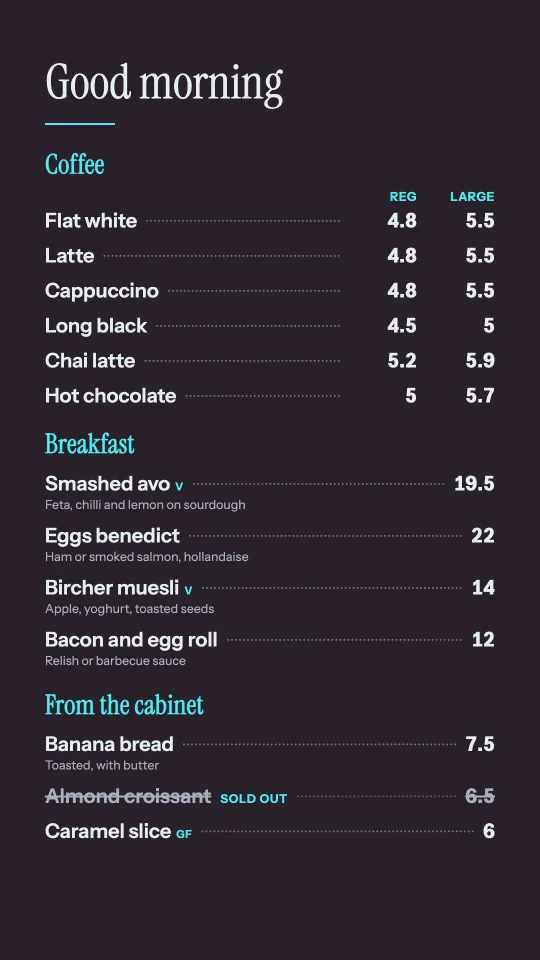
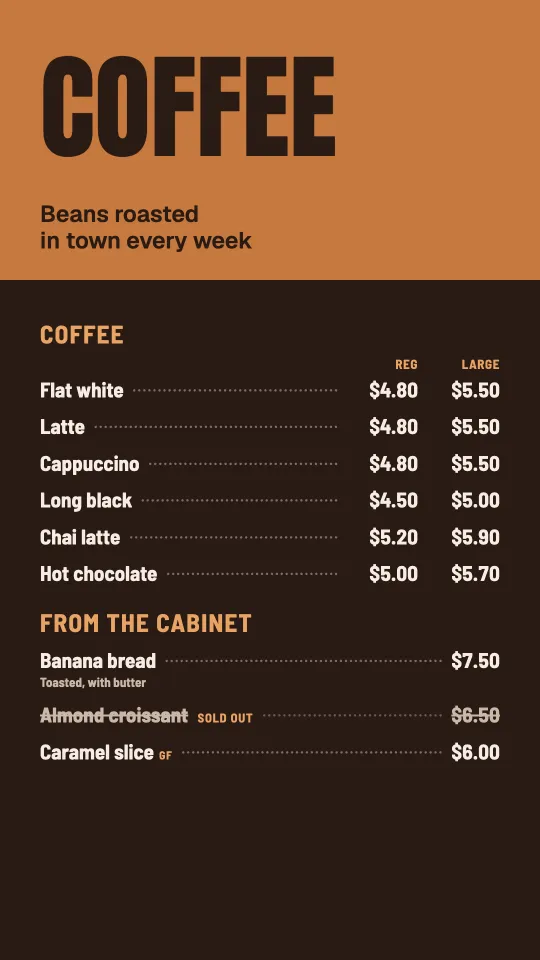
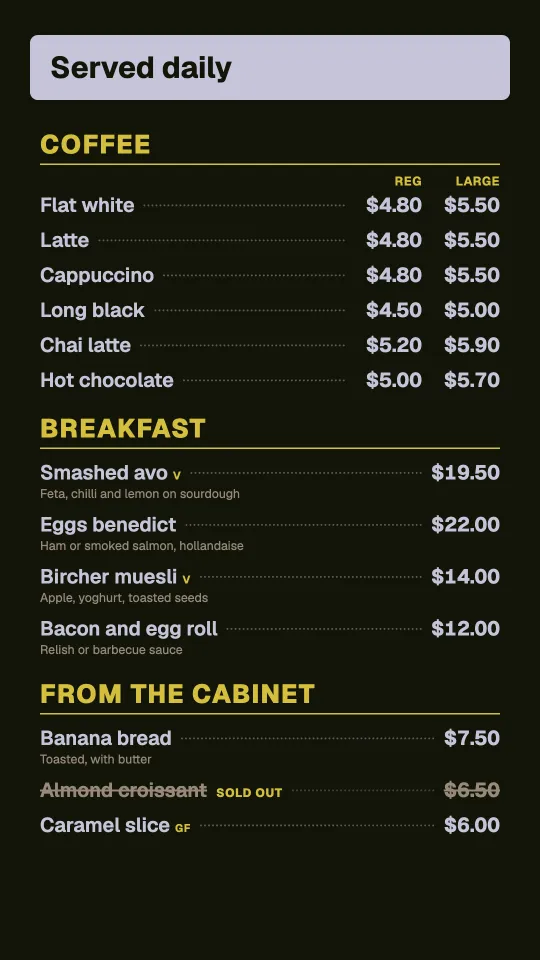
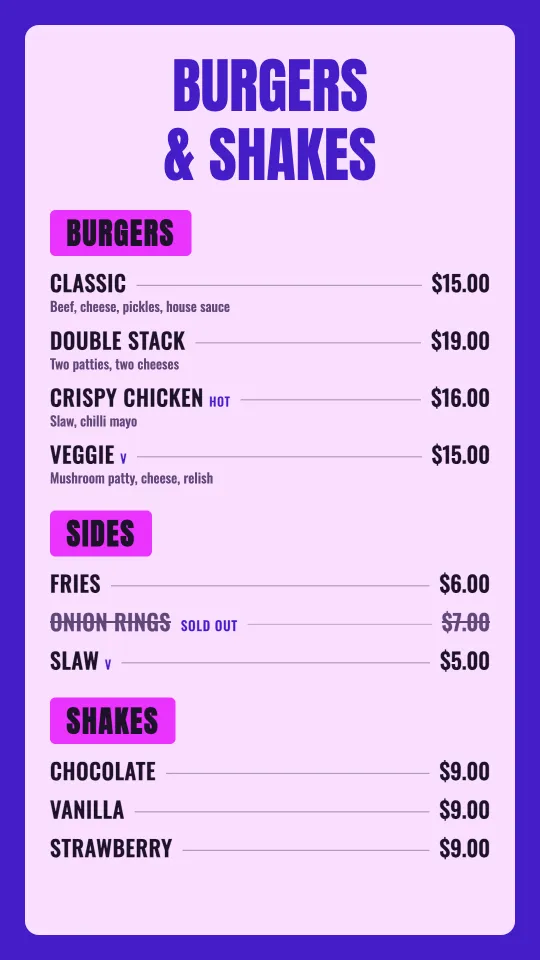
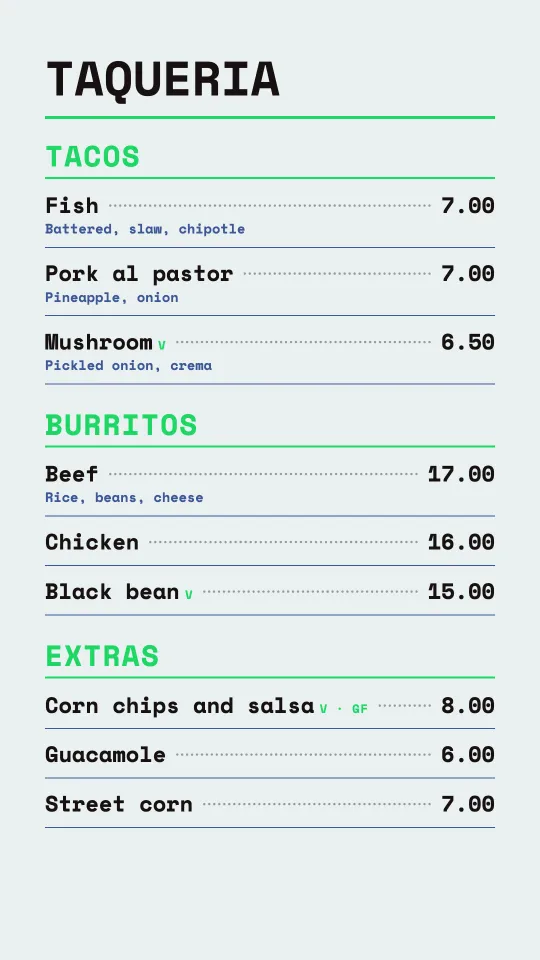
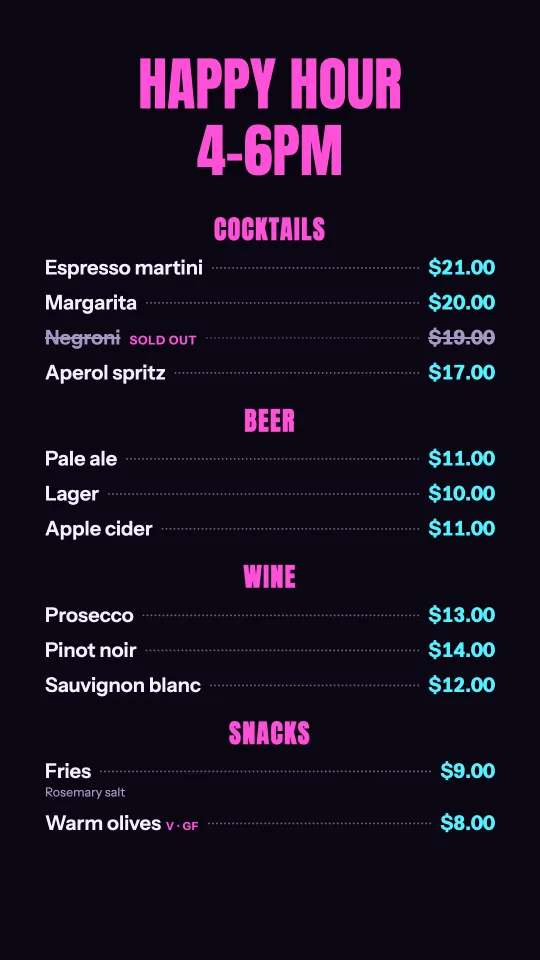
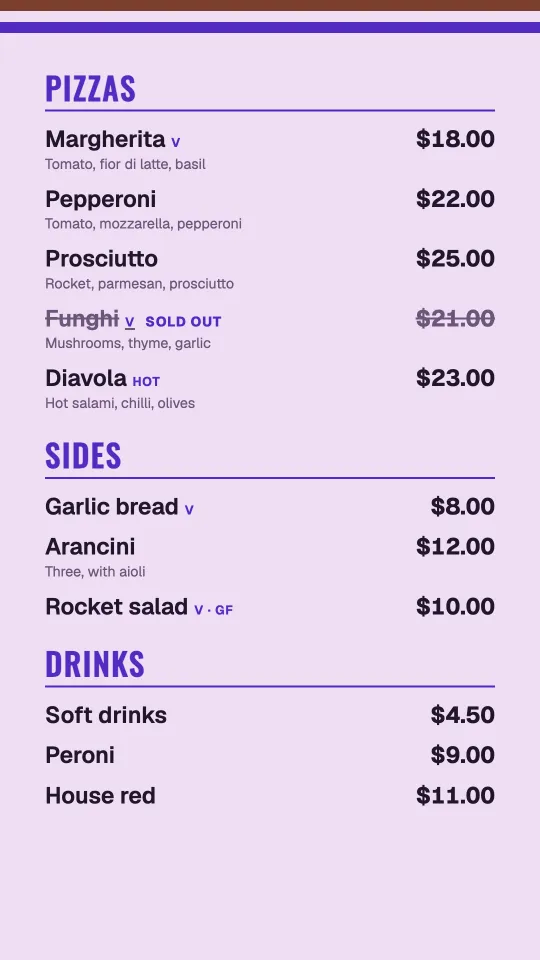
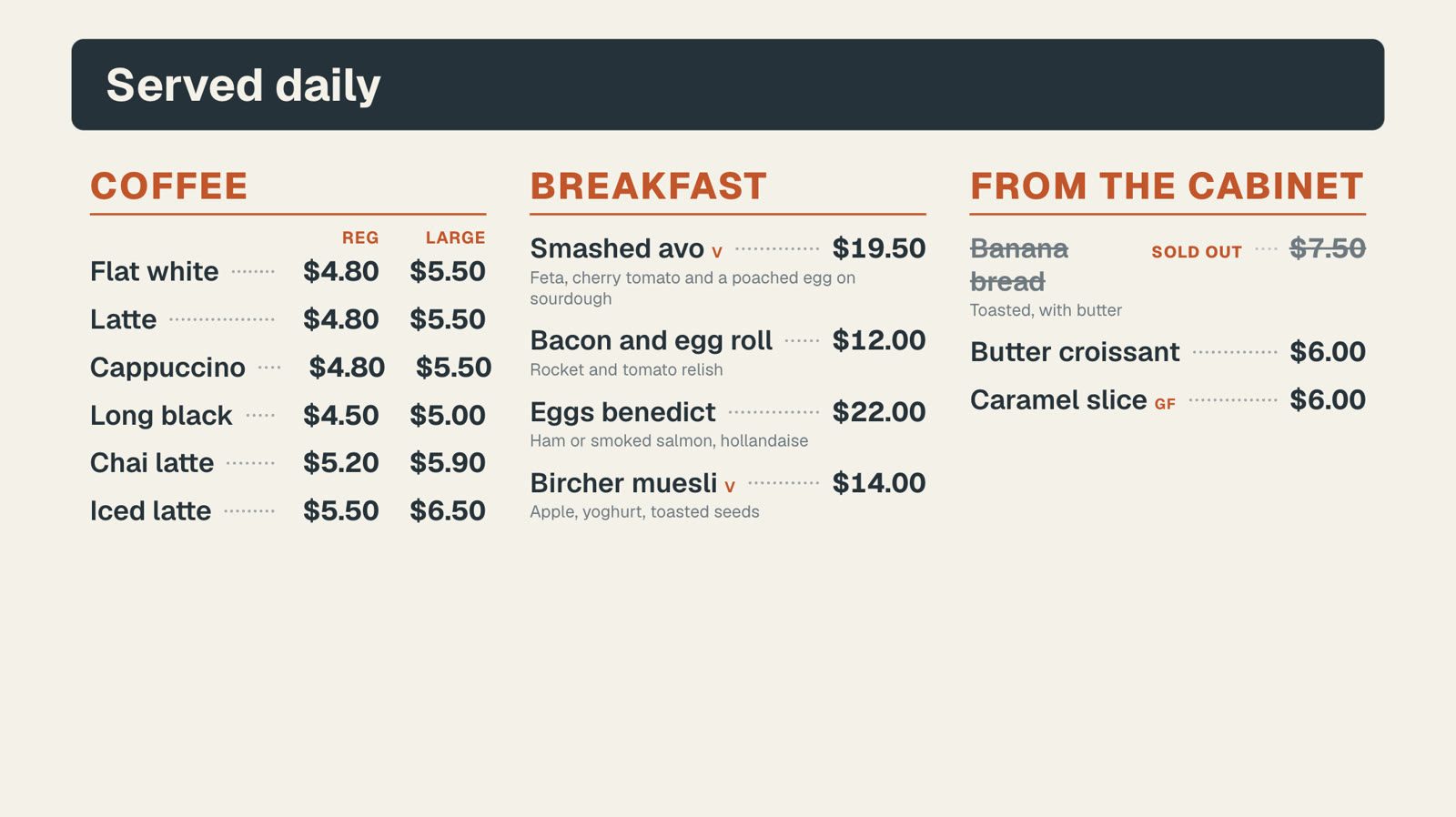
All 23 menu board templates have a portrait version of their own, not a squeezed copy: the title across the top and the menu in one tall column. Choose the shape when you start; the same menu feeds both.
 Tap anywhere to close
 Tap anywhere to close
 Tap anywhere to close
 Tap anywhere to close
 Tap anywhere to close
 Tap anywhere to close
 Tap anywhere to close
 Tap anywhere to close
 Tap anywhere to close
 Tap anywhere to close
Type it once, show it anywhere.
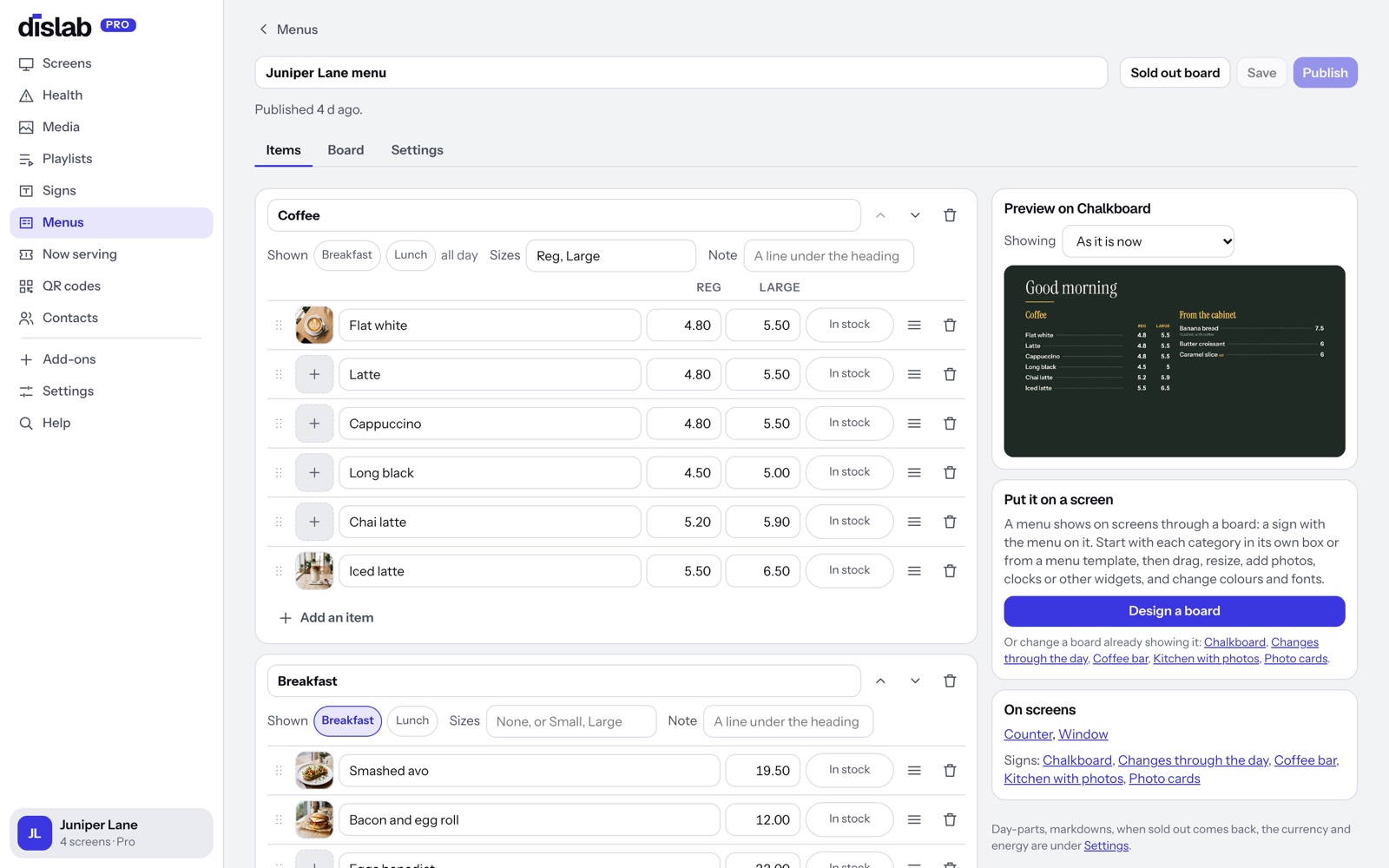
Your menu lives on the Menus page, not inside each sign. Any sign can show it with a Menu widget, so the counter board, the window and the drive-through all show the same prices.
- Categories, items, prices, descriptions and tags (V, GF, HOT)
- Two prices side by side for sizes, like Reg and Large
- Photos from your library beside each item
- Price edits wait until you press Publish, so you can change several at once
- Sell with Square? Bring your Square menu in and it stays up to date by itself
Day-parts switch the board by themselves
Set Breakfast 6 to 11:30, Lunch 11:30 to 3, and choose which categories show when. Each screen switches at its own local time, even with the internet down while your plan is active.
Tap anywhere to close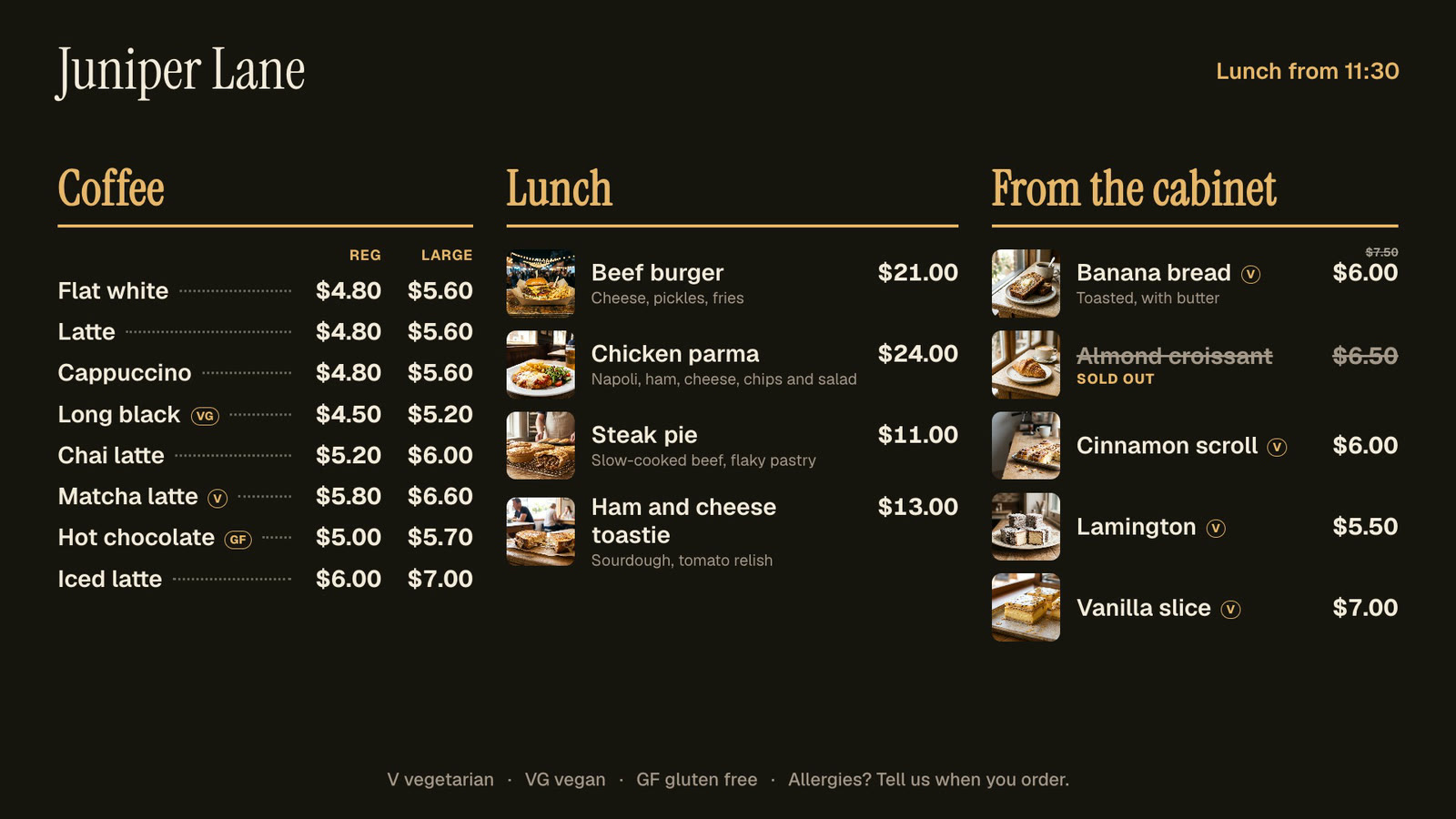 Tap anywhere to close
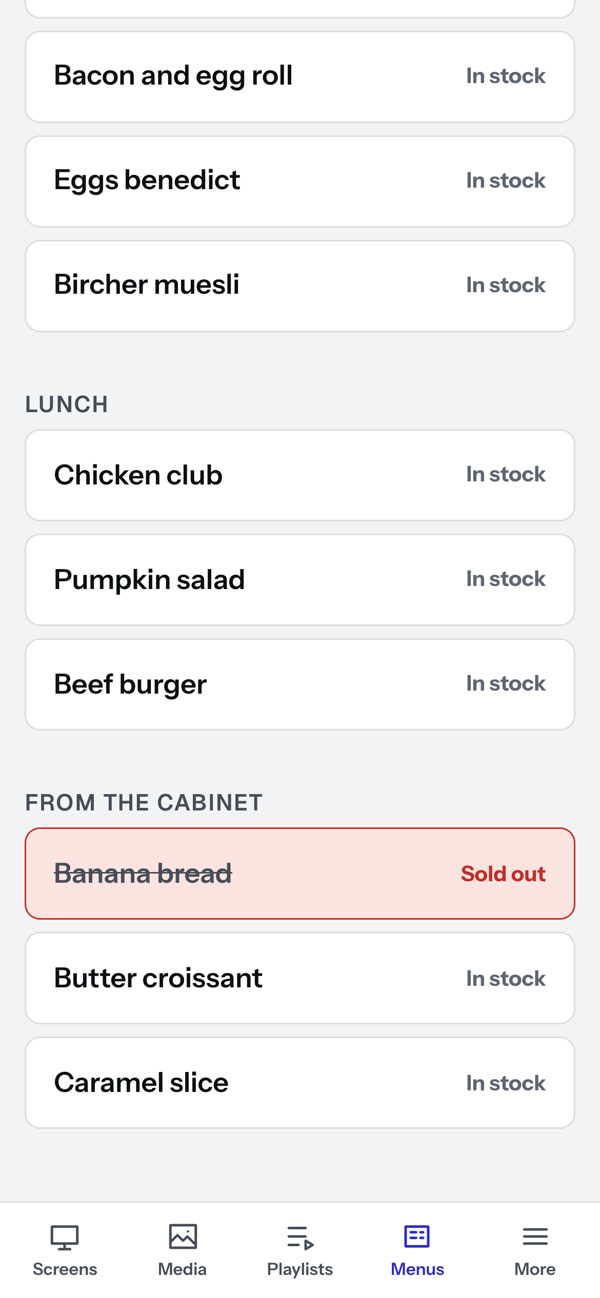
Out of banana bread? One tap at the counter.
Open the Sold out board on your phone and tap the item. It’s crossed out on every screen within seconds, no publish needed. Choose when sold-out items come back: when you switch them, at the next day-part, or the next morning at a time you set.
- Crossed out with a “Sold out” label, or hidden, per board
- Works from any phone signed in to your account
- Back in stock with another tap
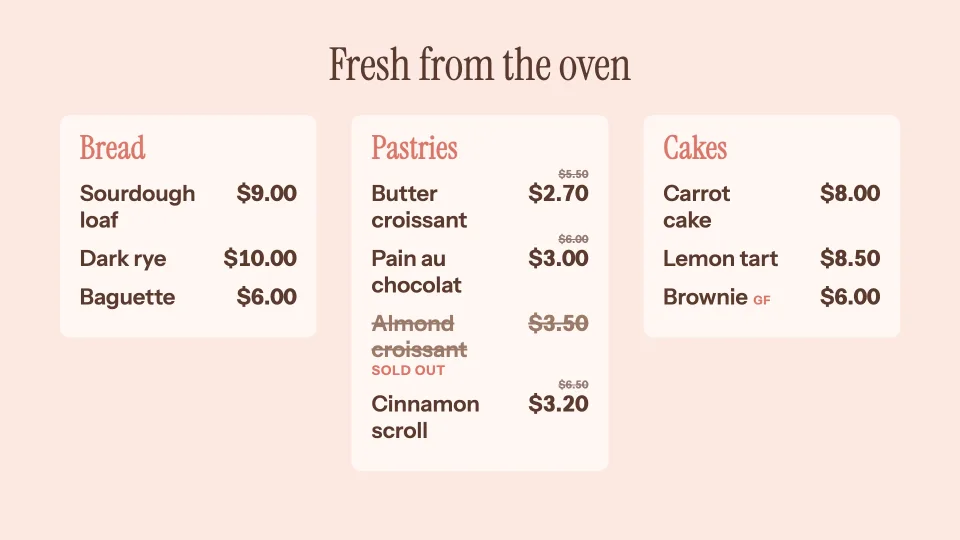
Prices that change by themselves.
Half price on pastries in the last hour, $1 off ice cream when it’s over 30°, happy hour on the drinks. Set it once and each screen switches it on and off at its own time, with the old price crossed out just above the new one.
- By time and day, by the weather, or both
- On the whole menu, some categories or single items
- Screens decide by themselves, offline too while your plan is active
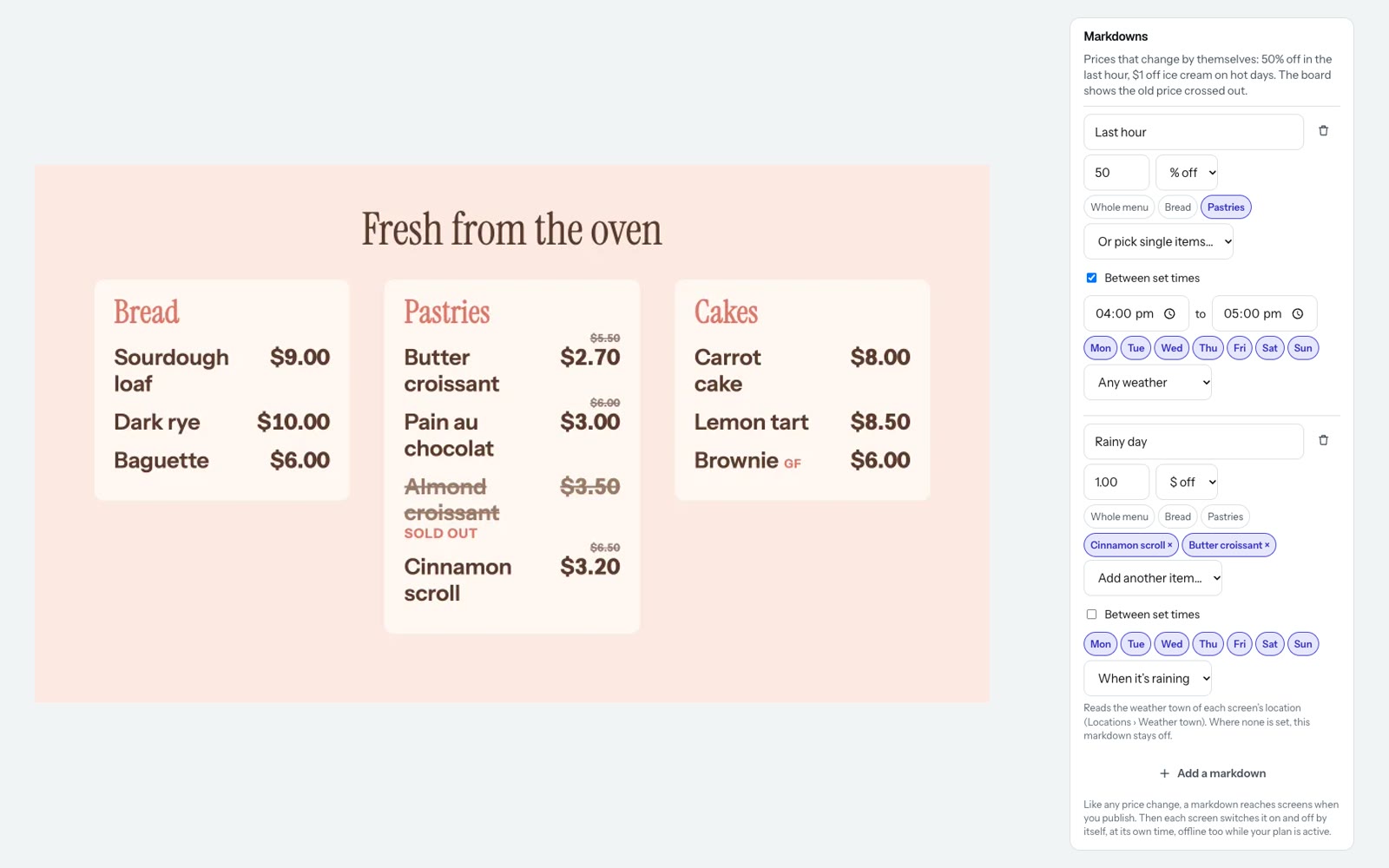
A percentage or an amount off, when you say.
Add a markdown to any menu: how much off, which categories, between which times, on which days and in what weather. Preview the board with it on before you publish.
- A percentage rounds down to 10 cents, so it’s never less than the discount you set
- Two at once? The lower price wins
- Weather from each screen’s own town
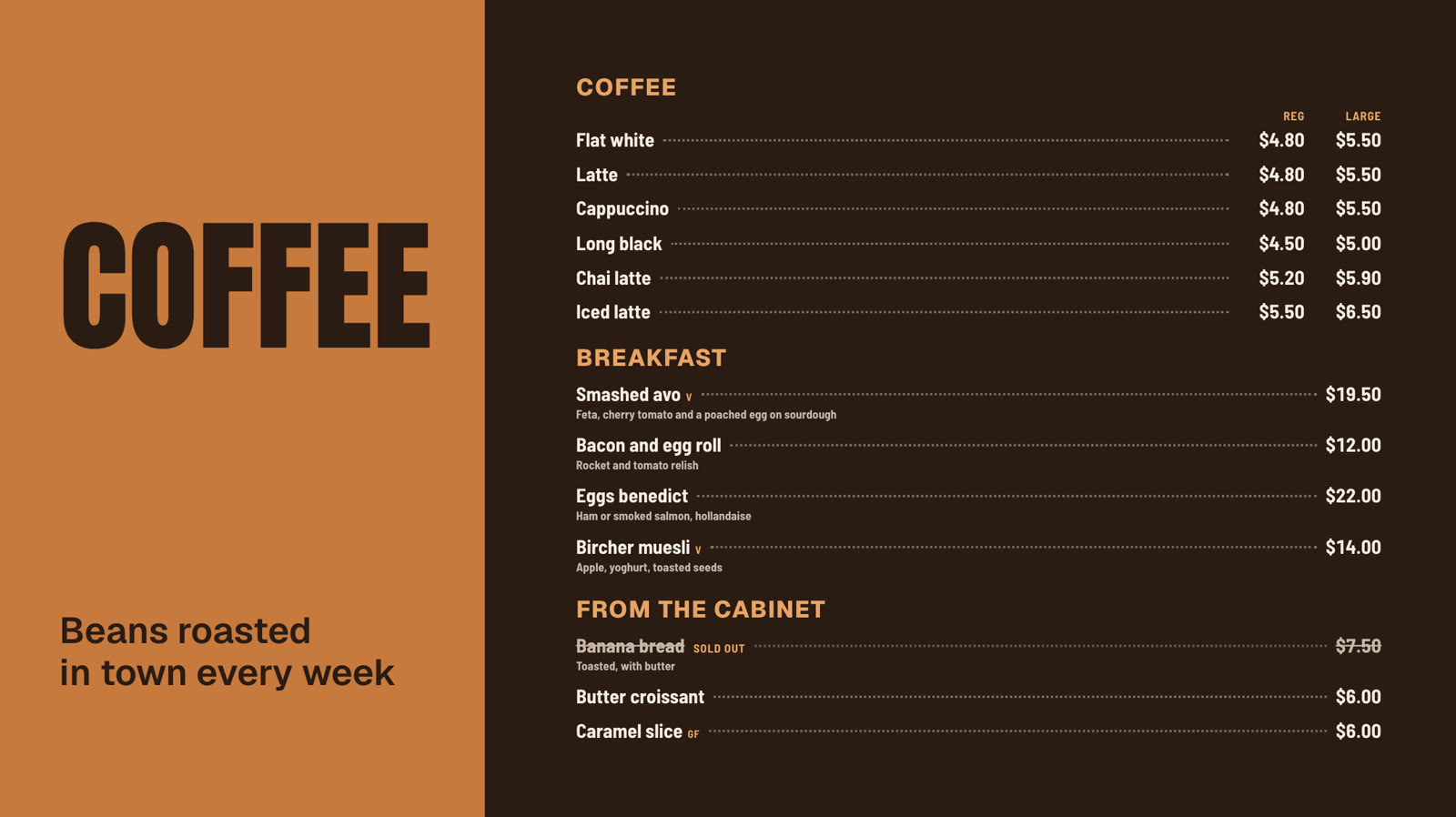
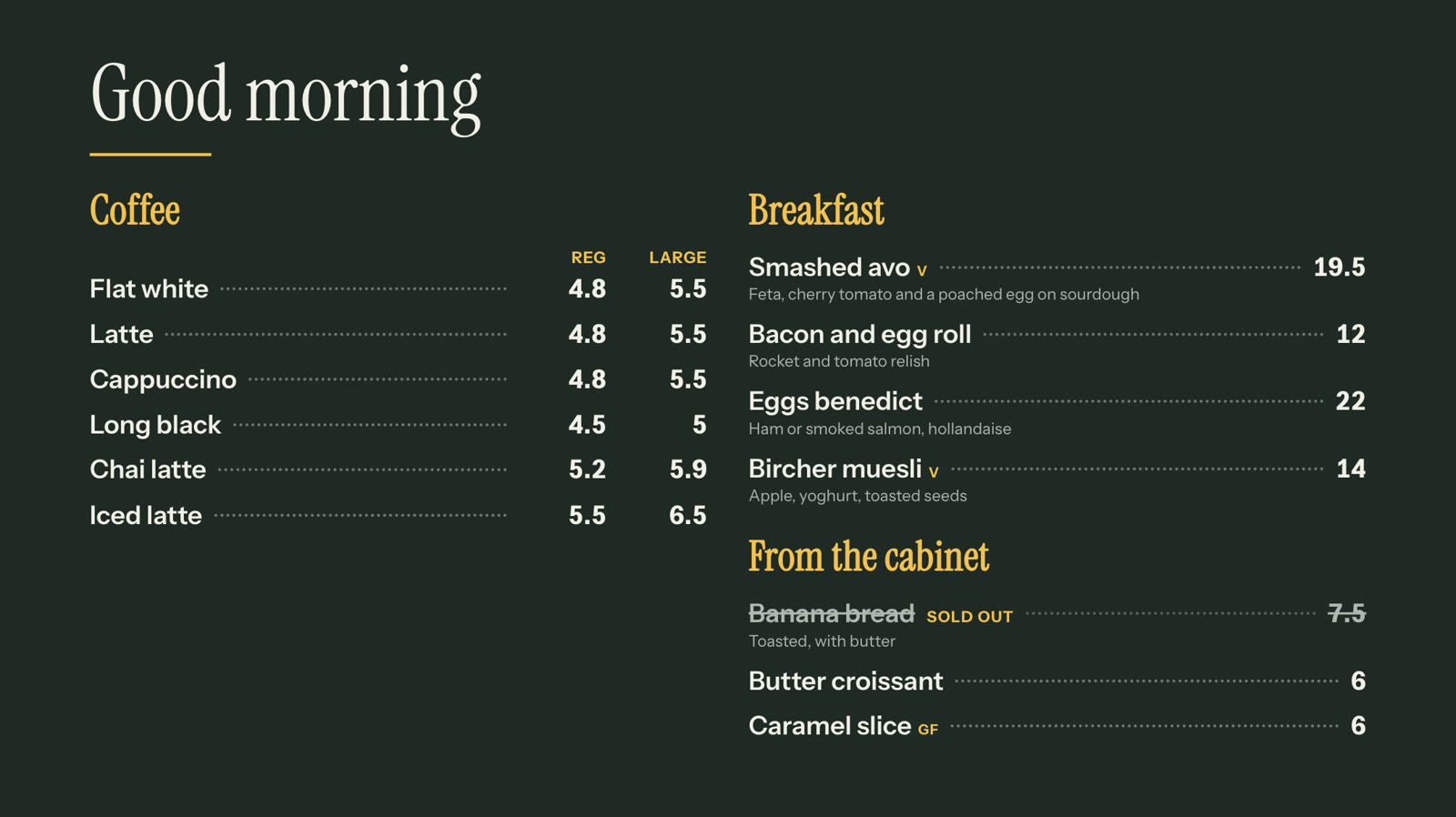
Over 20 menu board templates
Diner, bistro, pizzeria, bakery, juice bar, wine list and more. Choose one, pick your menu, and change the colours and fonts to match your shop.
 Tap anywhere to close
 Tap anywhere to close
 Tap anywhere to close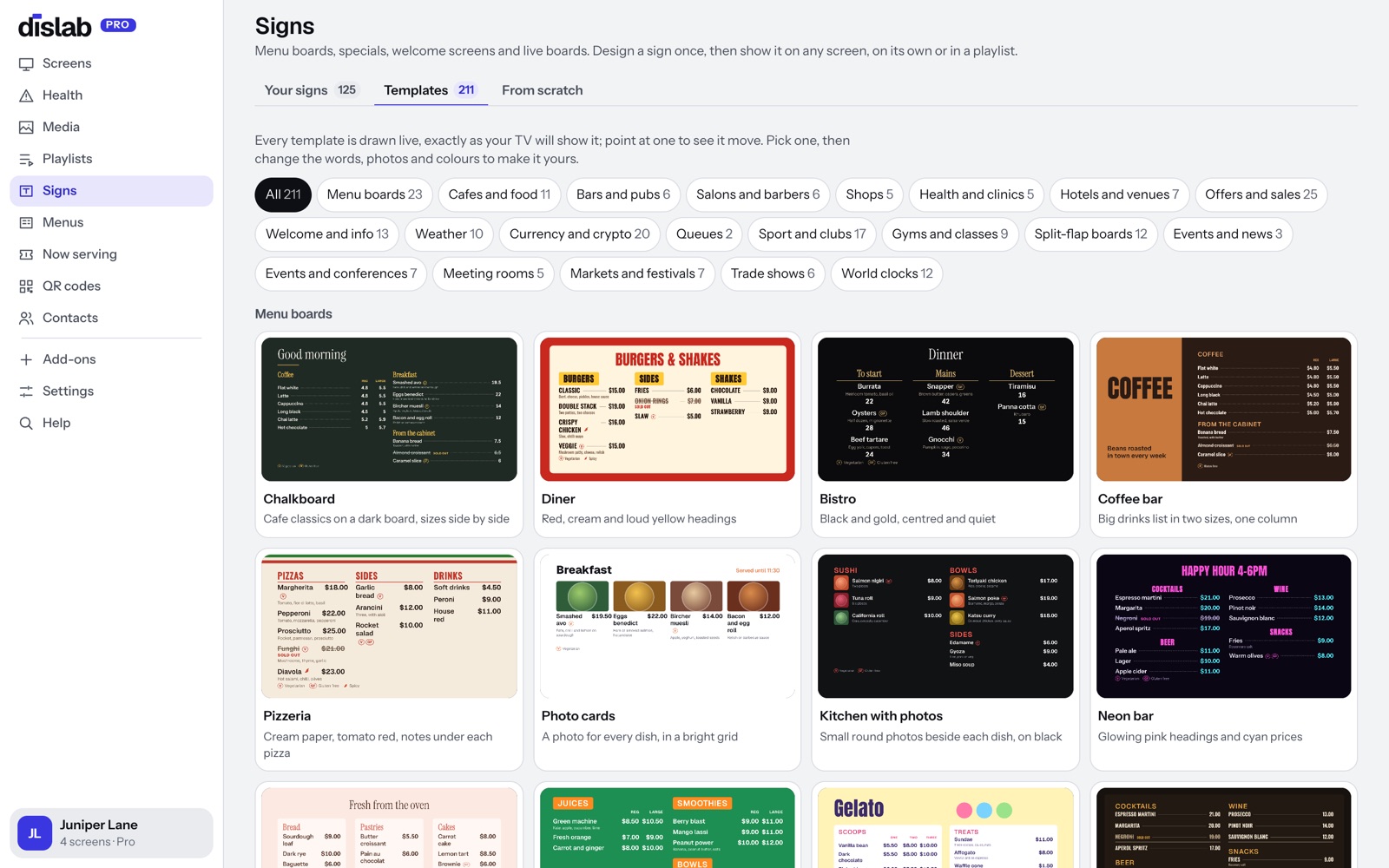
Questions
Anything else? Ask us, or look in the help centre.
Can prices change by themselves?
Yes, with markdowns: a percentage or an amount off some or all of the menu, at set times, on set days or in set weather. The board crosses out the old price above the new one, and switches back by itself. Screens play offline through the subscription period you’ve paid for, checking in now and then to confirm it.
What if my menu is too long for the board?
The menu shrinks to fit, down to a size that’s still readable from across the room. Past that, the console tells you it doesn’t fit before you publish, so a cut-off menu never reaches the screen.
Can different screens show different parts of the menu?
Yes. Each Menu widget chooses which categories it shows, so the drinks board and the food board can both come from one menu.
Do day-parts work offline?
Yes. The screen knows the day-parts and switches by itself at its own local time. It doesn’t need the internet to go from breakfast to lunch. Screens play offline through the subscription period you’ve paid for, checking in now and then to confirm it; one that can’t check in for longer than that asks to be connected.
Can I use my own prices and currency?
Yes. Prices are written the way your country writes them, in Australian, New Zealand, US or Canadian dollars, pounds, euros, Singapore or Hong Kong dollars.
Which plan is it on?
Pro, at A$9.99 per screen a month. Menus, sold out and the templates are all included. Try it free for 14 days.
More of what Dislab does
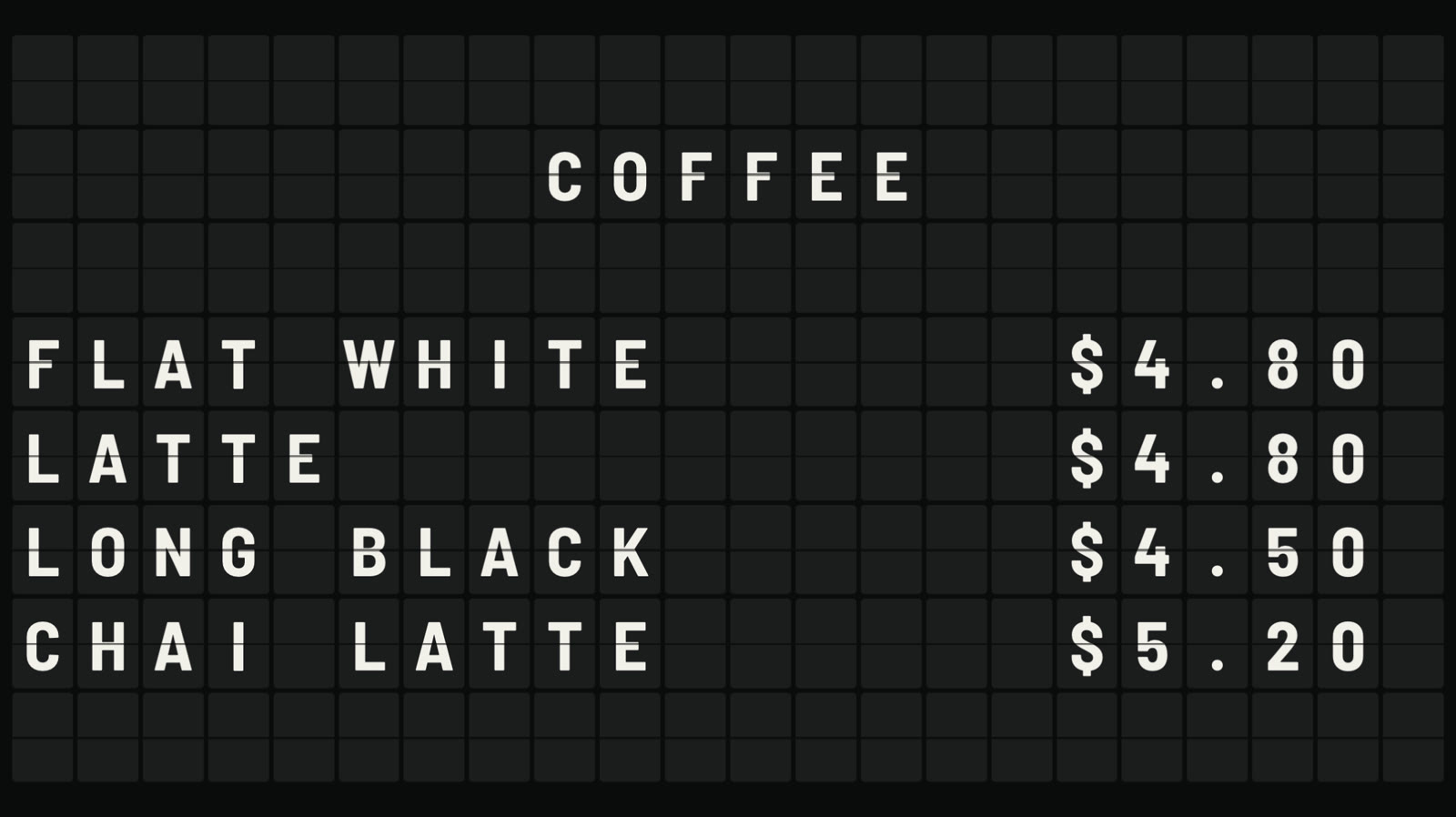 Split-flap boardLetters that flip into place, like an airport board.
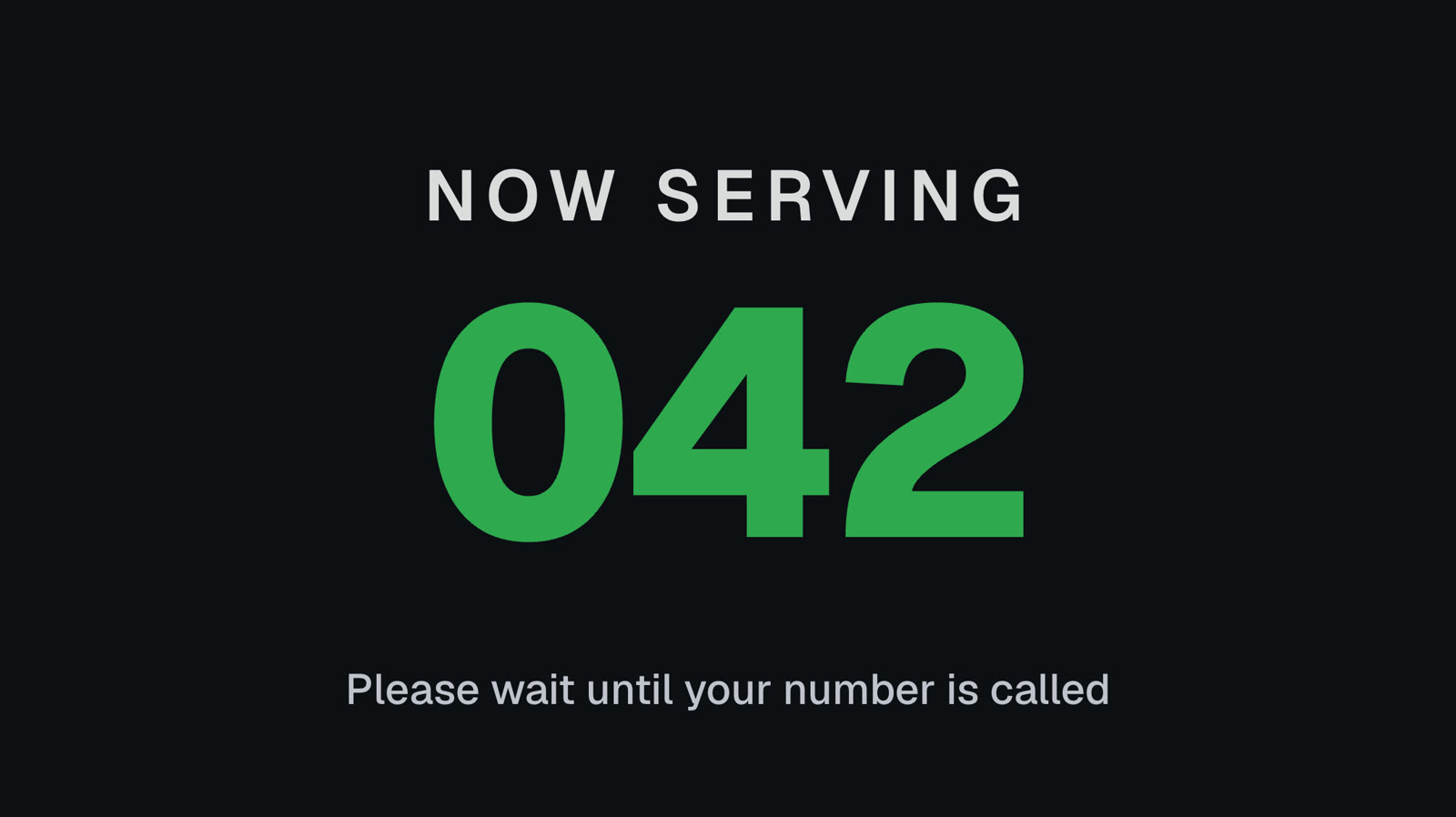 Queue numbersA big Now serving number staff move on from a phone.
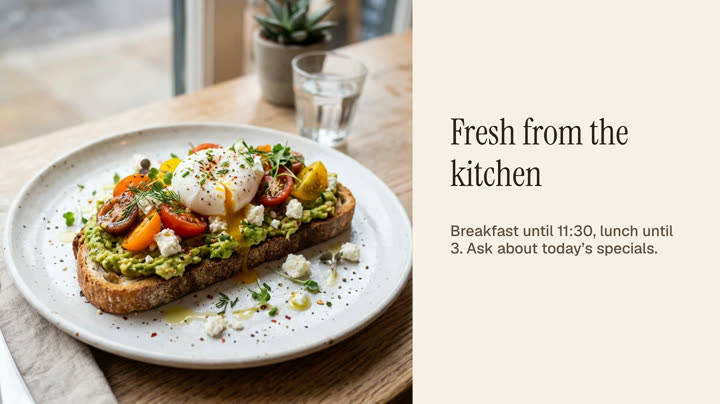 Photos and videosAny phone’s photos and videos, ready for the TV.
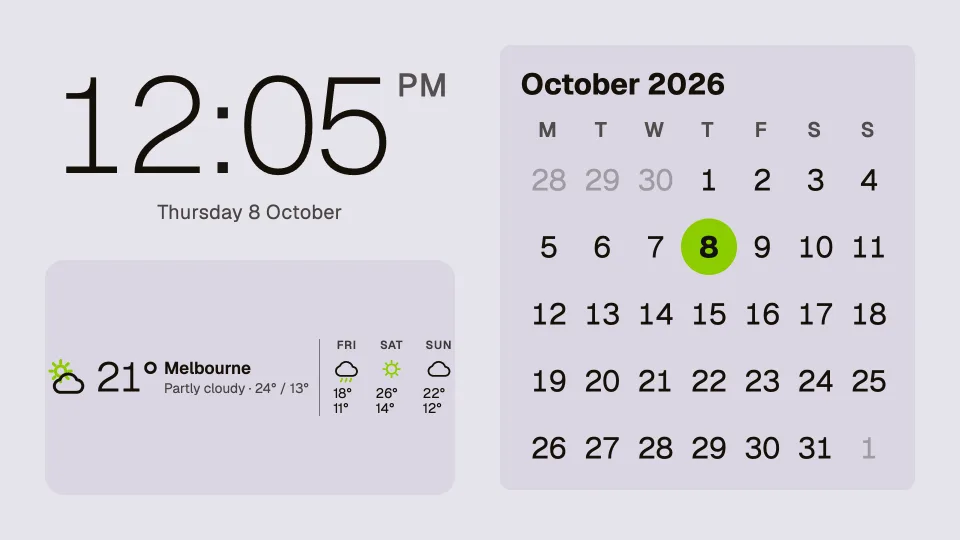 Clocks, dates and weatherTwenty clocks, the weather, a calendar and countdowns.
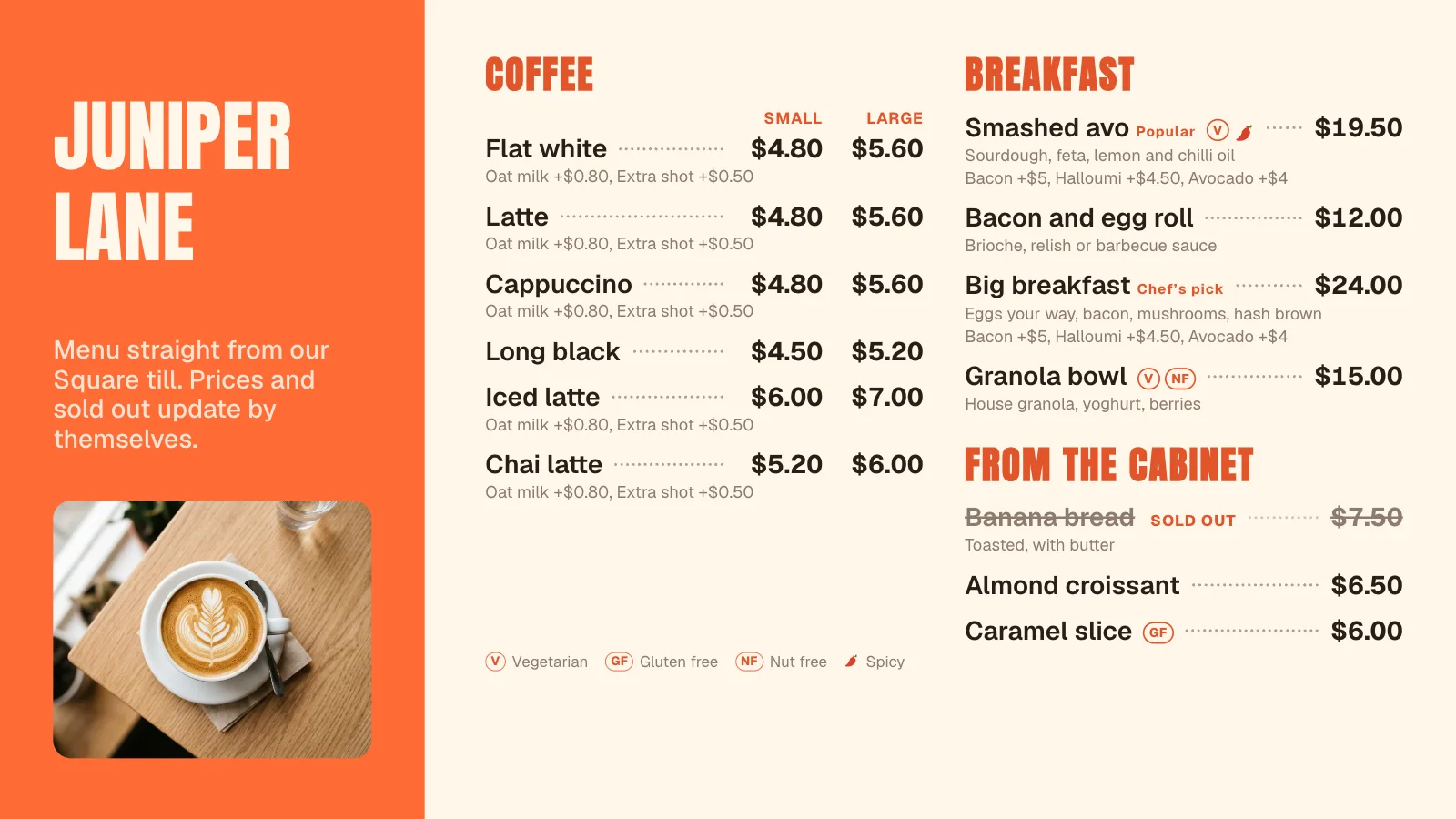 Square menusYour Square menu on every screen, kept in step by itself.
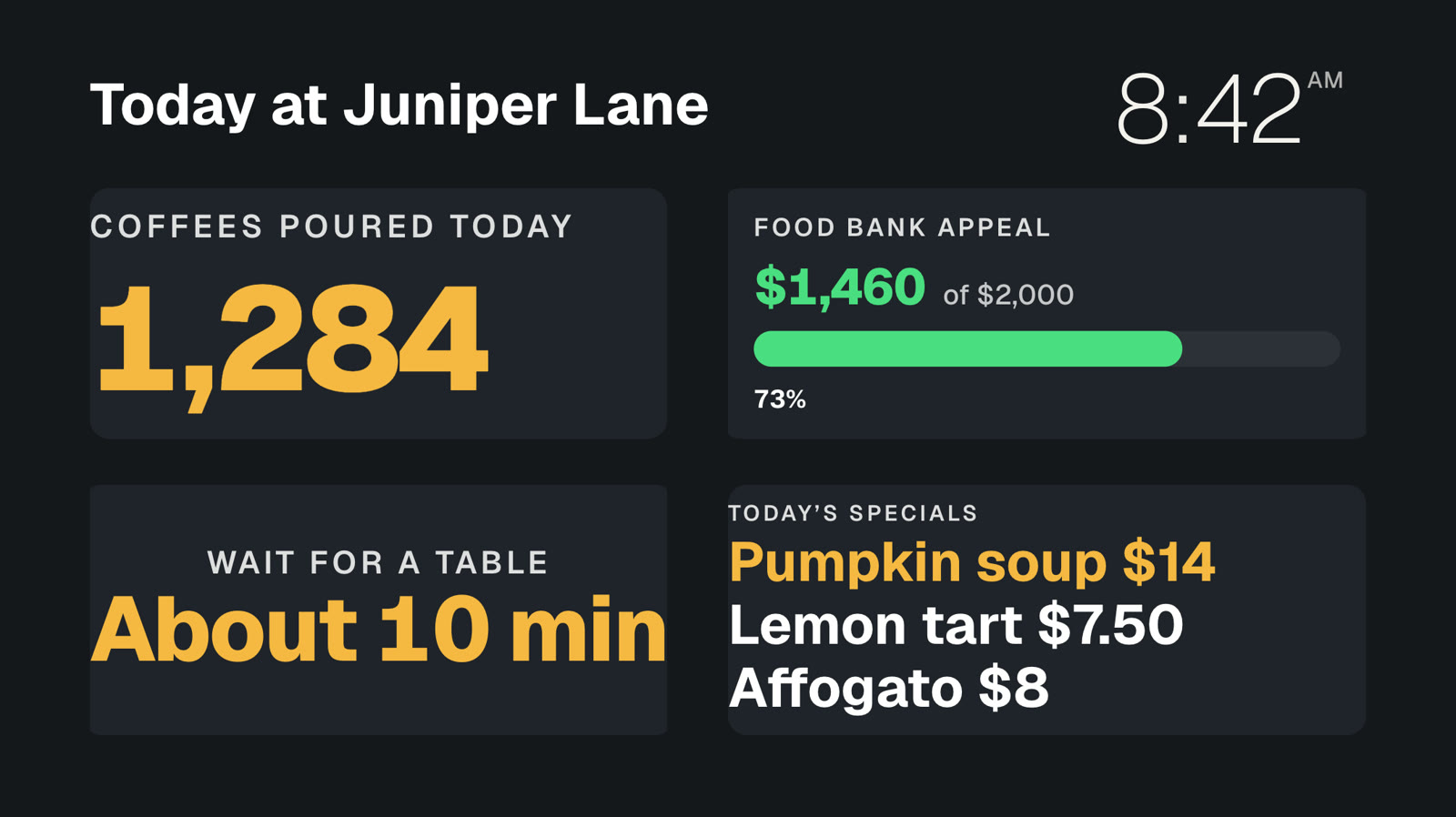 Your own dataNumbers and lists from your systems, live on screen.
Put your menu on screen today.
Everything on this page is built into Pro: A$9.99 per screen a month, up to 20 screens, no setup fee and no contract. Try every Pro feature free for 14 days, or keep one screen free with photos, videos, playlists and signs, with a small “Powered by dislab.app” badge.