
Programmes, session boards and signs that point the way.
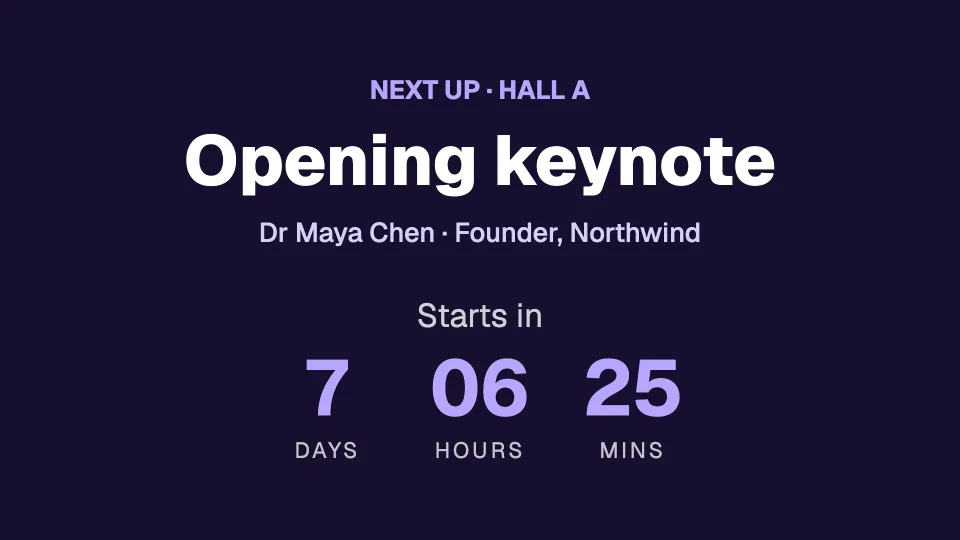
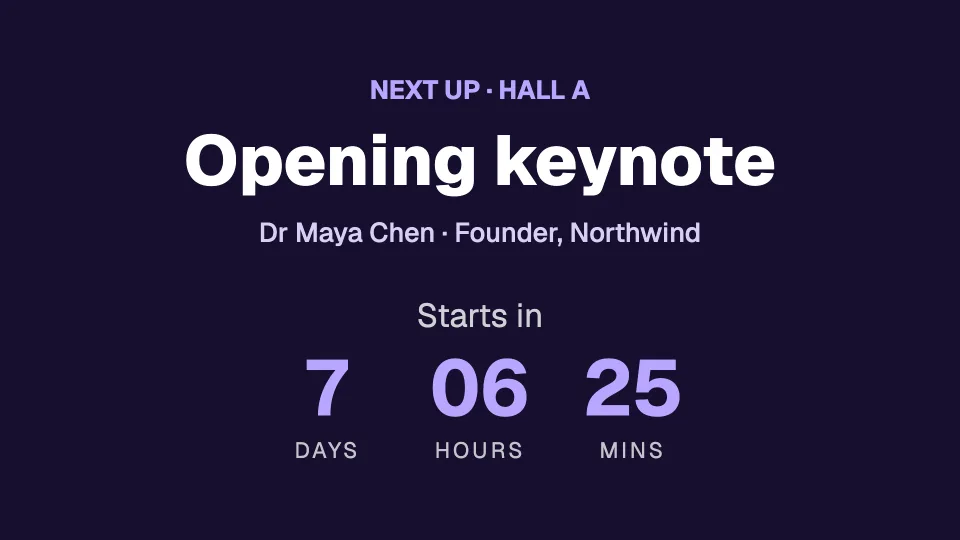
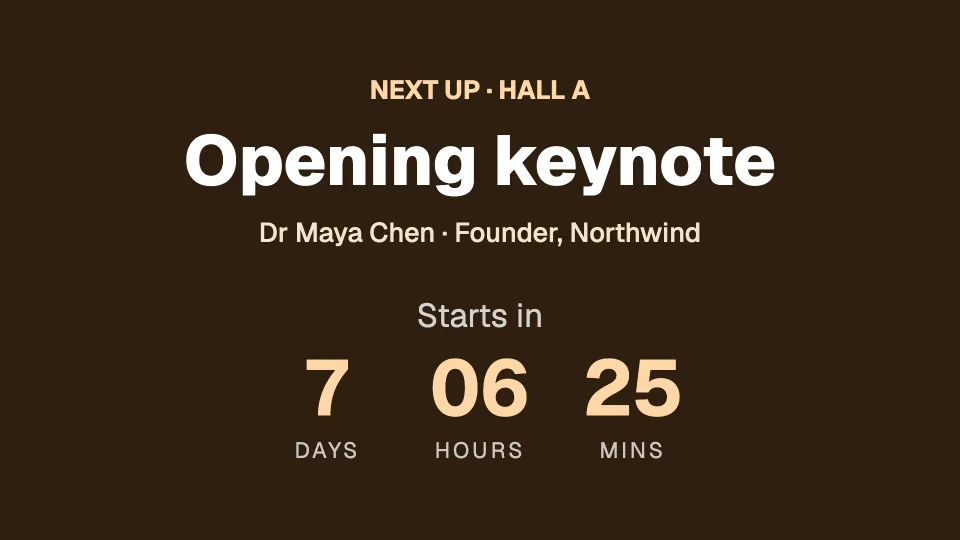
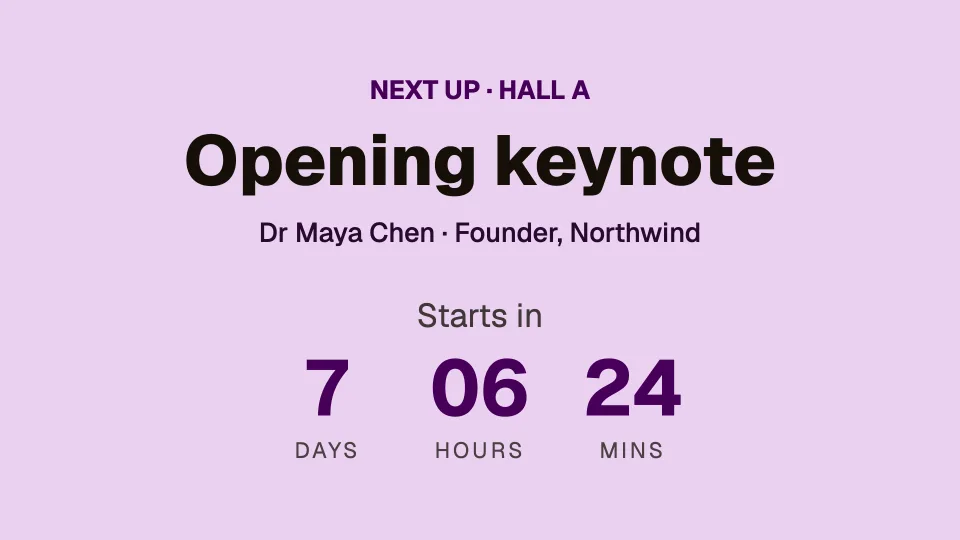
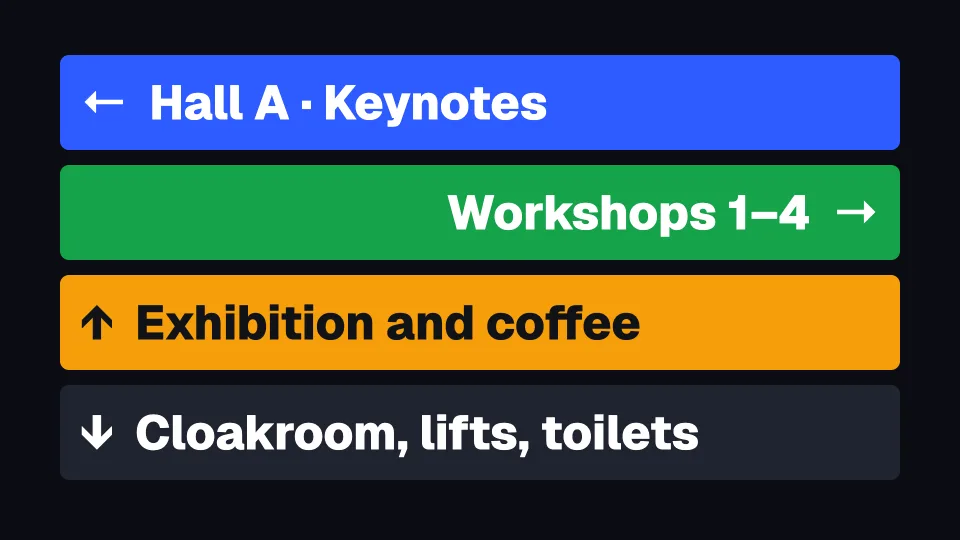
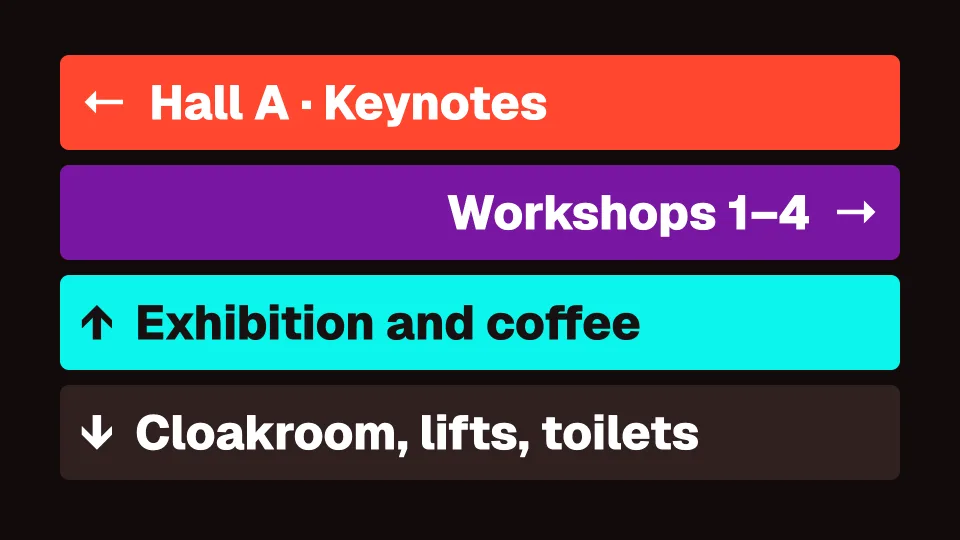
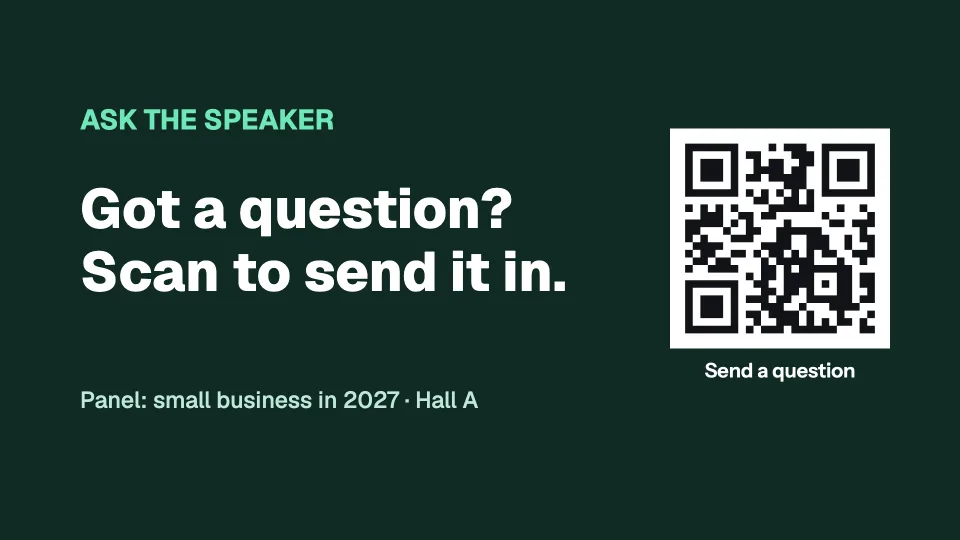
Put today’s programme on every screen straight from your event calendar, count down to the keynote, point people to the right room and thank your sponsors. Move a session in your calendar and every screen follows.
Pro Every sign on this page is built into Pro: A$9.99 per screen a month, up to 20 screens. 14 days free to try.
What an event shows
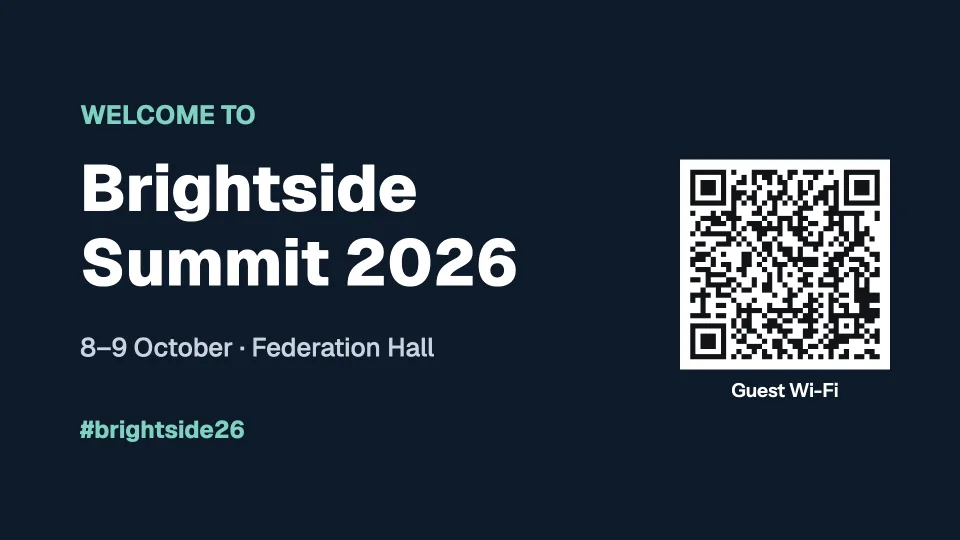
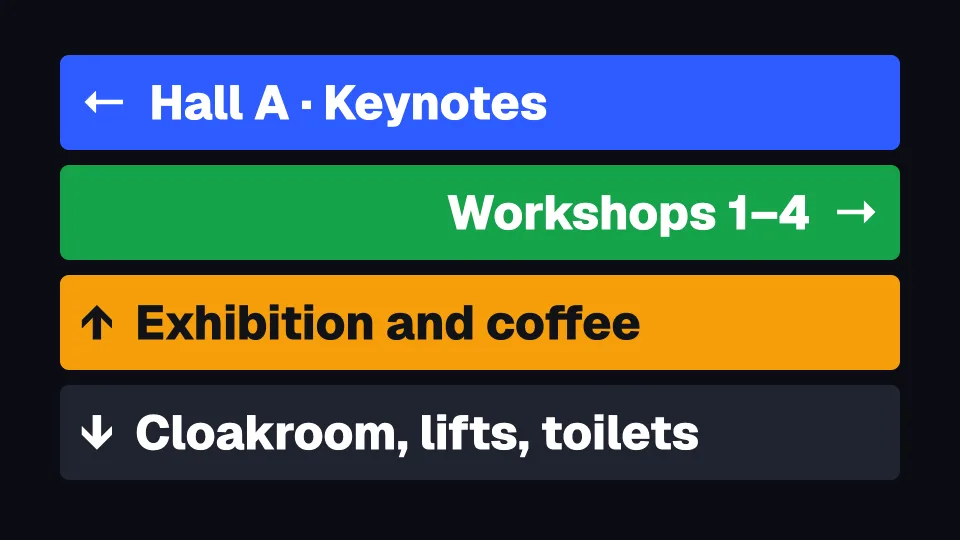
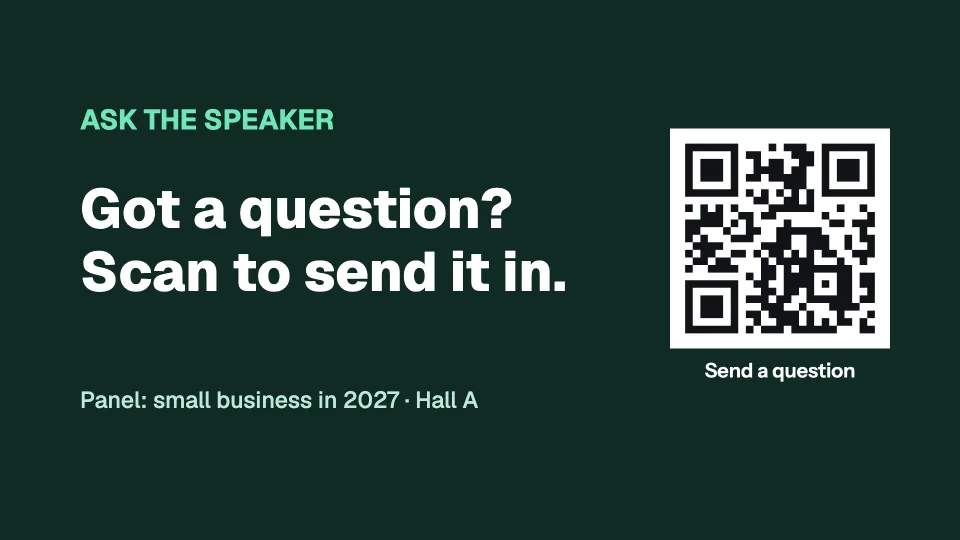
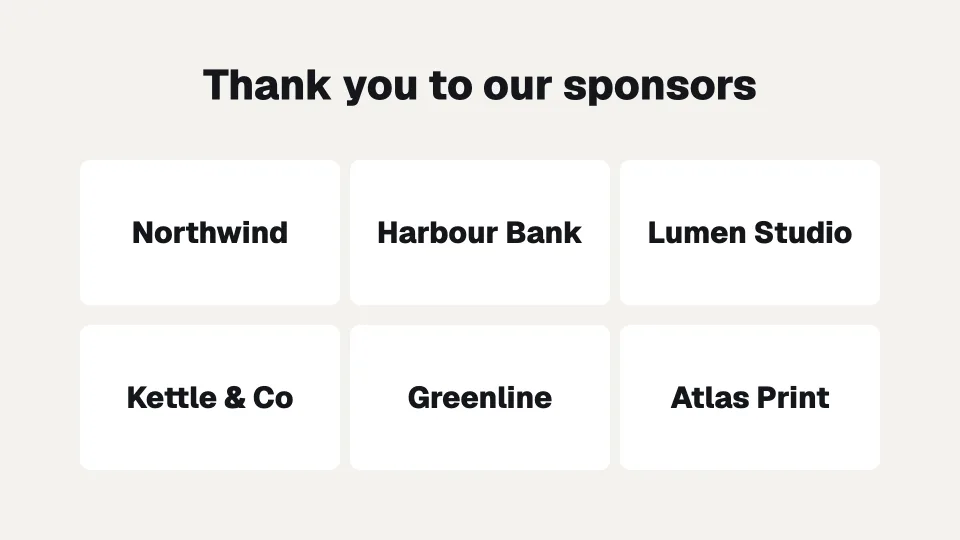
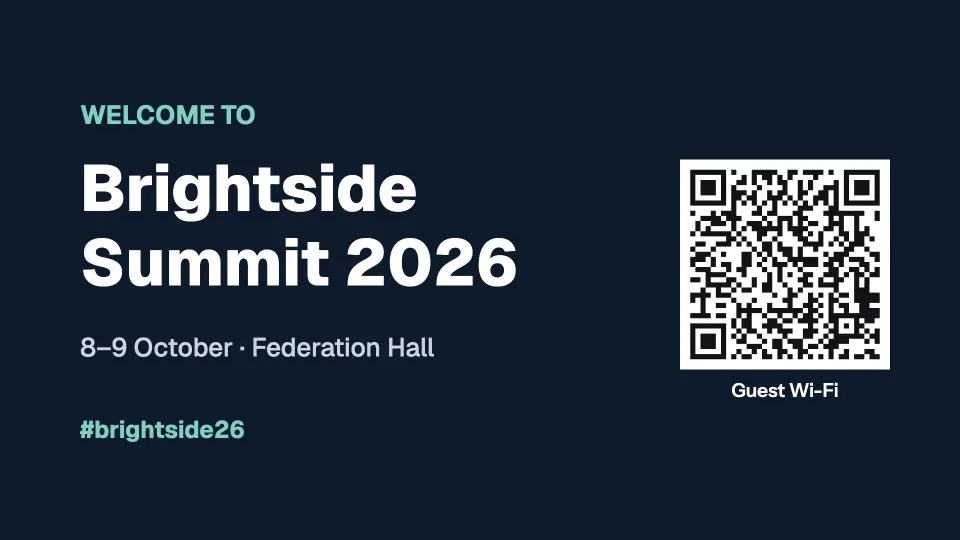
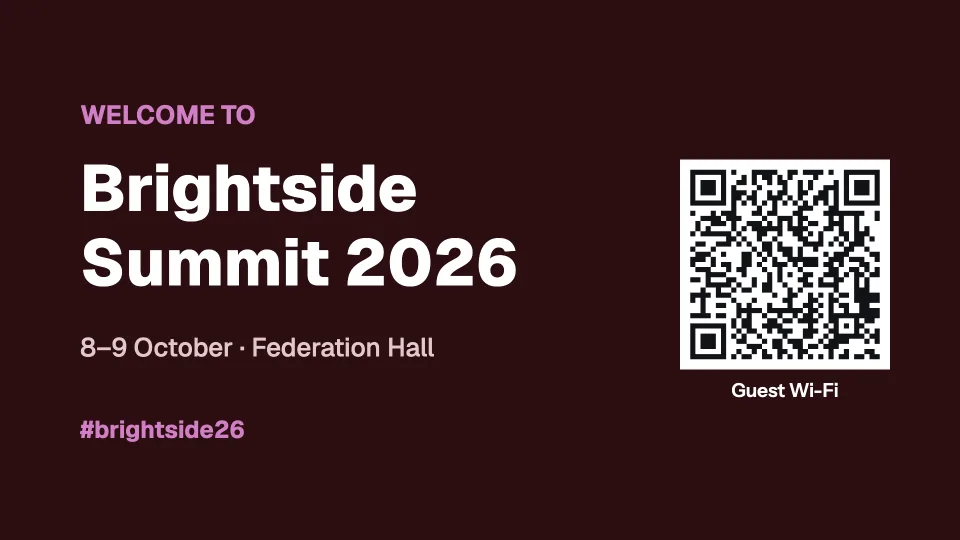
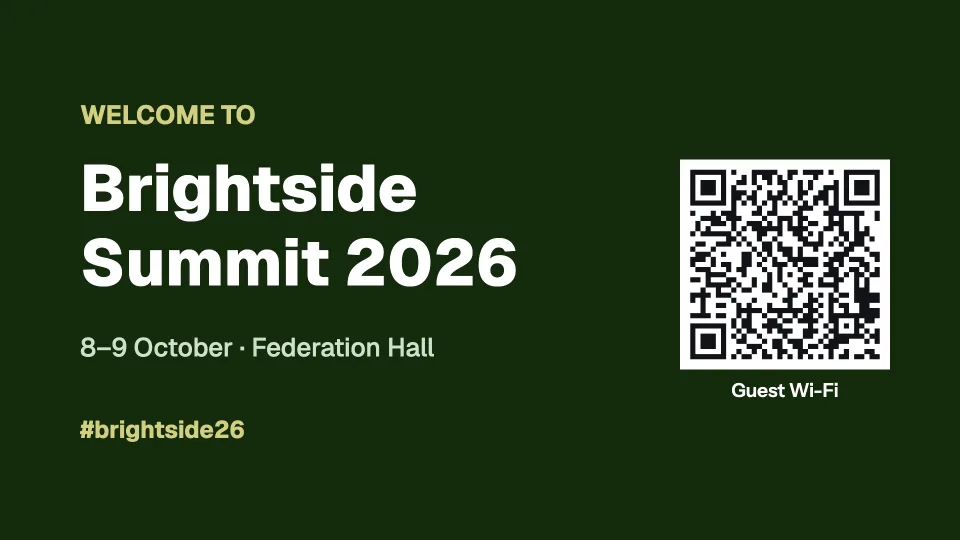
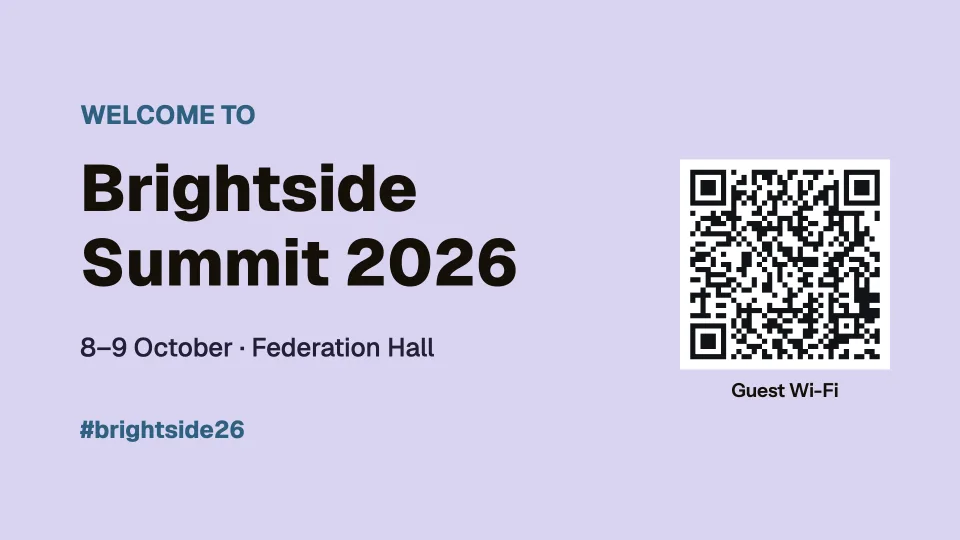
Real signs for Brightside Summit, a made-up conference.
 Tap anywhere to close
 Tap anywhere to close
 Tap anywhere to close
 Tap anywhere to close
 Tap anywhere to close
 Tap anywhere to close
19 ready-made screens for events and conferences
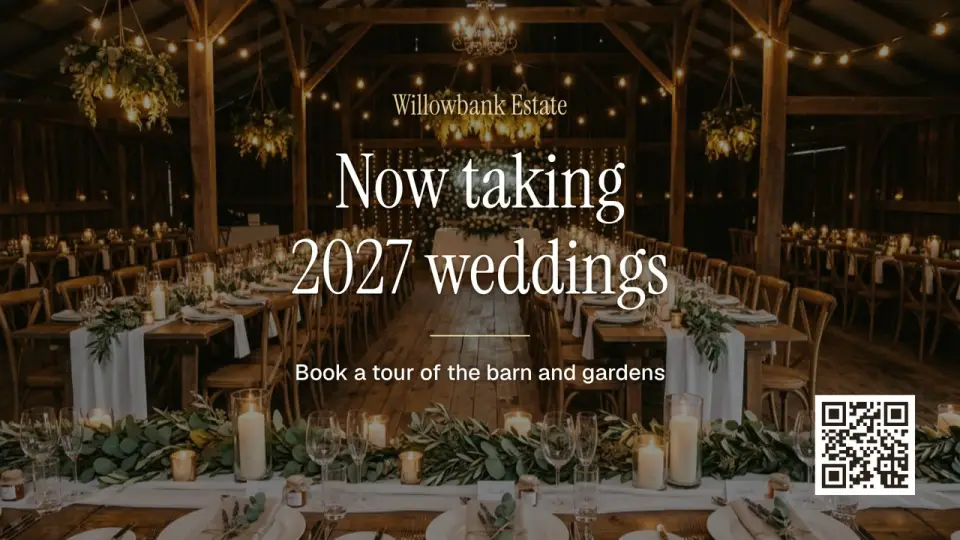
Menus, offers, queues, boards and rotating quotes, and screens that mix a clock, the weather, a calendar or a QR code. Start from any of them and change the words, photos and colours to your own. The ones marked With your photo show a screen with a photo of your own.
 Tap anywhere to close
 Tap anywhere to close
 Tap anywhere to close
 Tap anywhere to close
 Tap anywhere to close
 Tap anywhere to close
 Tap anywhere to close
 Tap anywhere to close
 Tap anywhere to close
 Tap anywhere to close
 Tap anywhere to close
 Tap anywhere to close
 Tap anywhere to close
 Tap anywhere to close
 Tap anywhere to close
 Tap anywhere to close
 Tap anywhere to close
 Tap anywhere to close
 Tap anywhere to close
In portrait too
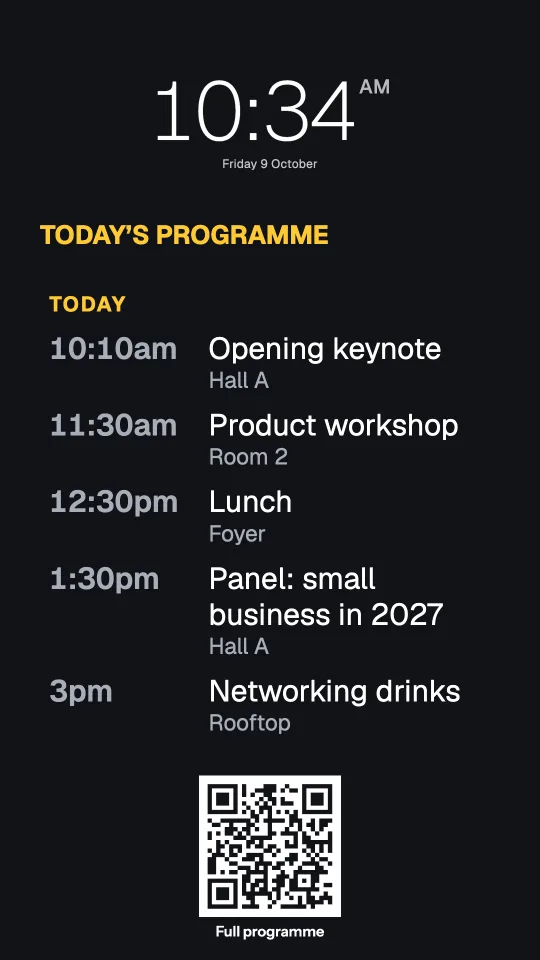
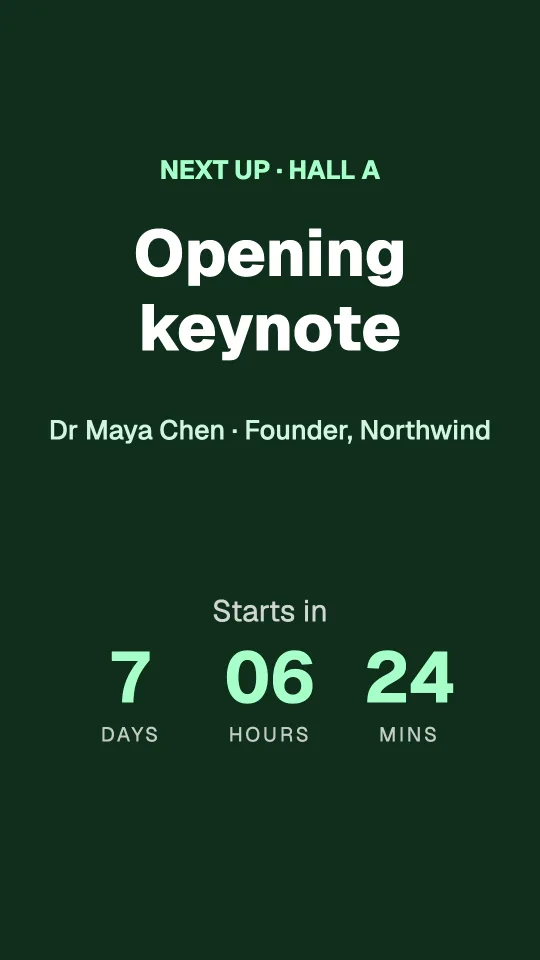
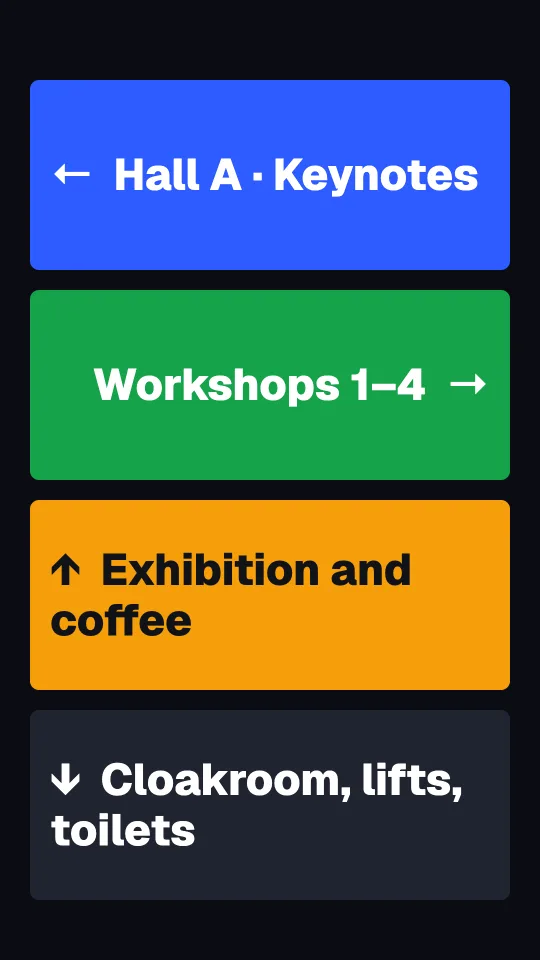
Every template has its own design for a TV hung on its side. Pick landscape or portrait when you start.
 Tap anywhere to close
 Tap anywhere to close
 Tap anywhere to close
 Tap anywhere to close
Every design here works in any colour, and you can add, move or remove any part of it. Try them free
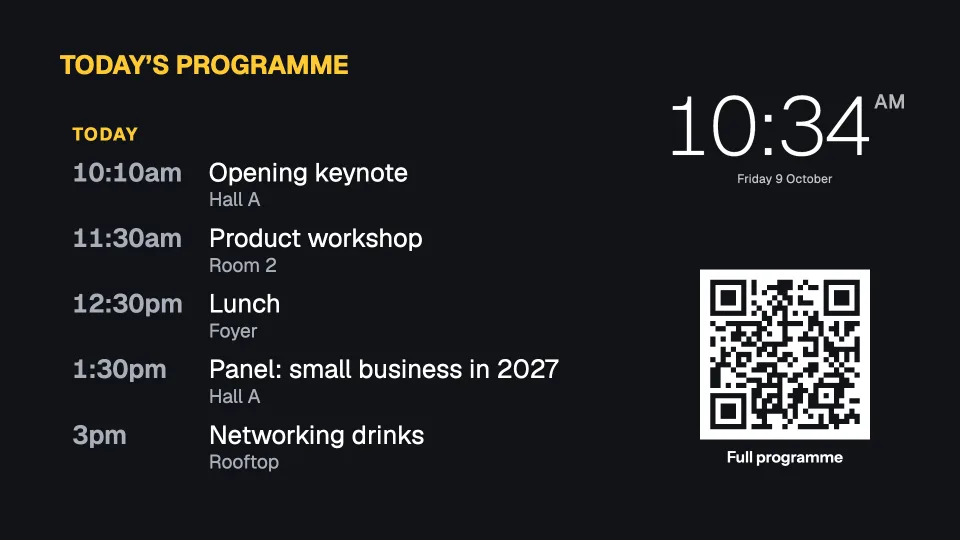
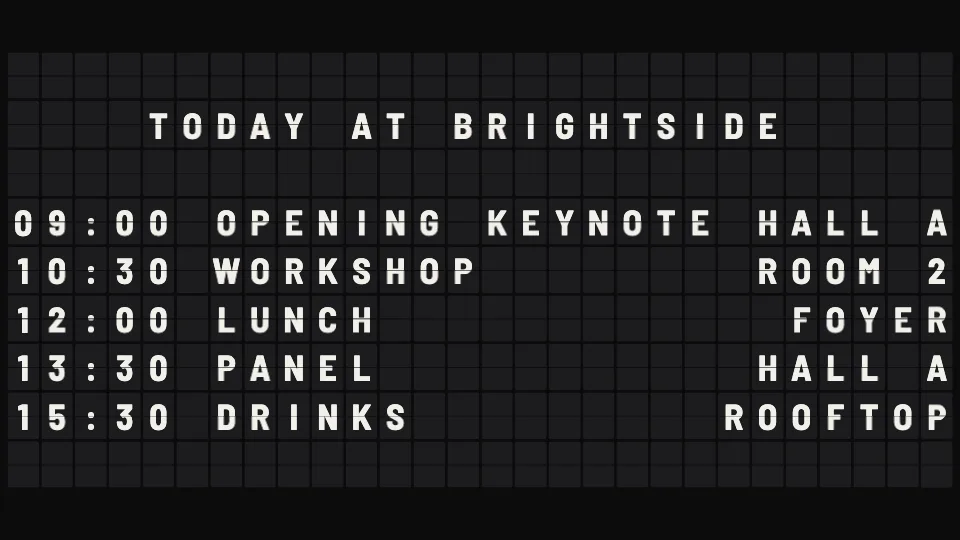
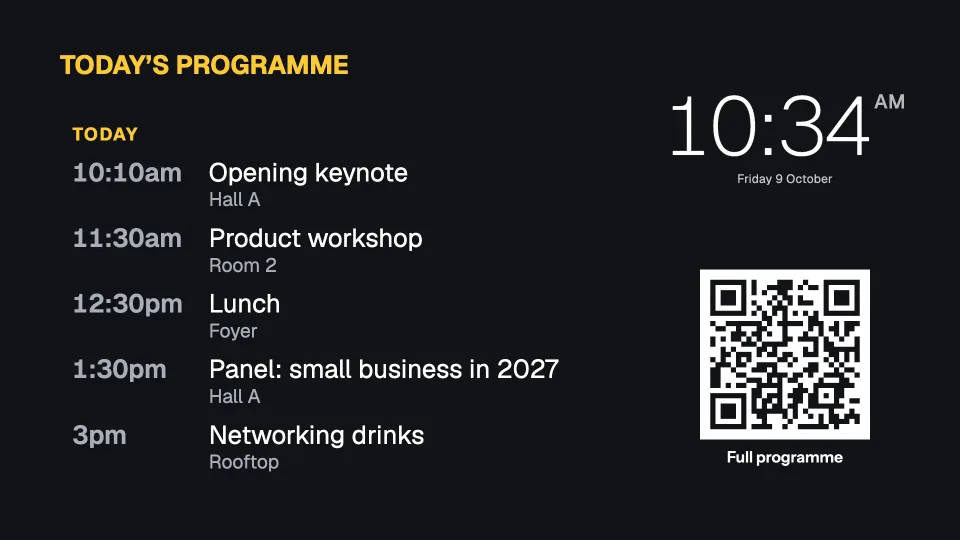
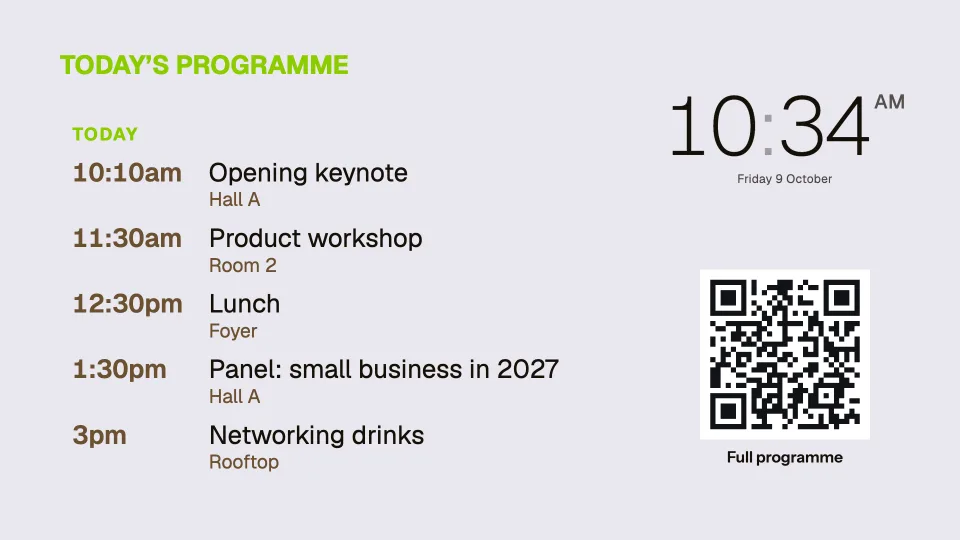
Today’s programme, from the calendar you already keep.
Paste your event calendar’s share link and the programme fills itself in: times, sessions and rooms. Move a session in the calendar and the screens follow within 15 minutes.
- Google, Apple or Outlook calendar link
- Each screen in its own time zone
- A split-flap board or a clean list, in your colours
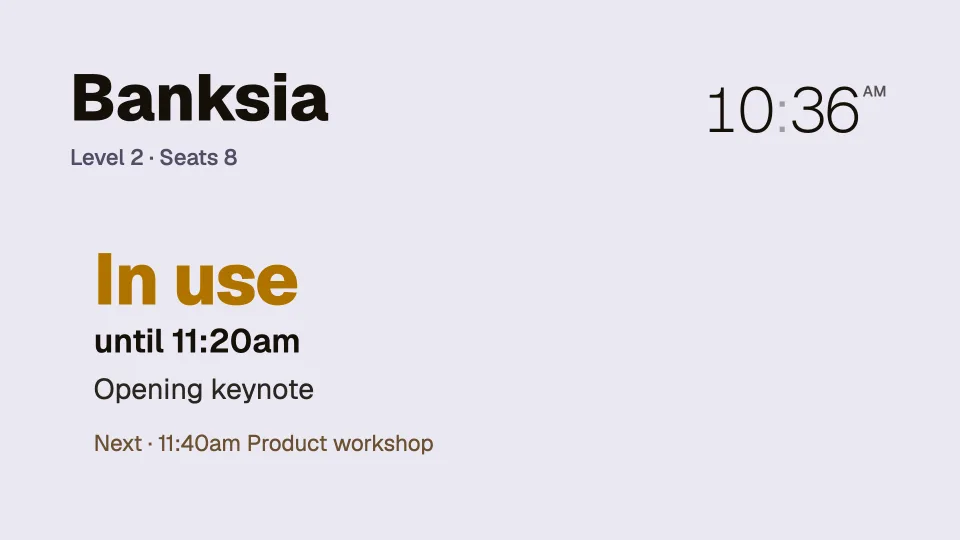
Every room shows whether it’s in use.
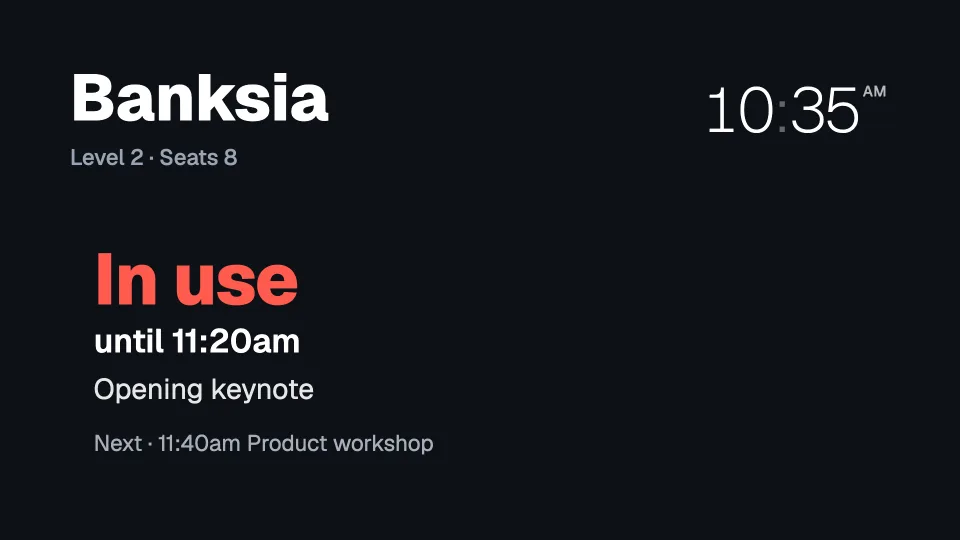
Give each breakout room its own calendar and its screen shows In use until 11:20am with the session’s name, or Available, and what’s next. It changes on the minute by itself.
- Straight from the room’s calendar
- Your colours for Available and In use
- More on meeting room boards
Your attendees’ photos, on the big screen.
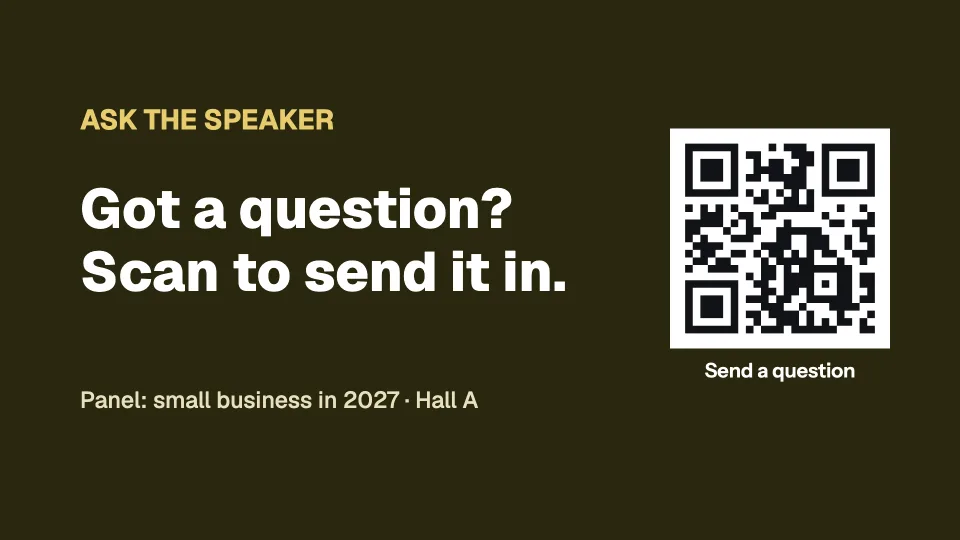
Attendees scan a QR code and send photos from their phones, no app. You approve each one before it shows, one at a time or as a collage.
- Nothing shows until you approve it
- Photos kept 30 days for download
- See the event photo wall

Questions
Anything else? Ask us, or look in the help centre.
Can every screen show something different?
Yes. The registration desk can show the welcome, each room its own sessions, the foyer the programme and the sponsors. Group screens with tags and change a whole group at once.
What if the venue Wi-Fi drops?
The screens keep playing what they have, and room boards keep changing on the minute from the last copy of the calendar. Screens play offline through the subscription period you’ve paid for, checking in now and then to confirm it.
Can I use it just for one event?
Yes. Pro is monthly, per screen, and you can cancel any time: it runs to the end of the month you paid for. One screen is free, with photos, videos, playlists and signs.
What do I need on each screen?
A TV or monitor with a Fire TV Stick running the Dislab app, or any screen with Chrome, Edge or Safari open at play.dislab.app.
Dislab for other businesses
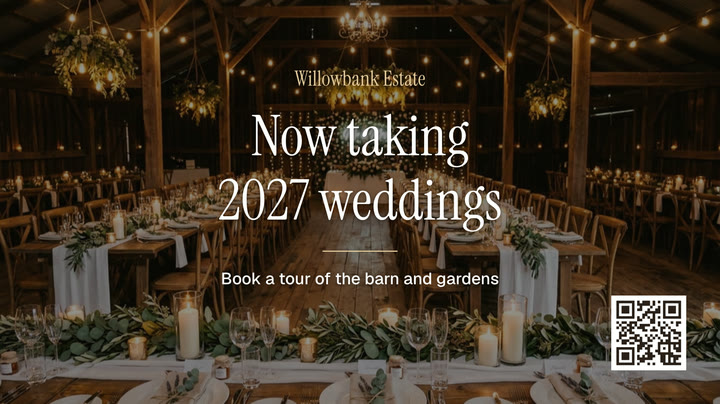 Wedding and function venuesWelcome screens, the night’s timeline and a photo wall.
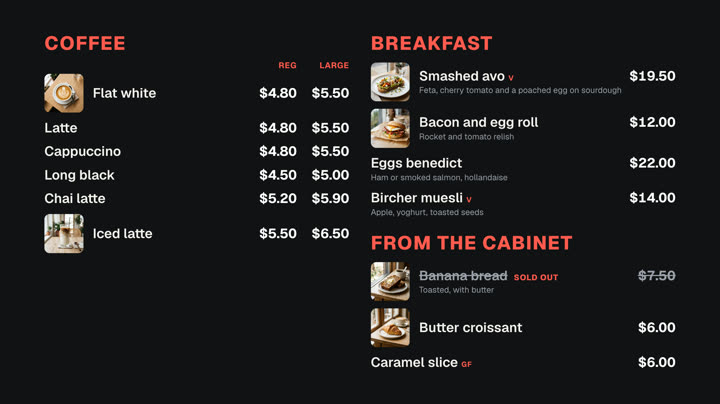 Cafés and restaurantsMenu boards, specials and sold out from a phone.
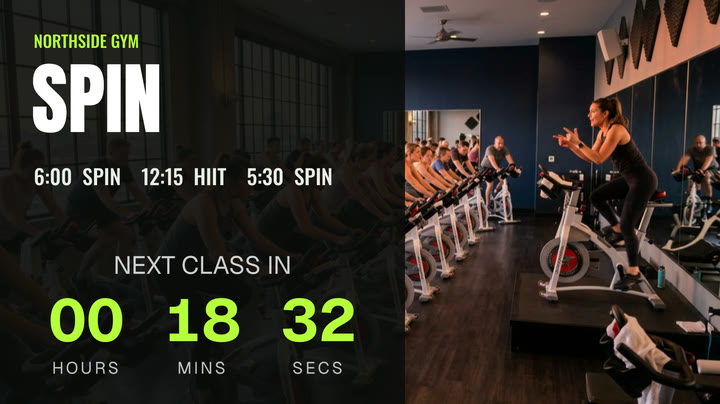 Gyms and fitness studiosTimetables, challenges and member offers.
 Shops and retailNew arrivals, sales and prices in the window.
 Hair salons and beautyPrice lists, offers and opening hours.
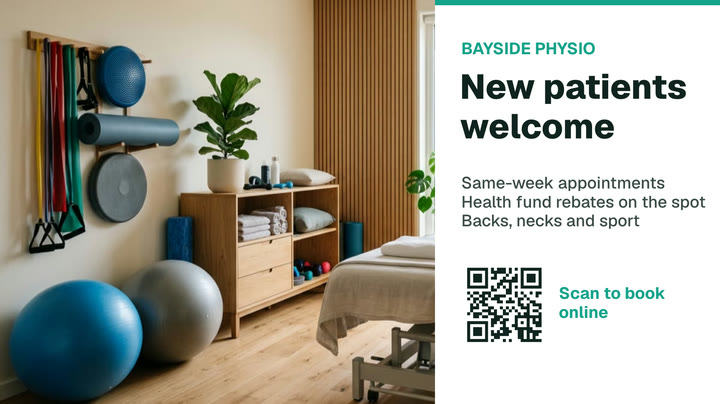 Clinics and waiting roomsQueue numbers, wait times and hours.
Put your next event on screen.
Everything on this page is built into Pro: A$9.99 per screen a month, up to 20 screens, no setup fee and no contract. Try every Pro feature free for 14 days, or keep one screen free with photos, videos, playlists and signs, with a small “Powered by dislab.app” badge.