
Meeting room screens that show who’s in, and until when.
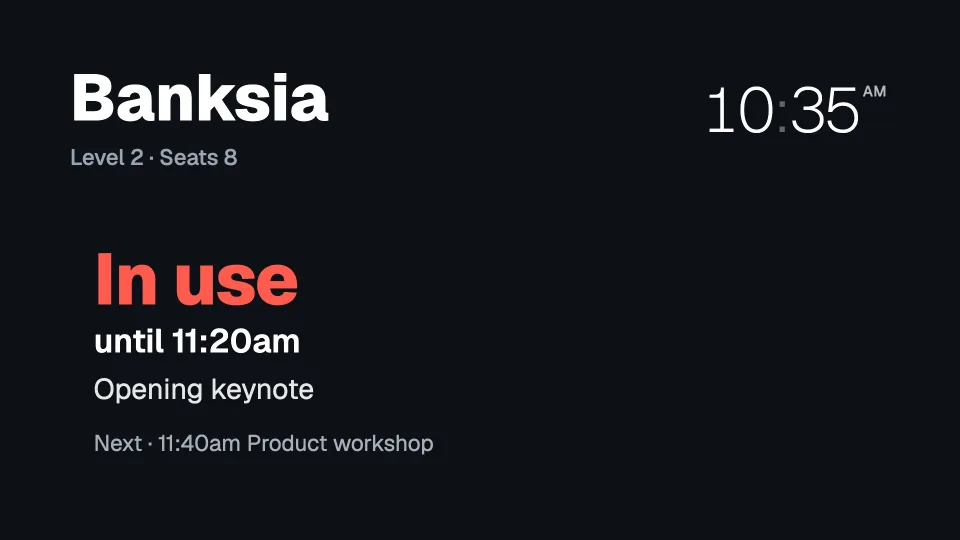
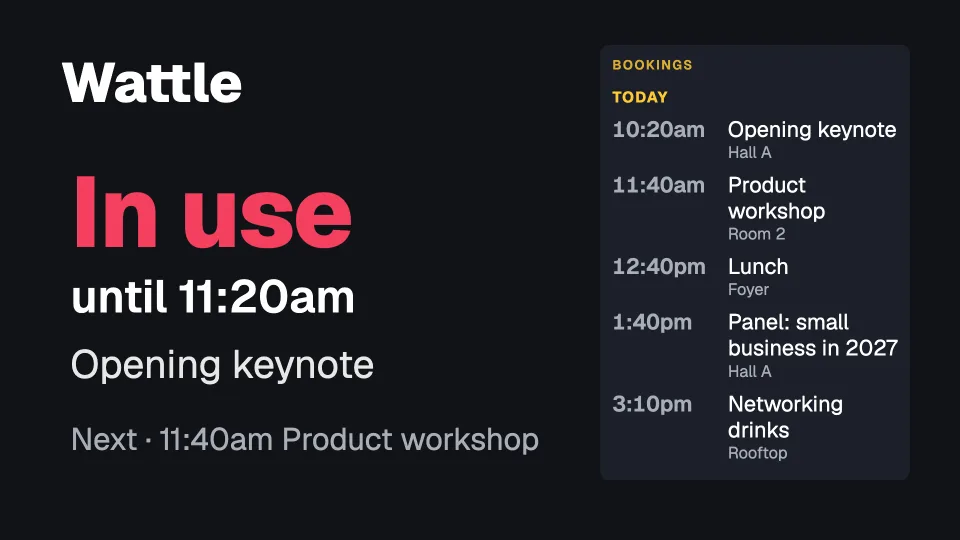
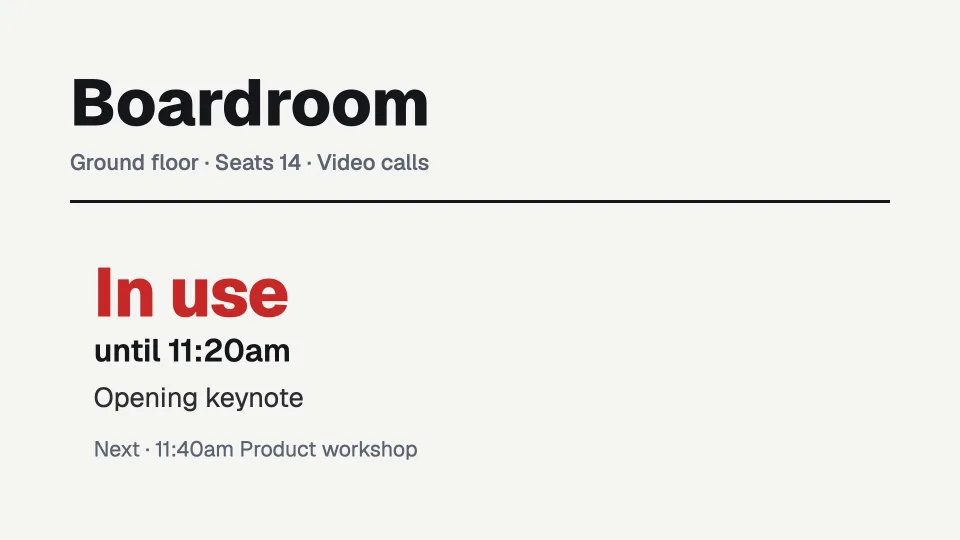
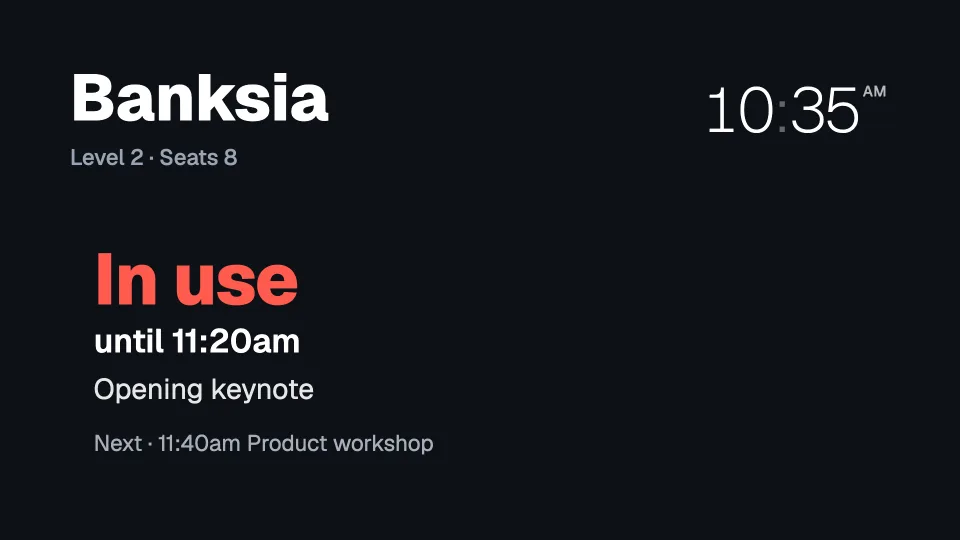
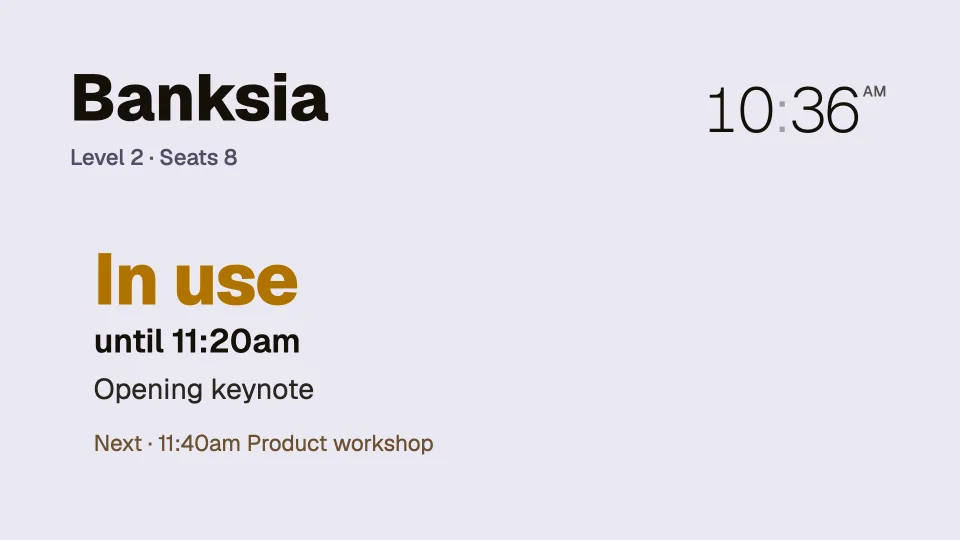
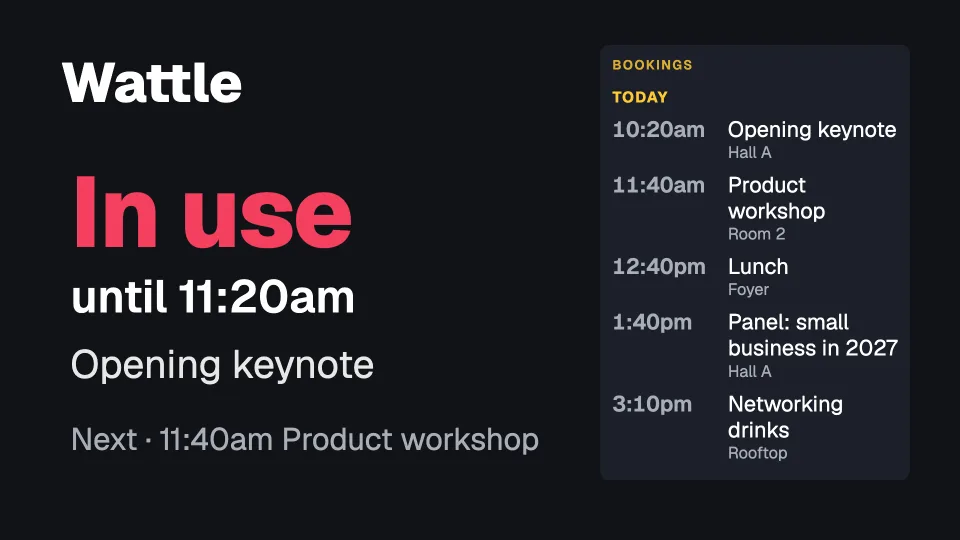
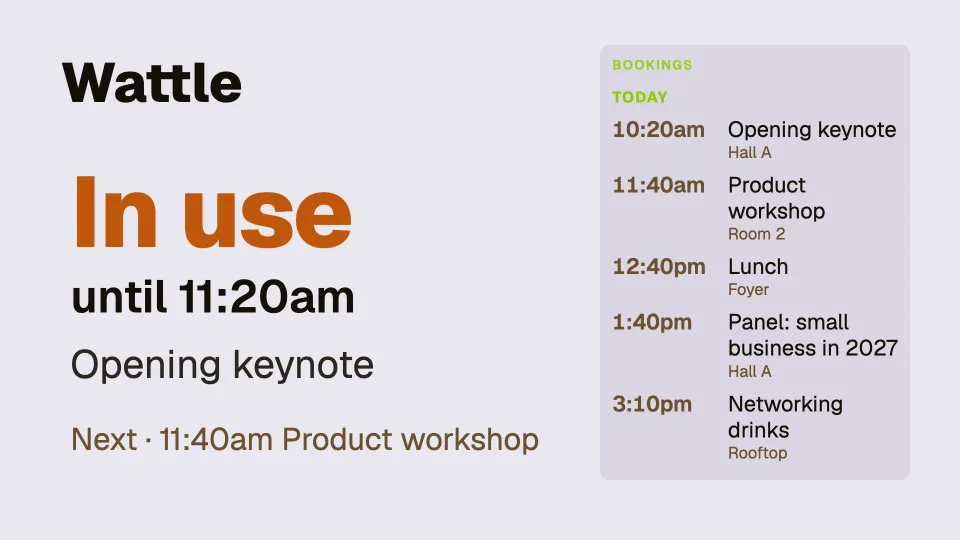
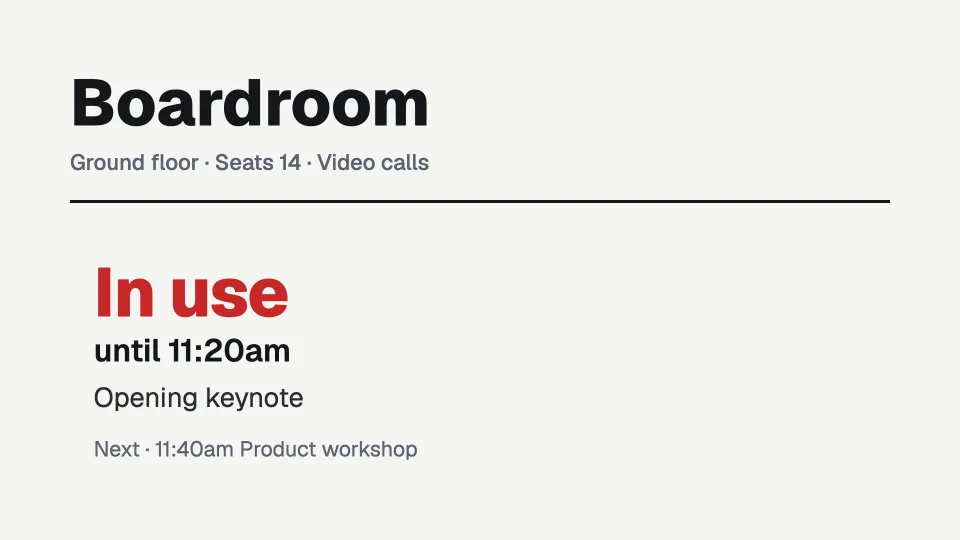
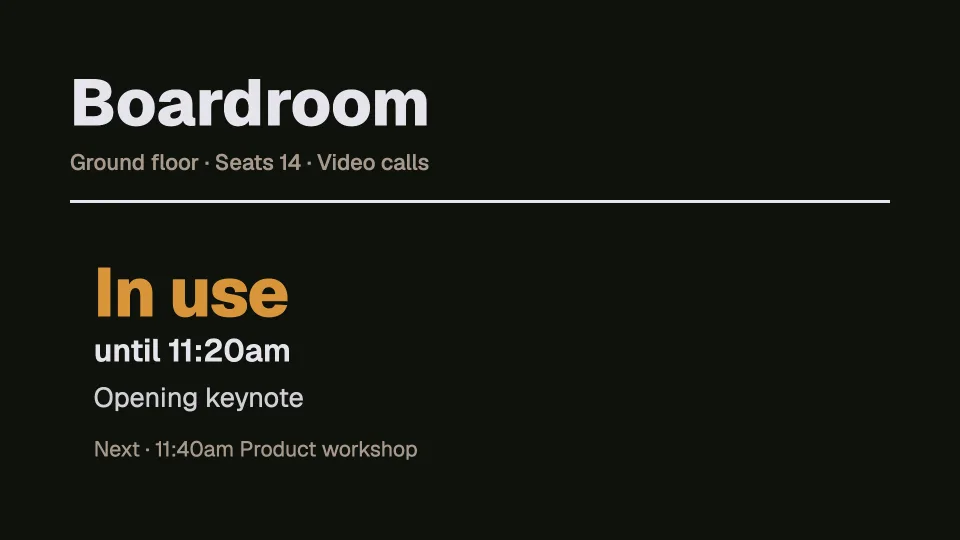
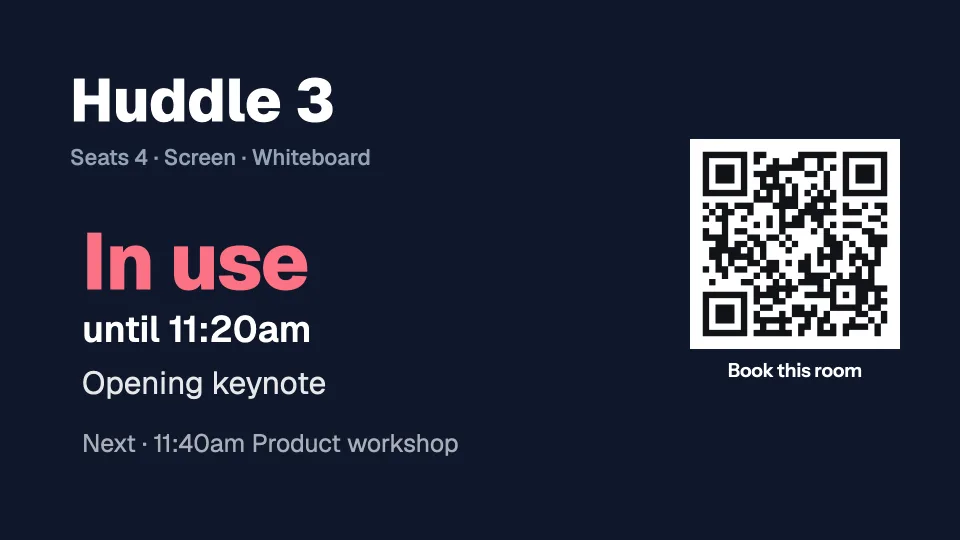
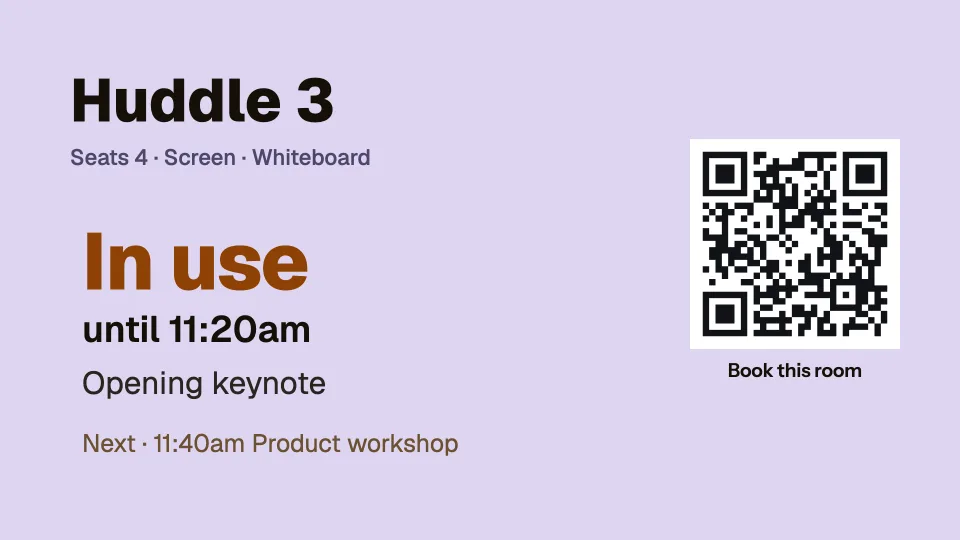
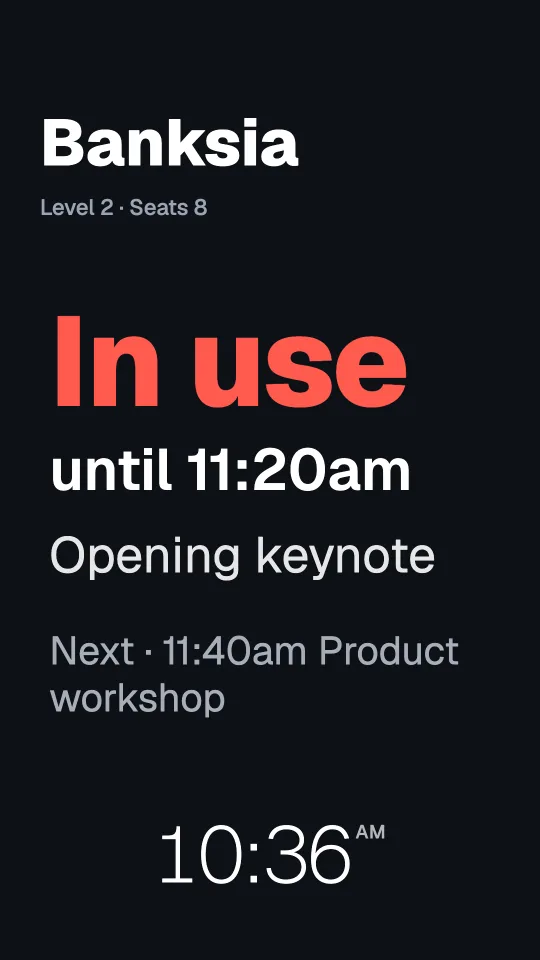
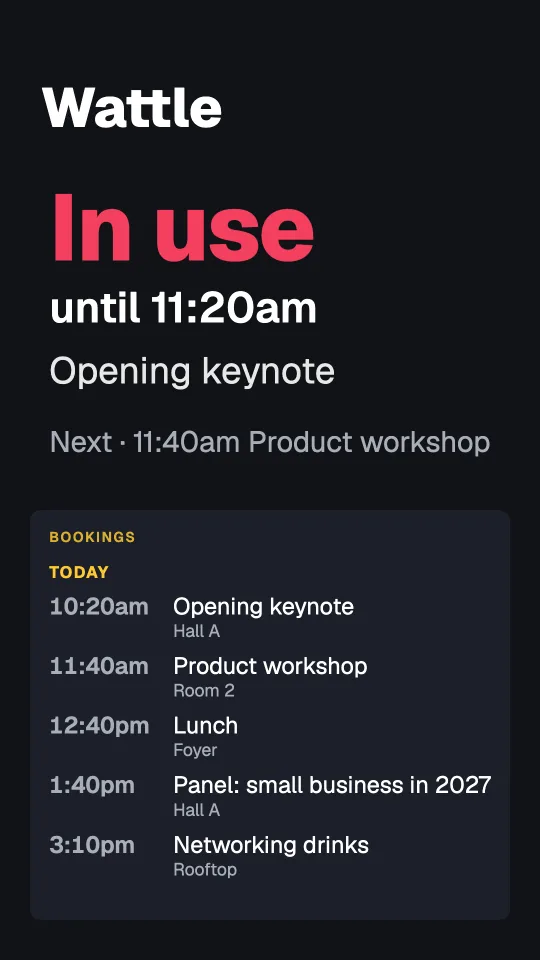
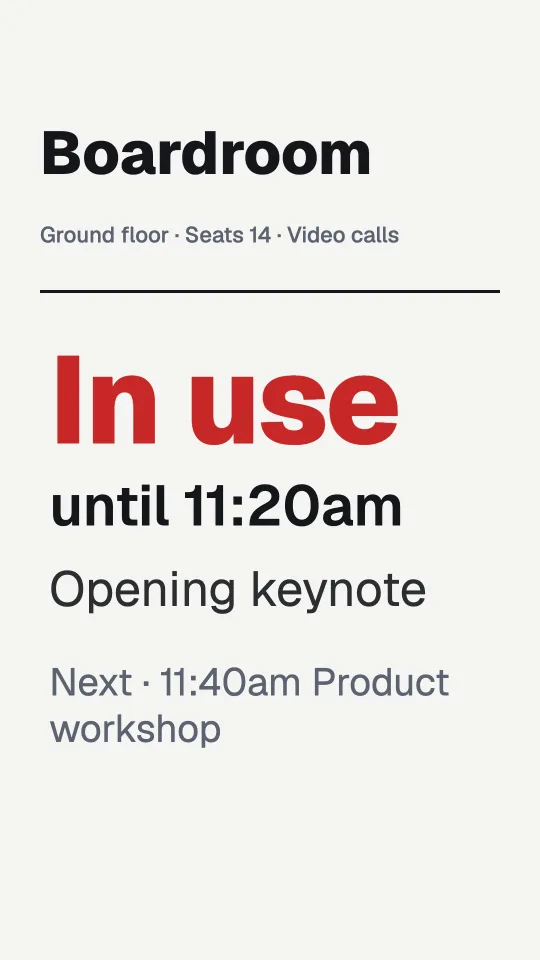
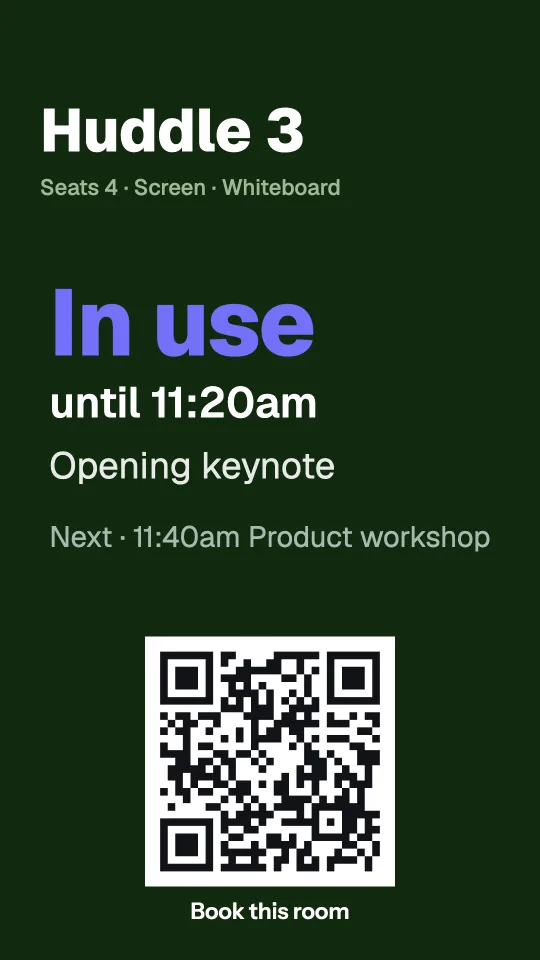
Each room’s screen reads its calendar and shows Available, or In use until 2:30pm with the meeting’s name and what’s next. Nothing to replace: it works with the Google, Outlook or Apple calendar the room already has.
Pro Every sign on this page is built into Pro: A$9.99 per screen a month, up to 20 screens. 14 days free to try.
What an office shows
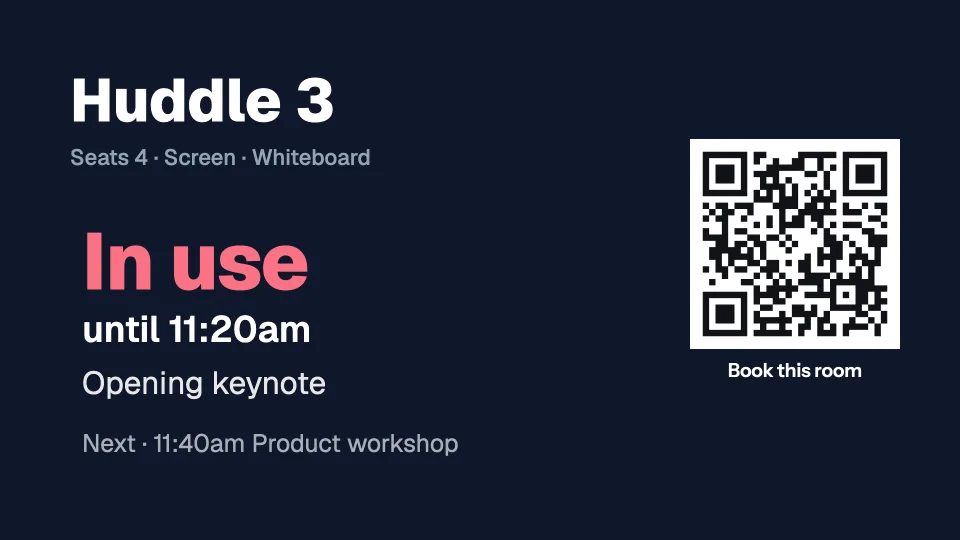
Real signs for a made-up office: Banksia, Wattle, the boardroom and the huddle rooms.
 Tap anywhere to close
 Tap anywhere to close
 Tap anywhere to close
 Tap anywhere to close
 Tap anywhere to close
15 ready-made screens for offices and meeting rooms
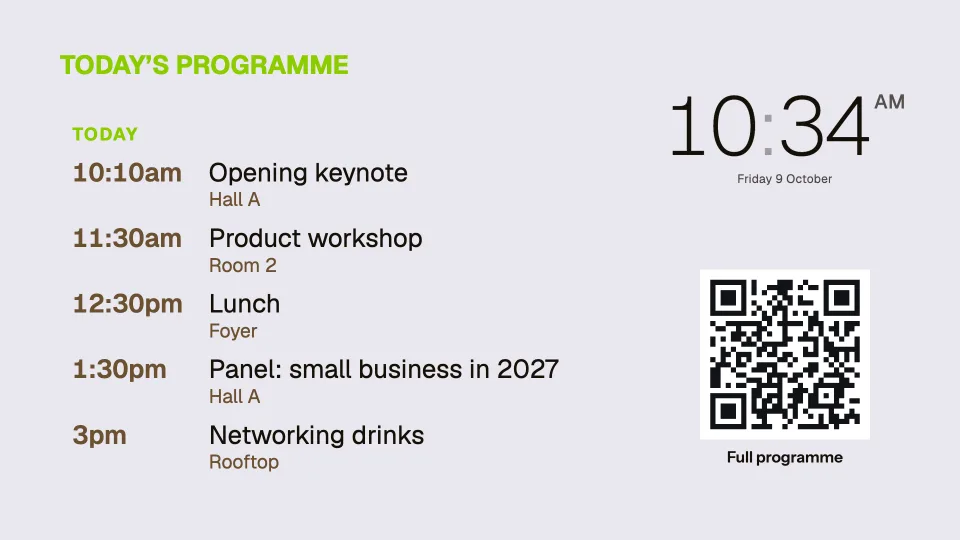
Menus, offers, queues, boards and rotating quotes, and screens that mix a clock, the weather, a calendar or a QR code. Start from any of them and change the words, photos and colours to your own. The ones marked With your photo show a screen with a photo of your own.
 Tap anywhere to close
 Tap anywhere to close
 Tap anywhere to close
 Tap anywhere to close
 Tap anywhere to close
 Tap anywhere to close
 Tap anywhere to close
 Tap anywhere to close
 Tap anywhere to close
 Tap anywhere to close
 Tap anywhere to close
 Tap anywhere to close
 Tap anywhere to close
In portrait too
Every template has its own design for a TV hung on its side. Pick landscape or portrait when you start.
 Tap anywhere to close
 Tap anywhere to close
 Tap anywhere to close
 Tap anywhere to close
Every design here works in any colour, and you can add, move or remove any part of it. Try them free
Available, or In use until 2:30pm.
Paste each room’s calendar link once. Its screen shows whether the room is free, the meeting that’s on and when it ends, and what’s next today, changing on the minute by itself.
- Google Workspace, Microsoft 365 and Outlook, or iCloud: any calendar with an iCal link
- Your colours for Available and In use, in landscape or portrait
- New bookings show within 15 minutes
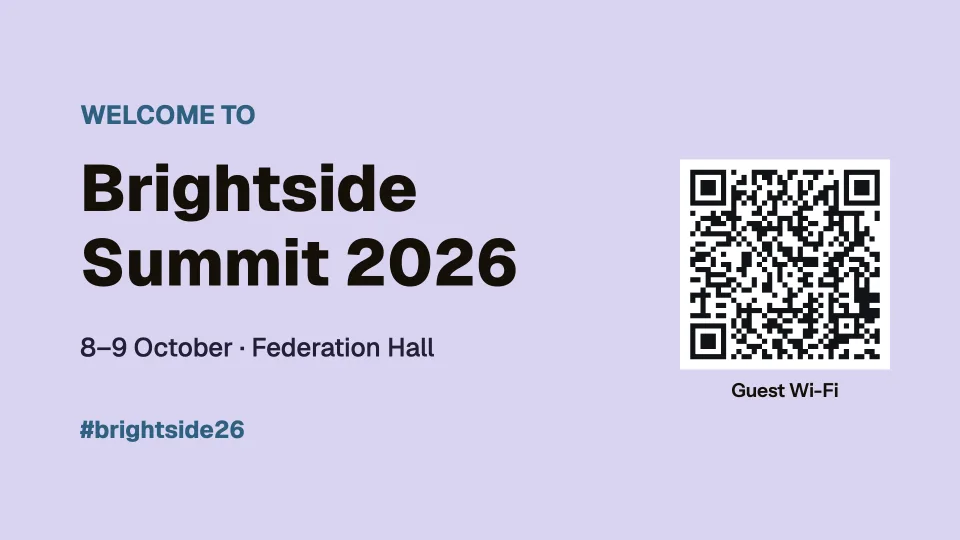
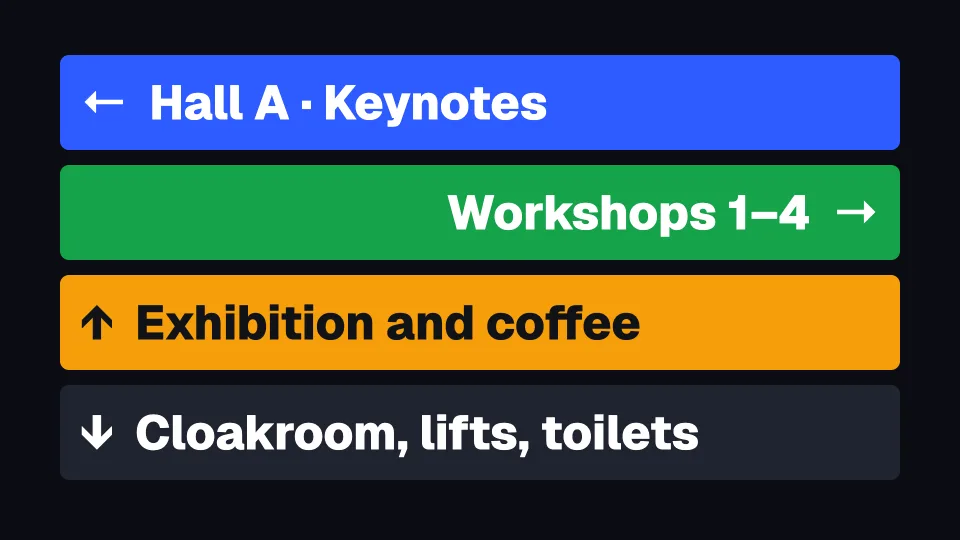
Welcome visitors and show them the way.
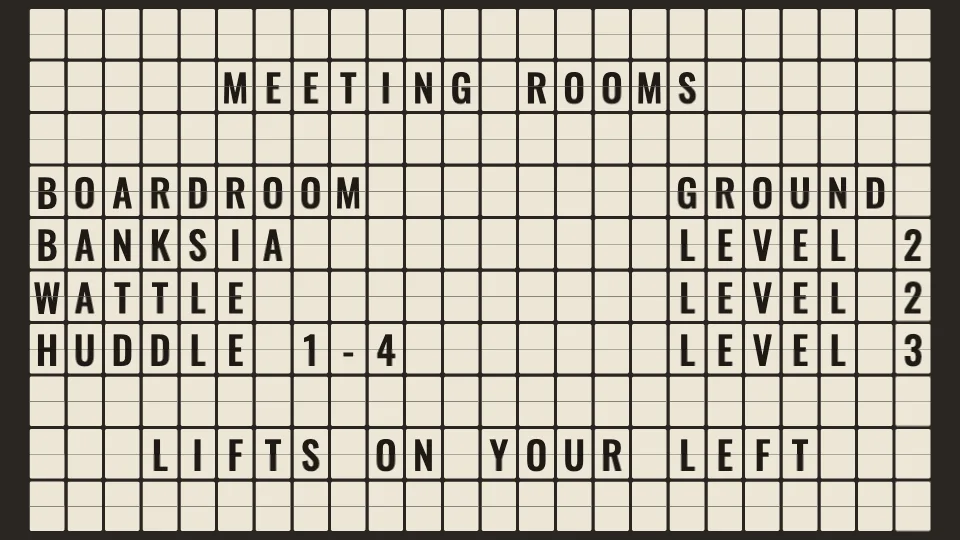
A welcome with the guest Wi-Fi at reception, a split-flap directory by the lifts, and arrows at every corner. Change any of it from your phone.
- Room directory, departures style
- Arrows big enough to read on the move
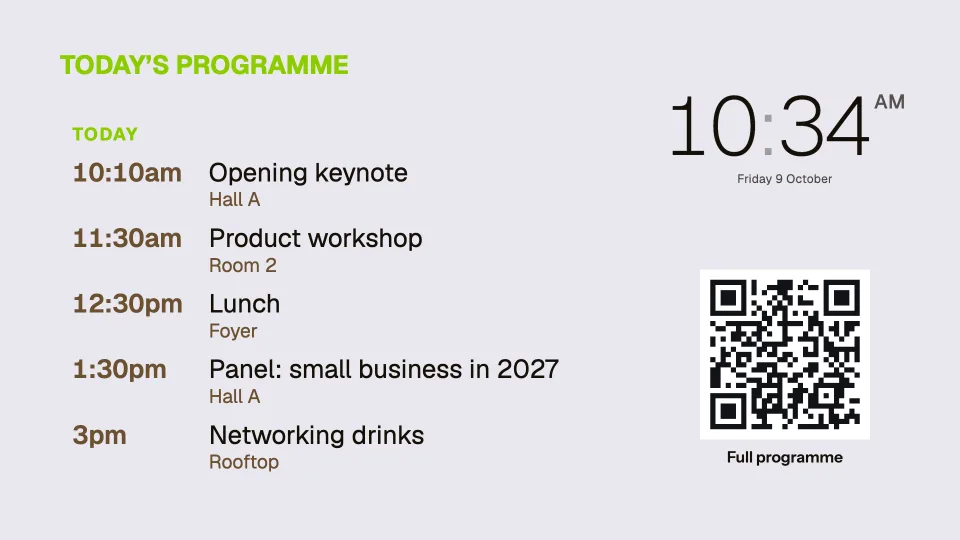
- Today’s events from a calendar link
Questions
Anything else? Ask us, or look in the help centre.
Can people book from the screen?
Not on the screen itself. Each board can show a QR code that opens your own booking page, and the screen picks the booking up from the room’s calendar.
How quickly does a new booking show?
Dislab reads each calendar every 15 minutes, so a booking made just now can take up to 15 minutes to appear. Meetings starting and ending switch on the minute.
What if the office internet drops?
Room boards keep switching on the minute from the last copy of the calendar they have. Screens play offline through the subscription period you’ve paid for, checking in now and then to confirm it.
What do I need beside each door?
A small TV or monitor with a Fire TV Stick running the Dislab app, or any screen with Chrome, Edge or Safari open at play.dislab.app.
Dislab for other businesses
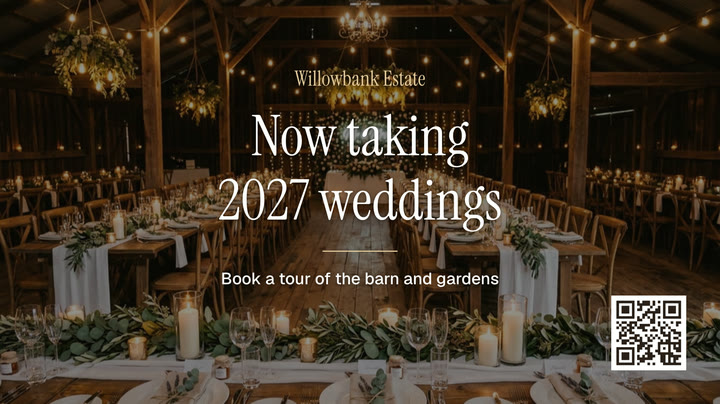 Wedding and function venuesWelcome screens, the night’s timeline and a photo wall.
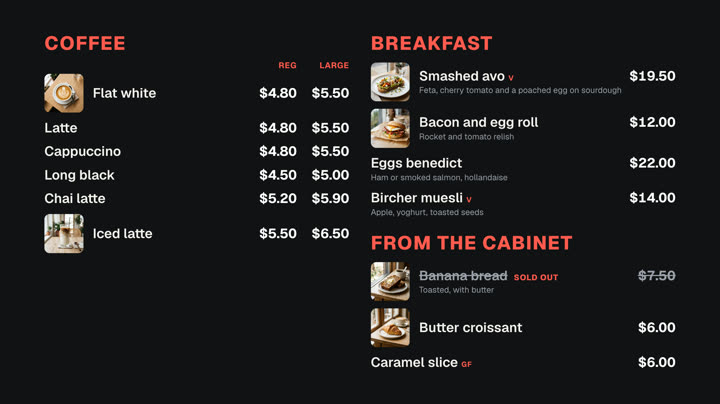 Cafés and restaurantsMenu boards, specials and sold out from a phone.
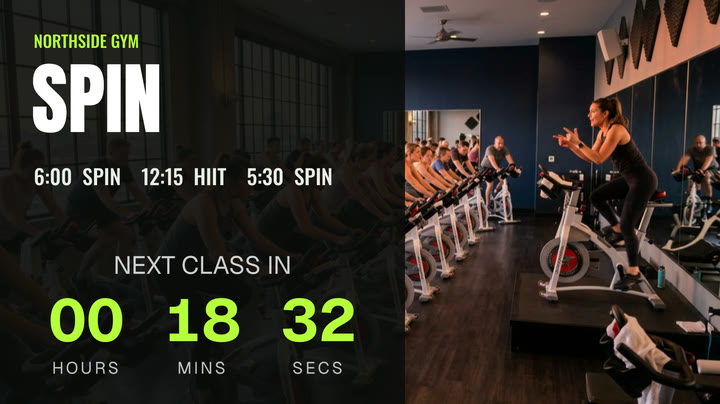 Gyms and fitness studiosTimetables, challenges and member offers.
 Shops and retailNew arrivals, sales and prices in the window.
 Hair salons and beautyPrice lists, offers and opening hours.
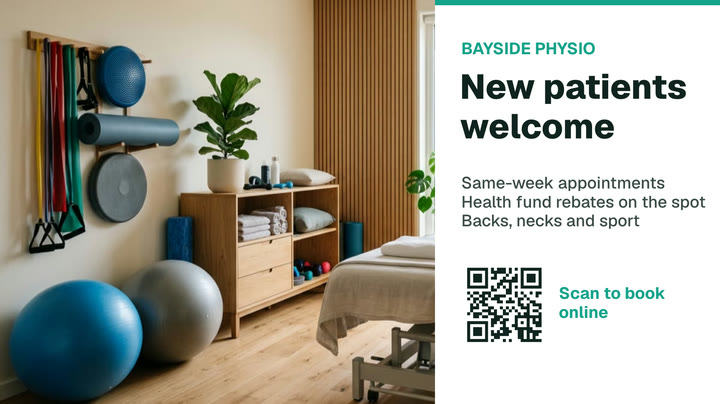 Clinics and waiting roomsQueue numbers, wait times and hours.
Put your meeting rooms on screen.
Everything on this page is built into Pro: A$9.99 per screen a month, up to 20 screens, no setup fee and no contract. Try every Pro feature free for 14 days, or keep one screen free with photos, videos, playlists and signs, with a small “Powered by dislab.app” badge.