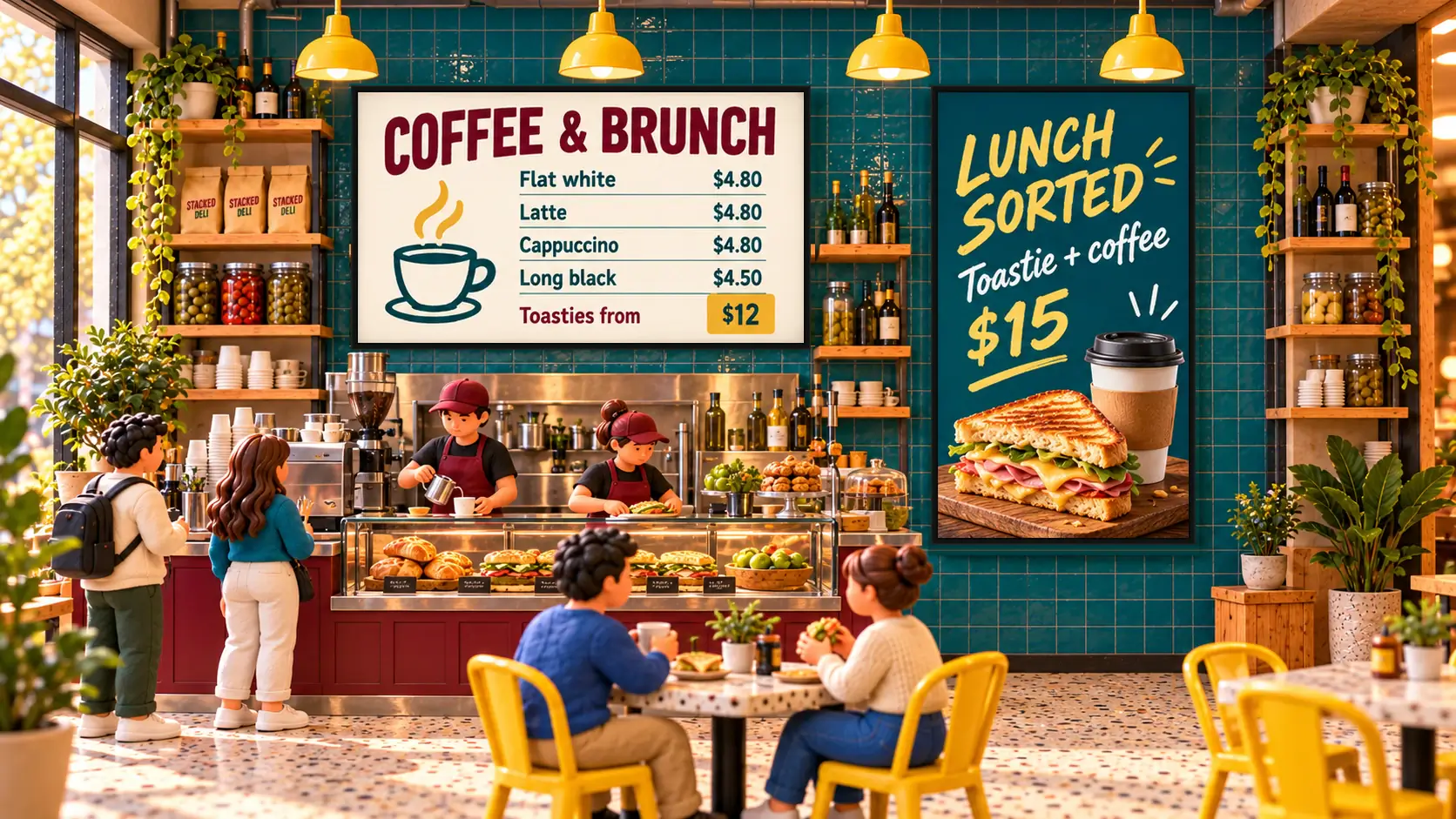
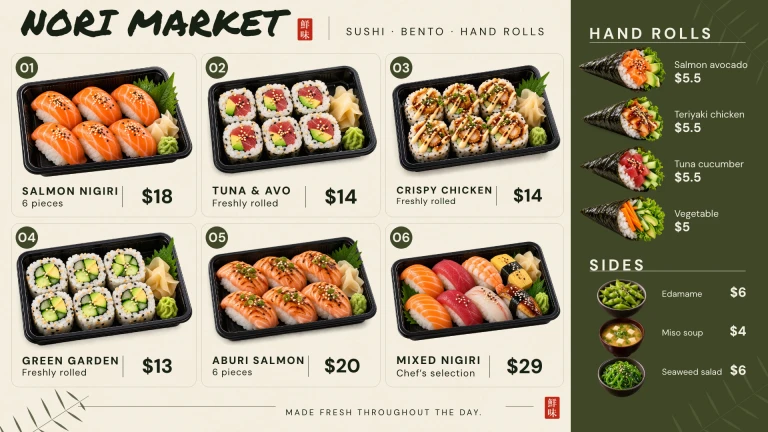
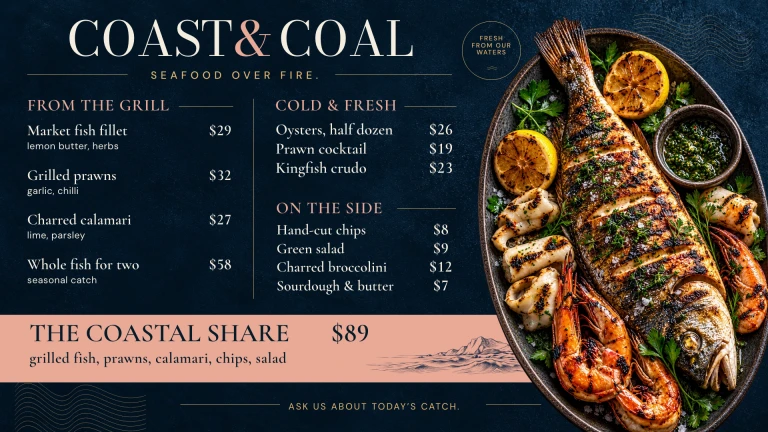
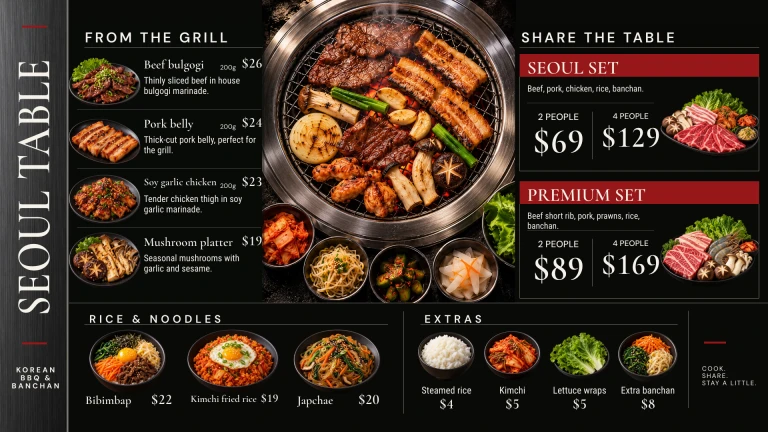
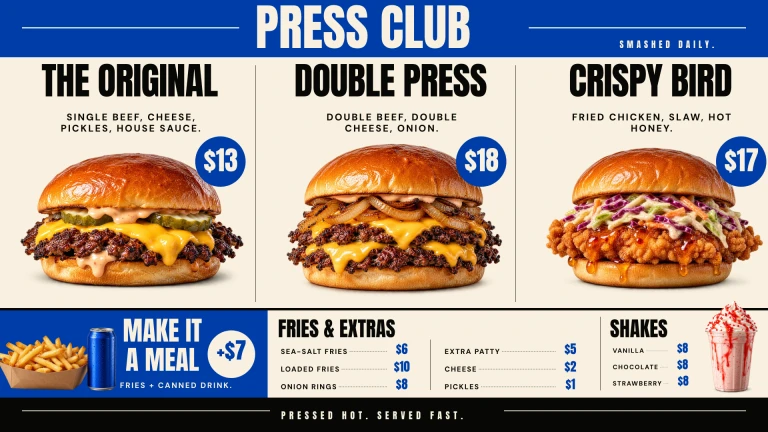
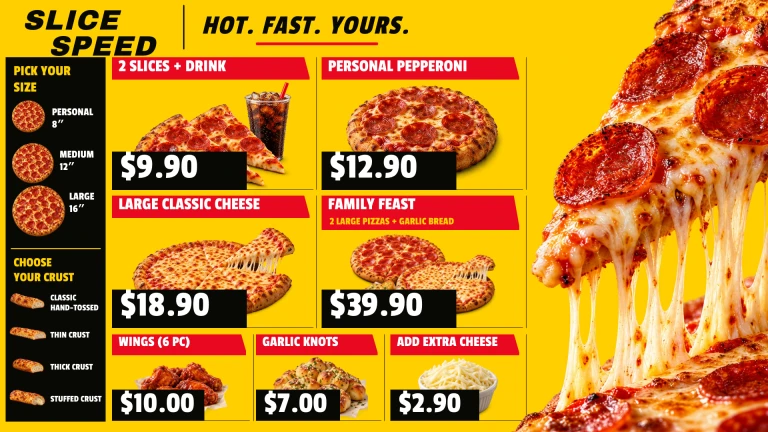
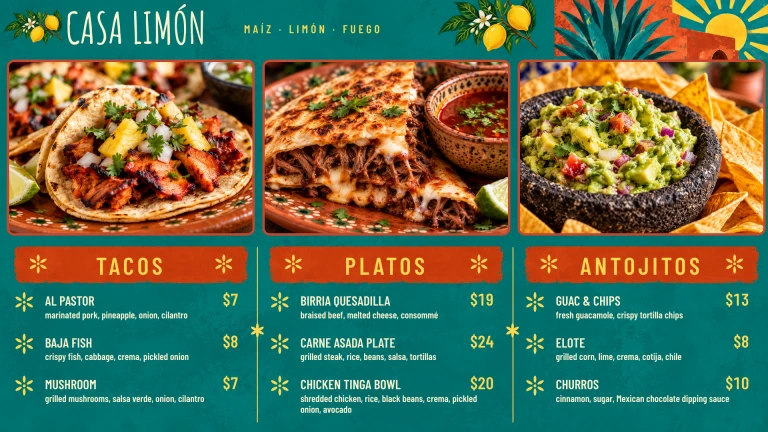
 Big, bold, beautiful menusFully editable from your phone. Breakfast to lunch switches itself, or show specials or a hello board.
Digital signage, made simple for all, big or small
Make every screen work harder.
Make menus, offers and signs for the TV you already own. Change them from your phone.
One screen free. No card needed. Pro from A$8.25 per screen a month, billed yearly in AUD.
Big, bold, beautiful menusFully editable from your phone. Breakfast to lunch switches itself, or show specials or a hello board.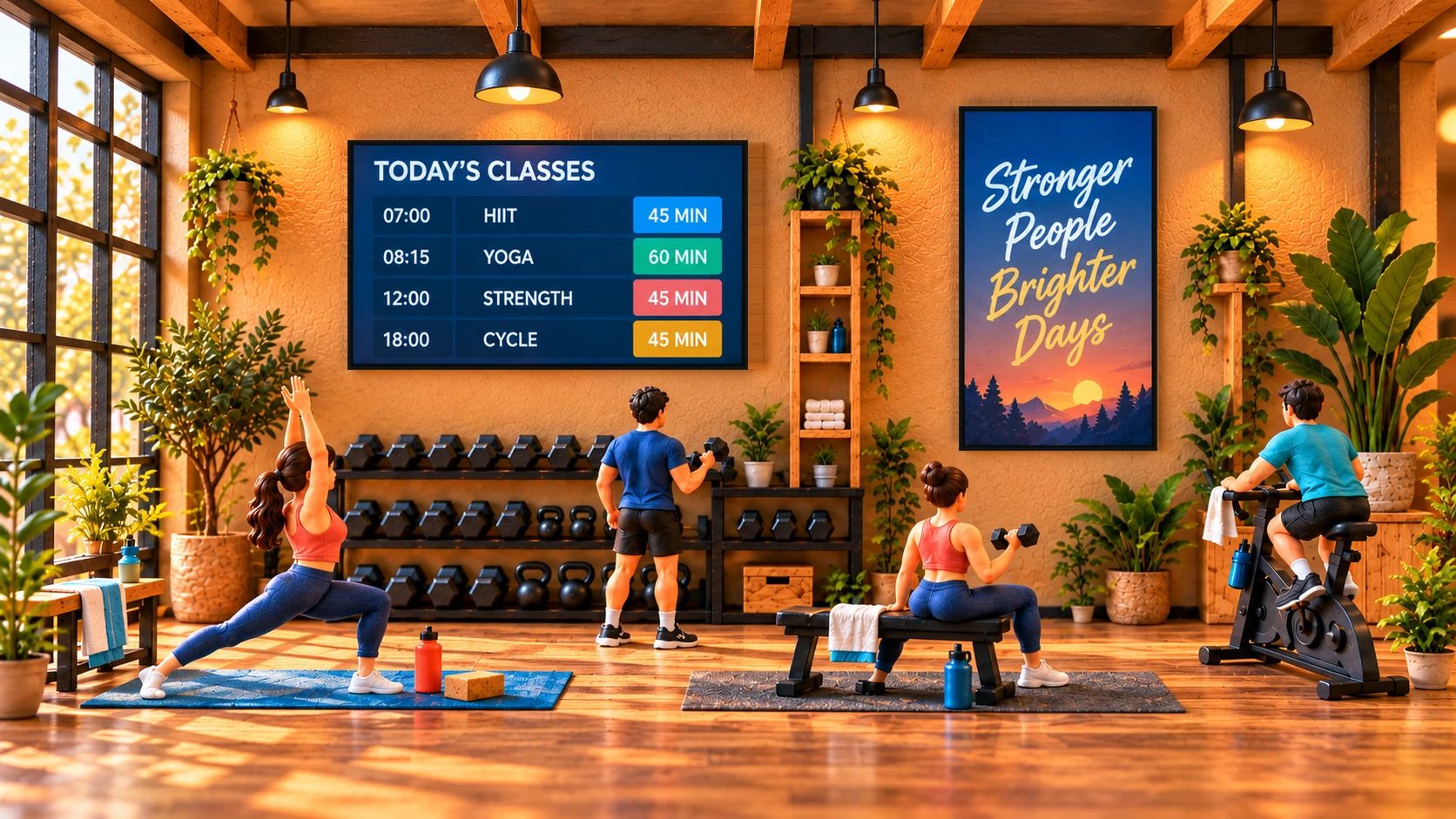 Classes and challenges on every wallToday’s timetable, challenges and recovery tips, kept current from your phone.
 Offers and arrivals that catch the eyePut sales, pick-up signs and product picks on screen, with countdowns that run themselves.
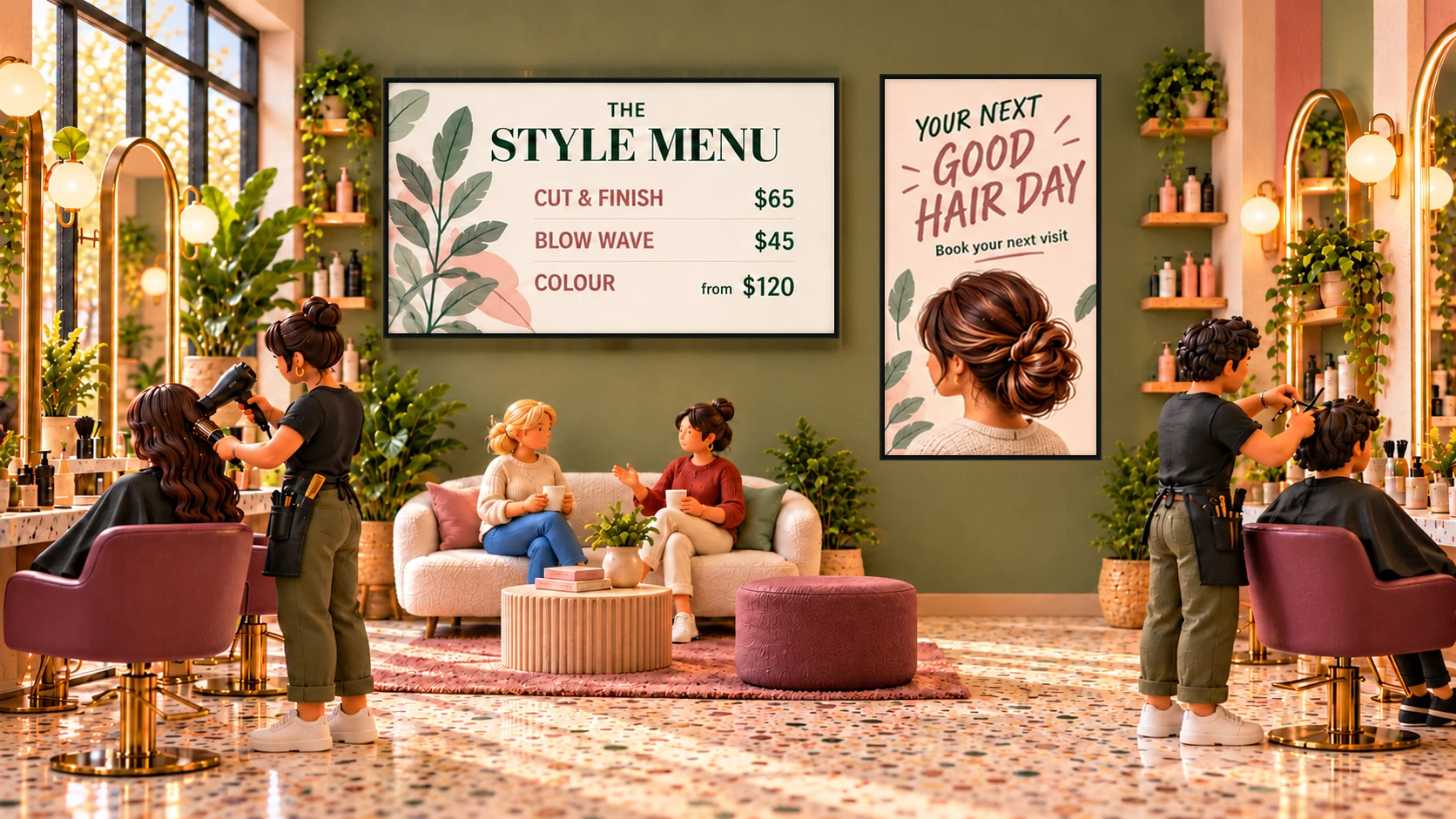 Show off your stylists and reviewsService menus, appointment offers and a warm welcome for every client.
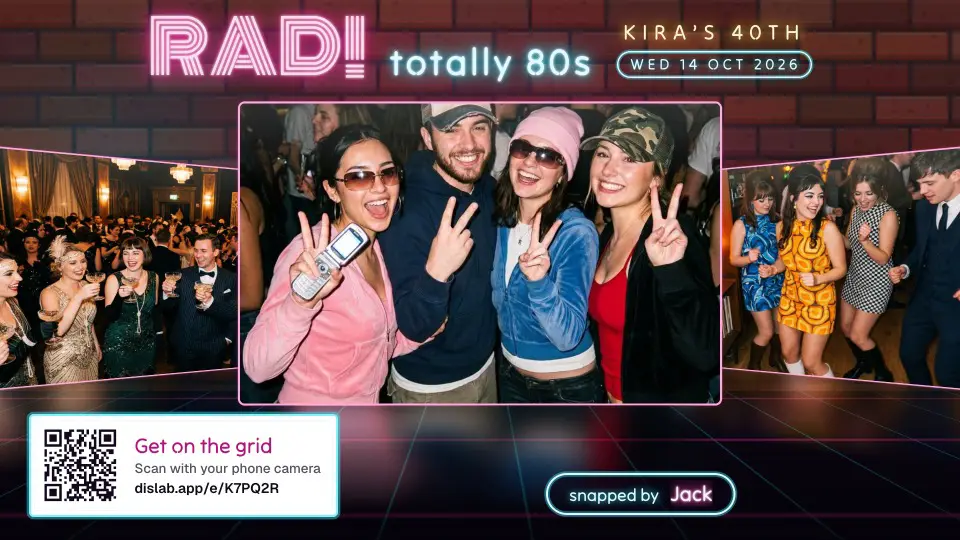
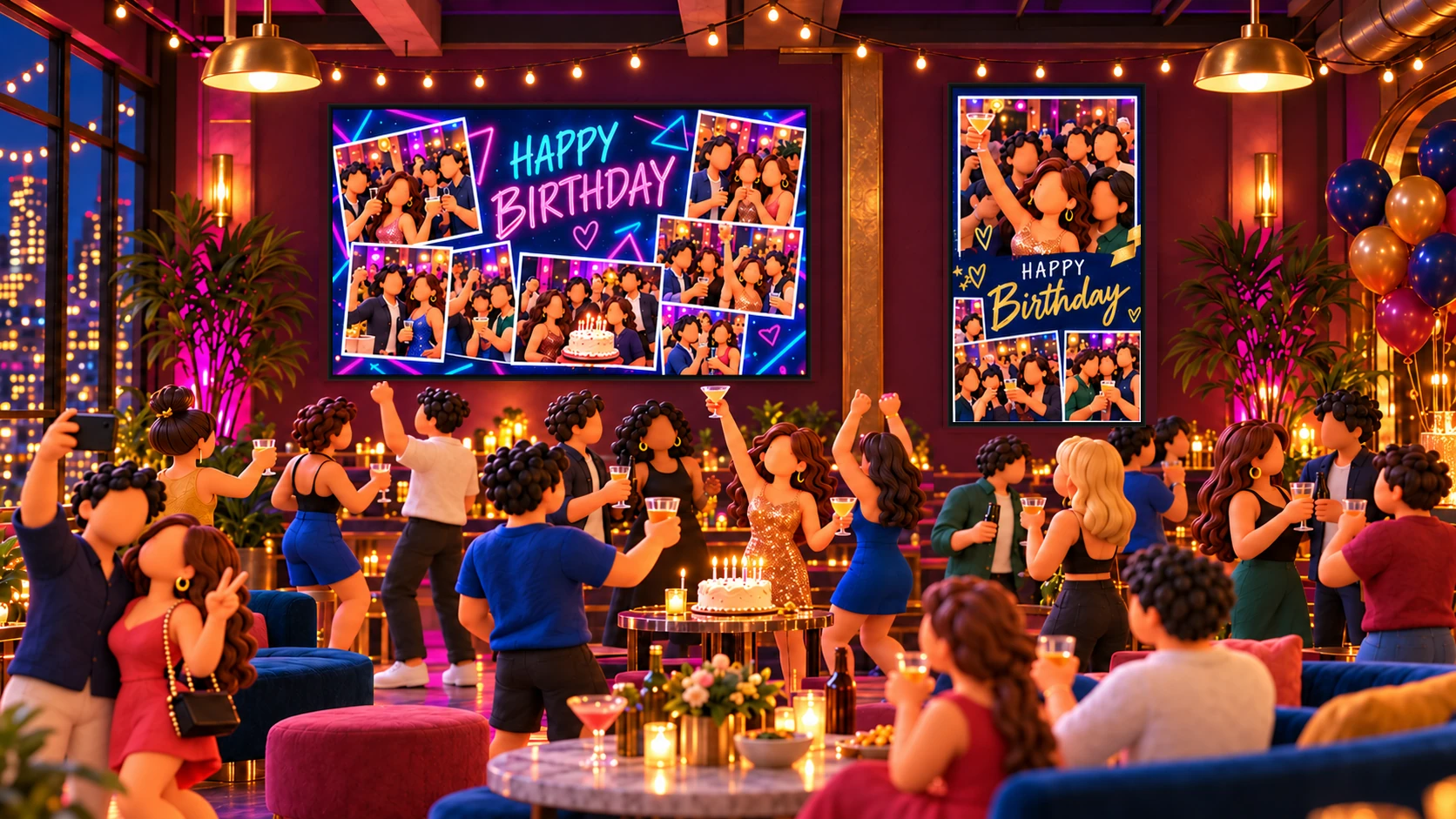 Turn the night into the showGuests send photos from their phones, you approve them, and they play in a look made for the party.
One screen freeUpdates from your phoneFull-featured designer1200+ templatesPlays offline after downloadWorks on many devices
One place for the screens you need
Useful in the moments that matter.
Keep everyday information clear, current and easy to change.
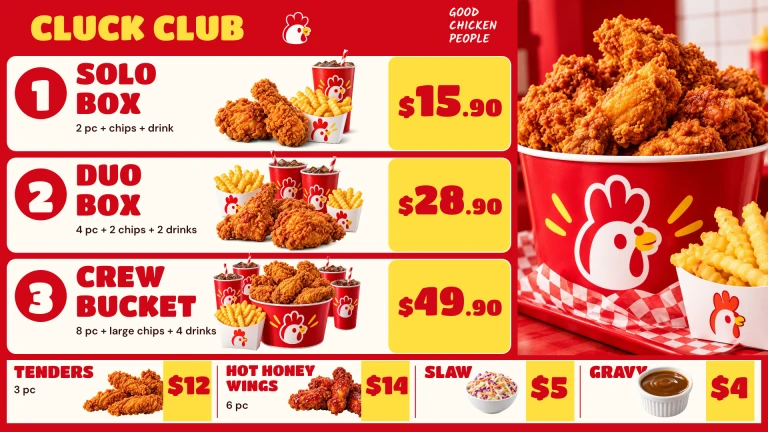
Menus that keep up
Change a price once and every screen follows. Mark a dish sold out from any phone.
Explore menu boards →
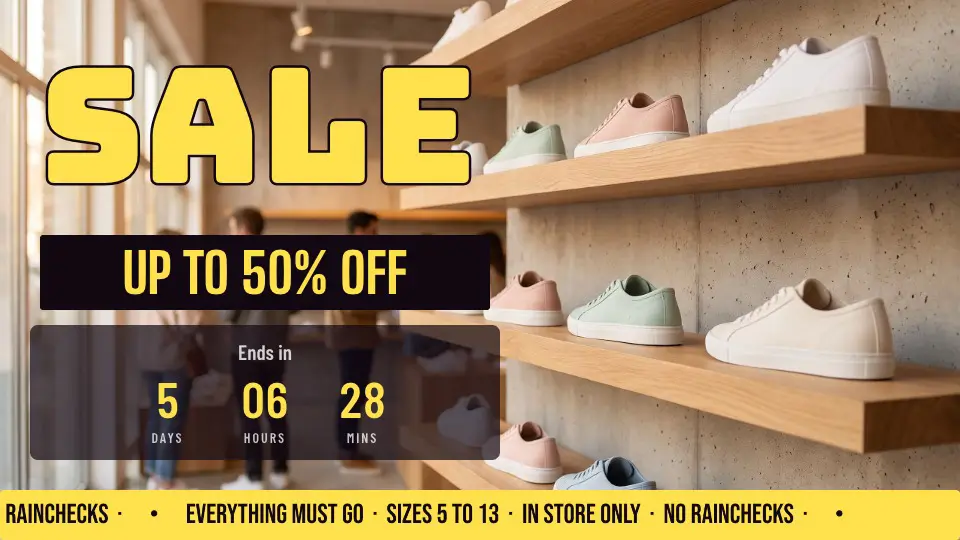
Offers for today
Put your sale on screen with a countdown, then change it when the day does.
See business examples →
Updates people can see
Show what’s next, where to go, or what’s happening now, so nobody has to ask.
See queue screens →Dislab Live
Change your screens from your phone.
Tap a score, call the next number or mark a dish sold out. The screens that show it change within seconds, and keep showing it offline.
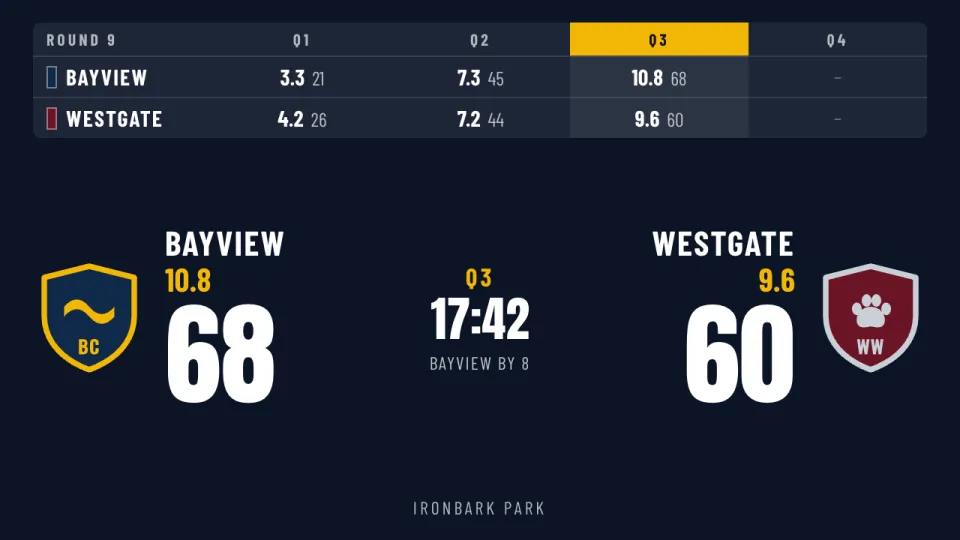
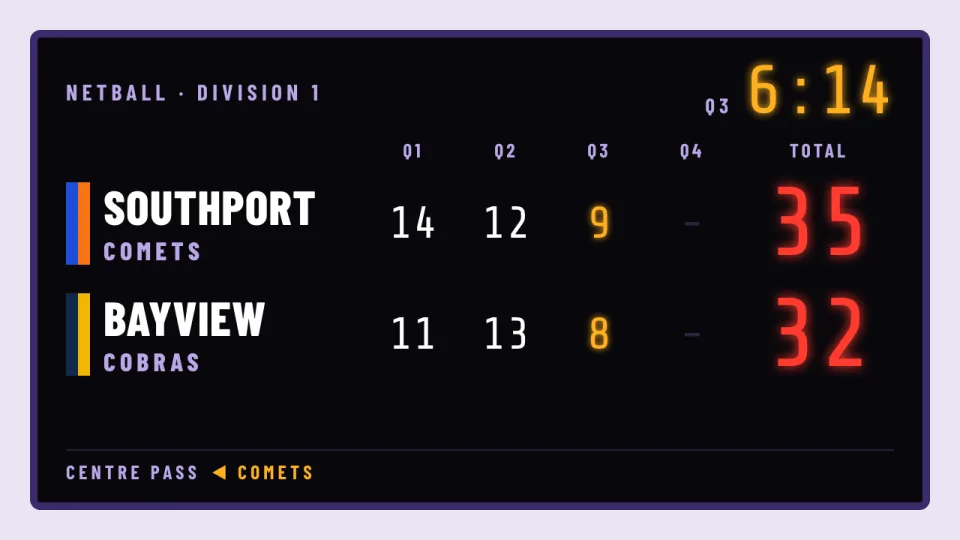
- ScoresTap a goal and the scoreboard changes. Real looks for dozens of sports. Scoreboards →
- Queue numbersCall the next number from the counter and the screen counts up. Queue screens →
- Sold outMark a dish sold out and it is crossed off every menu board at once. Menu boards →
- Your own numbersA fundraising total, bookings or stock: type it on your phone. Live data →
It runs in your phone’s browser. There is no app to install.
The sign designer
Design it yourself. No skills needed.
Start from any of 1200+ templates and change anything, right on the sign.
- Drag, drop, done.Move and resize anything, with guides that line things up as you drag.
- Make it move.Words that build in and a timeline to time it, so signs come alive.
- Make it yours.Over 1,700 fonts, 5,000 icons, your logo, your colours and your photos.
- Drag it on.Drop the time, the weather or a countdown straight onto a split-flap board.
- Wide or standing up.Turn a sign to either shape without starting again.


 FontArimo

 Put on screenOn the screen
Only on
Screens that do more than show a picture.
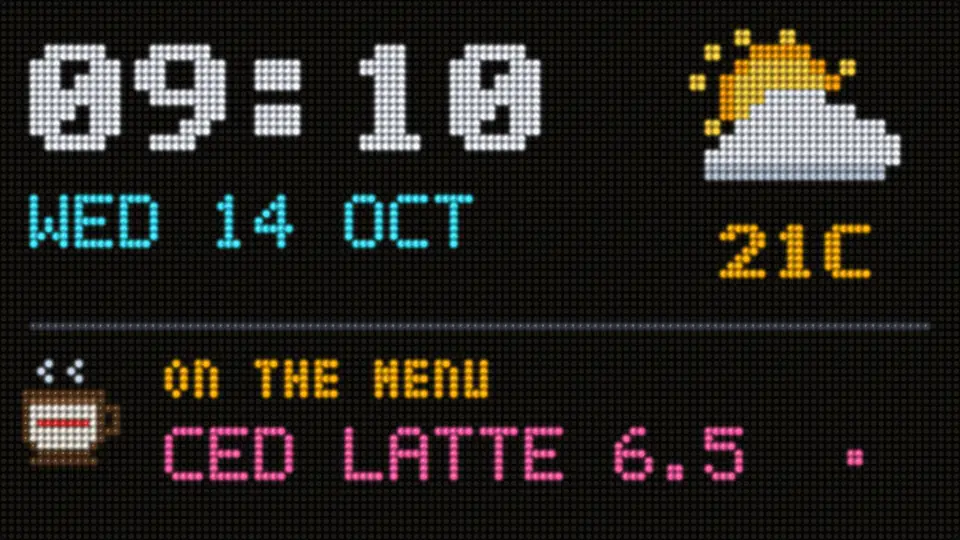
Split-flap boards that really flip, neon tubes, LED dot boards, nixie clocks, station dials, scoreboards and over 700 signs that move. All on the TV you already own.
 Split-flap with weather, emoji and colourWeather symbols, emoji and coloured tiles flip into place. Click-clack is optional.
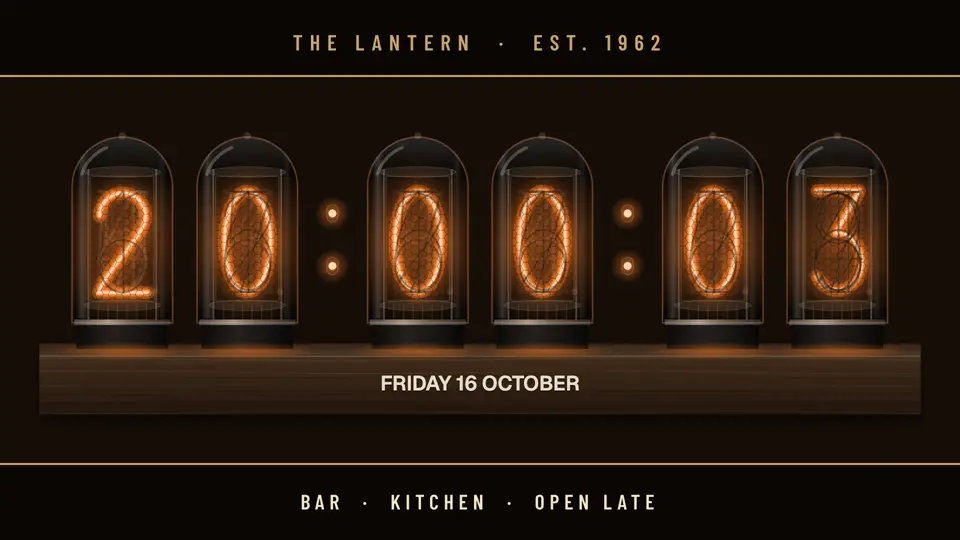 Glowing nixie tubesWarm, hand-lit digits that roll through every number on the hour.LED boards in full colourDashboards with the time and weather, pixel art that moves, your logo in dots.
 Real neon, drawn liveGlowing tubes that buzz on, flicker and hum, on brick, photos or black.Live scores, from a phoneTap the score and the board changes. Real scoreboard looks for dozens of sports.Poster cases, jukeboxes and moreOld-school displays, drawn live on any TV and kept in step by the clock.
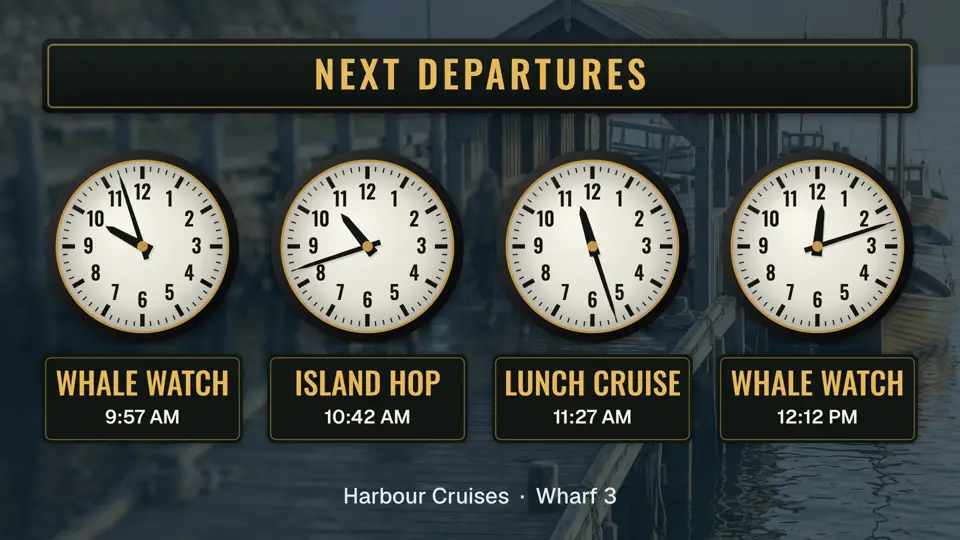 Clocks and weather to matchStation dials, world clocks and live local weather, drawn to match your sign.
 Guests’ photos on the wallGuests send photos from their phones. You approve them, and they play on the wall.
Start from a ready-made sign
1200+ templates. Pick one and make it yours.
Menus, offers, queues, clocks, boards and more, all included with Pro. Change the words, photos and colours in a few taps.



















A simple setup
Up and running in three steps.
Use the TV you have. Dislab guides you through the rest.


Pair your screen
Open Dislab on the TV, then enter the code it shows.
Choose a design, make it yours
Start from a menu, sign or photo, change the words and prices, then send it to the screen.
No internet? Still playing.Let it play
Once the files download, the screen keeps playing, even offline.
Straightforward pricing
Start free. Add screens when you’re ready.
Pick the plan that fits today. Change it as your business grows.
Free
A$0 always
Try Dislab on the TV you already have. No card needed.
- 1 screen and 1 location
- Photos, videos, playlists and signs
- Clocks, weather, QR codes and free stock photos
- 10 Dislab AI credits a month
- A small “Powered by dislab.app” badge on the screen
Pro
A$9.99 per screen / month
Or A$99 per screen yearly (A$8.25/month, billed annually). All prices in AUD, with GST included in Australia.
- Everything in Free, with no badge
- Menu boards, live scores, queue numbers and live data
- Split-flap and LED boards, event photo walls and slideshows
- 50 Dislab AI credits a month for every screen
- Up to 5 people with their own logins, 20 screens and several locations
The Pro trial lasts 14 days; a card is required, and billing starts after the trial. See what’s in each plan.
Flip Notes
Latest from the blog.
Plain posts on menu boards, queue screens, split-flap boards and which TV stick to buy.
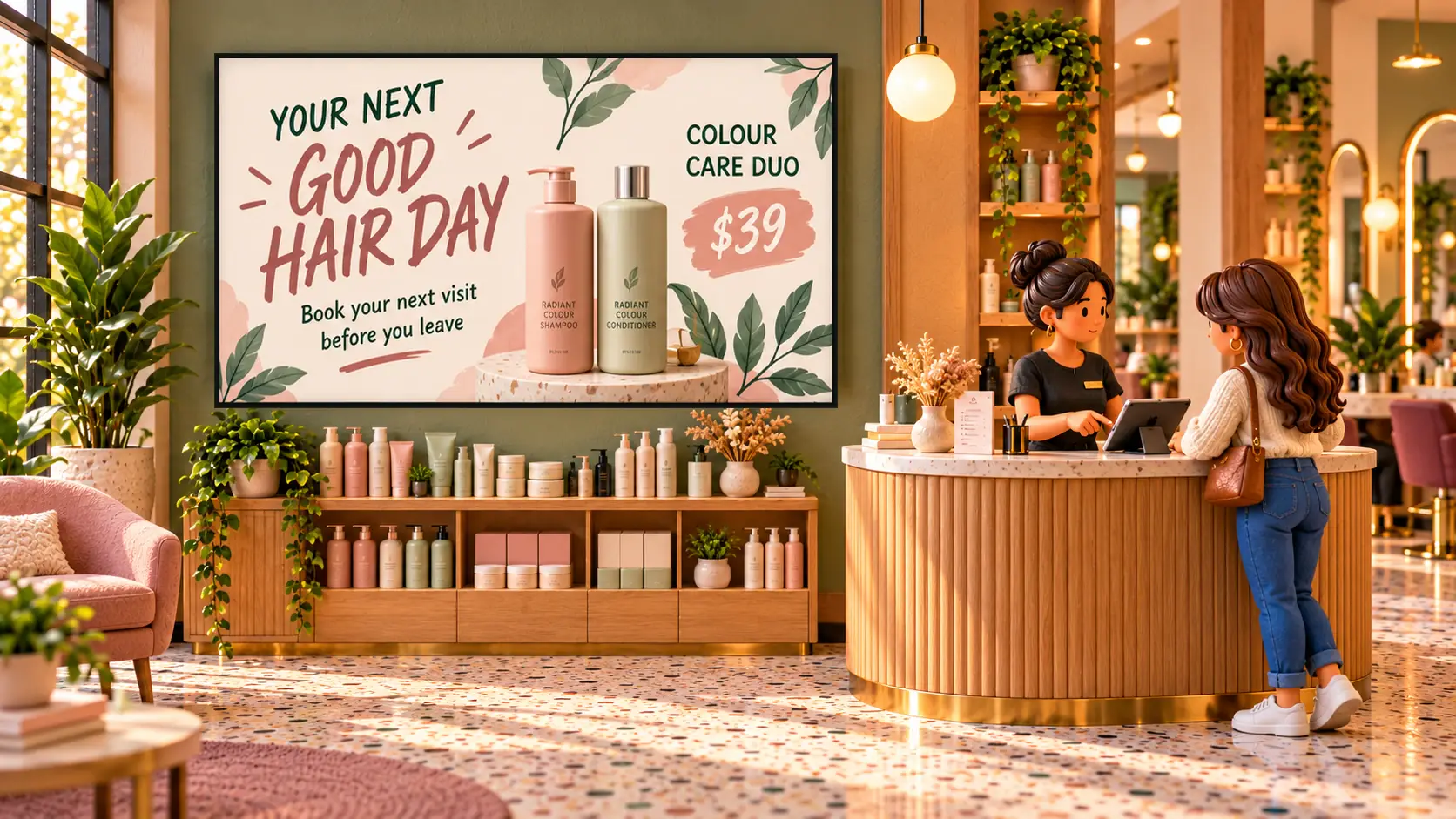 MenusDigital signage for hair salons: what to show and whereDigital signage for hair salons: a price list by the mirror, a QR code to book at the desk, your best work in the window, and what it costs per screen.
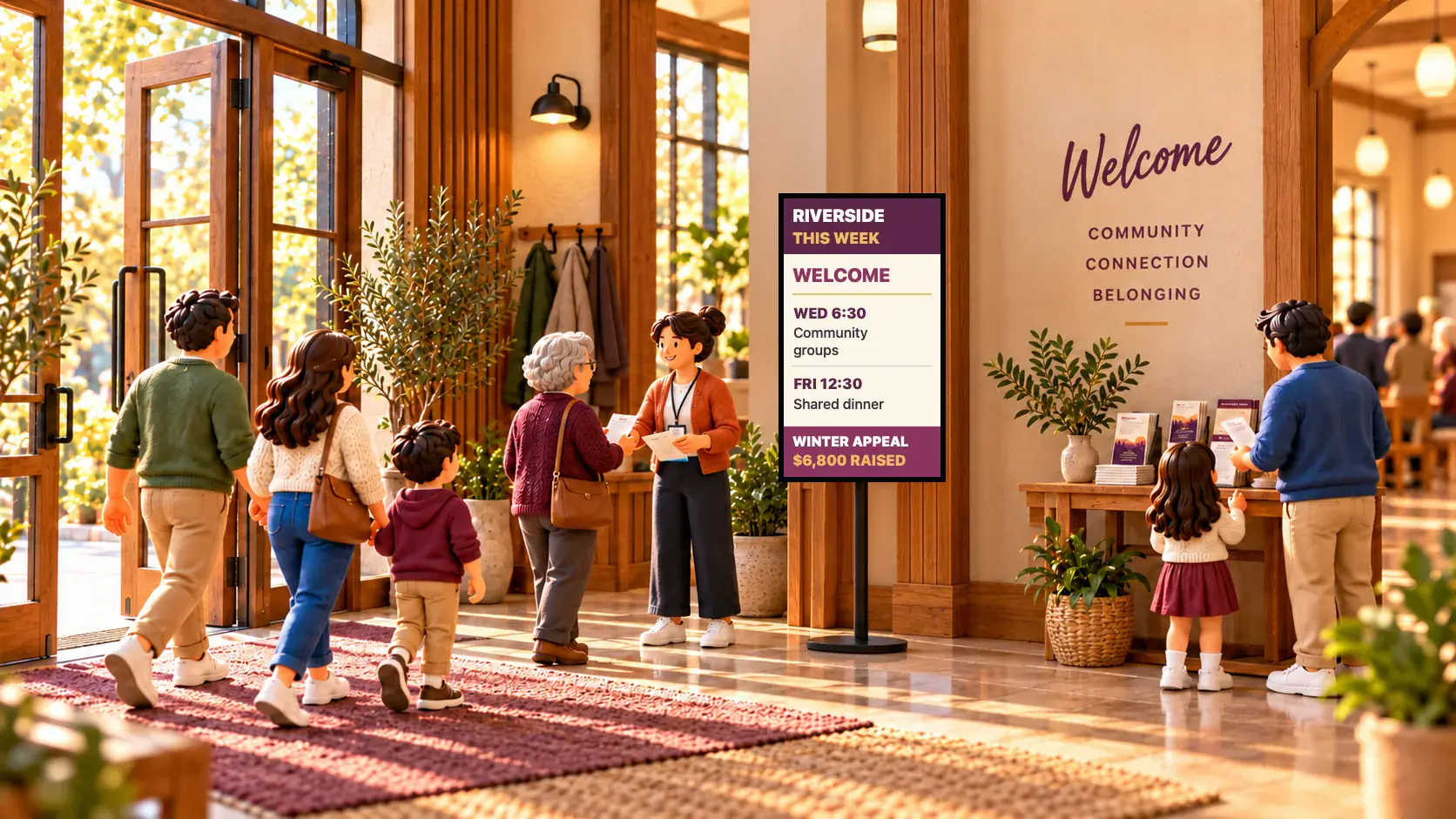 Events and venuesDigital signage for churches and places of worshipDigital signage for churches, mosques, temples and gurdwaras: what to show in the foyer and hall, how volunteers keep it updated, and what it costs.
 Set-up and costsWhat digital signage costs a small businessWhat digital signage really costs a small business: the TV, the stick, mounting, software and running costs, with worked examples for one to five screens.
Do I need a new TV?
No. Any TV with an HDMI port will do. Plug in a supported Fire TV, Android TV or Google TV stick, or open play.dislab.app in a browser on a screen you already have. The device guide lists what works.
Will it keep playing if the internet drops?
Yes. A screen starts a new loop only once every file has finished downloading, then plays it from its own storage with no internet. It needs to go online now and then to pick up changes and confirm your subscription.
How do I change a price or mark something sold out?
From your phone or a computer. A sold-out item goes live on your screens straight away. Price changes wait until you press Publish, so you can check them first.
What can I put on a screen?
Photos, videos, ready-made and custom signs, clocks, weather and QR codes, and slides from PowerPoint, PDF or Google Slides. Menu boards and live items such as queue numbers and scores are part of Pro.
How many screens and locations can I run?
Free is one screen at one location. Pro covers up to 20 screens across several locations, and every screen can have its own content. Need more? Talk to us and we will set it up with you. See pricing.
Is my data safe?
Your account and files are private to you and the people you add, and each person has a role that limits what they can change. Screens only accept software we signed. We also say plainly what we haven’t done yet: read the security page.
Put your first screen to work.
Start with one screen, your own TV and a free account.