
An airport departures board, on the TV you already have.
Letters that clatter into place, tile by tile. Type your words, pick a look, and the board flips to them on every screen. No extra app, no extra subscription: it’s one of the widgets in Dislab Pro.
Pro Built into Pro: A$9.99 per screen a month, up to 20 screens. 14 days free to try.
Split-flap apps on their own cost about A$32 to A$80 a screen, every month.
On Dislab the board comes with Pro, alongside menu boards, playlists, schedules, clocks, weather and the rest. The same price for every screen, up to 20, with 14 days free to try.
Change a word and only those tiles turn.
Write each row in the sign designer, left, centred or right. Press save and every screen showing the board flips to the new words. Tiles that stay the same stay still.
- Up to 80 letters across and 24 rows
- Colour tiles for a splash of red, green or yellow
- Put it full screen, or beside a menu, photo or clock
- Or let it flip through your own quotes: rotating quotes
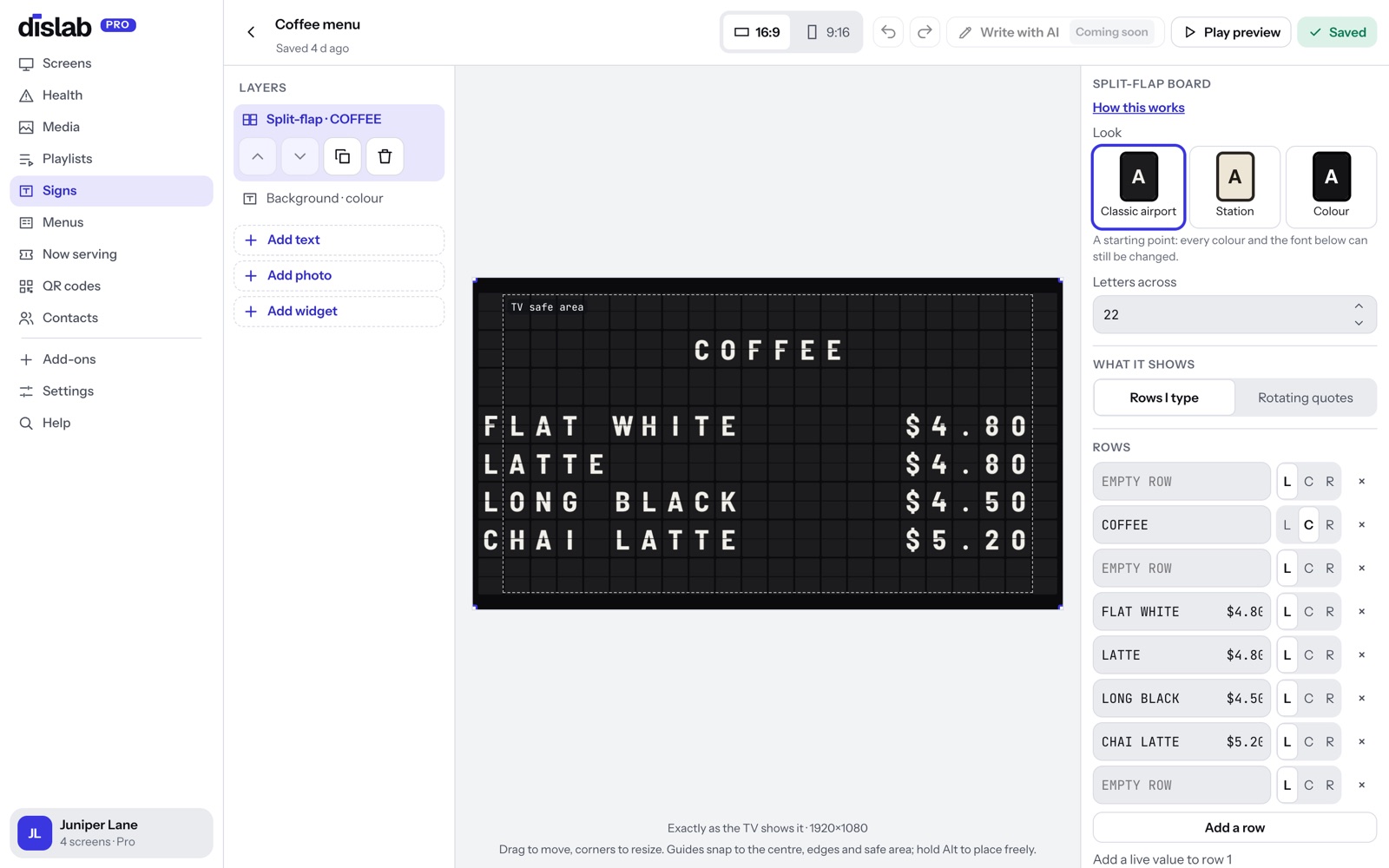
Classic airport, railway station, or your own colours.
Start from a look, then change anything: letters, tiles, frame, font and tile shape. Set how fast the tiles flip and whether they ripple across the board or turn together.
- Three looks to start from, every colour changeable
- Tall, classic or wide tiles; gaps and rounded corners
- Flip speed: slow, normal or fast; tiles together, rippled or in a slow wave
- Click-clack sound through the TV, off until you turn it on
Every board, in any look
Fourteen boards are ready in the Signs page, and each one can wear any look: an airport board, a railway station, your own tile, letter and frame colours, rounded tiles, and six typefaces.
On a screen on its side
Every board has its own portrait layout for a TV hung on its side.
One part of a sign, not the whole screen
A board is a widget like any other. Put it beside a photo, above an offer, or next to the time and the weather, at any size.
Times, weather, countdowns and your own numbers.
Click in a row and drop in a live value. The board keeps it up to date and flips only the tiles that change.
- Time and date, in each screen’s own time zone
- Temperature and weather for any town
- The Now serving number and countdowns to a date
- Any Live value your own systems send: stock, bookings, a total
Questions
Anything else? Ask us, or look in the help centre.
What do I need?
A TV with an HDMI port and an Amazon Fire TV Stick running the Dislab app, or a computer or iPad with Chrome, Edge or Safari open at play.dislab.app. The board is drawn by the screen itself, so it stays sharp at any size.
Does it keep working without internet?
Yes. The time and date keep flipping on their own. Weather, queue numbers and your own values show their last reading until the connection comes back. Screens play offline through the subscription period you’ve paid for, checking in now and then to confirm it; one that can’t check in for longer than that asks to be connected.
Is there sound?
Only if you want it. Turn on the click-clack sound for a board and it plays through the TV’s speakers whenever tiles flip. It’s off until you turn it on.
Which plan is it on?
Pro, at A$9.99 per screen a month (or A$99 a year). Pro also has playlists, schedules, signs, menu boards and every other widget. Try it free for 14 days.
More of what Dislab does
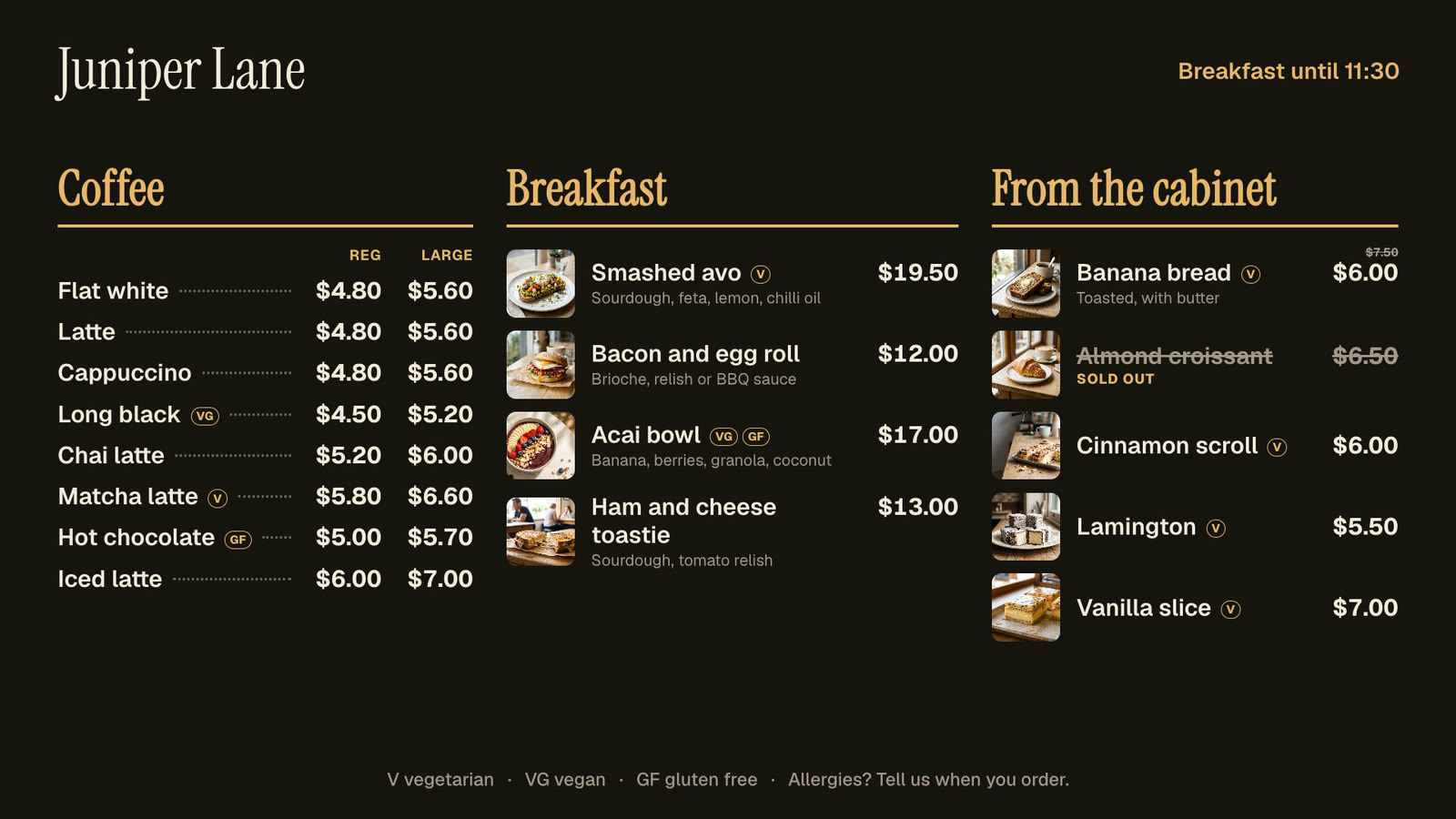 Menu boardsPrices in one place, day-parts, and sold out from a phone.
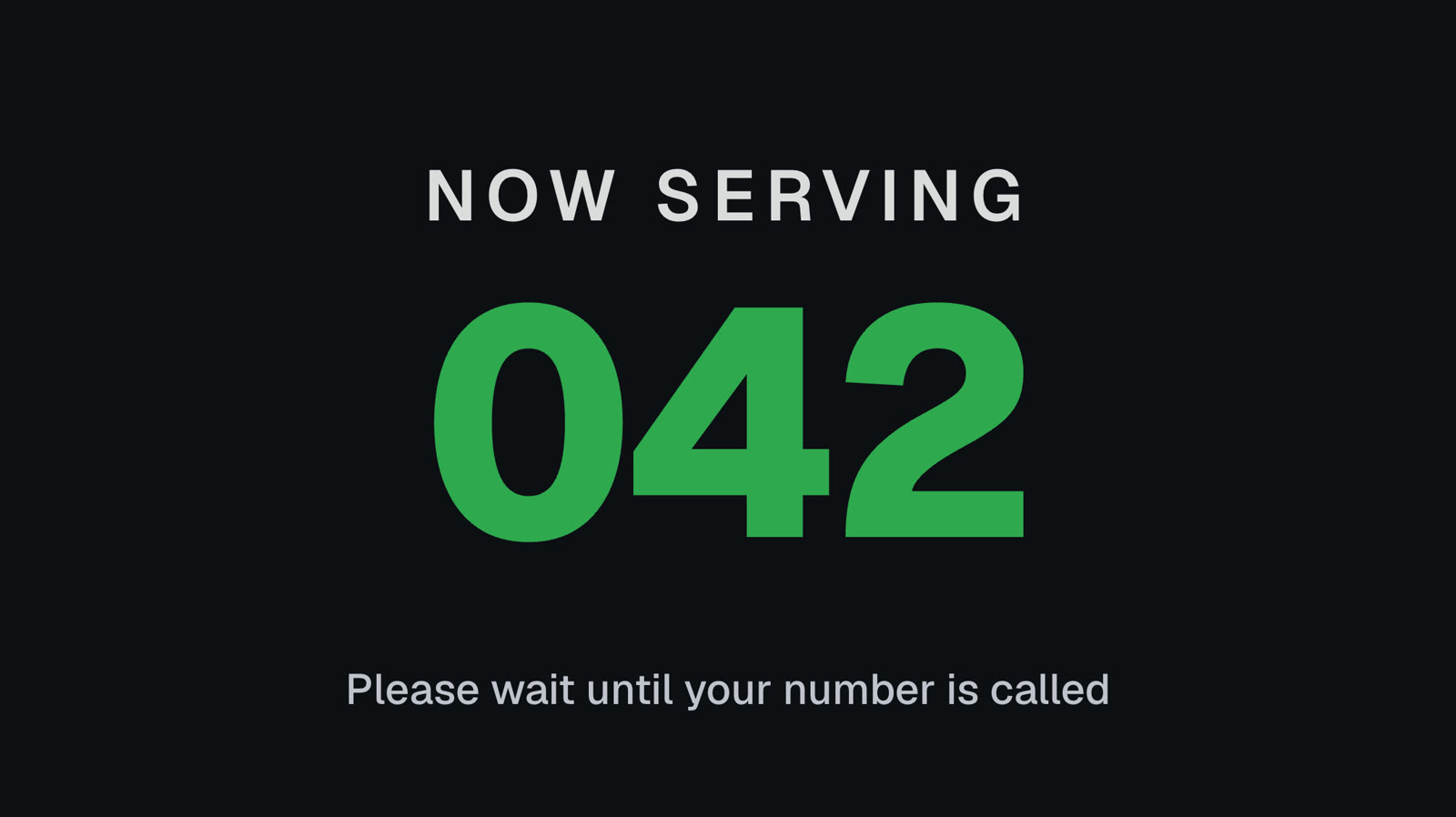 Queue numbersA big Now serving number staff move on from a phone.
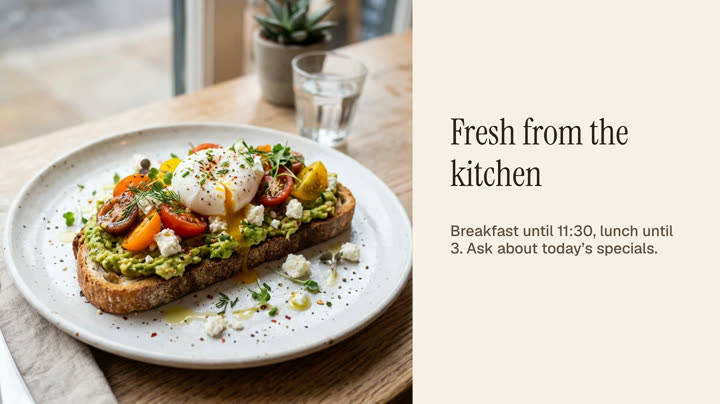 Photos and videosAny phone’s photos and videos, ready for the TV.
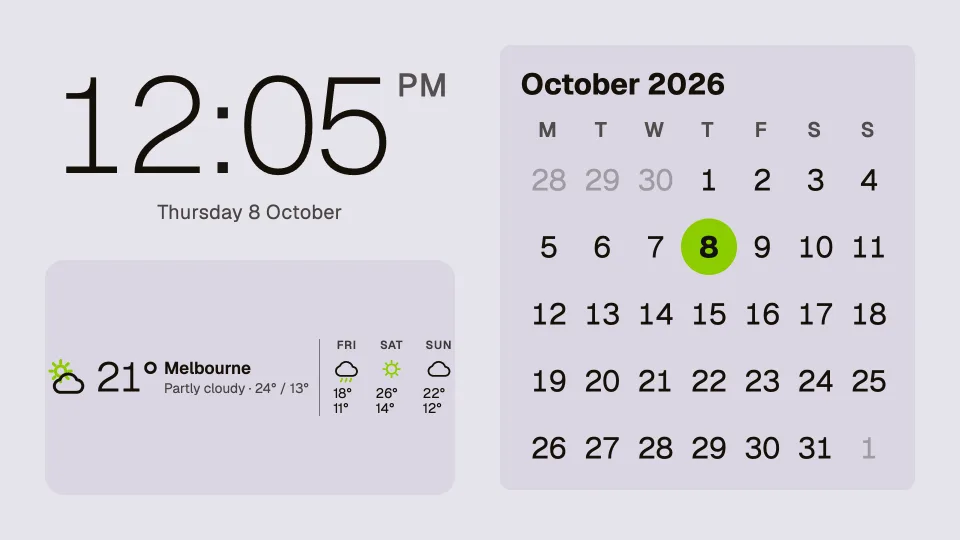 Clocks, dates and weatherTwenty clocks, the weather, a calendar and countdowns.
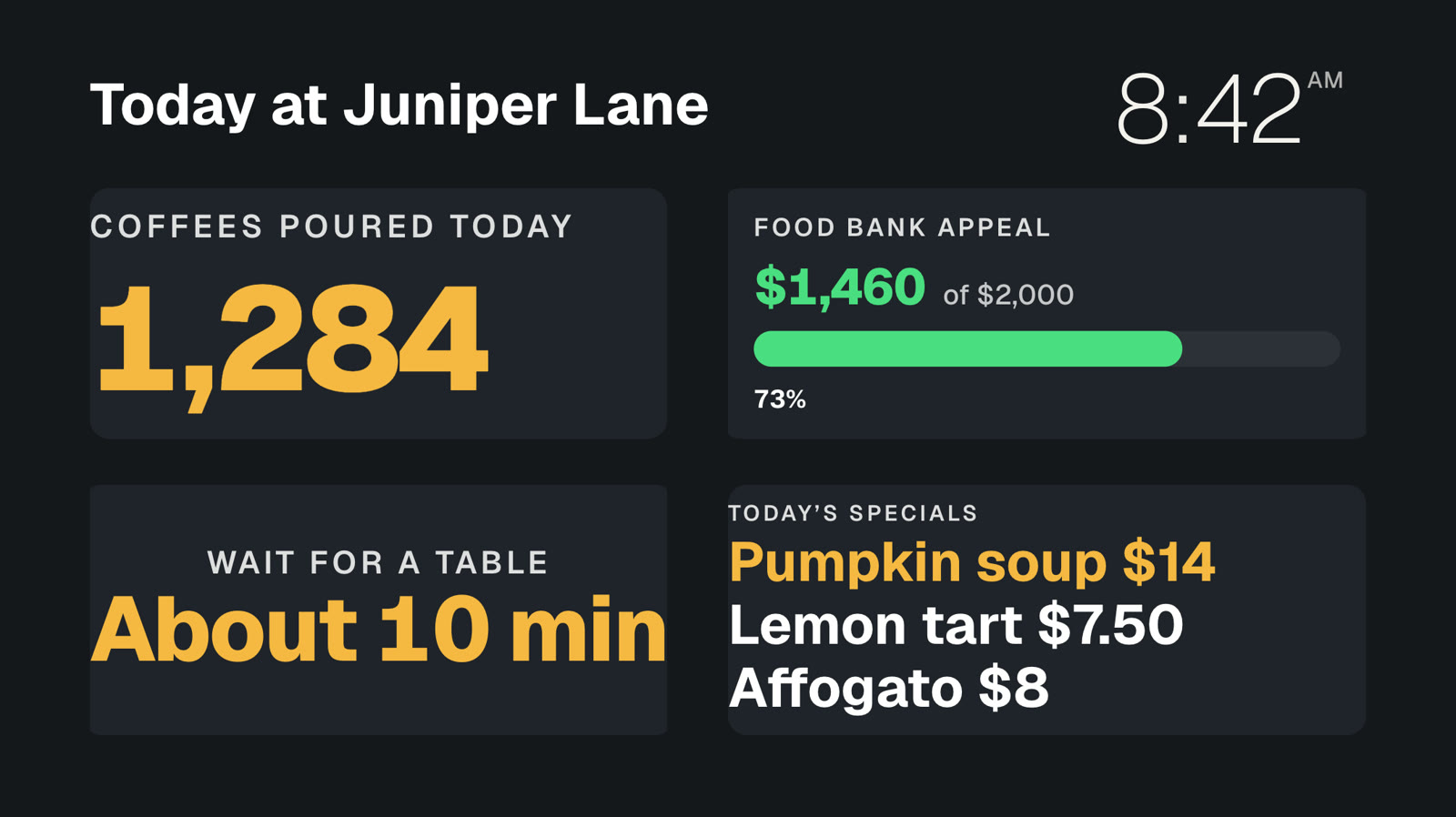 Your own dataNumbers and lists from your systems, live on screen.
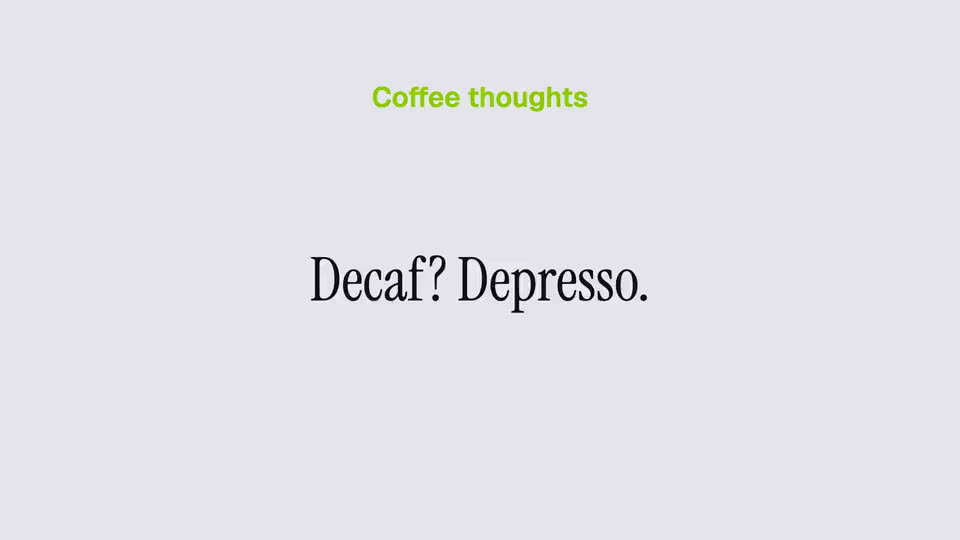 Rotating quotesYour sayings, a new one every minute.
Put a split-flap board up today.
Everything on this page is built into Pro: A$9.99 per screen a month, up to 20 screens, no setup fee and no contract. Try every Pro feature free for 14 days, or keep one screen free with photos, videos, playlists and signs, with a small “Powered by dislab.app” badge.