
Your Square menu on every screen.
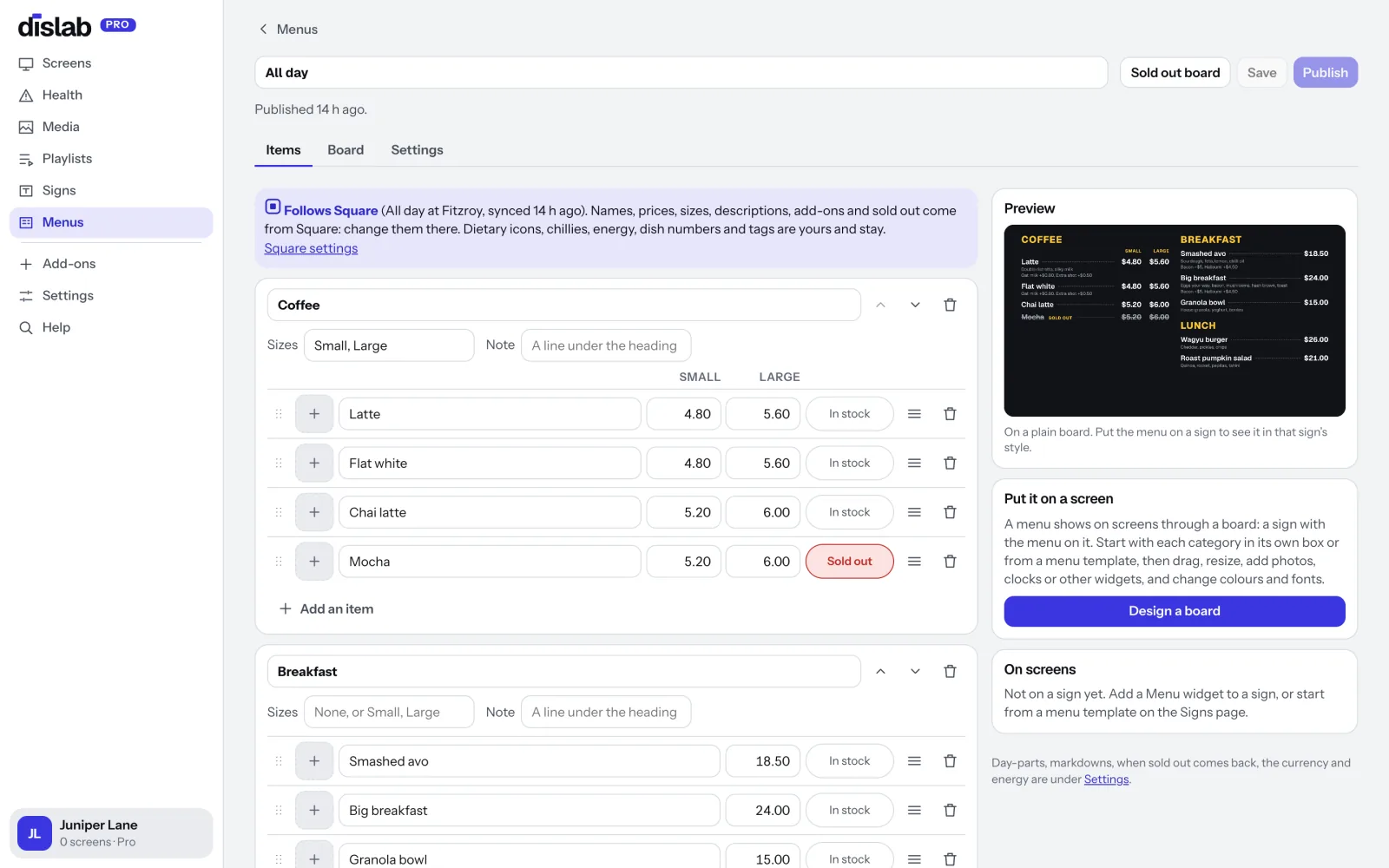
Sign in with Square once and choose a menu. Dislab brings in your items, prices, sizes, add-ons and photos, and keeps them in step: change a price or mark something sold out in Square, and your menu boards show it within a minute. No typing your menu twice.
Pro Included in Pro: A$9.99 per screen a month, up to 20 screens. 14 days free to try. No extra charge for Square.
Three steps, then it looks after itself.
Connect Square
In Dislab, open Menus and press Connect Square. Square’s own page asks you to sign in and allow Dislab to read your items. That’s the only setup.
Choose a menu
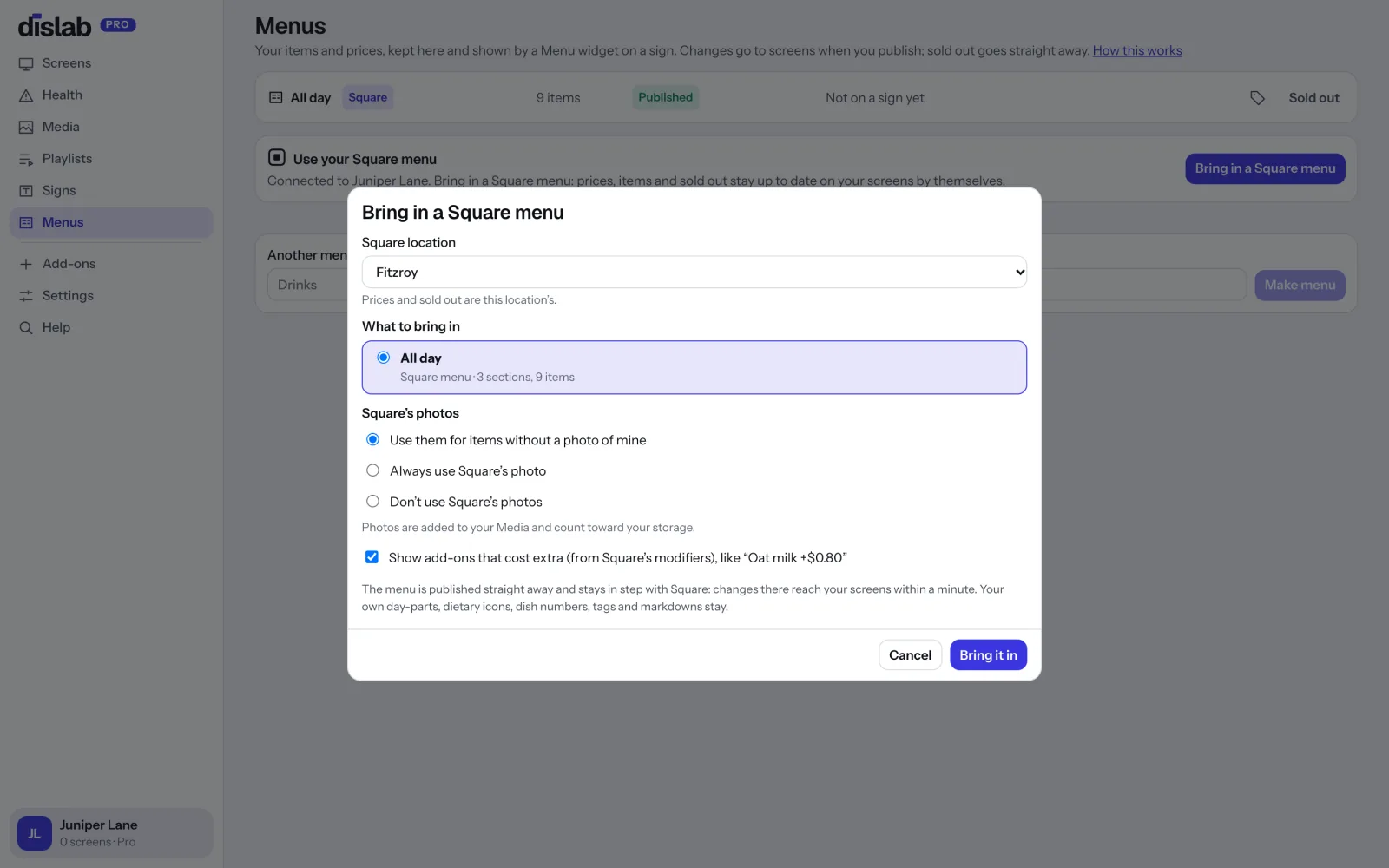
Pick a Square location, then one of your Square menus (the ones you built in Square’s menu builder) or some of your categories. Choose how Square’s photos and add-ons are used.
Put it on a board
The menu is published at once. Put it on any of the menu board templates, and from then on every change in Square reaches your screens by itself.
Choose what to bring in.
Square menus show with how many sections and items they hold at that location. Or tick some ordinary categories, in the order you want them on the board.
- A different Square location for each board, with its own prices
- Square’s photos for items without one of yours, always, or never
- Add-ons that cost extra, taken from Square’s modifiers
Square runs the menu. You make the board yours.
Everything your till knows comes from Square, so it’s never typed twice. Everything a board needs that a till doesn’t know is added in Dislab, and it stays put through every update.
Kept in step, all day
Change these in Square; Dislab follows.
- Your menu’s sections and items, in Square’s order
- Names, descriptions and prices, including each location’s own price
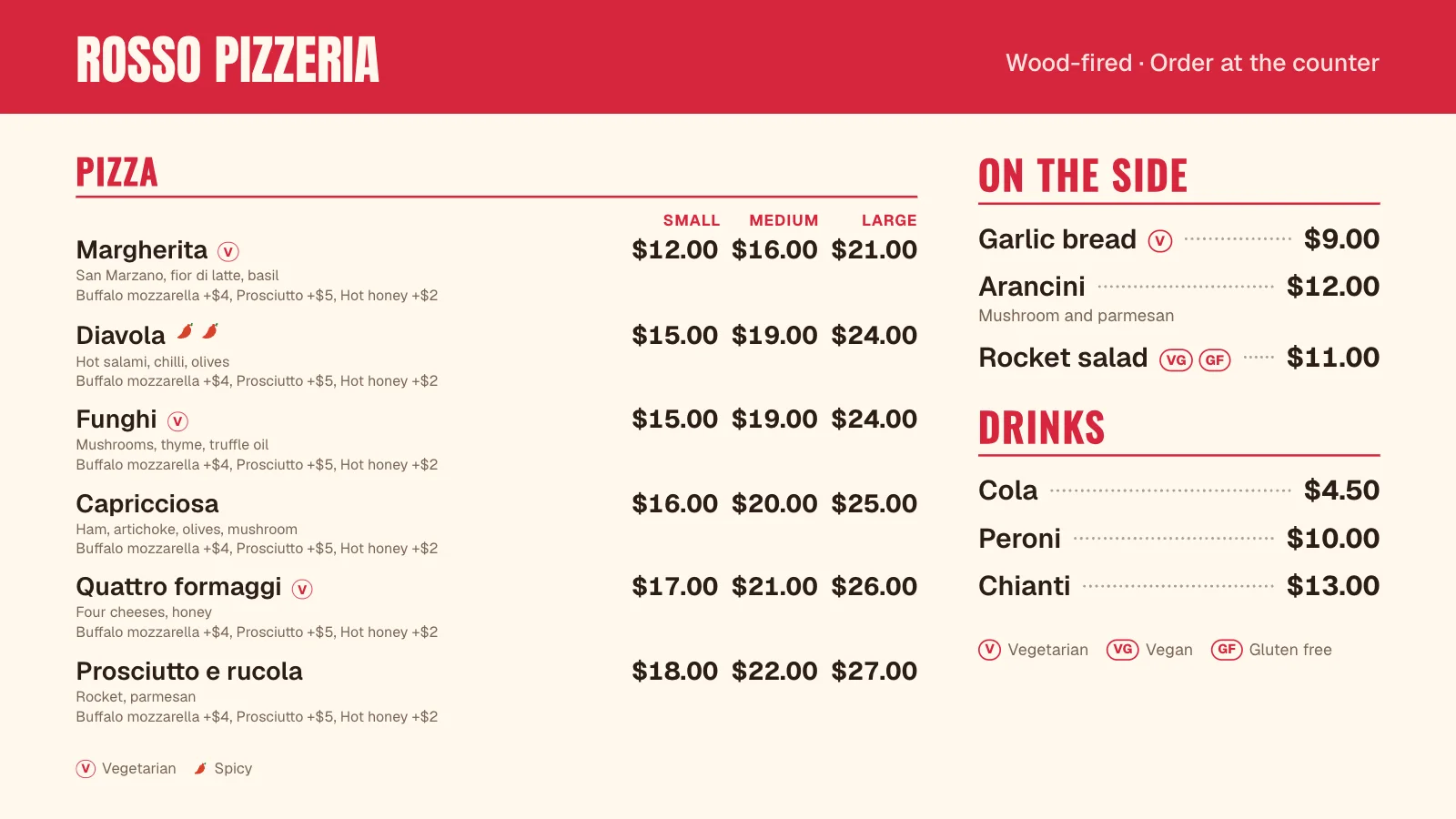
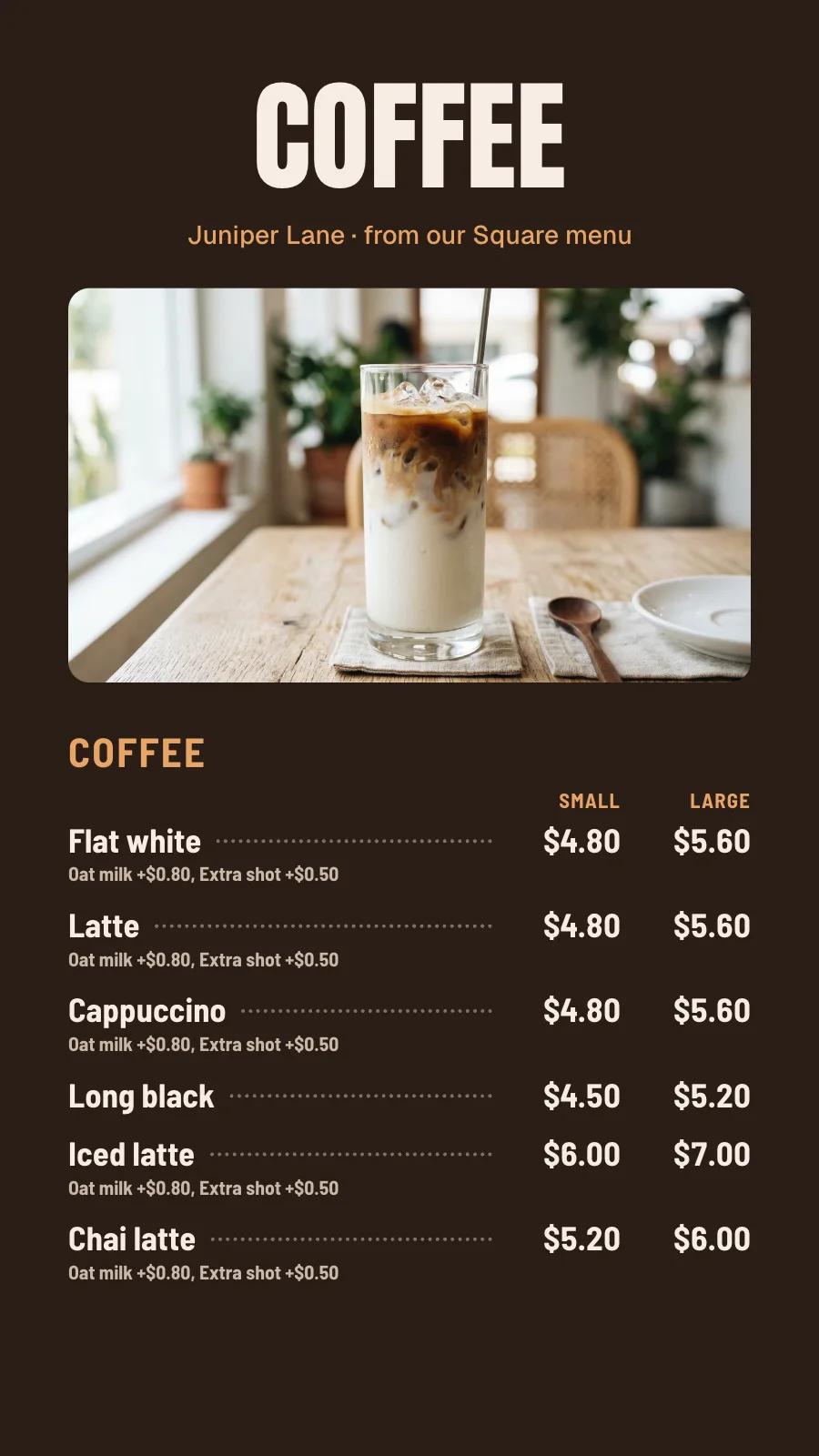
- Sizes from variations: Small and Large, or Pot, Schooner and Pint, up to four side by side
- Add-ons from modifiers that cost extra, like “Oat milk +$0.80”
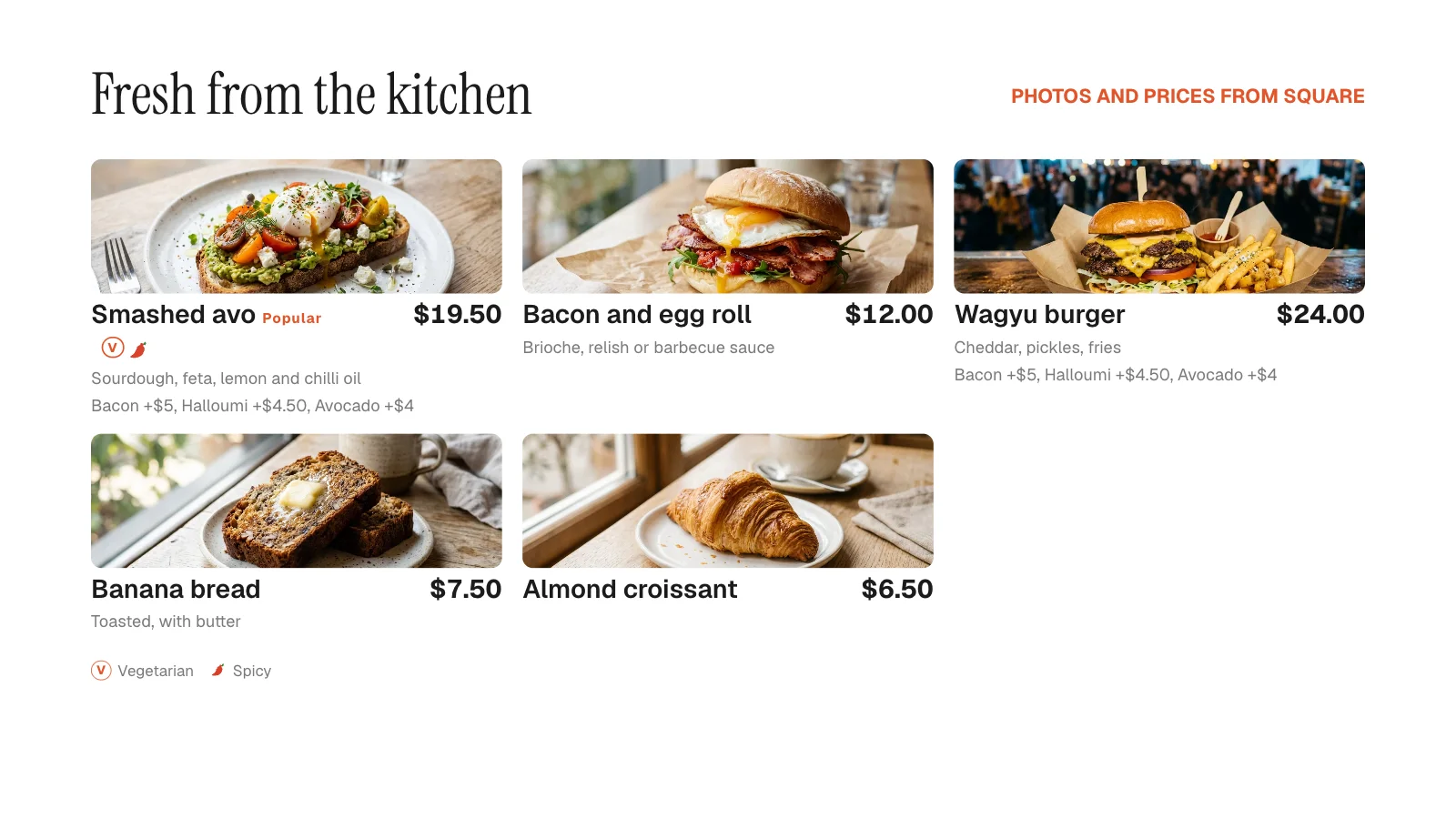
- Item photos, fetched once and shown on photo boards
- Sold out, marked by hand at the till or when stock runs out
Never overwritten
Add these in Dislab; they survive every sync.
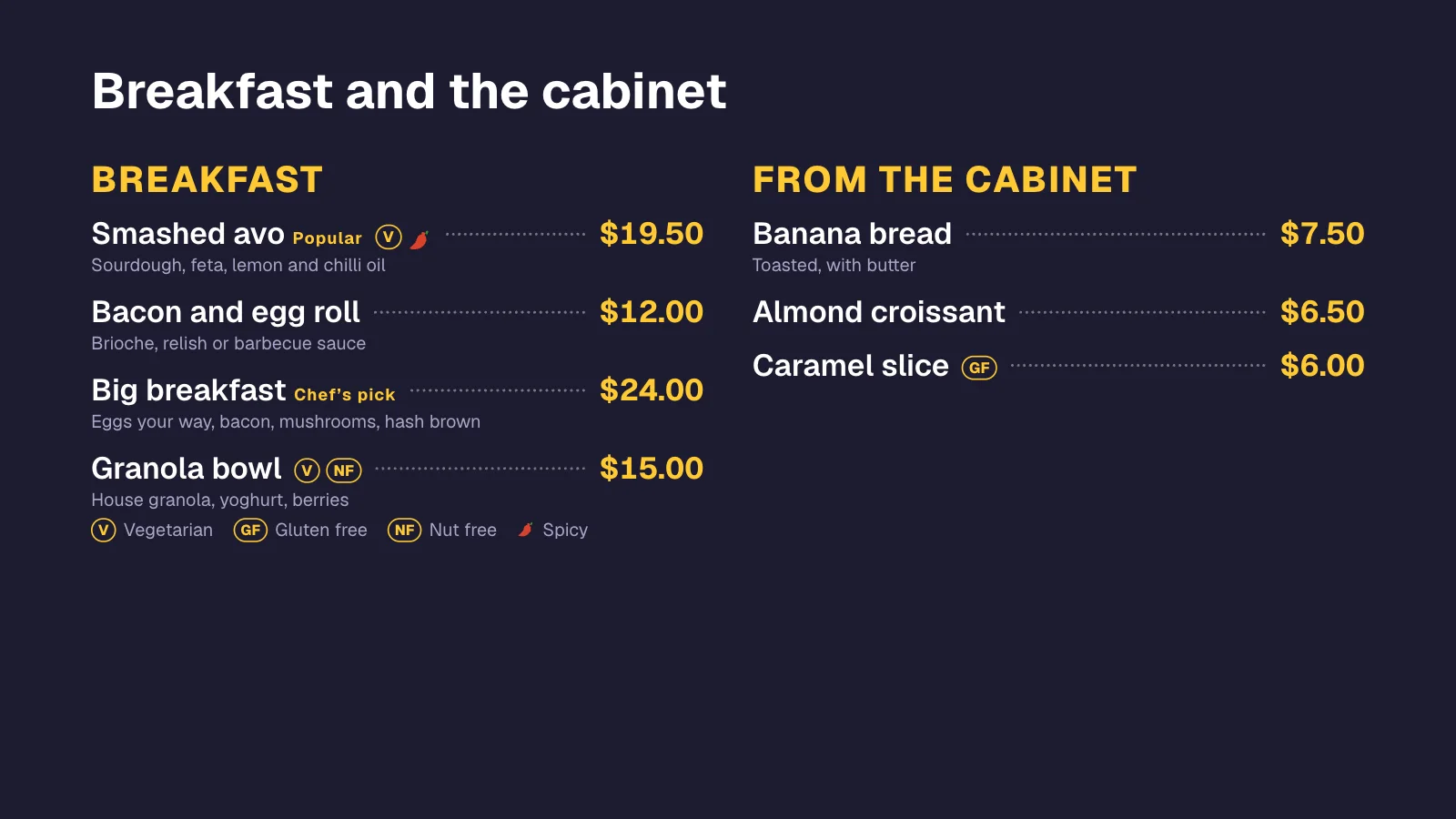
- Dietary icons (V, VG, GF, DF, NF, H) and up to three chillies
- Dish numbers, tags like “Popular”, and notes under headings
- Day-parts: breakfast in the morning, lunch from 11:30
- Markdowns: happy hour, last-hour discounts, rainy-day deals
- Your own photos, and items or categories that aren’t in Square
- The board itself: template, colours, fonts and layout
Lots of ways to show your Square items.
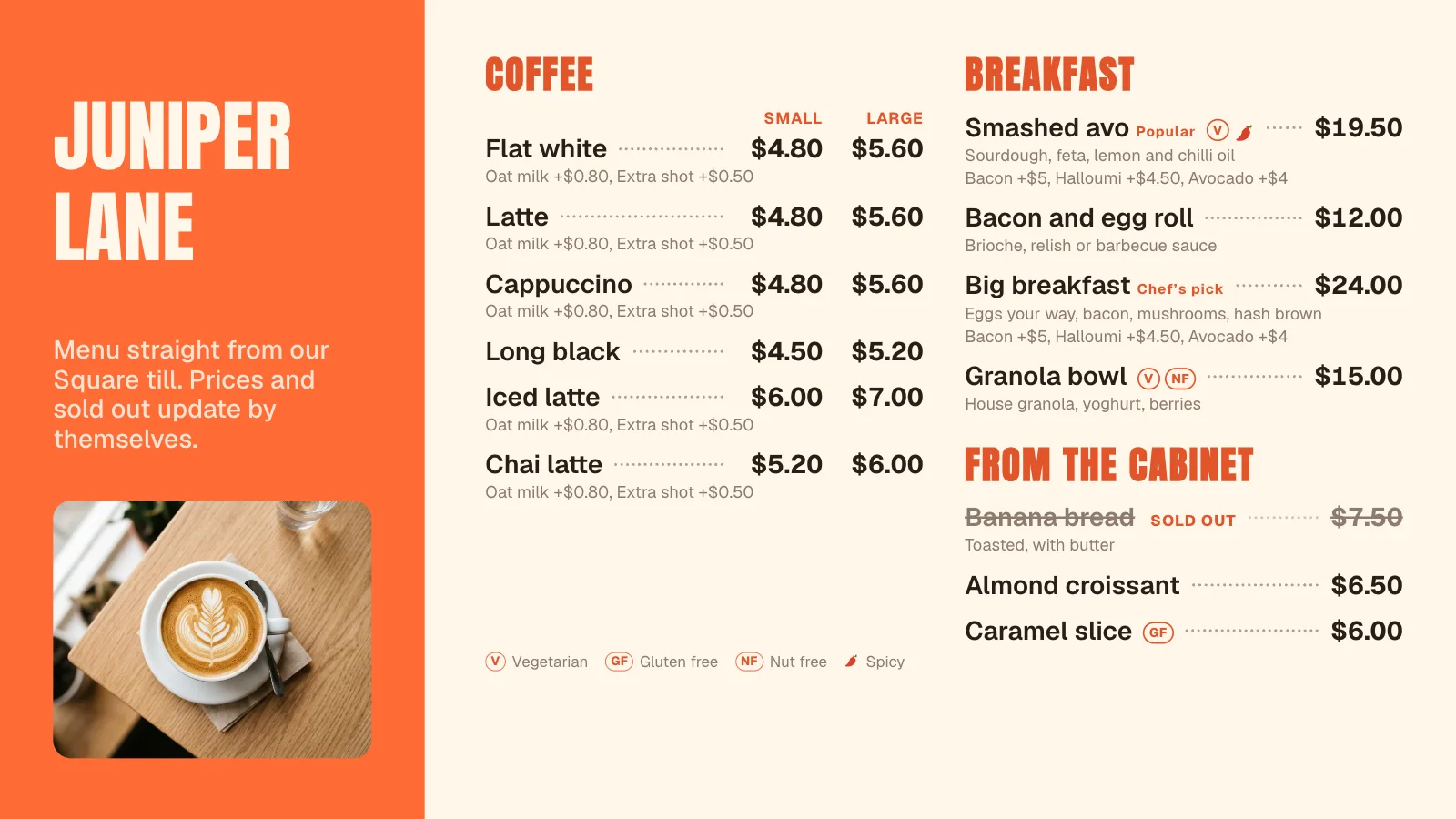
Every board on this page was drawn by Dislab from a Square catalog, exactly as a screen draws it. Pick a template and change the colours and fonts to match your shop.
 Tap anywhere to close
 Tap anywhere to close
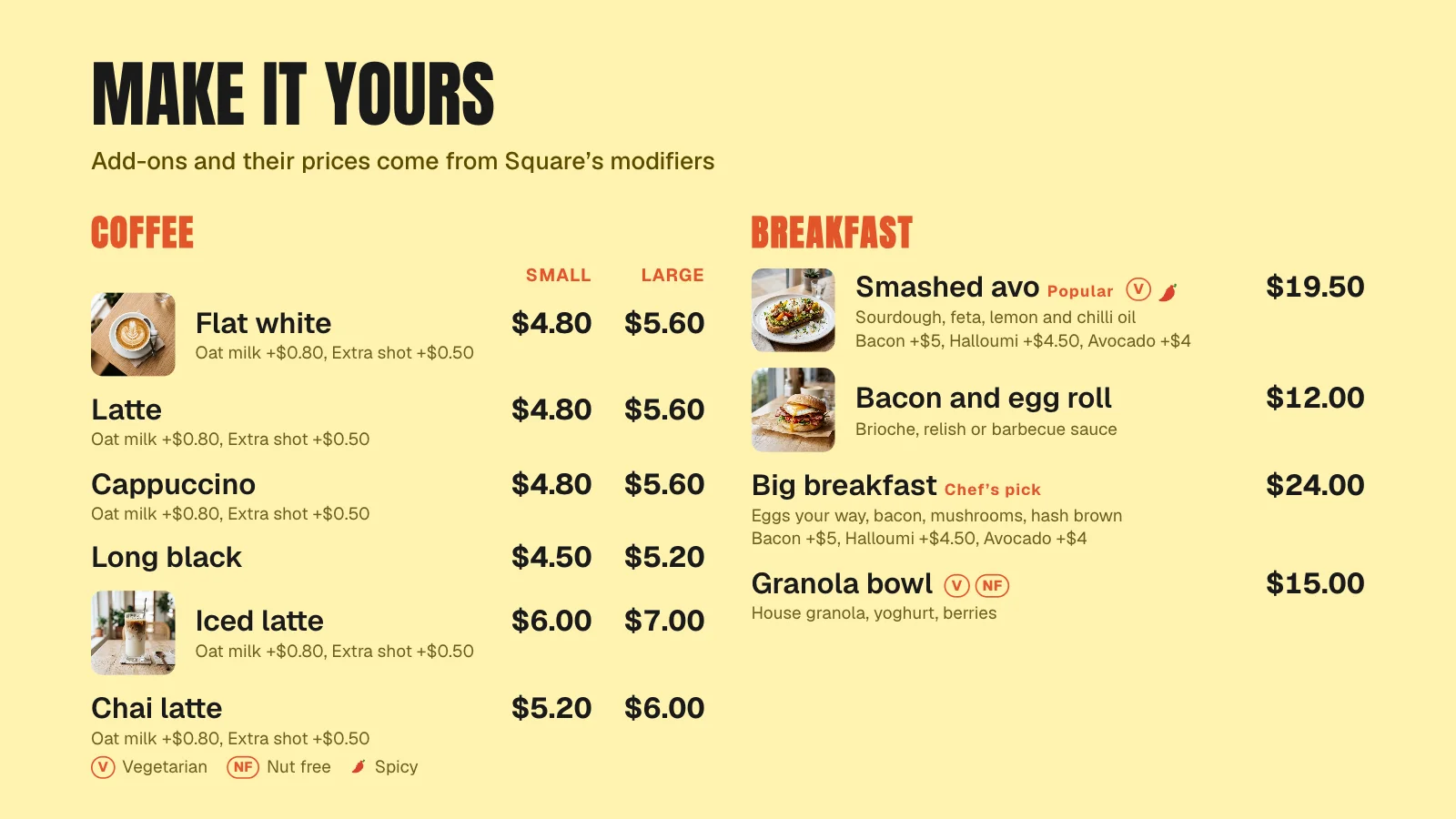 Tap anywhere to close
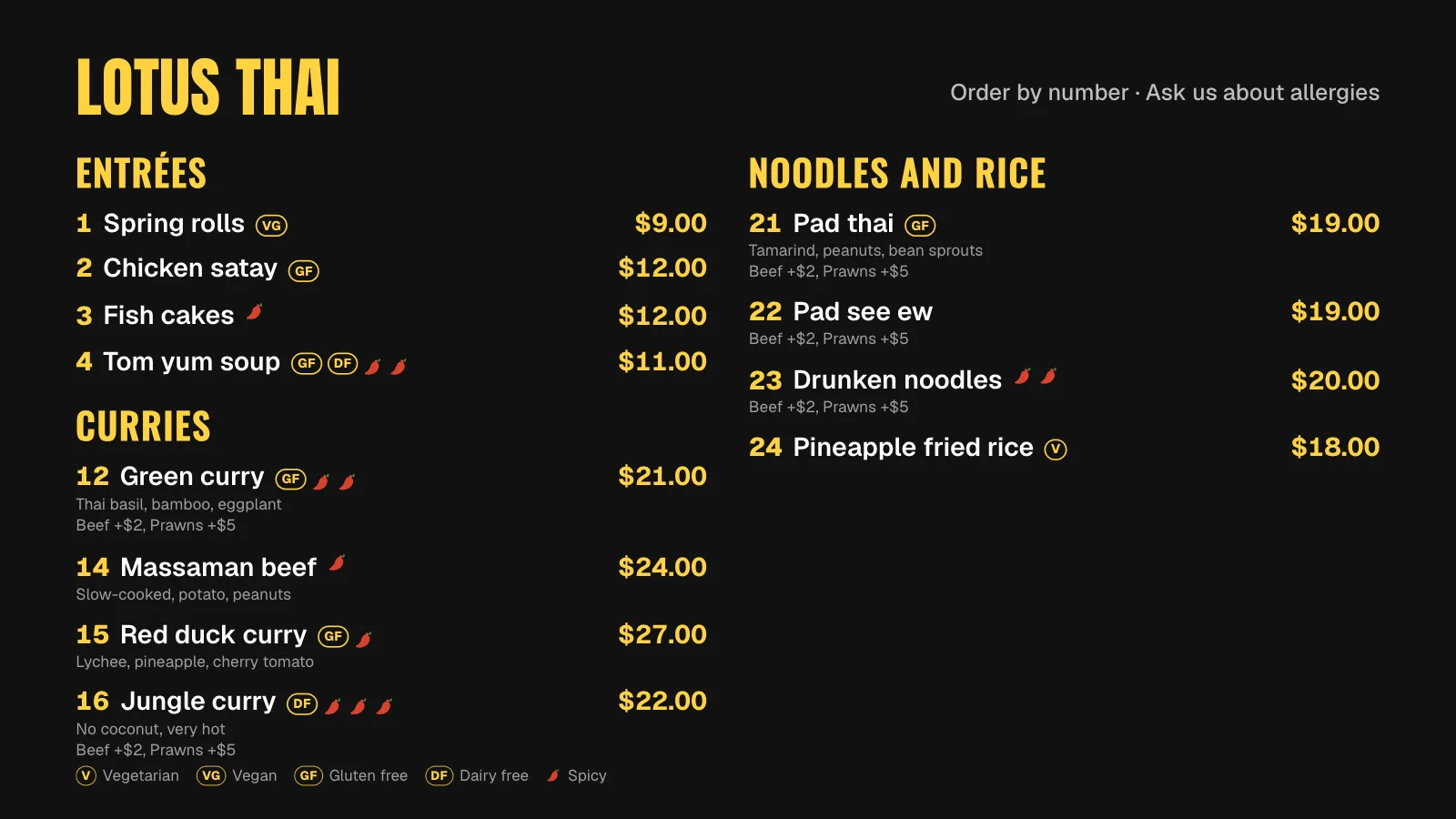 Tap anywhere to close
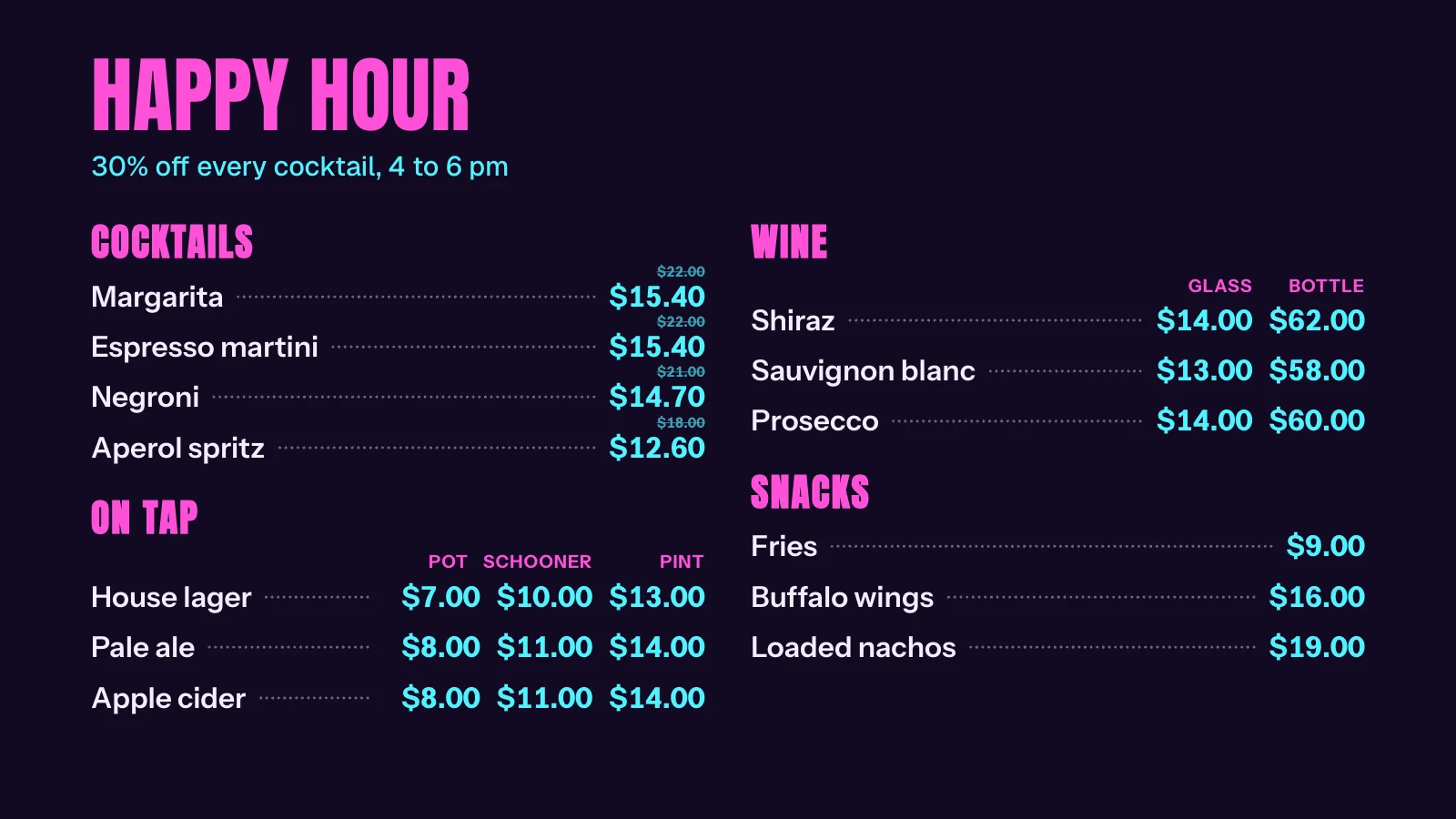 Tap anywhere to closeTap anywhere to close
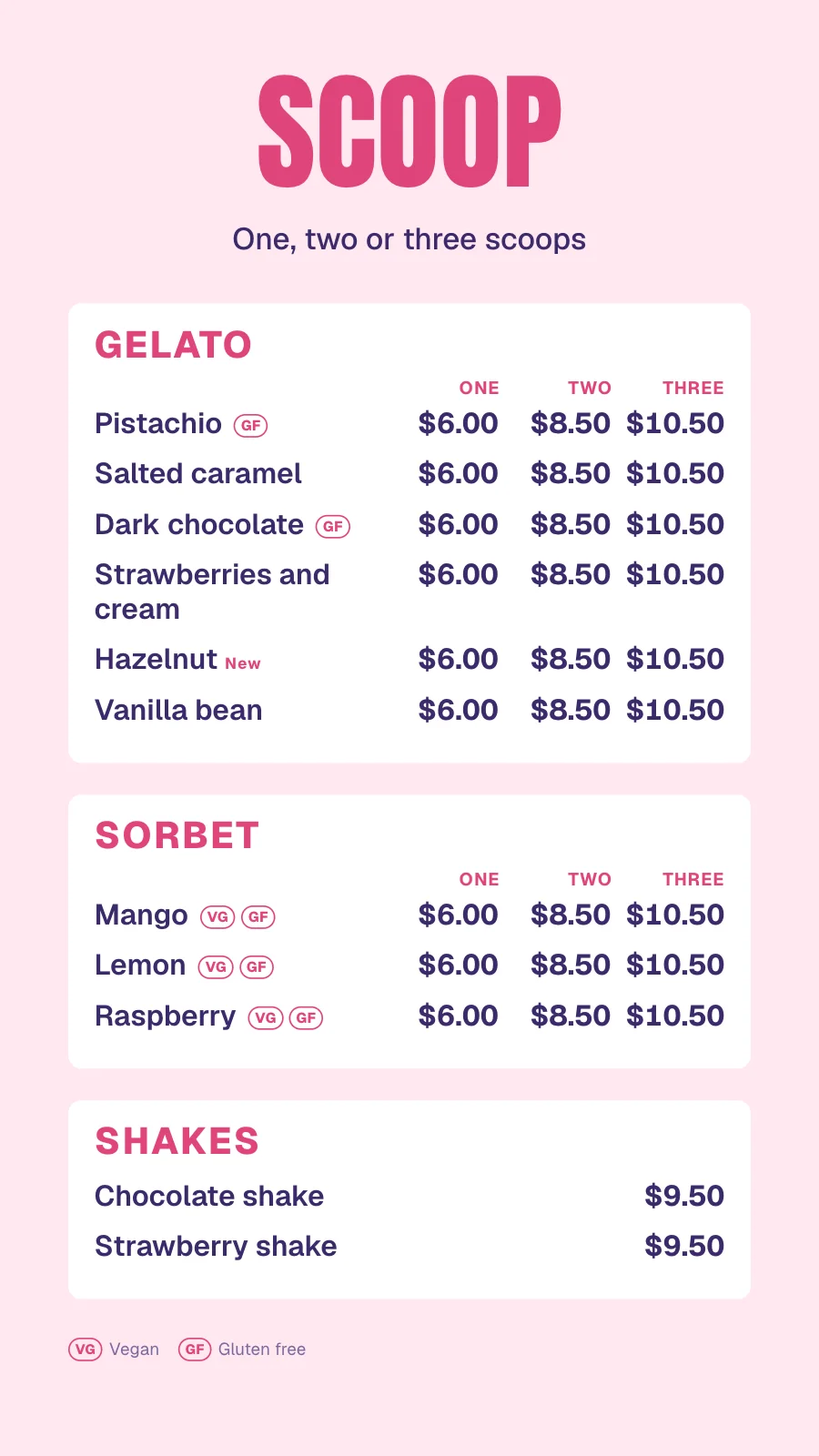 Tap anywhere to close
 Tap anywhere to close
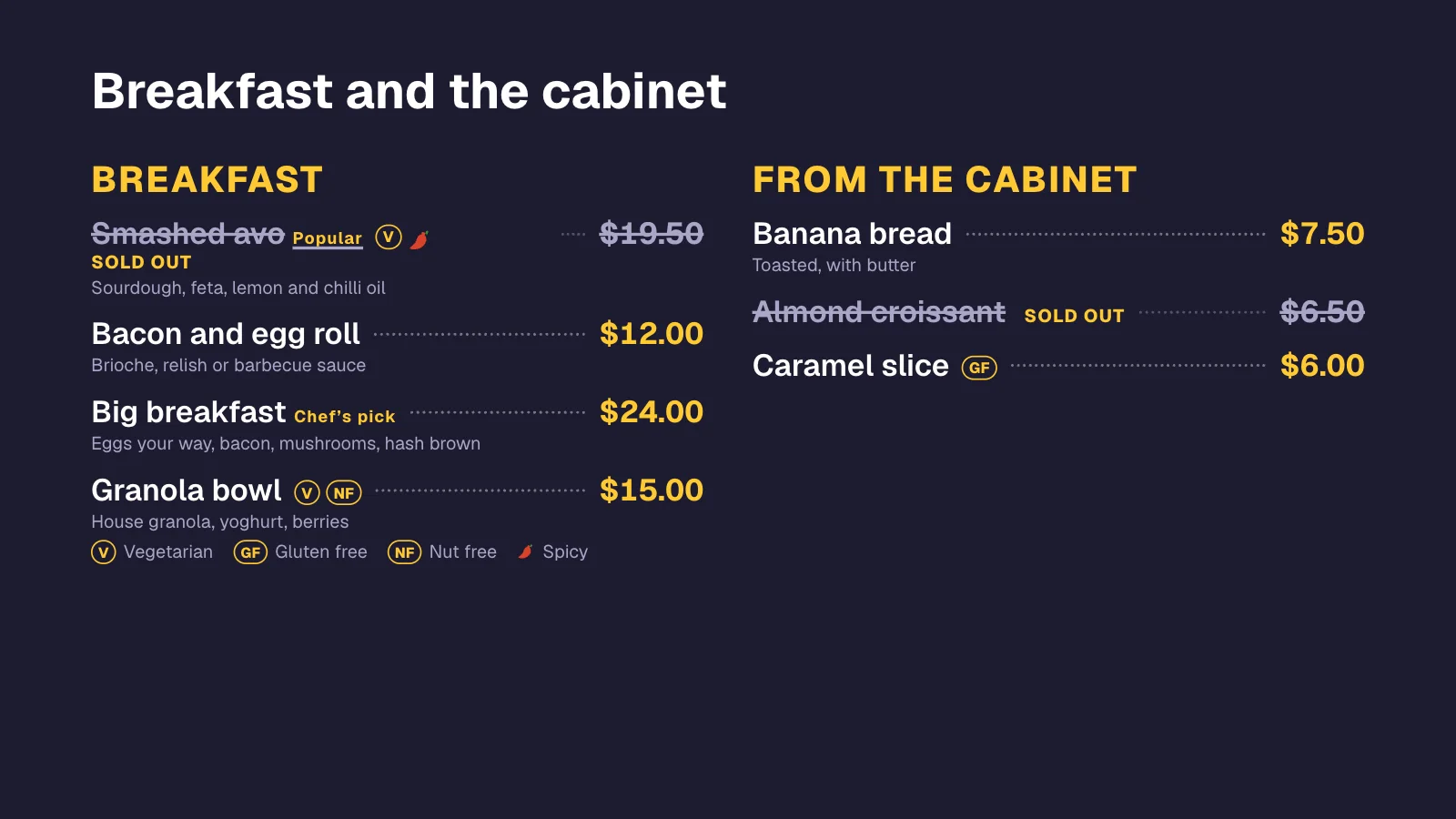
Mark it sold out at the till. The boards follow.
When you mark an item sold out in Square, or its stock runs out, every board showing it crosses it off within a minute. Mark it back in and it comes back. Choose per board whether sold-out items show crossed out or come off altogether.
 Tap anywhere to close
 Tap anywhere to close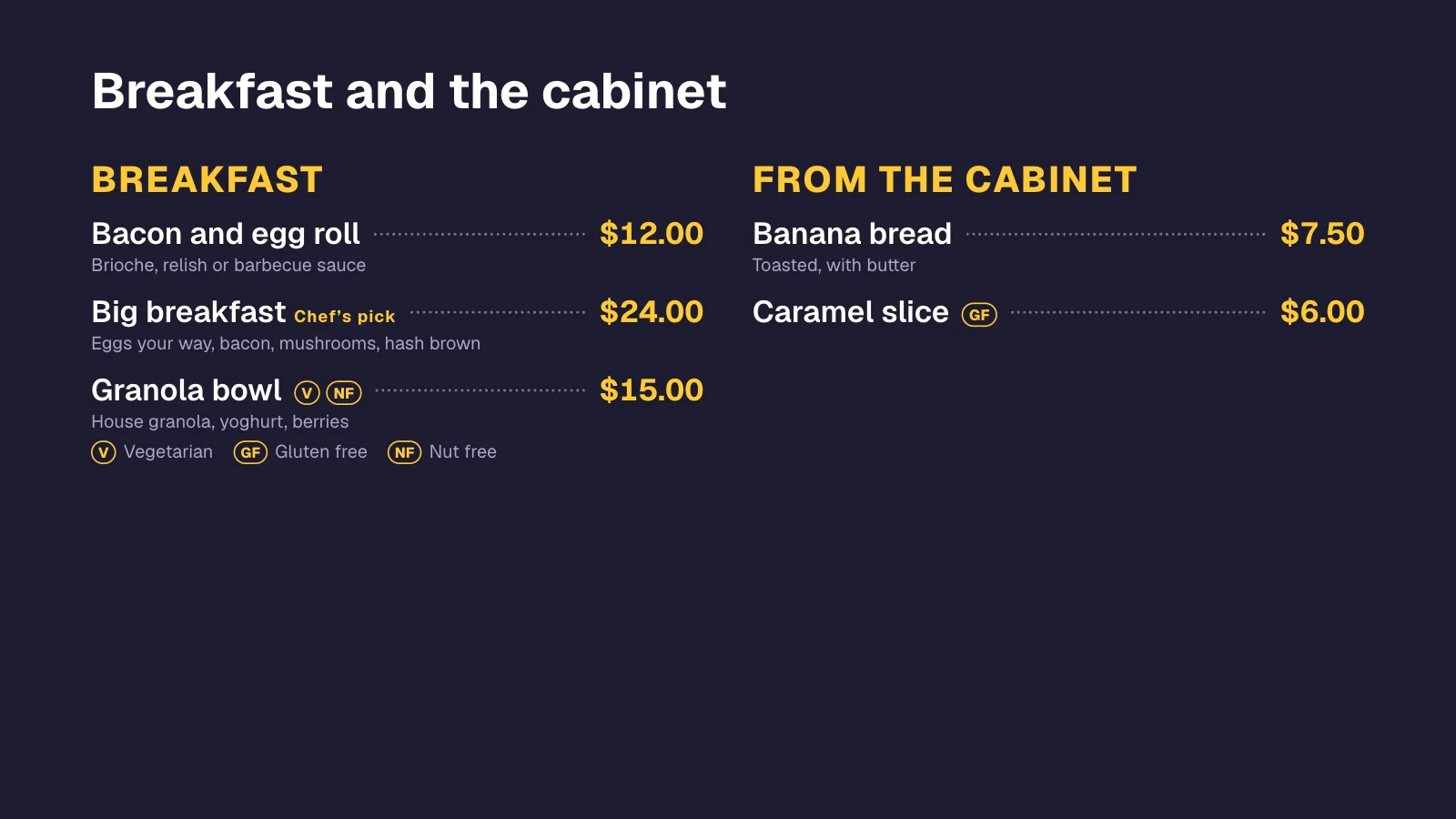
Day-parts on top of your Square menu
Square holds one menu; Dislab switches what the board shows through the day. Coffee stays on, breakfast gives way to lunch at 11:30, at each screen’s own local time, even with the internet down.
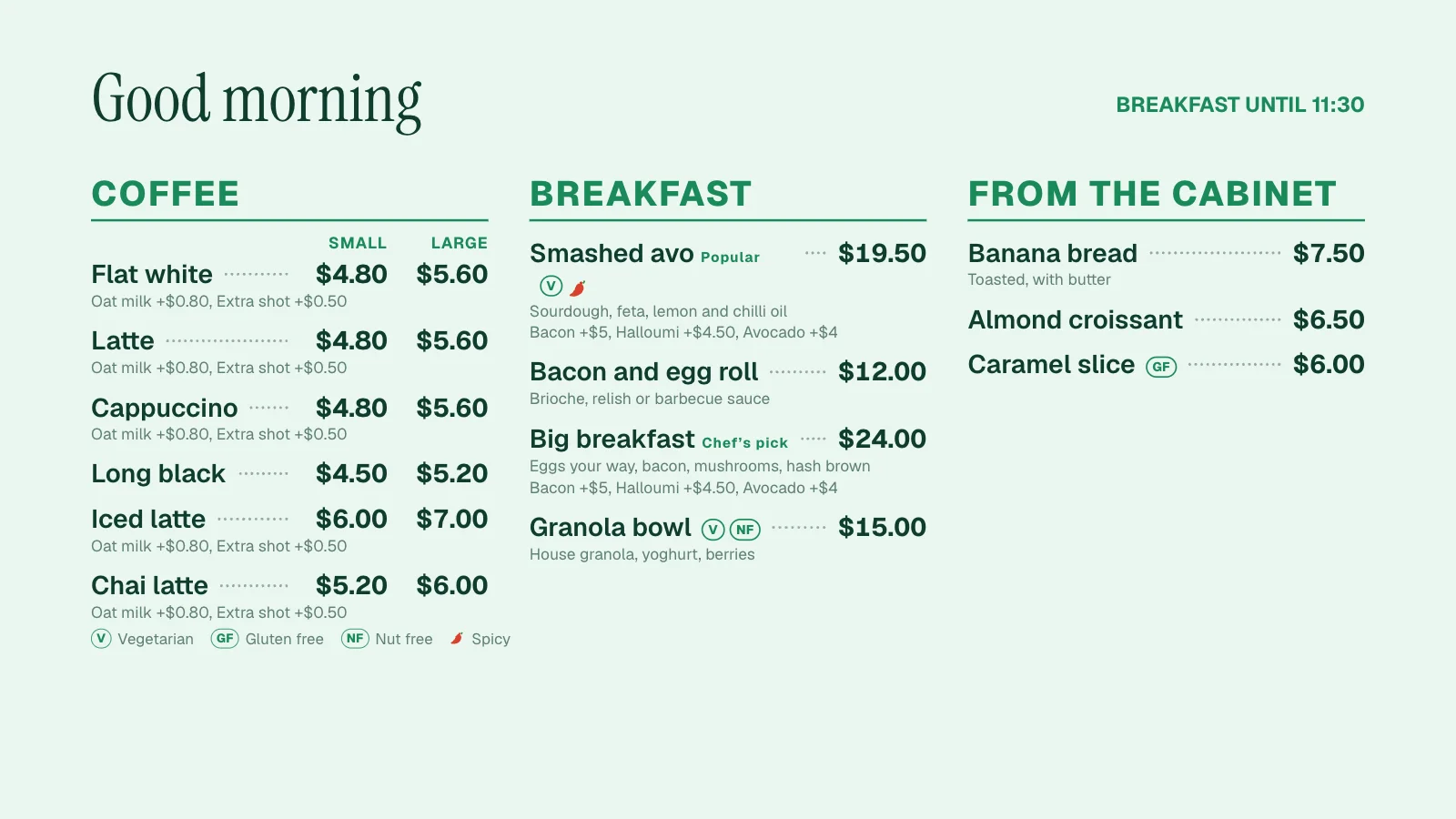 Tap anywhere to close
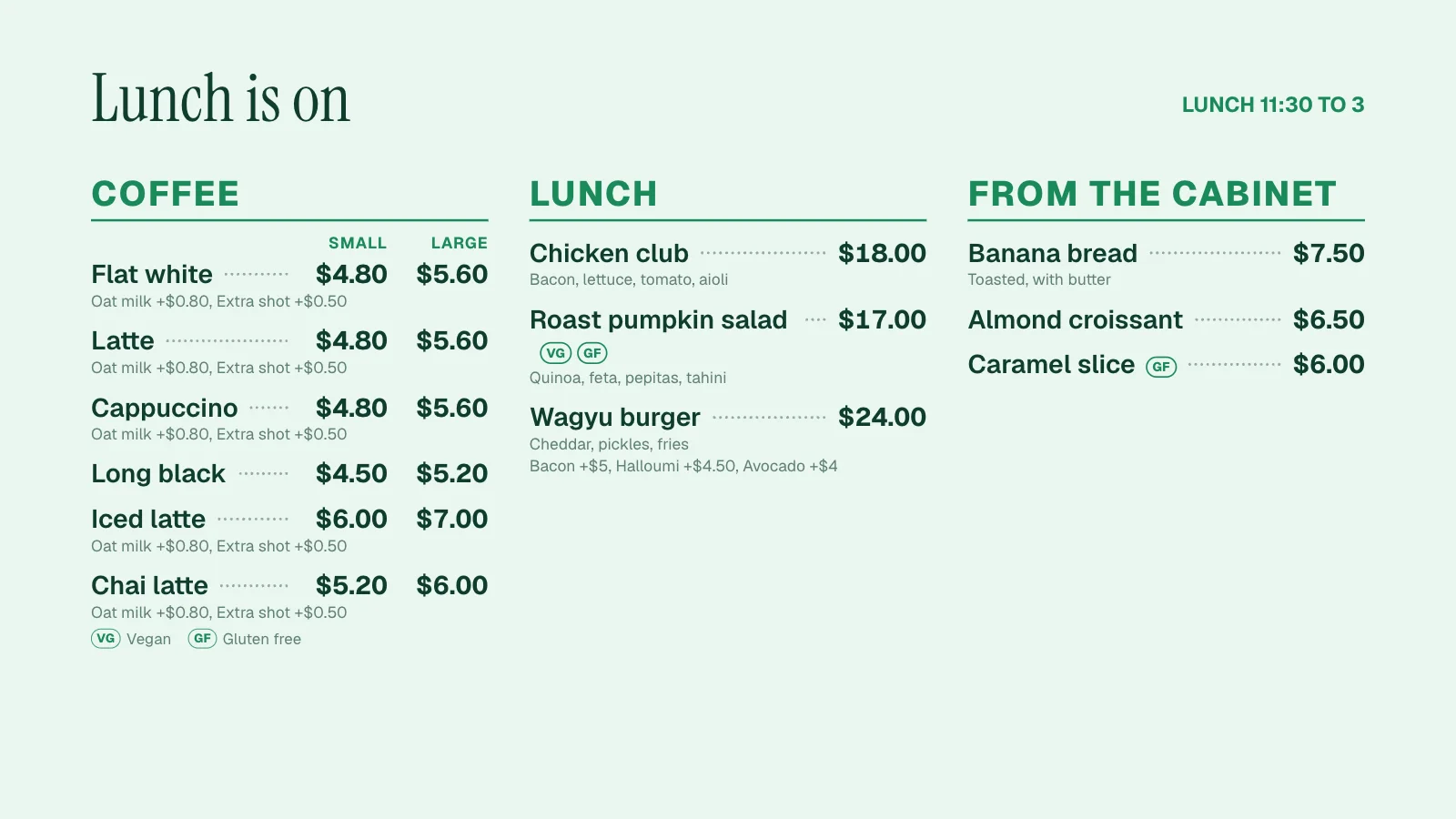 Tap anywhere to close
Each location’s own prices.
Square lets each location charge its own price. Make a Dislab menu per location and each board shows that shop’s prices and that shop’s sold out, from the same Square catalog.
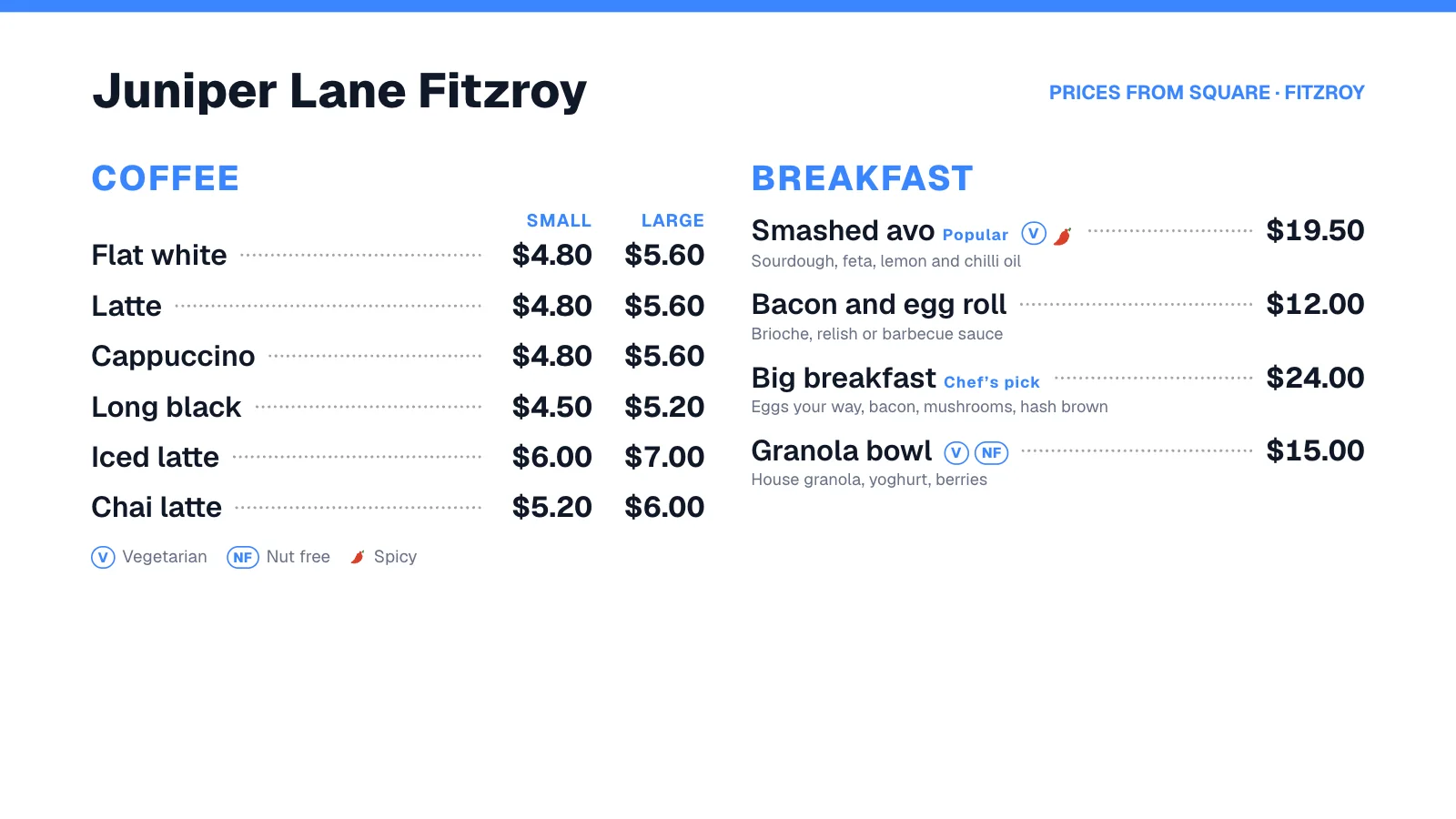 Tap anywhere to close
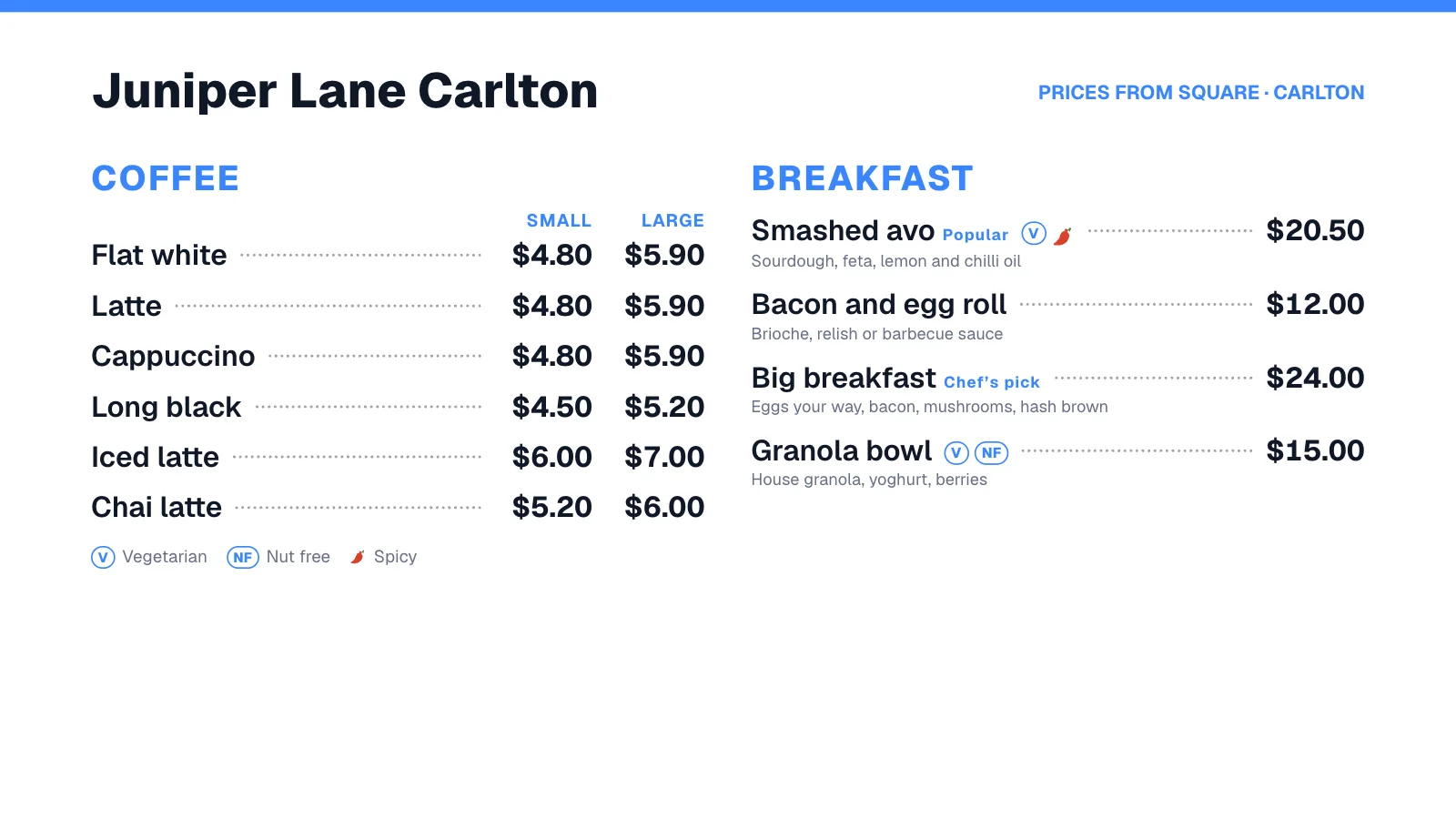 Tap anywhere to close
See when it last synced. Change your mind any time.
Beside a menu that follows Square, Dislab shows which Square menu and location it comes from and when it was last brought up to date. If something couldn’t come across as it is, it says so in plain words.
- Sync now if you can’t wait the minute
- Switch Square’s photos and add-ons on or off
- Stop following Square: the menu stays, and you edit it in Dislab from then on
Questions
Anything else? Ask us, or look in the help centre.
Which Square accounts work?
Any Square account with items. If you’ve built menus in Square’s menu builder (Square for Restaurants), choose one of those. Otherwise choose some of your item categories. You sign in with your own Square login; there’s nothing to install.
Can Dislab change anything in my Square account?
No. Dislab asks Square only to read your items, stock, business name and locations. It can’t change prices, take payments or see your customers. You can remove Dislab from Square, or disconnect it in Dislab’s Settings, at any time.
How quickly do changes reach the screens?
Usually within a few seconds, and within a minute. Square tells Dislab the moment your items or stock change, and Dislab publishes the update straight away. If one of Square’s messages ever goes missing, Dislab checks every 15 minutes anyway.
What happens to my own changes when Square updates?
They stay. Names, prices, sizes, descriptions, add-ons and sold out come from Square, so change those in Square. Dietary icons, chillies, dish numbers, tags, day-parts, markdowns, your own photos and anything you add yourself are kept on every update.
Does the board still work if the internet drops?
Yes. Screens keep showing the last menu they were sent, and day-parts and markdowns keep switching by themselves. New prices and sold out arrive as soon as the screen is back online.
What if I stop using Square, or disconnect it?
Your menus stay exactly as they are and become ordinary Dislab menus you edit yourself. Nothing on your screens changes.
More of what Dislab does
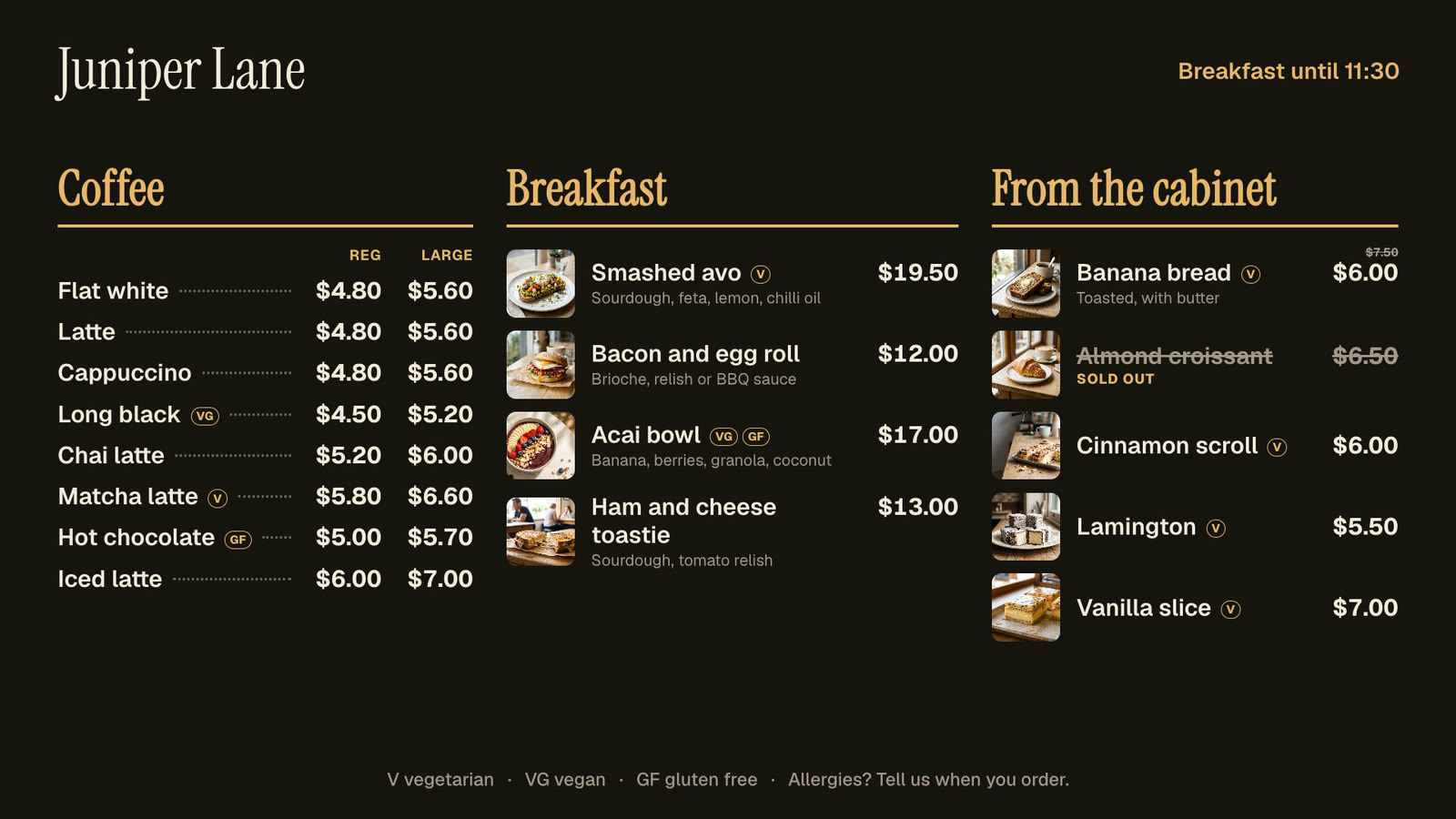 Menu boardsPrices in one place, day-parts, and sold out from a phone.
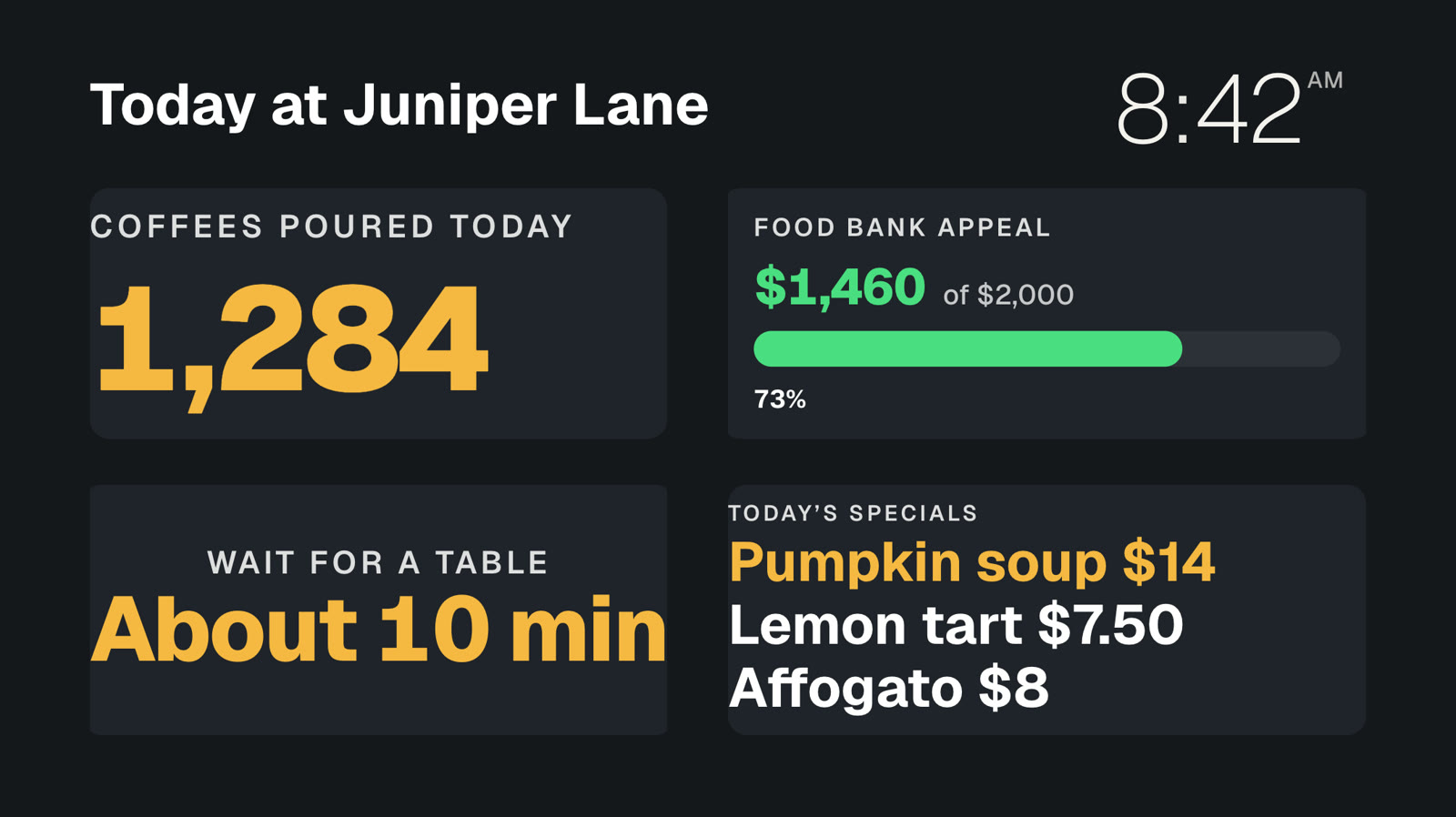 Your own dataNumbers and lists from your systems, live on screen.
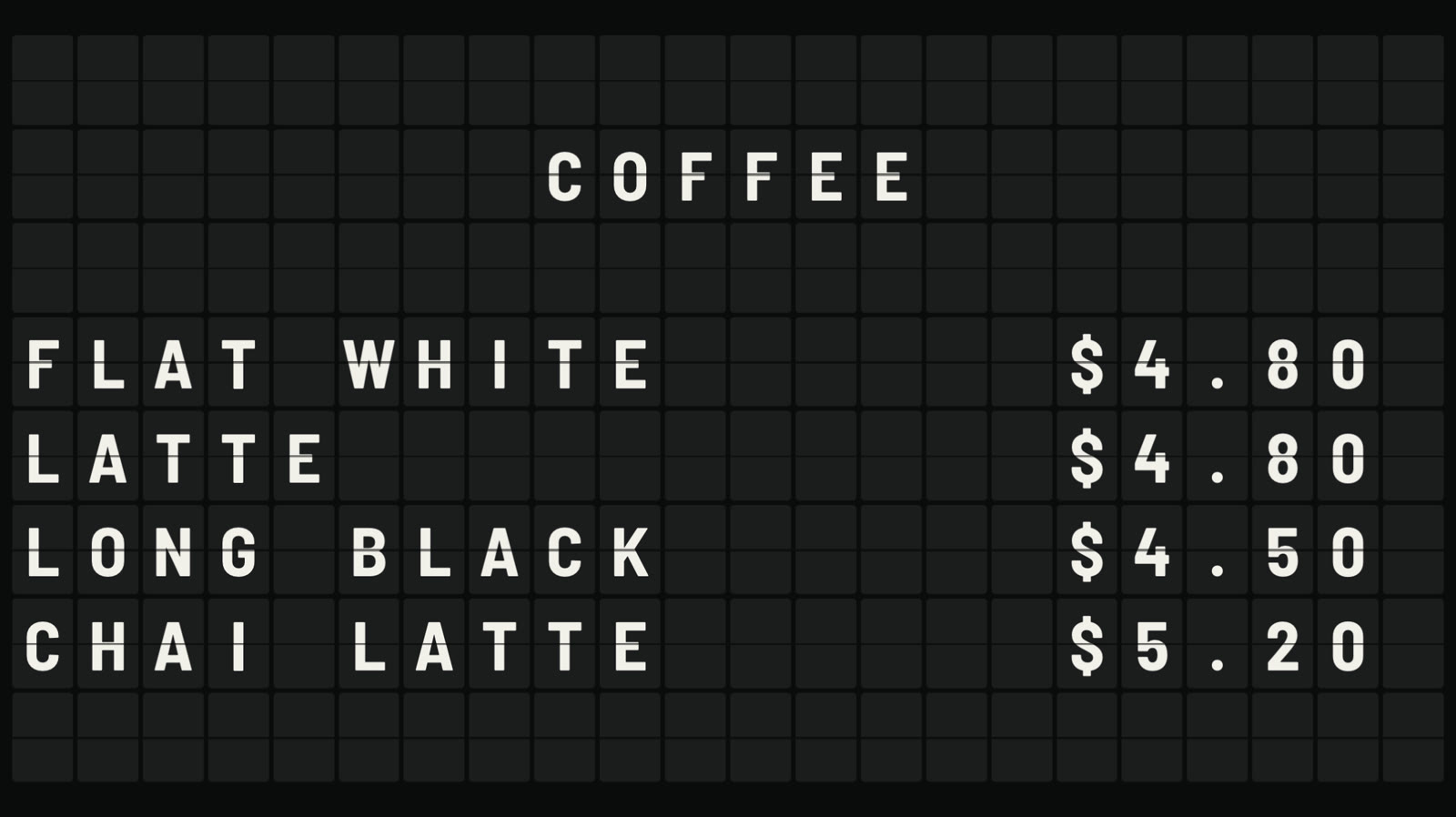 Split-flap boardLetters that flip into place, like an airport board.
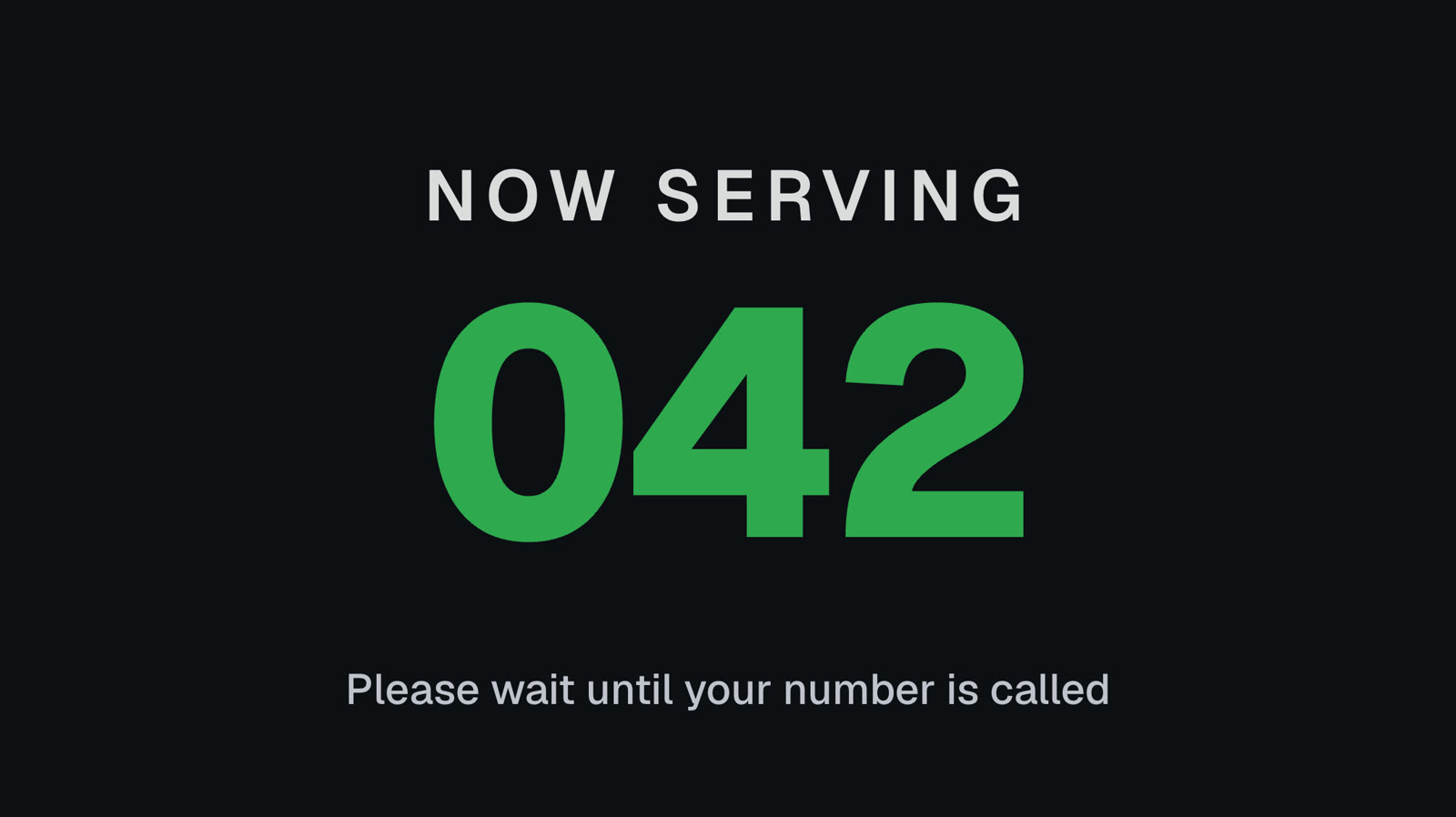 Queue numbersA big Now serving number staff move on from a phone.
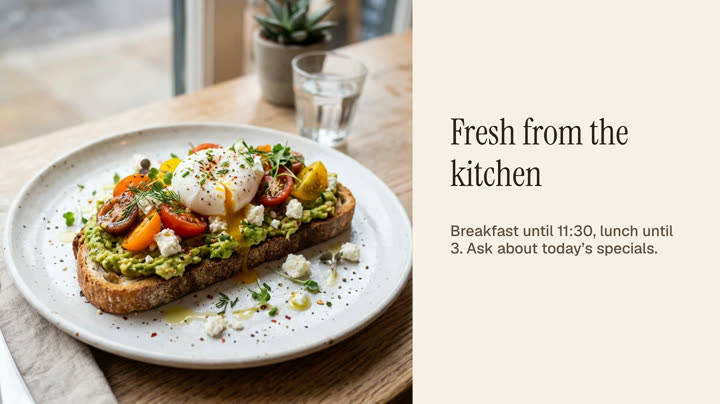 Photos and videosAny phone’s photos and videos, ready for the TV.
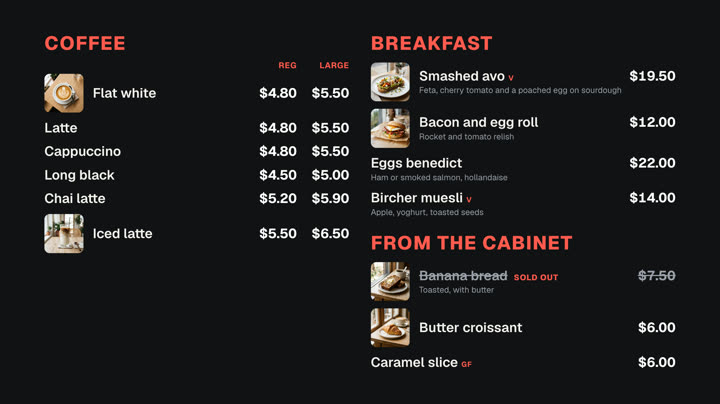 Cafés and restaurantsMenu boards, specials and sold out from a phone.
Put your Square menu on screen today.
Square menus are built into Pro: A$9.99 per screen a month, up to 20 screens, no setup fee and no contract. Try every Pro feature free for 14 days.