
Your screens can pay for themselves.
Sell space to your suppliers and the businesses down the street. Their ad plays as often as you agreed, between your own menus and offers, and each sponsor gets a report of every play.
Pro Built into Pro: A$9.99 per screen a month, up to 20 screens. 14 days free to try.

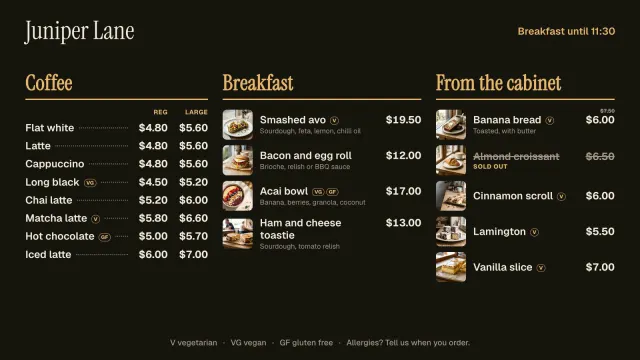

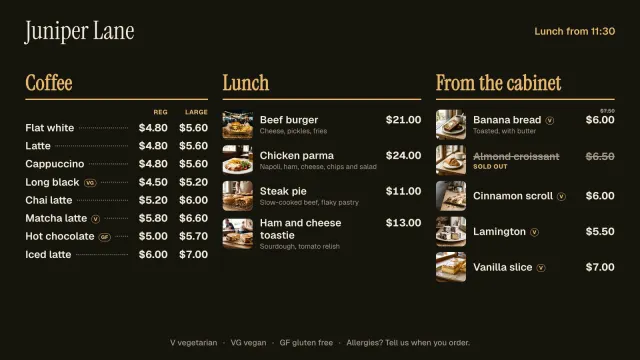

After every few items, between your own.
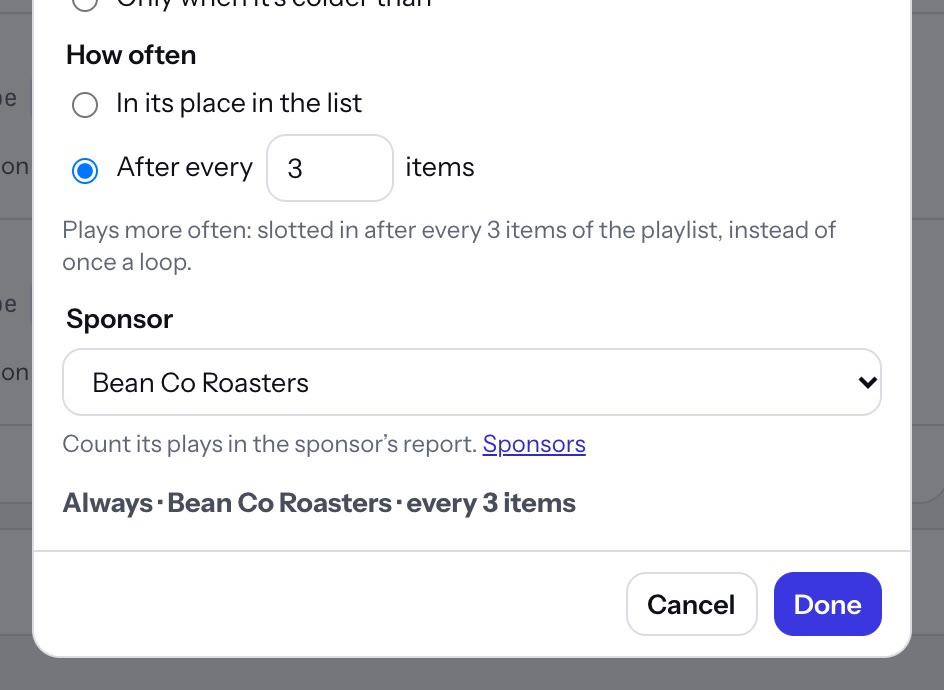
Add the sponsor’s ad to a playlist like any photo, video or sign. In its When it plays box, choose the sponsor and how often: after every 3 items, say, so it comes round several times a loop instead of once.
- Every 1 to 50 items, or once a loop in its place
- Start and end dates for the length of the deal, so it stops by itself
- Times, days and weather rules, like any item
 Tap anywhere to close
Spots that cut in at set times, whatever is playing.
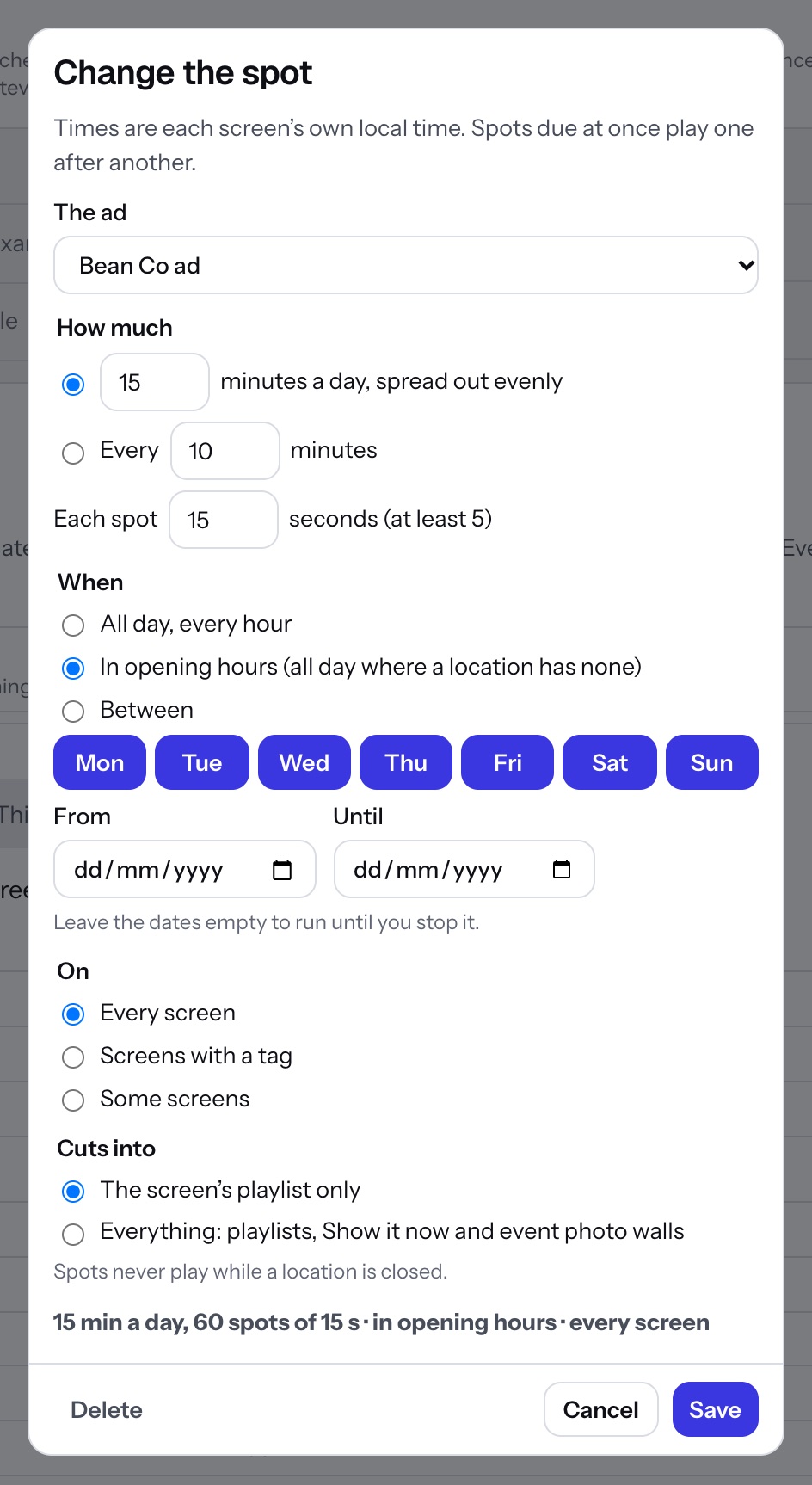
Sold a sponsor 15 minutes a day? Add a spot: their ad cuts in over whatever the screen is showing, spread evenly across the day in 15-second spots, then the screen carries on where it was. Or every 10 minutes, on the dot.
- Minutes a day spread out, or every so many minutes; each spot 5 seconds or longer
- All day, in opening hours (split hours too), or between two times; days and dates if you like
- Every screen, a tag or some screens, cutting into the playlist or everything
- Every screen works out the same times from its clock, so spots keep time offline
 Tap anywhere to close
Show each sponsor what they got.
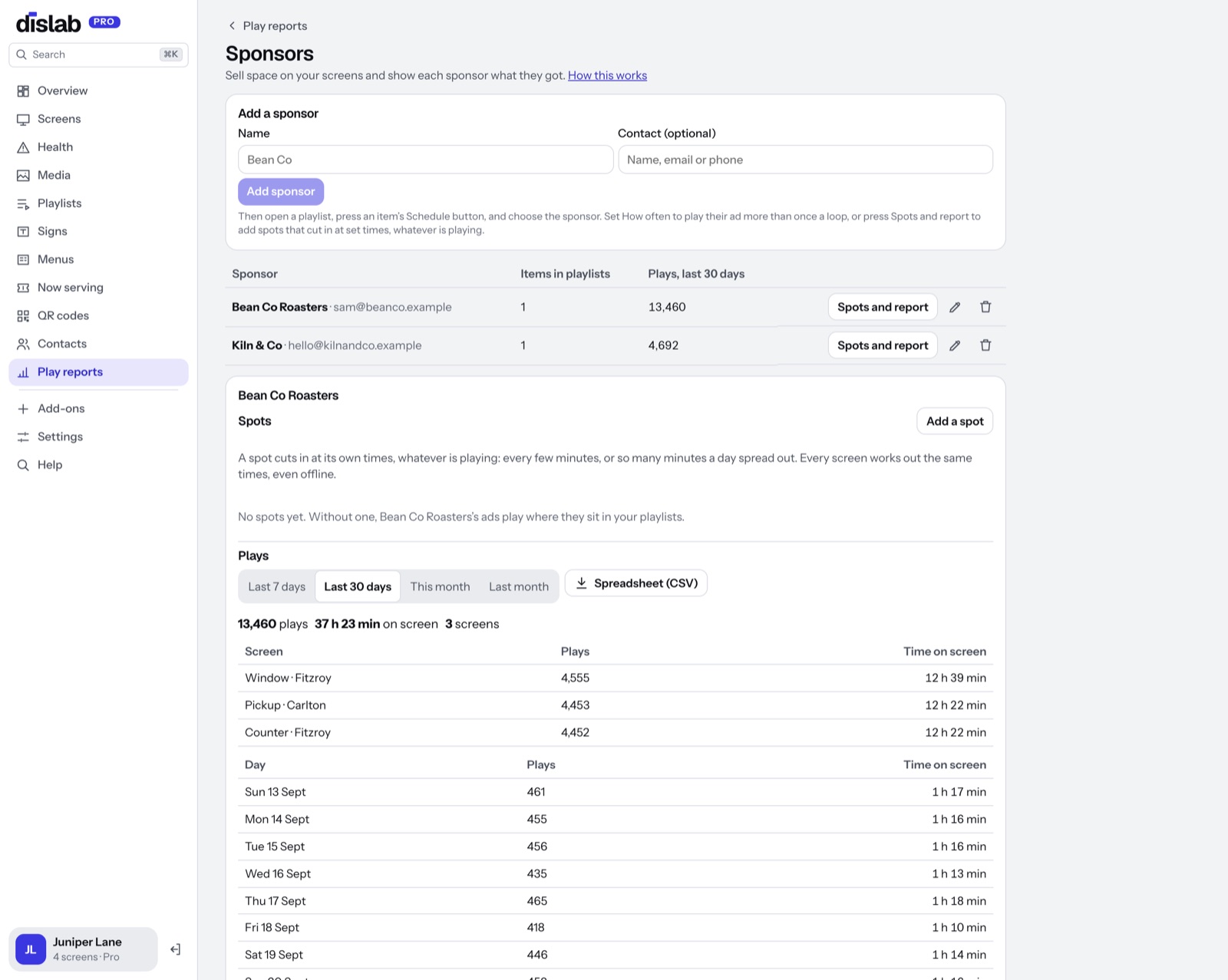
Sponsors, under Play reports, adds up every play of each sponsor’s ads: by screen and by day, and the time on screen. Download it as a spreadsheet, or make a link they can open without signing in.
- Last 7 days, 30 days, this month or last month
- The link shows your business, your screens and their plays, nothing else
- Turn the link off when the deal ends
Ready-made ads
Two templates to start from in the sign designer, under Offers and sales, or use the sponsor’s own photo or video.
 Tap anywhere to close
 Tap anywhere to close
Questions
Anything else? Ask us.
Does Dislab take a cut?
No. You agree a price with your sponsor and they pay you. Dislab only plays the ad and counts it.
What counts as a play?
Each time a screen shows the ad, for a second or more. Screens send what they played each time they check in, and keep it while offline, so plays during an internet outage still count.
Do I need play reports on?
Yes. Sponsor reports are added up from play reports, so turn on Keep play reports first. Plays from before it’s on aren’t counted.
What’s the difference between “after every few items” and a spot?
An ad in a playlist plays in turn with your own items, so when it comes round depends on the loop. A spot keeps to the clock: it cuts in at its times whatever is on, and the screen picks up where it left off. Use a spot when you’ve sold airtime by the minute.
Can the sponsor change their ad?
They send you a new photo, video or design and you swap it in. Their report keeps counting every ad they’ve had.
Which plan is it on?
Pro, at A$9.99 per screen a month, with 14 days free to try.
More of what Dislab does
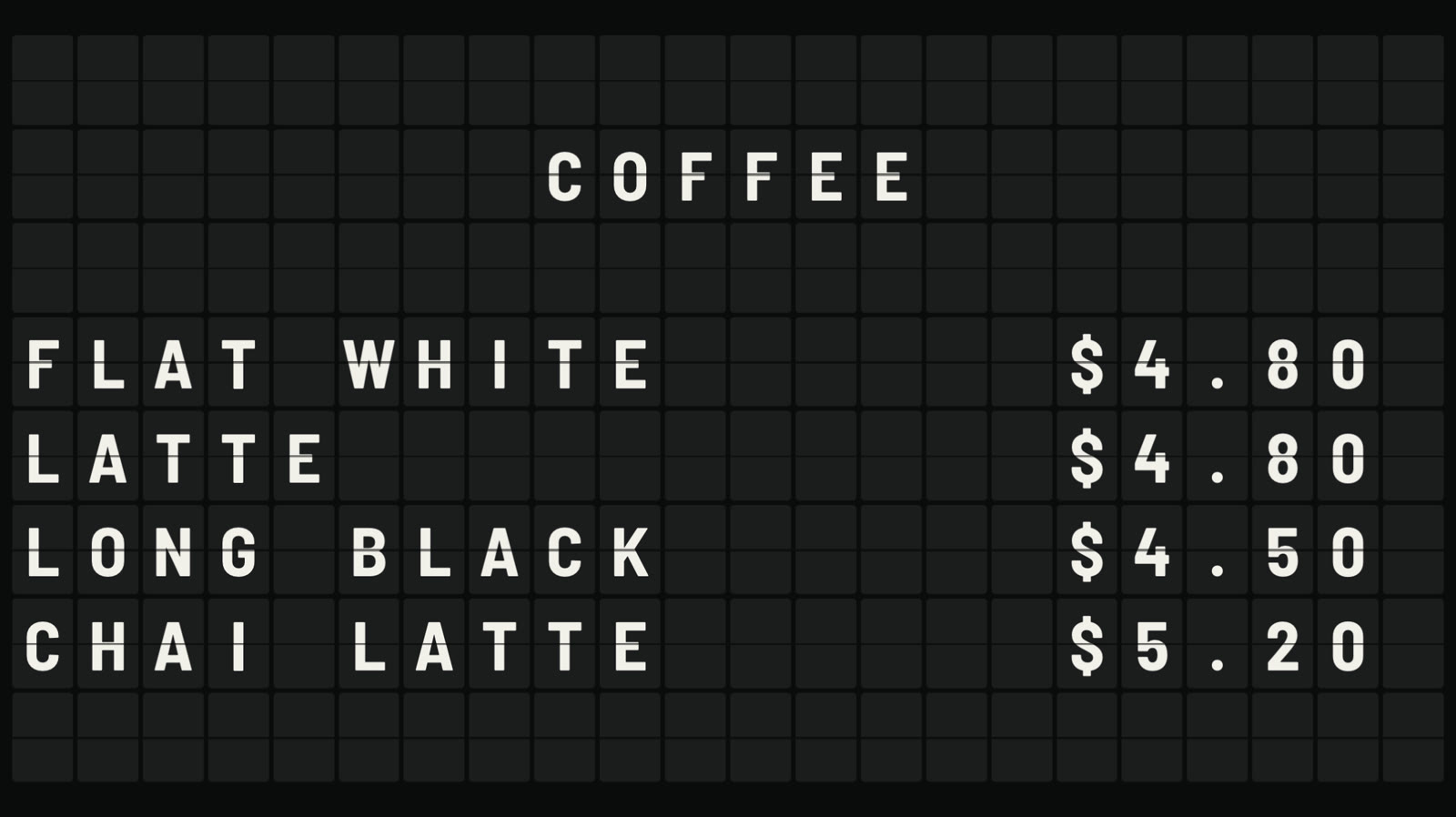 Split-flap boardLetters that flip into place, like an airport board.
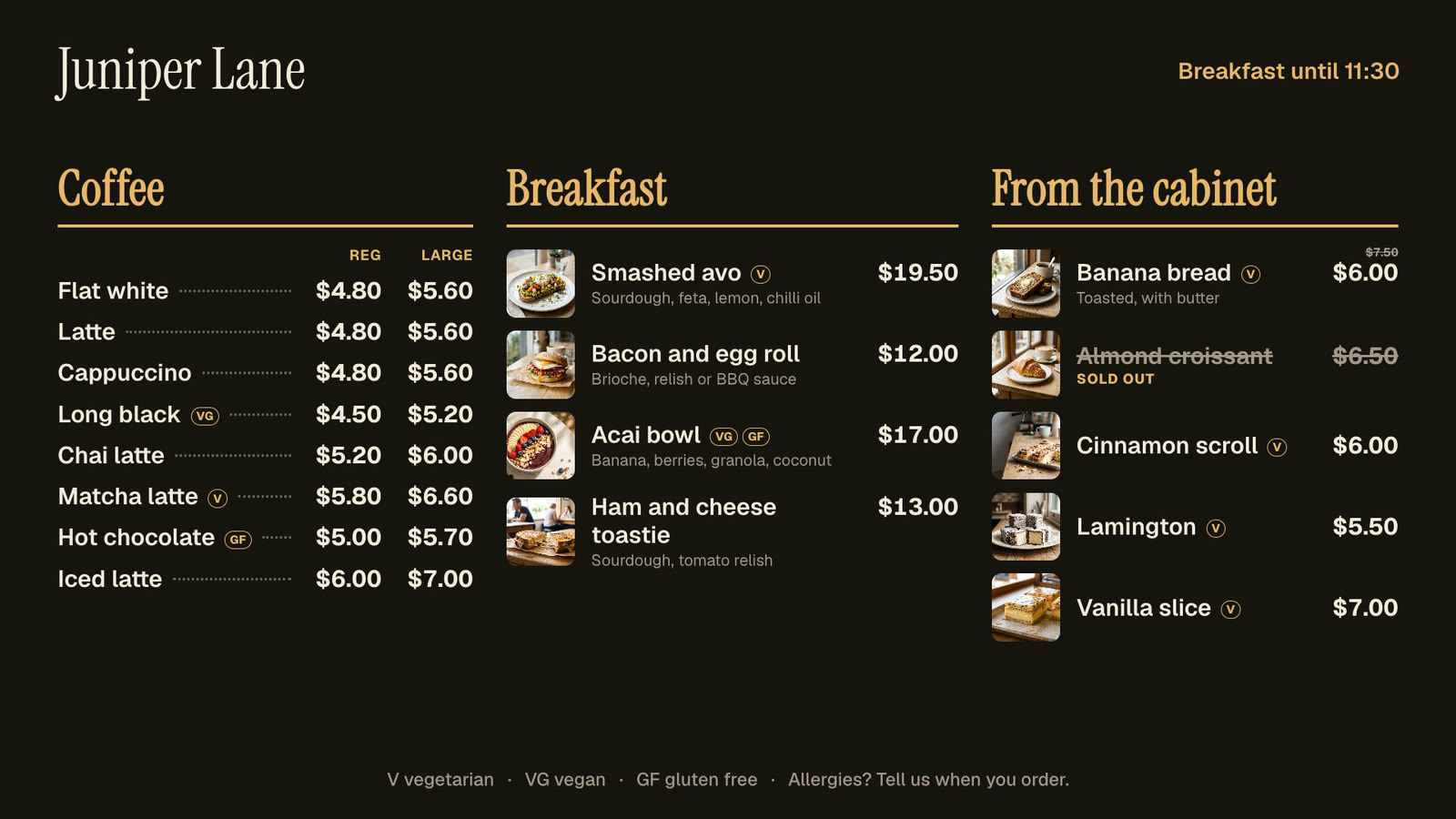 Menu boardsPrices in one place, day-parts, and sold out from a phone.
 Photos and videosAny phone’s photos and videos, ready for the TV.
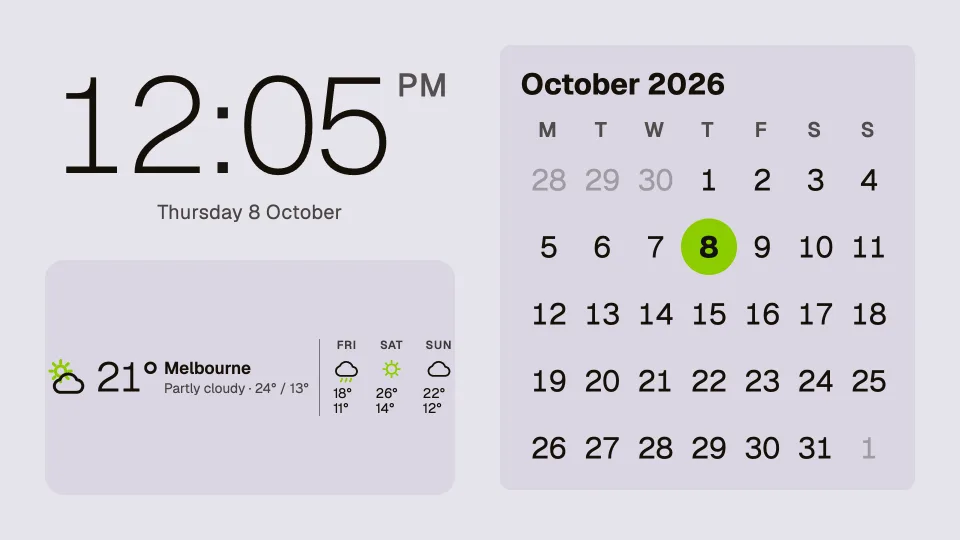 Clocks, dates and weatherTwenty clocks, the weather, a calendar and countdowns.
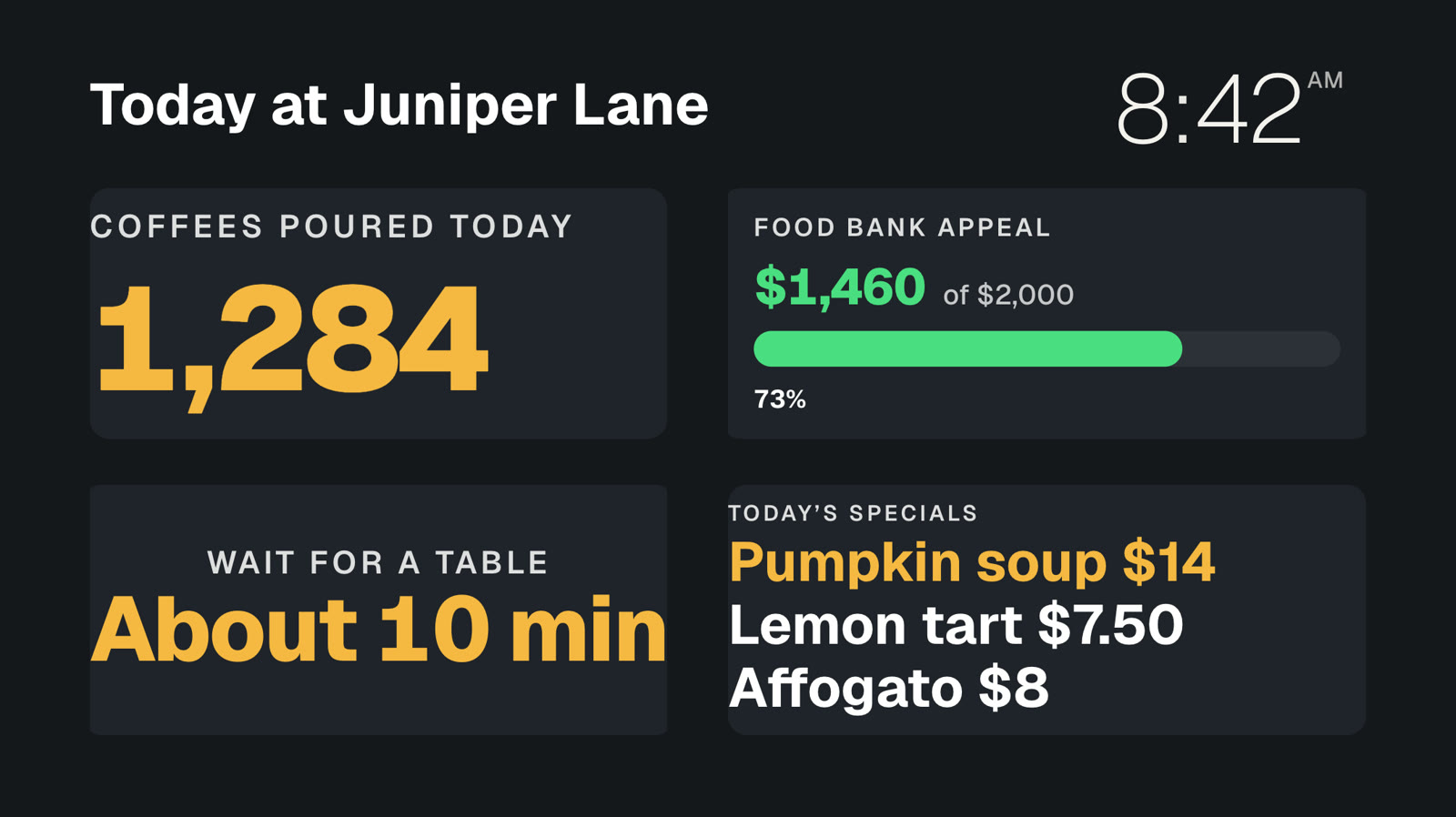 Your own dataNumbers and lists from your systems, live on screen.
 Event photo wallGuests’ photos from their phones, on your screens.
Let your screens earn their keep.
Everything on this page is built into Pro: A$9.99 per screen a month, up to 20 screens, no setup fee and no contract. Try every Pro feature free for 14 days.