
A flip board, a family calendar, the weather, at home.
Dislab is for your own projects too. Put the family’s week on the kitchen wall, a split-flap board in the lounge, and the time where your family lives above the desk.
Free One screen is free with photos, videos, playlists and signs with clocks, weather and QR codes. Split-flap boards and calendars are Pro: A$9.99 per screen a month.

How people at home use Dislab
Three spots around the house.
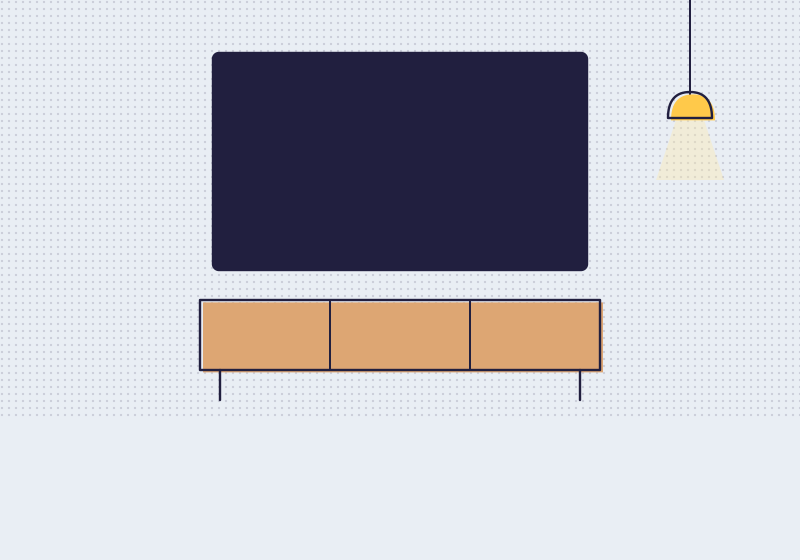
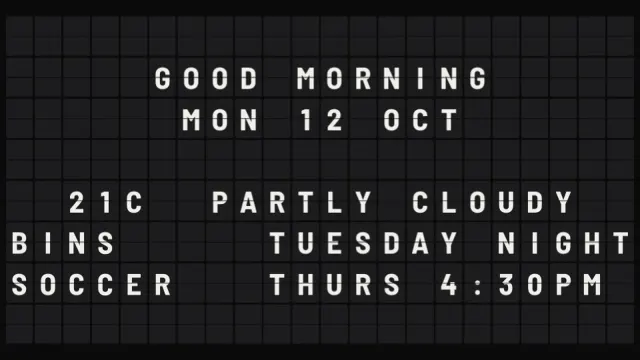
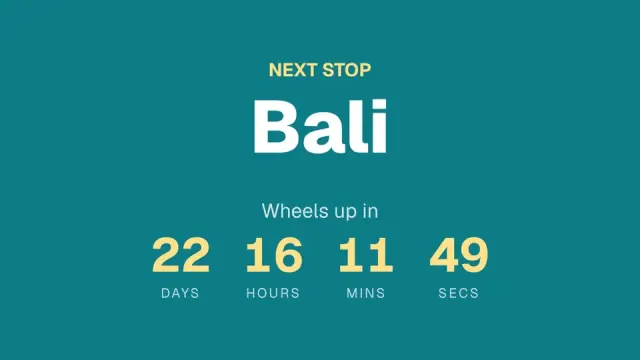
A flip board in the lounge
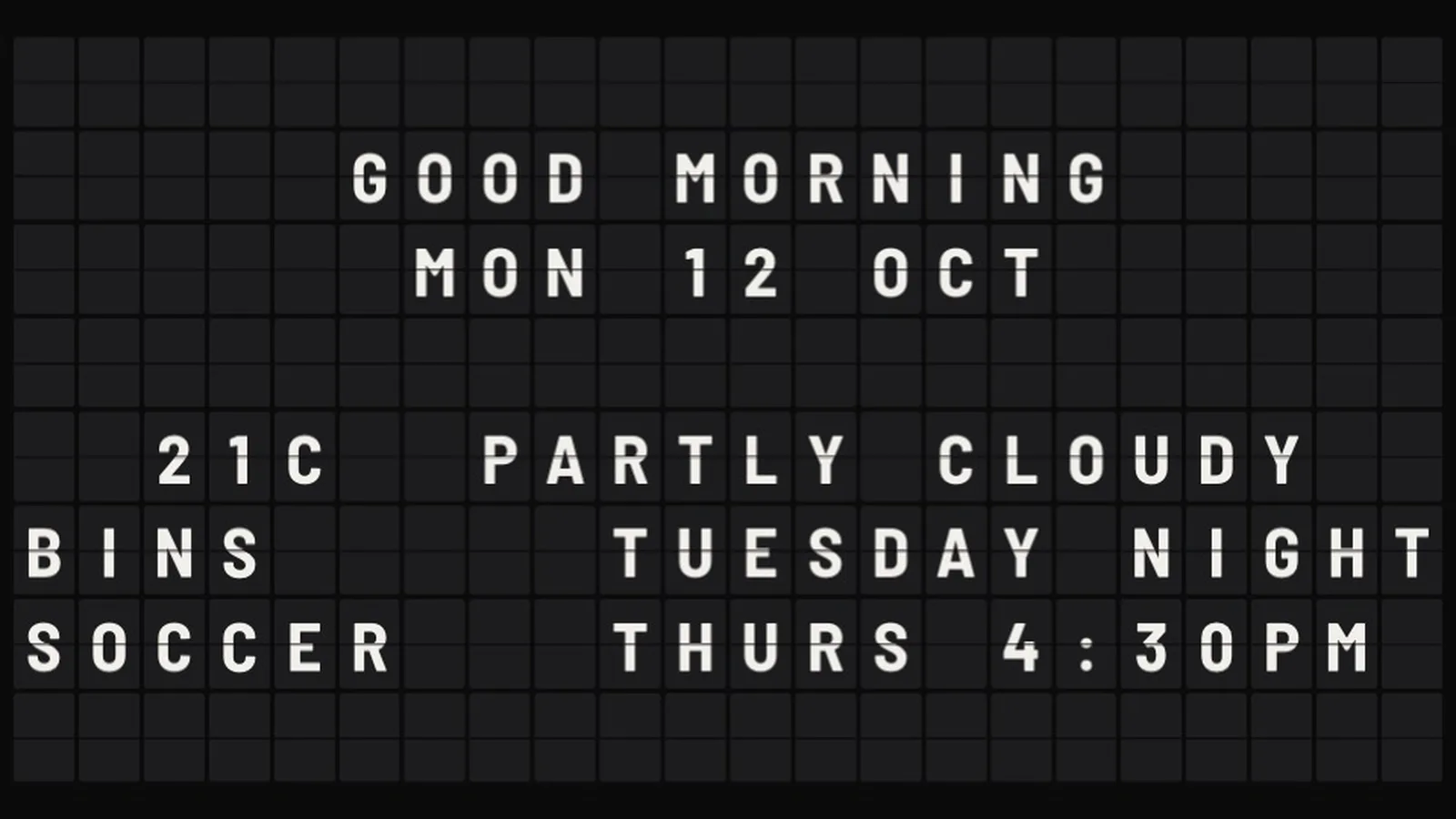
Good morning, the date and the weather flip in on a split-flap board, with the week’s reminders under them.
- Split-flap boards with live time and weather
- Type any rows you like
- Flip sound off unless you turn it on

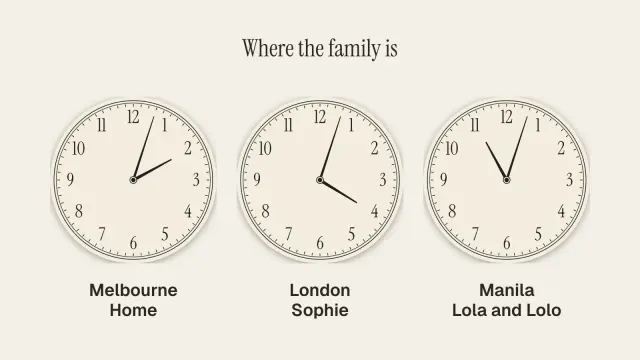
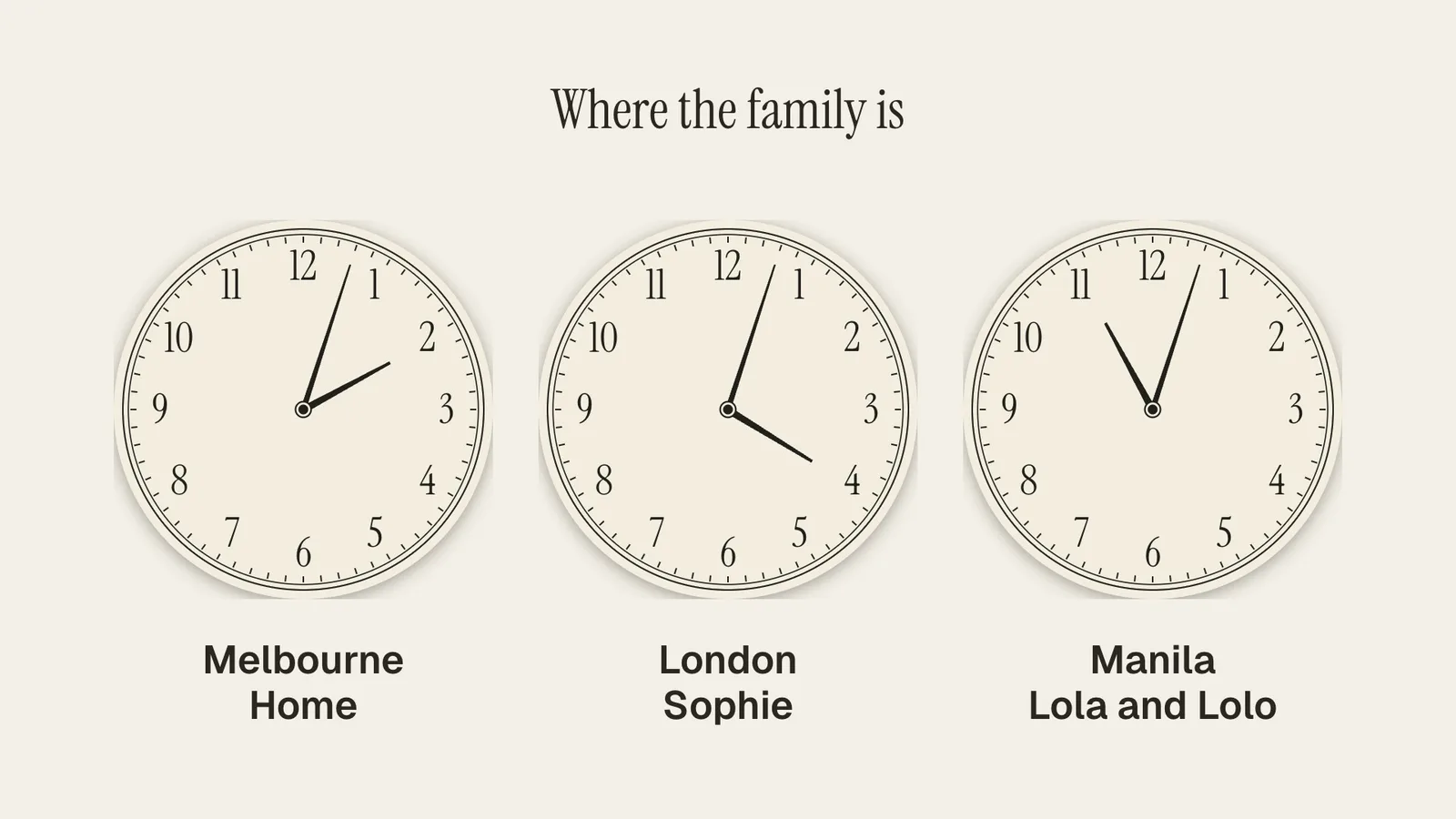
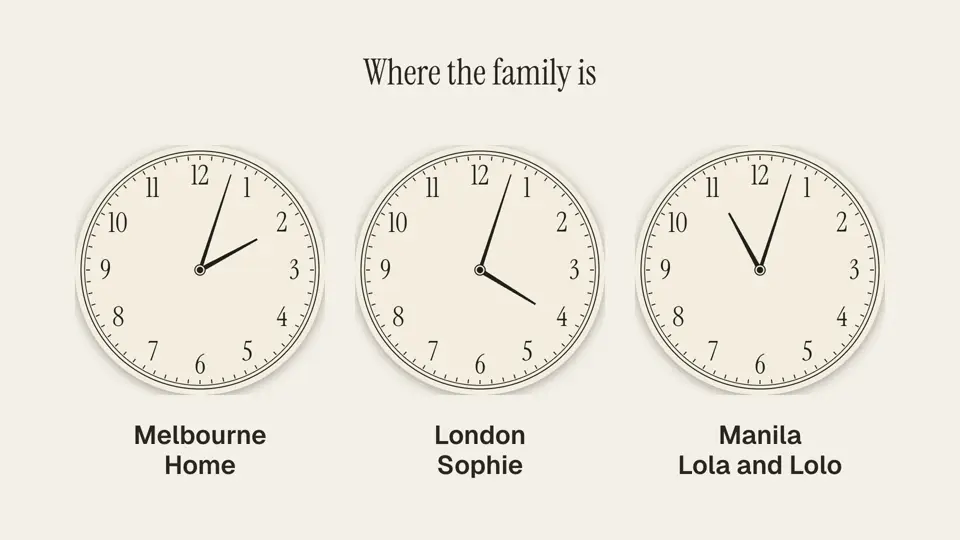
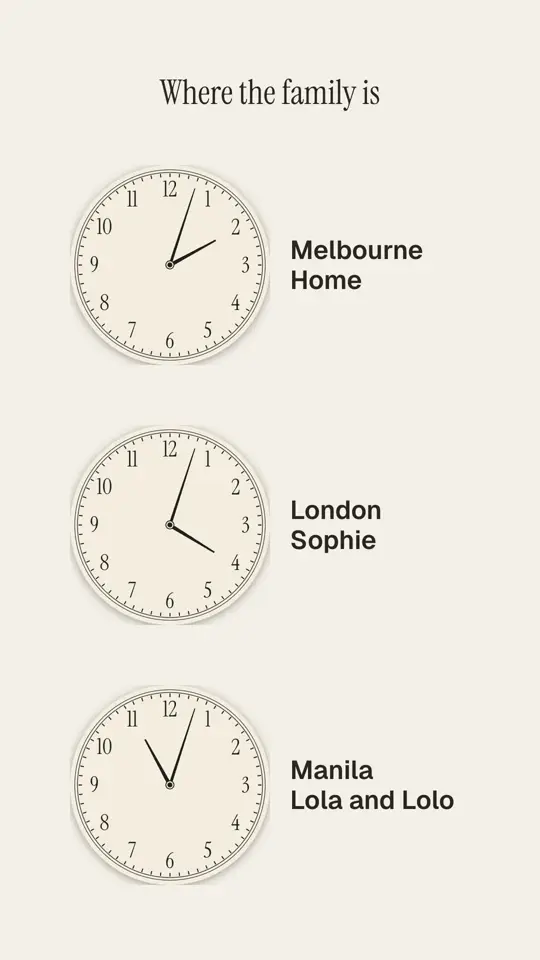
Where the family is
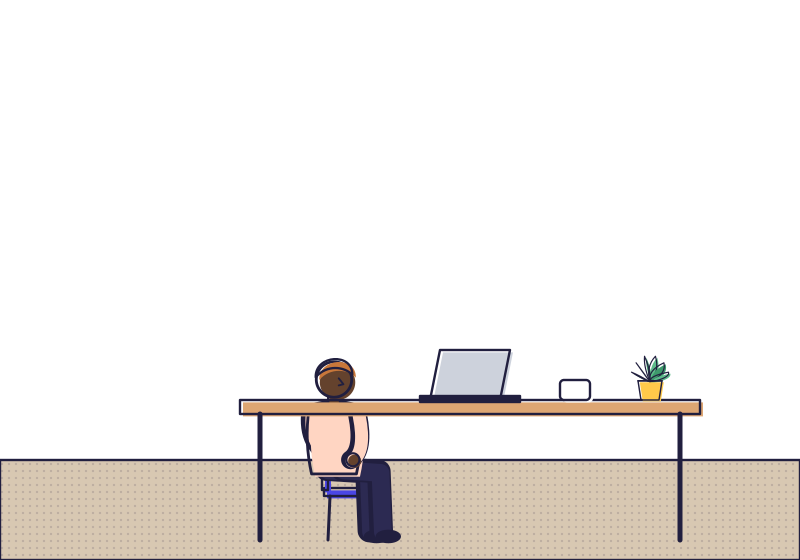
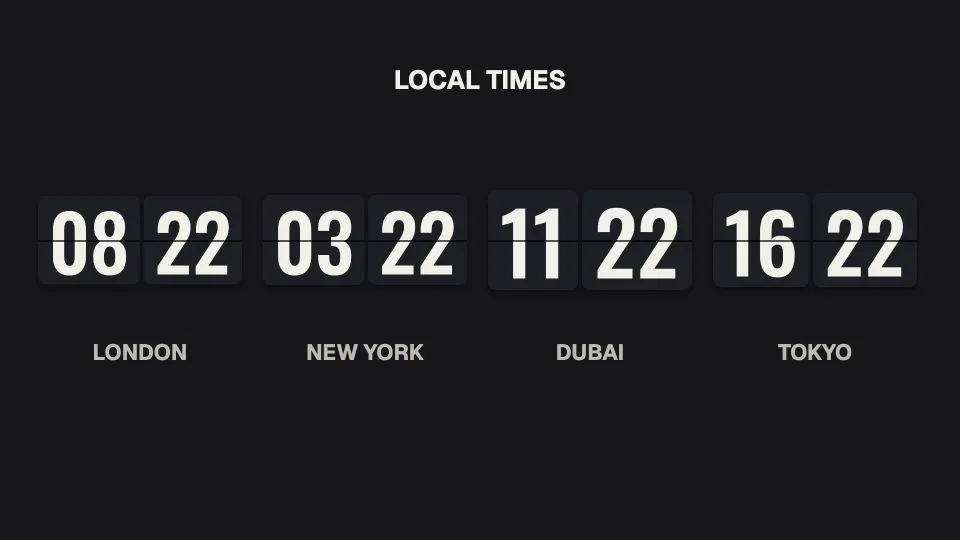
Clocks for the cities the family lives in, so nobody rings at 3am, above the desk.
- Twenty clock styles, any city
- Daylight saving looked after
- Free: clocks, weather and photos on one screen
By the front door
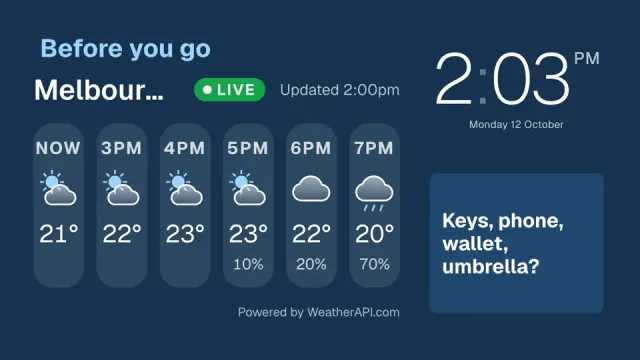
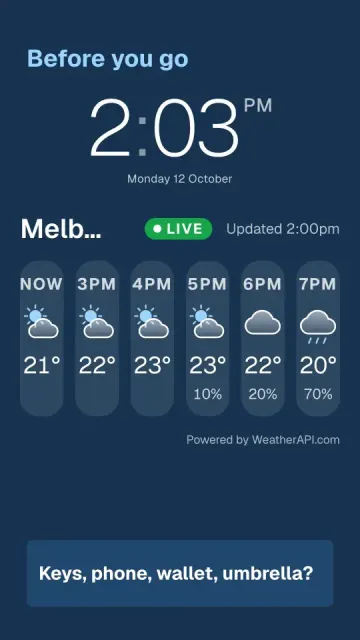
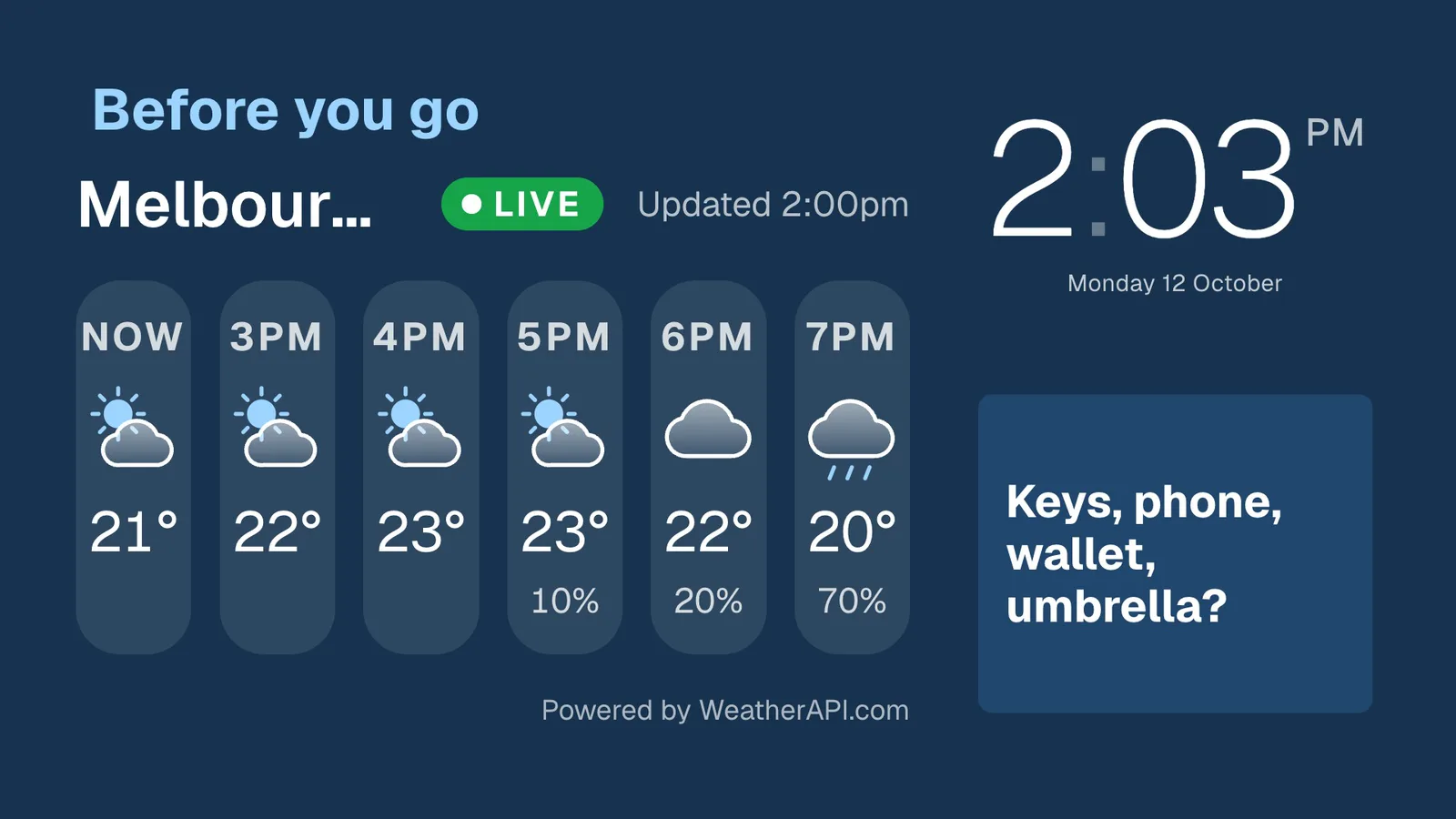
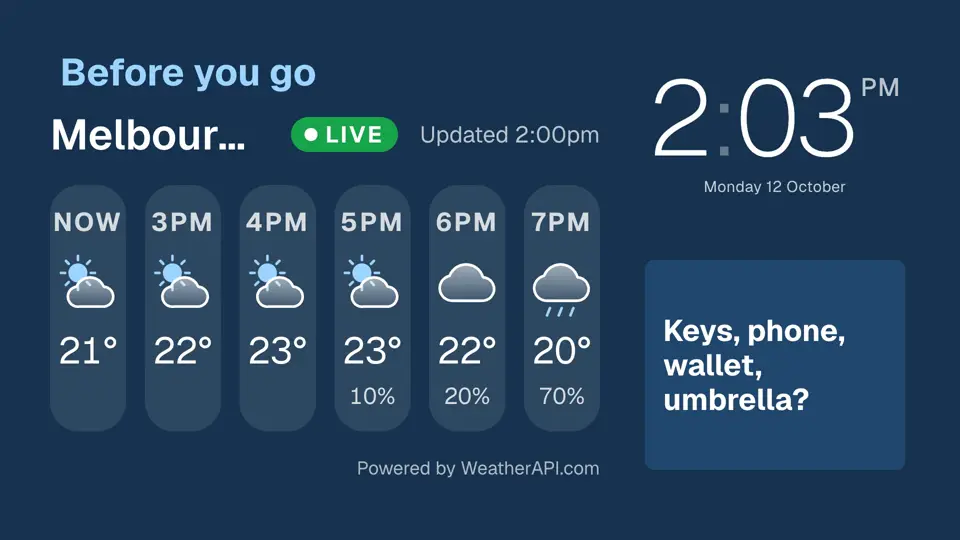
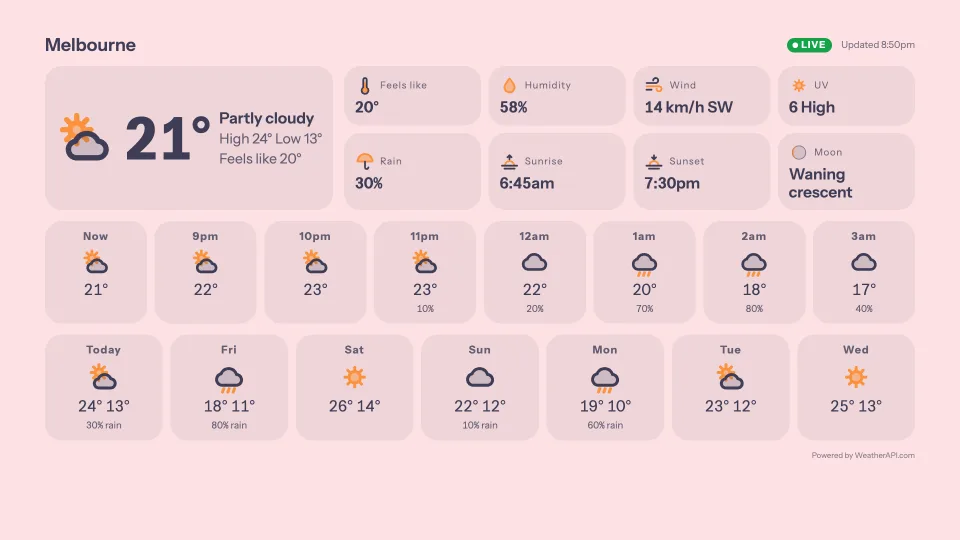
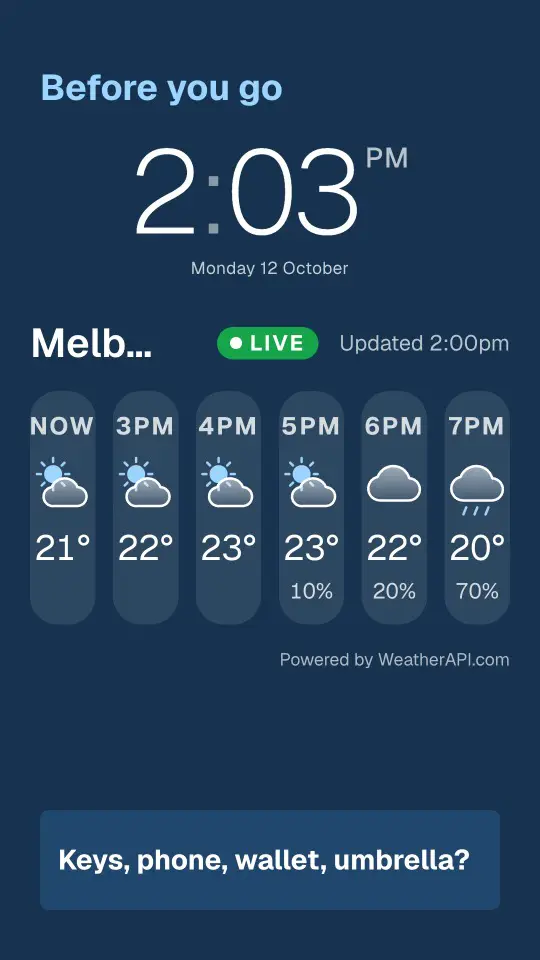
The next few hours of weather on a small screen by the door, and a reminder to grab the umbrella.
- Hour-by-hour weather
- Portrait screens
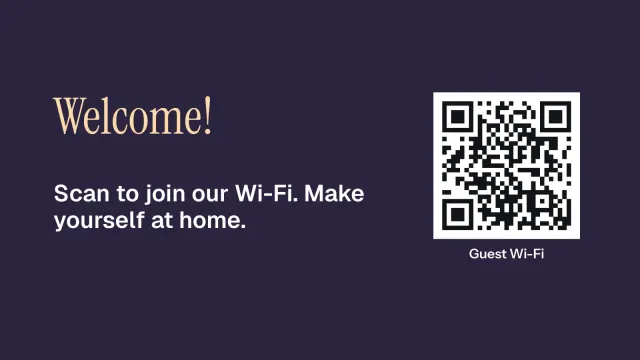
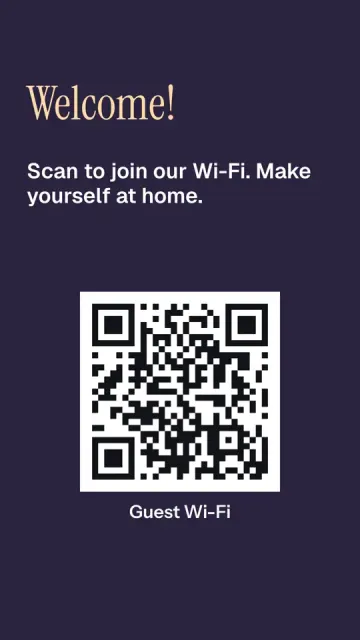
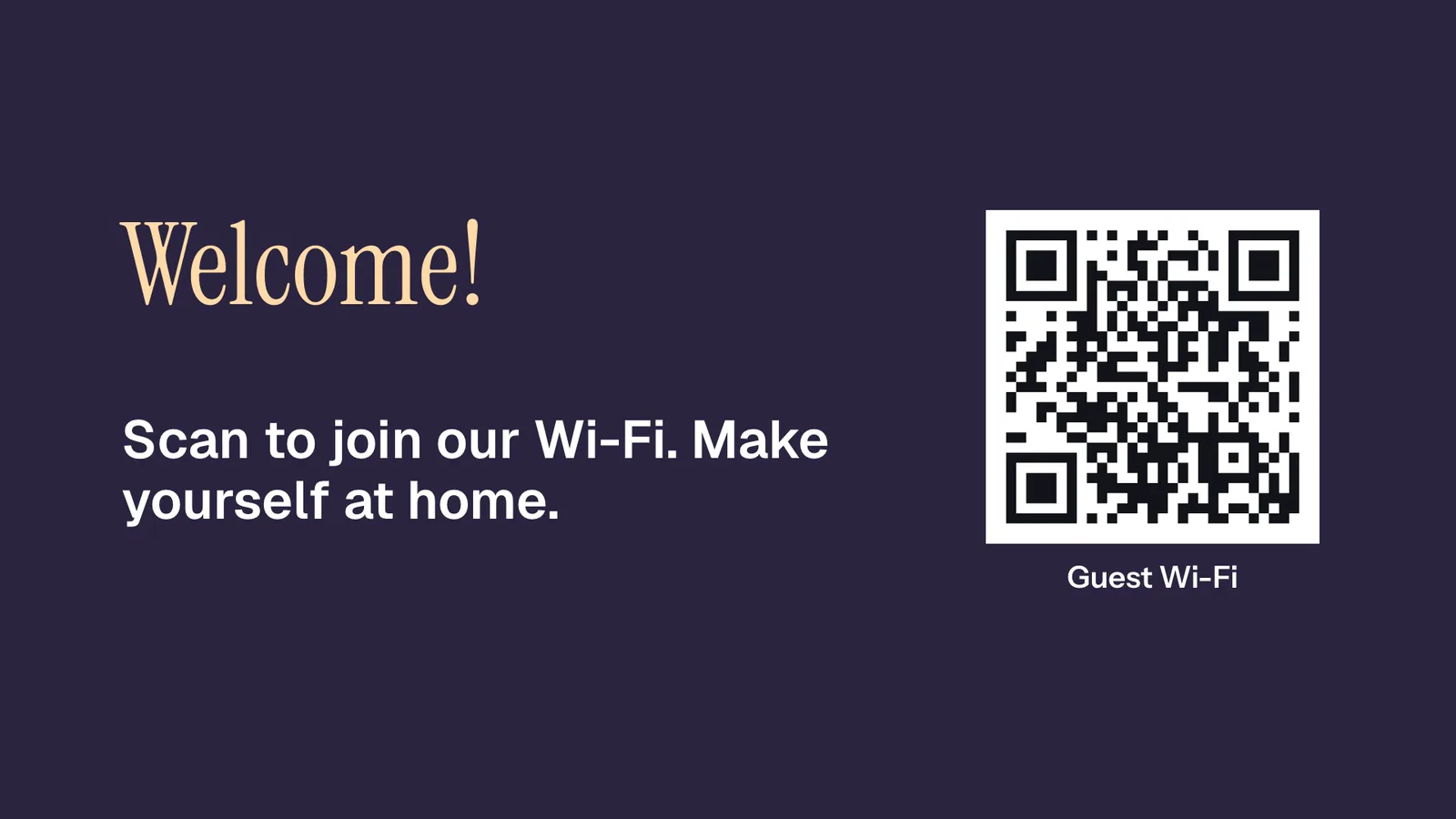
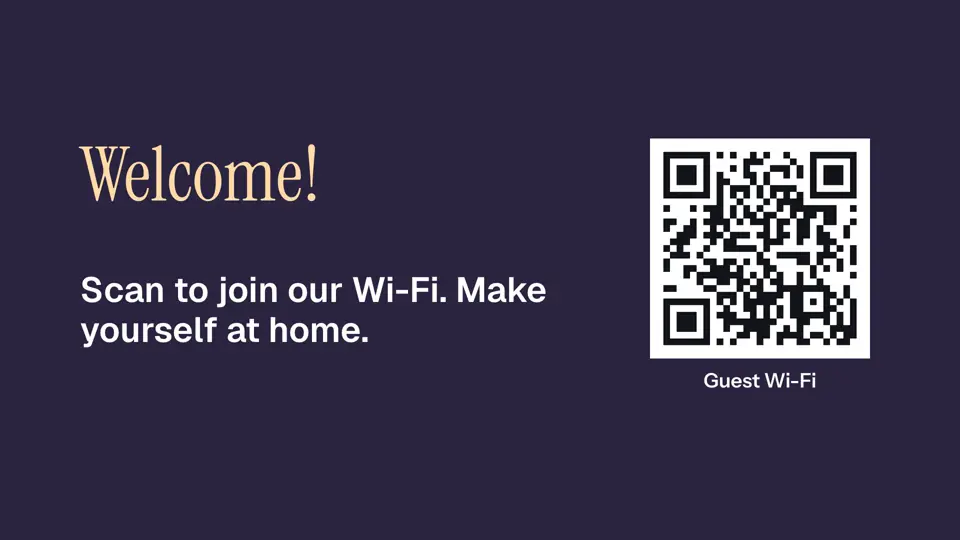
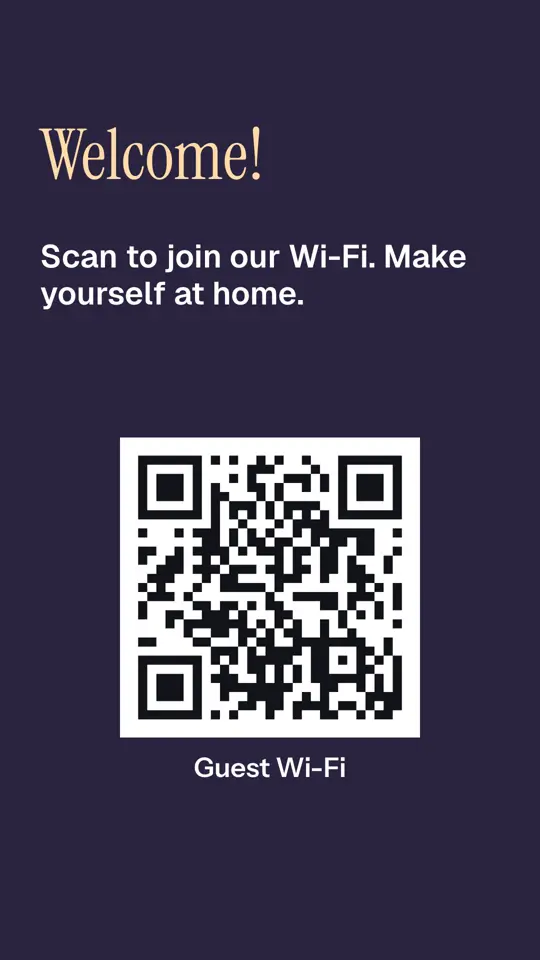
- Guest Wi-Fi on a QR code for visitors
What a home screen shows
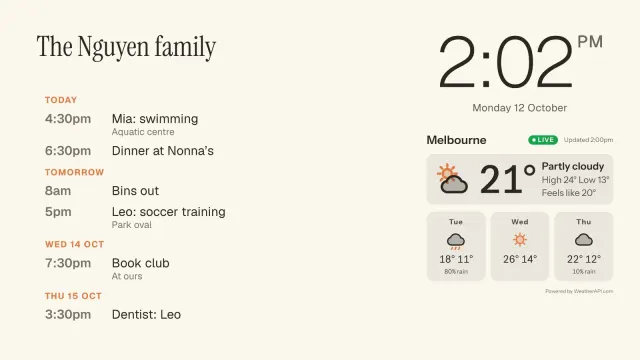
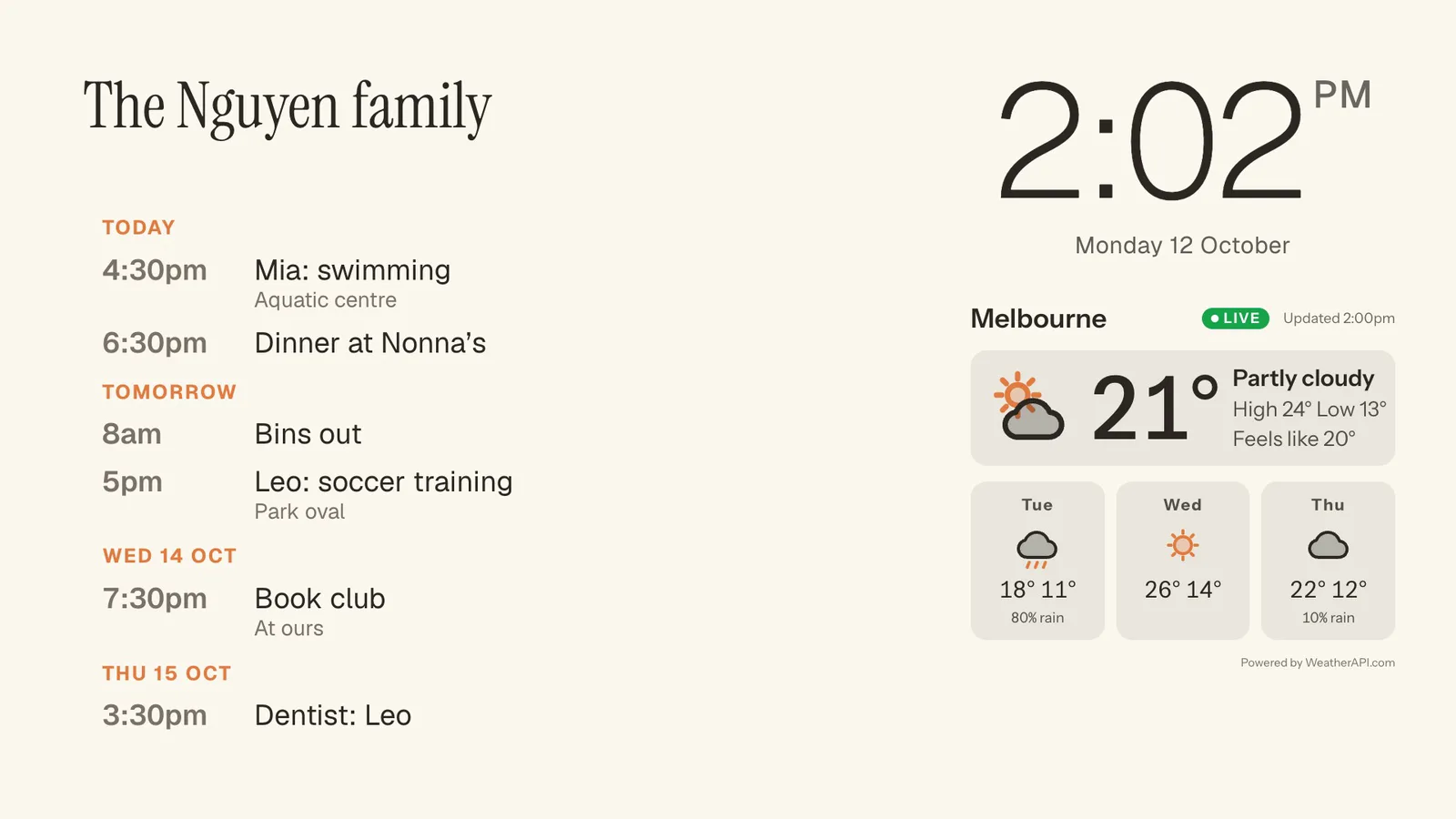
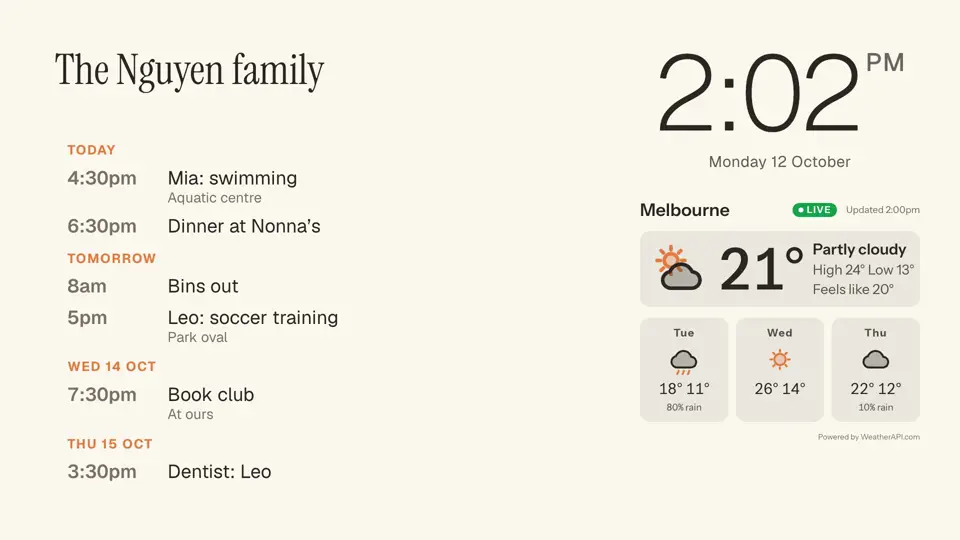
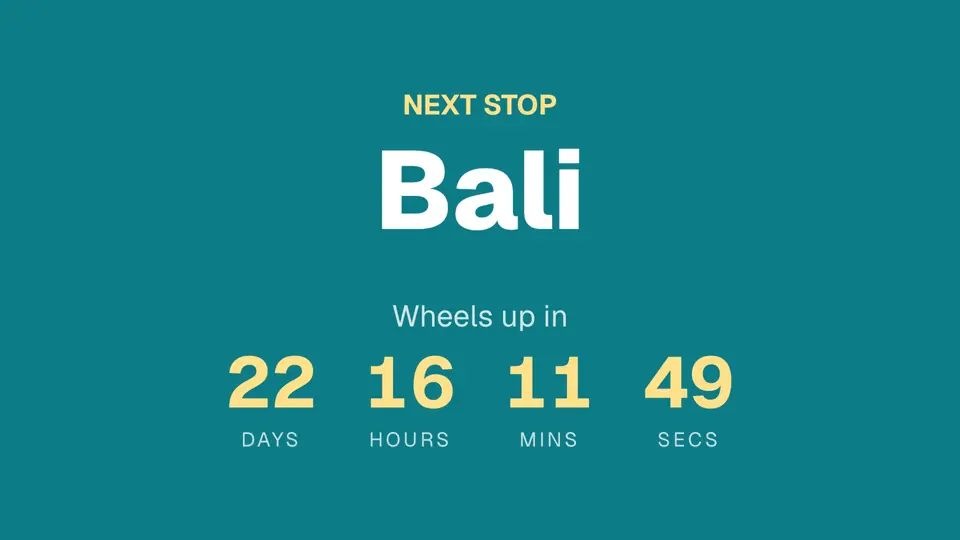
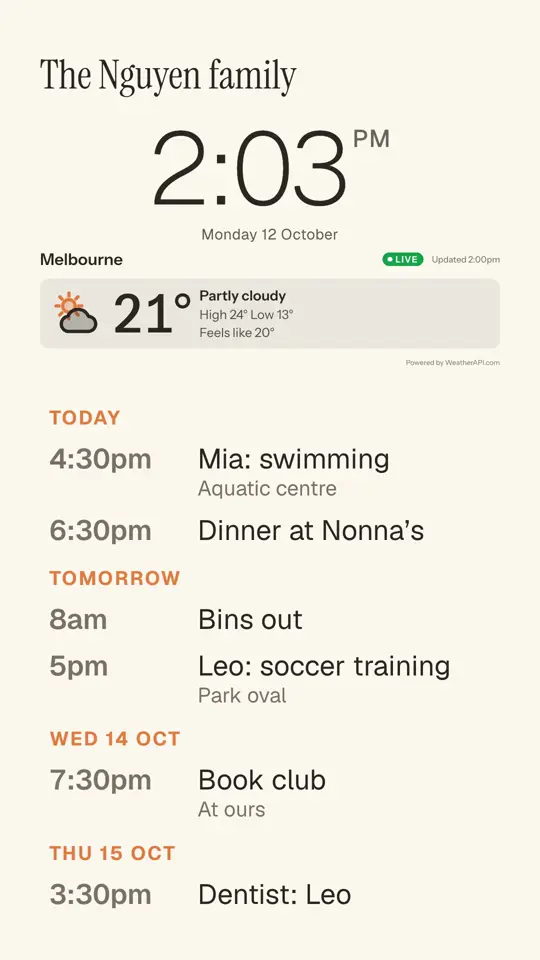
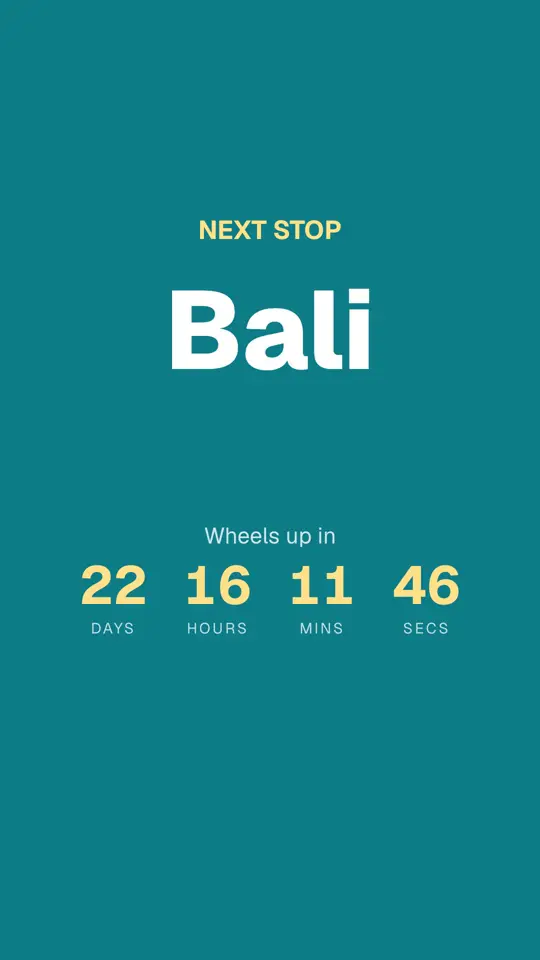
Real signs from The Nguyens, a made-up family, drawn by Dislab.
 Tap anywhere to close
 Tap anywhere to close
 Tap anywhere to close
 Tap anywhere to close
 Tap anywhere to close
 Tap anywhere to close
14 ready-made screens to start from
Every one is a template in the sign designer, under Home and personal. Start from any of them and change the words, colours and pictures.
 Tap anywhere to close
 Tap anywhere to close
 Tap anywhere to close
 Tap anywhere to close
 Tap anywhere to close
 Tap anywhere to close
 Tap anywhere to close
In portrait too
Every template has its own design for a TV hung on its side. Pick landscape or portrait when you start.
 Tap anywhere to close
 Tap anywhere to close
 Tap anywhere to close
 Tap anywhere to close
 Tap anywhere to close
Every design here works in any colour, and you can add, move or remove any part of it. Try them free
Questions
Anything else? Ask us, or look in the help centre.
Do I need a business to use Dislab?
No. Anyone can sign up, and one screen is free for good, with a small “Powered by dislab.app” badge.
Can it show our family calendar?
Yes, on Pro. Paste the share link from Google Calendar, Outlook or Apple Calendar and the next events appear on the screen.
What do I need on the TV?
A Fire TV Stick running the Dislab app, or a computer or iPad with Chrome, Edge or Safari open at play.dislab.app.
Dislab for other businesses
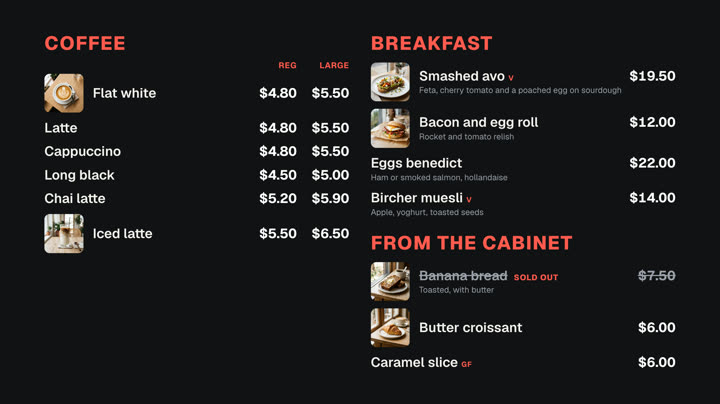 Cafés and restaurantsMenu boards, specials and sold out from a phone.
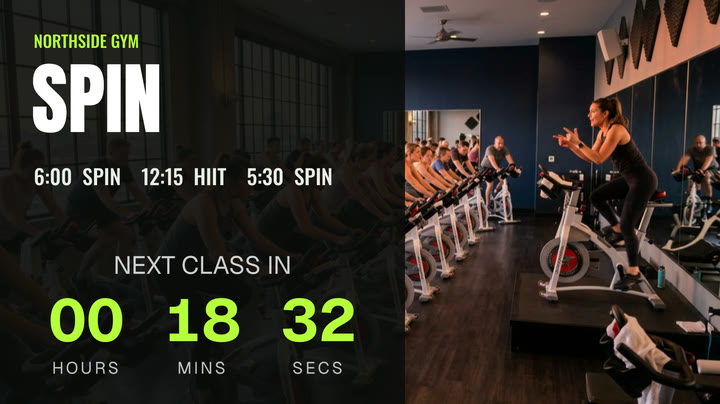 Gyms and fitness studiosTimetables, challenges and member offers.
 Shops and retailNew arrivals, sales and prices in the window.
 Hair salons and beautyPrice lists, offers and opening hours.
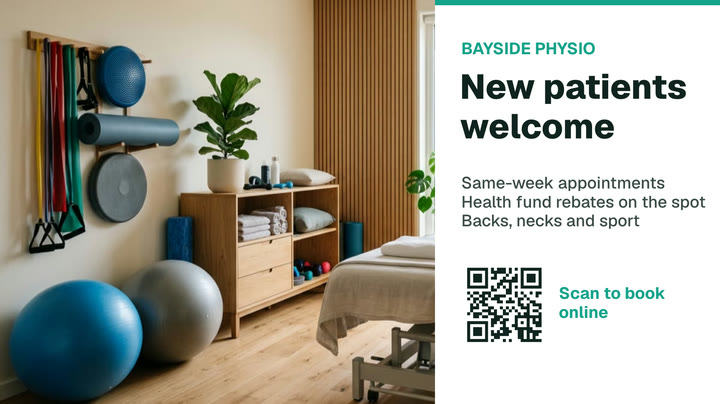 Clinics and waiting roomsQueue numbers, wait times and hours.
 Bars and pubsDrinks lists, happy hour, gigs and parties.
- Also for
- Ideas for any business
- Bakeries
- Banks and money changers
- Barbershops
- Breweries and taprooms
- Butchers and delis
- Cinemas and theatres
- Community centres and schools
- Events and conferences
- Factories and warehouses
- Food trucks and takeaway
- Hotels and accommodation
- Markets and festivals
- Offices and meeting rooms
- Pharmacies
- Places of worship
- Real estate
- Sports clubs
- Trade show stands
- Transport and tours
- Wedding and function venues
Put your TV to work.
Start with one free screen of photos, videos, clocks and weather. Pro adds the split-flap board, calendars and everything else for A$9.99 per screen a month, with 14 days free to try.