
Get started with Dislab.
From a TV on the wall to a sign that plays, in about ten minutes. Follow the steps, or ask us and we’ll walk you through it.
Choose your screenA stick, a computer or an iPad: what plays Dislab on your TV
Dislab runs on a small stick behind the TV, or on a computer or iPad that’s already connected to it. Filter by what matters to you.
Not sure? A Fire TV Stick 4K suits most TVs. Choose the Amazon Signage Stick if you want to turn the TV on and off from your console, or use the computer that’s already plugged into the screen. Every device that works
Set it upPlug it in and open Dislab, about five minutes
A stick
Plug it into a spare HDMI port and its power adapter into the wall, turn the TV to that input, and follow the stick’s own setup: language and Wi-Fi.
Dislab is on its way to the Amazon Appstore. Until it’s listed, email support@dislab.app and we’ll get your stick going. The app is free; your plan is on your Dislab account, not the stick.
A computer, iPad or Mac
Open play.dislab.app in Chrome, Edge or Safari. On an iPad or Mac, add it to the Home Screen or the Dock so it keeps its files. For a screen that runs all day, turn off sleep.
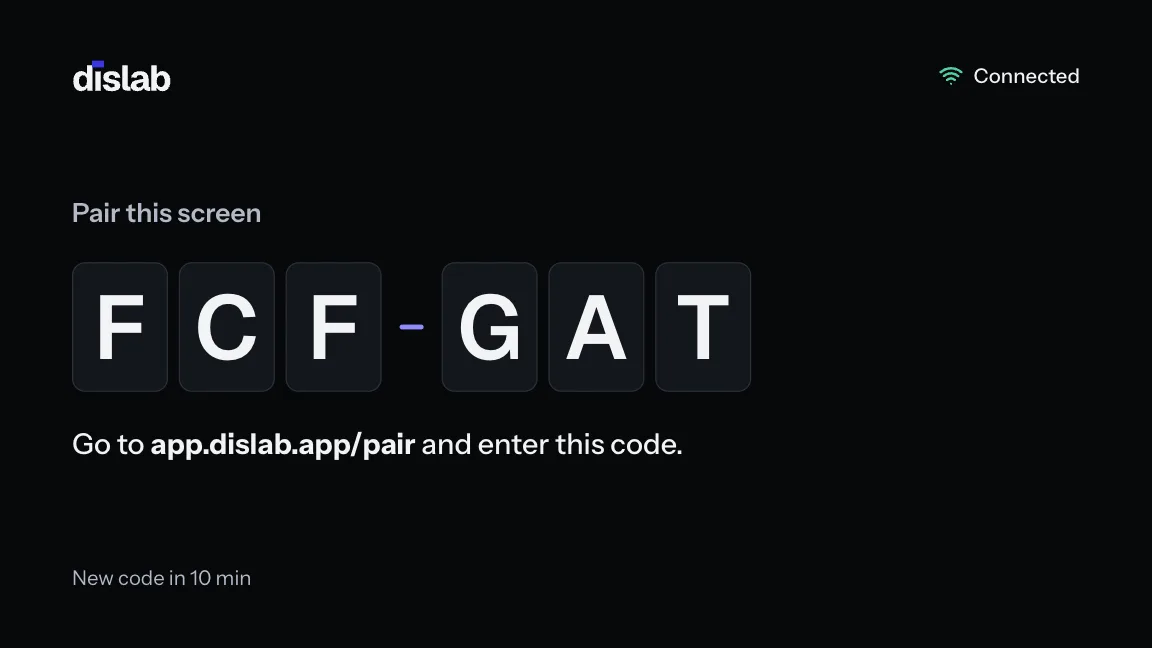
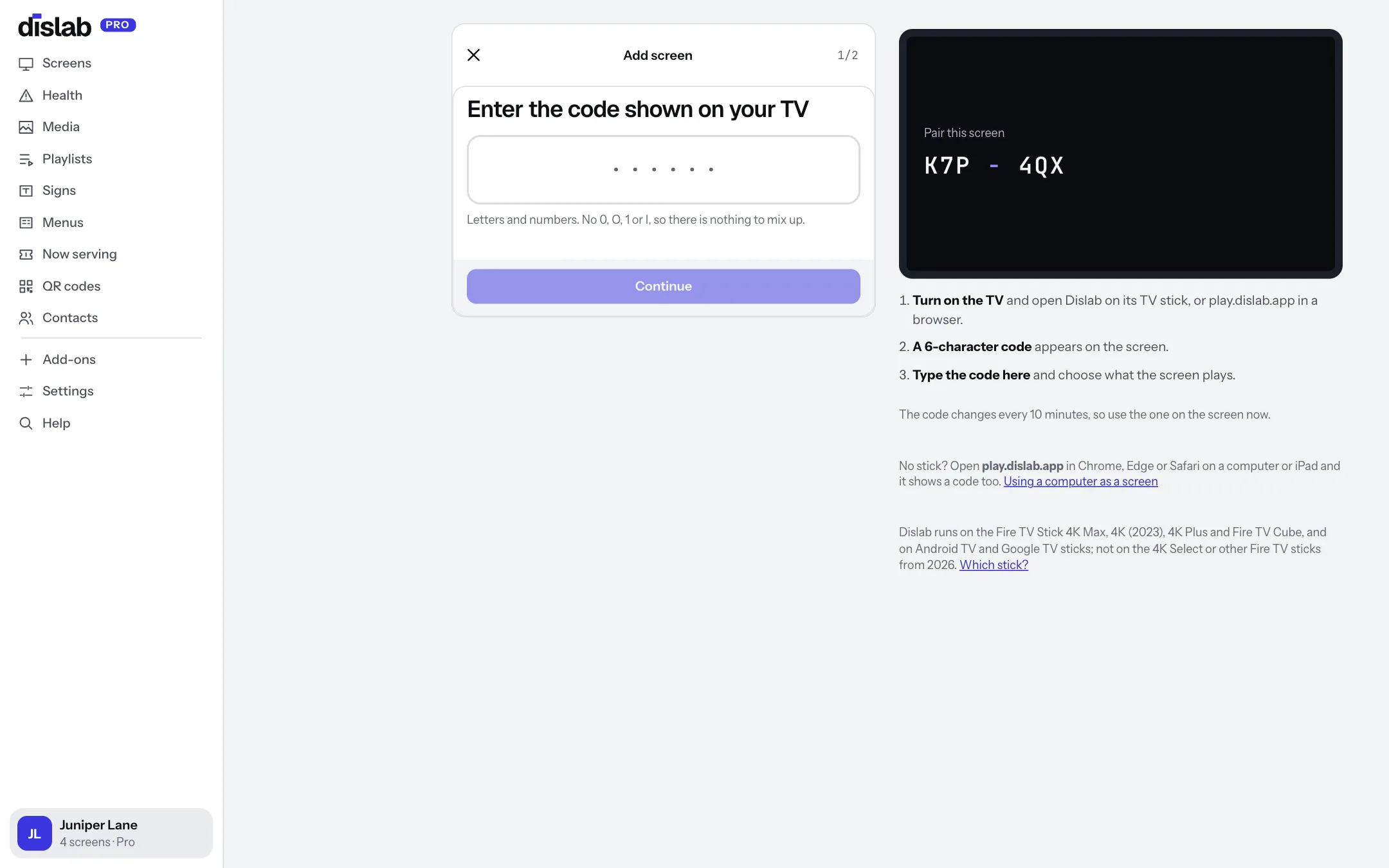
Pair it with the codeType the code from the TV into your console
The screen shows a six-character code. It changes every 10 minutes and never uses 0, O, 1 or I.
On your phone or computer, go to app.dislab.app/pair, or Screens then Add screen. Type the code, name the screen, choose its location and how it’s mounted. No account yet? Start free: one screen is free for good.
Add something to showPhotos, videos, signs and menus
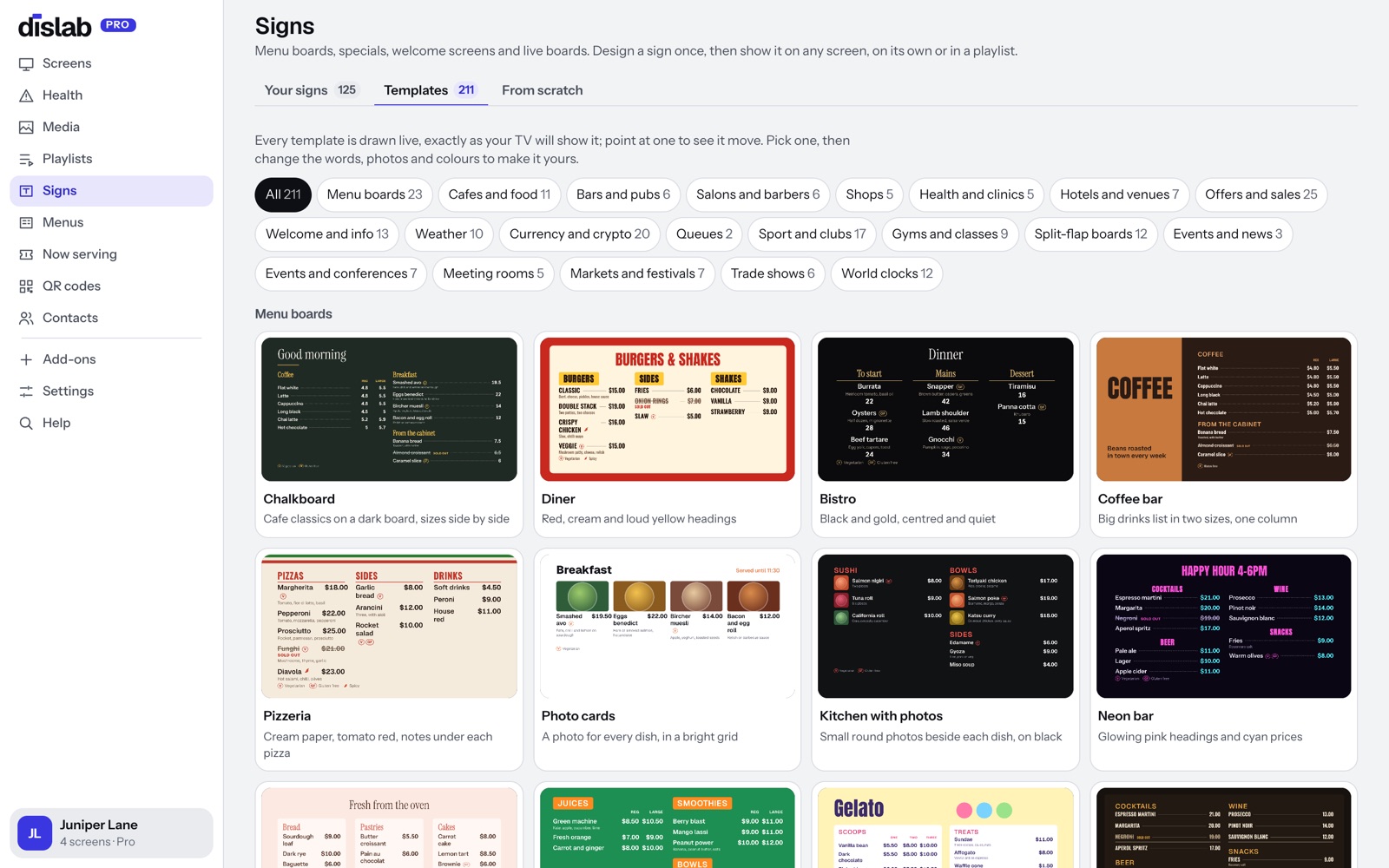
Upload photos and videos from any phone or computer: Dislab turns each into a copy made for TV. Or start from one of over 250 ready-made signs and menu boards, Dislab’s own stock photos, or a design you made in Canva.
- Photos and videos from any phone, ready for TV
- Signs and menu boards to change the words and colours of
- PowerPoint, PDF and Canva designs
Put it on the screenChoose what plays, and publish
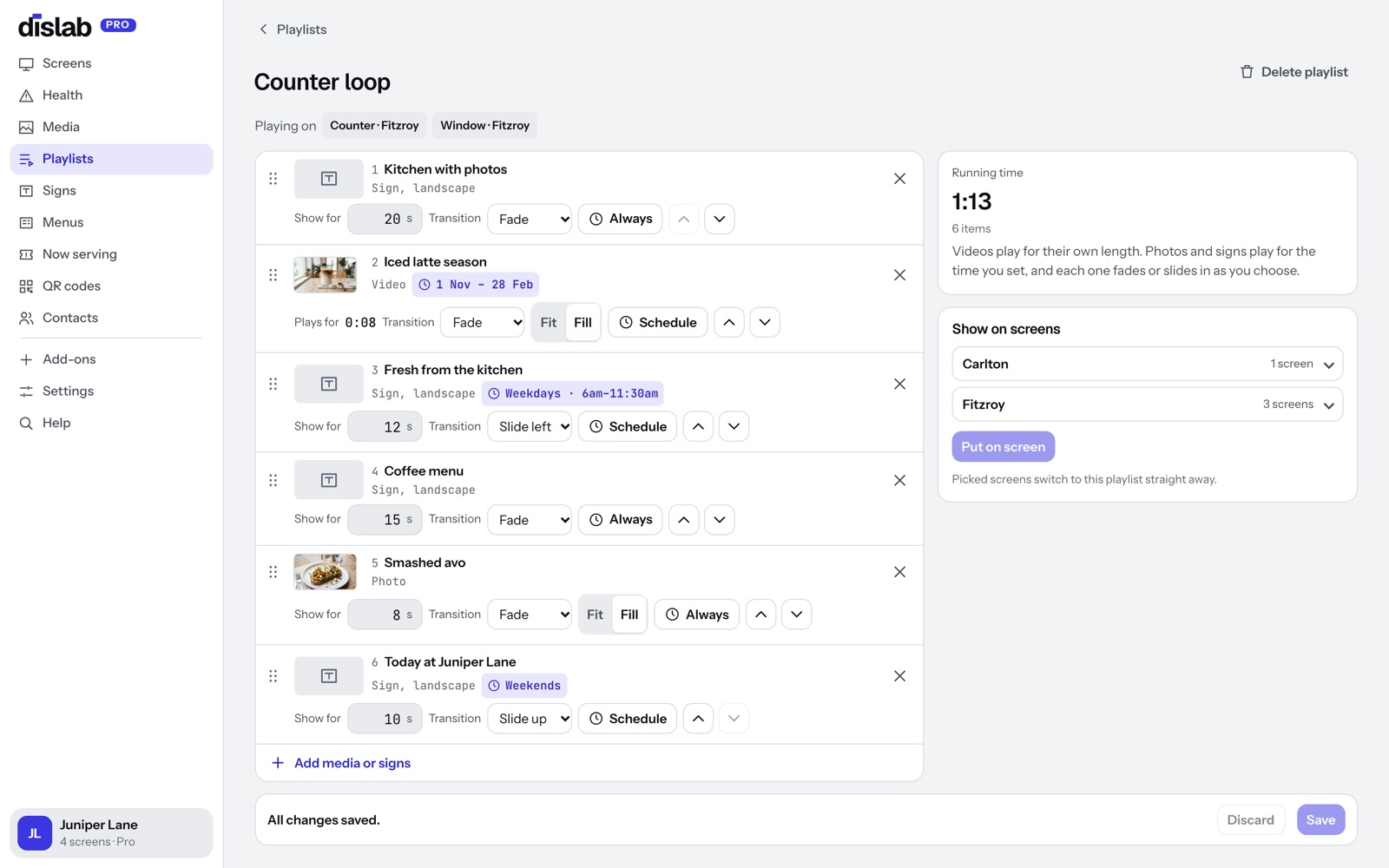
Choose what the screen plays: one sign, a photo or video, or a playlist of them, each for as long as you like. Press Publish. The screen downloads everything, then plays it, and keeps playing if the internet drops.
- Schedules by day and time, with start and end dates
- Tags: publish to many screens at once
- Show it now: one thing on every screen for an hour, then back
Explore what else it doesMenus, flip boards, queues and more
Put your first screen up today.
One screen is free for good, with photos, videos, playlists and signs and a small “Powered by dislab.app” badge. Pro is A$9.99 per screen a month, up to 20 screens, with 14 days free to try.