
Design signs right on the sign.
Click a word on your sign and type. Drag things where you want them and guides line them up. Turn anything, pick from over 1,700 fonts and 5,000 icons, drop your photos straight on, and switch a sign between a wide TV and one standing up without starting again.
On every plan, the free one included. What you see in the designer is what the TV shows: both draw the sign with the same code.
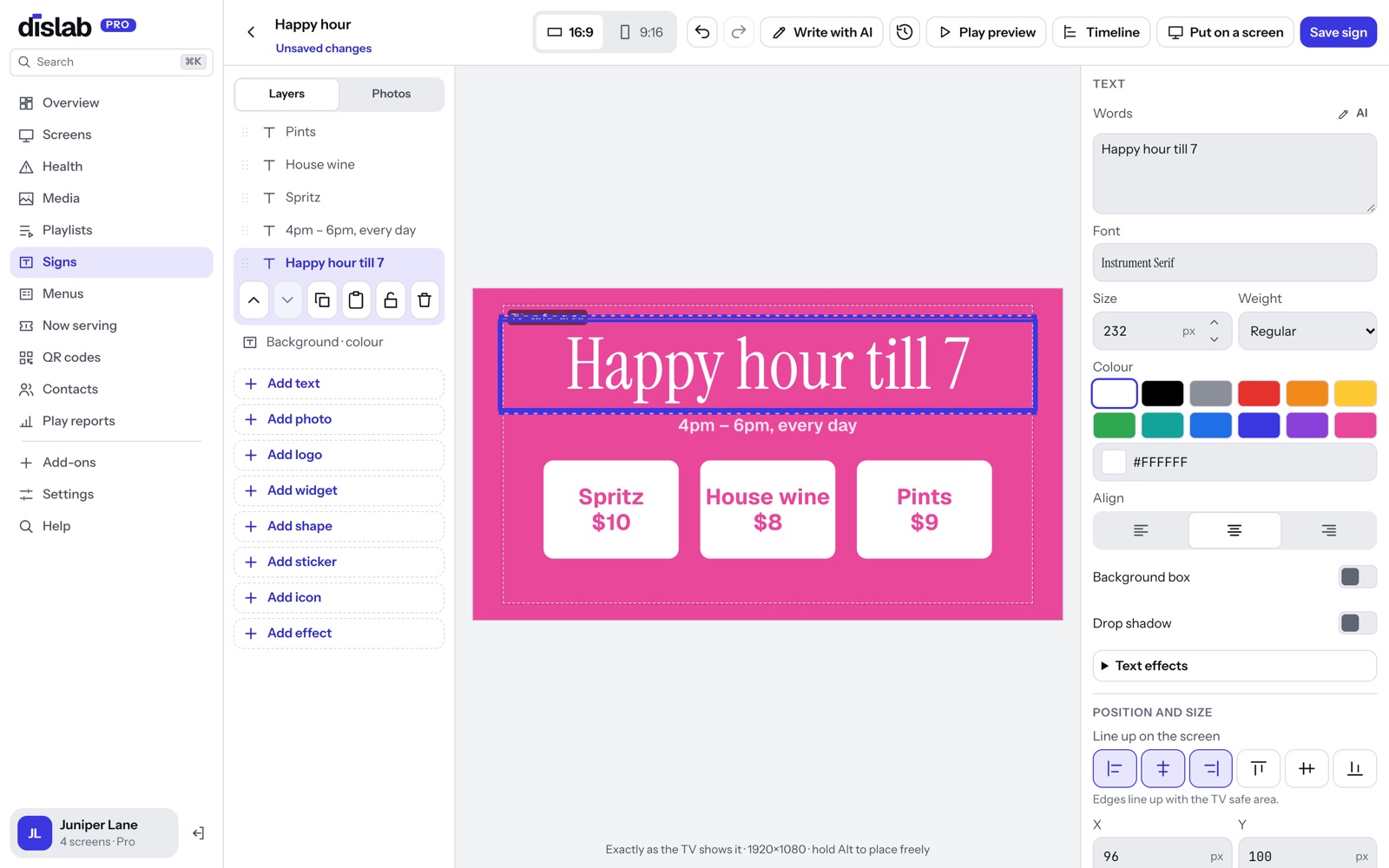
Lines up as you drag.
Move a price box and guides show when it lines up with the middle of the sign, the edge of the TV-safe area or the box beside it, and when the gaps between boxes are even. Drag across an empty part of the sign to pick several things and move them together.
- Lines to the sign, the safe area and every other layer
- Even gaps between boxes, shown as you drag
- Eight handles on everything; hold Shift on a corner to keep the shape
- Hold Alt to place something freely
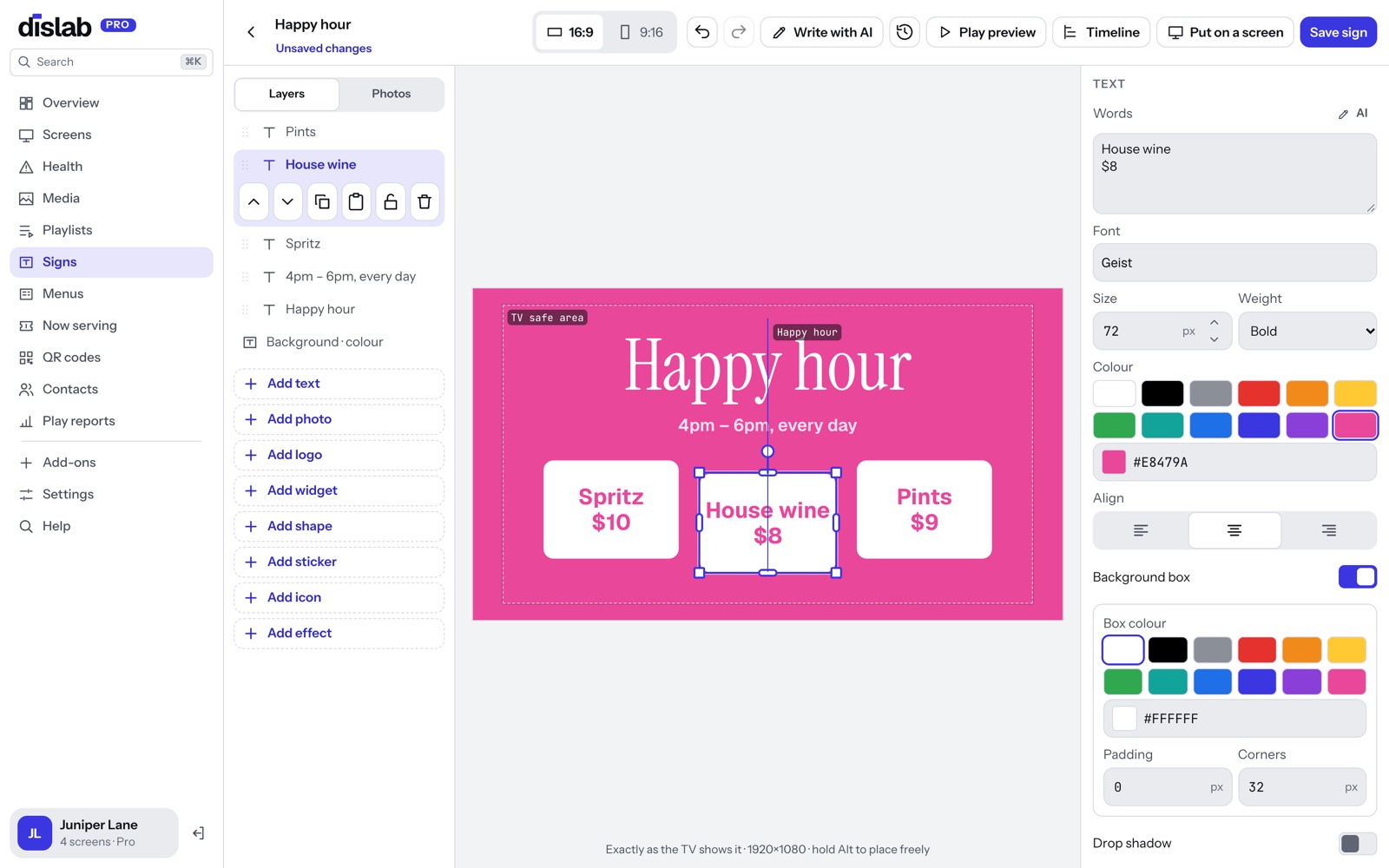
Tilt a price, a photo or a sticker.
Grab the round handle above anything on your sign and turn it, or type an exact angle. Words stay sharp at any angle, in the console and on the TV.
- Text, photos, shapes, stickers, icons and widgets
- Snaps to straight, and to 15° steps
- Handles that still work when it’s turned
- Readability warnings allow for a turned line being harder to read
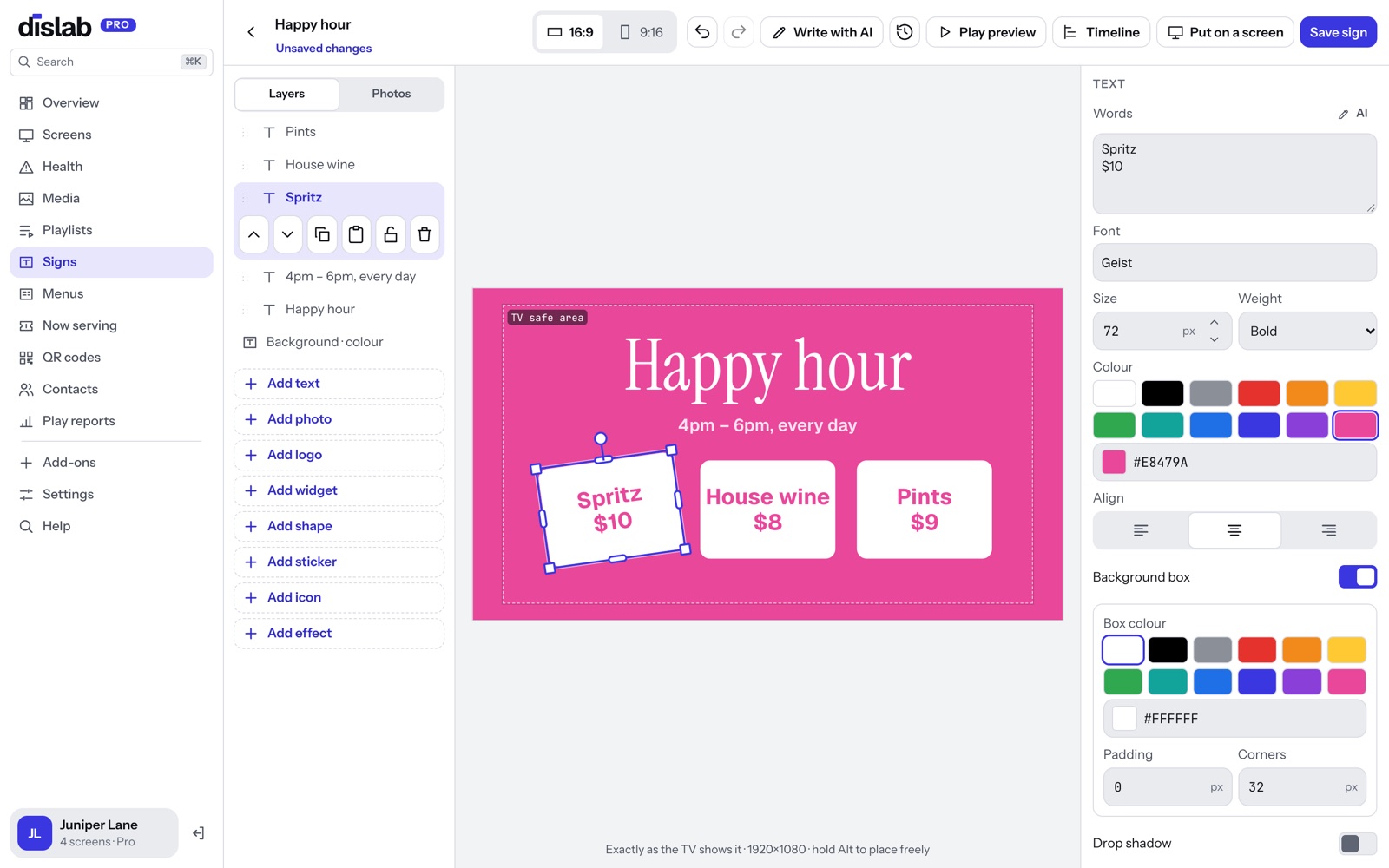
Over 1,700 fonts, sorted by look.
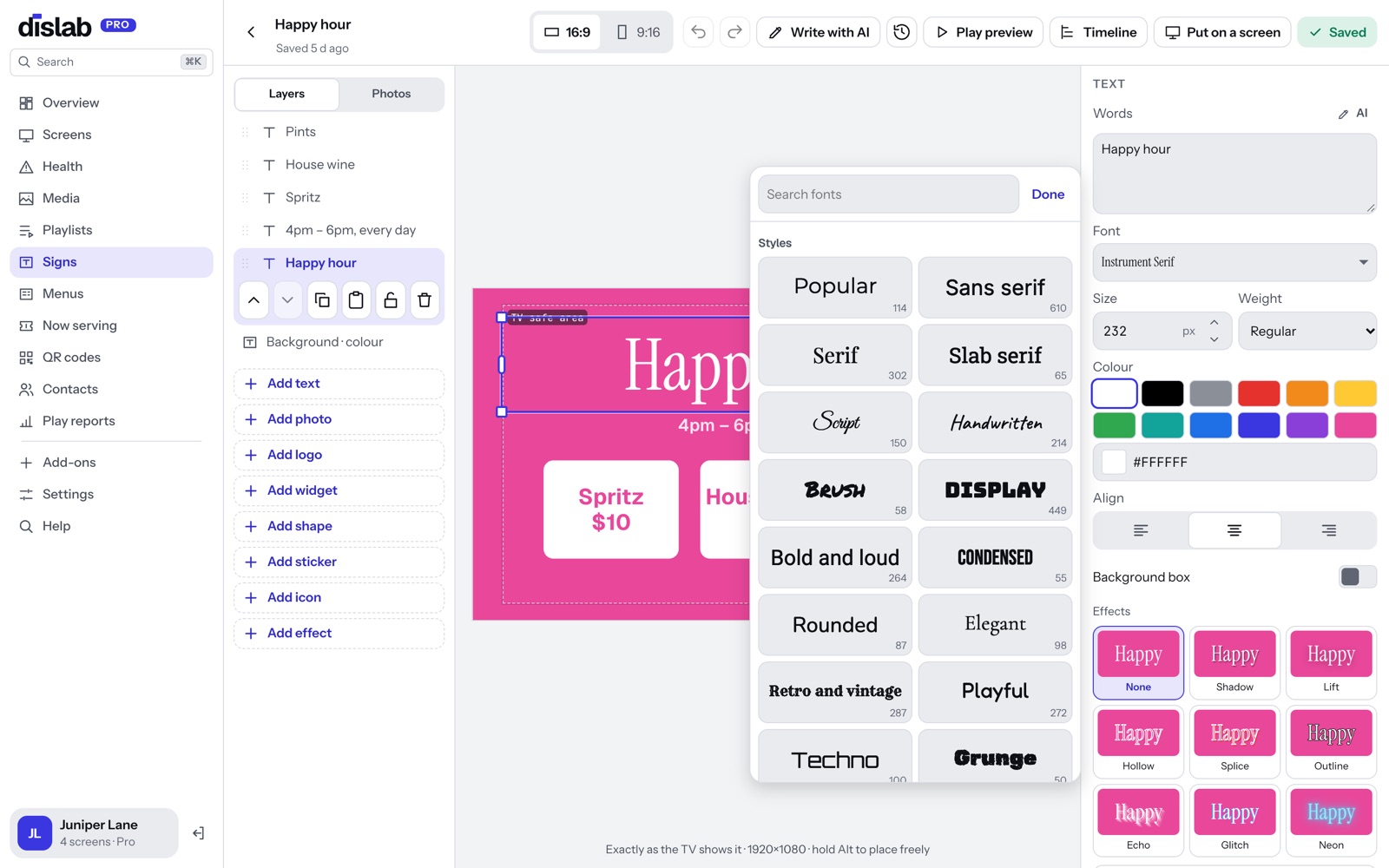
Every open-source Google font, free on every plan: pick a style (script, handwritten, retro, condensed, pixel, Christmas and more) or a language (Arabic, Chinese, Japanese, Korean, Thai, Hindi and more), and each font is shown in its own letters before you pick. A font travels with the sign, so every TV draws it, offline too.
- Each shown in its own letters
- Effects in one tap: shadow, lift, hollow, splice, outline, echo, glitch and neon
- 25 styles, from script and retro to Christmas, and 40 languages
- Sent only to the screens whose signs use it
- Free to use on your screens
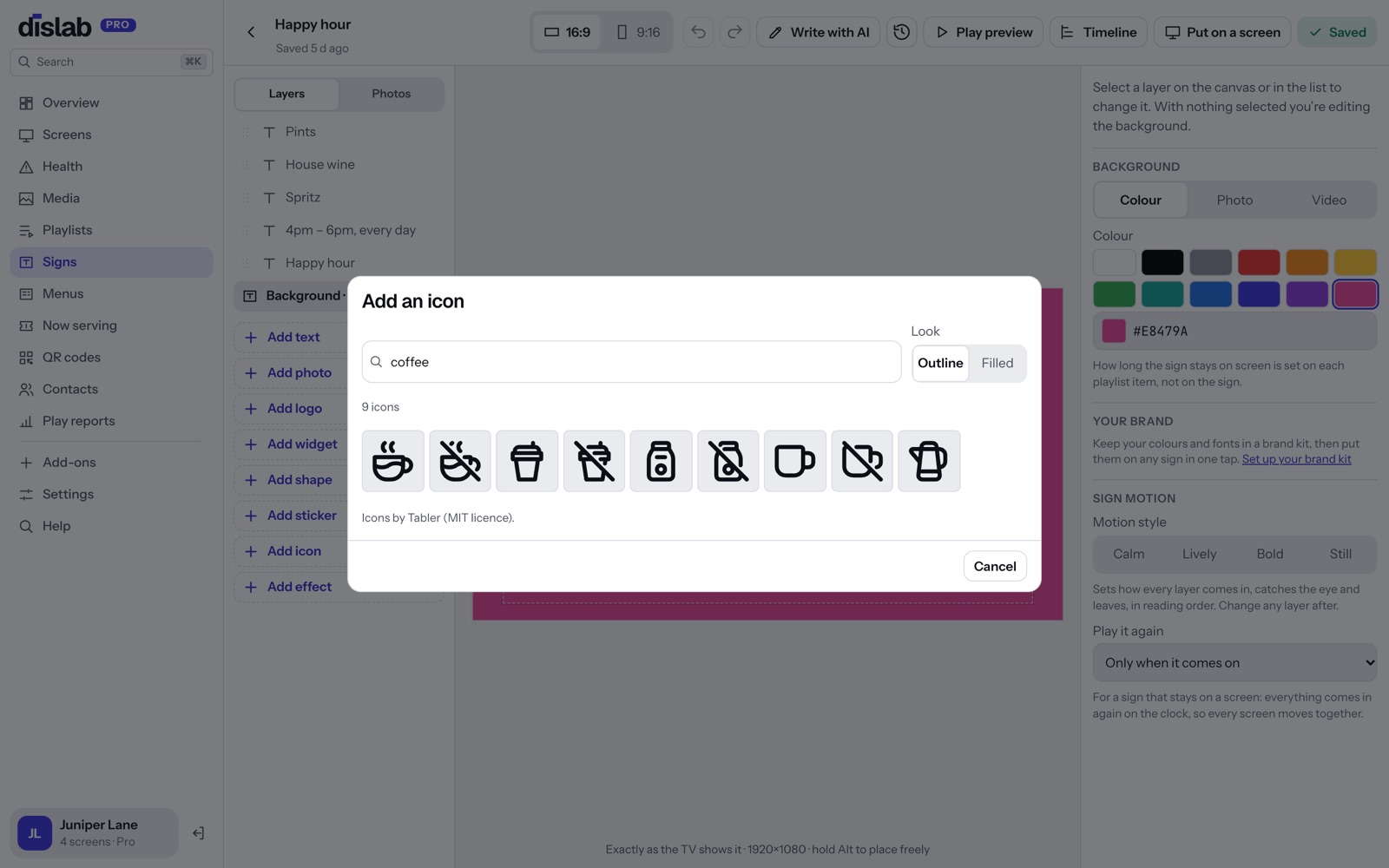
Over 5,000 icons, in any colour.
Coffee cups, wifi, parking, cutlery, arrows, no smoking: search for it, choose outline or filled, and it goes on your sign as a sharp line drawing you can colour, size and turn like anything else.
- Outline or filled
- Any colour and line weight
- Sharp at any size, on any TV
- On the free plan too
Drop photos straight on the sign.
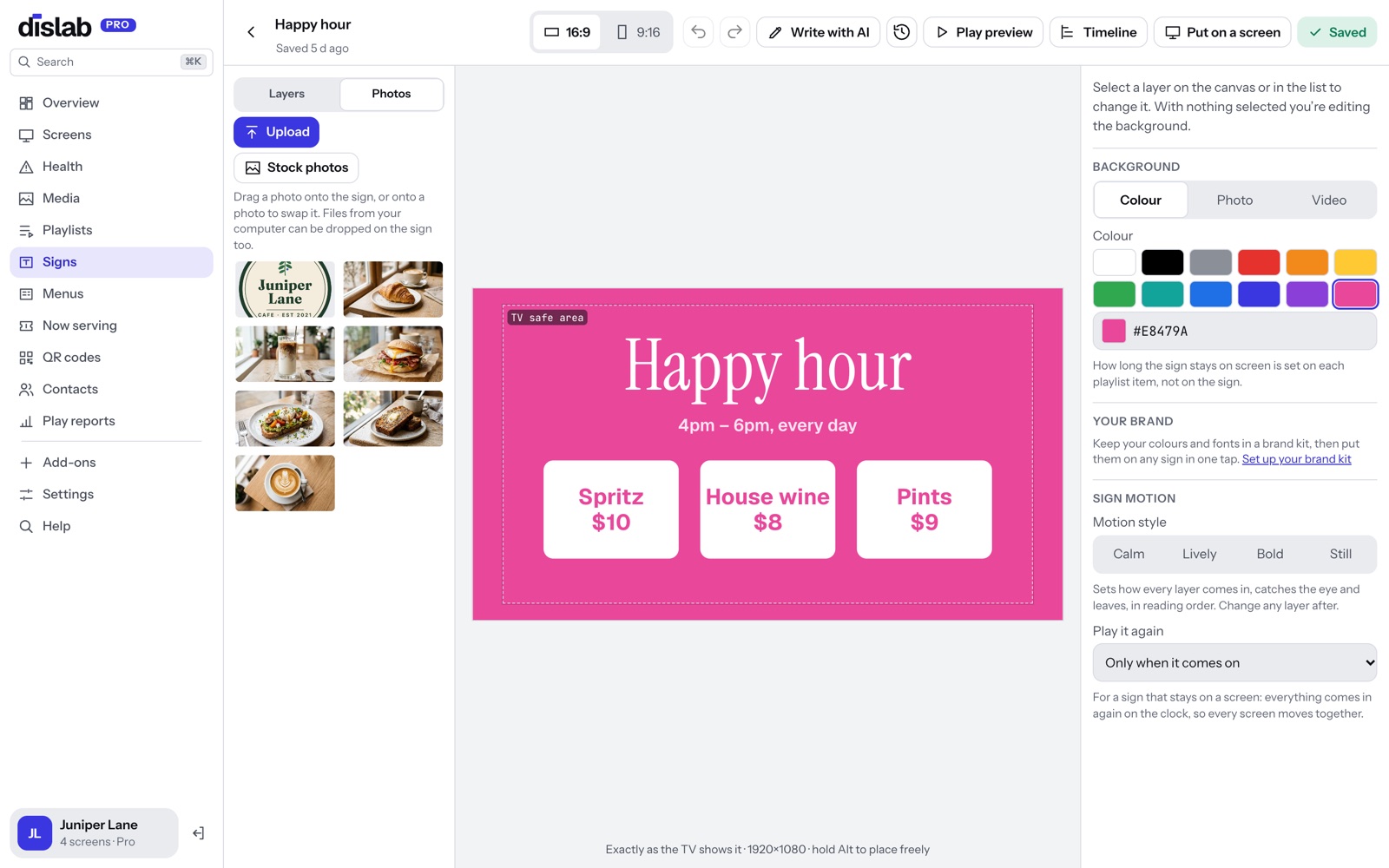
The Photos tab sits beside your layers. Drag a photo onto the sign to add it, or onto a photo already there to swap it. Drop files from your computer onto the sign and they upload and go in. Free stock photos are a tap away.
- Your Media beside the sign
- Drop on a photo to swap it
- Files from your computer go straight in
- Free stock photos and videos
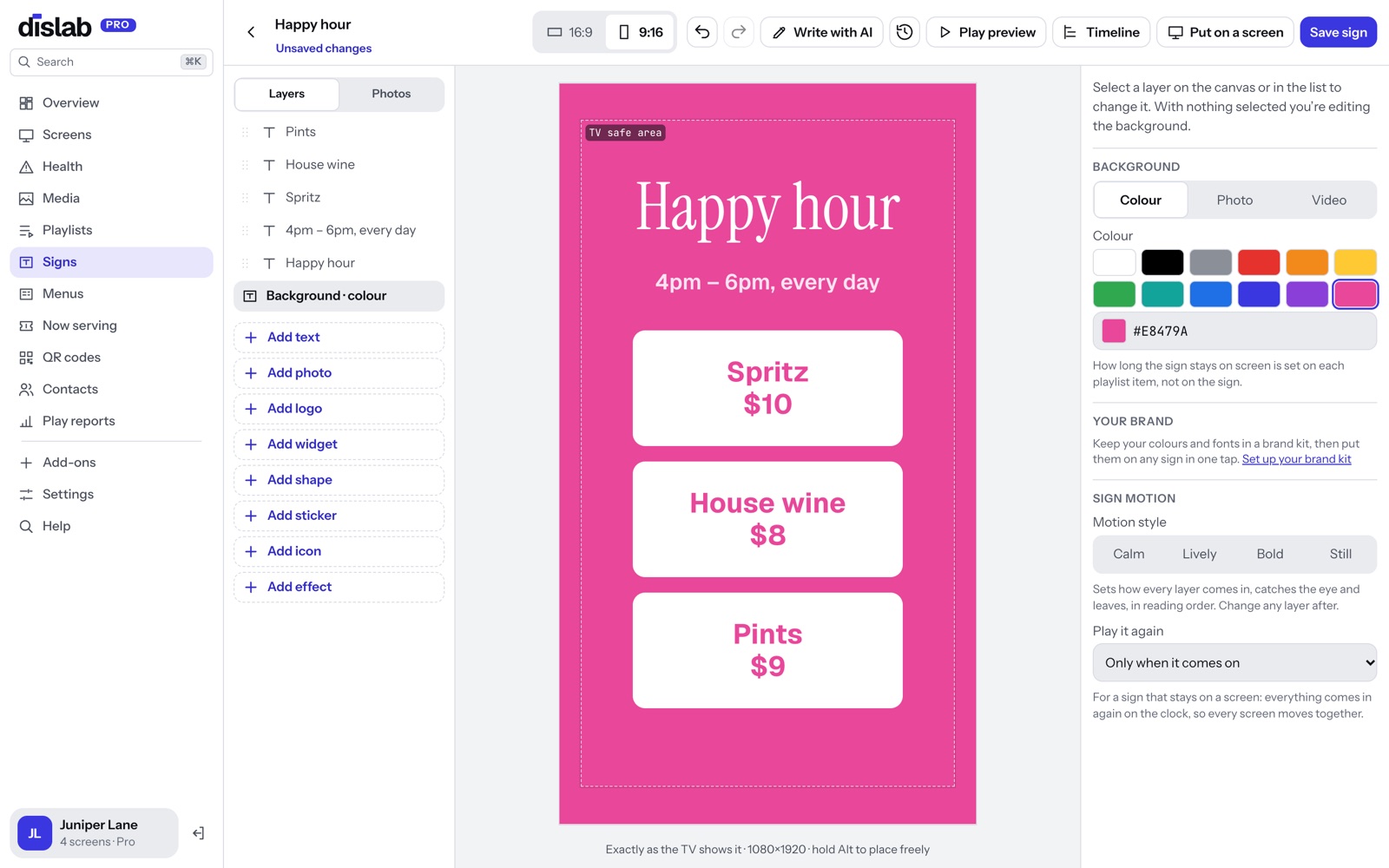
Wide or standing up, without starting again.
Press 9:16 and a sign made for a wide TV is laid out again for one standing up, with your words kept and still readable. A sign made from a template takes that template’s own design for the other shape. Change it, switch back, and each shape keeps what you did.
- A template’s own design for the other shape
- Anything else laid out again, with nothing overlapping or off the screen
- Each shape remembers your changes
- A warning if words get too small for the TV
Questions
Anything else? Ask us.
Do I need to be a designer?
No. Start from one of over 300 ready-made signs, change the words and the photo, and it’s done. Or describe the sign and Dislab AI makes a first go for you.
Will it look the same on the TV?
Yes. The designer and the TV draw the sign with the same code, so what you see while you design is what the screen shows. Saving a sign updates its screens straight away.
Can I undo?
Yes, as far back as you like while the sign is open (Ctrl+Z, or Cmd+Z on a Mac), and Versions brings back an earlier save.
Can I design on a phone?
Yes. On a phone the designer goes full screen with a tool bar along the bottom, pinch to zoom and an arrow pad for small moves. Menu and board settings are easier on a computer.
Is it on the free plan?
Yes. The free screen gets the designer with text, photos, shapes, stickers, icons, every font, clocks, weather and QR codes. Menus, boards and the other widgets come with Pro.
More of what Dislab does
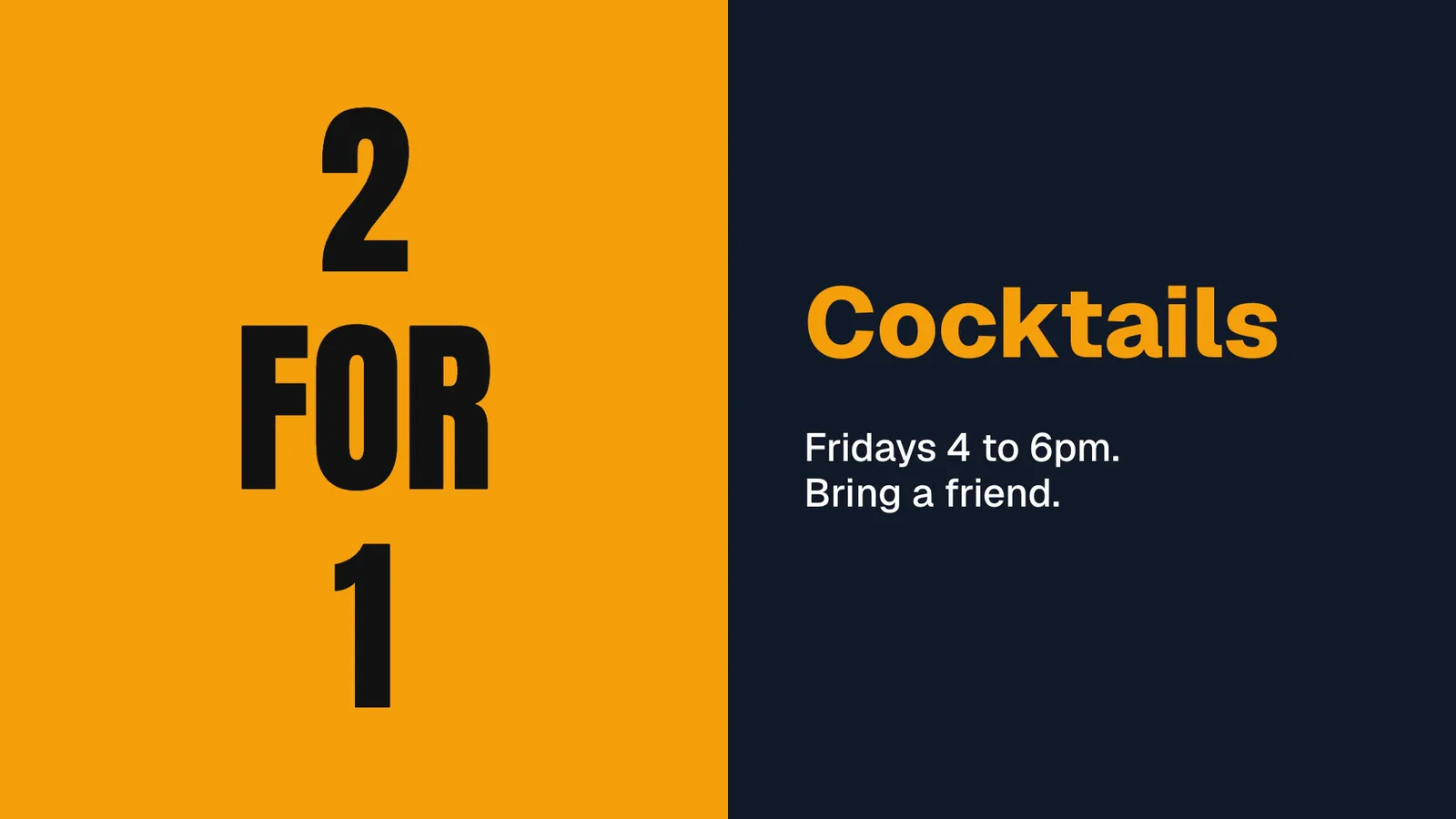 Dislab AIDescribe a sign and it’s written and designed for you.
 Stock photosFree photos and videos for your signs.
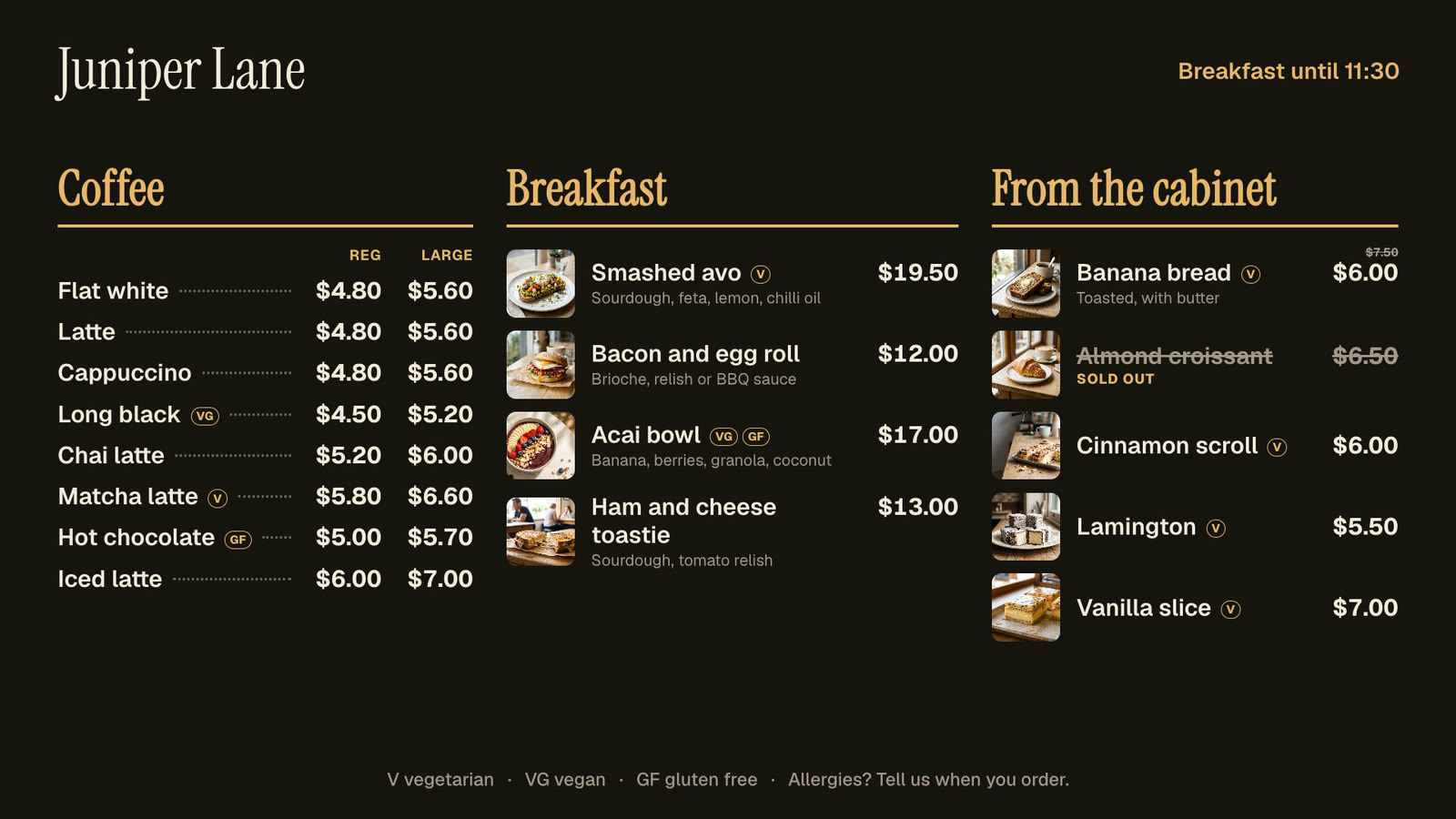 Menu boardsPrices in one place, day-parts, and sold out from a phone.
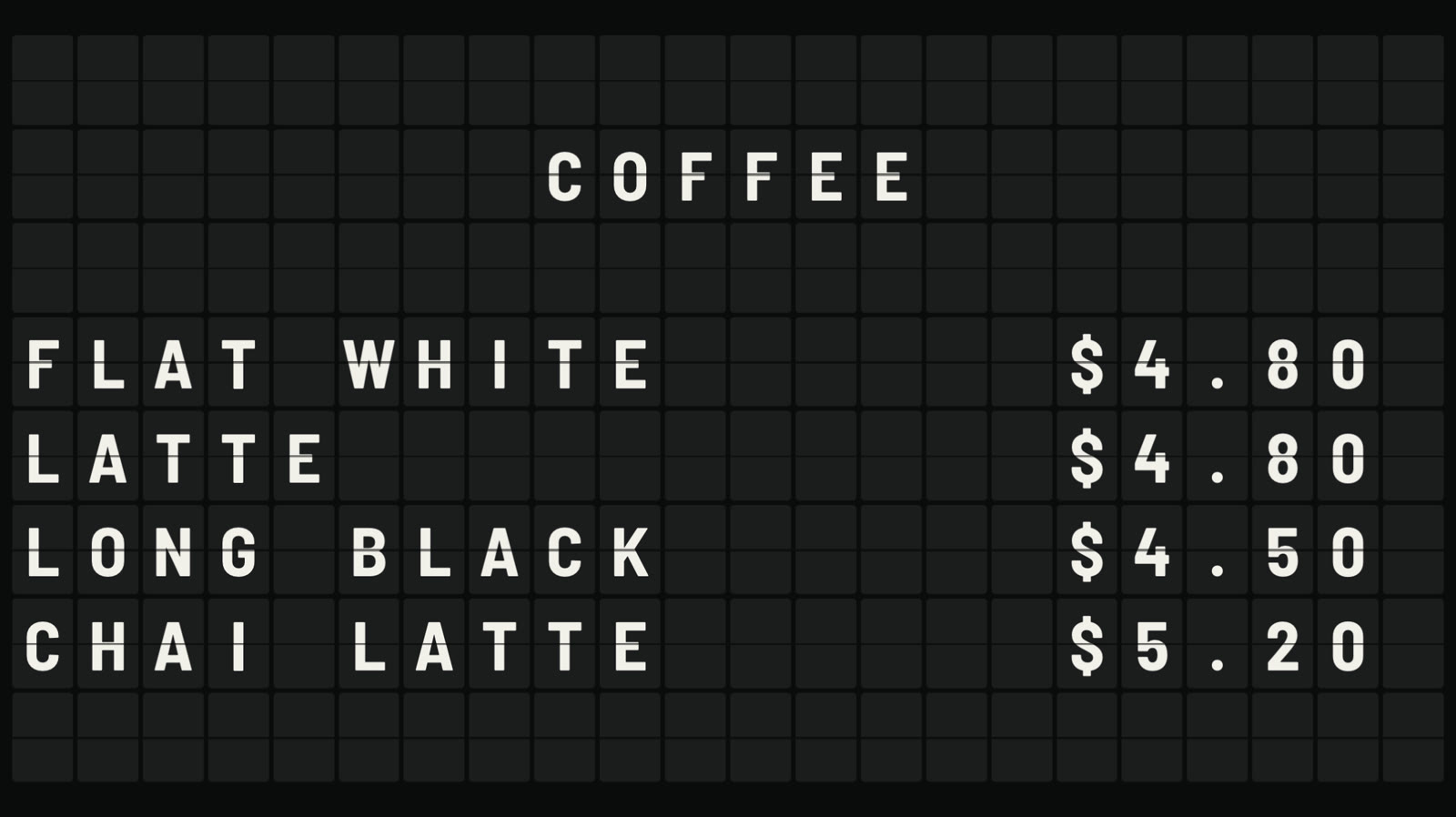 Split-flap boardLetters that flip into place, like an airport board.
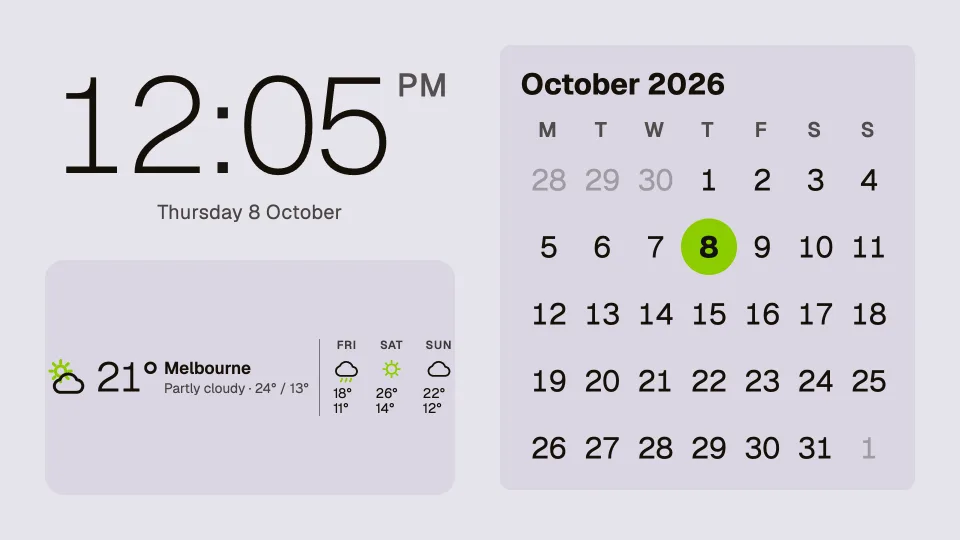 Clocks, dates and weatherTwenty clocks, the weather, a calendar and countdowns.
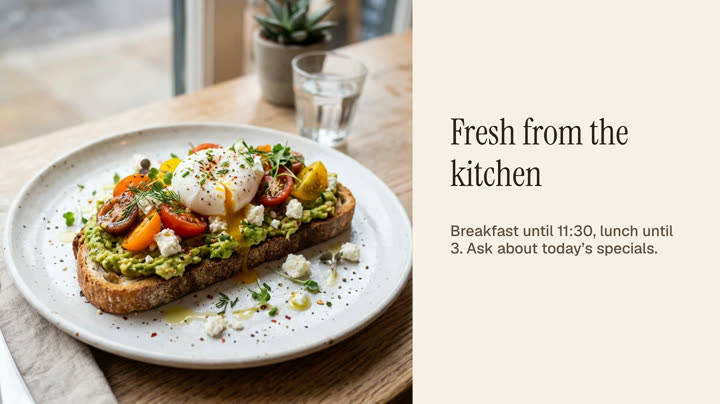 Photos and videosAny phone’s photos and videos, ready for the TV.
Make your first sign today.
The sign designer comes with every Dislab plan. Keep one screen free with photos, videos, playlists and signs, with a small “Powered by dislab.app” badge, or try every Pro feature free for 14 days. Pro is A$9.99 per screen a month, up to 20 screens, no setup fee and no contract.