
Your photos and videos, on your screens, in a look made for the day.
The year in pictures at reception, a season of photos at presentation night, a 40th at the pub. Pick your photos and videos, choose one of 106 looks, and play it now, until a time, or book it ahead. When it ends, every screen goes back to what it was showing.
Pro Built into Pro: A$9.99 per screen a month, up to 20 screens.
From your Media, or just for this slideshow.
Choose where each slideshow’s photos and videos come from. Nobody else adds any: there’s no QR code, nothing to approve and nothing on the screens asking for photos.
- From my Media: pick photos you already have, or upload them there. They stay until you delete them, so a slideshow can run all season
- Just for this slideshow: the photos stay out of your Media and don’t count toward your storage. Set its last day: they’re deleted 30 days after it
- Up to 1,000 photos and videos, or 8 GB, just for one slideshow
- Your logo on it, or none: choose one from Media or use your account’s logo
Videos too, full screen when it’s their turn
When a video comes up it plays full screen, upright, and the look carries on when it ends. Everywhere else in the look it shows a still from the video, so a wall of Polaroids or a team wall never looks empty.
Short clips
A long video plays a clip of 30 to 60 seconds. Drag to the part you want, and Dislab cuts it for the screens. Up to a minute, a video plays whole.
Or whole videos
Switch a slideshow to whole videos and each plays from start to end, up to 10 minutes.
Sound if you want it
Videos play silently to start with, like everything on your screens. Turn on Play their sound for a presentation night or a party.
Until 11 pm, or for three hours.
Choose the screens and press Play it on the screens. It plays until a time you pick, or for a length in minutes, hours or days, up to a year. Then each screen goes back to what it was showing, by itself.
- Until a time or For a length, or Stop it now whenever you like
- Any screens, in any of your locations, landscape and portrait
- Screens download the photos first, and keep going if the internet drops
Bookings for function rooms and venues
A wedding in the ballroom on Saturday from 5 pm to 11:30 pm, a 40th on the terrace on Sunday afternoon. Book each slideshow onto its screens ahead, and the screens switch over at the start and back at the end on their own.
Book it ahead
Set when it starts and when it ends, up to two years ahead. Book a slideshow as many times as you need.
No double bookings
Two slideshows can’t have the same screen at the same time: Dislab tells you which one already has it.
Internet or not
Screens get each booking a week ahead with its start and end, and download the photos before it begins. They switch over and back by themselves even with the internet off.
Or slot it into a playlist.
Add a slideshow to a playlist like a sign or a photo, and it takes its turn with the rest. Give it a schedule, like only on Friday nights, and it plays only then.
- Plays for its time in the playlist, then the playlist carries on
- Picks up where it left off on its next turn
- One at a time and Collage play every photo before moving on
Corporate looks, in your brand
Made for receptions, offices, trade show stands and conferences. Each puts your logo first and takes your brand kit’s colours and fonts, or keeps its own if you prefer.
Birthday looks, each with its own effect
Confetti, balloons, candles, fireworks, glitter and more, with the name and the age in big letters.
For any occasion
Quiet looks for anything at all: a farewell, a family history, a club’s season, a shop window.
Portrait screens too
Turn a TV on its side and every look is laid out for a tall screen.
And 86 more from the event photo wall, from weddings and the decades to Halloween and club nights, with nothing on screen asking for photos. Only the four built around guests sending photos (the photo booth, the live mosaic and the two social feeds) stay with events.
Questions
Anything else? Ask us.
How is it different from the event photo wall?
The event photo wall is for guests: they scan a QR code and send their photos, and you approve them. A slideshow is only your own photos: no QR code, no guests’ page and nothing to approve.
Can I show videos?
Yes, mixed in with the photos. A video plays full screen when its turn comes: a clip of 30 to 60 seconds of a long one, or the whole video if you choose. They play silently unless you turn on Play their sound. Photos can be JPEG, PNG, HEIC (iPhone) or WebP; videos MP4, MOV or WebM, up to 10 minutes.
What happens to my screens when it ends?
They go back to what they were showing before, by themselves, even if the internet is off.
Can two slideshows share a screen?
Not at the same time. Book them one after the other: Dislab won’t let two bookings overlap on one screen.
Do the photos count toward my storage?
Photos from your Media count as they always do. Photos added just for a slideshow don’t, and they’re deleted 30 days after the last day you set.
Which plan is it on?
Pro, at A$9.99 per screen a month.
More of what Dislab does
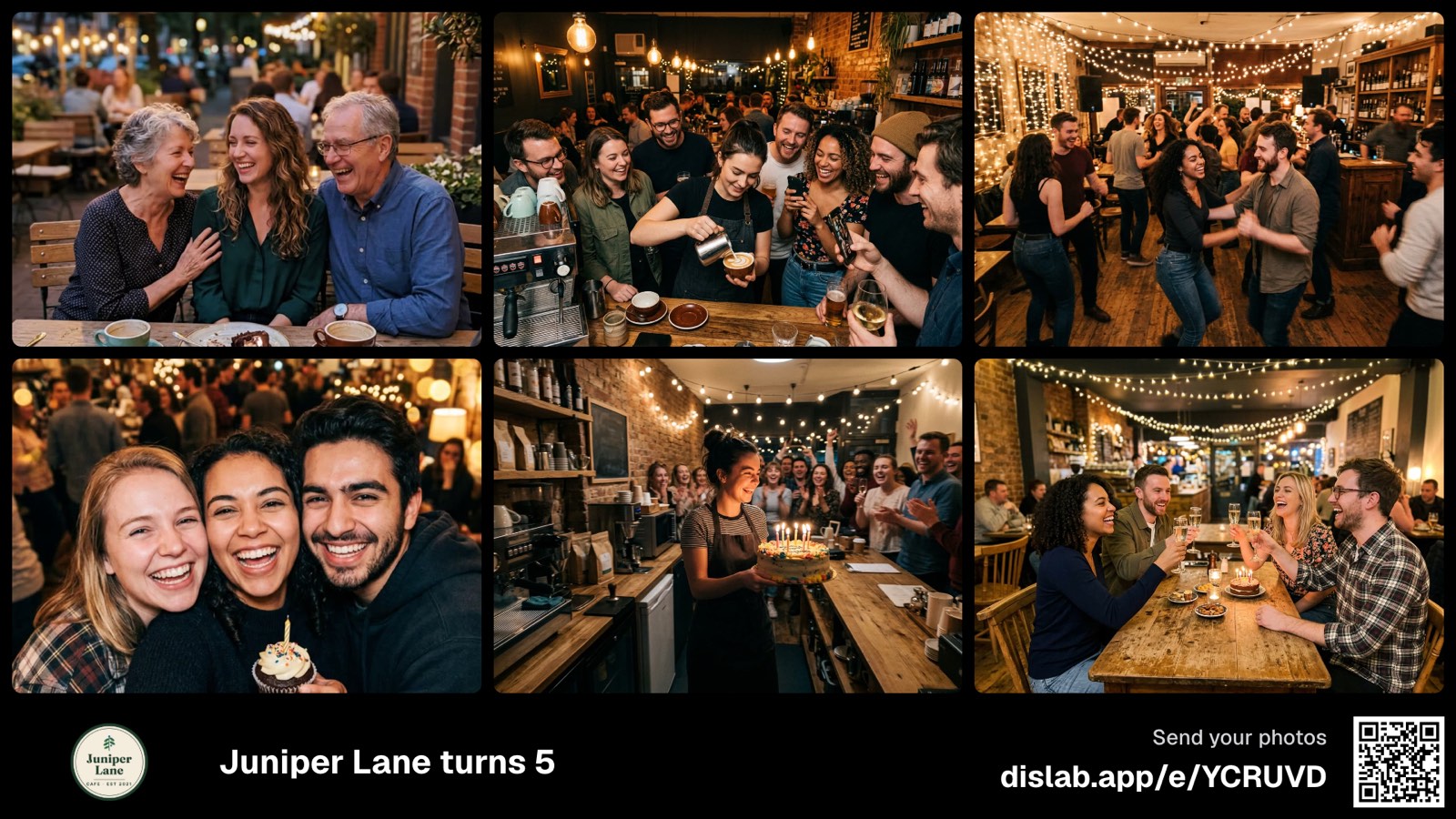 Event photo wallGuests’ photos on your screens, you approve.
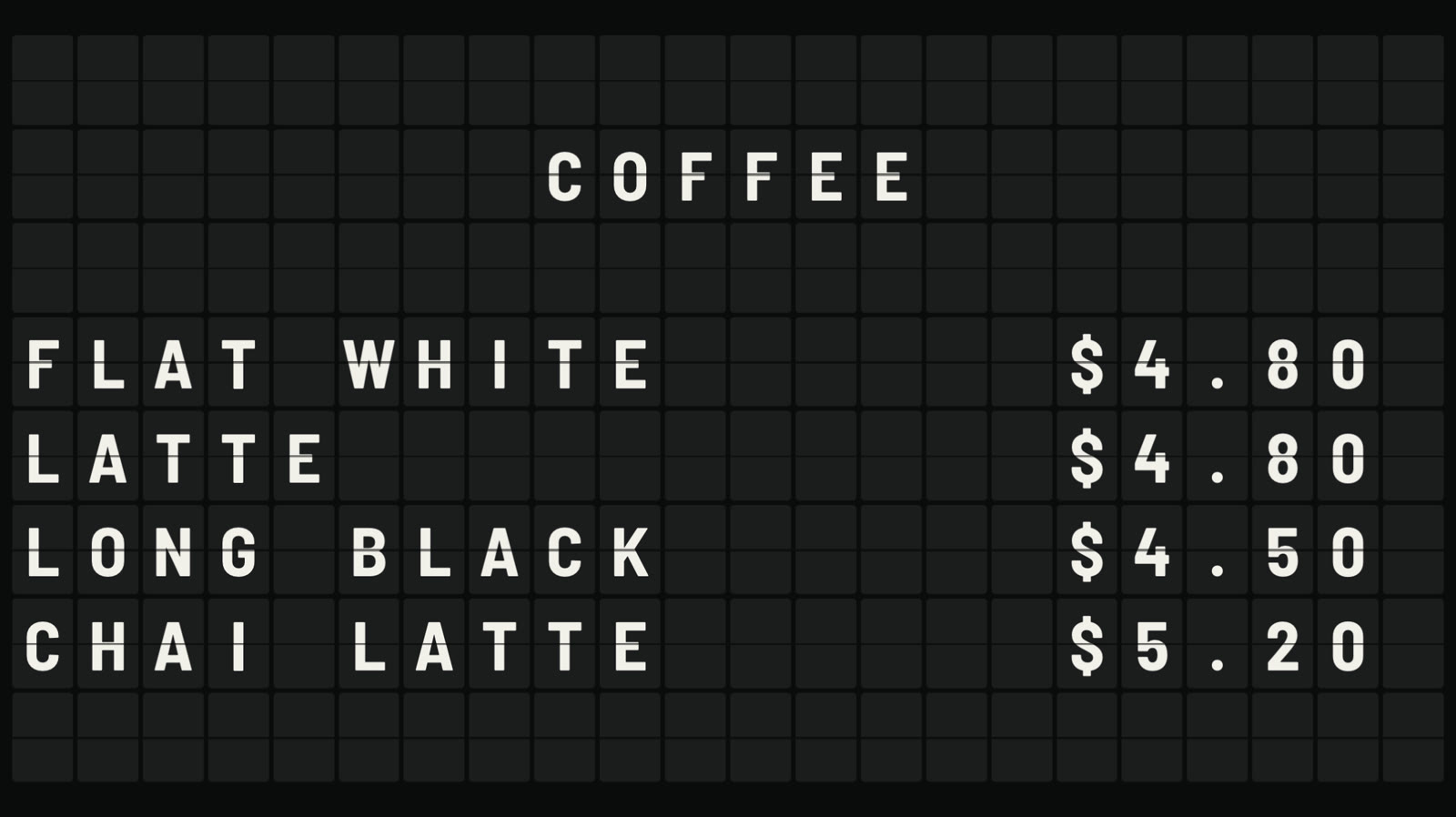 Split-flap boardLetters that flip into place, like an airport board.
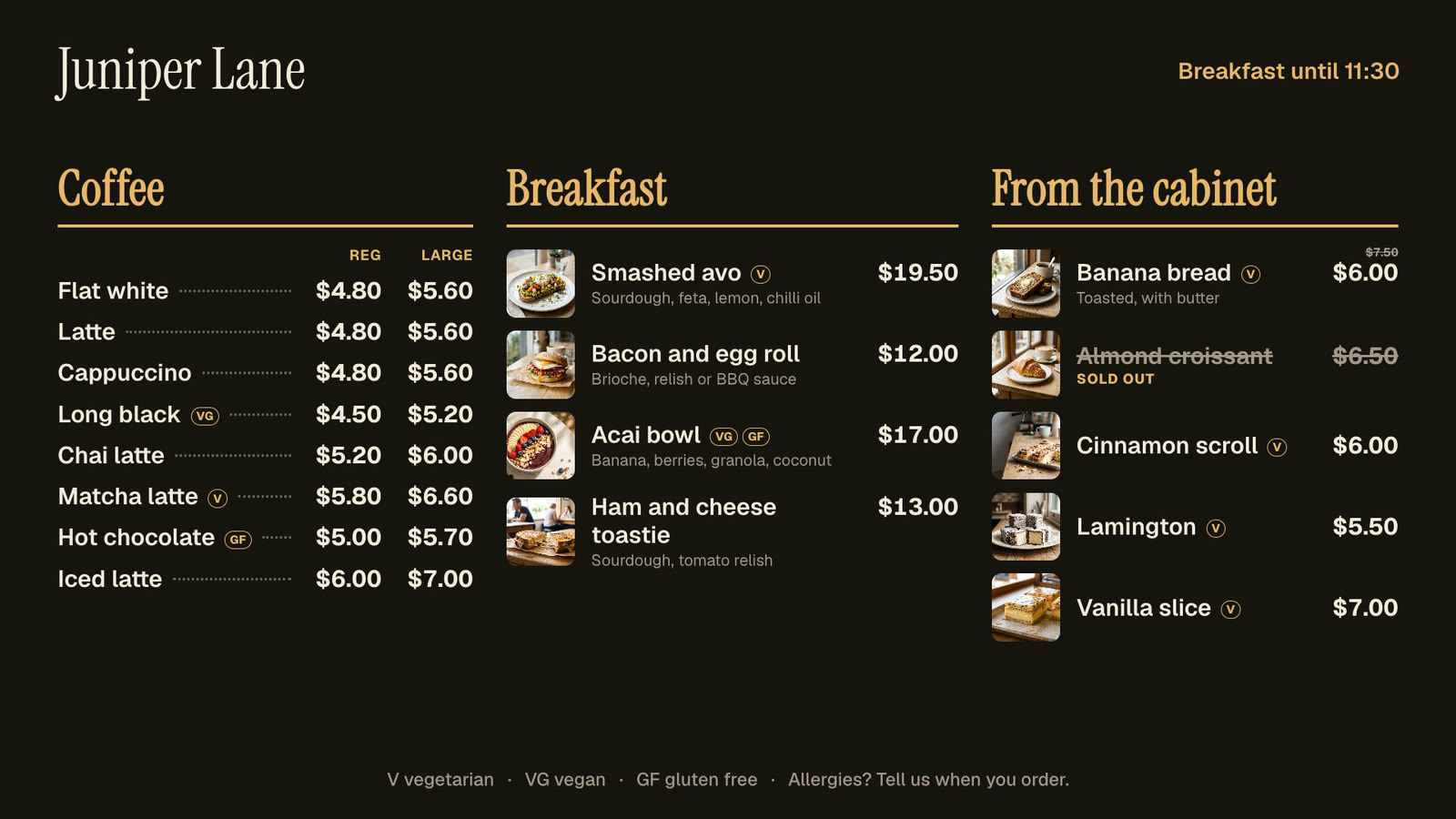 Menu boardsPrices in one place, day-parts, and sold out from a phone.
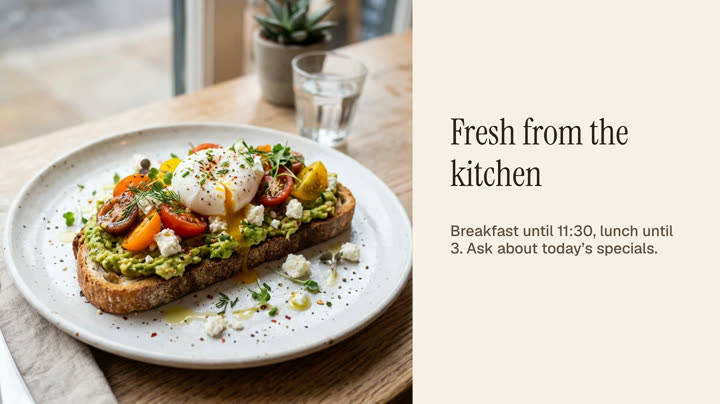 Photos and videosAny phone’s photos and videos, ready for the TV.
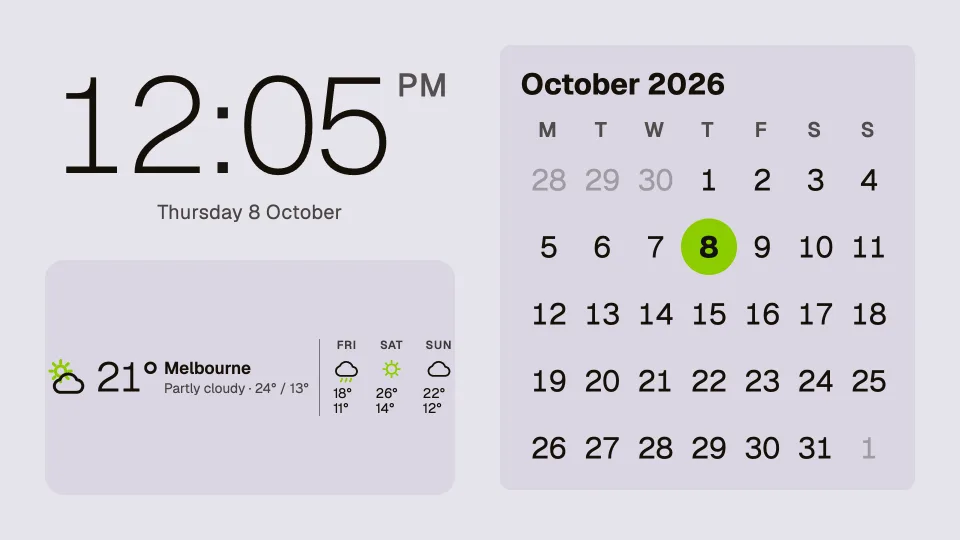 Clocks, dates and weatherTwenty clocks, the weather, a calendar and countdowns.
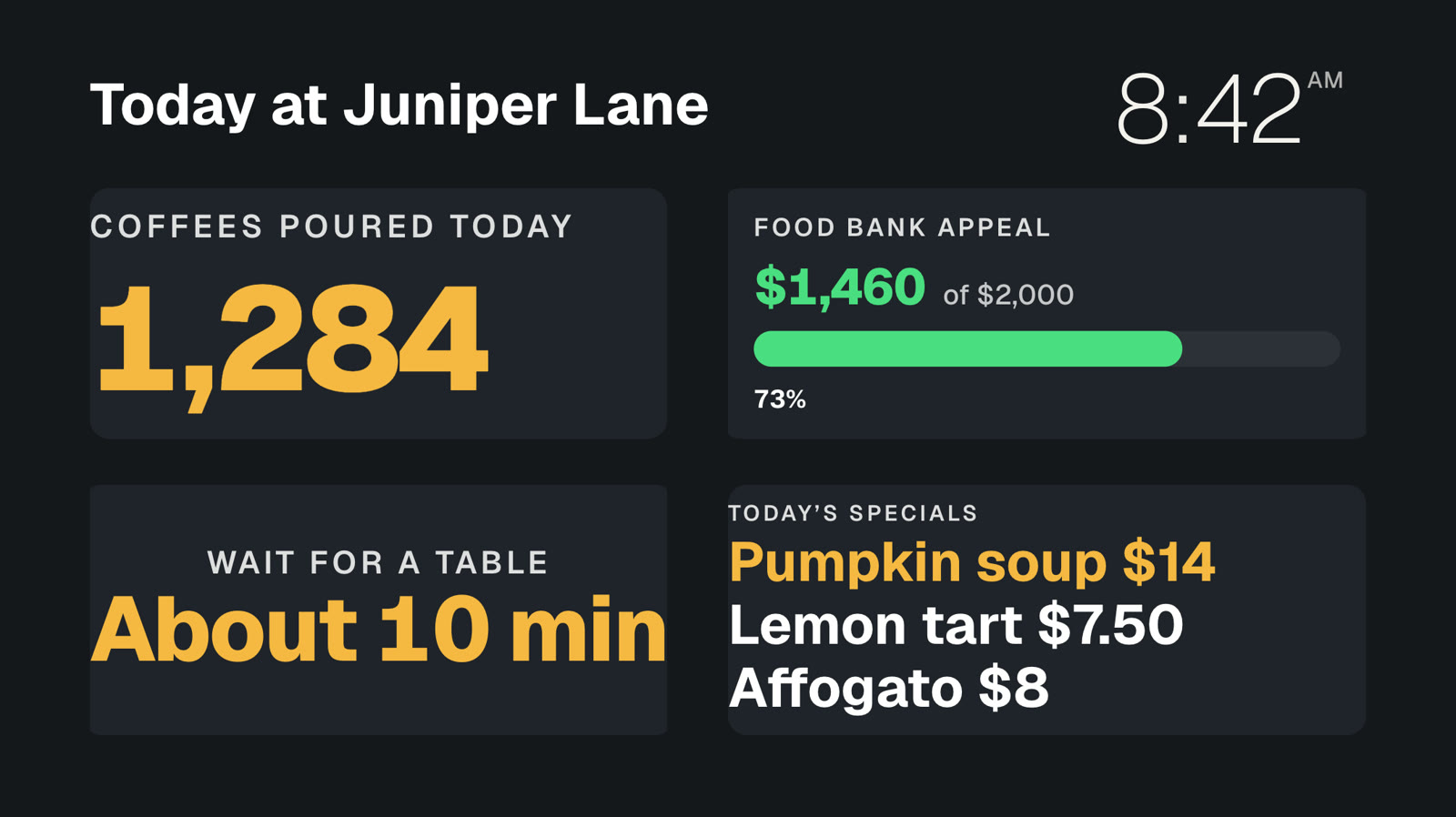 Your own dataNumbers and lists you change from a phone, live on screen.
Put your best photos on screen.
Everything on this page is built into Pro: A$9.99 per screen a month, up to 20 screens, no setup fee and no contract. Slideshows are Pro only.