
Change it once. Every screen follows.
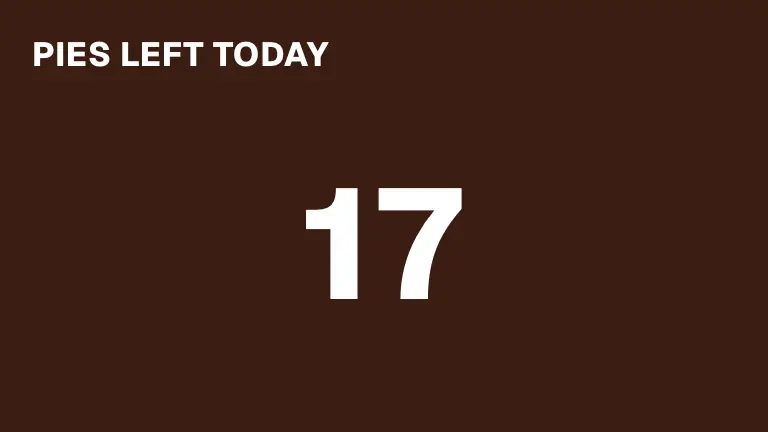
Kitchen open, tours boarding, pies left, which chair is free. Staff tap a button on a phone or an iPad and every sign showing it changes at once.
One status free · Lists on Pro


Tap it once. Every sign changes.
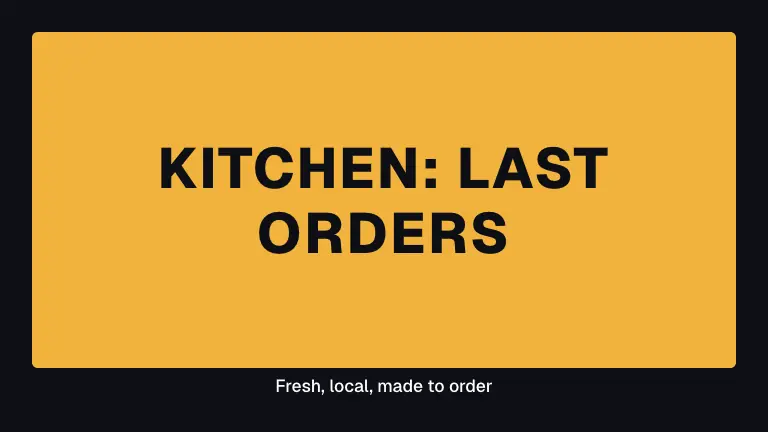
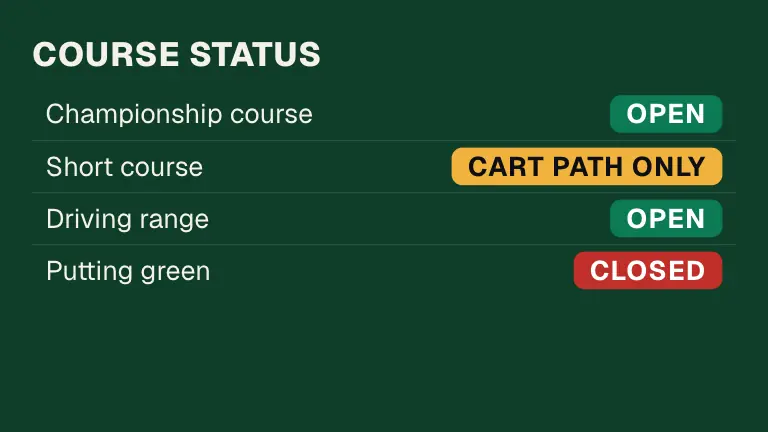
This sign says what the kitchen is doing. A tap on a phone, or a rule at a set time, and it changes on every screen showing it.

- A button for each status
Every status is a button in its own colour. Staff tap one, and the signs take its colour and its words.
- It changes by itself too
Kitchen open from 11, last orders at 8:30, closed at 9: set the times once and the rules do the tapping.
- With no internet it waits
A tap with no connection waits, says so, and is sent when you are back online. Screens work out rules from their own clock, so they keep going offline.
- Staff never open the designer
They change things on the panel, or on a paired tablet that needs no sign-in. Signs and rules are for owners and managers.
One thing, or a whole list.
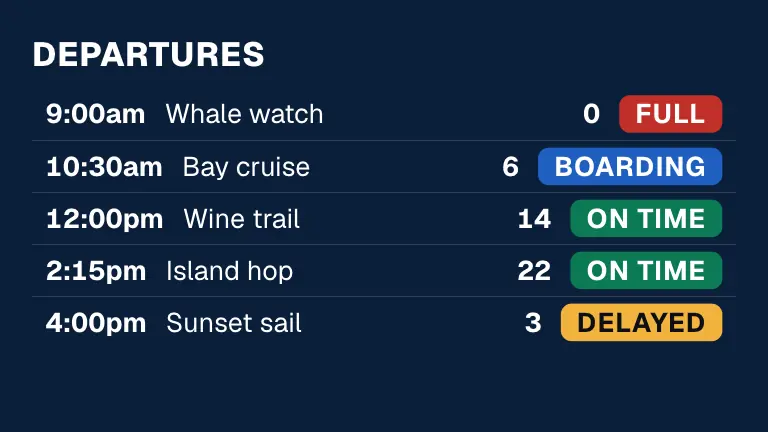
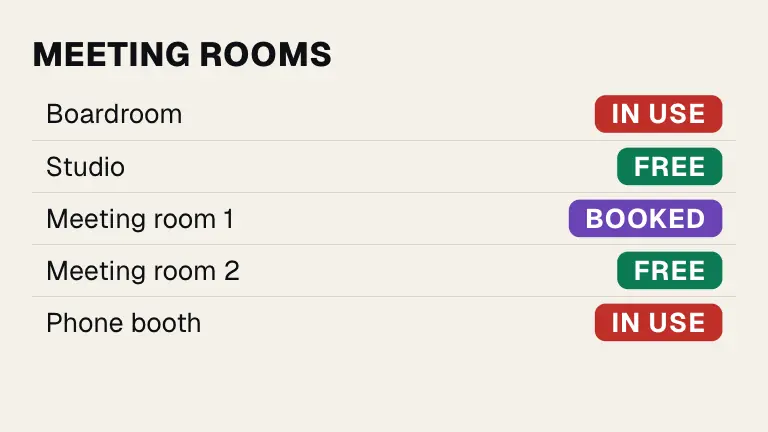
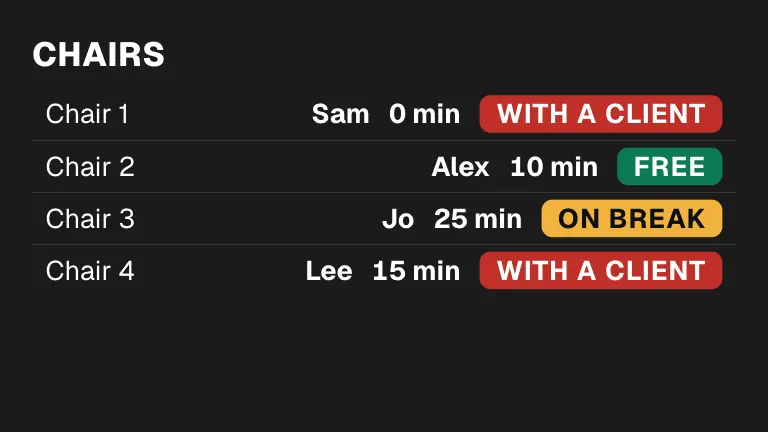
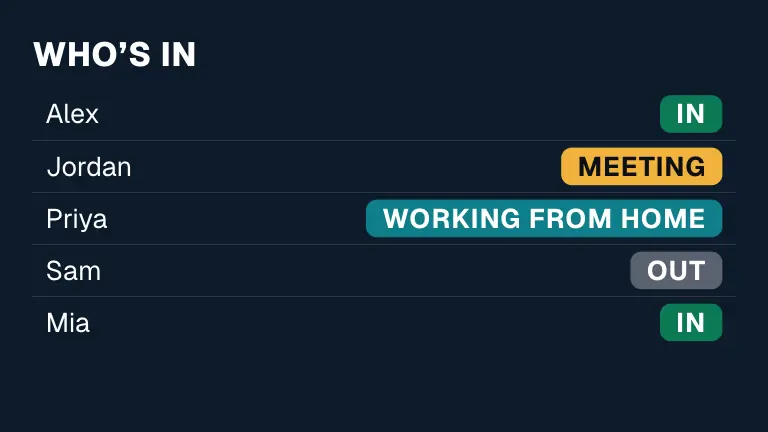
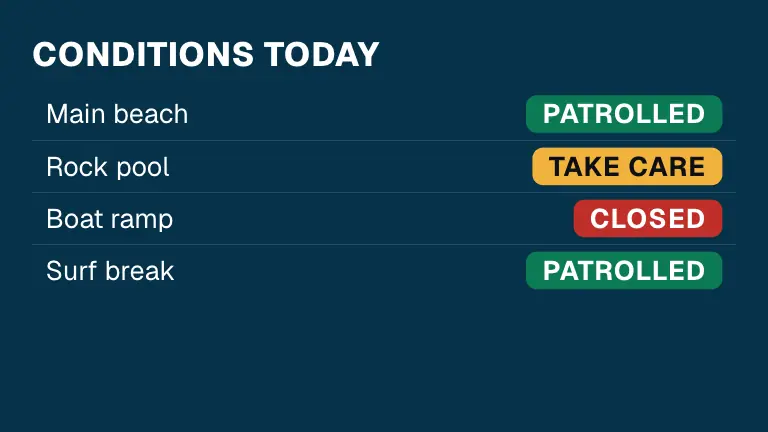
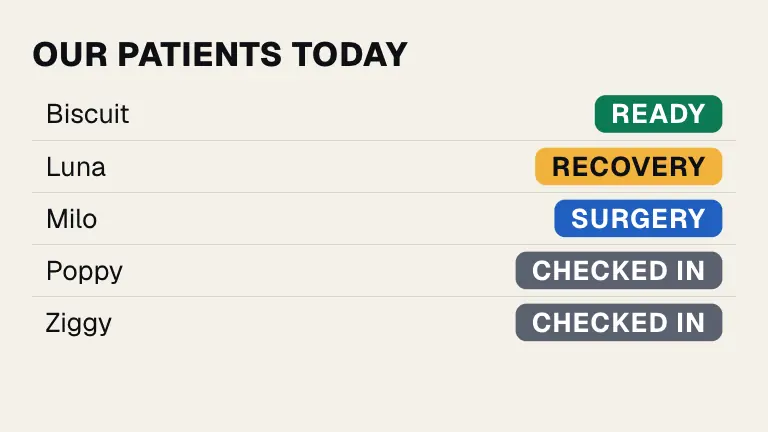
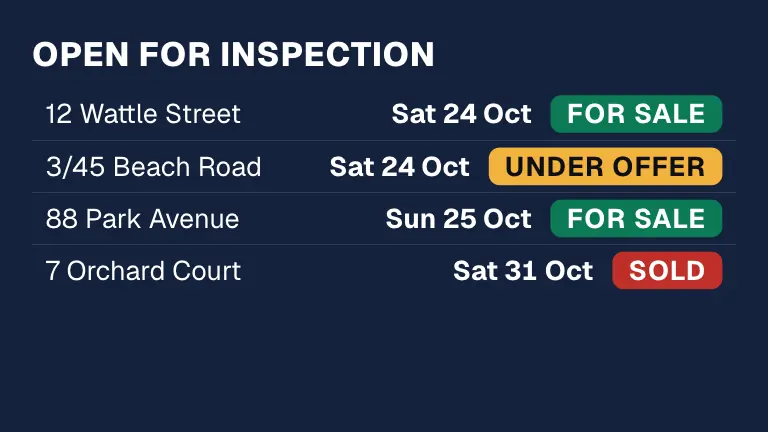
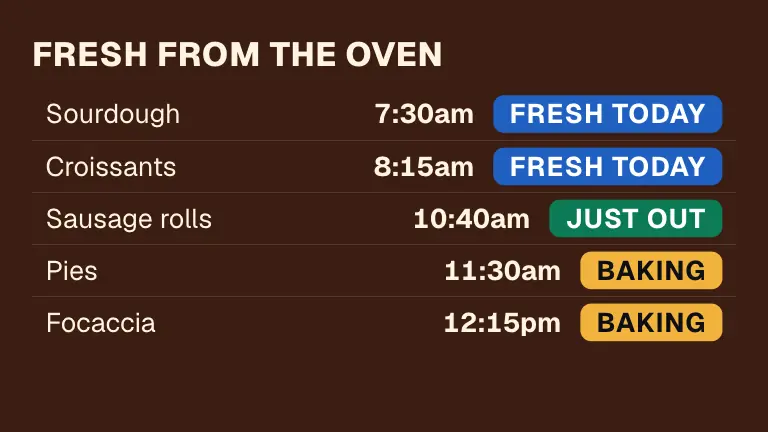
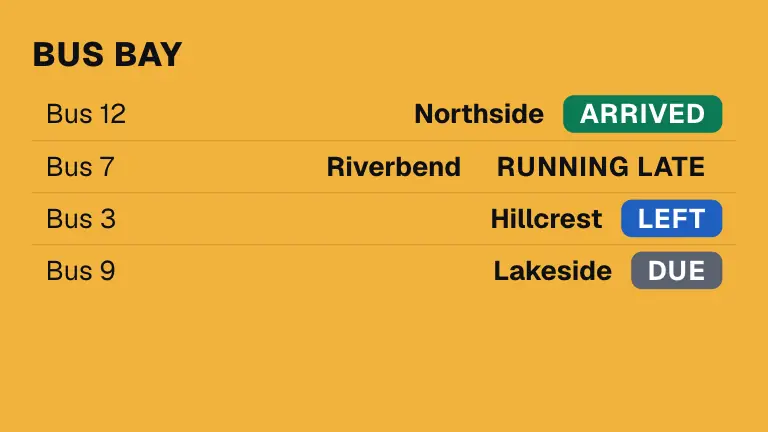
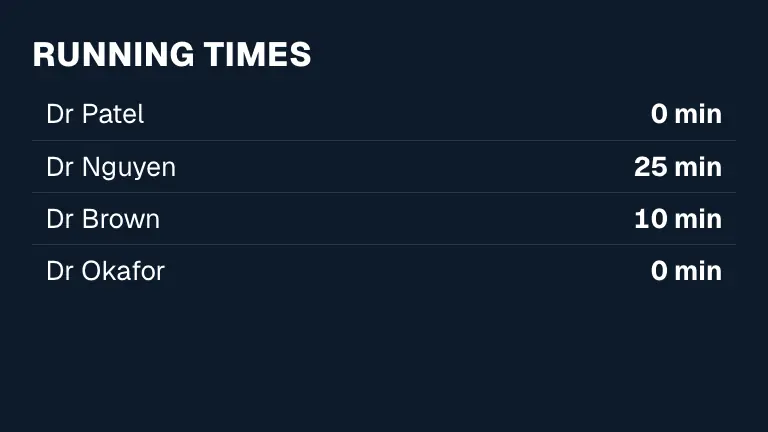
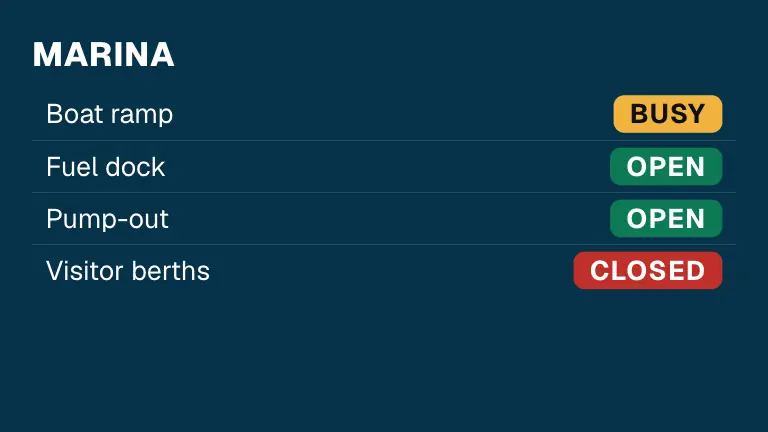
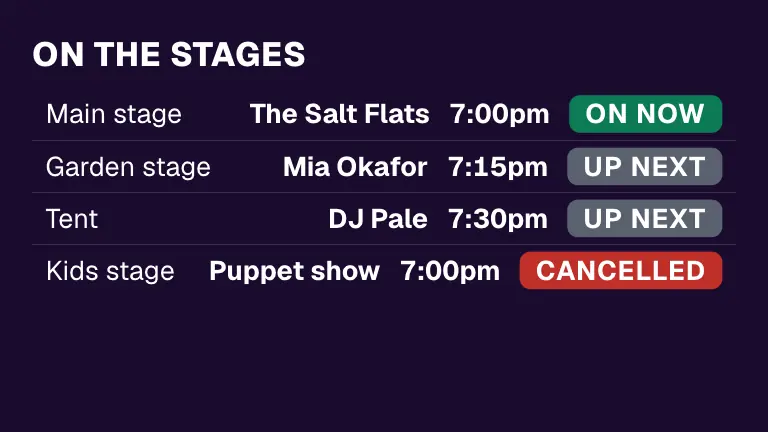
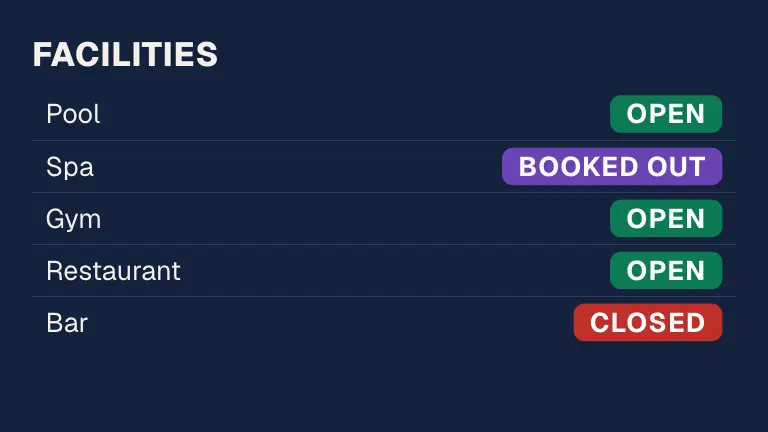
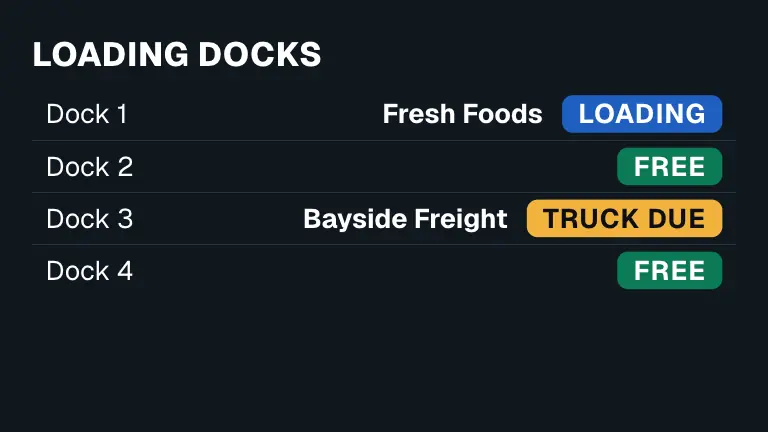
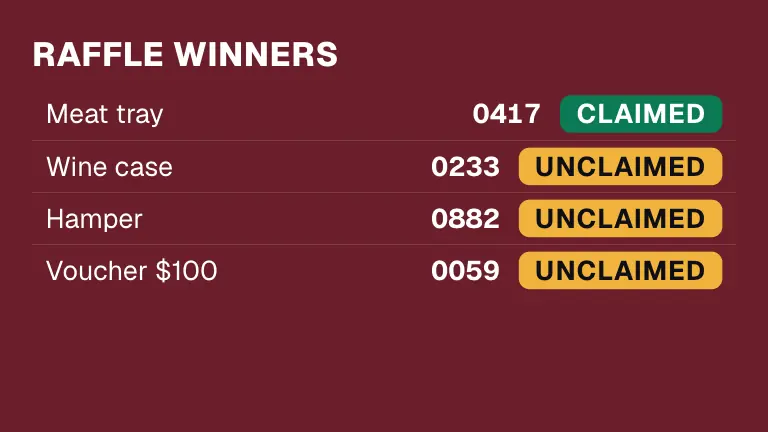
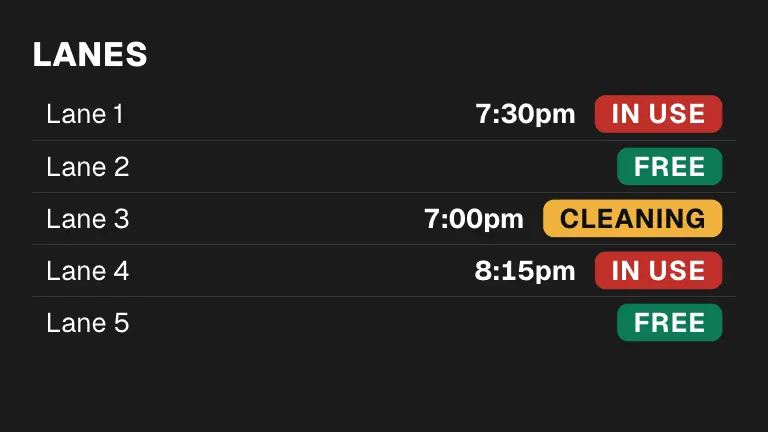
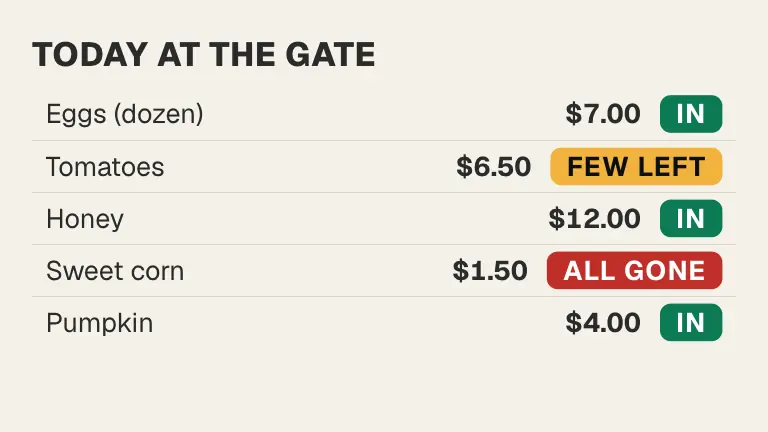
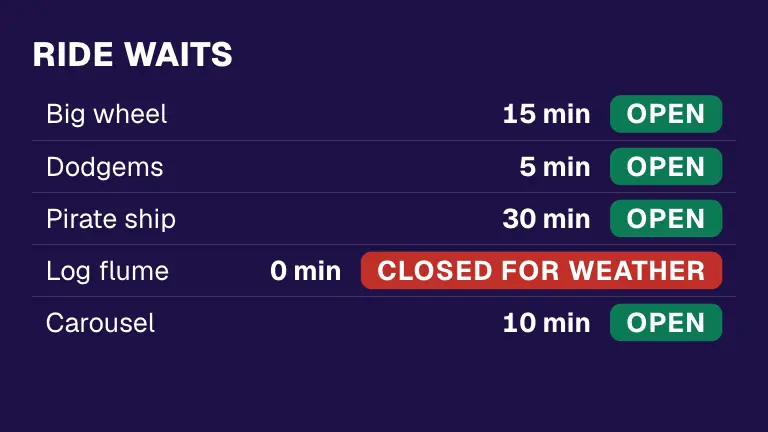
A single status like Open, a number, or a list of things each with its own status. Pick one to see it change.

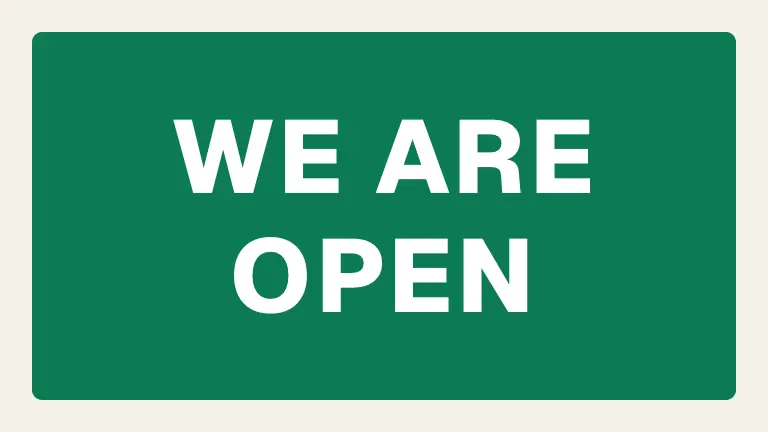
A big, bright open sign. Staff flip it from their phone: Open, Busy, Closed. Made for shops and cafés.

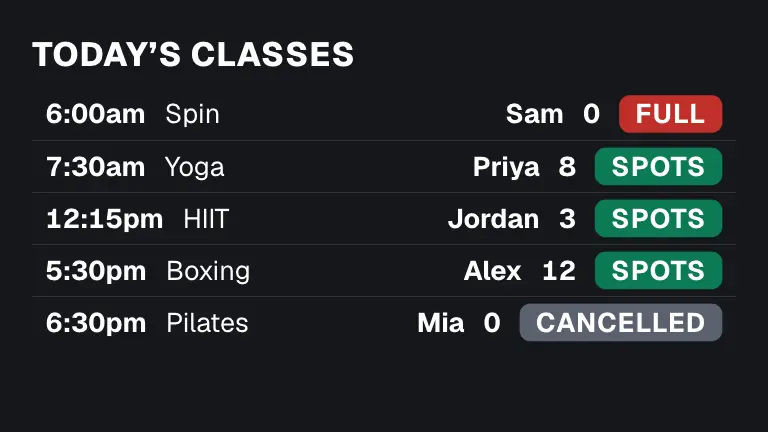
Class, coach and spots left. Full at zero, gone when over. Made for gyms.

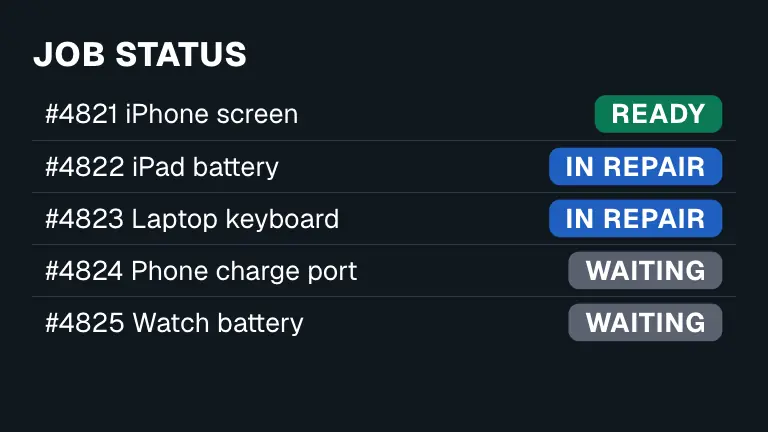
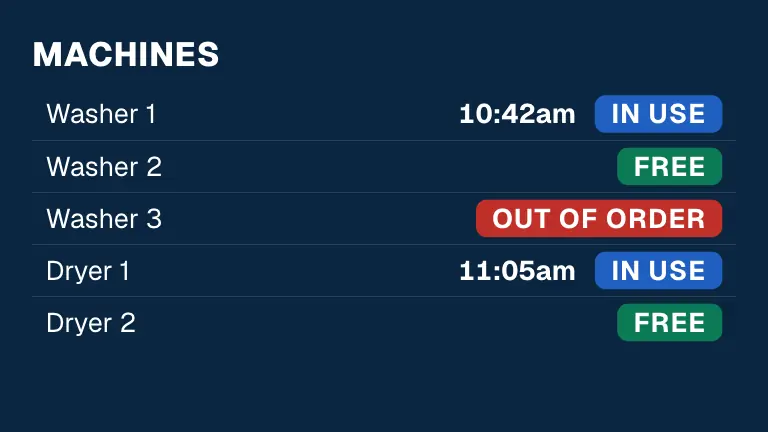
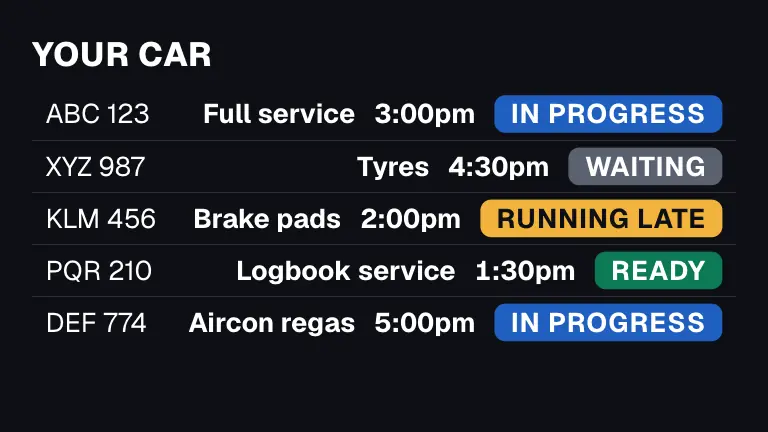
Waiting, in repair, ready: customers see theirs on the wall. Made for repair counters and shops.

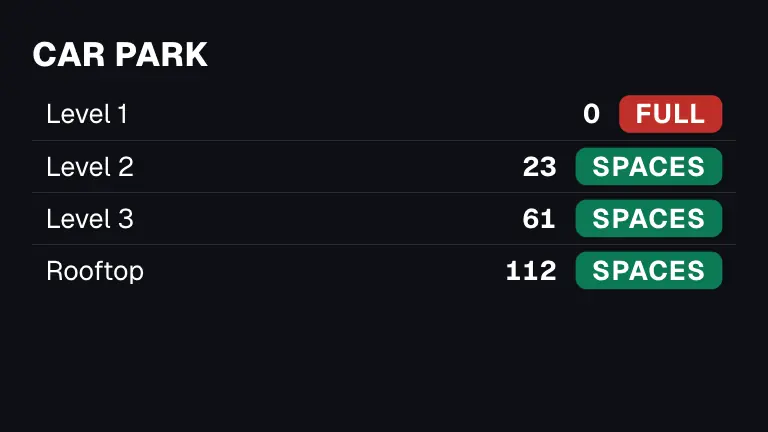
Spaces free on each level with plus and minus; Full at zero. See transport and offices.

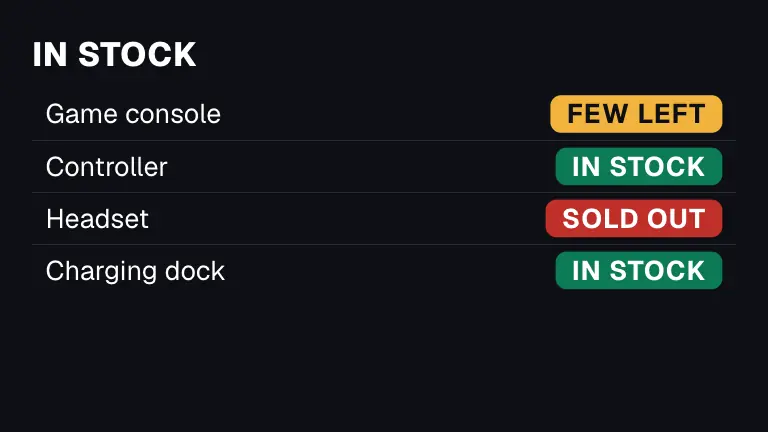
In stock, few left or sold out for each product. Made for shops.
Plain sentences that happen by themselves.
A rule is one sentence. Press New rule and answer four steps with big buttons. Rules run top to bottom, and a rule never starts another rule.
The kitchen opens at 11, last orders at 8:30, closes at 9. Set the times once and the sign changes by itself.
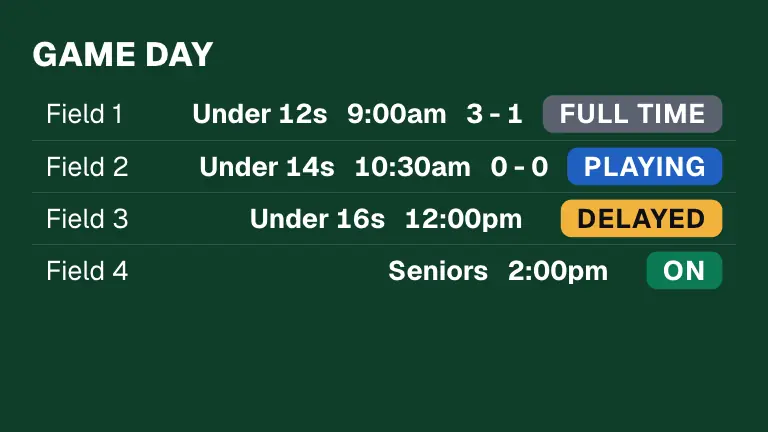
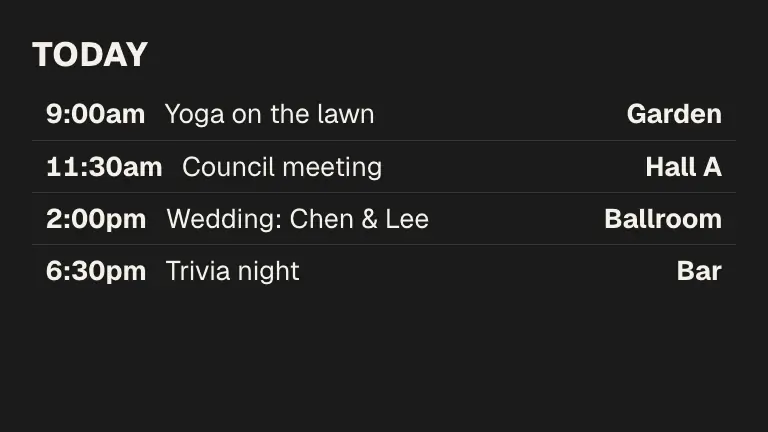
Departures and classes leave the board when their time passes, so nobody has to tap them off.
“When Seats left reaches 0, change Status to Full.” The number, the words and the colour all follow.
Type “Close at half past eight on Friday and Saturday”. You see the sentence it made, and press Add this rule or Not that.
Tap, tablet, sheet or sentence.
Open app.dislab.app/control on any tablet, phone or computer, type its code in Settings and tick which SmartStatuses it may open. It then opens straight to them, with no sign-in. Add to Home Screen on an iPad runs it full screen and keeps it awake.
Keep a list in a Google Sheet and let Dislab do the typing. Choose the column that names each row and a column for each detail. Owners and managers, on Pro.
Type or say “Kitchen open from 11, last orders at 8:30, closed at 9” and Dislab AI suggests what to keep track of, the buttons and their colours, the first things and the rules. You look it over before anything is saved.
A SmartStatus can hold a picture for each thing, like who is in today. Use first names, ticket numbers or the last digits of a registration on a list the public can see.
Over thirty signs, ready to switch on.
Each one comes with its SmartStatus. Pick it in Signs and the buttons, the rules and the sign are already there.
Questions
Anything else? Ask us.
Which plan is it on?
Free keeps one single status, like Kitchen: OPEN. Lists of things and more than one SmartStatus come with Pro, and so does following a Google Sheet. Free allows one control device and Pro up to ten.
Who can change it?
Anyone you give a login with the Staff role, or a tablet paired as a control device. A control device needs no sign-in, opens only the SmartStatuses you ticked, and can tap buttons and numbers and take its own last tap back. It cannot set anything up, change rules, edit signs or see billing.
How fast does a tap reach the screens?
A tap shows on the panel at once and goes to the screens in order. Every sign showing that SmartStatus changes within a second. With no internet the tap waits, says so, and is sent when you are back online.
Does it keep working without internet?
Yes. Screens work out rules from their own clock, so a time that passes changes the sign by itself, even with no connection. A status you tapped shows the last one the screen received.
Do I need to write any code?
No. A rule is one sentence made with big buttons (“When Seats left reaches 0, change Status to Full”), or typed in plain words for Dislab AI to turn into the same sentence for you to check. A SmartStatus can also follow a Google Sheet.
Can I put it in the middle of other words on a sign?
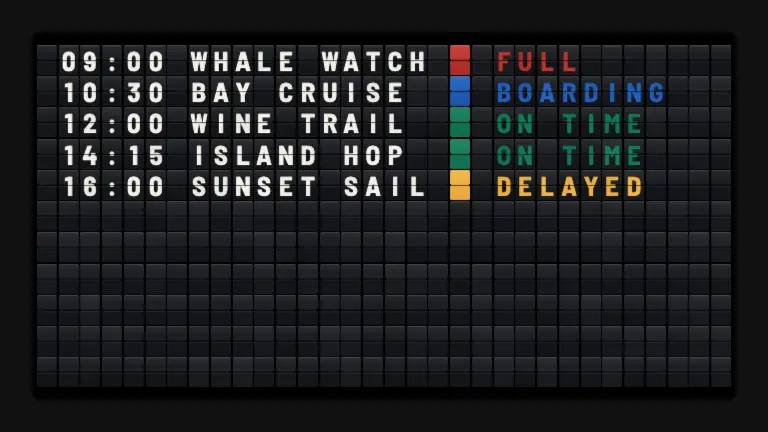
Yes. In any text, press Insert and pick a SmartStatus line, such as the next tour’s time or the kitchen’s status. A split-flap board can show a SmartStatus too, each thing a row with the status as a coloured tile or letters.
More things staff change live.
SmartStatus is for everything that is not one of these. See every feature.
 Now serving
 Live data
 Scoreboards
Keep your screens up to date.
One single status is free, with the badge. Lists and more than one SmartStatus come with Pro: A$9.99 per screen a month (A$99 a year), with a 14-day free trial; GST included in Australia. See pricing for plan details.