
Digital signage for hair salons: what to show and where
A hair salon gets the most from a screen in three places: a price list clients can read from the chair, a reception screen that asks them to rebook, and a tall screen in the window showing your work. You need a TV, a small stick behind it and a way to change the words yourself. With Dislab, one screen is free with your photos, videos and signs, and Pro adds price lists that update everywhere at once, for A$9.99 per screen a month.
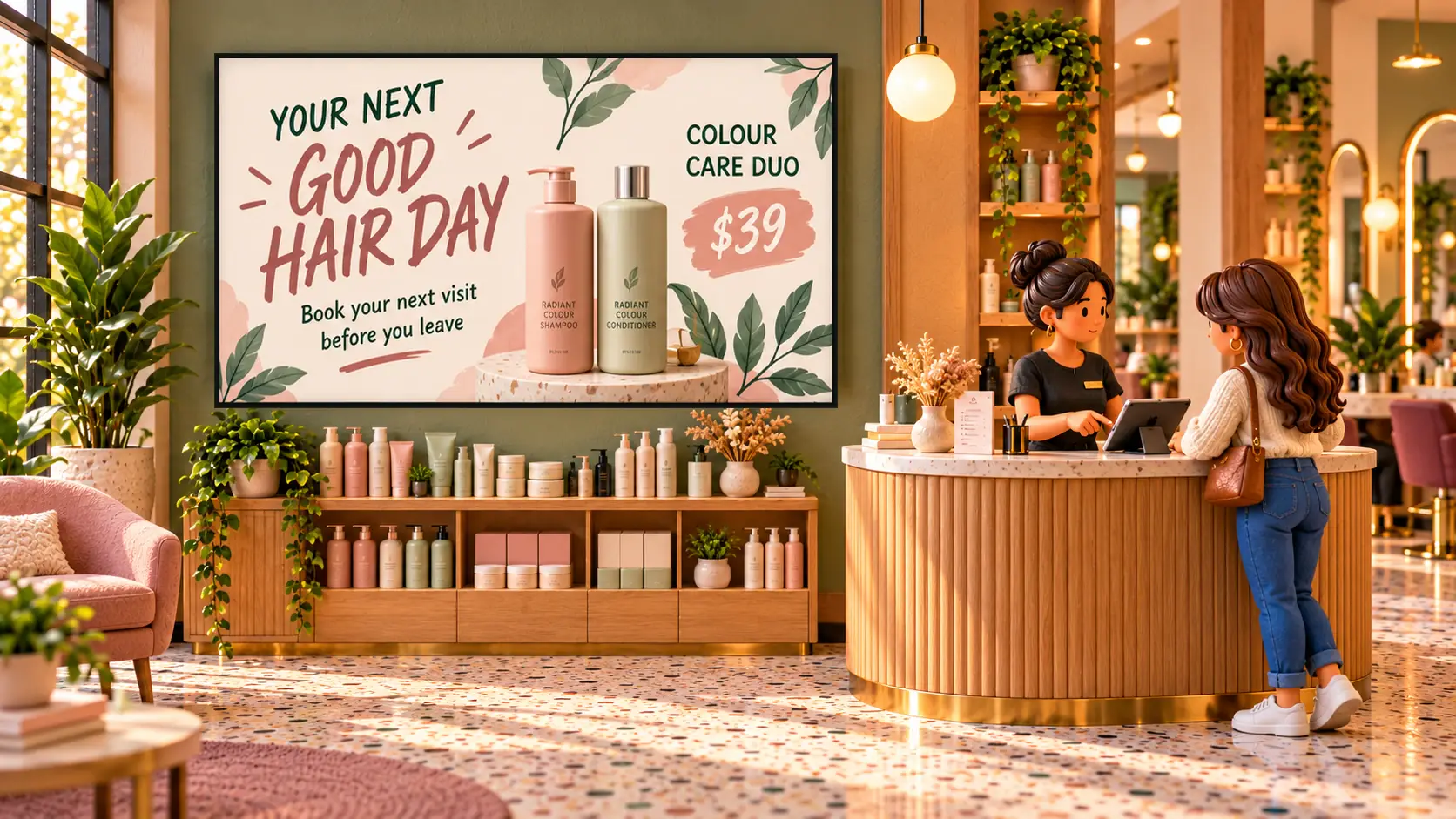
Where screens go in a salon
- By the mirrors or the basins. People sit still here for an hour, with nothing to read but their phone. A price list or a treatment idea starts the conversation about toner or a repair treatment without anyone having to sell it.
- Behind reception. Clients stand here twice: waiting to be greeted, and paying. It’s the place to ask for the next booking, show the retail offer and put up a QR code.
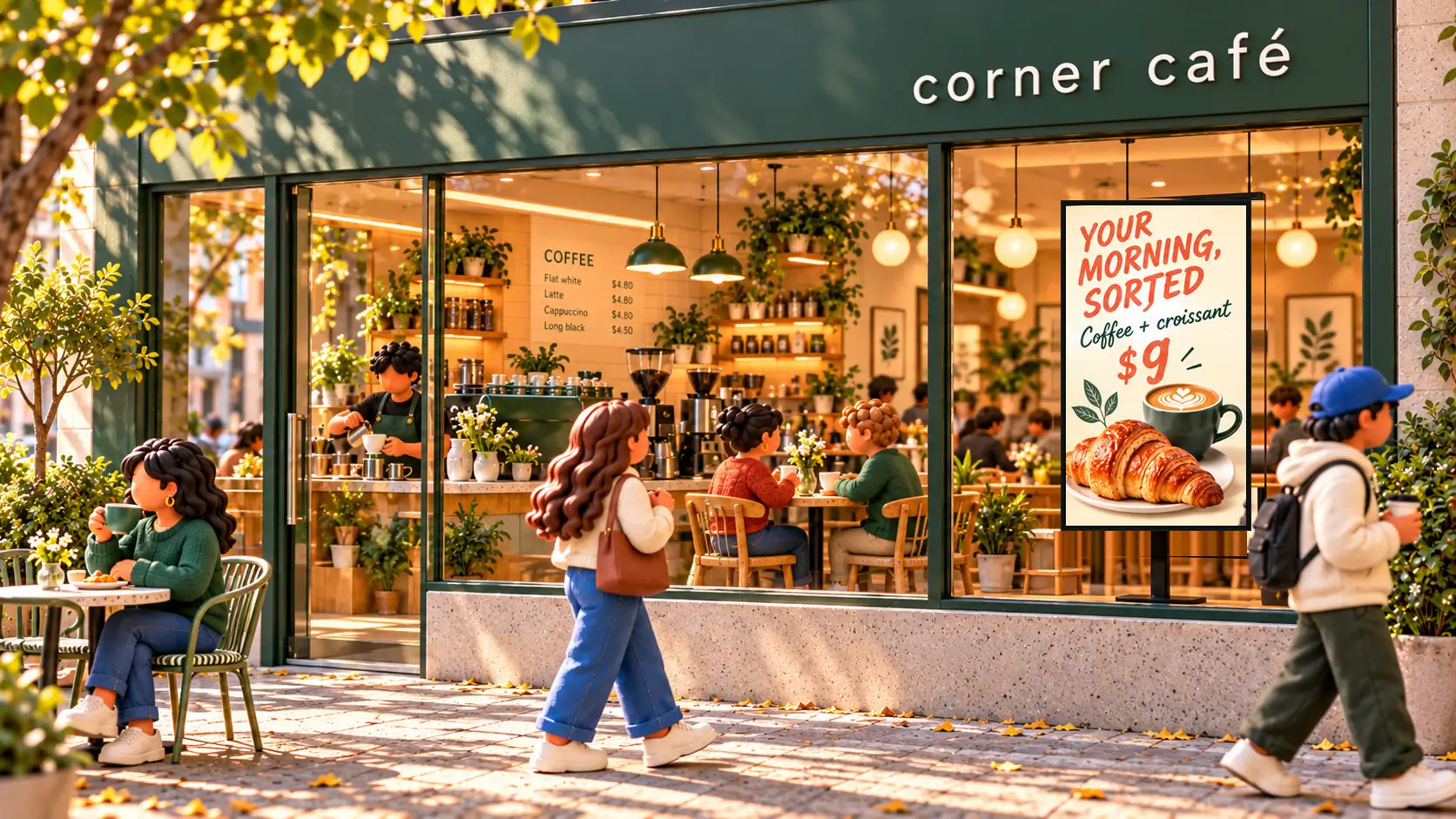
- In the window. A screen hung on its side stops people on the footpath. Show your hours, one strong photo of your work and one reason to come in.
If you’re buying only one, put it at reception. Everyone passes it, and it’s the one place clients are about to make a decision.
What to show
Your price list
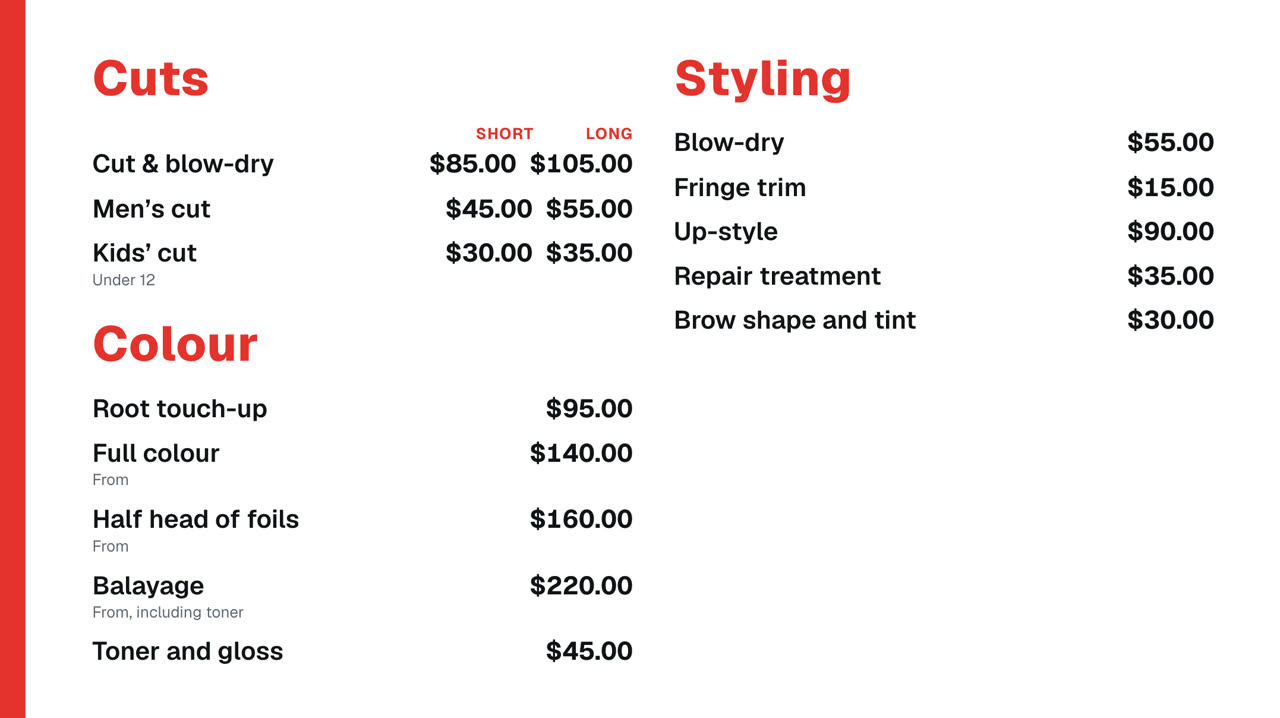
A printed list goes out of date, and a salon’s prices have a shape most menus don’t: short and long hair, “from” prices, and treatments that need a note. In Dislab a price list is built the way a menu is, so it handles all of that:
- Two prices side by side, one for short hair and one for long.
- Notes under a service, such as “From, including toner” or “Under 12”.
- One list for every screen. Change a price once and the mirror, the desk and the window all follow. Changes wait until you press Publish, so you can do a whole price rise in one go.
Over 45 layouts can show it, each with a design for a landscape or a portrait TV. To save the typing, Dislab AI can read a photo of your printed list and start it for you. Check every price before you publish. The steps are in how to make a digital menu board, and more is on menu boards.
Booking and rebooking
The easiest booking to win is the client already in the building. A line like “Book your next visit before you leave” behind the desk starts that conversation for you.
For clients who’d rather do it themselves, add a QR code that opens your booking page. Make it large, and put it where someone can stand still long enough to scan it. Dislab doesn’t read your appointment book, so the screen won’t show which times are free; the code simply opens the booking page you already use.

Your work and your stylists
Your own photos sell better than any stock picture. Upload them from your phone, iPhone ones included, and Dislab prepares them for the TV. Short videos work too: a blow-dry, a colour reveal. They play silently to start with, which suits a room already full of hairdryers and music.
Give a new stylist a screen of their own for a few weeks, with their photo, what they’re best at and when they work. Clients book people, so a new name on the wall helps.
Offers and retail
Keep each one to a single idea: 20% off a first colour, a colour care duo for $39, gift vouchers from $50. If an offer has an end date, give it that date on the sign and in its schedule, and it will come down on its own.
The same goes for quiet times. On Pro, a markdown takes a set amount off services at the times you choose, such as $10 off blow-dries on Tuesday mornings, with the old price crossed out above the new one.
Hours, and whether you can take a walk-in
You can type your opening hours on any sign, or on Pro show the hours you’ve set for each location, public holidays included.

If you take walk-ins, one SmartStatus is free. Make buttons such as “Walk-ins welcome” and “Fully booked today”, and whoever’s on the desk taps one on a phone or tablet. A busy walk-in salon or barber on Pro can show a queue number as well.
Templates to start from
You don’t have to design anything. Under Signs, Templates, filter by Hair salons and beauty or Barbershops and change the words, photos and colours to your own. The set includes:
- For salons: The blonde edit, Curl specialist, Bridal hair edit, Copper maintenance, Stylist spotlight and Haircare edit.
- For barbers: The classic cut, Walk-ins welcome and Father and son cuts.
Each has a landscape and a portrait design, and they all move, which draws the eye from across the room. See more designs on hair salons and beauty and barbershops.
What it costs
- Free: one screen with your photos, videos, playlists and signs, QR codes, the clock and the weather, plus a small “Powered by dislab.app” badge. Templates built from free parts are ready to use; the rest show a Pro tag.
- Pro: A$9.99 per screen a month, or A$99 a year, with a 14-day free trial. It adds price lists, markdowns, opening hours from your location, every template and rotating quotes, with no badge. Two screens come to A$19.98 a month.
You also need a TV and a stick for each one: which stick to buy lists the ones that work and the ones to avoid. The full sums are in what digital signage costs.
Set up your first screen
- Plug a supported stick into the TV, or use a computer or iPad with a browser.
- Make a free account and pair the screen with the code it shows.
- Upload five of your best photos and pick a sign for your hours or your welcome.
- Make a playlist from them, each for 8 to 12 seconds, and put it on the screen.
- Under When it plays, give any offer its days and times, or its start and end dates.
Stand where a client stands and read it. If you can’t take it in before it changes, cut words before you add seconds.
Things to take care with
- Ask before you show a client. Get a clear yes before a client’s face goes on the wall. Close-ups of the hair are often just as good.
- Sunlight on the window screen. An ordinary TV can wash out in direct sun. Try the spot at the brightest time of day before you mount it.
- Reflections by the mirrors. A screen opposite a mirror shows up backwards in every client’s view. Mount it beside the mirror, not across from it.
- After hours. Set your opening hours and the screen goes black when you close.
- Your internet. Screens download everything first and keep playing if it drops, while your plan is active. See signs that keep playing with no internet.
Questions
Is a price list the same as a menu in Dislab?
Yes. The Menus page holds any list of things with prices, so services, treatments and packages work the same way, with short and long prices side by side. Price lists are on Pro.
Can the screen show today’s appointments or free times?
Not yet. A QR code on the screen opens your booking page, where clients can see what’s free.
Can I show photos of our work for free?
Yes. The free plan covers one screen with your photos and videos in a playlist, and signs with your words over them. A small “Powered by dislab.app” badge shows in the corner.
Can my receptionist change the screens?
On the free plan, only the account holder can sign in. On Pro, invite you and up to 5 more people with their own logins, so nobody shares a password. A paired tablet can also change a SmartStatus with no sign-in.
Put your price list on the wall
Start with one free screen at reception. Try the price lists and every salon template free for 14 days on Pro.
Related posts
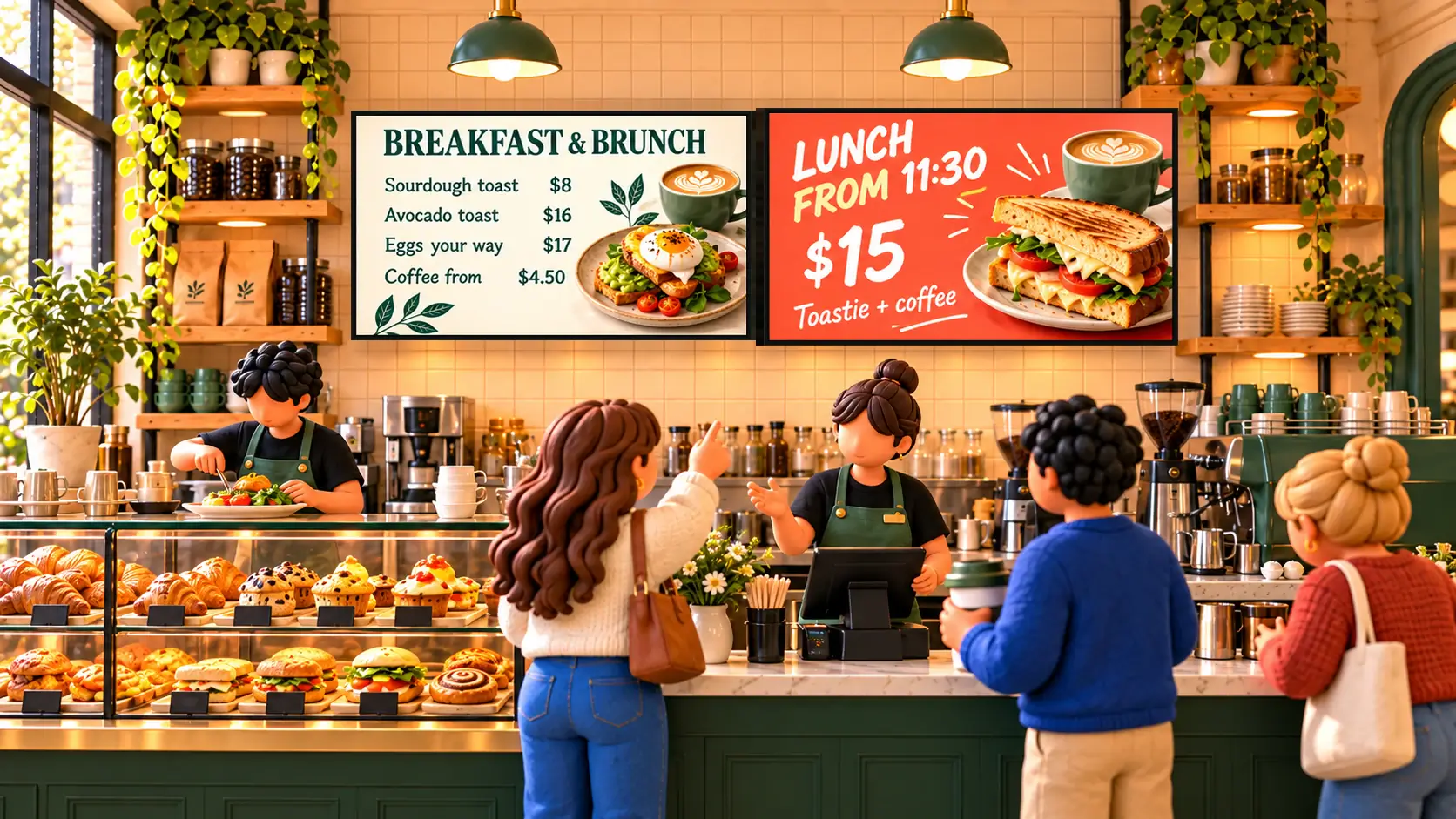 MenusHow to make a digital menu board that updates itselfSet up a digital menu board: type your menu once, switch breakfast to lunch by itself, mark items sold out from a phone, and put it on any TV.
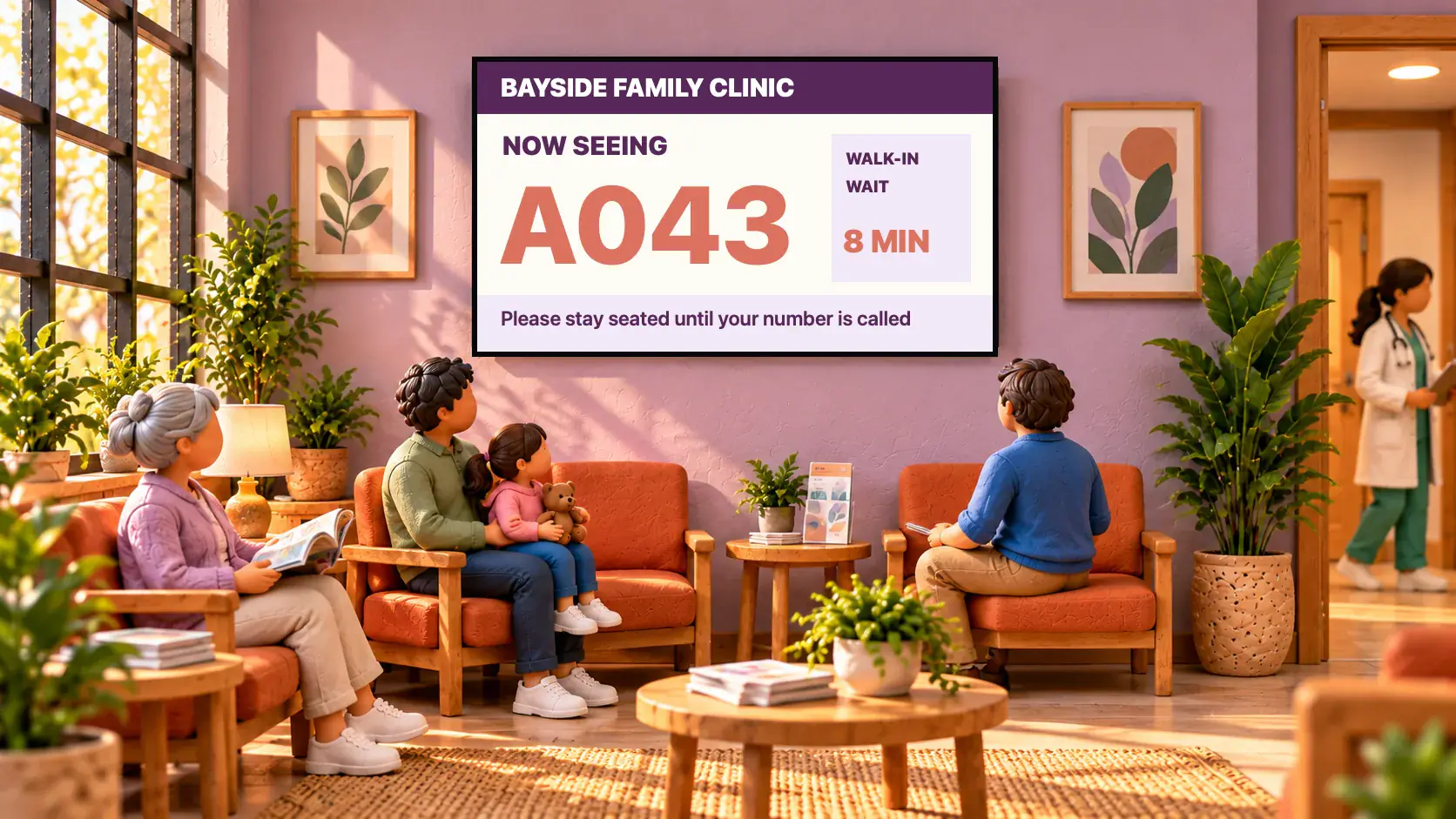 Queues and scoresHow to set up a queue number screenSet up a Now serving queue number display for a clinic, barbershop, pharmacy or counter: a big number on the TV that staff move on from a phone.
 Set-up and costsWhat digital signage costs a small businessWhat digital signage really costs a small business: the TV, the stick, mounting, software and running costs, with worked examples for one to five screens.