
Flip Notes · Events and venues
Digital signage for churches and places of worship
A screen in the foyer can welcome visitors, show service times and the week ahead, and keep the appeal in view, for a church, mosque, temple, gurdwara or any community that gathers. With Dislab you start on one free screen with a welcome, times typed in and your photos, and add the week from your calendar and a giving tracker on Pro. Volunteers can keep it up to date from their own phones.
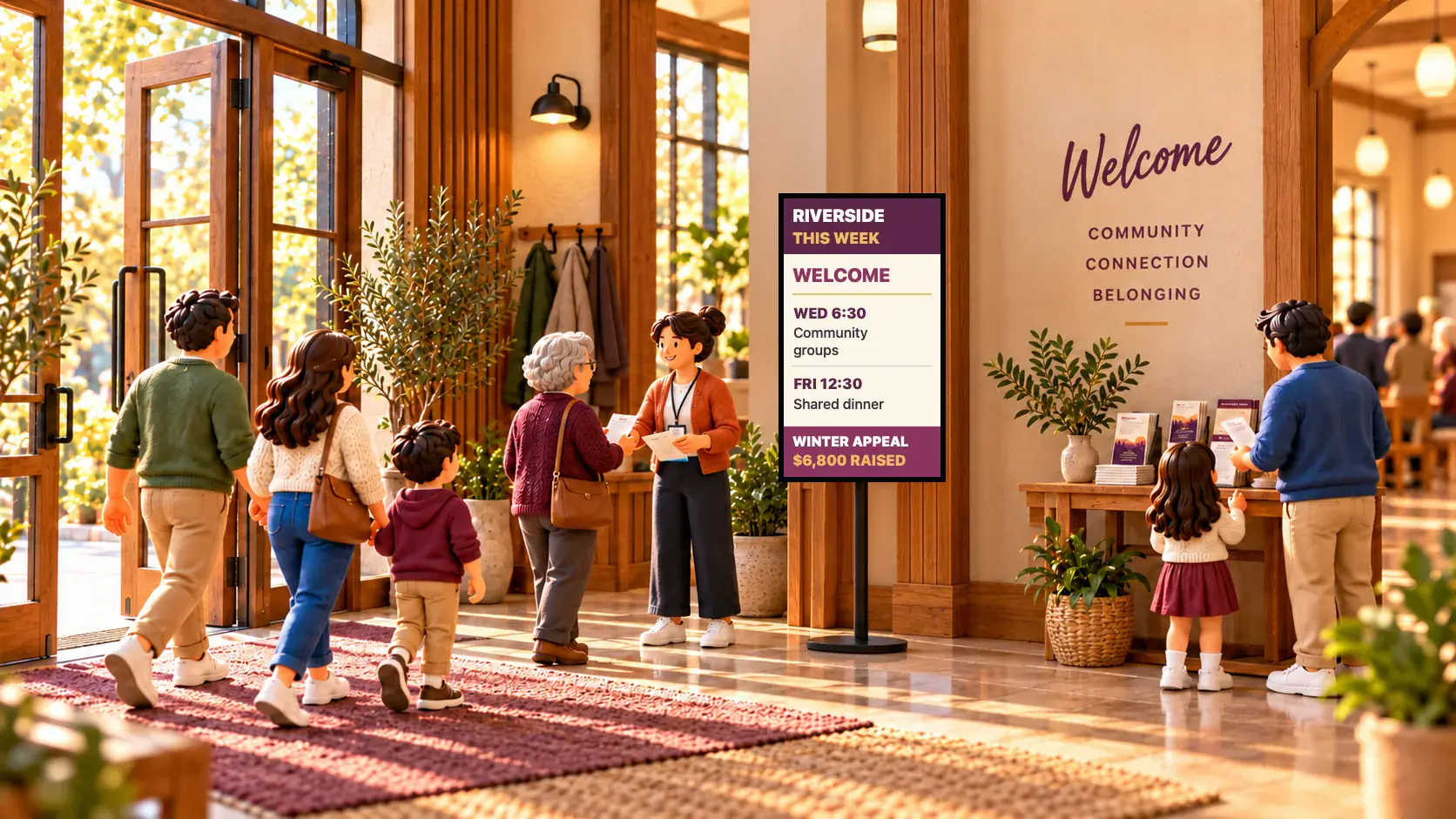
Where screens go
- The foyer or entrance: a welcome, today’s times, this week’s groups and how the appeal is going, as people arrive.
- The hall or servery: the appeal and a thought for the day over morning tea, while people stay and talk.
- A portrait screen on a stand: the week ahead by the door, readable as people walk past.
What to show
- A welcome. Warm and short: who you are, that everyone is welcome, where to find morning tea. Show it in the languages your community speaks, one after another.
- Service and prayer times. Typed onto a sign, or on a split-flap hymn board for a touch of the old station clock.
- The week ahead. Choir practice, playgroup, the community dinner and the working bee, read straight from your shared calendar.
- The appeal. A goal bar that moves as giving comes in, with a QR code that opens your giving page on people’s phones.
- Festivals. A countdown to Christmas or Diwali, Ramadan and Eid greetings, an open iftar, a mela.
- Community life. A slideshow of the fete, the youth camp or a farewell for someone much loved.
- Practical things. Guest Wi-Fi, where the parents’ room is, volunteers wanted.


Start on one free screen
Dislab’s free plan covers one screen with photos, videos, playlists and signs: a welcome, service times you type, your photos, a QR code, the clock and the weather. It shows a small “Powered by dislab.app” badge.
- Plug a supported stick into the foyer TV, or use a computer with a browser. Which stick to buy.
- Make a free account and pair the screen with the code it shows.
- In Signs, pick one of the places of worship templates and type your own words.
- Make a playlist: the welcome, the times and a few photos, each for a few seconds.
Give a sign days and times under When it plays, and Sunday’s times show on Sundays, Friday prayers on Fridays, by themselves. Festival greetings can go up before their day and come down after it every year: see signs that change by date.
What Pro adds
Pro is A$9.99 per screen a month, or A$99 a year, with a 14-day free trial. For a community it adds:
- The week from your calendar. Paste a shared calendar link and your events appear, kept up to date.
- A goal tracker for the appeal, and a slideshow of community photos that plays after a service until a time you choose.
- Volunteers with their own logins. You and up to 5 more people, as an editor or as staff for the phone pages, so nobody shares a password.
- More screens and no badge.

Keeping it up to date
- Let the calendar do the work. The office already keeps a calendar. The screen reads it every 15 minutes, so nobody types events twice.
- Give each volunteer their own login, with only what they need. Someone who updates the appeal total doesn’t need to change the screens.
- Use a calendar that holds only public events. Anyone with a secret calendar link can see that calendar.
- Set it and leave it. Schedules and a calendar mean the screen is right on Sunday morning even if nobody opened Dislab all week.
Things to take care with
- Photos of people. Ask before putting someone’s photo on a screen, and take extra care with children.
- Daily prayer times aren’t worked out by Dislab. Type them in, or show a calendar that has them.
- Readability. Older eyes read slowly. Use large words and keep each sign to one idea; Dislab warns when words are too small for the screen’s size and distance.
- After hours, let the screen go black, so a building that is closed doesn’t glow all night.
Dislab never handles money: a QR code on the screen simply opens your own giving page. See more designs for every faith on screens for places of worship, and for halls and schools, community centres and schools. Every other kind of business is on digital signage by industry.
Questions
Can volunteers update the screens?
Yes. On Pro, invite up to 5 people with their own logins, as an editor or as staff for the phone pages only. They never need your password.
Can it show daily prayer times?
Not by itself yet. You can type them in, or show a calendar that has them.
Can people give from the screen?
A QR code on the screen opens your giving page on their phone. Dislab never handles the money.
Is there a free option?
Yes. One screen is free, with photos, videos, playlists and signs, a QR code, the clock and the weather, and a small “Powered by dislab.app” badge. The calendar, the goal tracker and slideshows come with Pro.
Does it work for mosques, temples and gurdwaras?
Yes. There are designs for service and prayer times, festivals, shared meals and appeals for any faith, and welcomes in many languages. Every word, photo and colour is yours to change.
Welcome people at the door
Start with one free screen in the foyer, and add the week from your calendar when you’re ready.
Related posts
 Events and venuesEvent photo wall: guests’ photos on a big screenHow to put guests’ photos on a big screen at a wedding, party or event: guests scan a QR code, you approve each photo, and it plays in the look you chose.
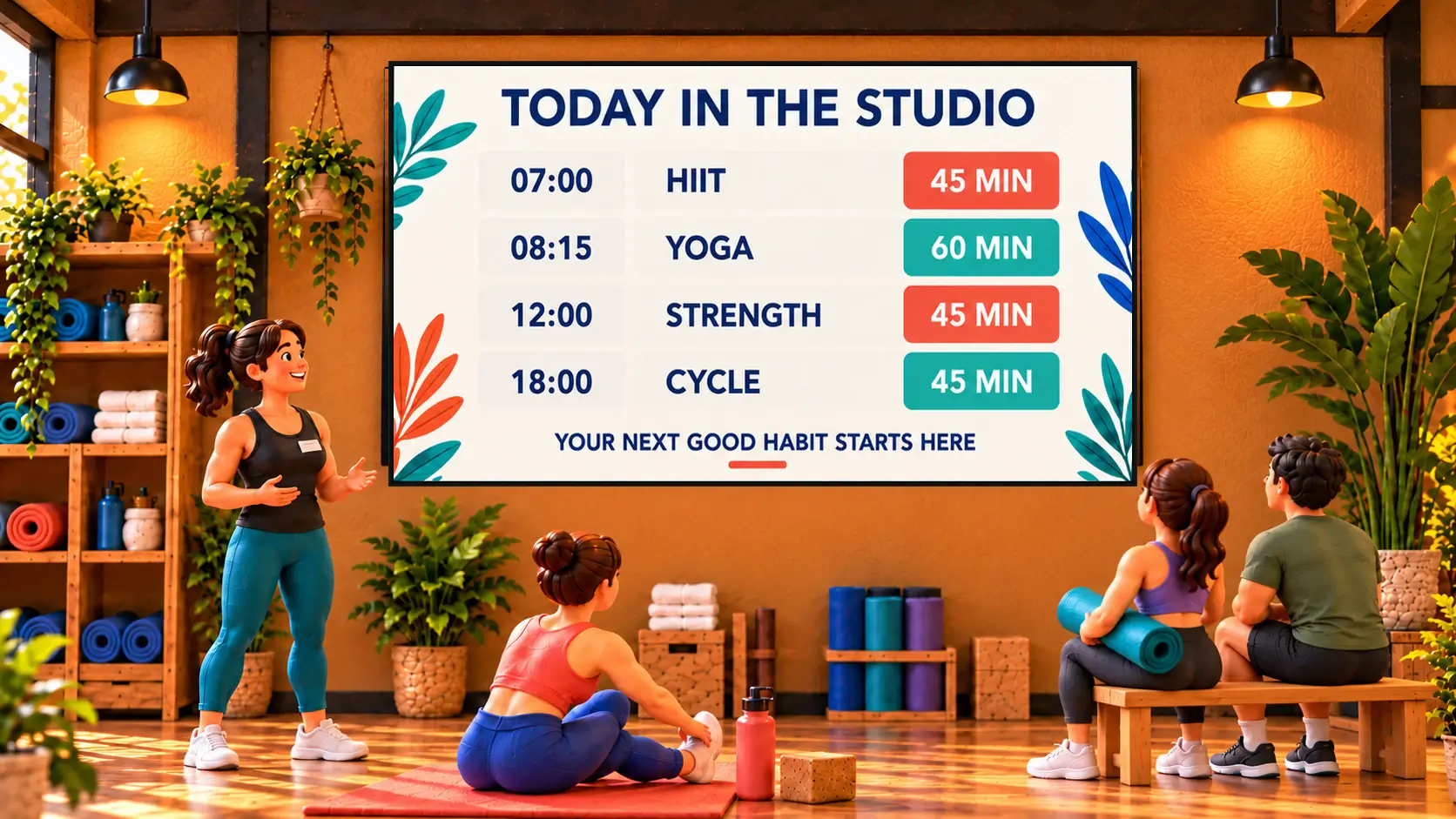 Events and venuesHow to show your gym class timetable on a TVHow to show your gym or studio class timetable on a TV: link your booking calendar once and the screen keeps itself up to date, or type it on a board.
 MenusDigital signage for hair salons: what to show and whereDigital signage for hair salons: a price list by the mirror, a QR code to book at the desk, your best work in the window, and what it costs per screen.