
Flip Notes · Queues and scores
How to set up a queue number screen
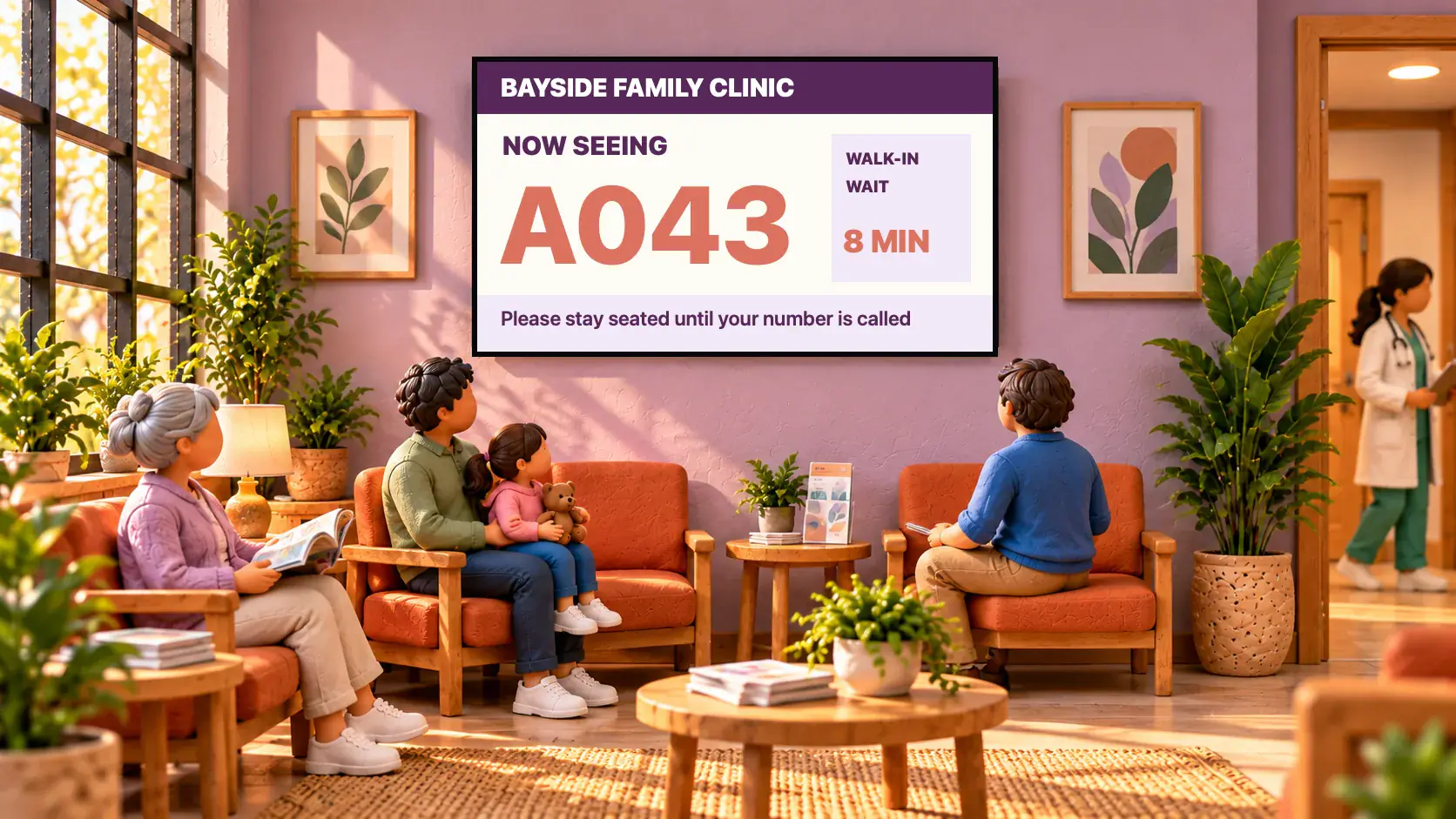
A queue number screen shows the number being served in big digits, so customers do not have to ask. In Dislab it is a widget on a sign, and staff move the number on from their phones as each customer is called. It takes about ten minutes to set up.
What you need
- A screen paired to your account. Get started takes you through it.
- A Pro plan: Now serving is part of Pro, A$9.99 per screen a month, with 14 days free.
- A phone for whoever calls the numbers.
1. Add the number to a sign
- In the sign designer, choose Widgets, then Now serving. If you have no counter yet, “Counter 1” is made for you.
- Choose which counter under Number from. Set the Words above (“Now serving”), an optional Letter before (A, B) and the number of Digits (7, 07 or 007).
- Move and size it like any layer, and add your logo, opening hours or a welcome around it.
- Put the sign on the screen: on the screen’s page, choose it and press Publish to screen.

Under Look the number can be drawn as Nixie tubes, a VFD or Vanes, and a new number flickers on or turns over. Templates for clinics, barbershops, pharmacies and counters are in the sign gallery under Change it live.
2. Call the numbers from a phone
- Staff open Dislab on their phone and press Live in the bar along the bottom (on a computer, Live in the menu).
- Press Next beside the counter as each customer is called. The screens change within a second or two.
- The minus button fixes a mistake.

Staff do not need your password. Invite them with the Staff role under Settings, People: they open straight on the Live page and see nothing else.
More counters, wait times and a new day
- A second till or a pickup window. Make another counter with New SmartStatus, choose Now serving again, and pick it in each widget.
- Start again each day. A counter is a SmartStatus, so Put everything back in its menu starts the day from 0.
- Show the wait. The wait time widget is a number your staff type, such as “About 15 minutes”, next to the queue number.
- A split-flap board can show the number too, for the airport-board look.
Questions
Can my staff use their own phones?
Yes. Invite each person as Staff. They sign in with their own login and see only the phone pages, so they can press Next without access to anything else in your account.
How fast does the screen change?
Usually within a second or two of the press, as long as the screen is online. A screen that is offline catches up when it reconnects.
Can customers take a ticket?
No. Dislab shows the number being served; it does not print or hand out tickets. Many shops use a paper ticket roll beside it.
What does it cost?
Now serving is part of Pro: A$9.99 per screen a month, or A$99 a year, with every feature included. See pricing.
Show who is next
Make a queue sign, call a number from your phone and watch the screen change. The first 14 days of Pro are free.
Related posts
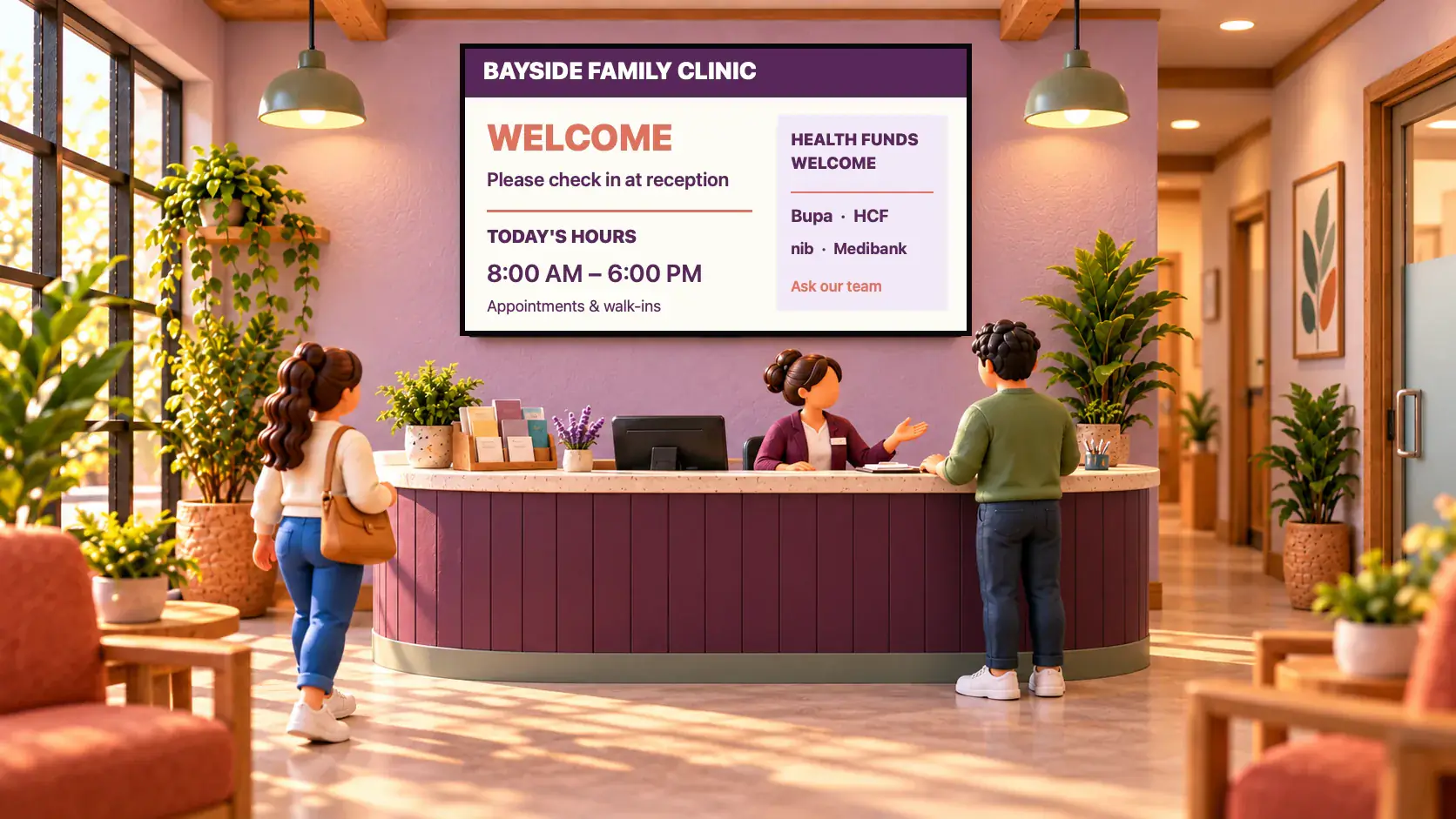 Queues and scoresWaiting room TV ideas for clinicsTen ideas for a clinic waiting room TV, from the queue number and wait time to hours and health tips, plus what to leave off and how to set it up.
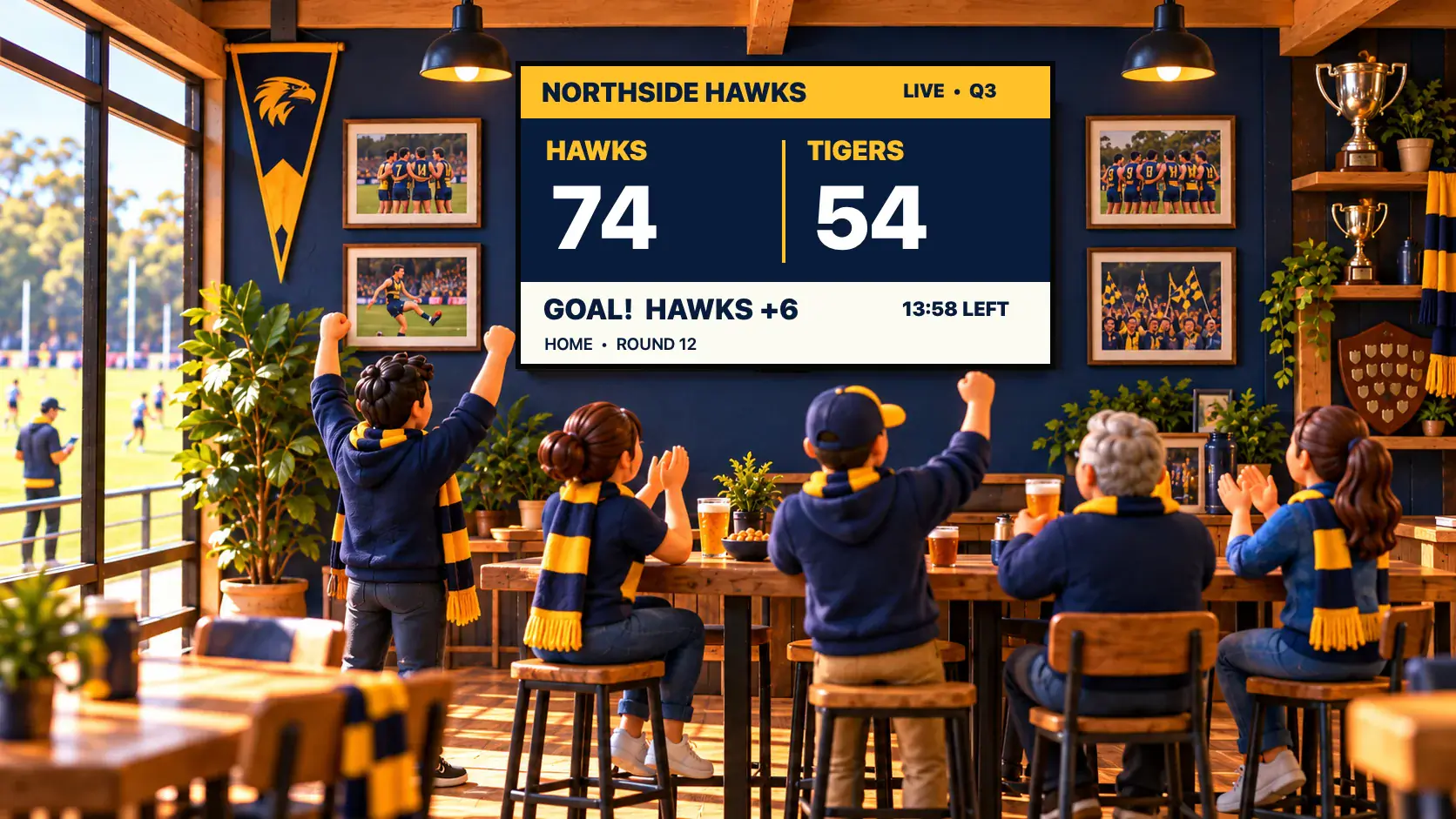 Queues and scoresA live scoreboard for your club, run from a phonePut a live scoreboard on a TV in the clubrooms and score from a phone: pick your sport, run the game clock, and choose from 48 real scoreboard designs.
 MenusDigital signage for hair salons: what to show and whereDigital signage for hair salons: a price list by the mirror, a QR code to book at the desk, your best work in the window, and what it costs per screen.