
How to make a neon sign on a TV screen
A TV can show a neon sign that looks lit: a pale tube, a tight glow and a soft halo, buzzing on and flickering now and then. On Dislab you pick one of the ready-made neon signs, type your words and choose the colour, or turn any words into a tube with one setting. Neon words, frames, icons and the flicker are on every plan, the free one included.
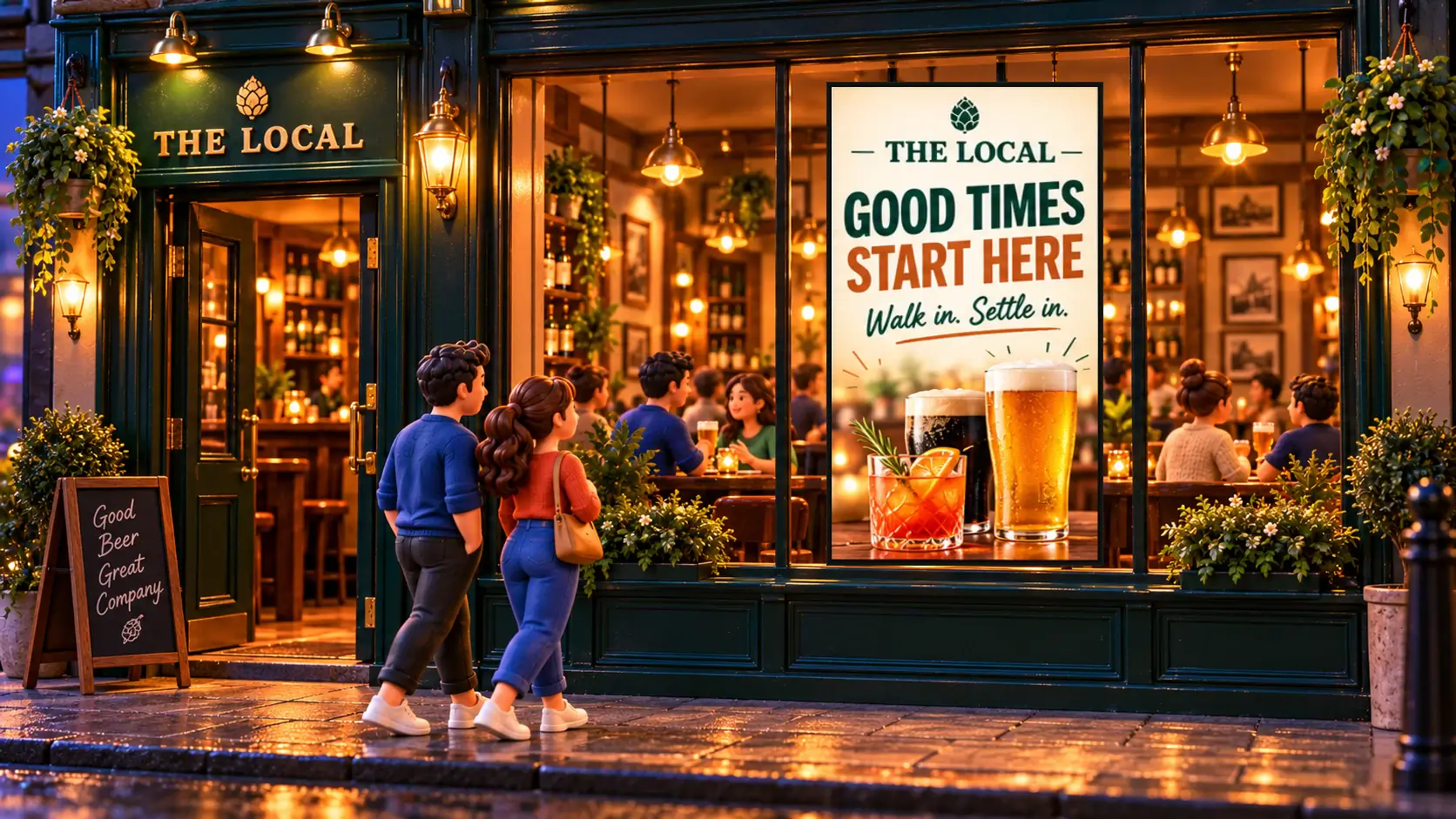
Why a neon sign on a TV
A real neon sign, or one made of LED neon flex, is made to order with your words bent into it. It looks wonderful and it says the same thing for ever. A neon sign on a TV says “Open” in the morning, “Happy hour 4 to 6” in the afternoon and “Live music tonight” on Friday, and you change it from your phone.
- Any words, any font. Script, block or striped lettering, in any colour you could bend a tube into.
- It moves like neon. Tubes catch, drop out, then light for good, and stutter every so often.
- It shows things neon can’t. The time, tonight’s band, a countdown to happy hour, a QR code.
It is still a TV: it lights a room like a screen, not like a glass tube, and from across a dark bar it reads very like the real thing.

Make one, step by step
- Pair a TV. Any TV with an HDMI port and a supported stick, or a computer with play.dislab.app open. Which stick to buy.
- Pick a neon sign. In Signs, open the templates and choose one of the neon signs: Open, Happy hour, But first coffee, Good vibes only, Live music, This way, Free Wi-Fi, Open late, Pizza by the slice or Closed. Each has its own design for a TV hung on its side.
- Type your words. Click the words on the sign and type over them.
- Choose the tube’s colour. Pick a colour for the words and the glow and its pale core follow it.
- Set the motion. Under Motion, Buzz on lights a tube as the sign comes up, Flicker makes it stutter now and then, and Switch off turns it off as the next sign comes up. Or choose Neon in the sign’s motion choices to set the whole sign in one tap.
- Save and put it on the screen. Saving changes every screen showing the sign.
Light your own words
Neon is a setting, not only a template. Any words on any sign can glow: choose Glow, then Neon tube. Boxes, circles, lines, arrows and over 5,000 icons can take Neon glow too, so a cocktail glass, a coffee cup or an arrow to the bar upstairs can light up beside your words.


Design tips that make it read as neon
- Use a dark background. Glow needs darkness around it. On a light background the halo disappears and it looks like coloured text.
- Two colours at most. Real signs are a word in one tube and a frame or a line in another.
- Mix one script word with plain letters. “Open” in script over “7 days” in block capitals is easy to read and still looks bent by hand.
- Make script bigger than you think. Thin joined-up letters are hard to read from across a room. Dislab warns when words are too small for the TV and how far away people stand.
- Flicker the main word only. A whole sign that stutters looks broken. One word that catches the eye every so often looks alive.
- Say one thing. A neon sign is a headline. Put the menu somewhere else, or use a neon menu board.
Ideas for neon signs
- Bars and pubs: Open, Happy hour with the times, Live music tonight, This way to the rooftop. See screens for bars and pubs.
- Cafés: But first, coffee; Open late; Free Wi-Fi with the network name.
- Takeaway shops: Pizza by the slice in the window, Open 24/7.
- Gyms: Open 24/7 by the door, with the time.
- Shops: Flash sale, or a heart for a wall people photograph.
Neon on menus and boards
A split-flap board in the Neon look lights each letter like a tube as it lands. A menu board with Neon glow lights its headings and prices in their own colours, with prices, sold out and day-parts working as usual. Both are part of Pro. For a different kind of lit sign, see an LED dot matrix sign on a TV.
Mistakes to avoid
- A neon sign facing the street in full sun. Any TV washes out in direct sunlight, and glow most of all. Neon works best indoors, in a window in shade, or at night.
- Too many glowing things. Three tubes of different colours fight each other. Pick one star.
- Long sentences in script. Keep script to one or two words.
The sign and its fonts are saved on each screen, so it keeps glowing and flickering with no internet. See every colour and design on the neon signs page.
Questions
Is the neon sign free?
Yes. Neon words, frames, icons and the buzz and flicker are on every plan, the free one included. Neon split-flap boards and neon menu boards are part of Pro.
Will it look like real neon?
On a dark background, from across a room, very like it: a pale core, a tight glow and a wide soft halo. It’s a TV, so it lights the room like a screen rather than a glass tube.
Does it run smoothly on a cheap TV stick?
It’s built to. The glow is drawn once when the sign comes up; after that only the brightness changes as it buzzes on or flickers, which is light work for a TV stick.
Can I change the words every day?
Yes. Click the words, type new ones and save. Every screen showing the sign changes. You can also schedule different signs for different times in a playlist.
Can I use my own font?
Yes. Pick any of Dislab’s free fonts, or upload your brand’s own font in Brand kit, and switch on Glow, then Neon tube.
Switch on your first neon sign
Pick a neon sign, type your words and put it on the TV you already have. Your first screen is free.
Related posts
 LooksHoliday and seasonal signs that change by dateSet up holiday and seasonal signs that go up before their day and come down after it, by themselves, every year, including holidays whose dates move.
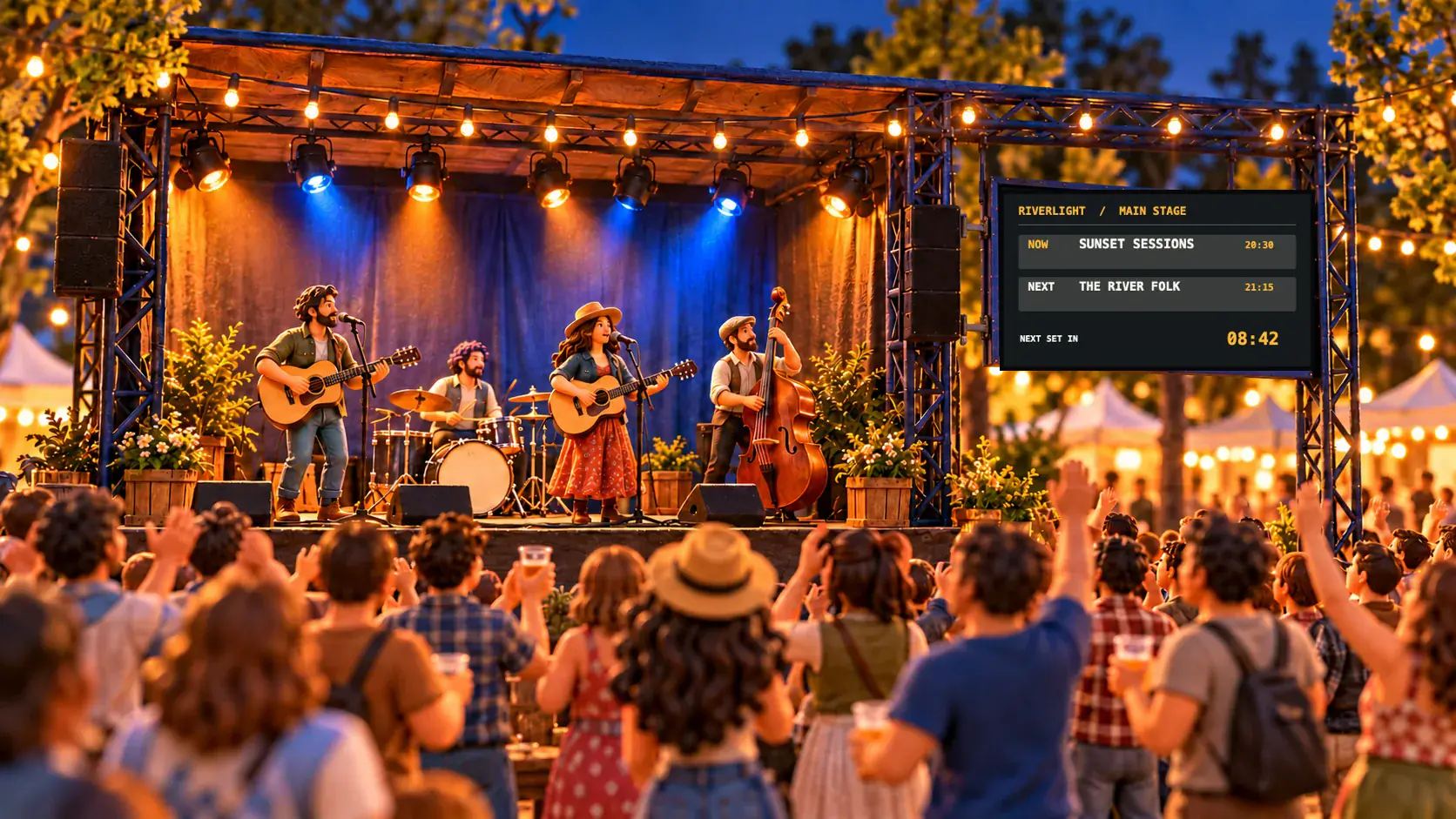 LooksLED dot matrix sign on a TV, with no LED panelMake an LED dot matrix sign on any TV: scrolling words, pixel art and live numbers in glowing dots, flip-dots or bulbs, changed from your phone.
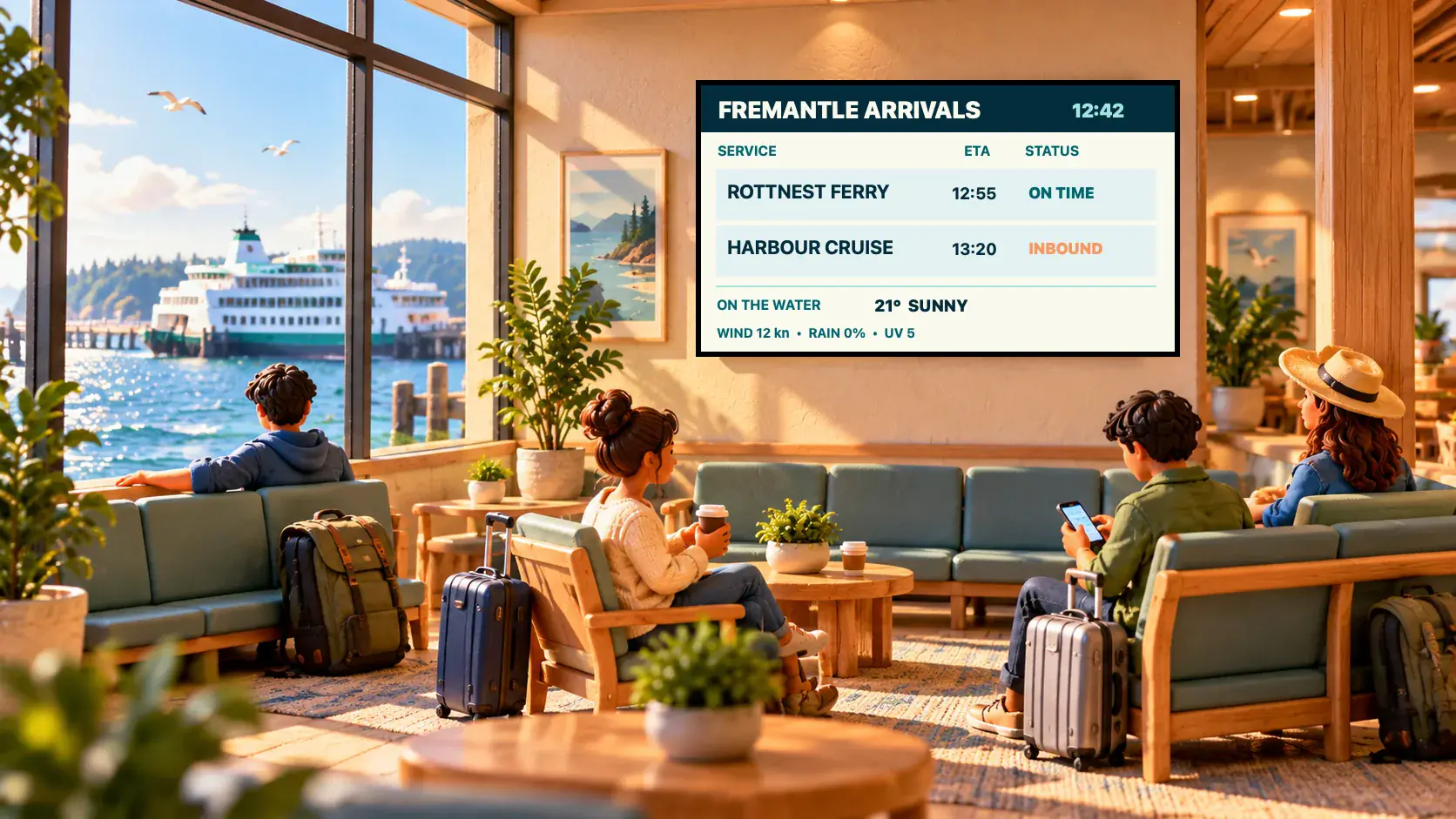 LooksDigital split-flap display for your TVA digital split-flap display on any TV: why Dislab’s board looks and sounds real, what it costs next to split-flap apps, close-ups and boards to copy.