
Which TV stick to buy for digital signage
You do not need special signage hardware. Any TV or monitor with an HDMI port and a small streaming stick behind it will do. The one trap is that some newer sticks cannot run Dislab at all, so check the model before you buy.
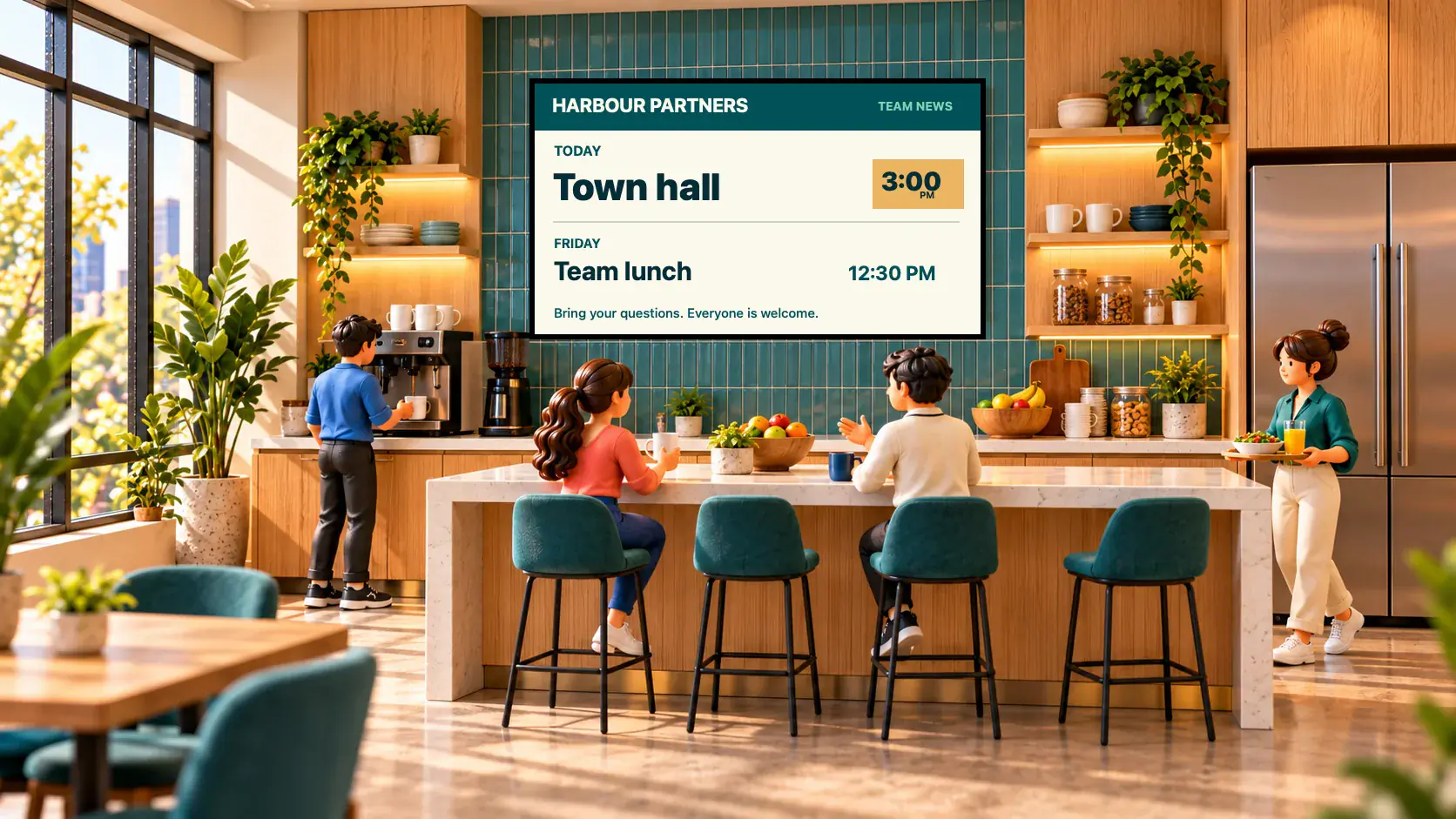
Sticks that work
- Best choice: a Fire TV Stick 4K Max (2nd gen, 2023) or Fire TV Stick 4K (2nd gen, 2023). Also the Fire TV Stick 4K Plus (2025), Fire TV Stick HD (2024), the Fire TV Cube, and Fire TV sticks from 2018 to 2024.
- Made for signage: the Amazon Signage Stick keeps Dislab in front all the time and lets you switch the TV on and off and restart it from your console. In Australia it is sold through Amazon’s signage resellers.
- Android TV and Google TV sticks with Android 7.1 or later also work: a Xiaomi TV Stick 4K, a Chromecast with Google TV, and similar from Kogan, Blaupunkt and onn. We can set one up before it reaches you, so it starts straight into Dislab and the remote cannot leave it by accident.
- No stick at all: a computer or an iPad can be a screen. Open play.dislab.app in Chrome or Edge, or add it as an app in Safari.
Sticks that do not work
- Amazon’s newest sticks. The Fire TV Stick 4K Select, the Fire TV Stick HD (2026) and the Fire TV Stick 4K (2026) run Vega OS, which cannot run Dislab’s app.
- Fire TV sticks from before 2018.
Two different sticks are called Fire TV Stick 4K: the 2023 one works and the 2026 one does not. Check the year, or buy the 4K Max. The model code is on the box, and in the stick’s Settings, My Fire TV, About. The full list by model code is on TV sticks that work.
What else to buy
- One stick per TV. Each one is a screen on your plan.
- A power adapter in a wall socket. Do not power the stick from the TV’s USB port, which can switch off with the TV or not give enough power.
- An HDMI extender cable if the stick sits in a tight spot, or an Ethernet adapter if the Wi-Fi is weak behind the TV.
Setting one up
- Plug the stick into a spare HDMI port and its power adapter into a wall socket. Switch the TV to that input.
- Follow the stick’s own steps to join your Wi-Fi and sign in.
- Install Dislab. It is on its way to the Amazon Appstore; until it is listed, email support@dislab.app and we will get your stick going. The app is free, and your plan lives on your Dislab account.
- Open Dislab. It shows a 6-character code and the address to type it at. On your phone or computer go to app.dislab.app/pair, type the code and name the screen.
- On a Fire TV, switch off Still Watching in Settings, Preferences, Data Usage Monitoring. After 4 hours without anyone touching the remote the Fire TV otherwise puts a prompt over your screen.

Choose what it plays on the screen’s page. The TV downloads everything, then starts playing, and it keeps playing with no internet after that.
Questions
Do I need a new TV?
No. Any TV or monitor with an HDMI port works. For a portrait screen, set the screen’s rotation in the console and Dislab turns the picture for you.
Is the Amazon Signage Stick worth it?
It is worth it if you want the TV switched on and off and the stick restarted from your console, and a stick that cannot wander off to the Fire TV home. Any ordinary supported stick plays the same content.
Can I use the TV’s own built-in apps?
Not yet. Dislab runs on the sticks above and in a browser. Samsung and LG signage displays can open play.dislab.app in their URL launcher, which makes them a browser screen.
How much does each screen cost?
The free plan covers one screen. Pro is A$9.99 per screen a month, or A$99 a year, with every feature included. See pricing.
Get your first screen up
Plug in a stick, type the code and have a sign on the TV in about five minutes, free.
Related posts
 Set-up and costsWhat digital signage costs a small businessWhat digital signage really costs a small business: the TV, the stick, mounting, software and running costs, with worked examples for one to five screens.
 Set-up and costsFree digital signage on a Fire TV StickTurn a TV and a Fire TV Stick into a sign for free: which stick to buy, how to set it up, what the free plan covers and when it’s worth paying.
 Set-up and costsDigital signs that keep playing with no internetHow offline digital signage works: the screen downloads everything first, plays from its own storage and keeps its schedules when Wi-Fi drops.