
Flip Notes · Queues and scores
Waiting room TV ideas for clinics
The best waiting room screens answer the questions patients would otherwise ask at the desk: who is being seen, how long the wait is, when you’re open and whether you can claim on the spot. Here are ten ideas for a clinic waiting room TV, what to leave off it, and how to set one up with Dislab, starting free on one screen.
Ten ideas for the waiting room TV
- Who is being seen now. A big “Now seeing” number reception moves on from a phone. Patients stop asking how long it will be. How to set up a queue number screen.
- The wait time. No wait, 5, 10 or 15 minutes, or any number, typed by reception with one tap.
- Running late. A calm sign that says so, and thanks people for waiting, beats a room of people checking their watches.
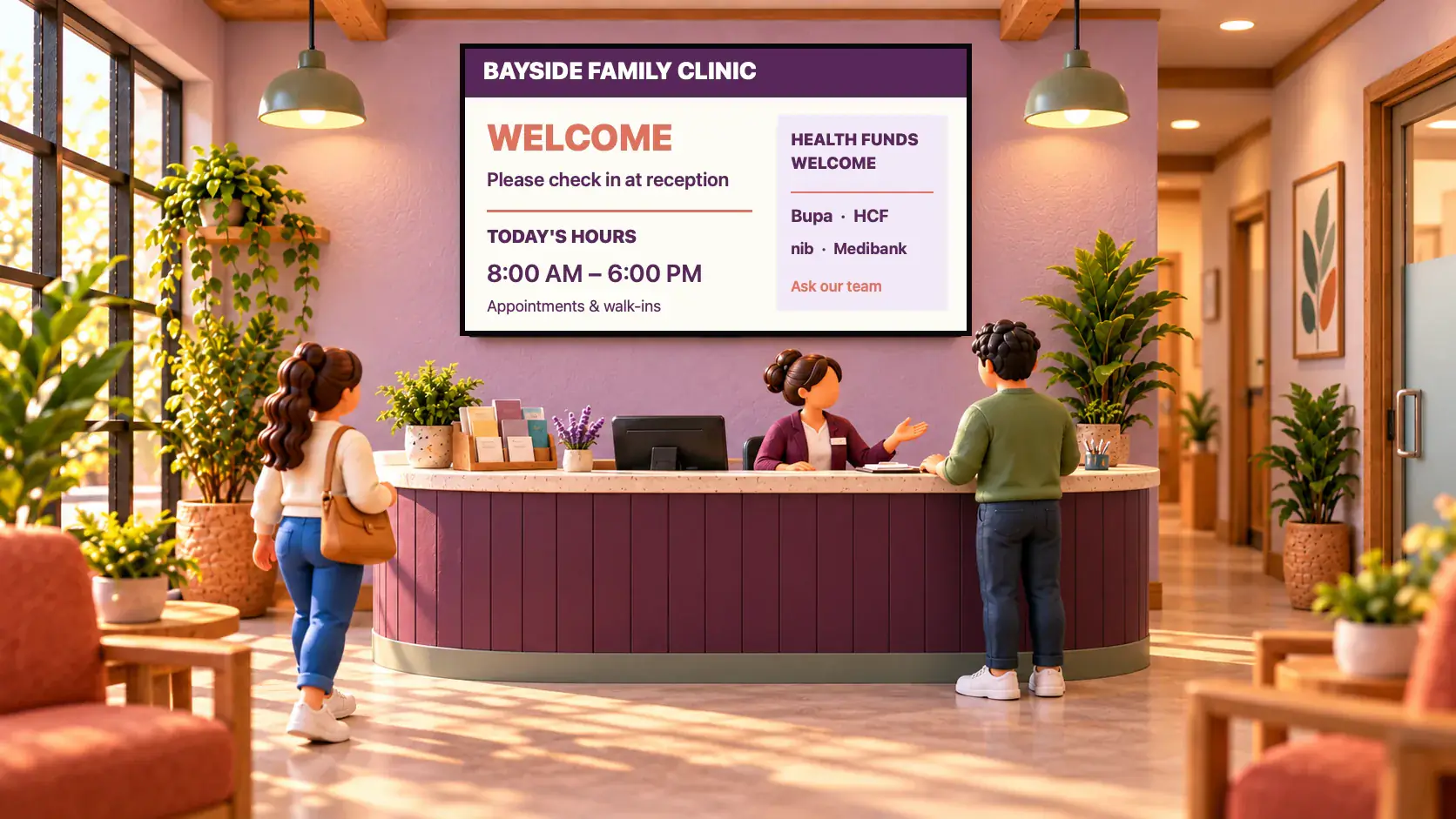
- Opening hours, with public holidays and the new Saturday session.
- Claiming on the spot. Which health funds you take and how to claim, in three short steps.
- New services and practitioners. Clinical pilates, a new physio, extended hours, with your own photo.
- Health tips, one a minute, written for a waiting room: drink water, stretch, get a check-up.
- A reminder that it’s time. Six months since the last check-up? Due for an eye test?
- Something calm. A slow video of the sea with a kind word over it, between the busy signs.
- A QR code to book the next appointment online or leave a review, with every scan counted.


What to leave off
- Patient names. Use numbers. Nothing personal belongs on a screen in a public room.
- The TV news. Upsetting headlines and loud ads are the opposite of what a waiting room needs.
- Sound, unless the room is set up for it. Most waiting rooms are better silent.
- Long paragraphs. People glance up between their phone and their name being called. One idea a sign.
- Medical advice you haven’t checked. If Dislab AI helps write your health tips, read each one before it goes up.
Put it together as a playlist
A good waiting room screen shows the queue all the time and turns through the rest beside it, or takes turns:
- Keep the number on screen. Add a Now serving or Wait time widget to the side of a sign, beside your hours or a photo, so it never disappears.
- Or take turns. Put the queue sign in a playlist with your hours, the health fund steps, a new service and a calm video, each for 8 to 15 seconds.
- Schedule the rest. Flu season reminders in autumn, the Saturday session sign only on Fridays and Saturdays.


Set it up
- Plug a supported stick into the waiting room TV, or use a computer with a browser. Which stick to buy.
- Make an account and pair the screen with the code it shows.
- Pick templates made for clinics in Signs: waiting room, new patients, health fund rebates, running late, the queue board. Type your own words and add your photos.
- Make a playlist and put it on the screen.
- Give reception a Staff login, so they move the queue on from the desk phone without your password.
- Set your opening hours, and the screen goes dark or shows a closed sign after hours.
What it costs
One screen is free, with photos, videos, playlists and signs and a small “Powered by dislab.app” badge: enough for your hours, services, tips and a calm video. Queue numbers and wait times moved from a phone are part of Pro, at A$9.99 per screen a month or A$99 a year, with 14 days free to try. For the whole picture, see what digital signage costs.
Tips from busy clinics
- Hang it where everyone can see it from a seat, not behind the desk where only the queue at the counter looks.
- Several practitioners? Run as many queues as you need, each on its own screens, or numbers with a letter in front, like A042.
- Keep it calm. Soft colours, slow movement, and nothing that flashes.
- It keeps going offline. Signs, photos and the clock play from the screen’s storage if the Wi-Fi drops; a new queue number arrives when it’s back.
See every clinic design on screens for clinics and waiting rooms, and the phone page reception uses on queue numbers. Pharmacies, physios and other health businesses are on digital signage by industry.
Questions
Do the screens show patient names?
No. Queue numbers and wait times only. Nothing personal needs to be shown.
Can the waiting room screen show health information too?
Yes. Put the queue sign in a playlist with photos, videos and signs and each plays in turn, or keep the number on screen beside the rest.
How does reception change the number?
From a phone or the desk computer: press Next and every waiting room screen changes within a second or two. Staff logins see only the phone pages.
Is there a free option?
Yes. One screen is free, with photos, videos, playlists and signs and a small badge. Queue numbers and wait times come with Pro, at A$9.99 per screen a month.
What happens after hours?
Set your opening hours once and the screen goes black outside them (or shows a closed sign, on Pro), by itself, even with no internet.
Answer the questions before they’re asked
Put your hours, services and the queue on the waiting room TV. Start free on one screen.
Related posts
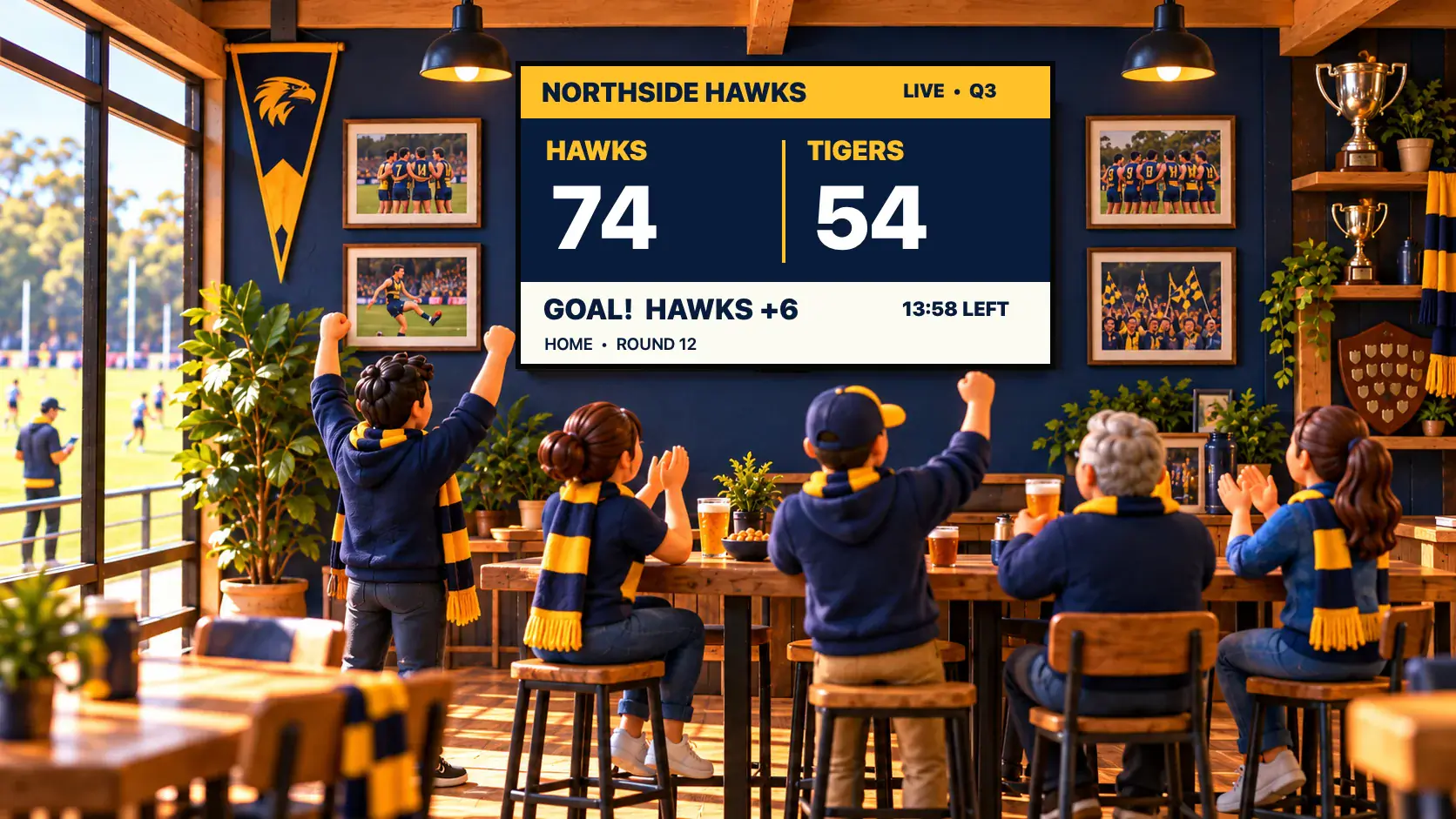 Queues and scoresA live scoreboard for your club, run from a phonePut a live scoreboard on a TV in the clubrooms and score from a phone: pick your sport, run the game clock, and choose from 48 real scoreboard designs.
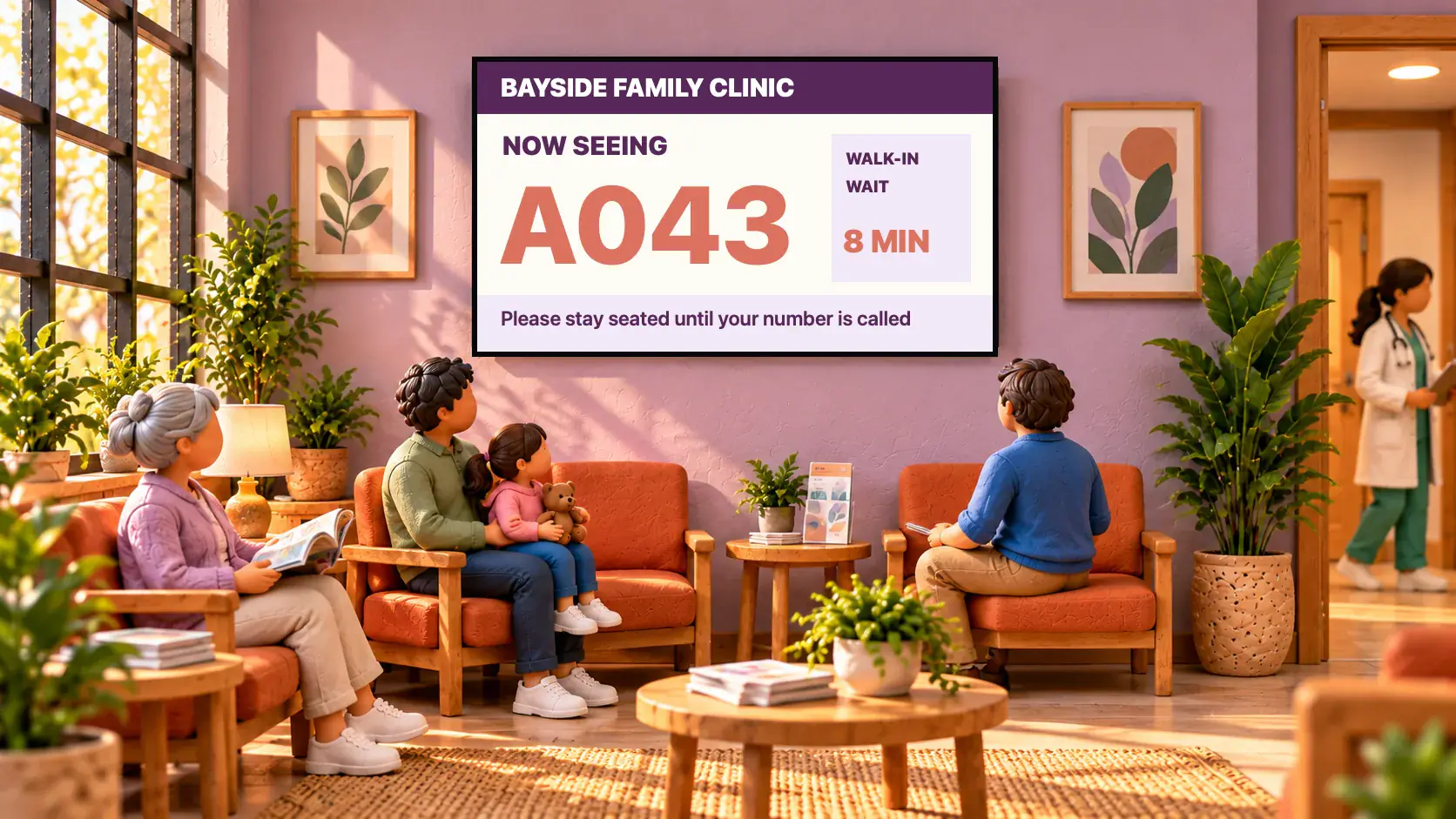 Queues and scoresHow to set up a queue number screenSet up a Now serving queue number display for a clinic, barbershop, pharmacy or counter: a big number on the TV that staff move on from a phone.
 MenusDigital signage for hair salons: what to show and whereDigital signage for hair salons: a price list by the mirror, a QR code to book at the desk, your best work in the window, and what it costs per screen.