
Crypto board
ProPrices of Bitcoin, Ethereum and 18 more coins, with their symbols and the day’s change.
- In a sign, choose Add widget › Crypto board, or start from a template in Signs › Templates › Currency and crypto.
- Set Prices in (your currency) and add coins under Coins shown with Add a coin….
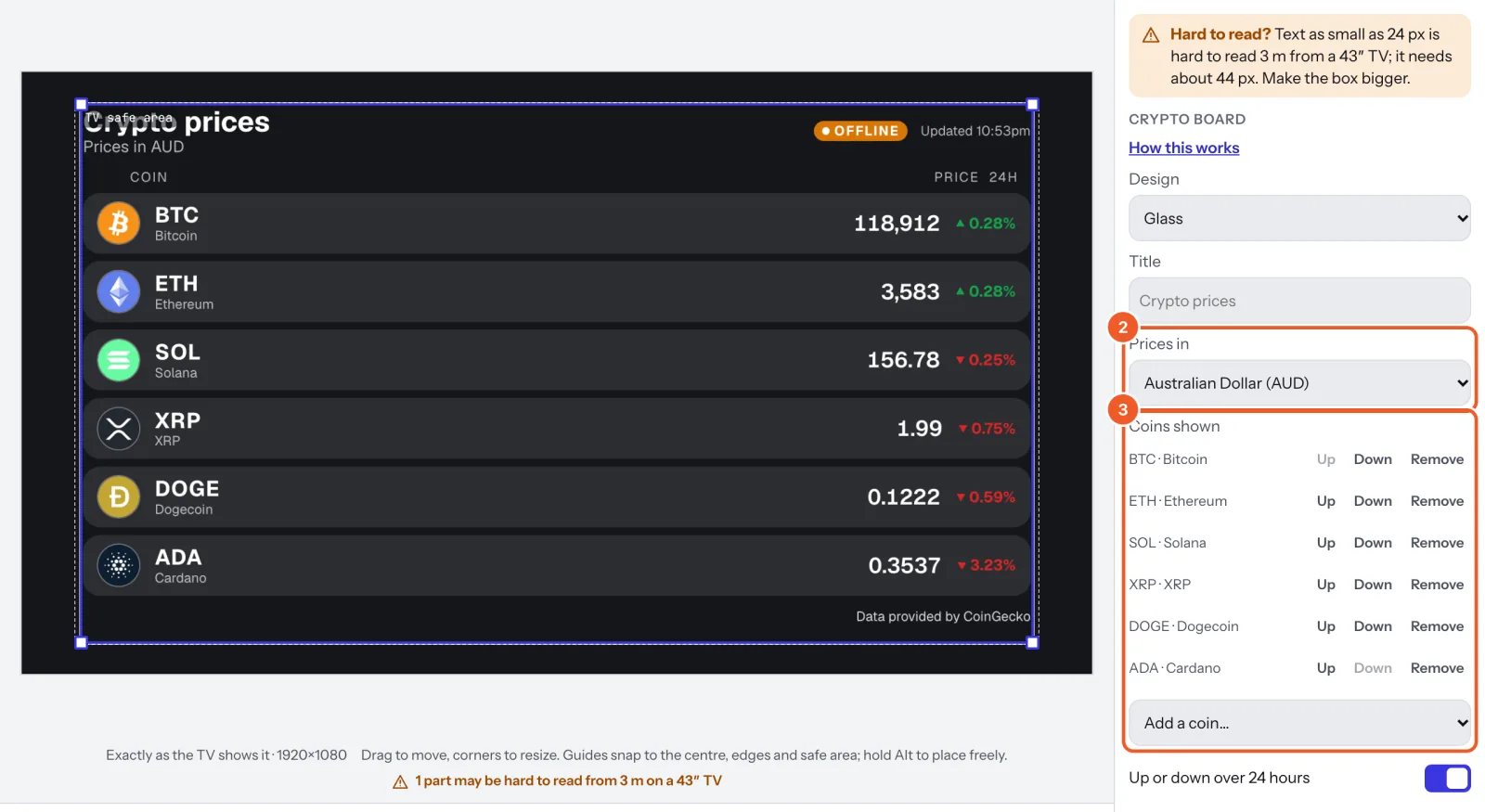
- Pick a Design; coin symbols take each design’s look. Up or down over 24 hours shows the day’s change.
Prices come from CoinGecko and update every few minutes while the screen is online, with the change over 24 hours. Each board shows Live and when it was last updated; if the screen loses the internet, it says Offline and takes old prices down after an hour.
Thanks for telling us. If something’s missing, tell us what and we’ll add it.
Still stuck?
Email support@dislab.app, or send us a message. If it’s about a screen, tell us its name. We answer within one business day.