
Join our list: collect emails and mobiles
ProA QR code that opens a sign-up form; people who agree appear in Contacts, ready to download.
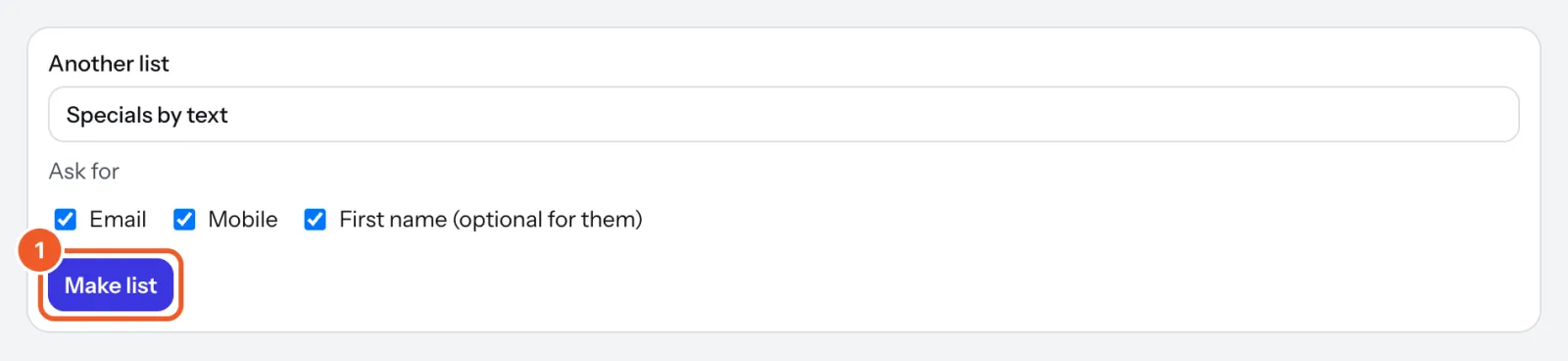
- Open Contacts. Name the list (“Coffee club”), tick what to ask for under Ask for (email, mobile or both, and if you like a first name) and press Make list.
- On a sign, add a QR code widget, choose Join a list and pick the list. Each screen shows its own version of the code, so you can see where people joined.
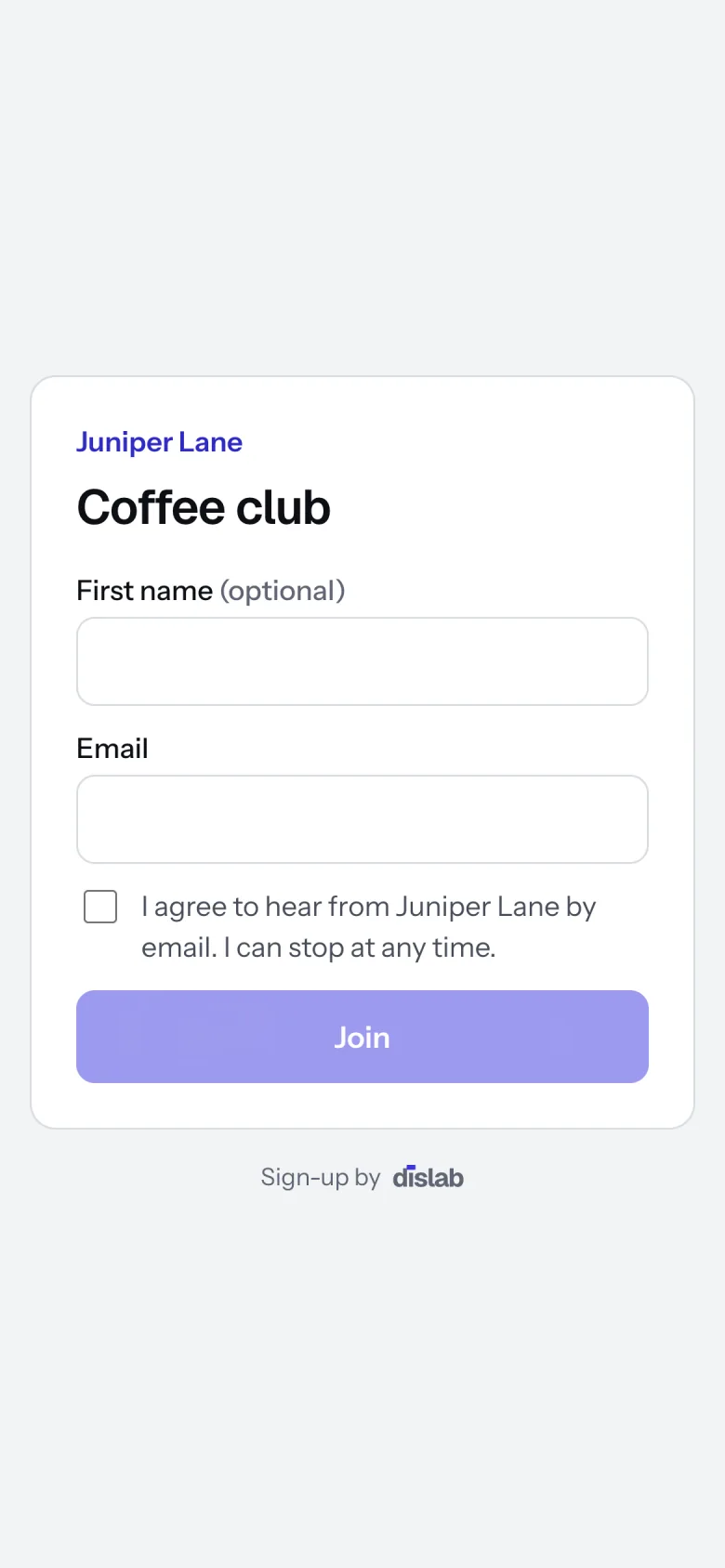
- People scan it and see a short form with your business name. They must tick to agree before Join works.
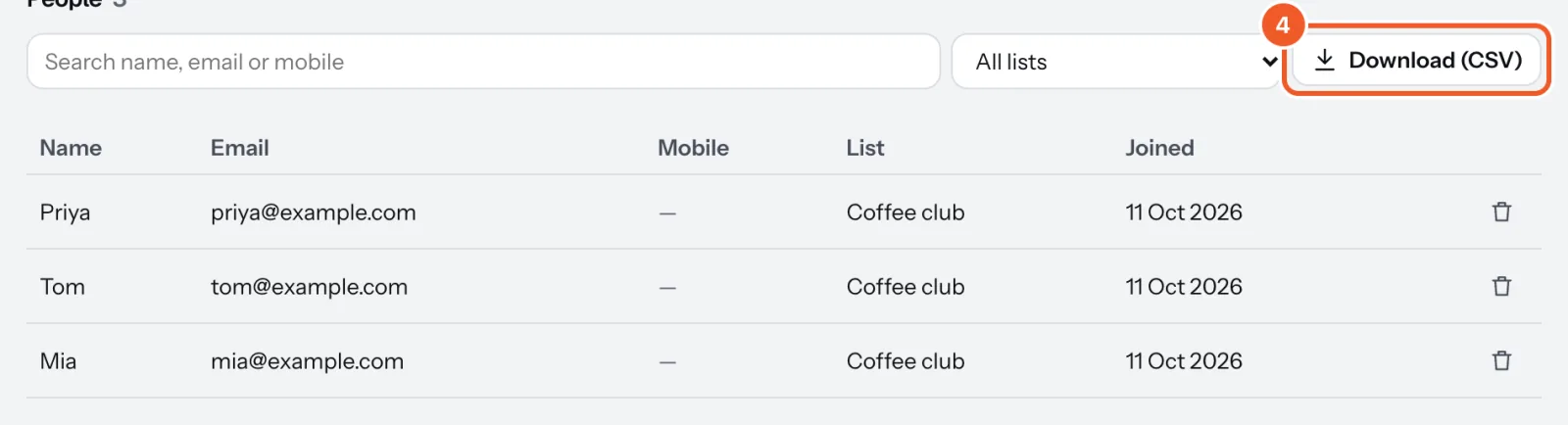
- They appear under People in Contacts with the list and the date. Search by name, email or mobile, pick one list, and press Download (CSV) for your email or SMS service. Point at a date to see what they agreed to and which screen they joined from.
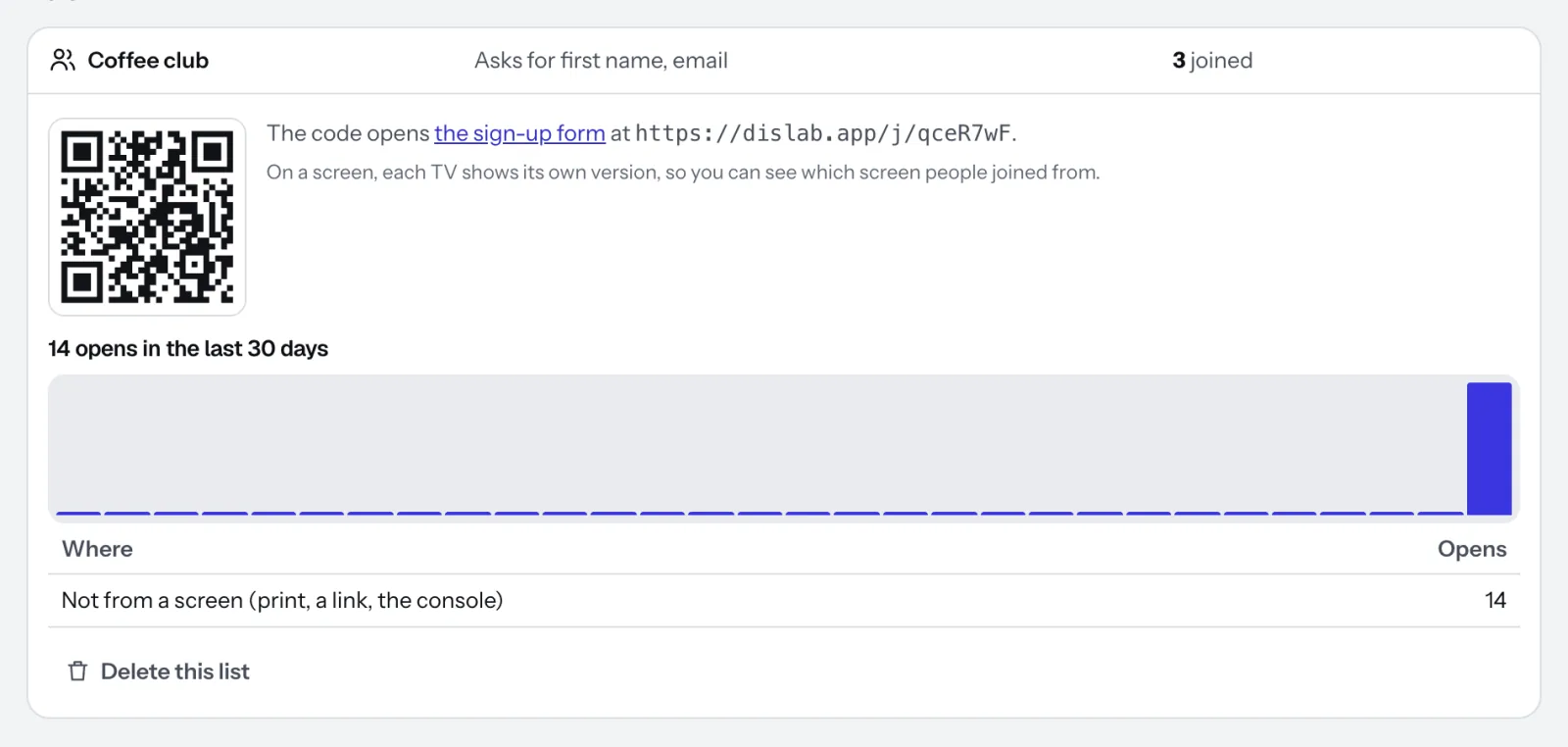
Press a list’s name to see its QR code, a link to its form, and how many times the form was opened each day.
Only send people what they agreed to, and delete anyone who asks with the bin beside them. Delete this list deletes everyone on it too, so download them first. Dislab never messages your contacts itself.
Thanks for telling us. If something’s missing, tell us what and we’ll add it.
Still stuck?
Email support@dislab.app, or send us a message. If it’s about a screen, tell us its name. We answer within one business day.