
Deleting your account
Settings › Delete account removes everything at once and can’t be undone.
Only the owner can delete the account. Download anything you want to keep first (Your data and privacy).
- In Settings, press Delete account at the bottom.
- Type your business name exactly as it is in Dislab, and press Delete account again. Cancel leaves everything as it is.
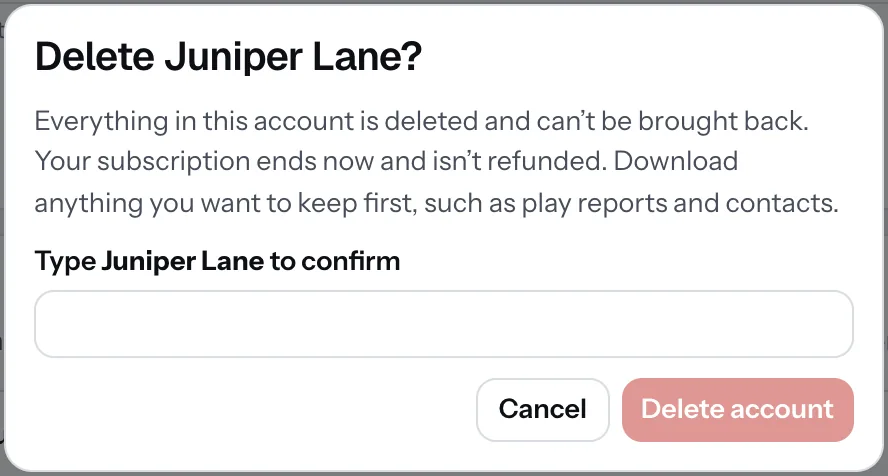
Straight away:
- Screens, locations, media, signs, playlists, menus, contacts and reports are deleted, and files are removed from storage within a day.
- Any subscription ends with no refund for the rest of the period.
- Paired TVs stop playing and show a pairing code.
- Your sign-in is removed and you get an email to confirm.
To stop paying but keep your account, cancel in Manage billing instead: it moves to Free. Someone invited to your account who only wants out can Leave it instead (People in your account).
Thanks for telling us. If something’s missing, tell us what and we’ll add it.
Still stuck?
Email support@dislab.app, or send us a message. If it’s about a screen, tell us its name. We answer within one business day.