
Weather town
The town each location’s weather rules and weather markdowns follow.
- In Locations, press Weather town beside the location.
- Type the town or suburb and pick it from the list. It saves straight away.
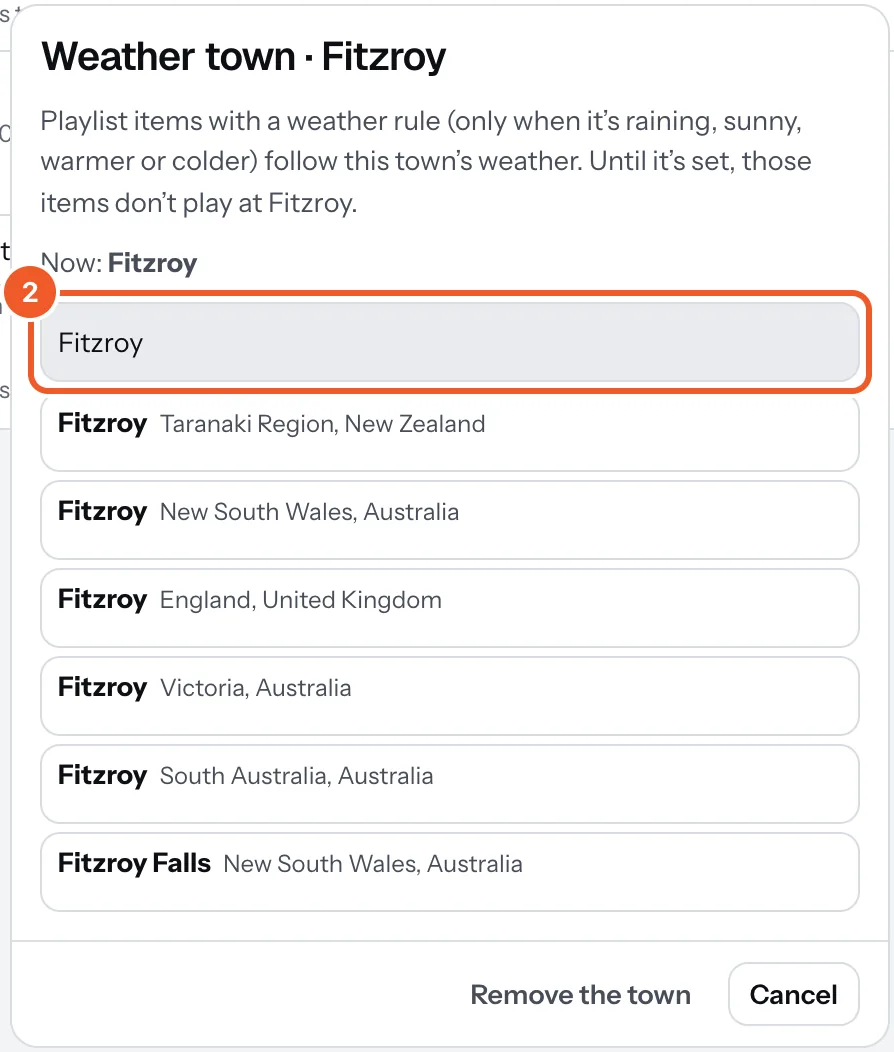
Playlist items with a weather rule (only when it’s raining, sunny, warmer or colder) and weather markdowns on menus follow this town. Until it’s set, those items don’t play at that location and those markdowns stay off. Remove the town takes it off.
The Weather widget on a sign has its own town, set on the widget.
Thanks for telling us. If something’s missing, tell us what and we’ll add it.
Still stuck?
Email support@dislab.app, or send us a message. If it’s about a screen, tell us its name. We answer within one business day.