
Stuck on Getting your screen ready, or downloading
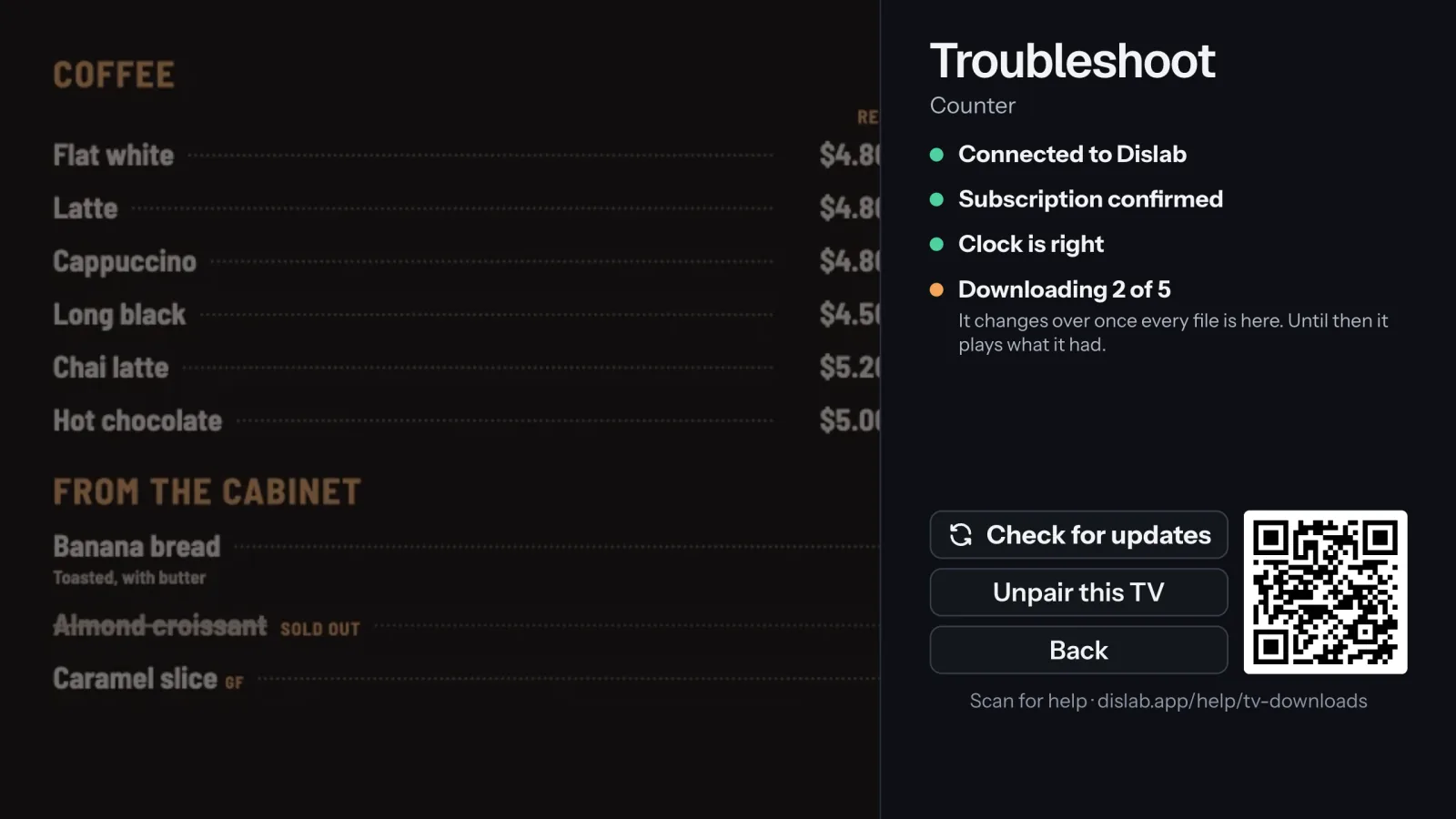
A TV changes over once every new file is downloaded. Until then it keeps playing what it had.
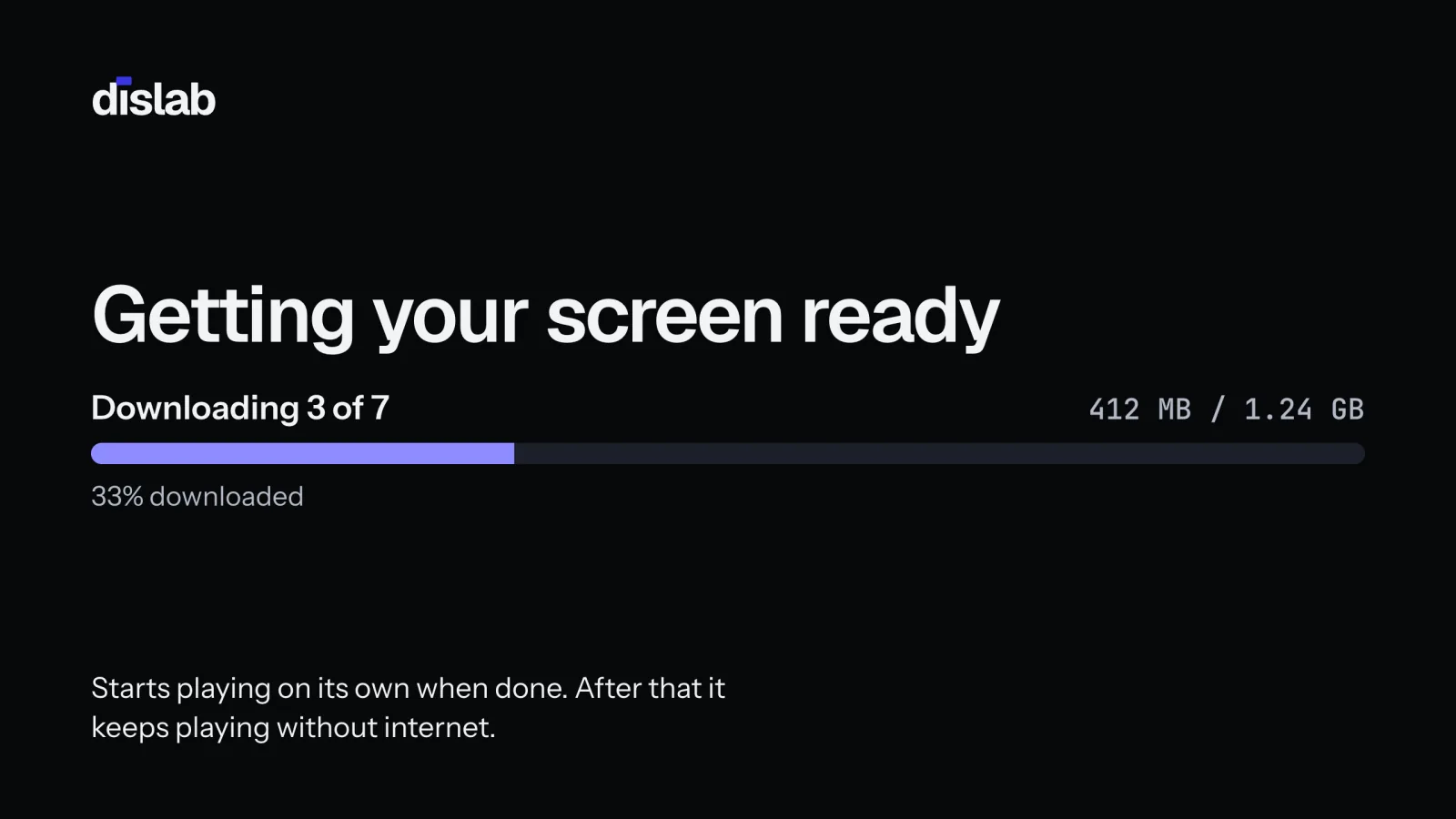
New content goes live on a screen only when every file is fully downloaded, so a screen never shows half a playlist. A TV with nothing to play yet shows Getting your screen ready with a progress bar.
- Downloading 2 of 5 (on Troubleshoot): files are coming. Large videos on slow Wi-Fi take a while; the TV plays what it had until they’re all here.
- A download didn’t finish: it tries again in 30 seconds. A slow or patchy connection is the usual cause: see No internet.
- Getting ready: files are still converting in the console, or downloading. Check Media: new uploads say Processing until they’re TV-ready. It starts by itself when they’re ready.
- Not enough space: see Not enough space on this TV.
In the console, Health shows “New content waiting” and, after an hour, Slow to download (with an email, if you’ve turned that alert on).
Still stuck after an hour? Unplug the stick’s power for 10 seconds and plug it back in, then check the Wi-Fi signal near the TV. Long videos are the usual reason: a 10-minute video is about 450 MB.
Thanks for telling us. If something’s missing, tell us what and we’ll add it.
Still stuck?
Email support@dislab.app, or send us a message. If it’s about a screen, tell us its name. We answer within one business day.