
Goal tracker
ProProgress towards a target as a bar or ring: money raised, cups sold.
- In a sign, choose Add widget › Goal tracker. Set the Words above, the Target, and anything Before the number or After the number ($, kg).
- Progress comes from: I type it (change So far and save the sign) or A live value your own systems keep up to date (live values).
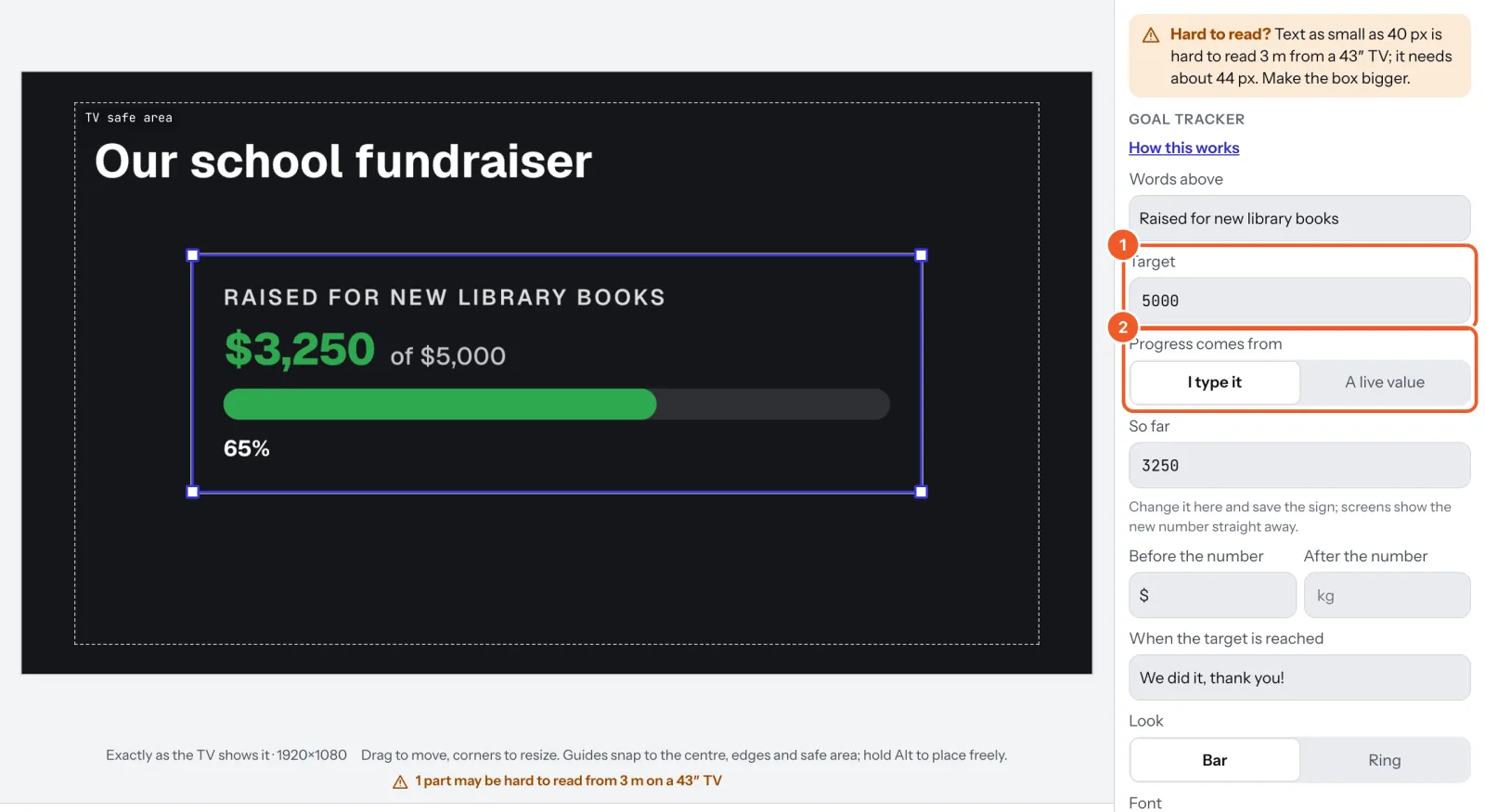
- Optionally set When the target is reached, a message like “We did it, thank you!”. Past the target the bar stays full and keeps counting.
- Choose the Look: Bar or Ring, then the font and colours.
Thanks for telling us. If something’s missing, tell us what and we’ll add it.
Still stuck?
Email support@dislab.app, or send us a message. If it’s about a screen, tell us its name. We answer within one business day.