
The TV can’t confirm your subscription
Each check-in confirms your plan until your renewal date plus 3 days. A TV offline past that stops until it connects.
Every time a TV checks in, Dislab confirms your plan until your next renewal date plus 3 days. That’s what lets it play with no internet. If it can’t check in before then, it stops and asks to be connected.
On the Troubleshoot page
- Subscription confirmed: all fine. Each check-in moves the date on.
- Connect within a few hours or days (orange): the TV is offline and its confirmation runs out on the date shown. Get it online before then: see No internet.
- Subscription not confirmed: it ran out. Connect the TV to the internet and it plays again straight away. If it’s online and still says this, check Your plan is paid.
- Subscription not confirmed yet: a newly paired TV that hasn’t checked in. Connect it to the internet.
- Confirmation is for another screen: the TV was paired again, and still holds the old screen’s confirmation. Connect it to the internet and press Check for updates.
On the whole screen
- Can’t confirm your subscription (“Connect to the internet to confirm your subscription”): the TV was offline until its confirmation ran out. Connect it to the internet; it starts again by itself once confirmed.
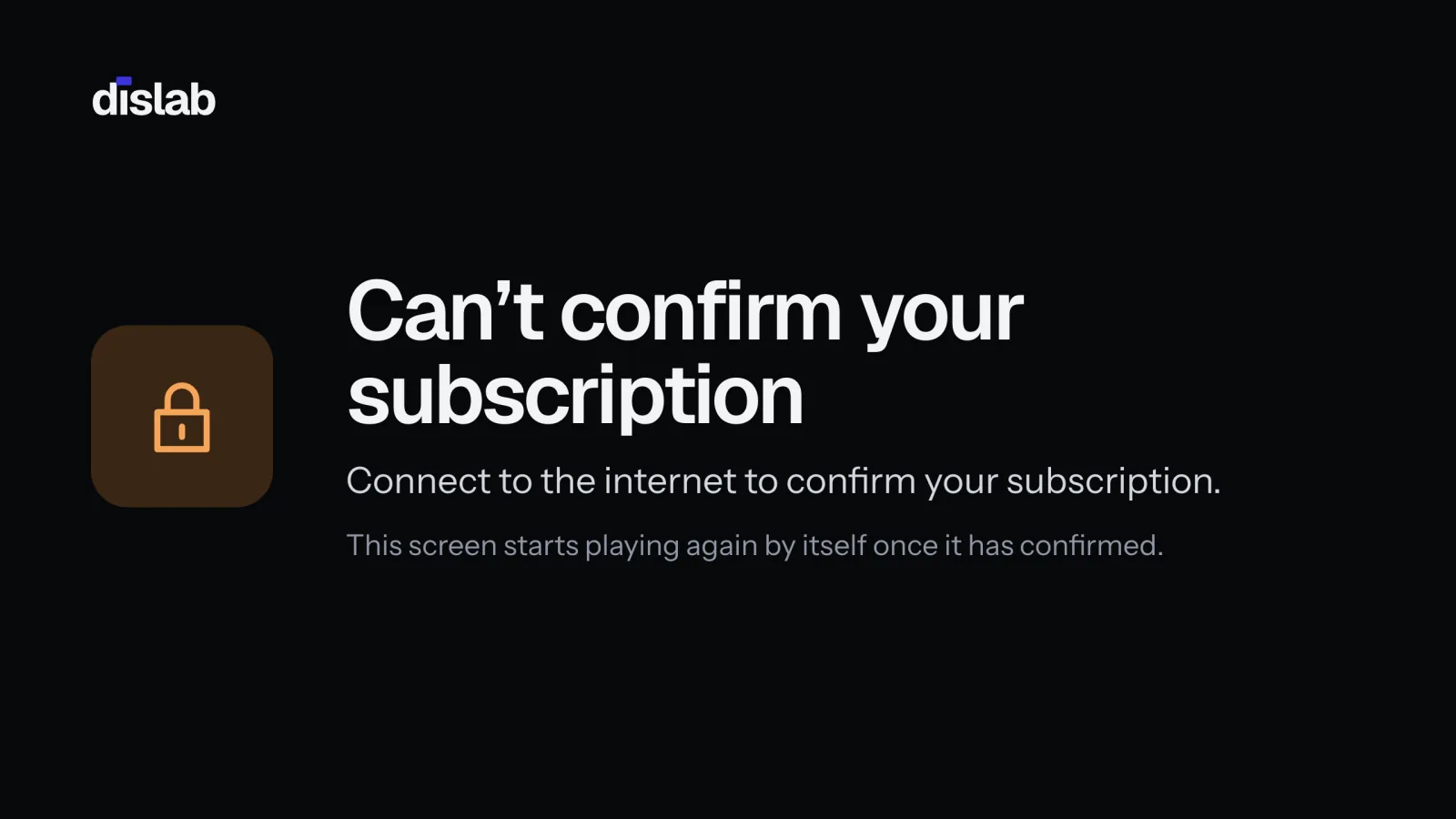
- Subscription needs attention: the TV is online, but your subscription isn’t active. Open Your plan in Settings: if it says your last payment didn’t go through, update your card in Manage billing. The TV starts again by itself once it’s sorted.
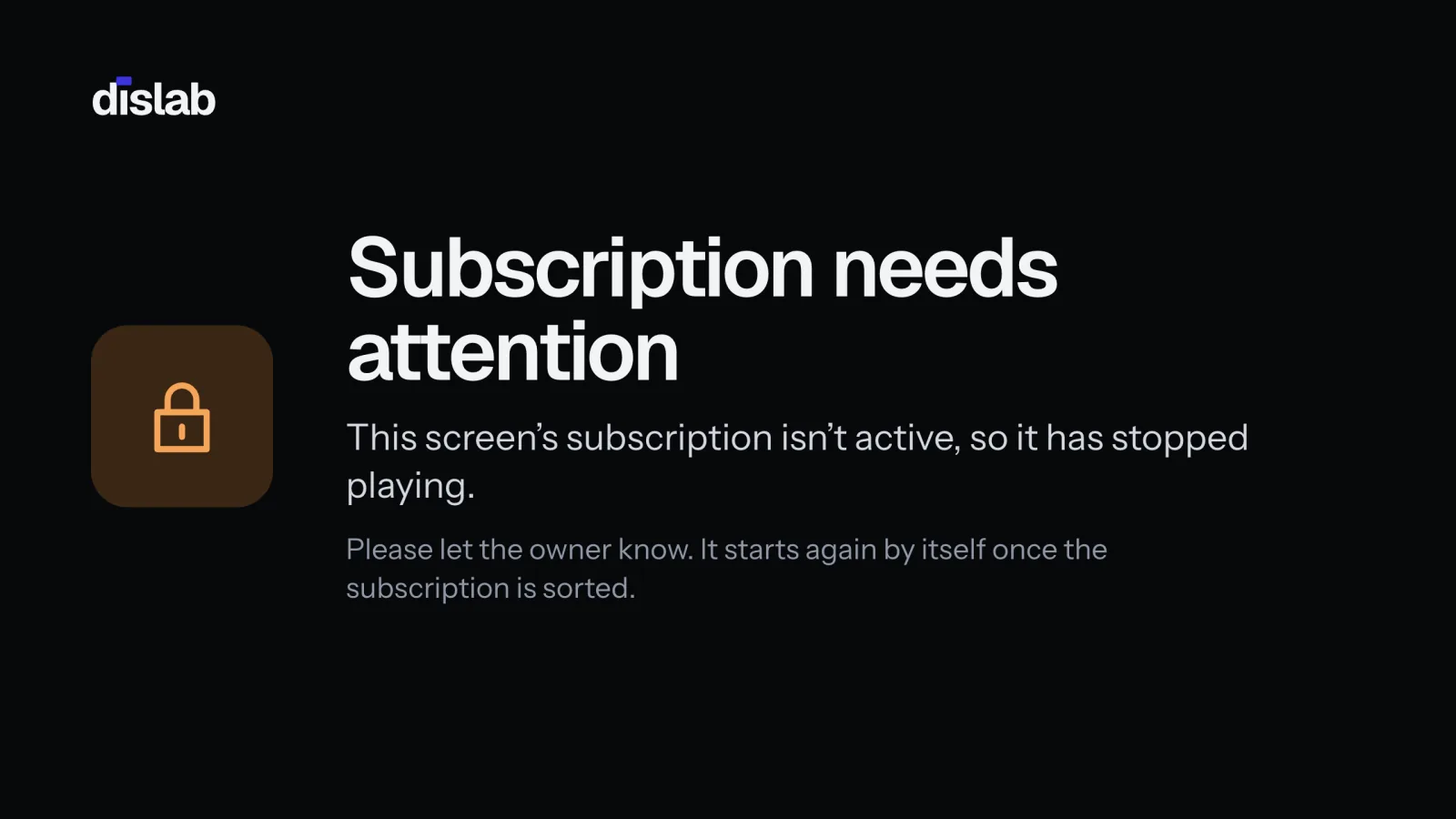
The console warns you first: Screens and Health list any screen that hasn’t checked in and will stop playing within 5 days unless it connects.
Thanks for telling us. If something’s missing, tell us what and we’ll add it.
Still stuck?
Email support@dislab.app, or send us a message. If it’s about a screen, tell us its name. We answer within one business day.