
Not enough space on this TV
The stick itself is full. Free up space on it, or play fewer or shorter videos.
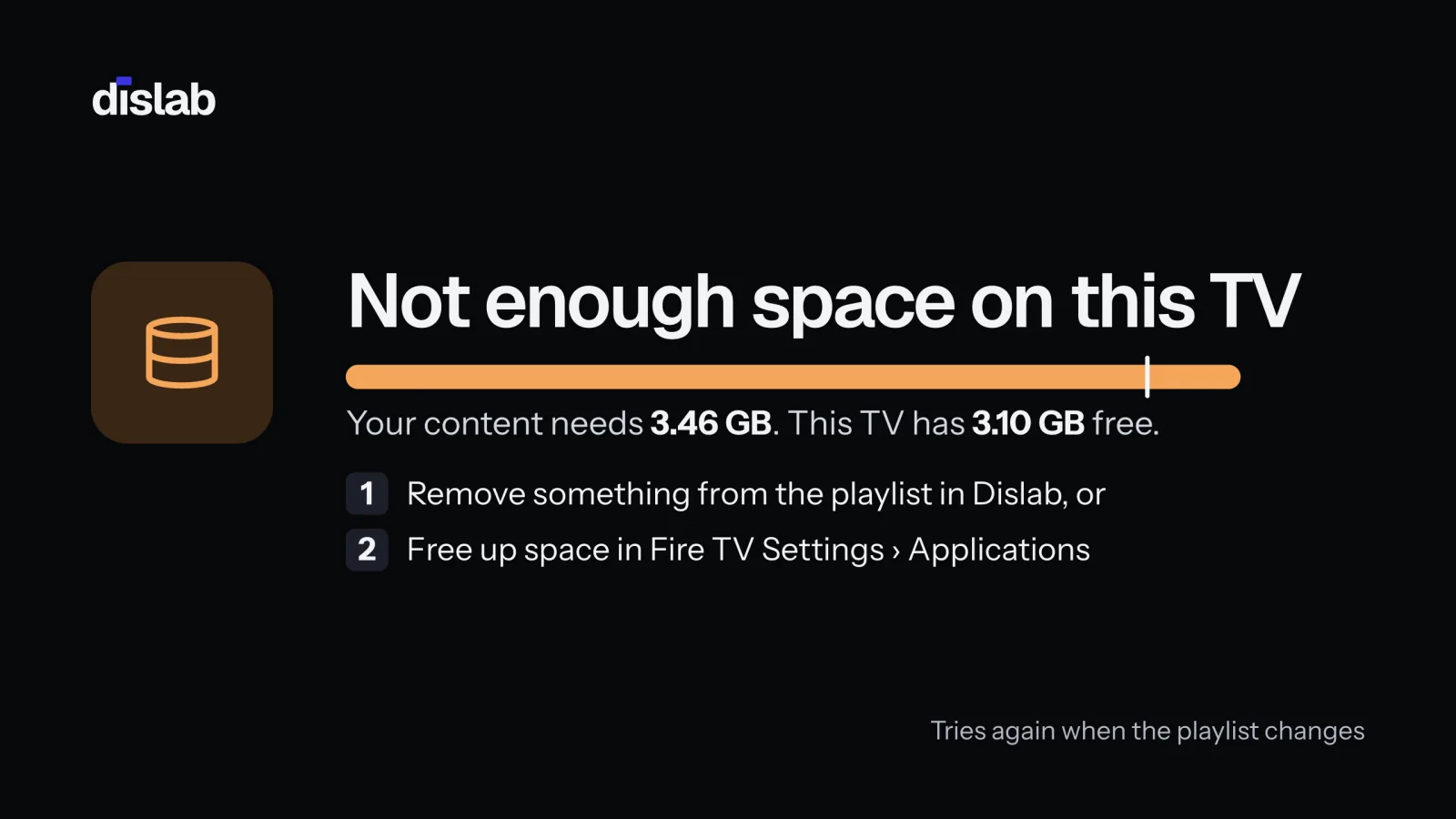
This is the TV stick’s own space, not your plan’s storage. A Fire TV stick has about 5 GB free for Dislab, less with other apps installed. The TV keeps playing what it had and says what the new content needs. On Troubleshoot it shows as Not enough space.
- Remove apps you don’t use from the stick: Fire TV Settings › Applications › Manage Installed Applications (on Android TV, Settings › Apps).
- Or play less on this screen: take long videos out of its playlist, or split one playlist between screens.
- Press Check for updates on the TV’s menu. It tries again by itself when the playlist changes.
Health shows each stick’s free space under Free on the TV.
Thanks for telling us. If something’s missing, tell us what and we’ll add it.
Still stuck?
Email support@dislab.app, or send us a message. If it’s about a screen, tell us its name. We answer within one business day.