
Entrances and the preview
Every planMake each layer fade, slide or pulse in when the sign comes up.
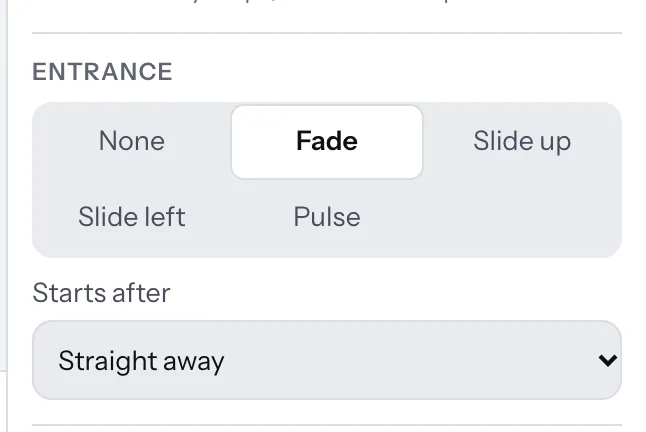
- Select a layer. Under Entrance, choose None, Fade, Slide up, Slide left or Pulse. Pulse keeps gently beating for as long as the sign is up.
- Starts after holds it back (up to 3 seconds), so layers can come in one after another.
- Press Play preview at the top to see the sign come in as the TV shows it.
Entrances play each time the sign comes round in a playlist.
Thanks for telling us. If something’s missing, tell us what and we’ll add it.
Still stuck?
Email support@dislab.app, or send us a message. If it’s about a screen, tell us its name. We answer within one business day.