
Scrolling ticker
ProA strip of text that scrolls across the screen in a loop.
- In a sign, choose Add widget › Scrolling ticker. It starts as a strip along the bottom.
- Type the Text. It runs on a loop, with a dot between each pass.
- Pick the Speed: Slow, Medium or Fast. Then the font, Text colour, and the Background strip and its colour.
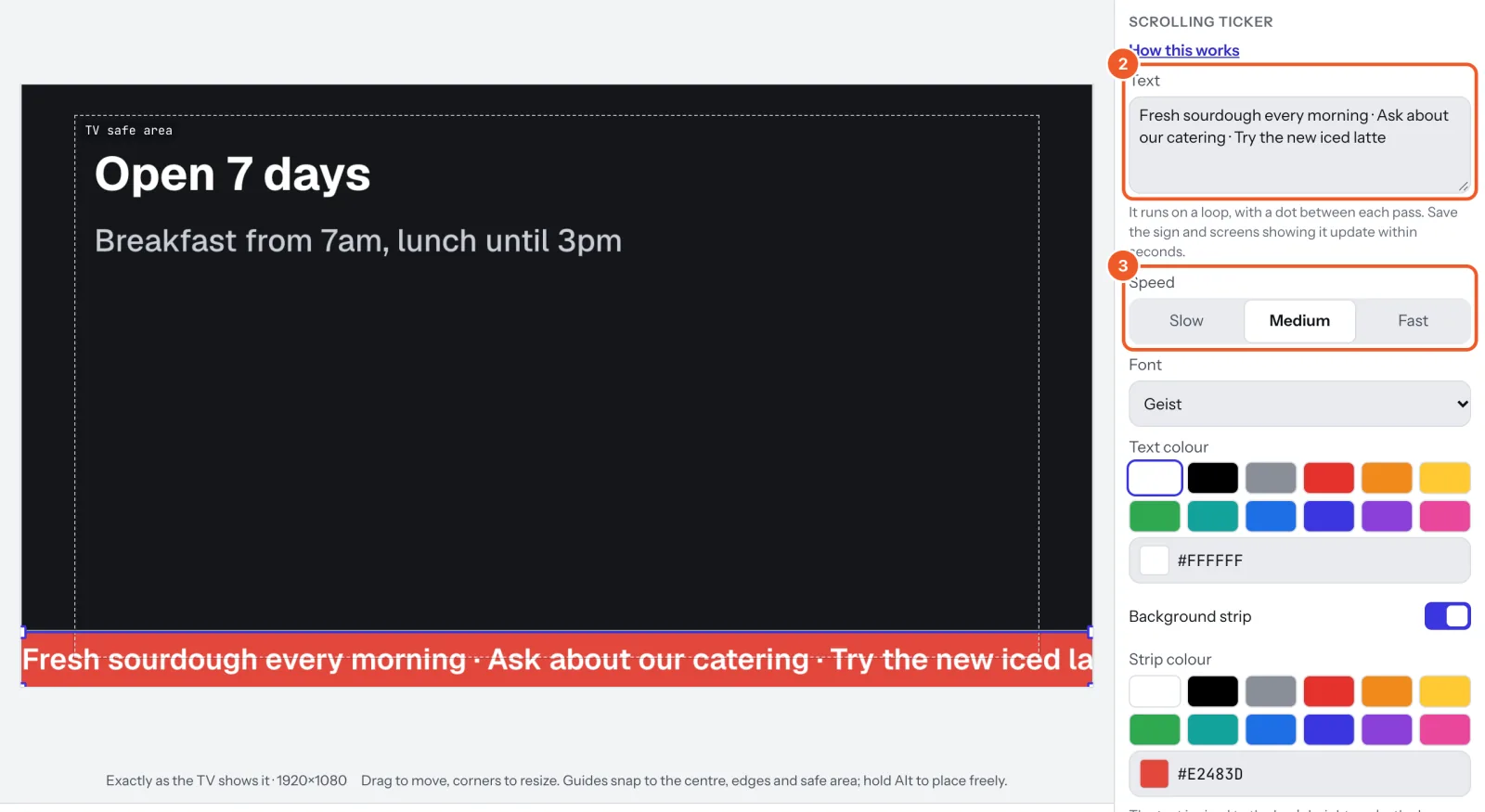
The text is sized to the strip’s height: make the strip taller for bigger text.
Thanks for telling us. If something’s missing, tell us what and we’ll add it.
Still stuck?
Email support@dislab.app, or send us a message. If it’s about a screen, tell us its name. We answer within one business day.