
Slideshow
ProUp to 30 photos from your library, one after another, in a box on a sign.
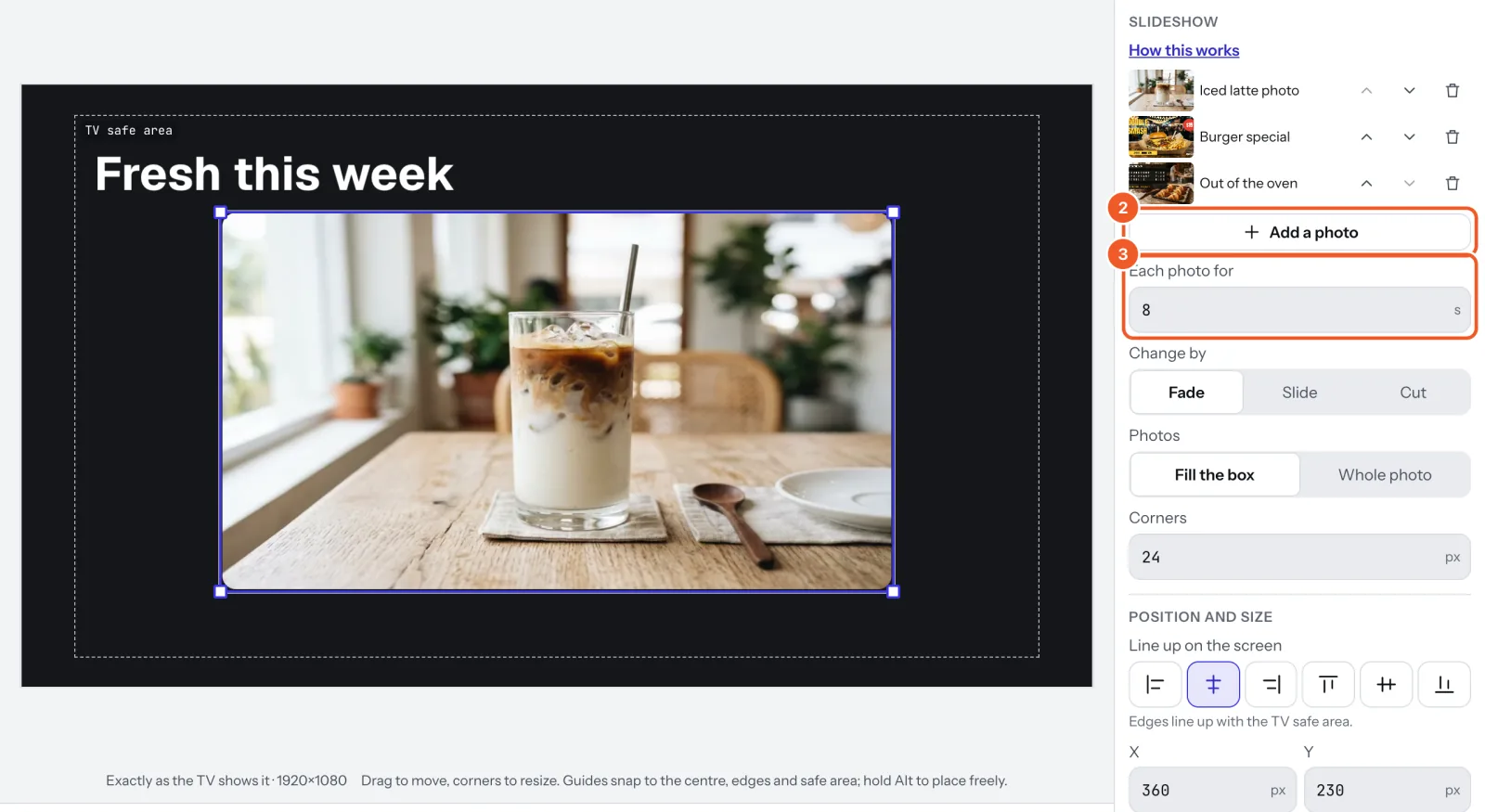
- In a sign, choose Add widget › Slideshow and pick the first photo.
- Press Add a photo for the rest, up to 30. The arrows move a photo earlier or later; the bin takes it out.
- Set Each photo for (2 to 300 seconds), Change by (Fade, Slide or Cut), Photos (Fill the box or Whole photo) and rounded Corners.
A photo deleted from your library is skipped and listed as “A deleted photo”.
Thanks for telling us. If something’s missing, tell us what and we’ll add it.
Still stuck?
Email support@dislab.app, or send us a message. If it’s about a screen, tell us its name. We answer within one business day.